
Projects with multiple rates
Projects & TagsProjectsHandbookHow to manage projects with more than one rate in Timely.If you charge your client different hourly rates for overtime, emergency work, or specific project phases, you’ll need to log hours to different hourly rates too. But how can you do that if you can only assign one hourly rate per project?
This article shows how to effectively manage multiple rates in Timely by creating separate projects for each hourly rate you charge.
Setting up projects with multiple rates
Breaking down your project tasks by hourly rate ensures that you log your hours against the correct rates and bill clients accurately.
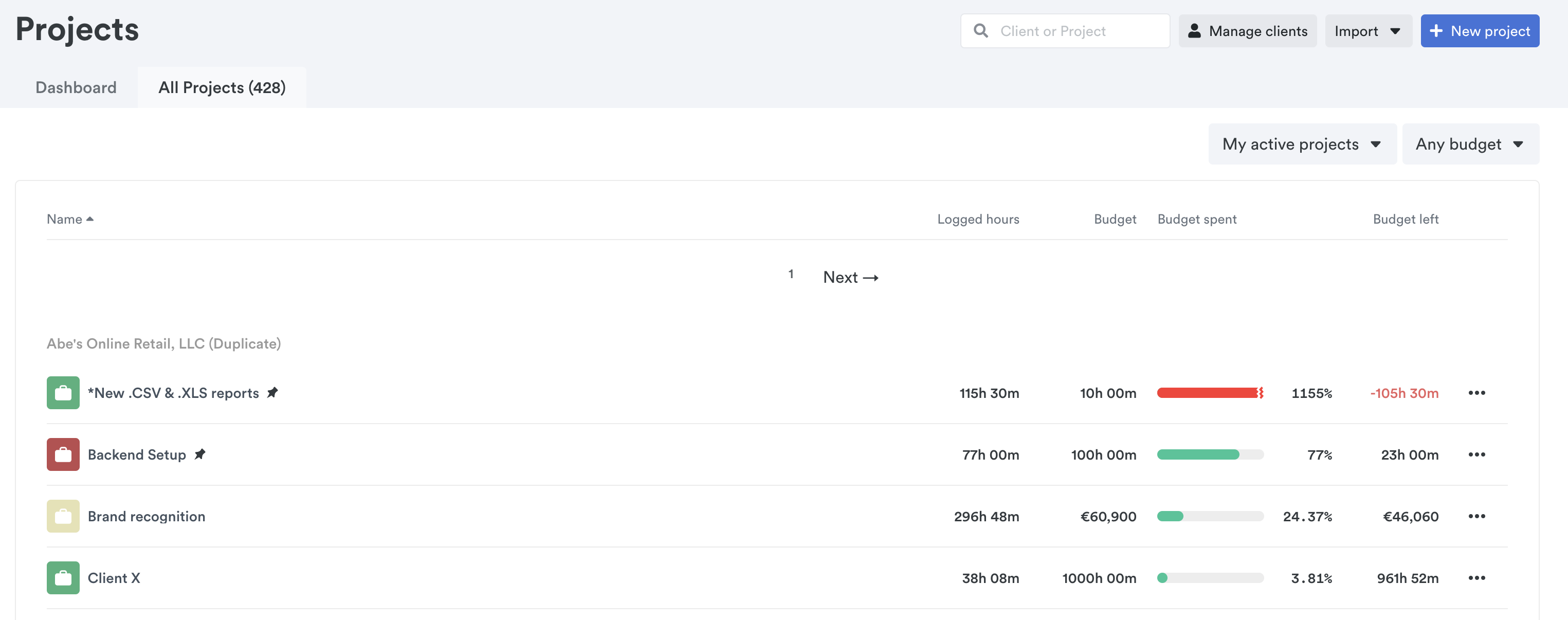
Let’s say you charge your client different rates for the different project stages involved in building their online store: $25/hour for front-end website design; $100/hour for website maintenance.
You’ll want to create two separate and distinct projects for each assignment, one for the website design and the other for maintenance — each with a different client rate.
Just set up your projects according to their hourly rates:
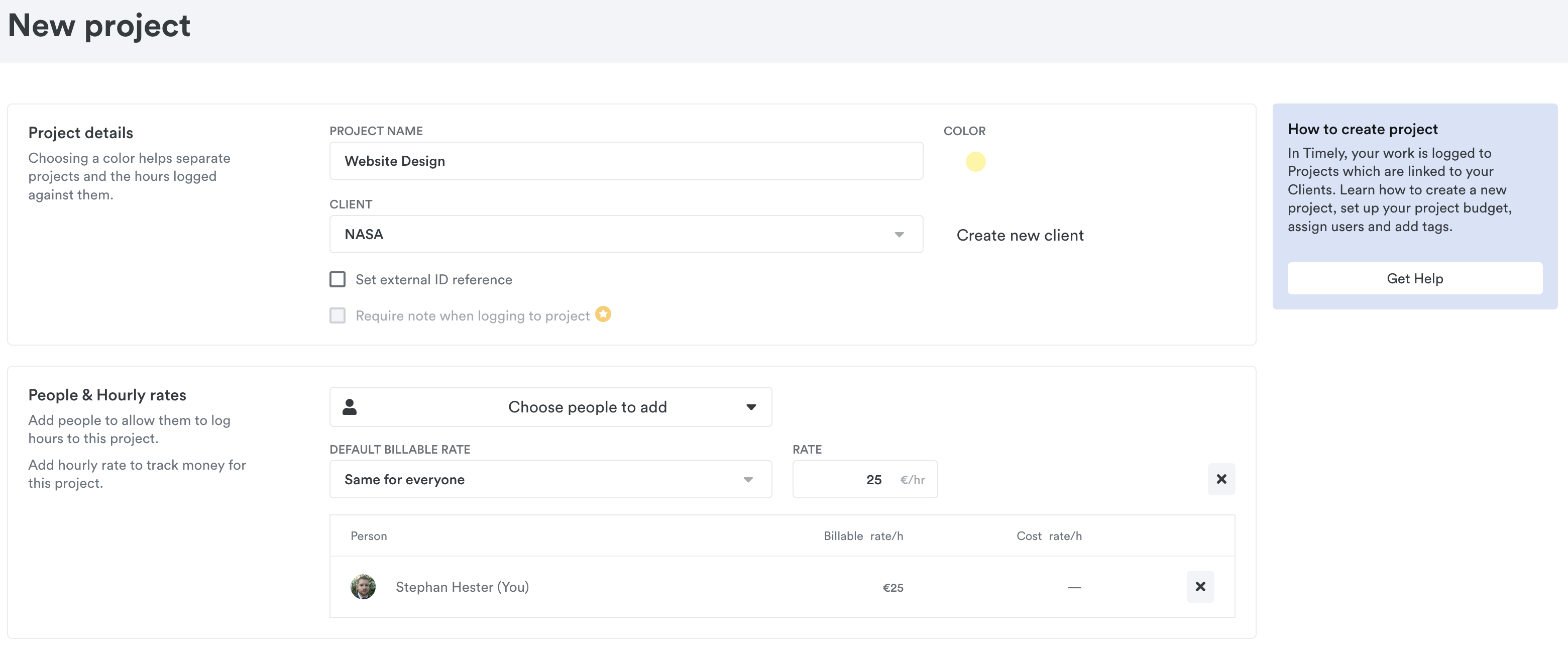
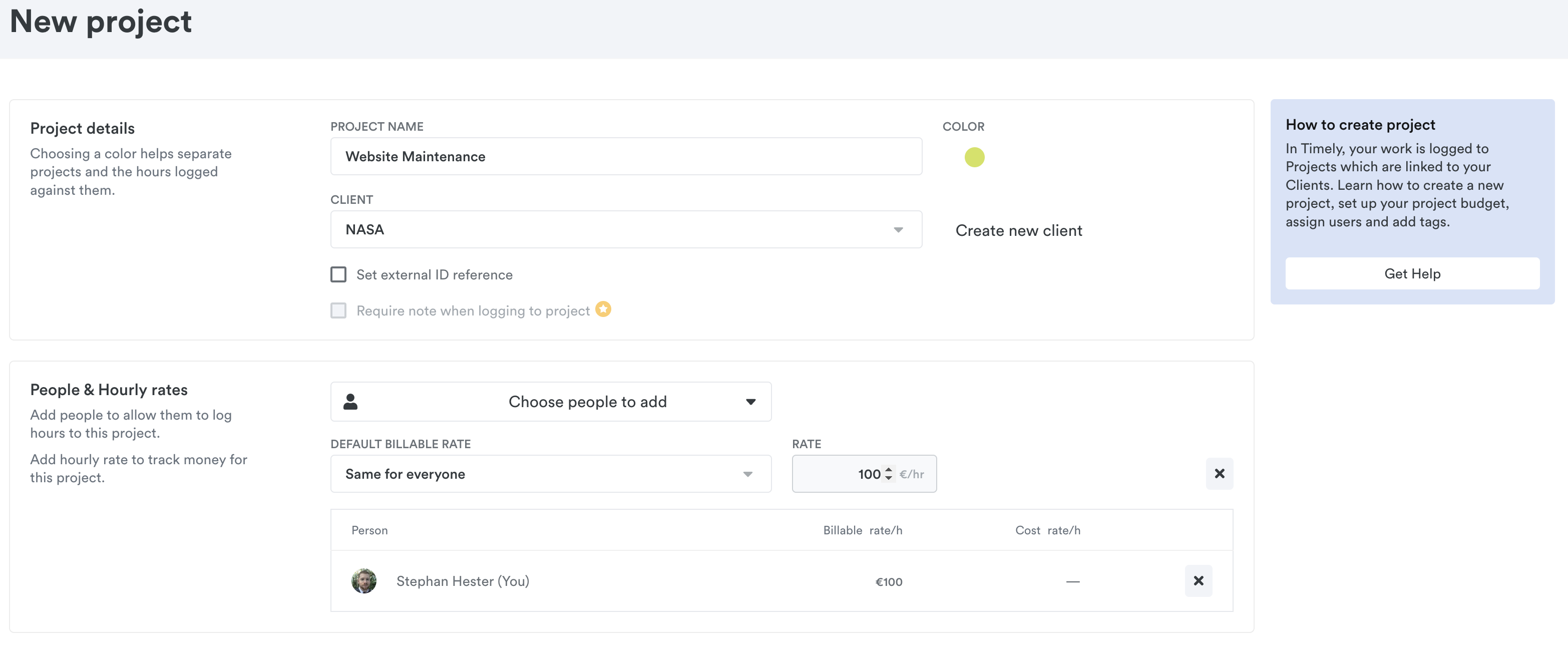
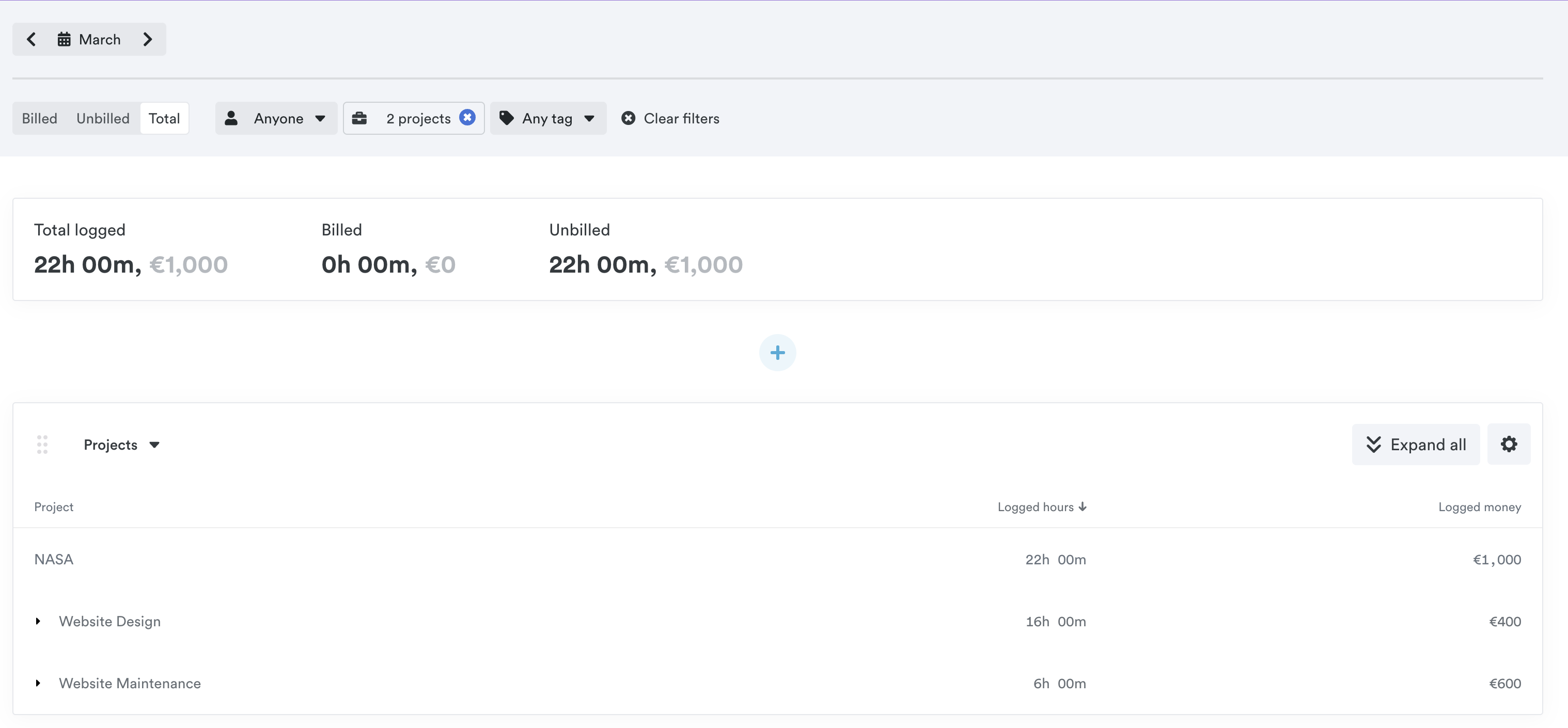
Two major projects, one central client, and different rates, budgets, etc. for each portion of work. Now all you need to do is log your hours accordingly.
When you’re ready to send a report to your client, they’ll know exactly how many hours you spent on the various phases of a project!
Last updated April 1, 2026
Have feedback for this article or need more help? Contact us now.