
Send "Log Hours" reminders
People & Team ManagementHandbookNudge people on your team to log their hours via email, web or mobile notifications.It’s the end of the month and, like clockwork, Accounting is asking for your team’s time sheets. But you’ve just noticed that someone is well below their weekly logging Capacity, suggesting that they haven’t finished logging all their work.
Rather than interrupting your day to hunt them down, you can get Timely to send a gentle reminder instead.
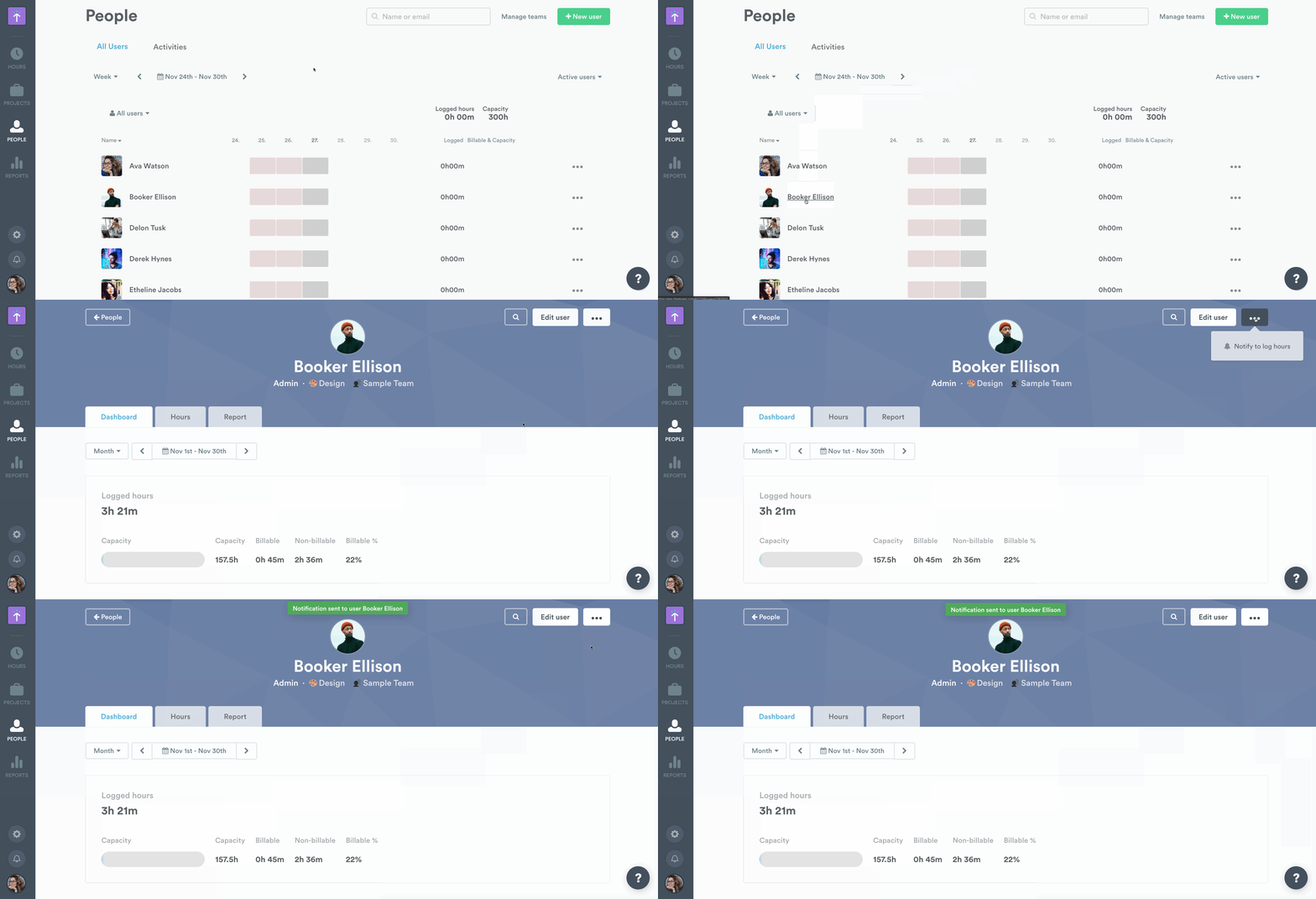
Send users a notification to log hours
- Start on the People page and choose the user you would like to remind.
- Access the ‘Notify to Log Hours’ option from the drop-down in the upper right-hand corner.
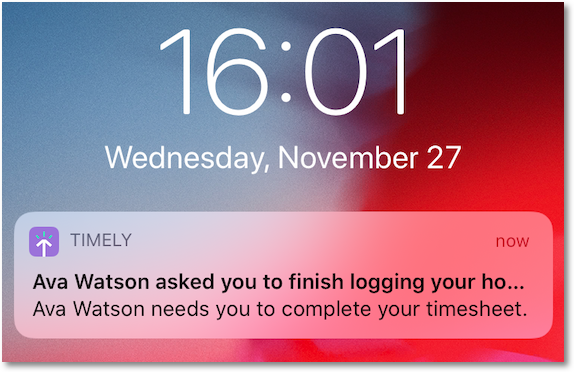
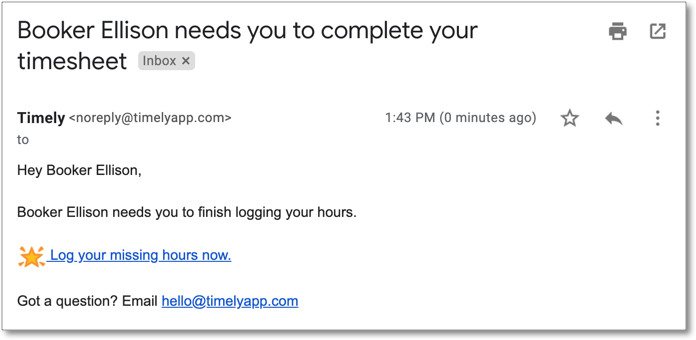
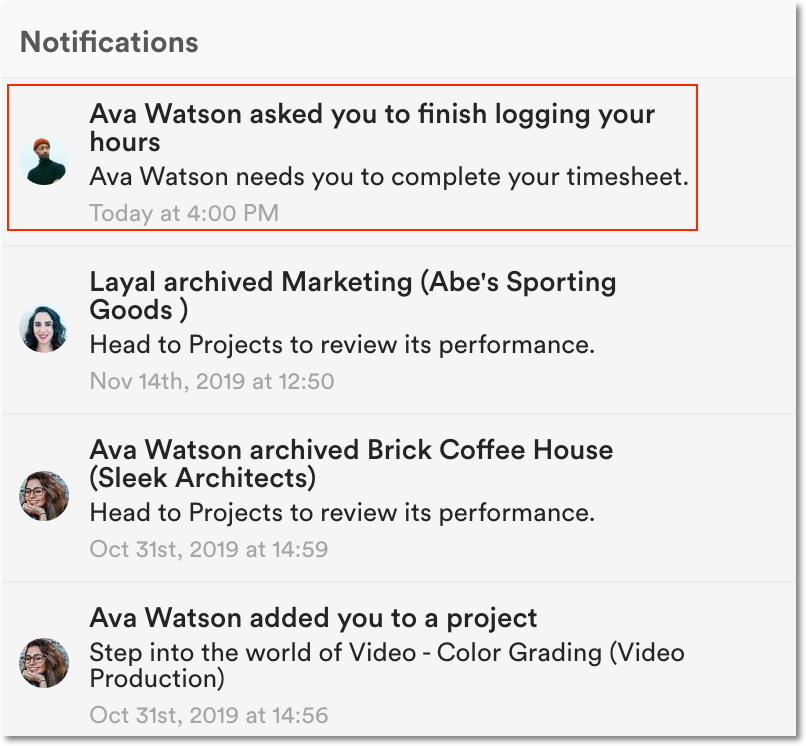
- Click it to send an email and an in-app reminder via the notifications feed, as a Memory notification and as a push notification on mobile.
The in-app notification will pop-up to alert your team member of the request:
Remind a group of people
To remind several people at once, filter the People page (for example by missing hours) and use Notify Group. The reminder only goes to the people shown in the filtered list. See Using the People dashboard for the filters.
Push notifications on mobile
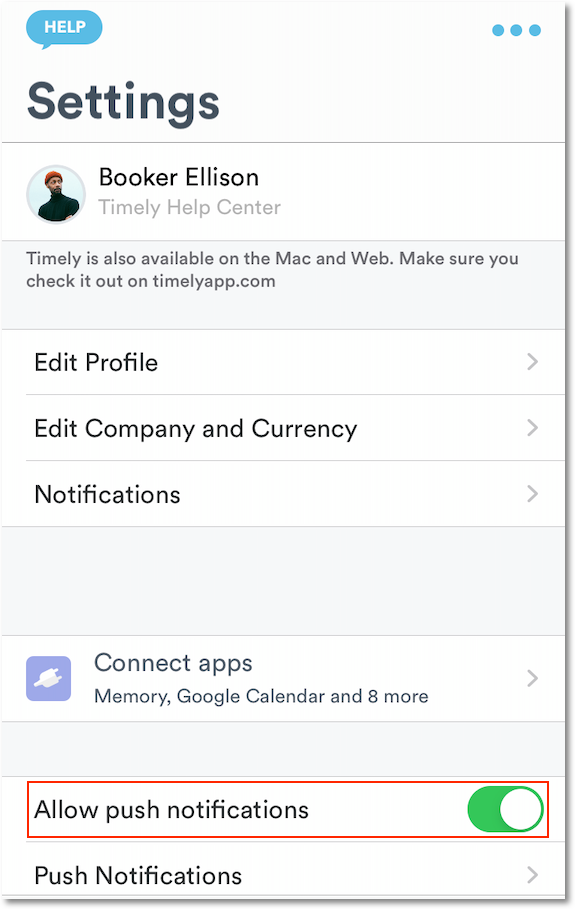
To receive a push notification on mobile, the team member must have the Timely mobile app installed on their phone, with ‘push notifications’ enabled in Settings.
Unsubscribing from the daily reminder
Separately from the reminders you send, Timely can send people an automatic daily reminder email to log their hours. That email has an Unsubscribe link at the bottom. It works without signing in, even if the person no longer has access to the account. Unsubscribing turns off the daily reminder completely, for both email and mobile push notifications. To turn it back on, go to Settings > Notifications.
Last updated October 7, 2026
Have feedback for this article or need more help? Contact us now.