Timely

Changelog

Memory app improvements, AutoSheet fixes, and Timesheets updates

Memory app Improvements

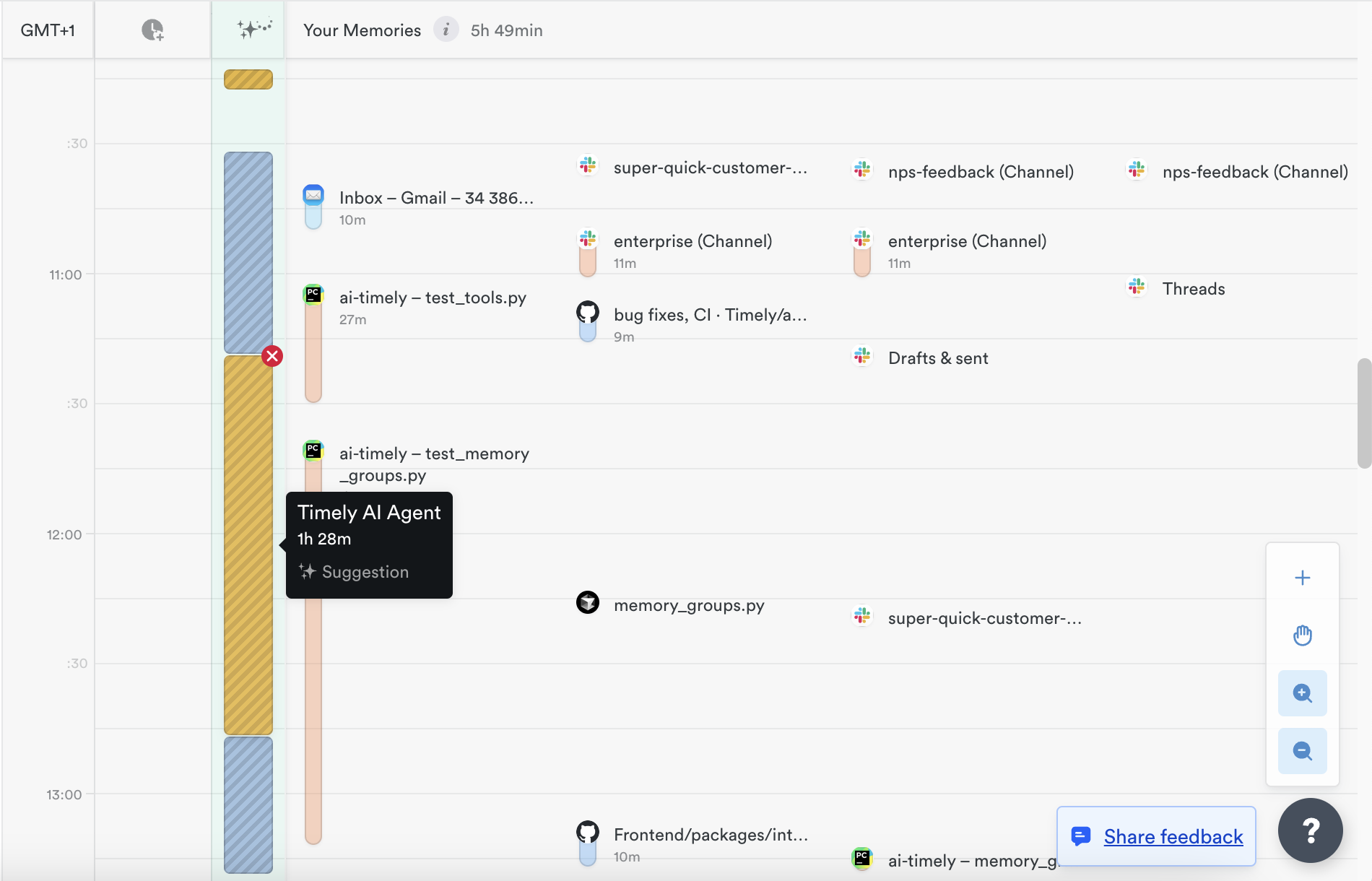
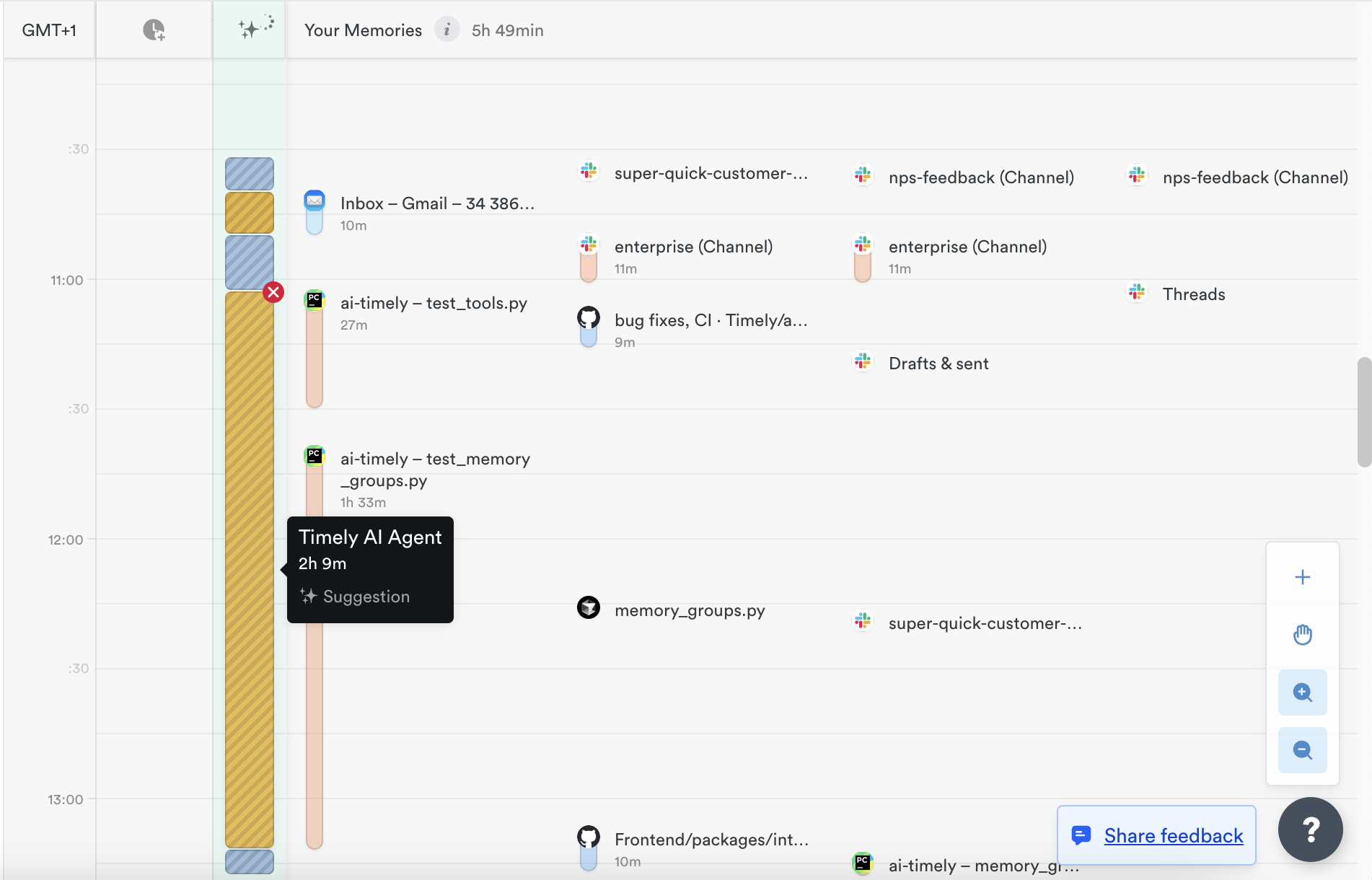
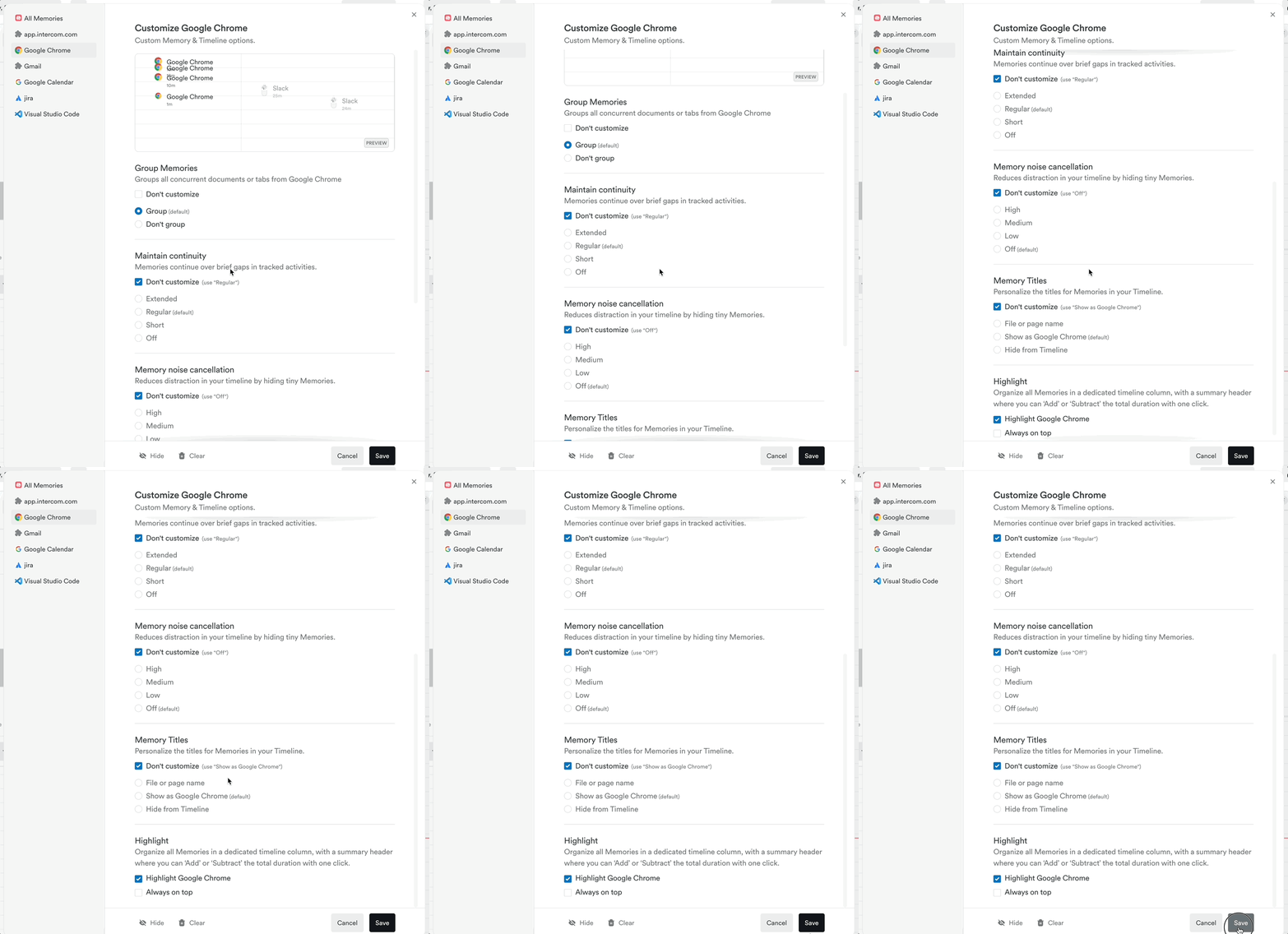
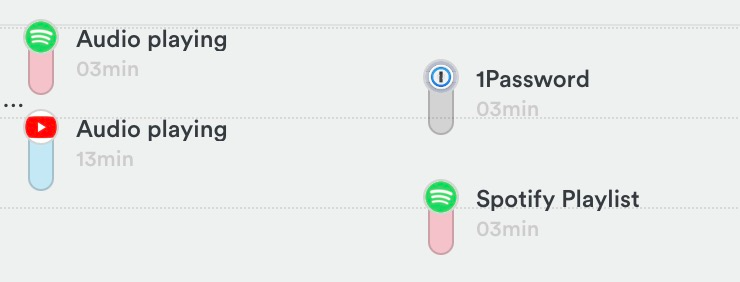
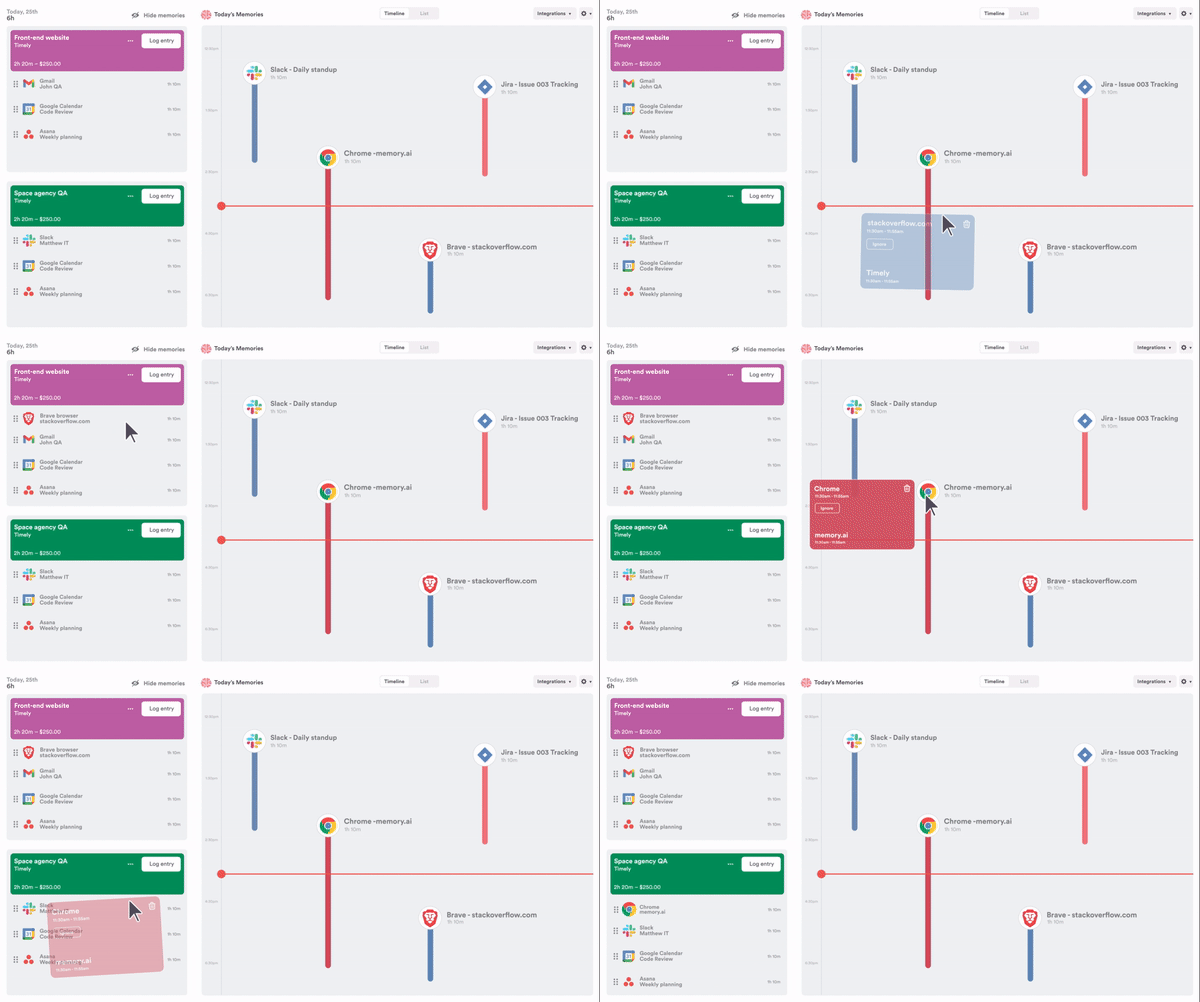
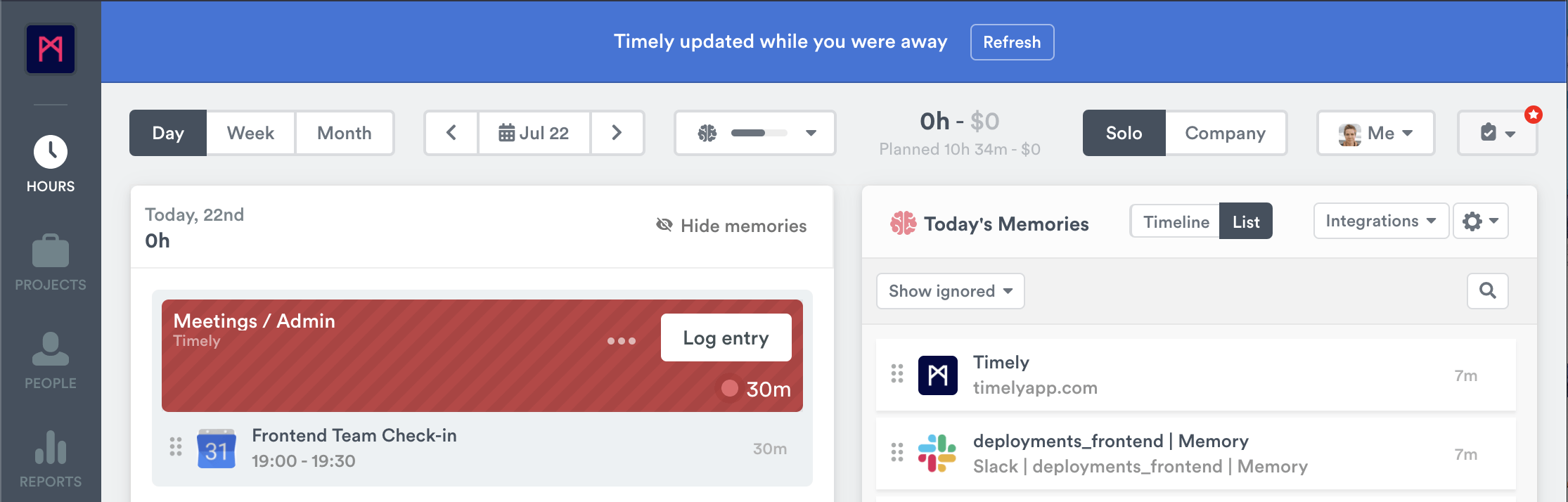
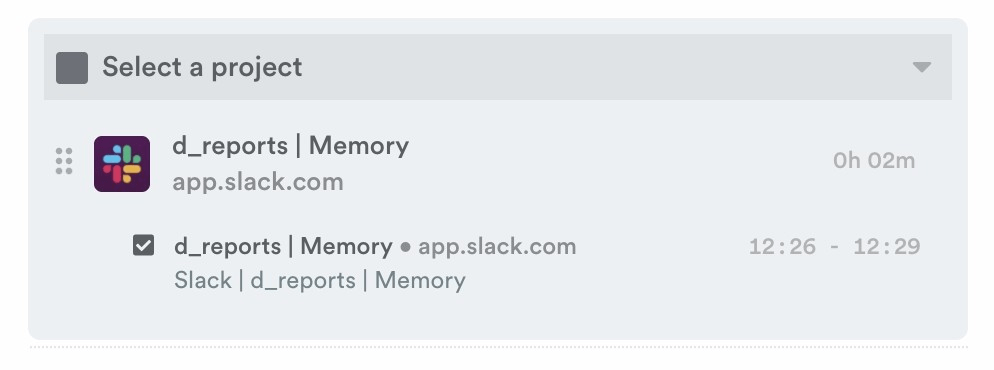
  • Cursor Agents tracked separately — Memory(Mac) now distinguishes Cursor Agents from the Cursor editor window when capturing activity, so background agent work shows up as its own entry instead of being mixed in with editor time.
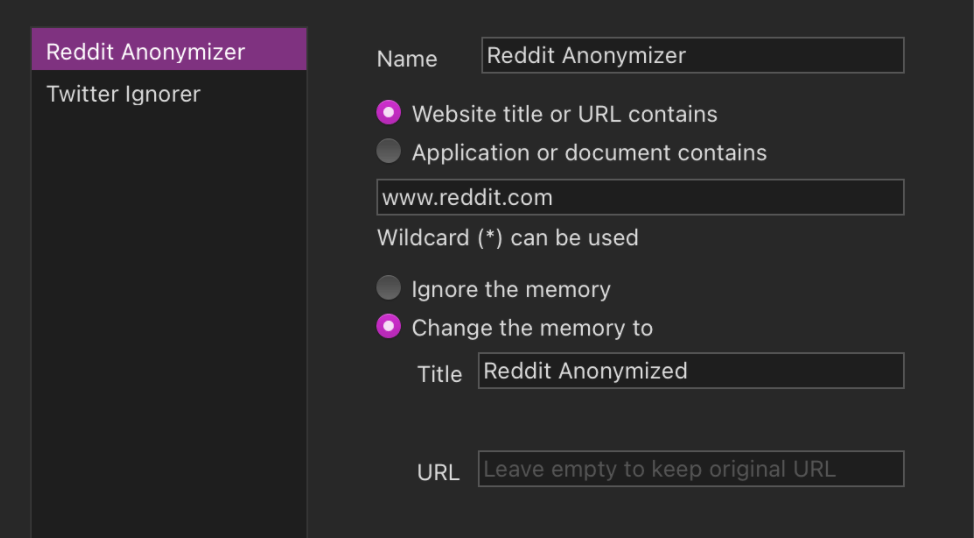
  • Credential scrubbing in captured URLs — Memory now strips usernames, passwords, and tokens from URLs before they’re stored, so sensitive credentials never end up in your timeline or activity history.
How to update

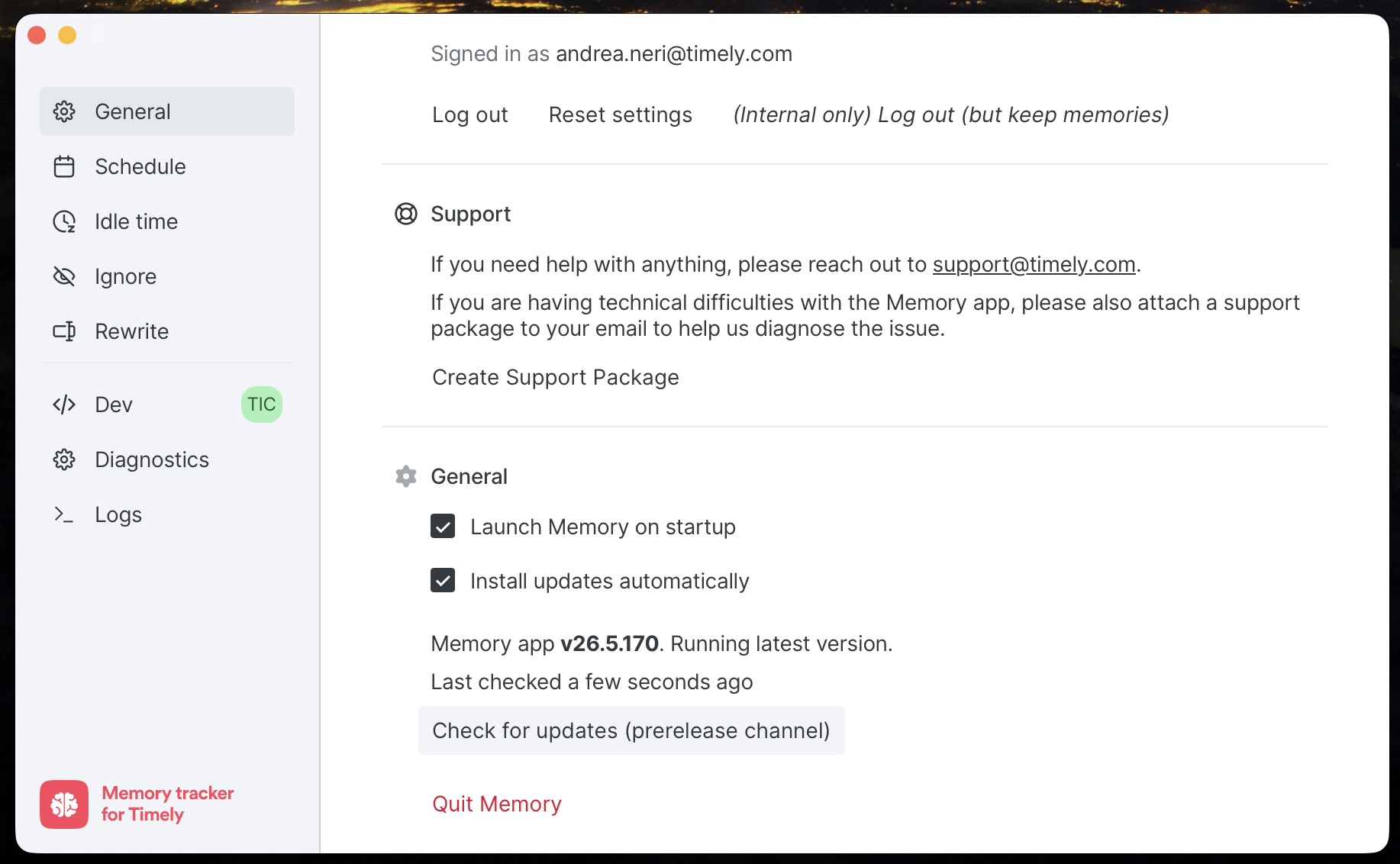
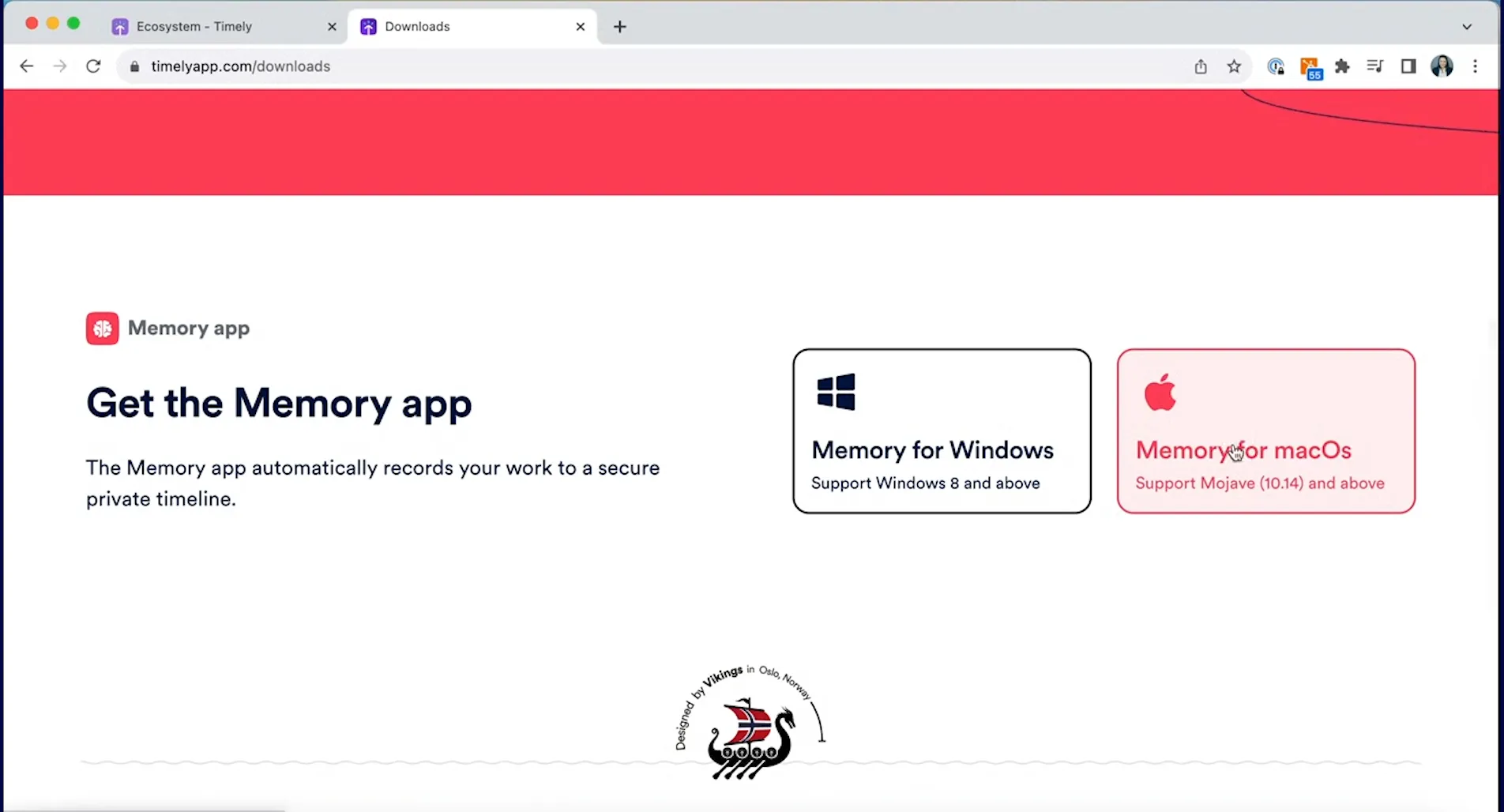
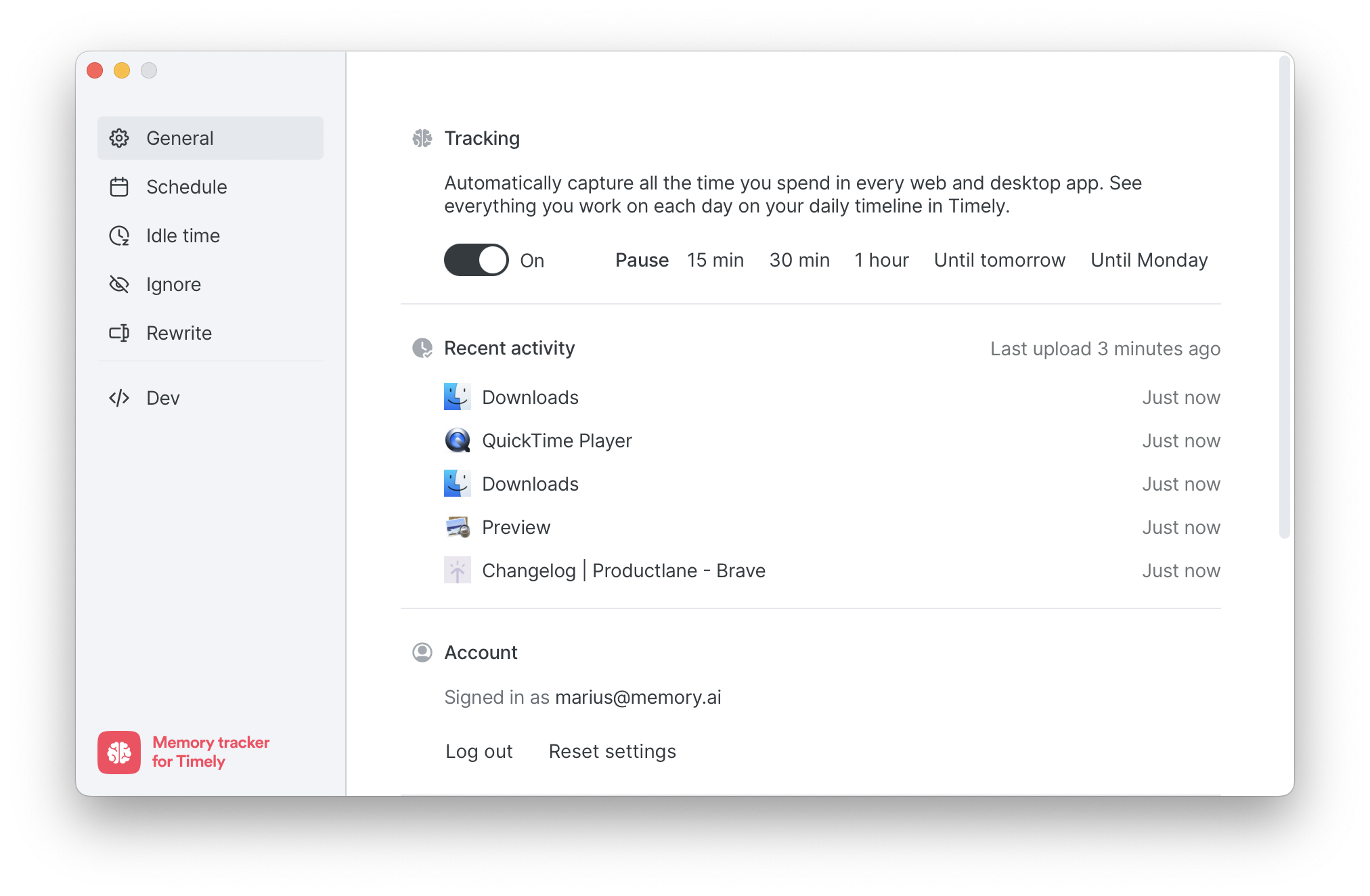
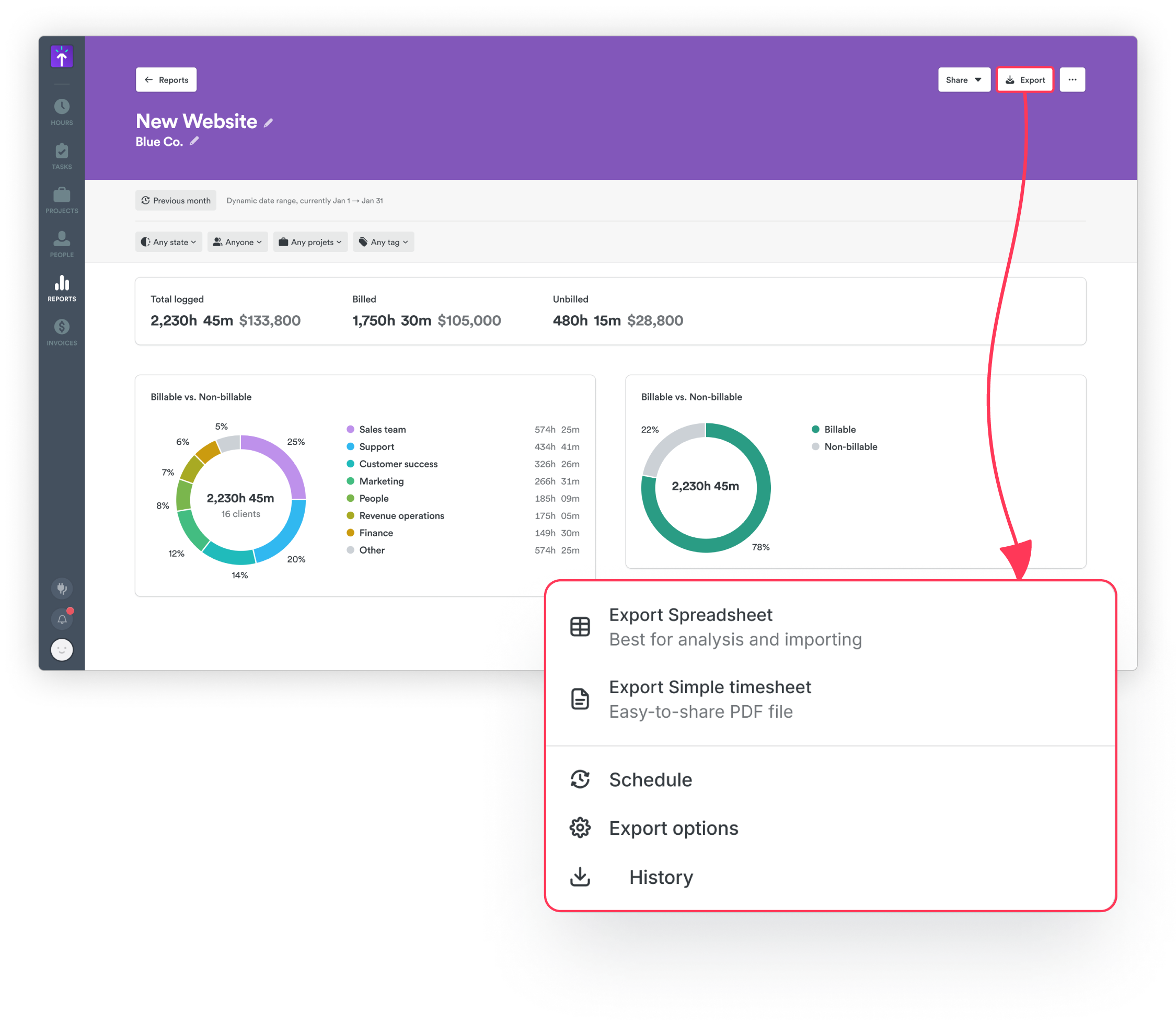
Memory updates automatically, so most people will pick this up without doing anything. If you want to grab it now, open Memory from your menu bar or system tray, scroll down on the General tab, and click Check for updates.

Improvements

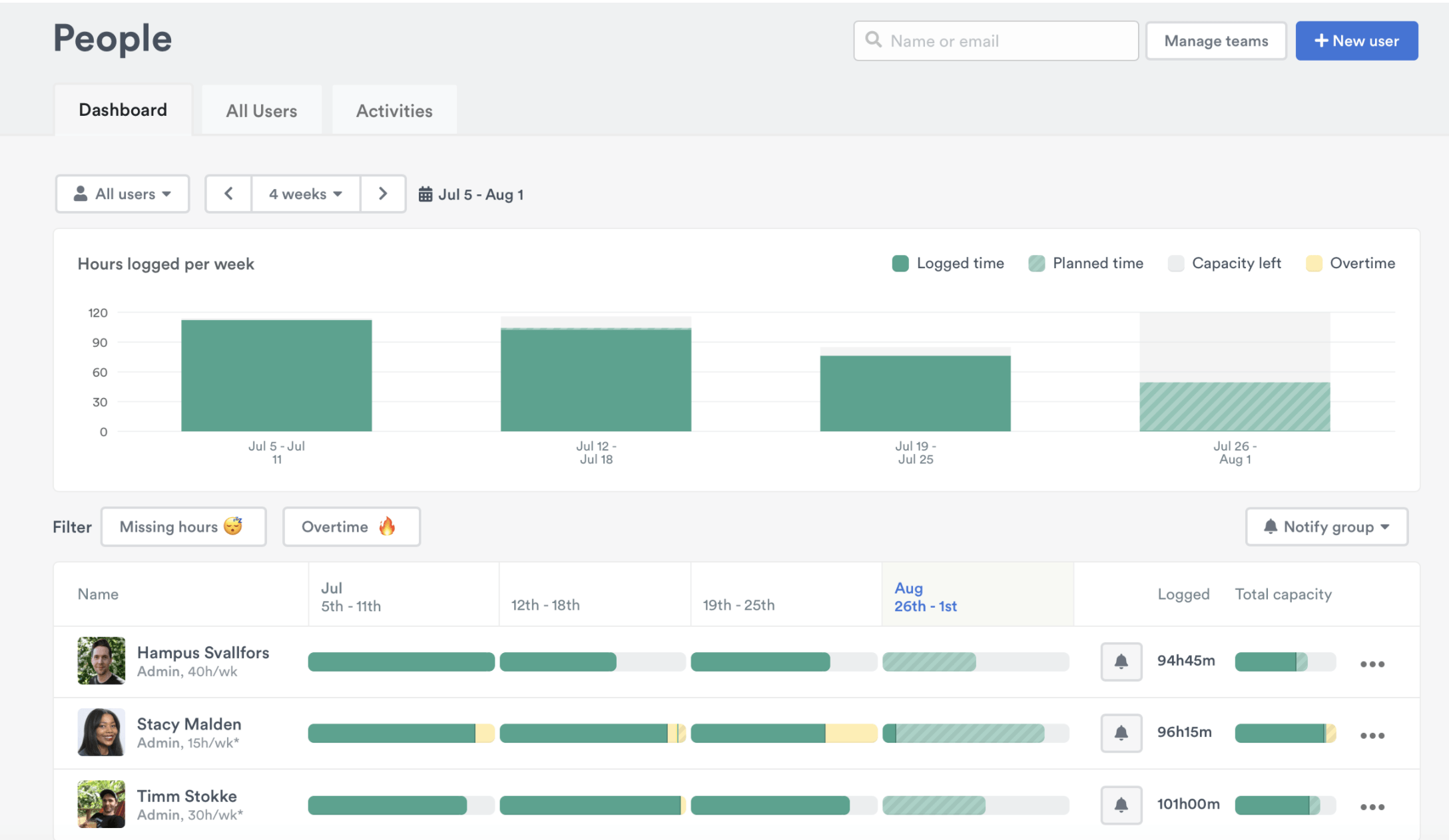
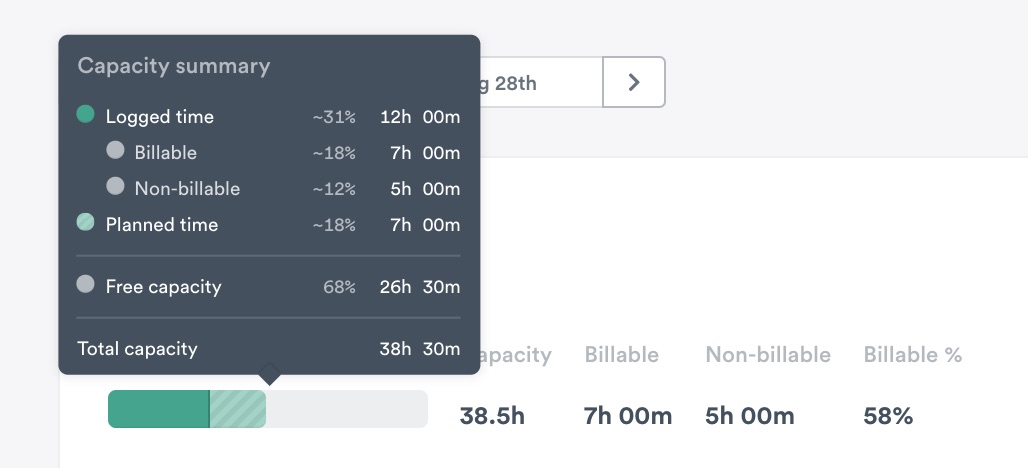
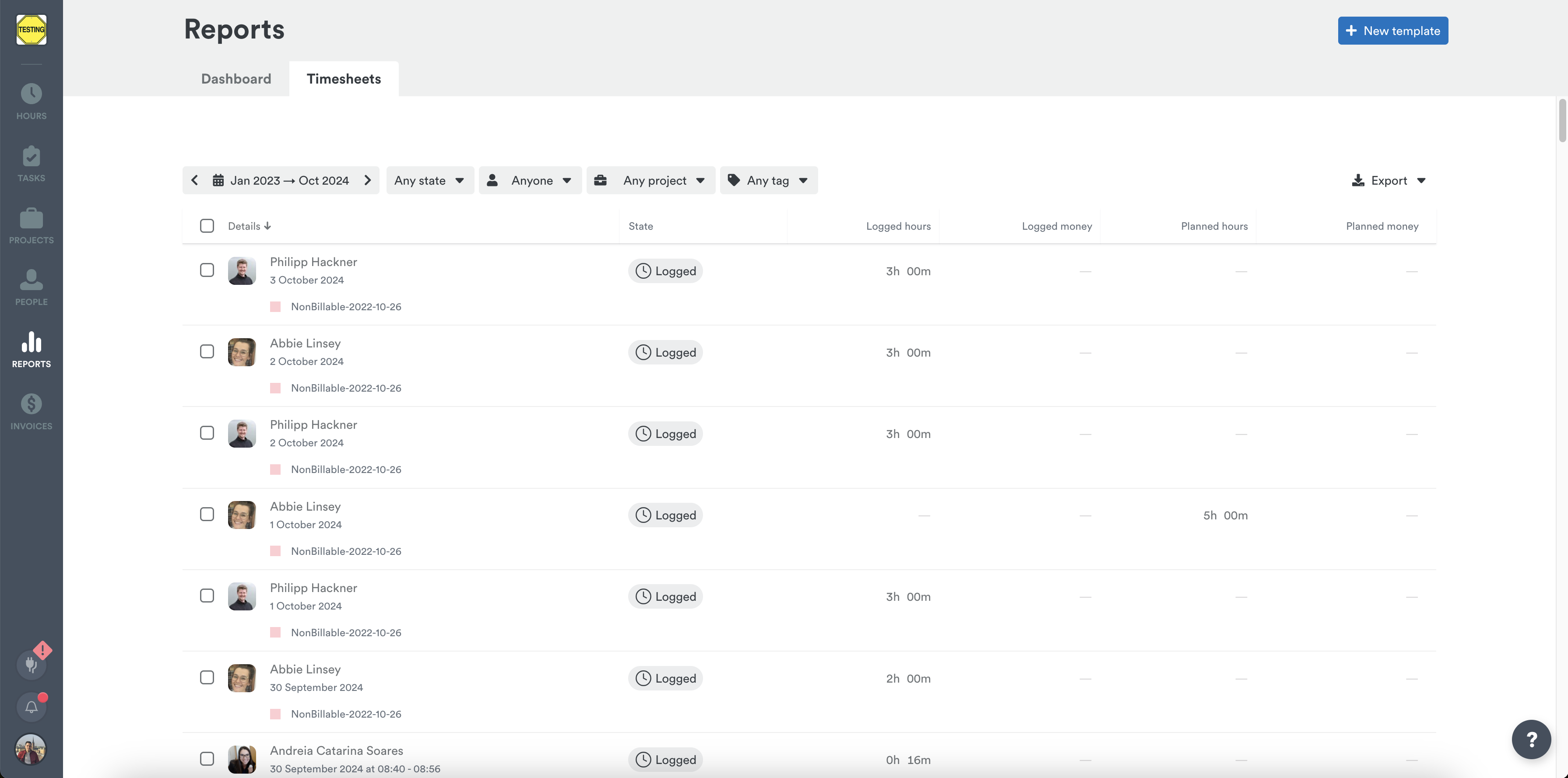
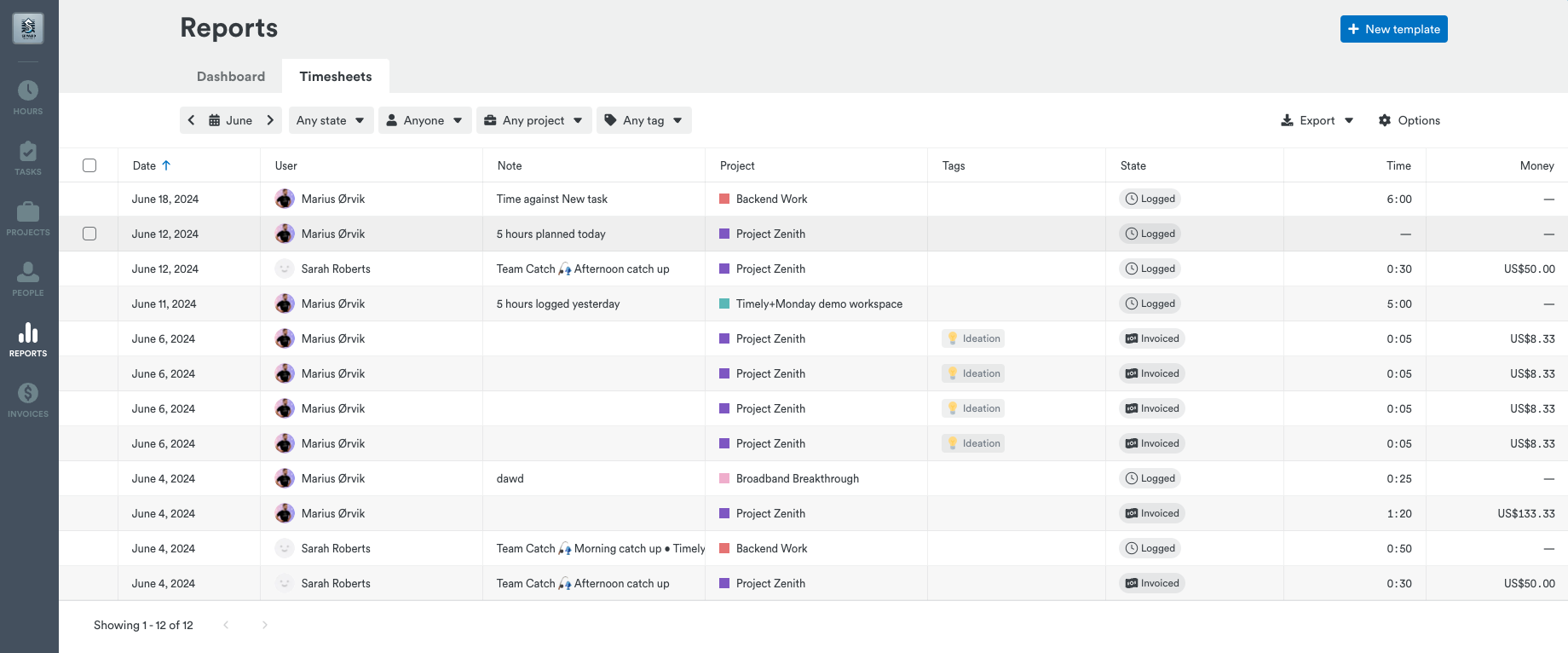
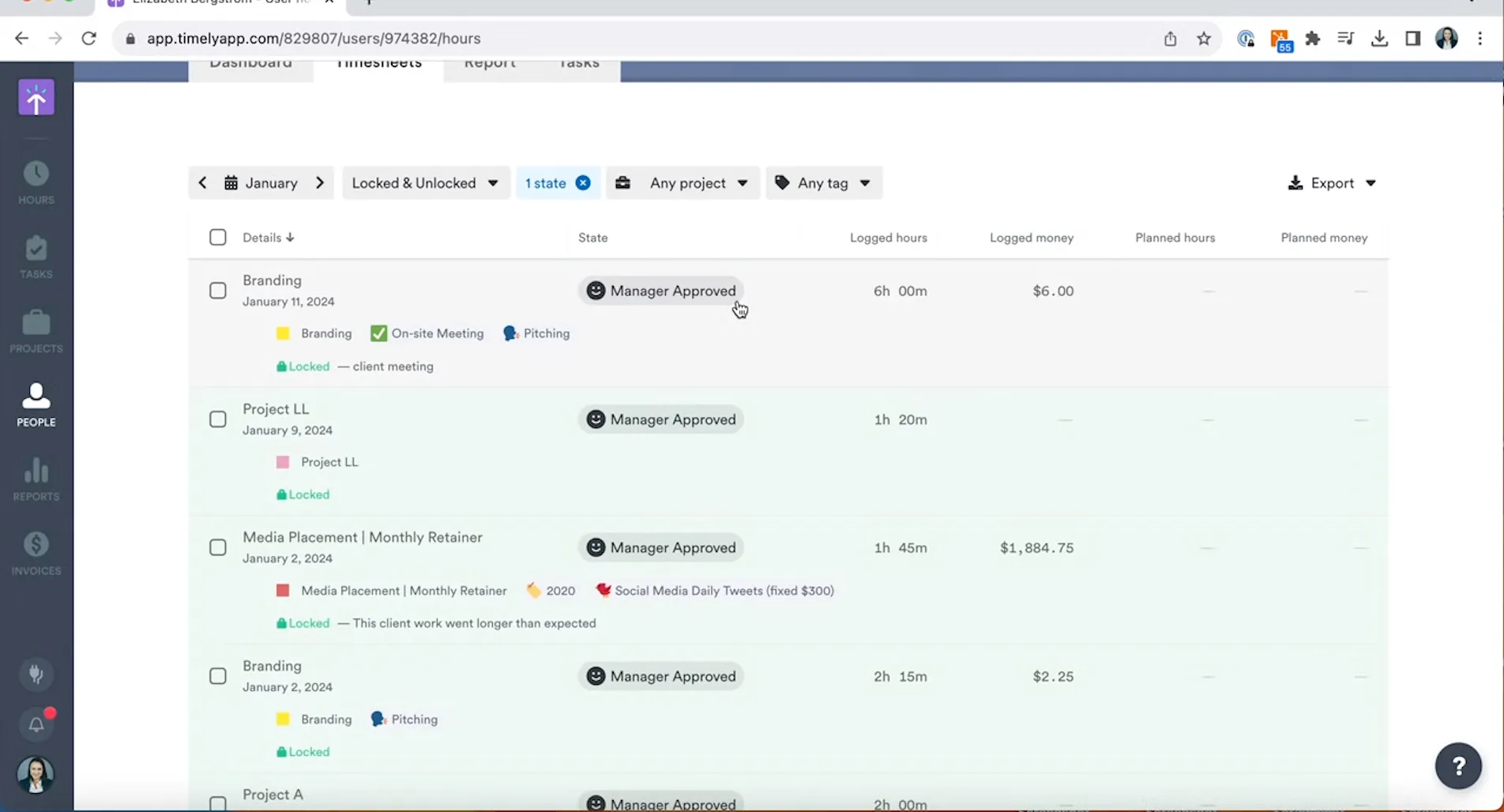
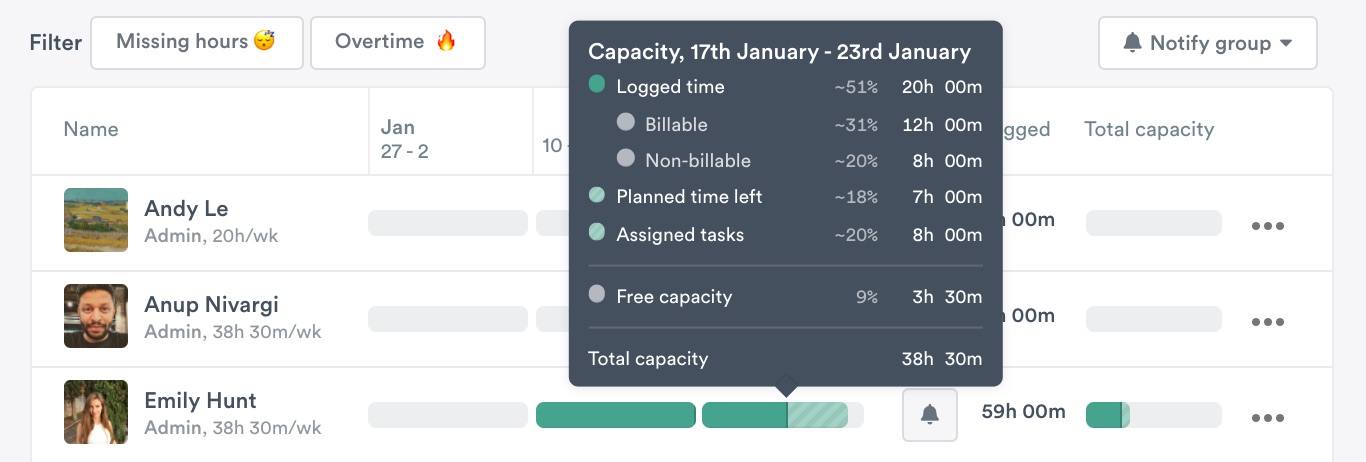
  • Timesheets date filtering — Clicking “See all hours” from the People page weekly capacity modal now opens Timesheets pre-filtered to that week, so you land exactly where you need to be.

Bug Fixes

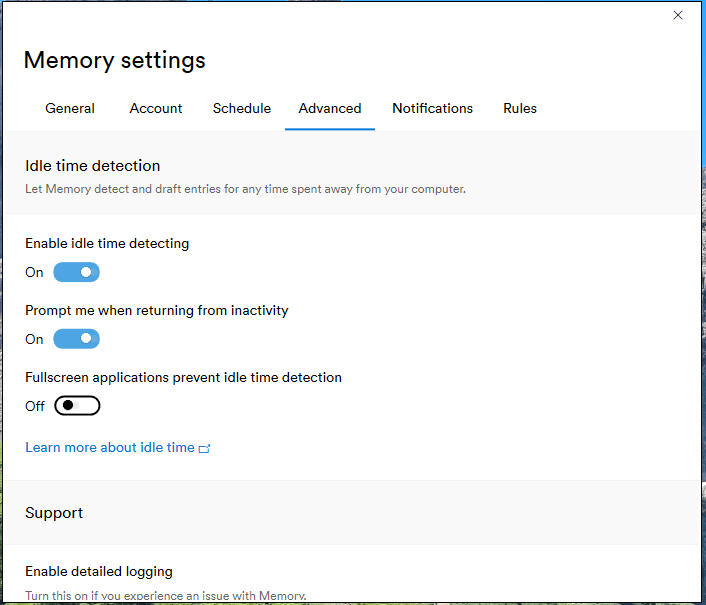
  • Memory incognito detection (Windows) — Fixed a bug where Chrome incognito windows weren’t being detected on Windows, which could lead to private browsing being captured unintentionally.
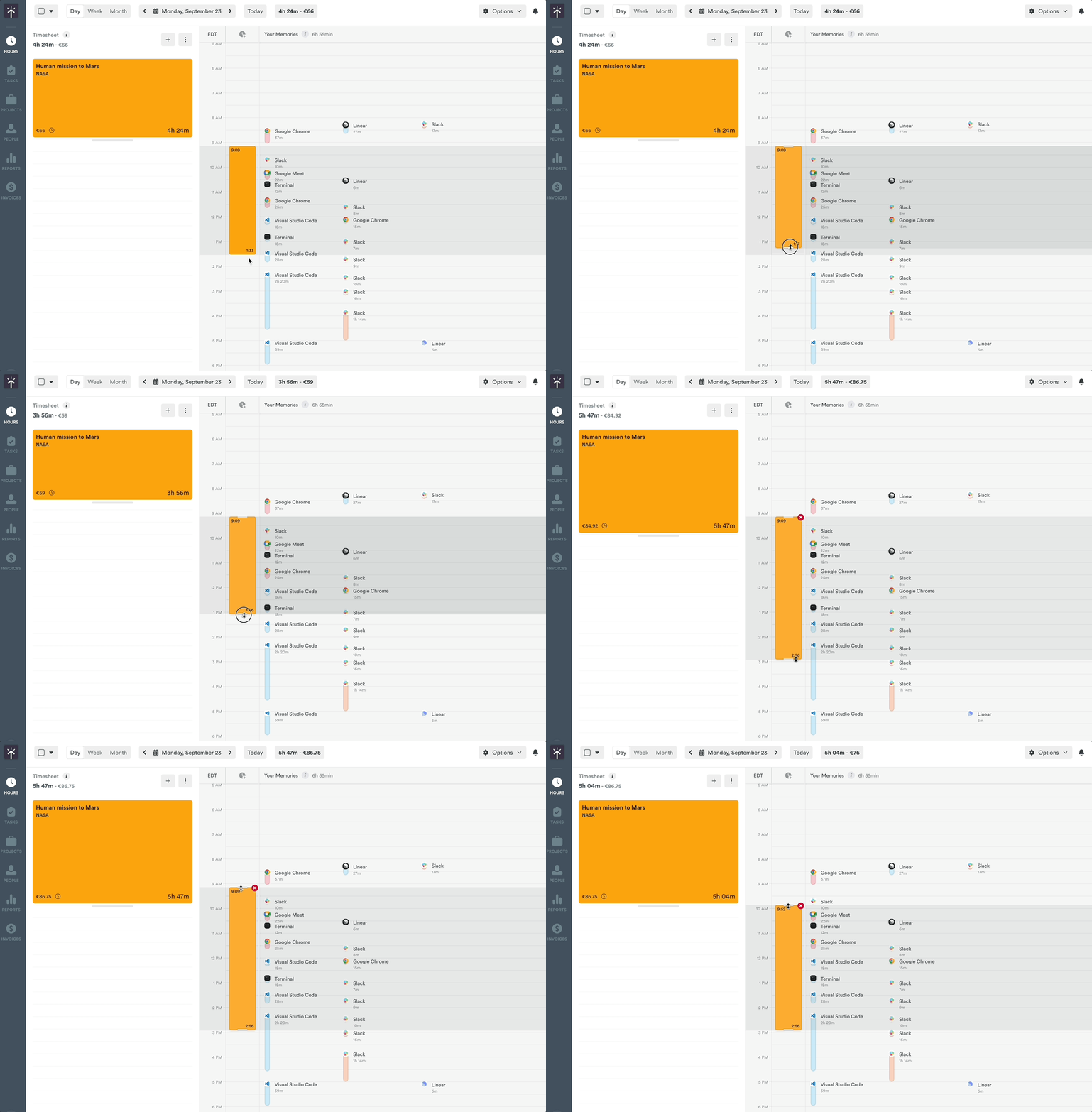
  • AutoSheet timeline interactions — Drag-resize and drag-to-create gestures now use the correct time intervals, so your edits match the original proposal as expected.

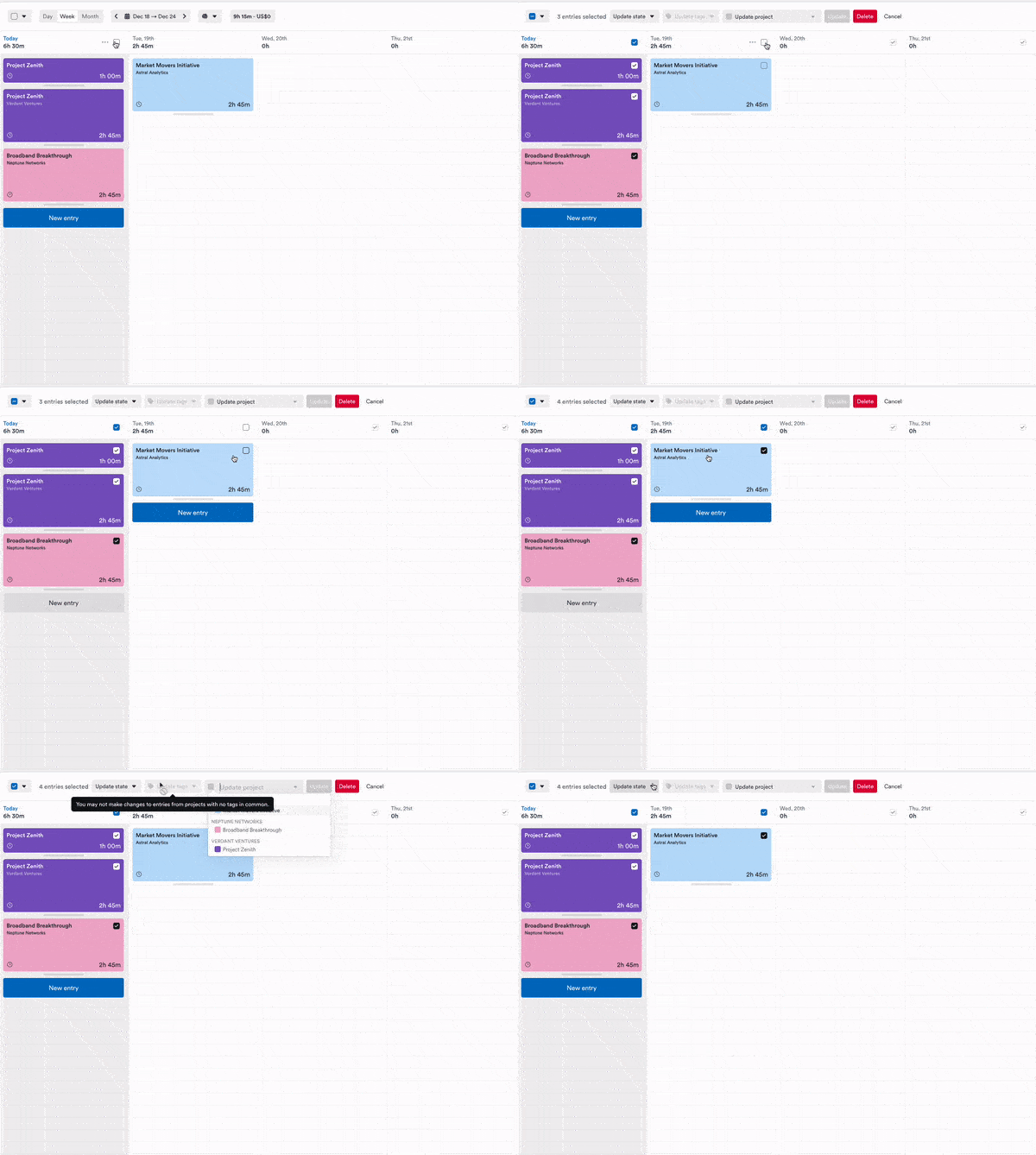
  • AutoSheet bulk delete — Bulk deleting entries now works reliably, with removed items correctly moving to the unassigned section.
  • AutoSheet entry creation — New entries now appear immediately after reassigning activities, no page refresh needed.
  • Dark mode visibility — Improved contrast for timeline selection highlights and feedback modal text, making dark mode easier to dark mode easier to read.

Track your AI work automatically, see your whole Team's hours, and stay informed in-app

New Features

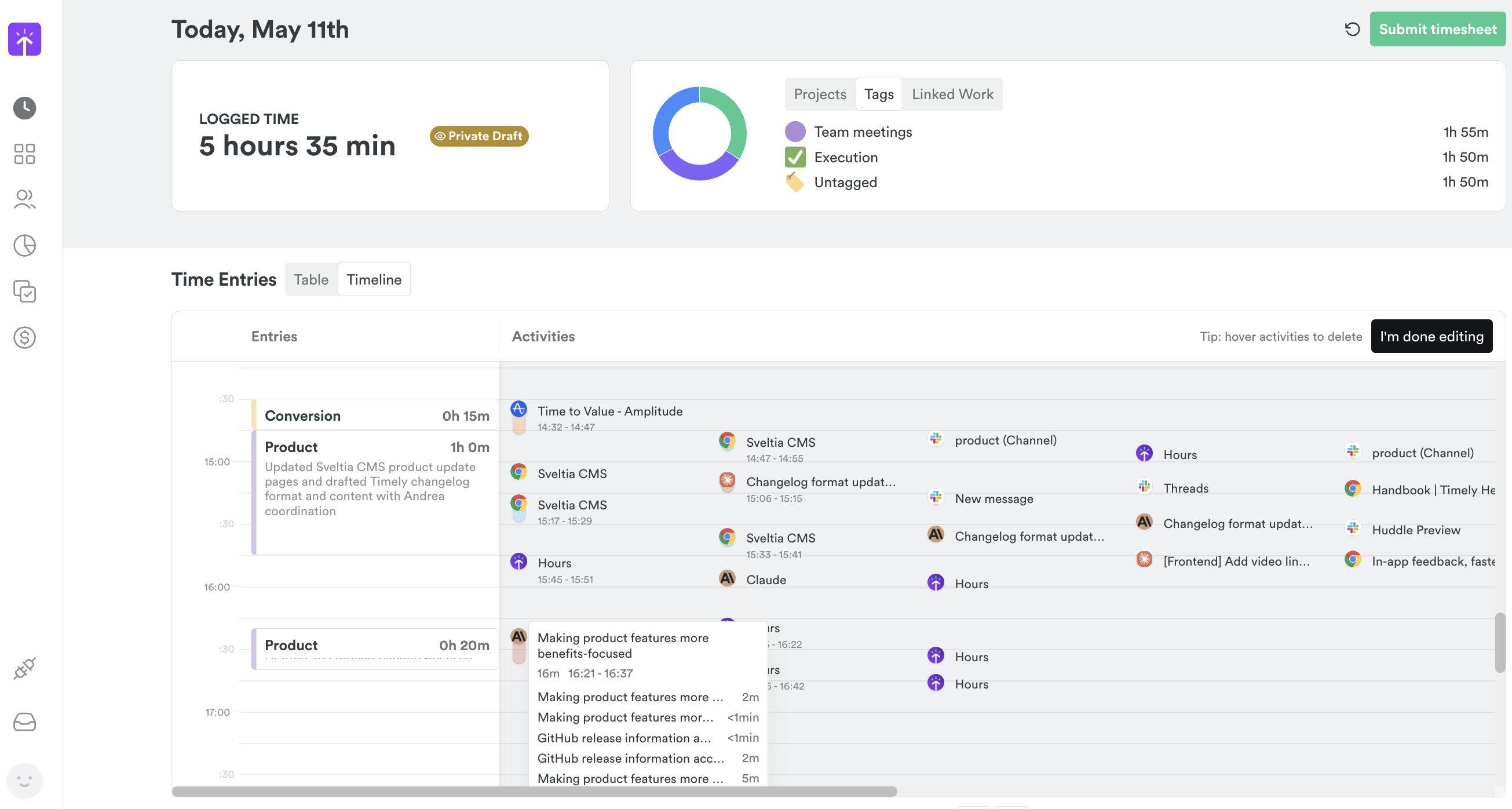
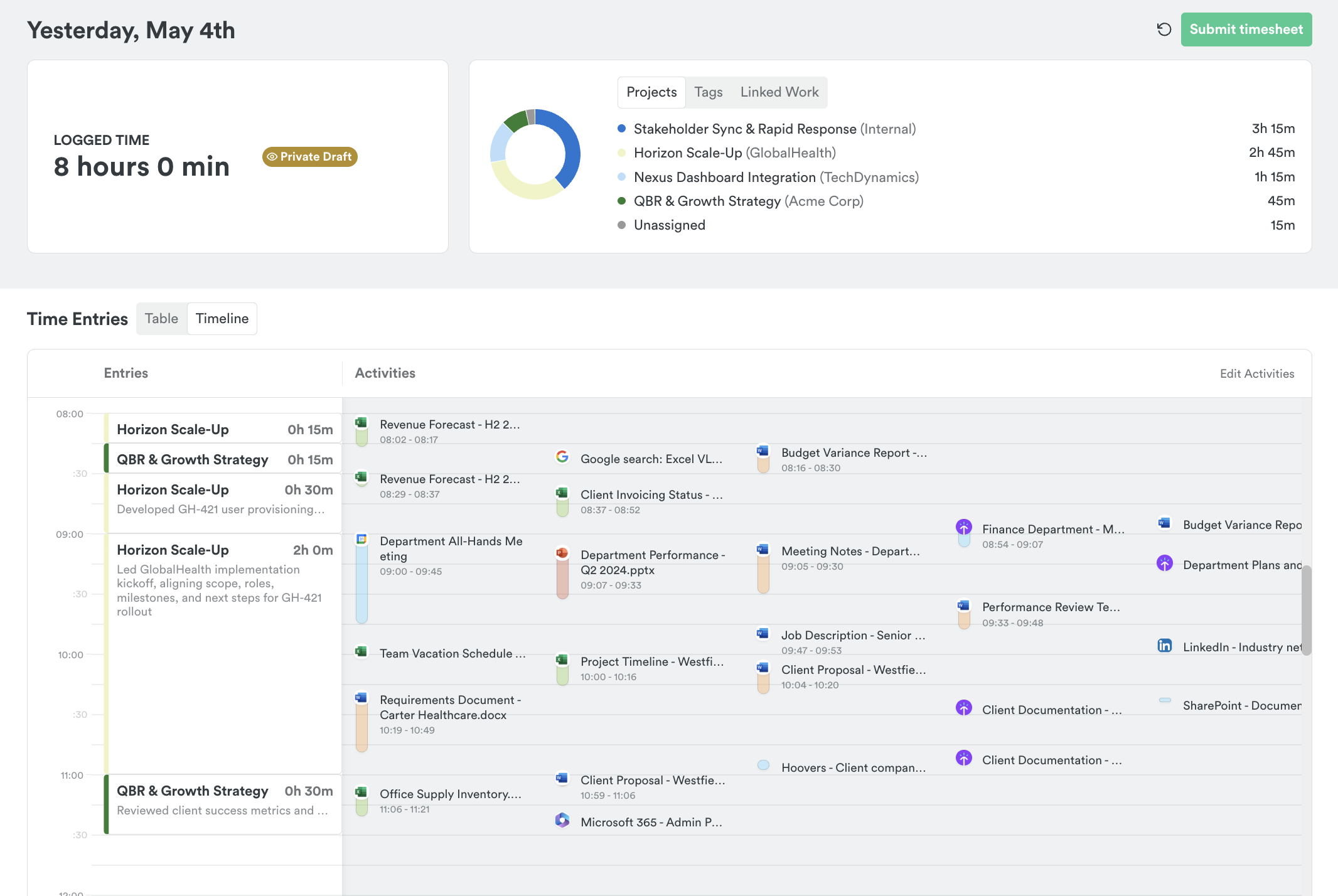
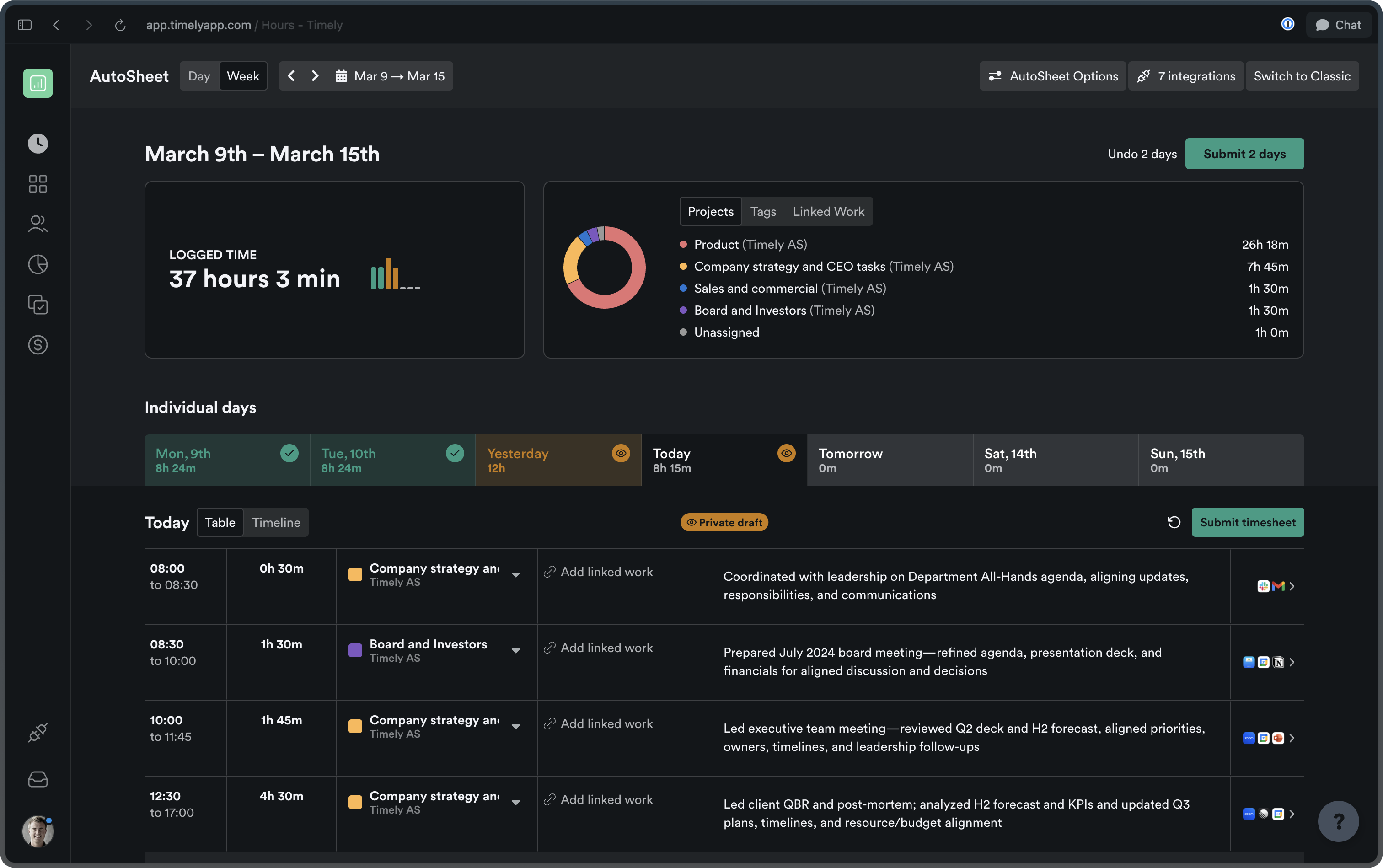
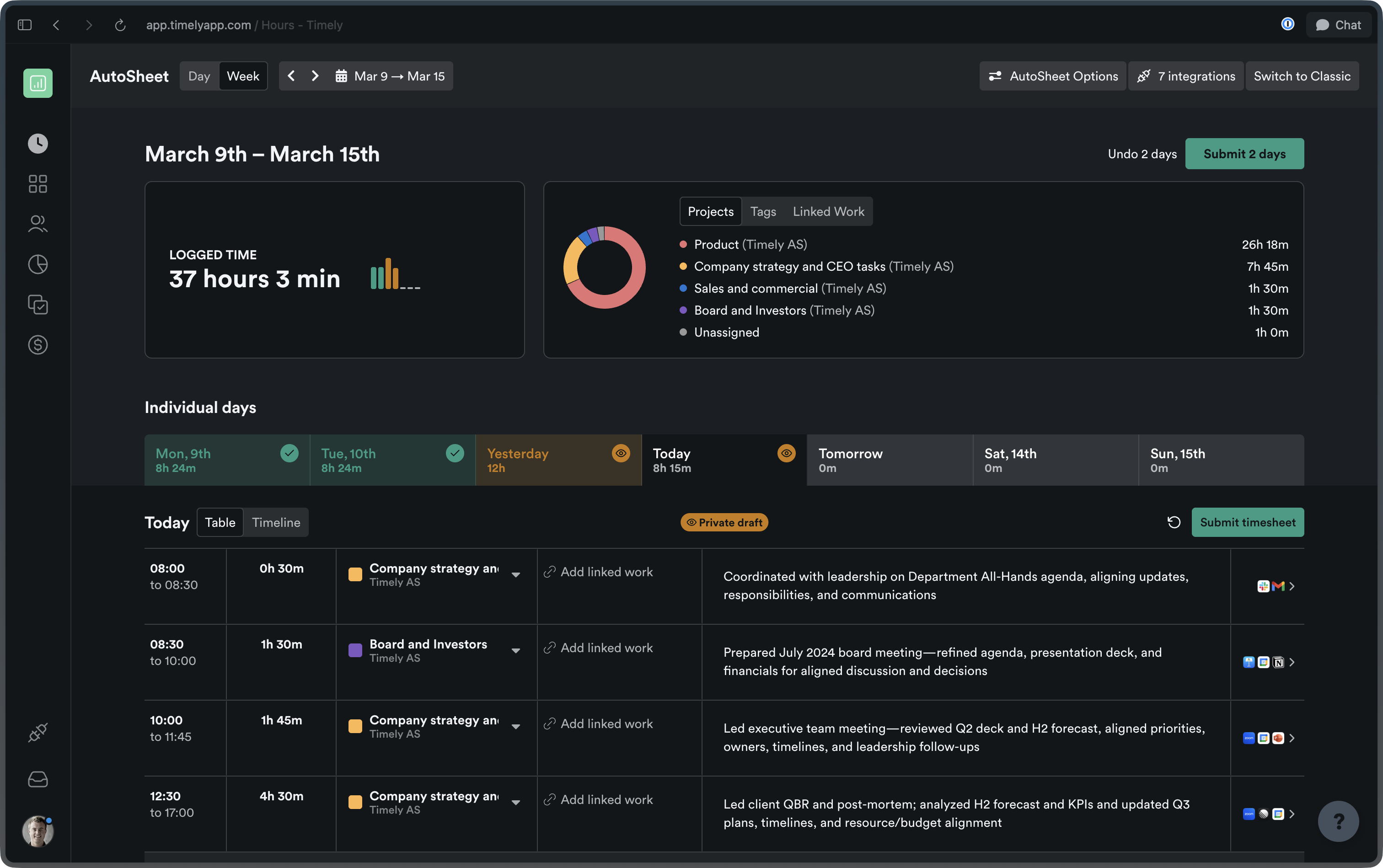
Timely calendar day view showing 5 hours 35 minutes logged across two Product entries and one Conversion entry. The activity panel displays AI-captured tasks including Sveltia CMS updates, changelog formatting, and Claude usage, alongside a donut chart breaking time down by tag: Team meetings 1h 55m, Execution 1h 50m, Untagged 1h 50m.

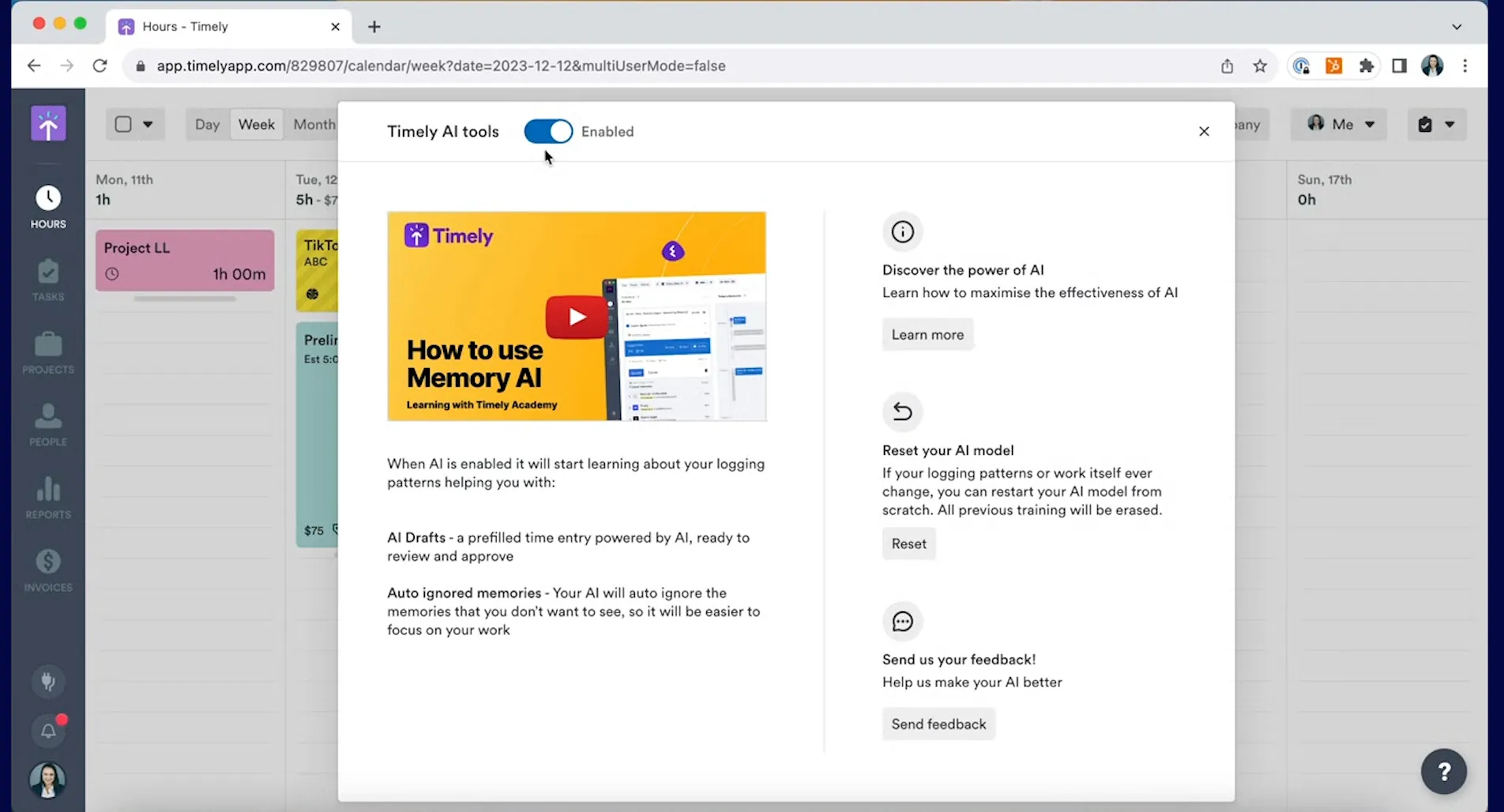
  • AI activity tracking — Timely now automatically captures your work with AI tools like Claude Desktop and Codex Desktop, creating detailed timeline entries with conversation-specific titles and URLs for better project attribution. Learn how Memory captures your work →
  • Team-wide hour visibility — Managers and employees can now view hours for their entire team while maintaining project-specific access controls through a new “Team-wide” permission setting. Learn about user access levels →
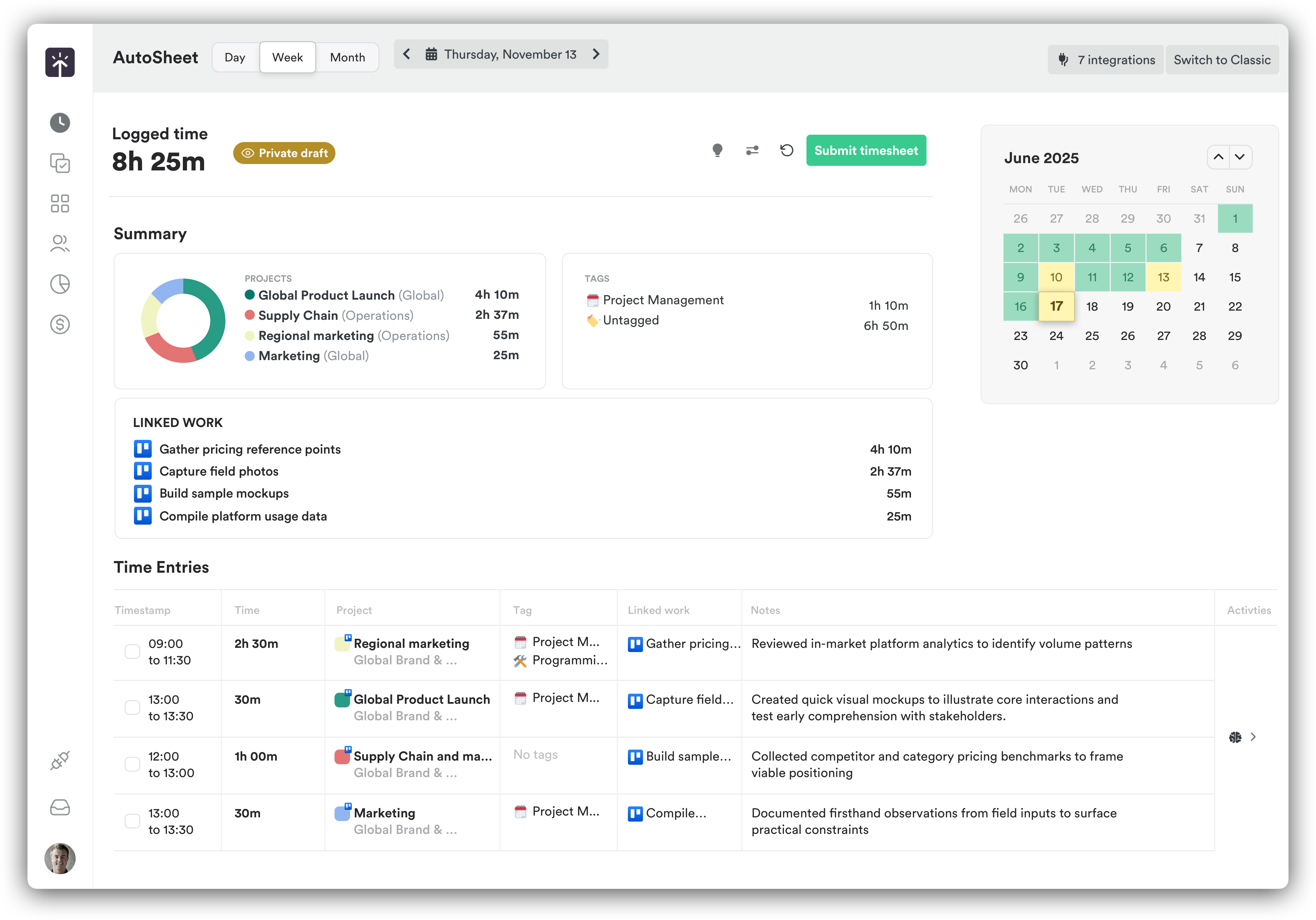
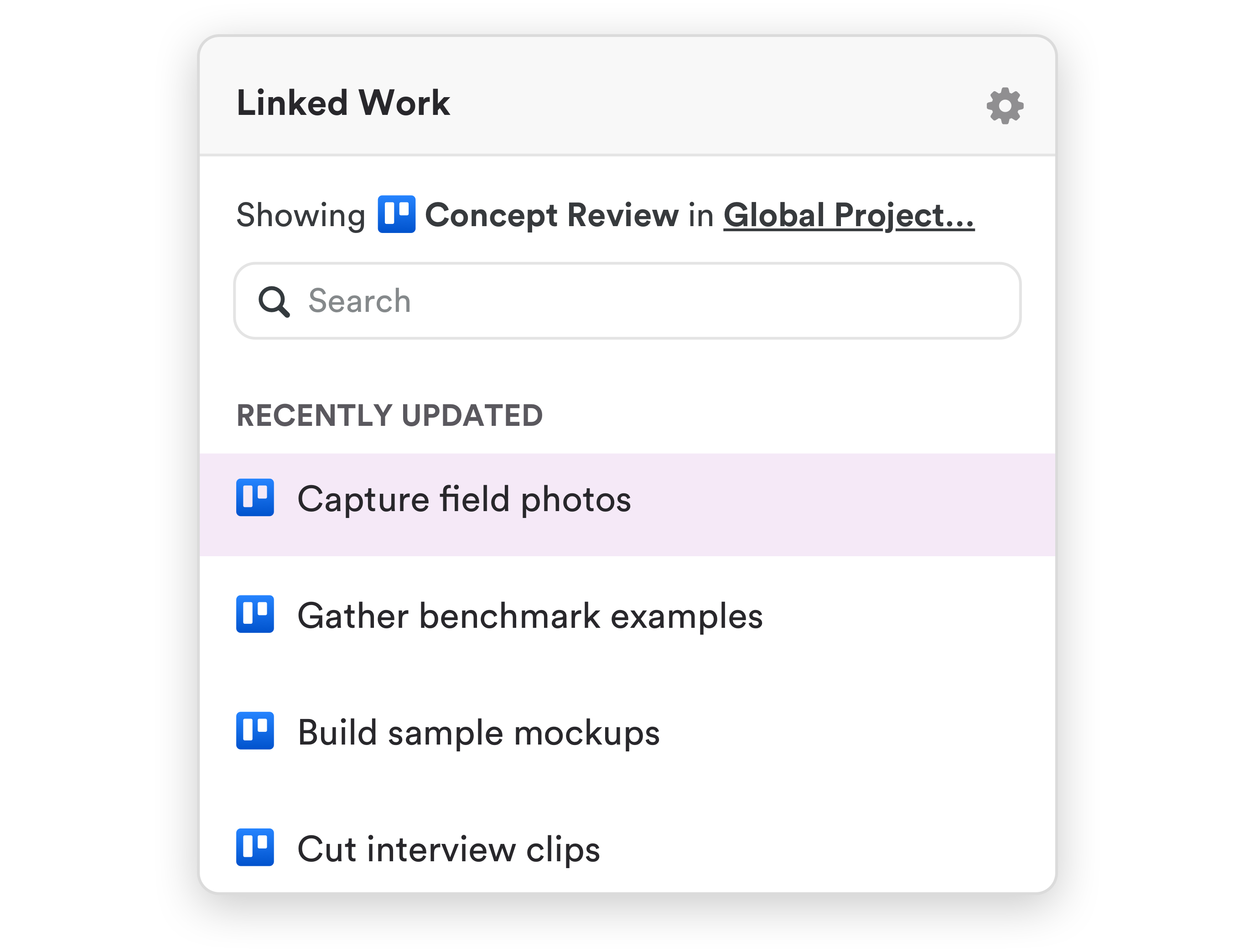
  • Enhanced timesheet filters — Filter linked work tasks by project and completion status directly in the hour editor. Learn about AutoSheet →
  • Inbox notifications refresh — A new Inbox drawer replaces the notifications dropdown, combining legacy notifications with What’s New updates and AI memory alerts in one place.

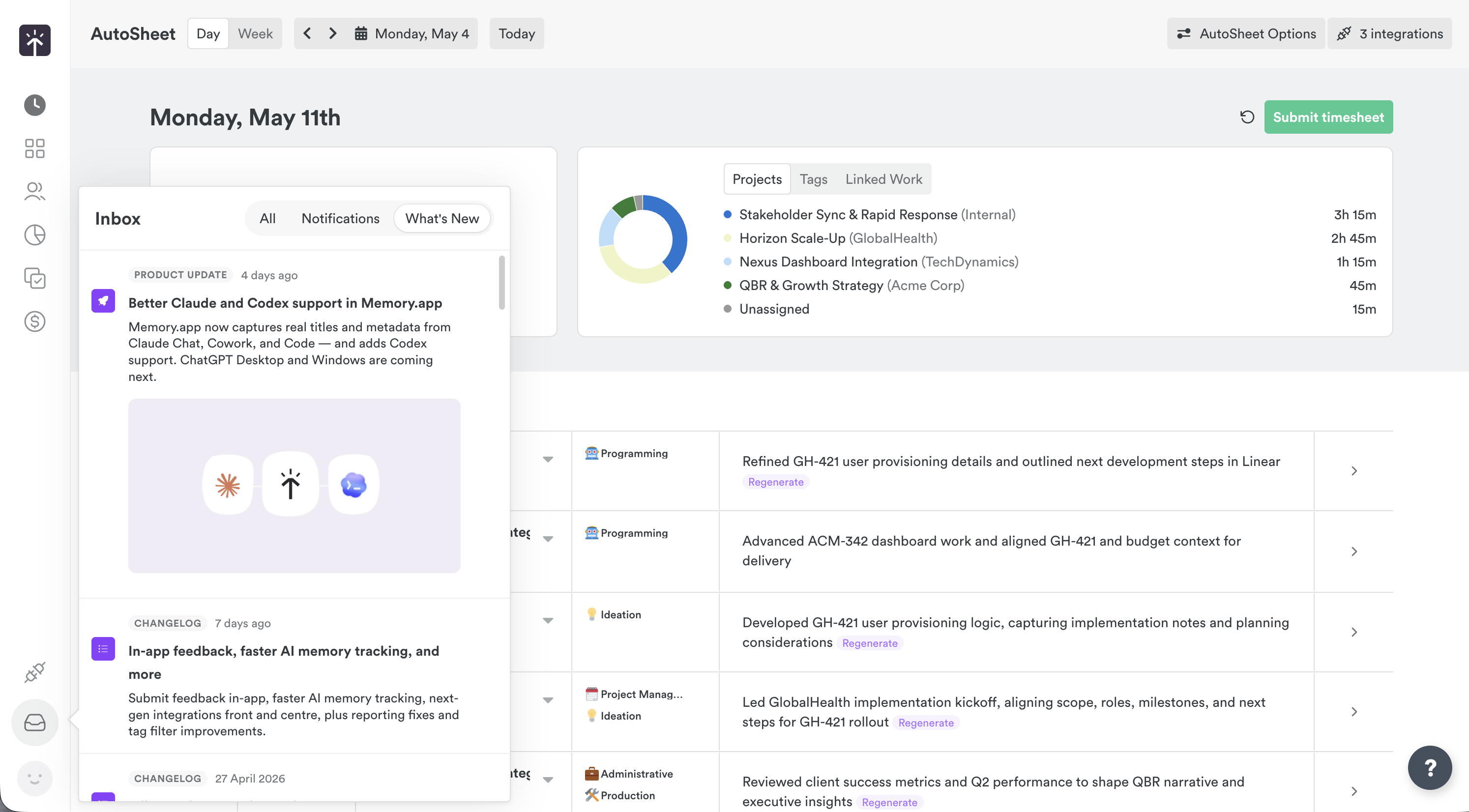
The Timely Inbox drawer open on the AutoSheet page, displaying three tabs — All, Notifications, and What's New. Two entries are visible: a Product Update about Better Claude and Codex support in Memory.app, and a Changelog entry titled "In-app feedback, faster AI memory tracking, and more". The drawer overlays the AutoSheet daily view for Monday, May 11th.

Improvements

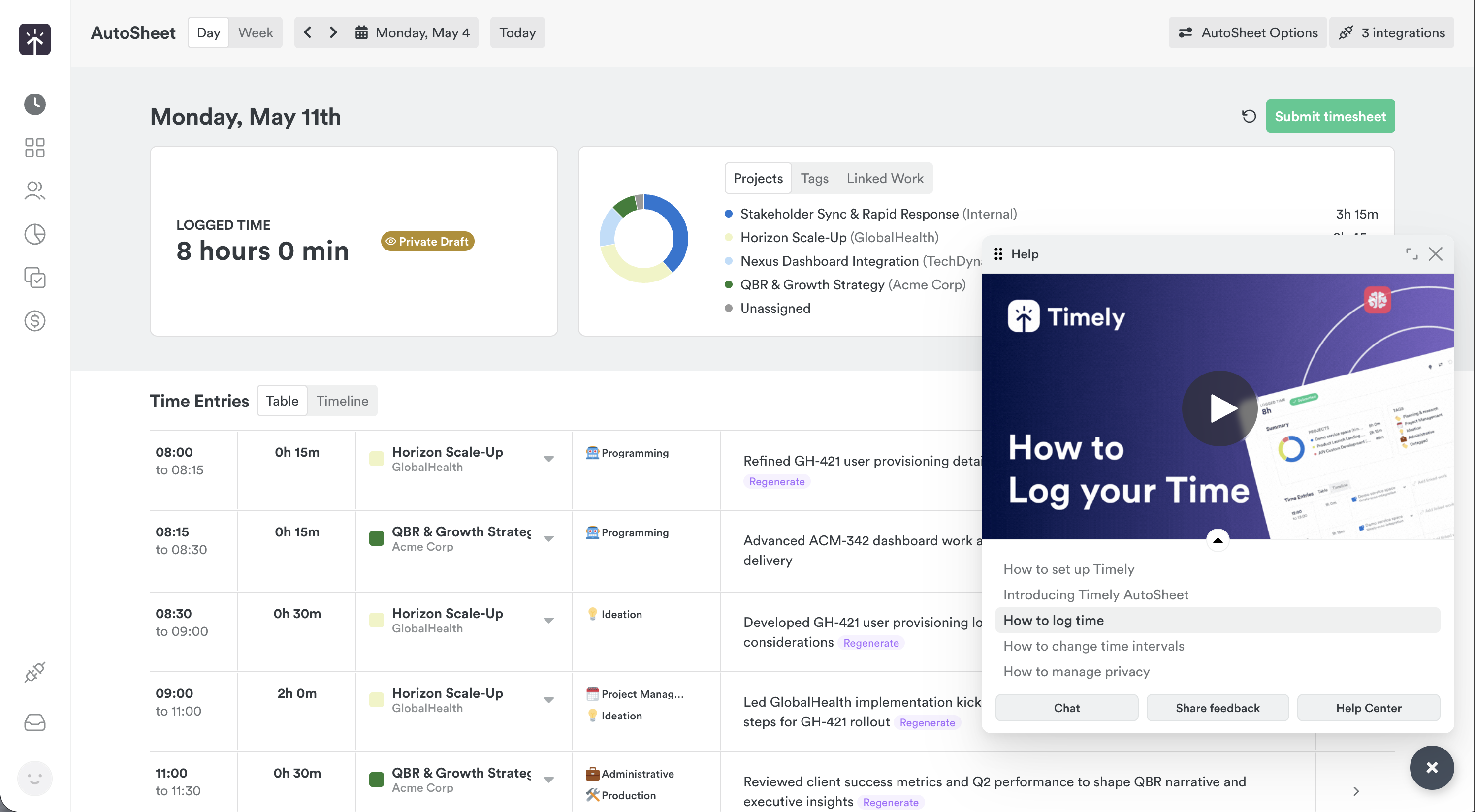
  • Help system overhaul — The help menu is now a resizable modal with embedded video tutorials, searchable questions, and quick access to support resources.

  • AutoSheet reliability — Duplicate hour creation during submit/revert cycles is fixed, and AutoSheet now automatically pauses after 7 days of inactivity to reduce unnecessary generations. Learn about AutoSheet →

Bug Fixes

  • Project counting accuracy — The “All Projects” tab now correctly counts only active projects, excluding archived ones from the displayed total.
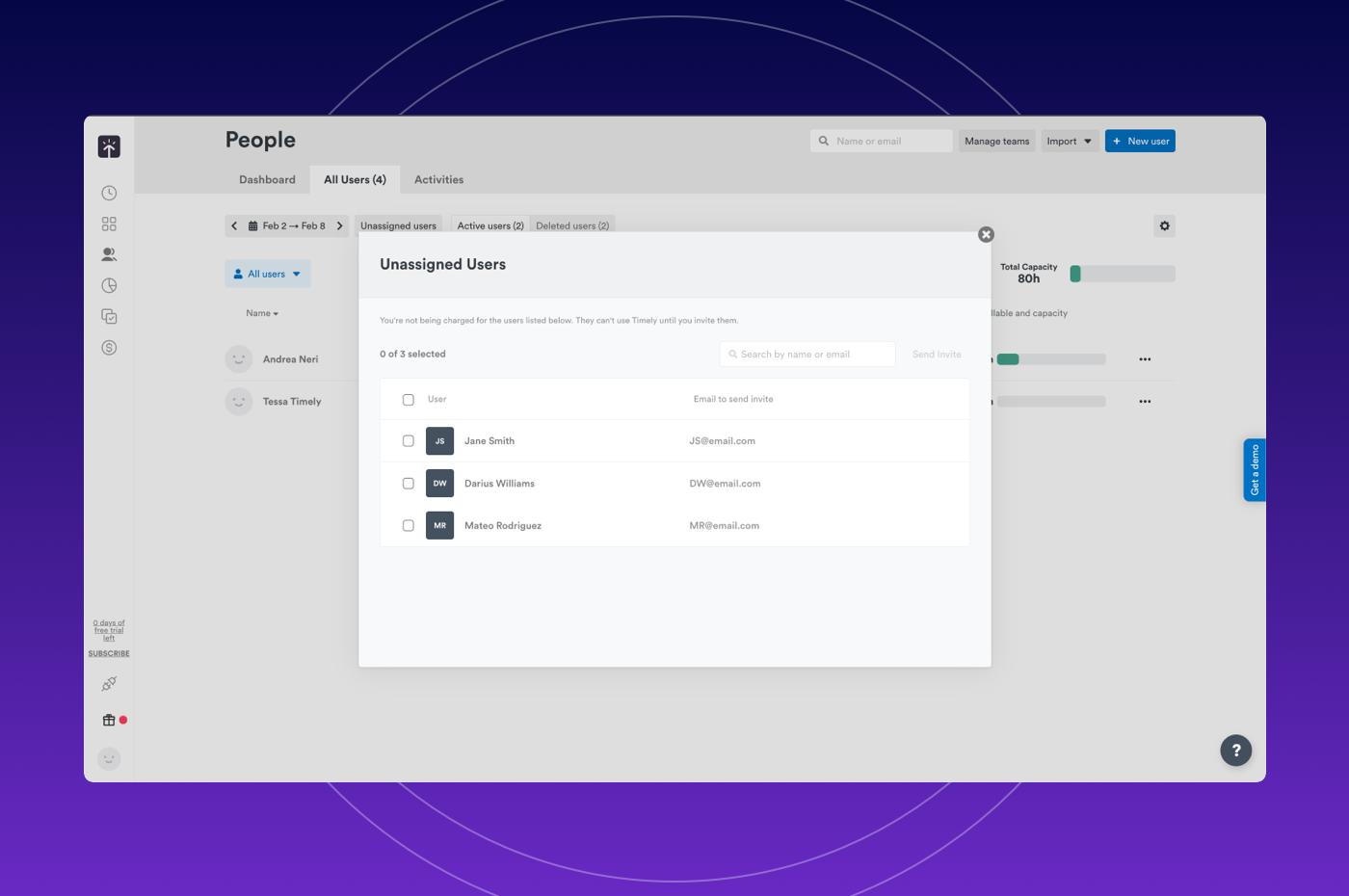
  • User invitation validation — Resolved an issue where inviting users with invalid or cross-account role assignments caused unexpected errors.

Better Claude and Codex support in Memory.app

Memory.app for Mac now tracks Claude and Codex with full titles and metadata

We just rolled out a new version of Memory.app that greatly improves tracking for AI tools. Until now, time spent in Claude or Codex tools showed up in your timeline as a generic “Claude” or “Codex” entries — fine for knowing that you used the app, useless for knowing what you worked on. That also meant Timely’s AI had very little to go on when predicting which project an entry belonged to.

This release fixes that.

Better titles for Codex and Claude (Chat, Cowork, Code)

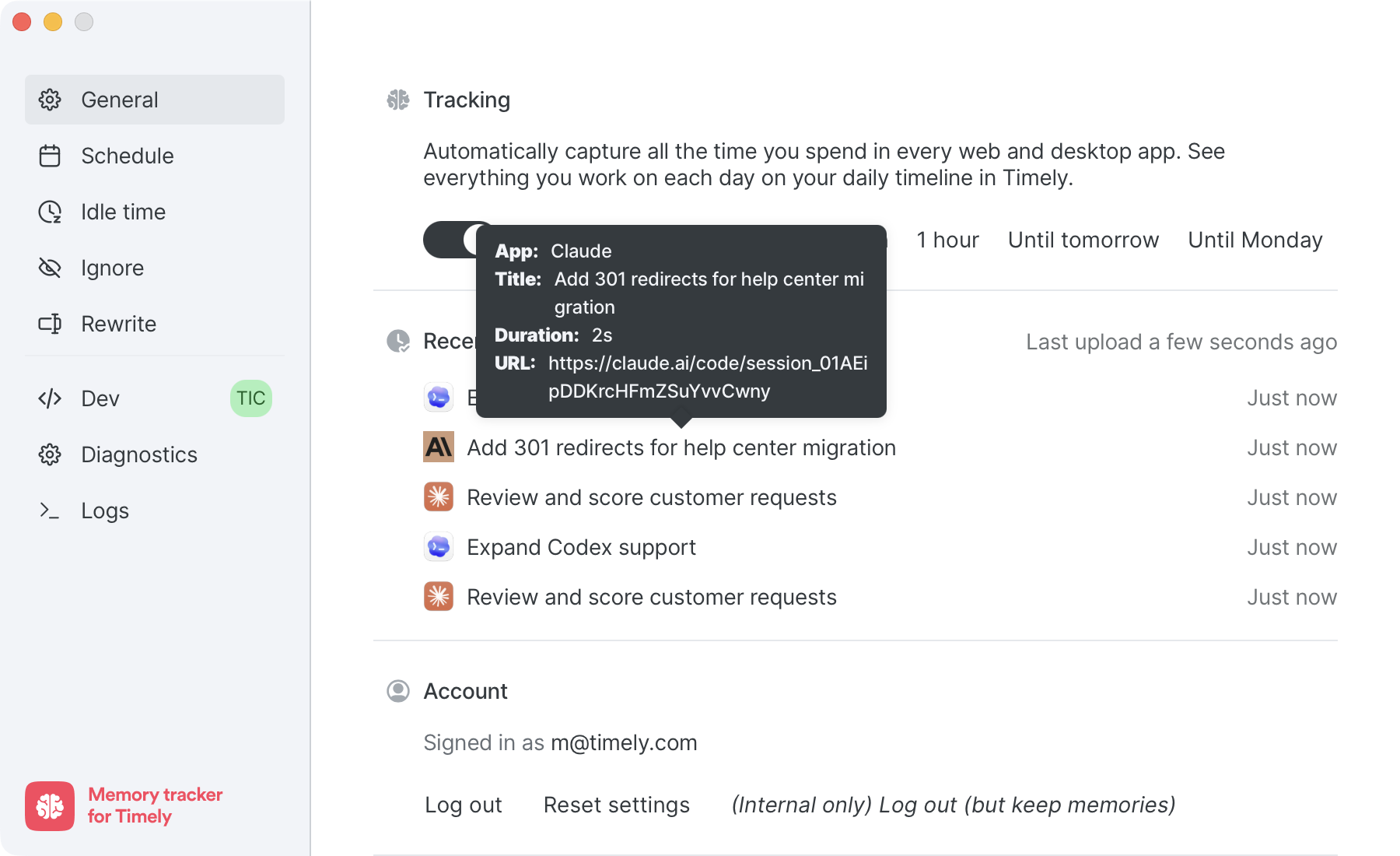
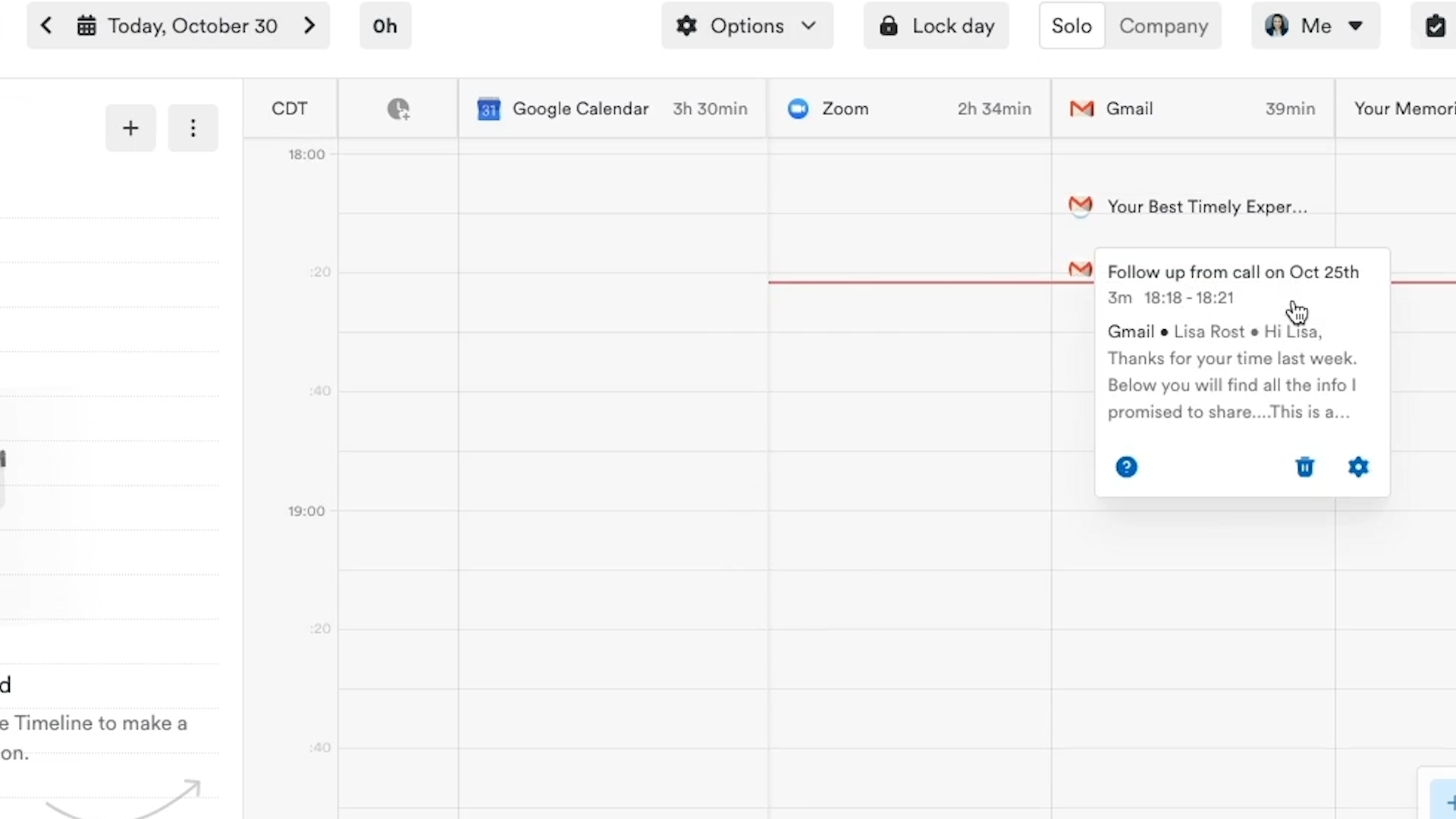
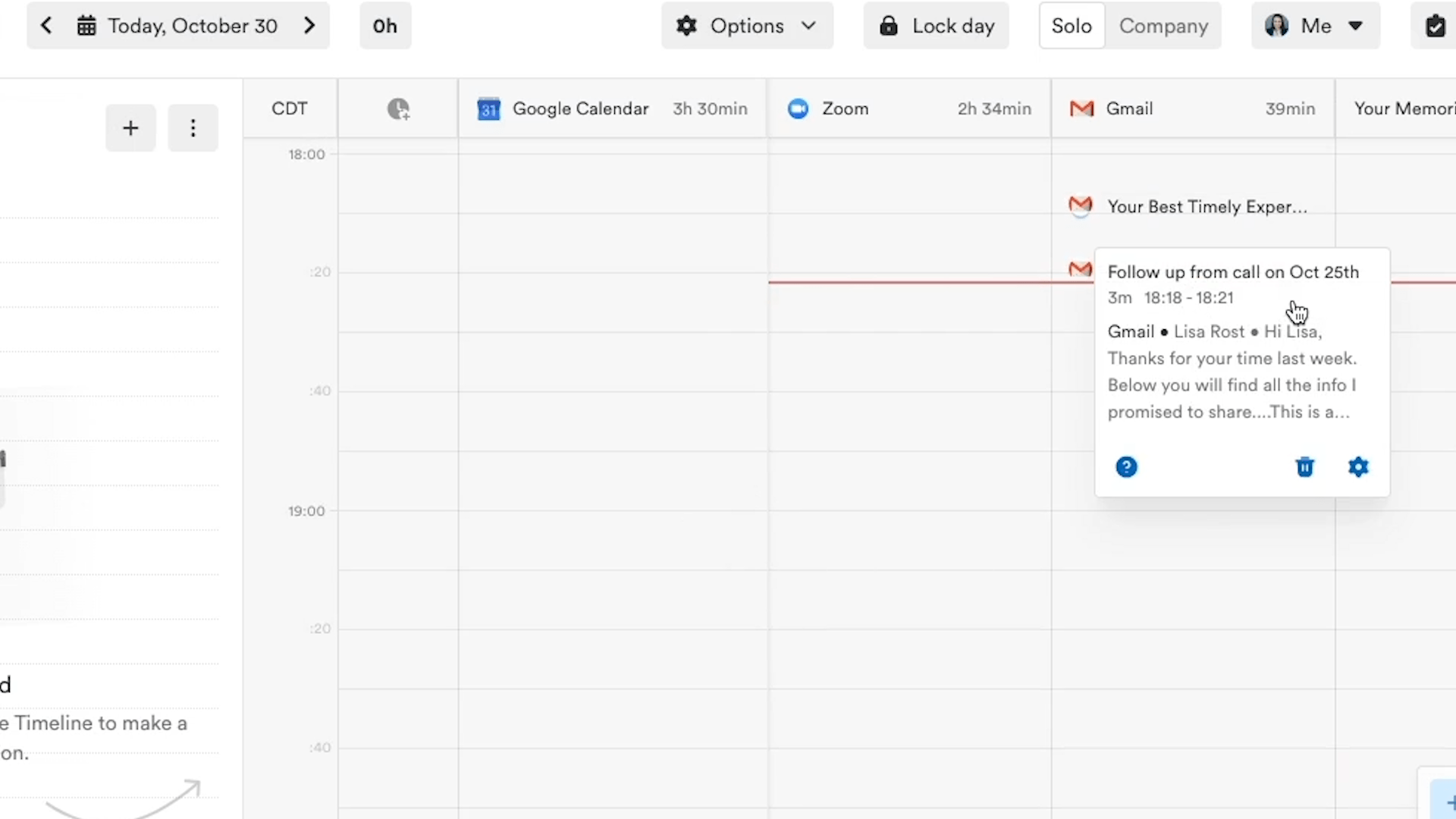
Memory.app now reads the real window title from Codex and from Claude Chat, Claude Cowork, and Claude Code, and attaches the URL when there is one. Instead of a generic “Claude” or “Codex” entry, you’ll see what you were actually doing — like “Add 301 redirects for help center migration” — alongside the session URL. If you split your day between Codex and Claude Code, both will now appear in your timeline with the context you need to log them correctly.

Two things get better as a result:

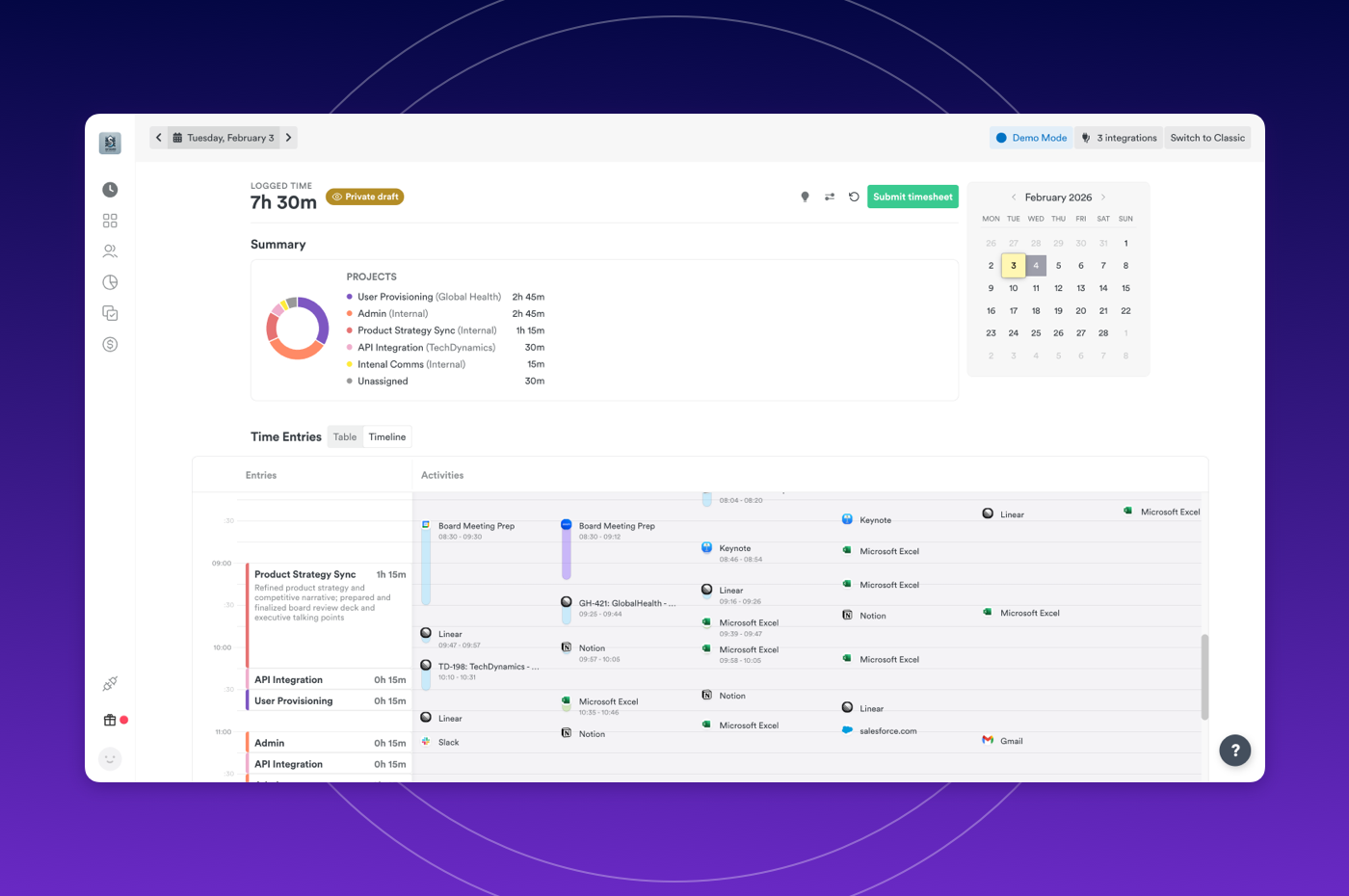
  • Your timeline tells the truth. When you review your day in AutoSheet or Classic, you can see the specific tasks you worked on inside each AI session, not just the app name.
  • Timely’s AI has real signal to work with. Project, note, tag and linked work predictions get noticeably more accurate, because the model finally knows what each AI session was about.

Memory.app capturing AI window titles, durations, and URLs in the General settings panel

Coming soon

  • ChatGPT Desktop — same treatment for ChatGPT’s desktop app.
  • Windows build — this release is Mac-only. A Windows version of Memory.app with the same AI tracking is on the way.

How to update

Memory.app updates automatically, so most people will pick this up without doing anything. If you want to grab it now, open Memory.app from your menu bar, scroll down on the General tab, and click Check for updates.

In-app feedback, faster AI memory tracking, and more

New Features

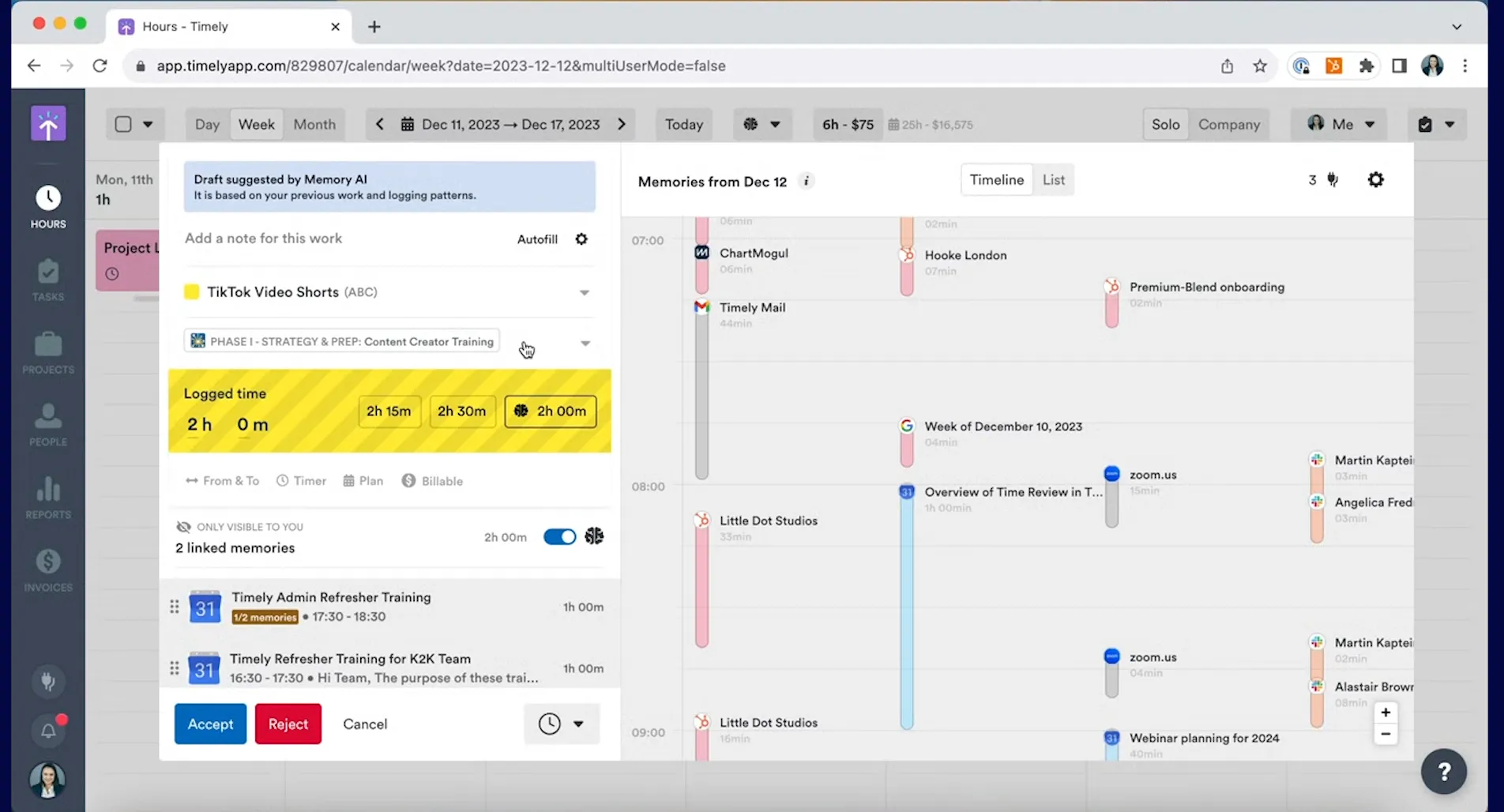
  • Faster, even more reliable AI memory tracking AI memory tracking is now significantly faster and more reliable. Activities are captured and processed in real time, so your timesheet data stays accurate and up to date with less effort on your part.

Improvements

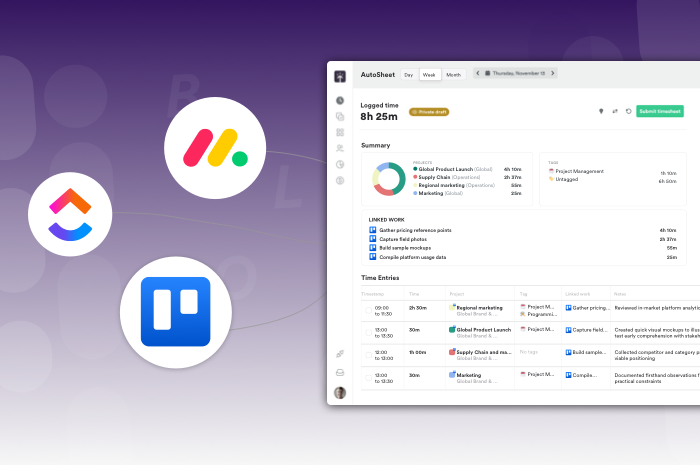
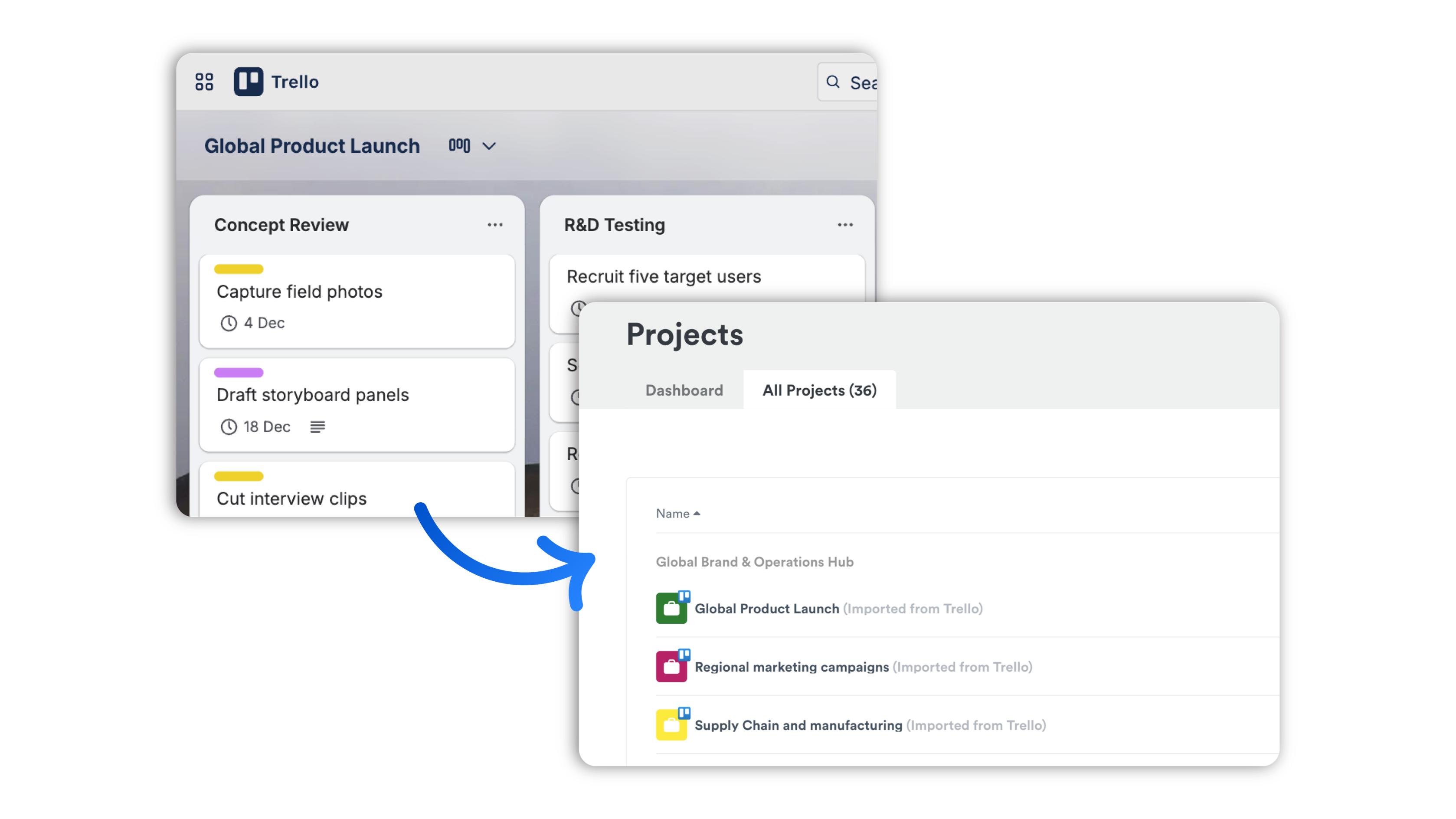
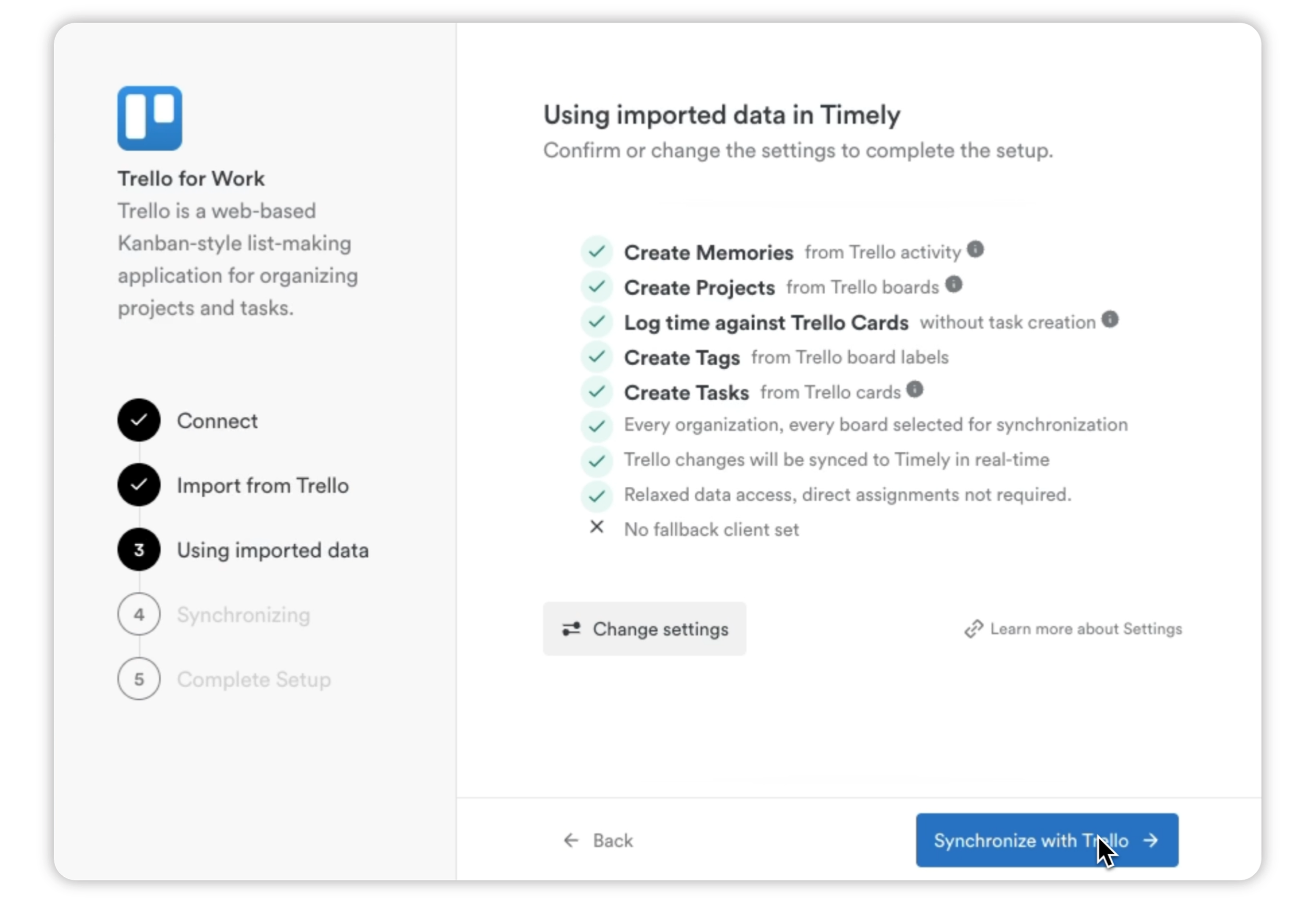
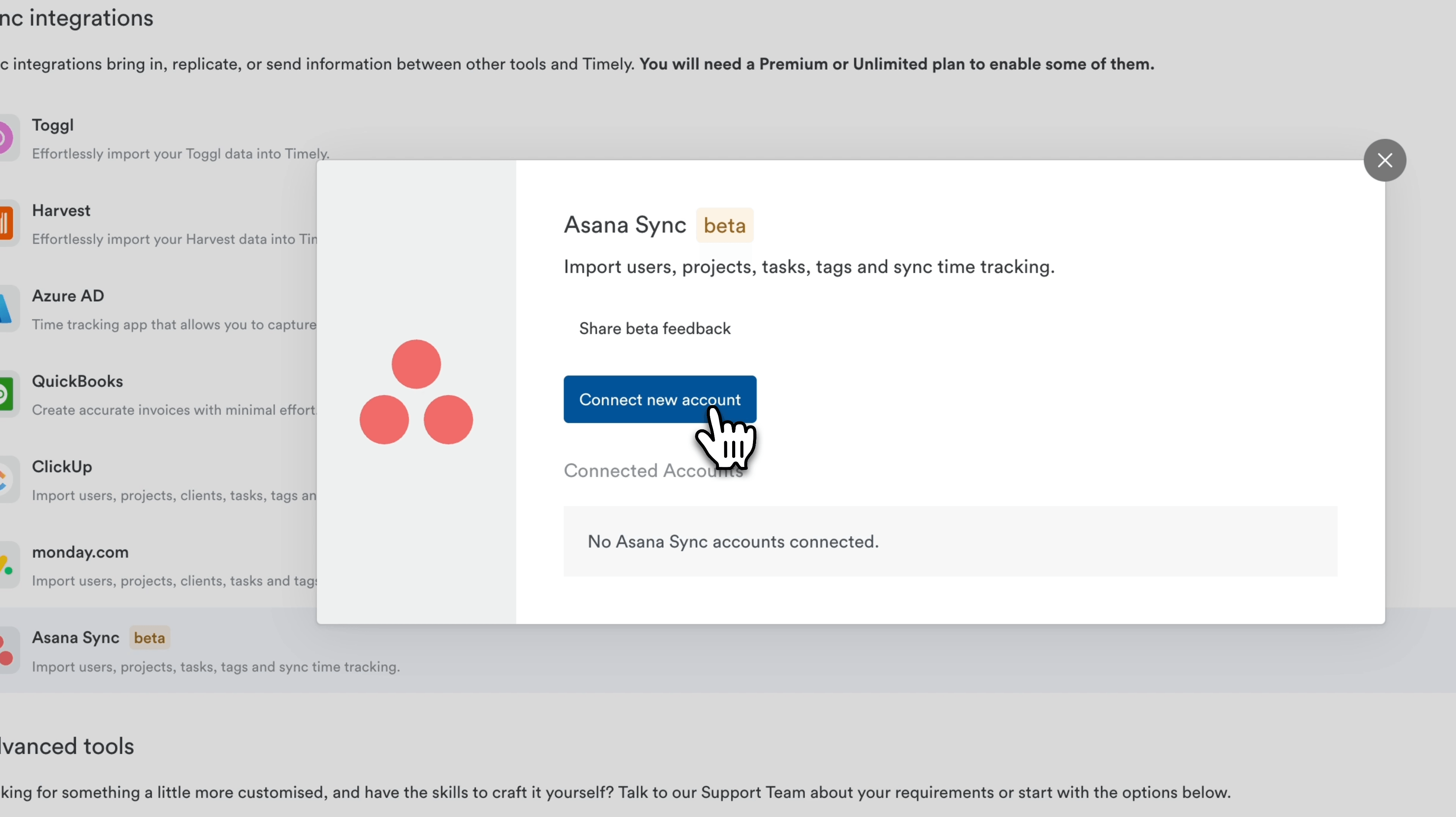
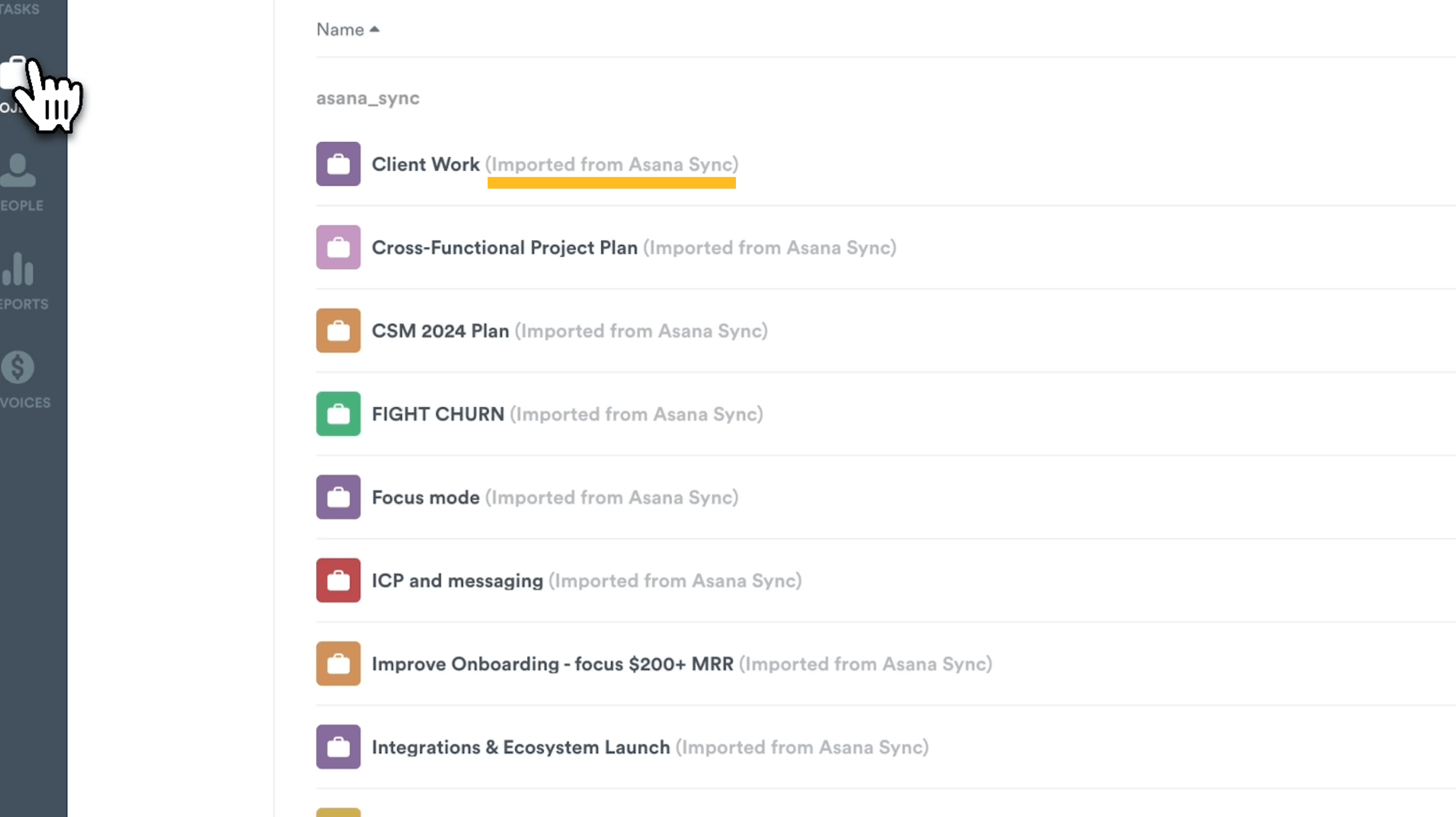
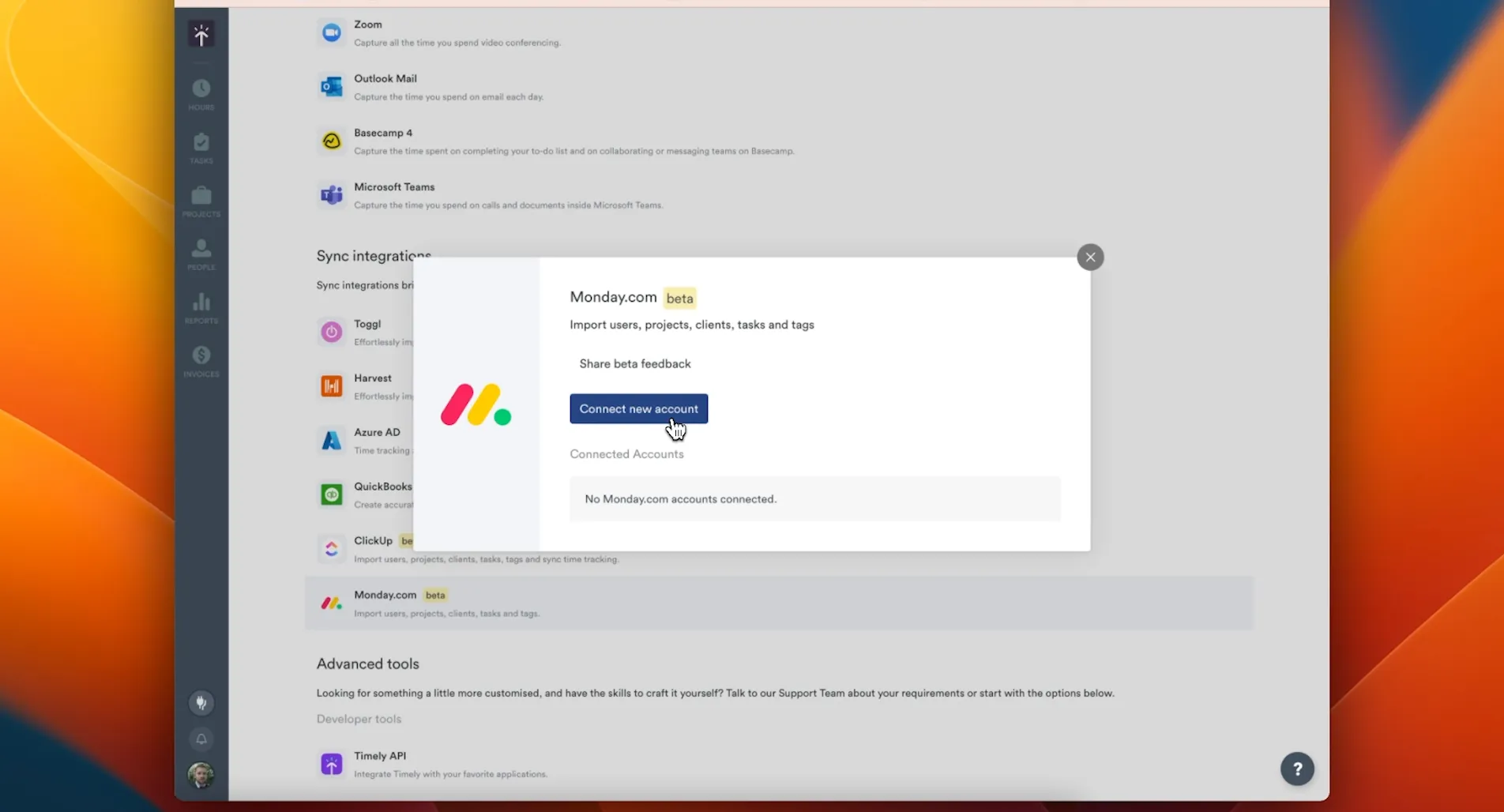
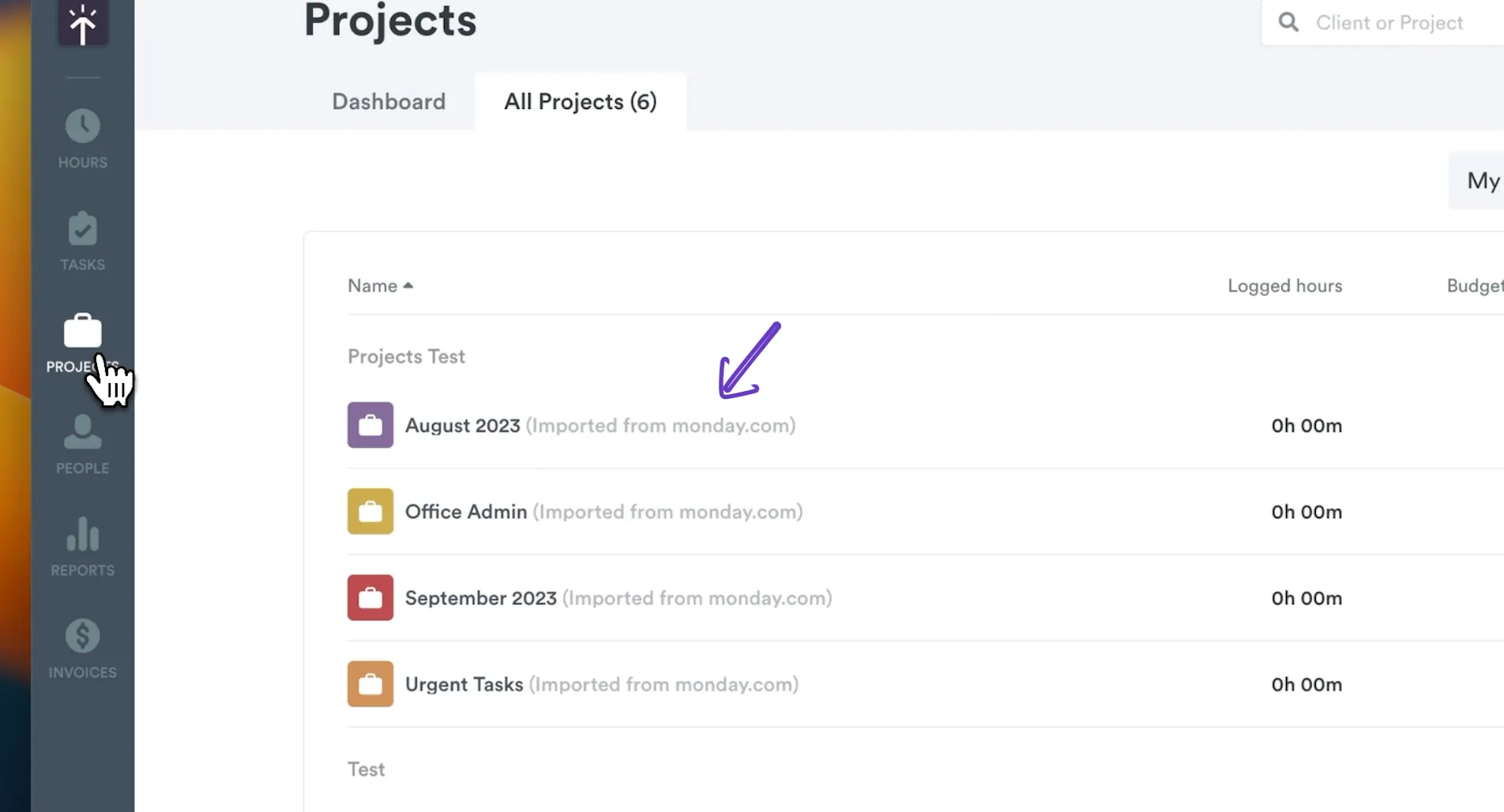
  • Next-gen integrations now front and centre ClickUp, Asana, Trello, and monday.com now appear directly in the Import dropdown and integrations page. When a next-gen version of an integration is available, the legacy version is automatically hidden — keeping your workspace clean and your setup current.
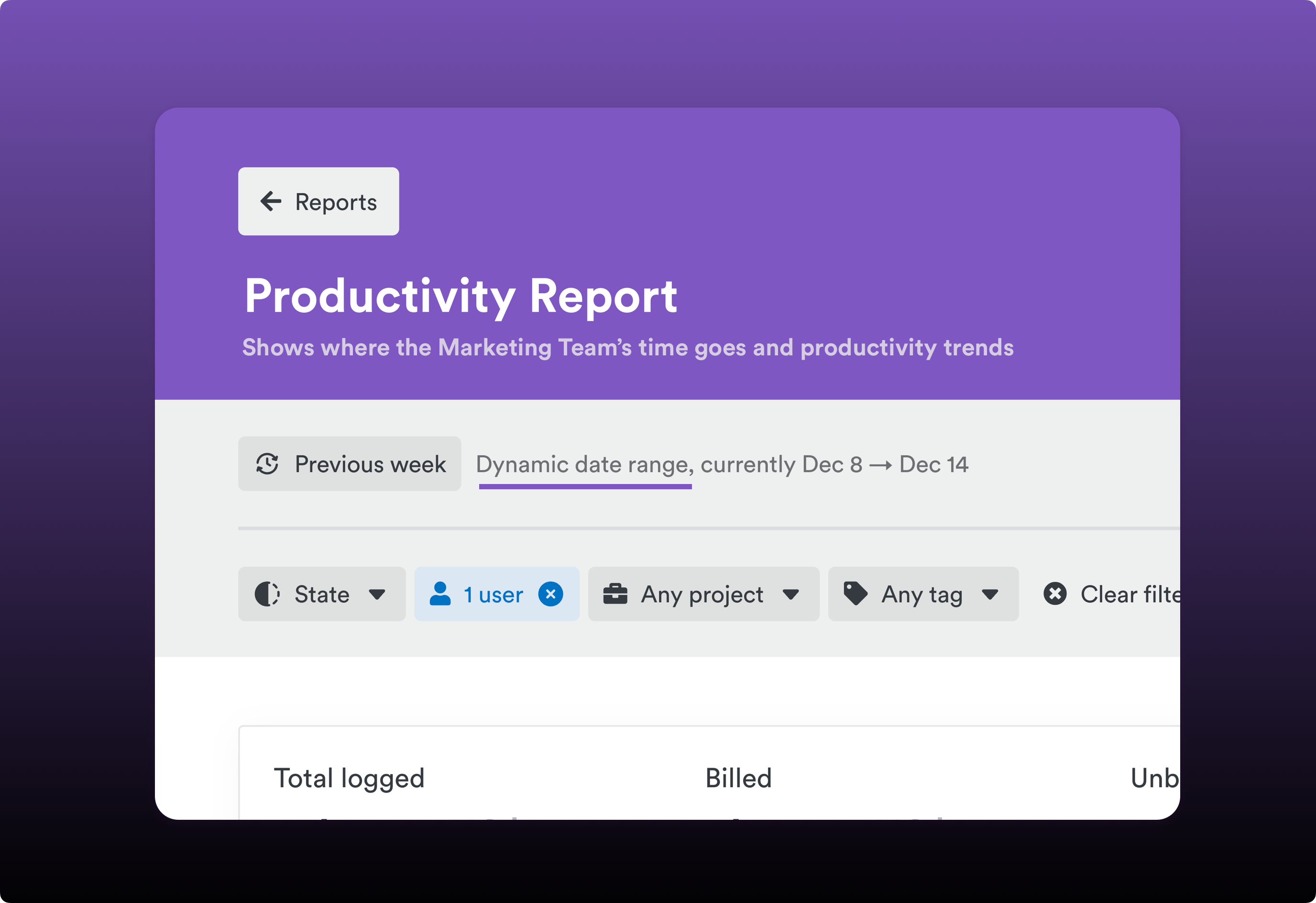
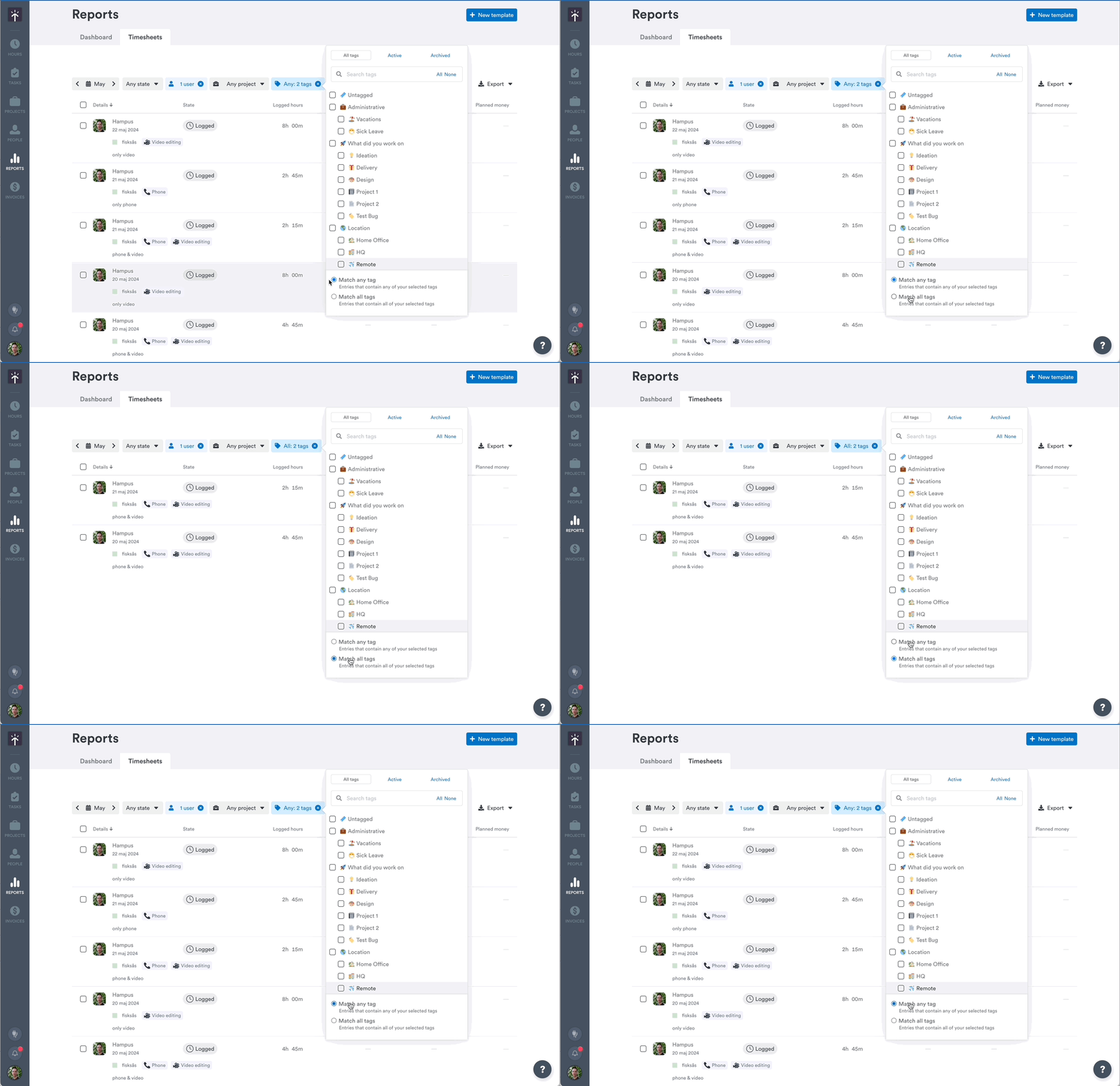
  • More accurate tag filtering in exported reports Reports exported with “ALL tags” filters now correctly include hours logged against parent tags when child tags are selected. No more data mismatches between what you see on screen and what lands in your export.
  • Bulk project imports handle tag hierarchies automatically When importing projects via CSV, parent labels are now added automatically when a child label is referenced. Fewer validation errors, smoother bulk operations.

Bug Fixes

  • Tag filter timeouts fixed Reports using tag filters with parent labels or the “Untagged” option were timing out. This is now fixed — filters apply quickly and reliably.
  • New integration projects default to non-billable correctly Projects created from ClickUp, Asana, Trello, and Monday integrations now correctly default to non-billable when no rate information is provided, matching the billing behaviour you’d expect.

Inline project creation and even smarter integrations

New Features

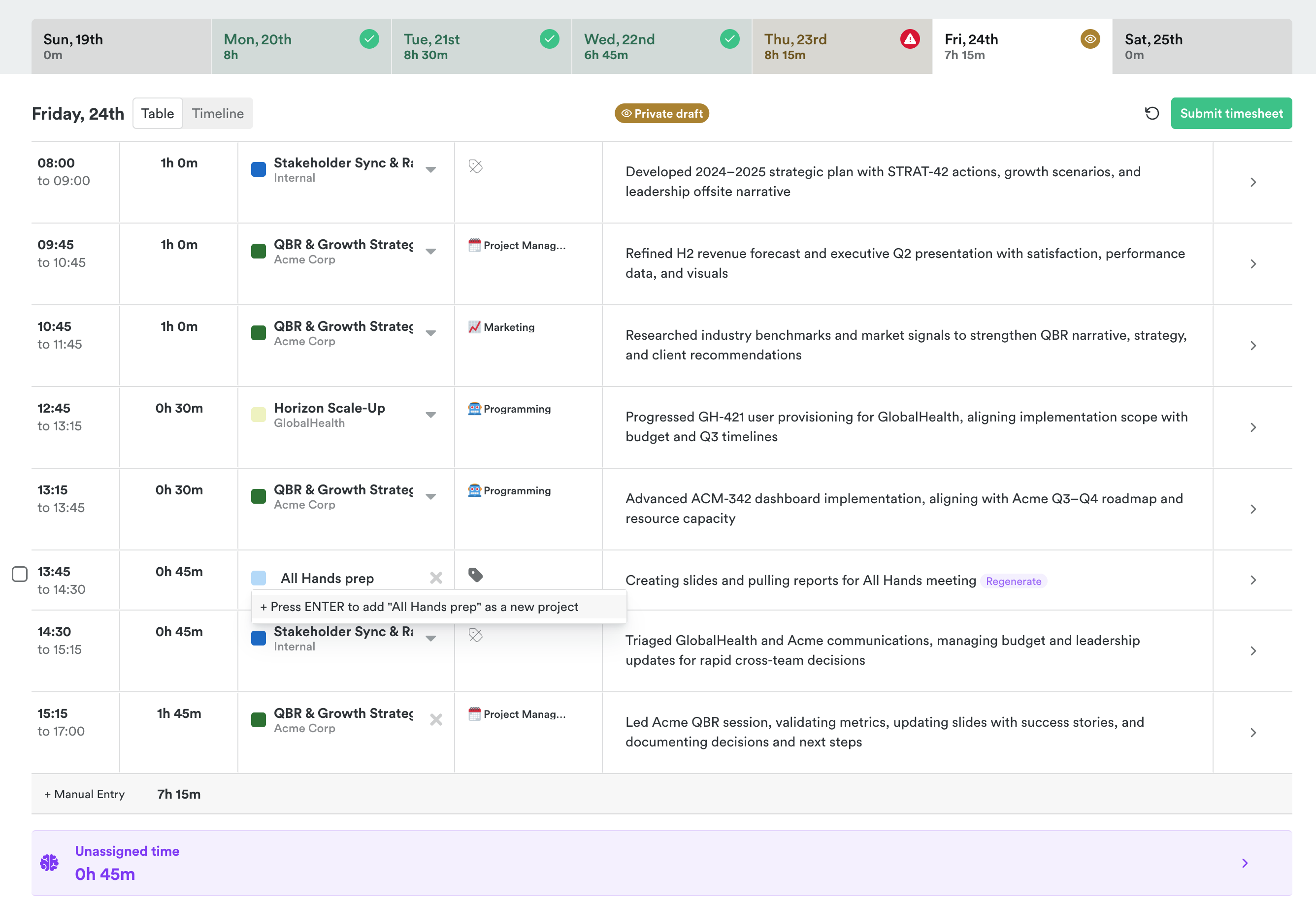
Inline project creation in AutoSheet

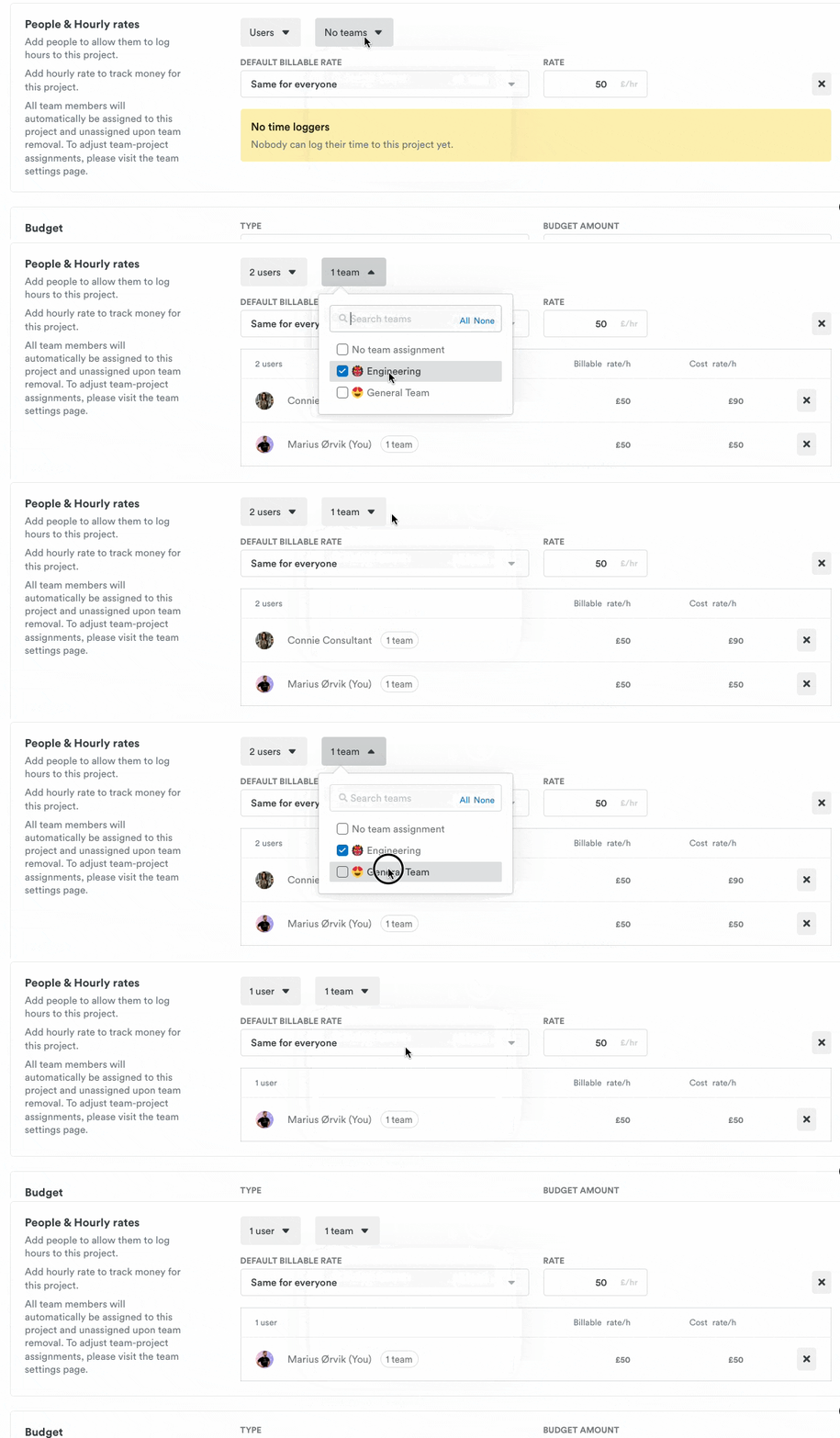
  • Create projects from AutoSheet — Admins can now create a new project directly from the AutoSheet page, without navigating away mid-task.

Improvements

  • AI project suggestion formatting — Project suggestions have been refined with improved formatting guidelines, so recommendations are easier to read and more actionable.
  • OAuth token auto-refresh — Integration connections now automatically refresh expired OAuth tokens during long-running operations, preventing workflow stalls due to authentication timeouts.

Bug Fixes

  • Zoom webhook authentication — Fixed webhook processing by supporting both legacy and modern signature verification methods.
  • Reports money columns — Fixed crashes when users with hidden rates add money columns to timesheet reports.

Smarter integrations, faster answers, and even more reliable reports

New Features

  • Help center — Find answers faster with a fully integrated help center at /help/, featuring smart search and organized sections — all without leaving the app.
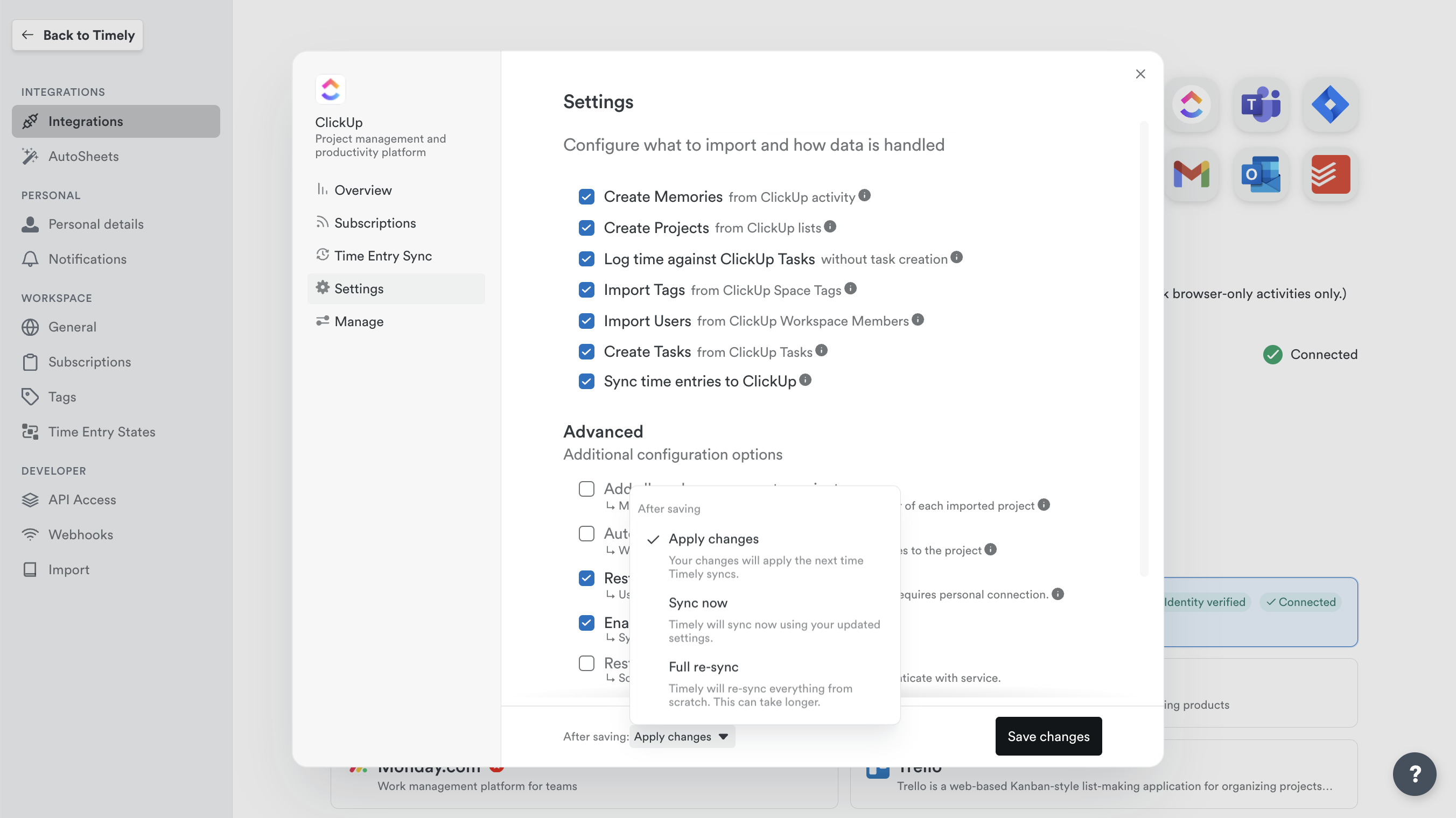
  • Integration connection settings — Workspace admins can now update import and sync preferences on the fly from Connection Manager, without having to redo the entire setup process. Choose to apply changes immediately, trigger a fresh sync, or do a full re-sync — all in just a few clicks.

Integrations configuration

Improvements

  • Integration duplicate warnings — Workspace admins are now alerted in-app when two versions of the same integration are running at the same time, helping prevent duplicate data and sync conflicts before they cause problems.
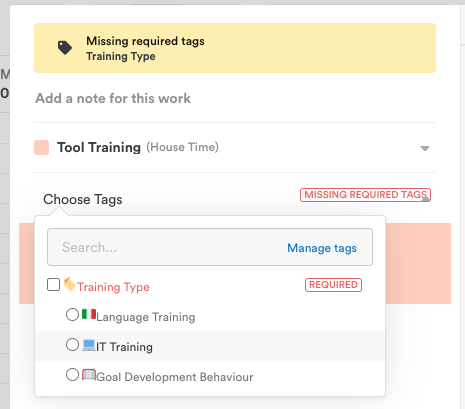
  • Tag validation — AutoSheet now reliably handles entries where AI-suggested tags no longer apply, so you can edit and submit them without hitting unexpected errors.
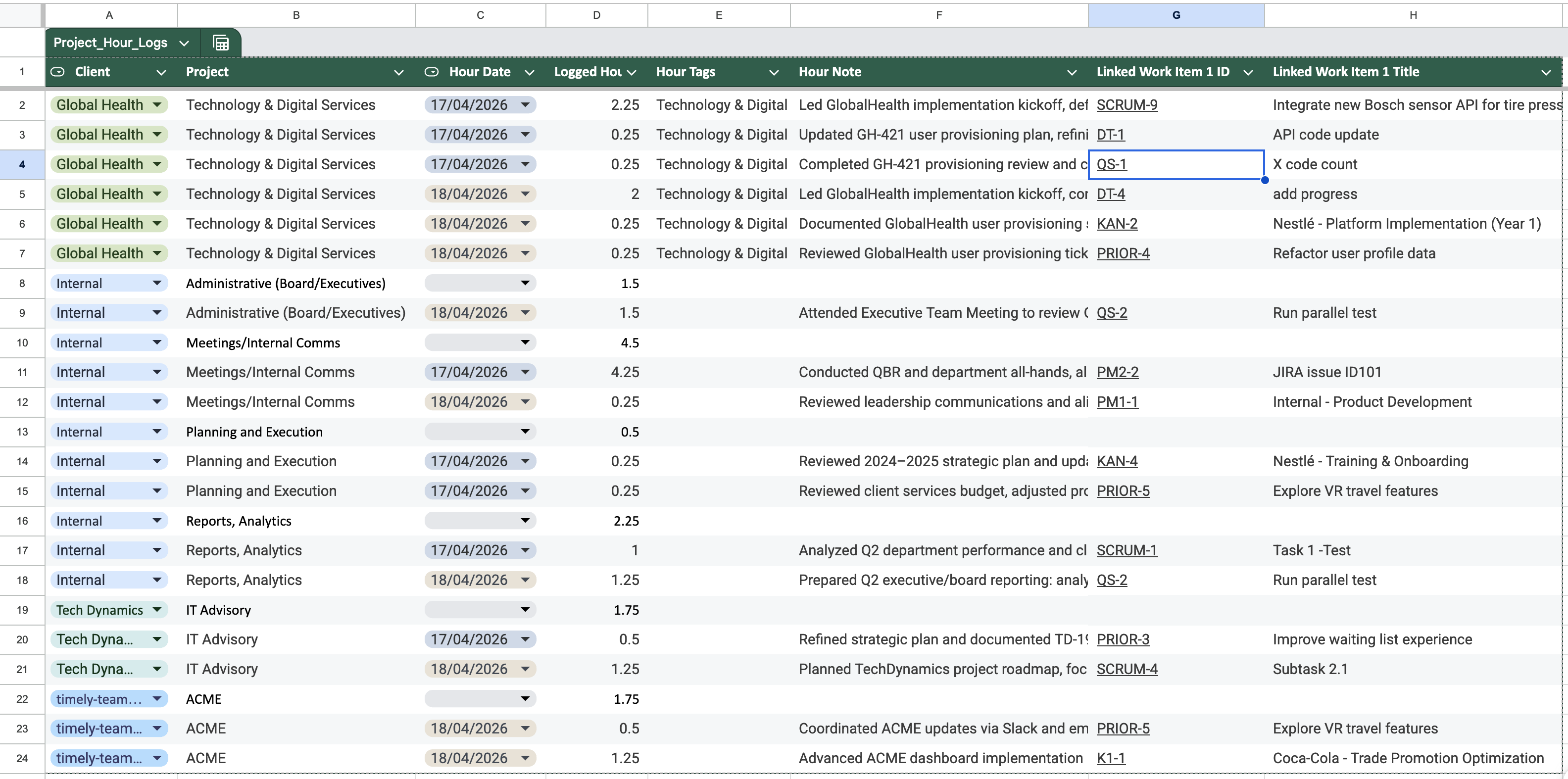
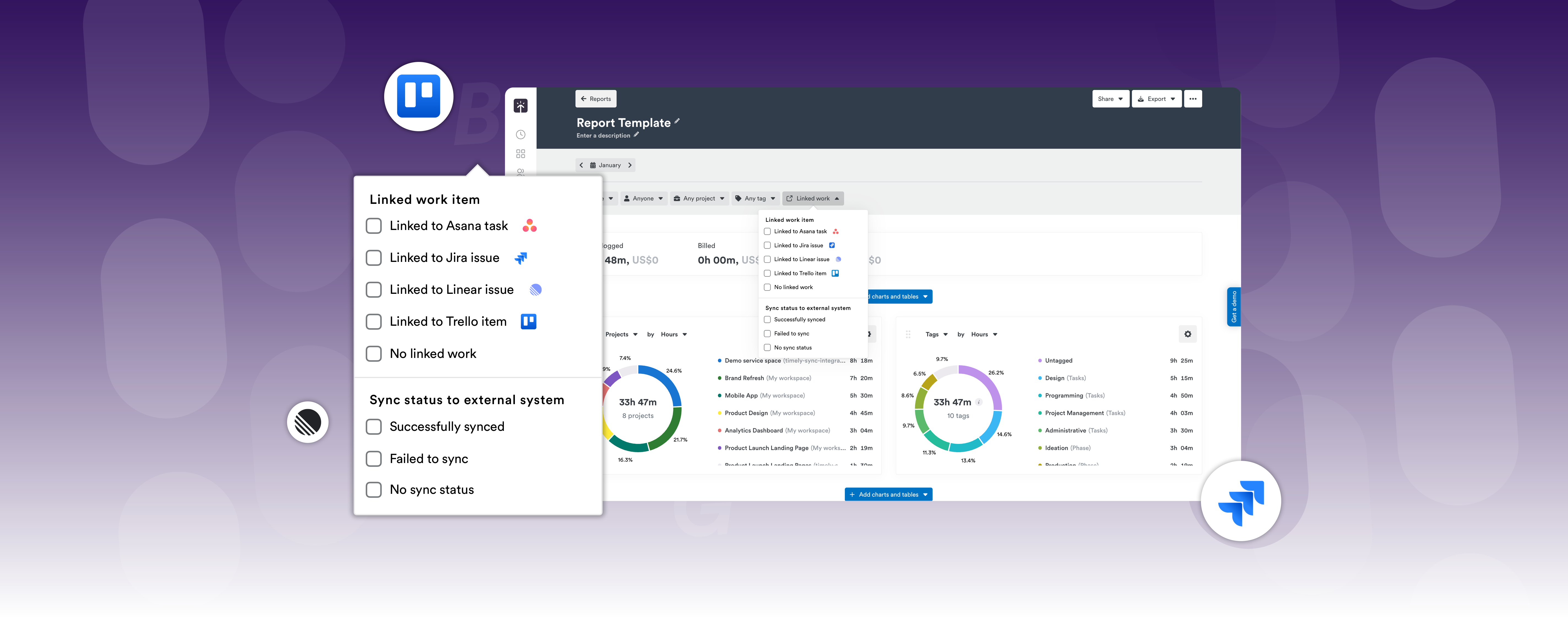
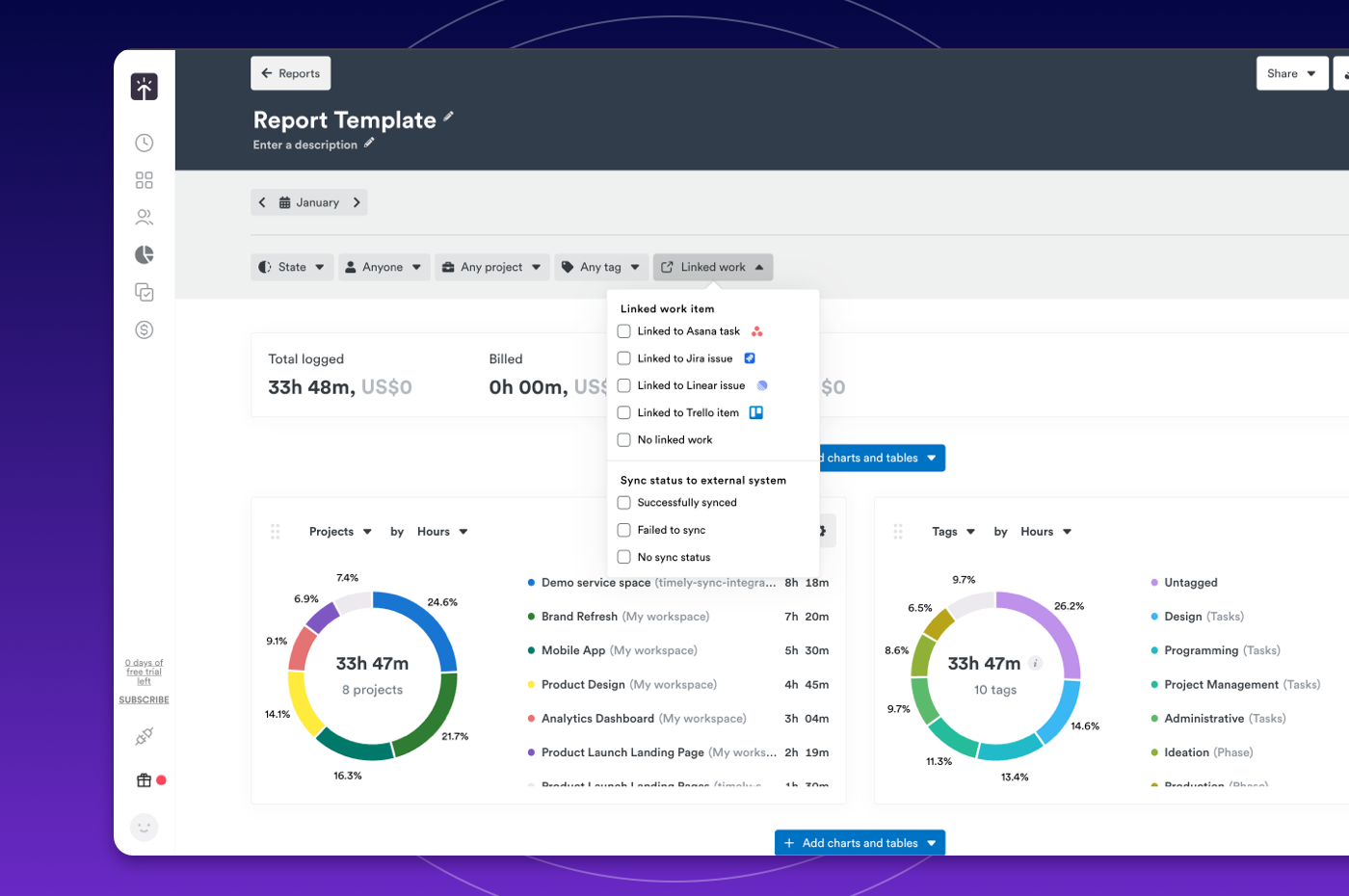
  • Report exports — Linked work items from integrations now export as clickable links in Excel and plain URLs in CSV files, making it easier to share reports with clients without losing important references.

Reports Export

Bug Fixes

  • Report performance — Large reports now load significantly faster and no longer time out, so you can run and share reports without frustrating delays.
  • Integration sync — Fixed an issue where tasks, tags, and labels from connected tools weren’t syncing correctly, ensuring your integrations are now fully up to date.

Tag filter tweaks and performance improvements

New Features

  • Native changelog experience — Release history is now available at https://www.timely.com/changelog/ with a fresh new look.
  • Linked work item metadata — You can now get richer details about your linked tasks and projects — like their name, current status, and reference code — directly alongside your hours data.

Improvements

  • Website performance optimization — Pages load faster than ever — we’ve optimized our website even further so visitors spend less time waiting.
  • Tasks reporting accuracy — Your logged hours now appear correctly the moment you open the page — no more seeing 0h and having to navigate away just to get accurate data.

Bug Fixes

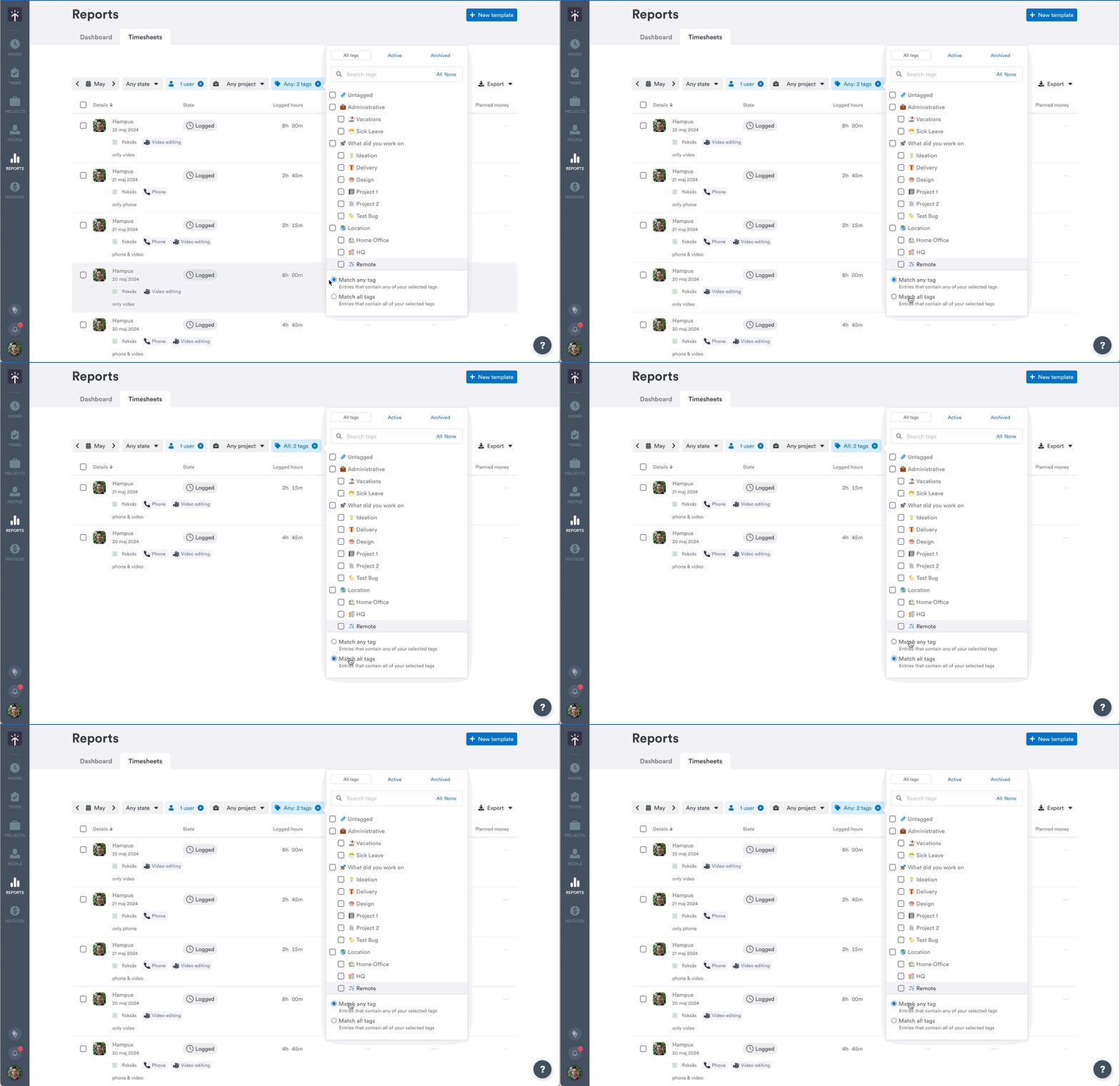
  • Tag filter functionality — Filtering by “Match all tags” now works reliably on large accounts so you can quickly find exactly what you’re looking for without running into slow load times or empty results.
  • Tag column visibility — Hiding the Tags column in custom reports now works exactly as expected — tags are fully removed from every row, including expanded hour details, giving you a cleaner, clutter-free view.
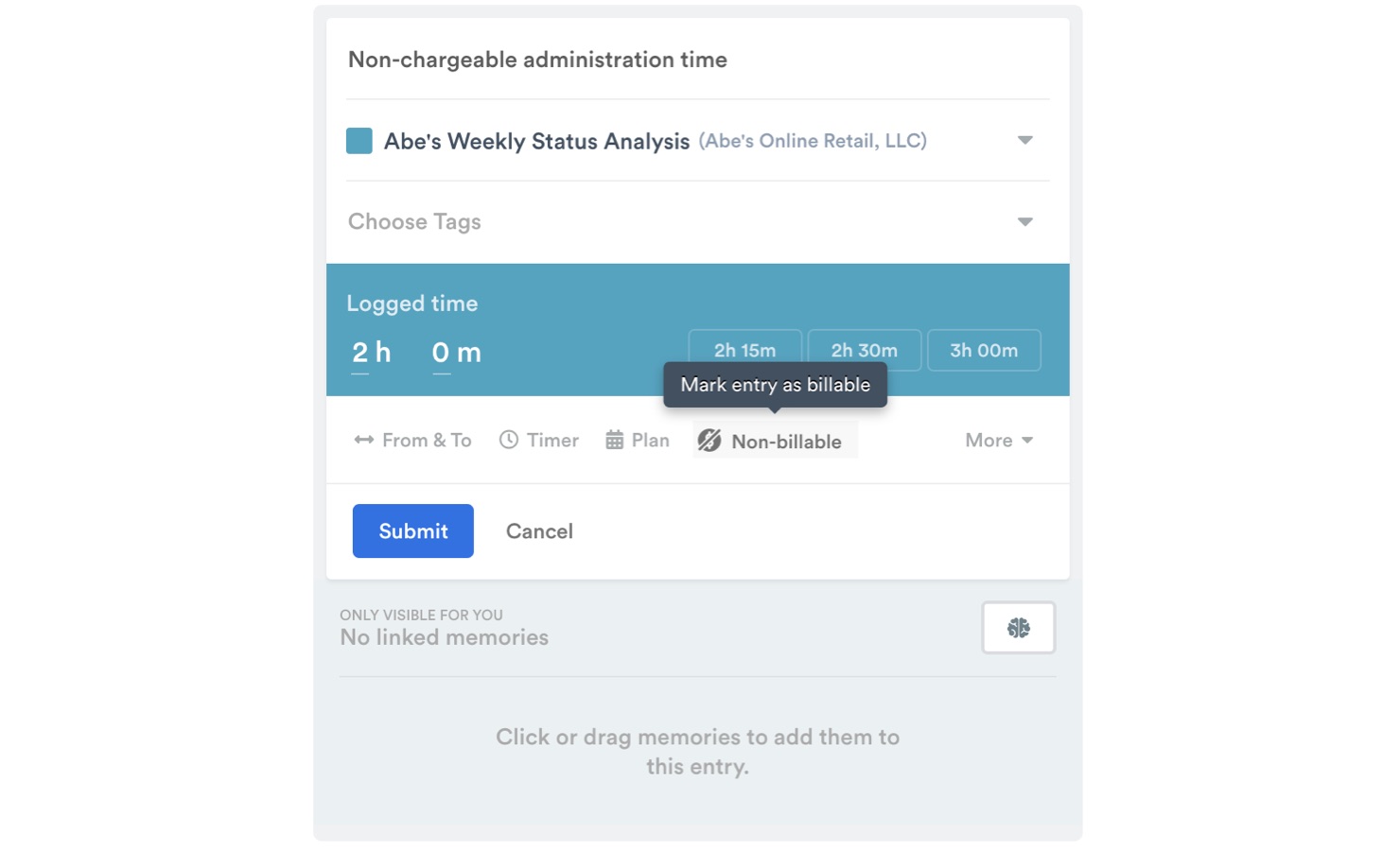
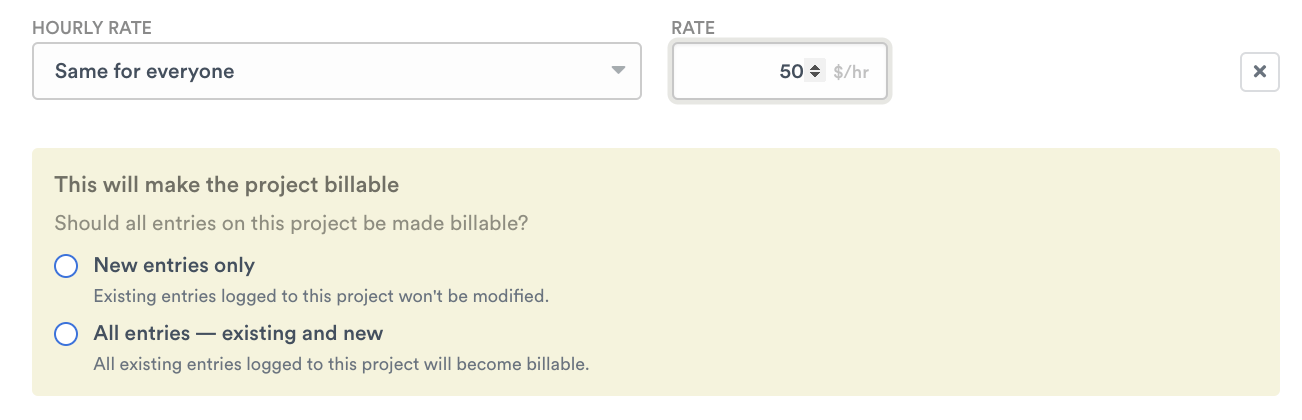
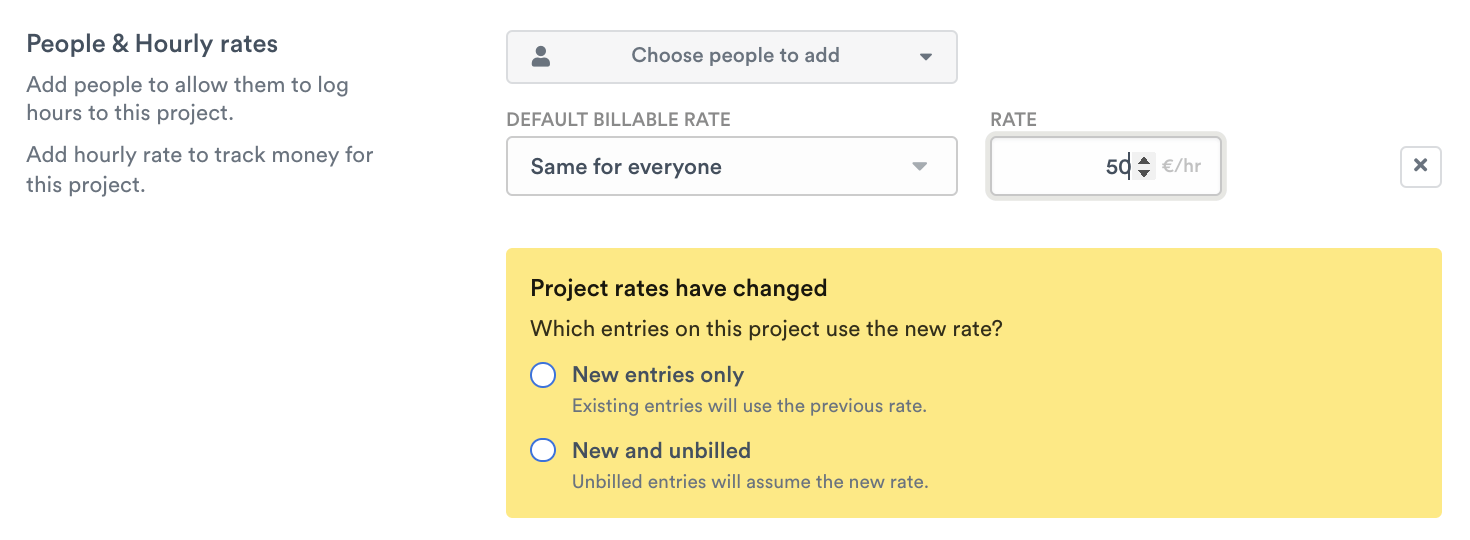
  • Project billable settings — When switching a project to non-billable with “new entries only,” your existing entries keep their original billable status — so your historical data stays accurate and nothing gets changed unexpectedly.
  • Report widget stability — Your report widgets are now more resilient — if a network hiccup occurs, widgets recover gracefully with improved retry handling, so you’re less likely to see missing data or run into export issues.
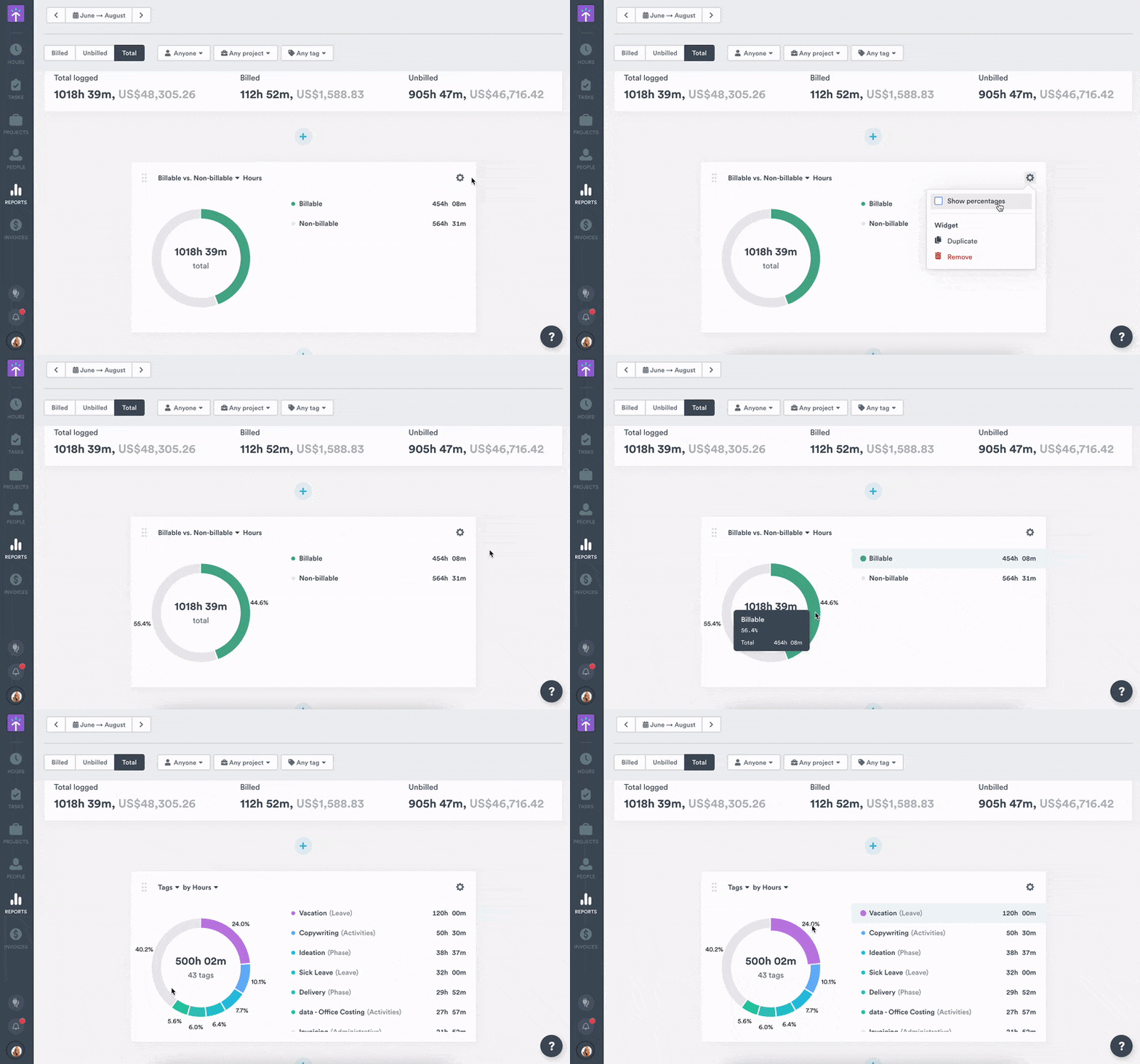
  • Tag widget ghost rows — Tag widgets now display cleanly when using the All Tags filter — no more mysterious empty rows cluttering your view.

ClickUp tag syncing improvements, faster reports, and more accurate billing

Improvements

  • ClickUp tag syncing — Tags now sync reliably by importing missing labels before task import and normalizing tag names to prevent sync failures. Projects maintain proper tag visibility settings across syncs.
  • Weekly report performance — Reduced load times for large accounts when loading weekly data on the Clients & Projects page, delivering a significantly faster and smoother experience. 

Bug Fixes

  • AutoSheet draft billing status — Entries created from AutoSheet drafts now correctly inherit the project’s billable status.
  • Linked work loading — Resolved an issue where some Jira-linked time entries would get stuck loading in the hour editor. These now display a clear fallback label, so you can continue working without interruption.
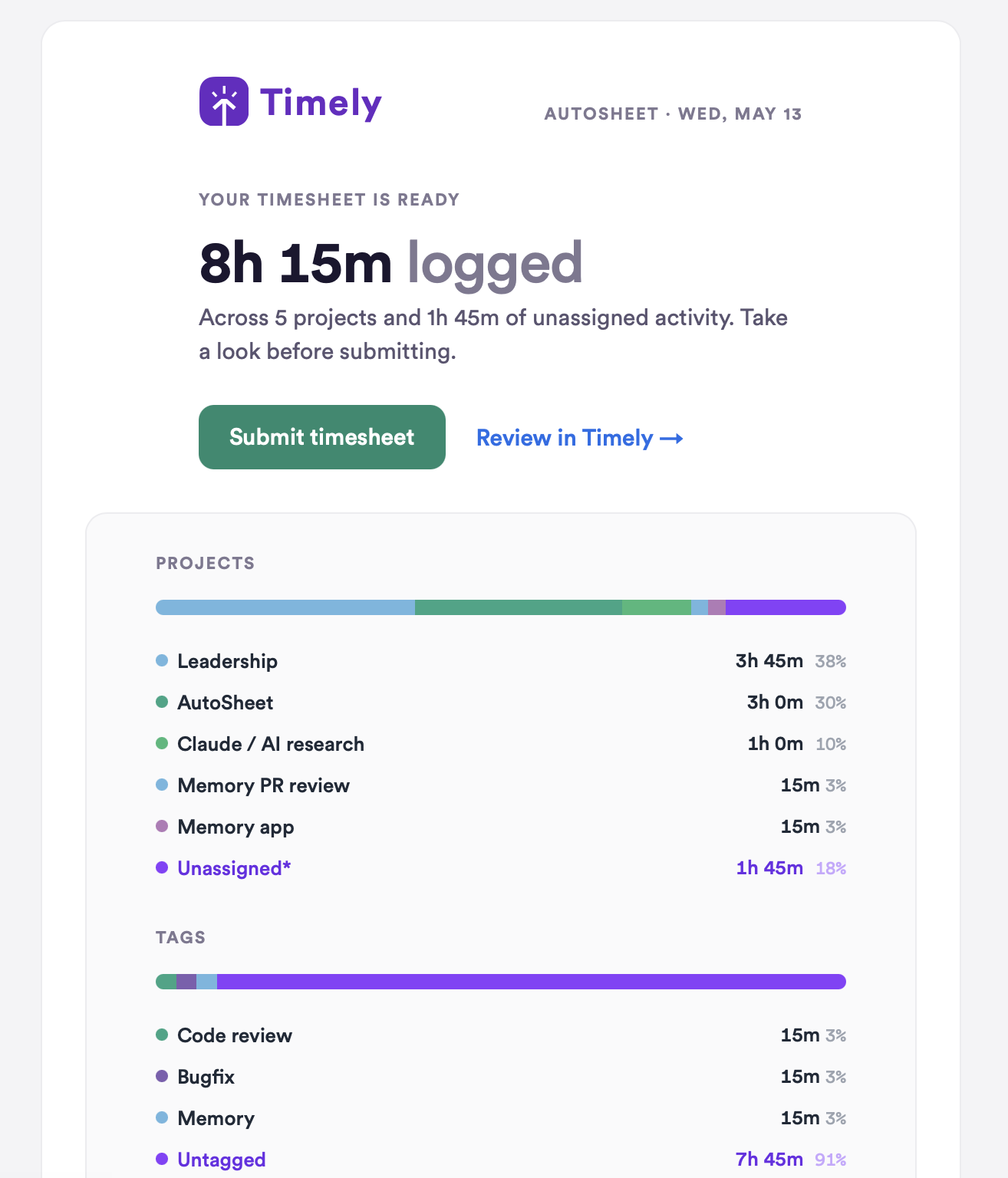
  • Timesheet email delivery — Fixed an issue that prevented some users from receiving “Your timesheet is ready to review” emails, ensuring notifications are now delivered reliably.

Reports performance improvements, API docs fixes, and UI enhancements

New Features

  • Tasks report CSV export — Export filtered task data with analytics (estimated, logged, remaining hours) directly from the Tasks Report tab.
  • Unassigned time tracking in analytics — View logged time that isn’t assigned to any forecast task, grouped by project, user, and client in the analytics view.

Improvements

  • Reports performance for large accounts — Significantly faster report loading by eliminating redundant database scans and optimizing query patterns for accounts with high data volume.
  • Memory deletion process — Event-driven finalization replaces polling for more reliable data deletion, with optimized S3 performance for large datasets.
  • Provider setup interface — Corrected card radio button colors and sizing in dark mode for better visual consistency.

Bug Fixes

  • API documentation authentication — Fixed cross-subdomain auth failures and token exchange issues in the OpenAPI documentation.
  • Reports timeout handling — MySQL timeout errors now return structured error messages instead of raw 500 errors, with guidance to narrow dates ranges.
  • Time format updates — Personal details time format setting now saves correctly when changed from 24-hour to 12-hour format.
  • Memory deletion requests — Users can now submit new deletion requests while previous ones are pending by automatically canceling the old request.
  • Bulk task creation — Fixed incorrect “user not a member” errors when creating tasks for team members in cached workspaces.
  • Tag widget filtering — Dashboard tag widgets now show only sub-tags with actual hours in the filtered dataset, matching Excel export data.
  • Internal cost visibility — Cost information now properly respects the “Hide cost” permission setting for Manager users.
  • Autosheet tag selection — Tag selection in Autosheet now respects single-tag project limits, replacing existing tags instead of accumulating them.
  • Confirmation dialog visibility — “Type REMOVE to confirm” text is now visible in dark mode with proper theme-aware colors.
  • Filter visibility — Restored missing filter dropdowns in Users Dashboard and Forecast pages that were preventing data filtering.
  • Money column calculations — Report footer totals now correctly exclude non-billable entries from sum calculations.
  • Billable status accuracy — AI predictions now preserve correct billable status when accepting suggested time entries.
  • Autosheet revert functionality — Reverting accepted timesheets now properly removes the created time entries.

ClickUp integration improvements, dark mode fixes, and project filter expansion

New Features

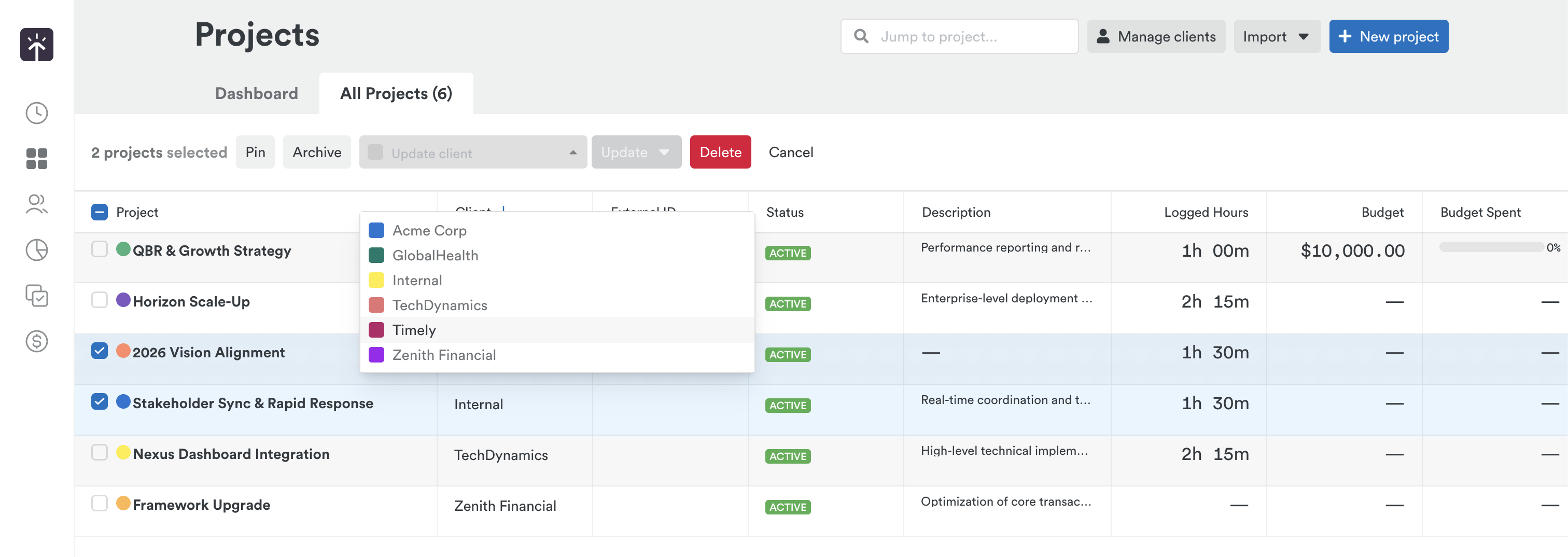
  • Project relation filters for managers — Managers can now filter projects by “Created by me”, “Assigned to me”, or “Any relation” regardless of global project permissions, not just admins.
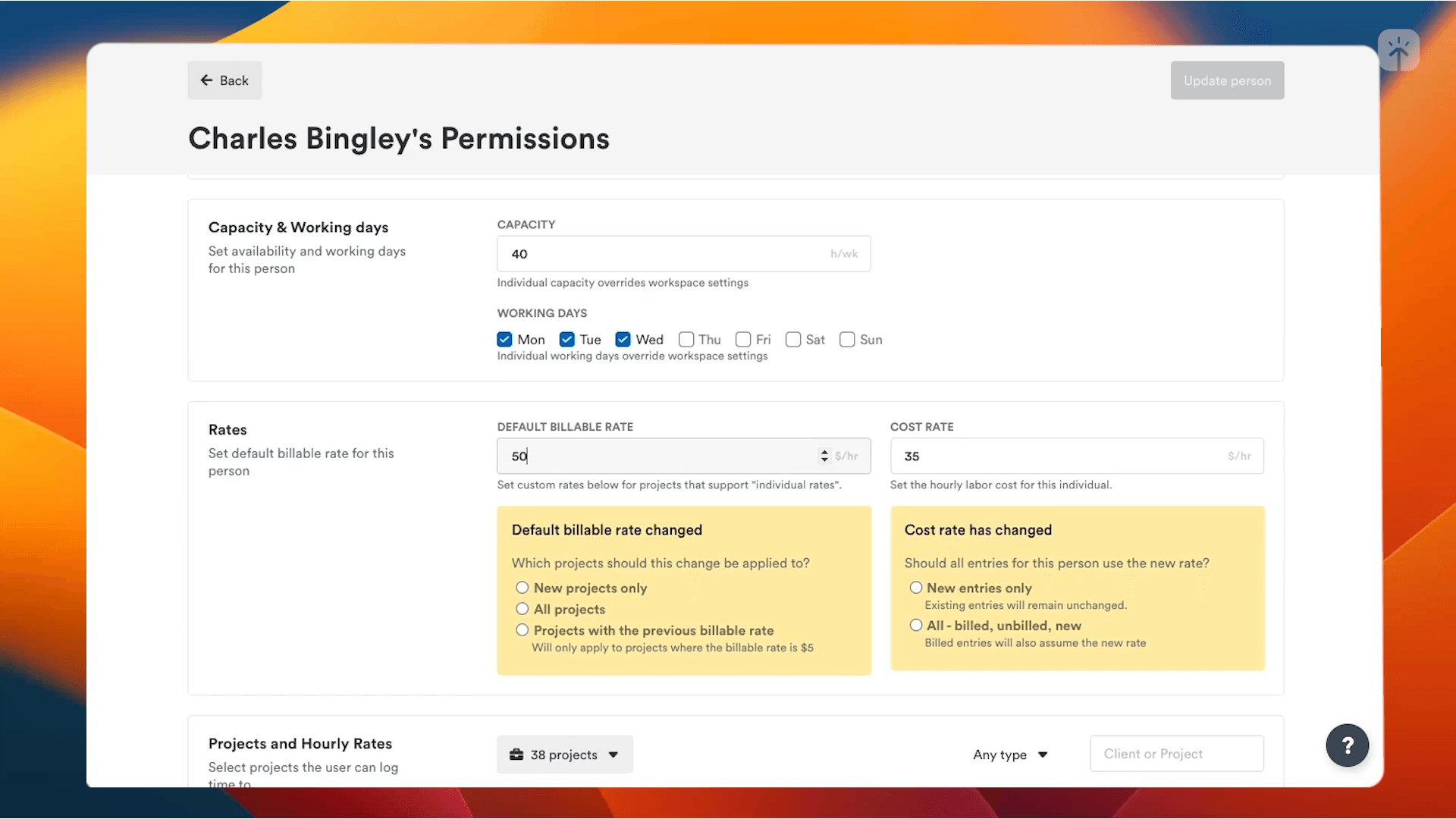
  • Custom role permissions — Admins can now configure what Managers and Employees can access from a new Permissions page in the Admin panel. Grant managers visibility across all reports or projects, give employees access to invoices, or restrict actions like project deletion — all without touching the defaults for other workspaces. Admin permissions remain unchanged, and any workspace with custom permissions is clearly flagged.

Improvements

  • ClickUp subtask synchronization — Restored real-time sync for ClickUp subtasks in both fresh imports and webhook updates, ensuring complete task hierarchies are maintained.
  • ClickUp hidden folder support — ClickUp tasks in hidden or default folders are now properly imported across all connection profiles, preventing missing work items.
  • Activity subscription management — Fixed automatic subscription and unsubscription of admins and managers to project budget progress notifications when users are added or removed from projects and teams.

Bug Fixes

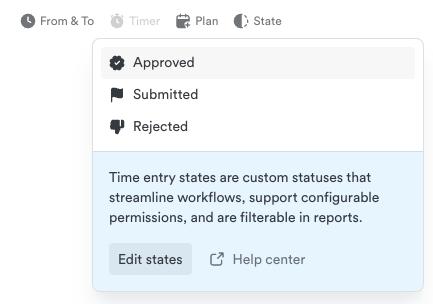
  • Dark mode display issues — Fixed contrast and visibility problems in shared reports, dropdowns, state editor, and mobile navigation when using dark mode.
  • Timer creation errors — Resolved internal server errors when starting timers from the old timeline interface for non-admin users.
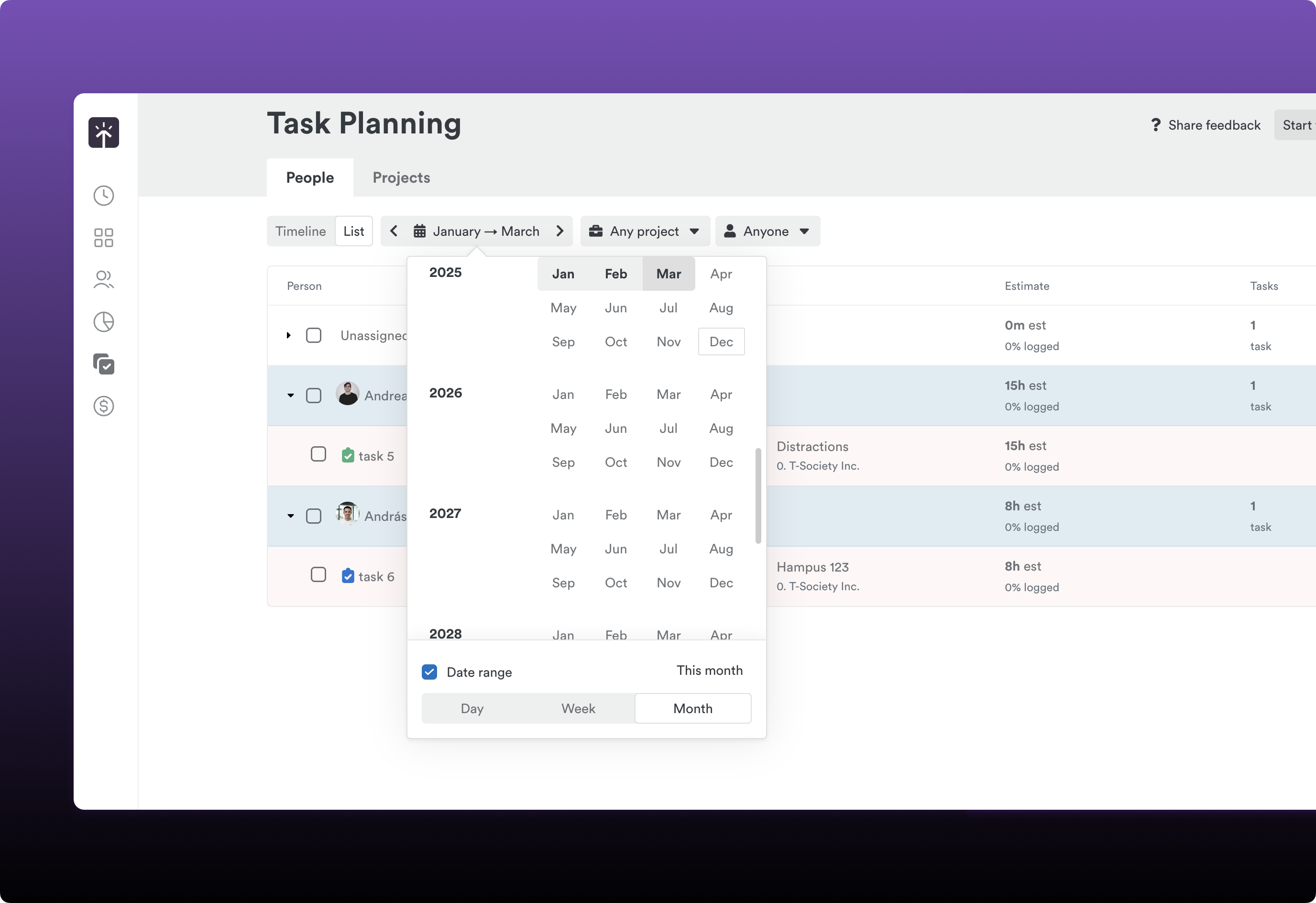
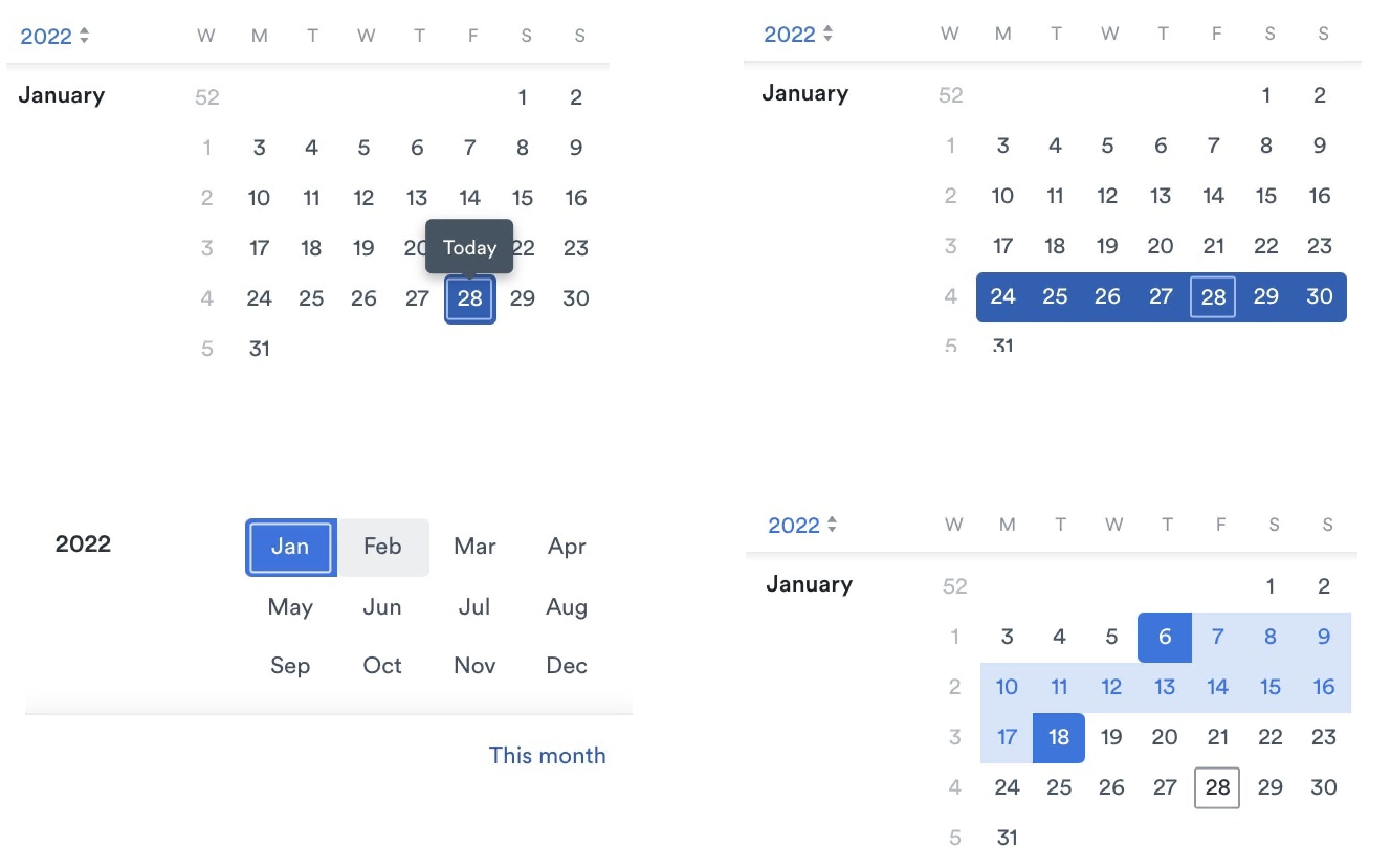
  • Date picker alignment — Fixed misaligned weekday headers in date pickers that were shifted one column to the left.
  • Report crashes with invalid dates — Prevented crashes when reports or project pages encountered null or invalid date values.
  • CSV import error handling — Fixed “undefined method ‘strip’ for nil” errors across all CSV import services when columns are missing or mismatched.
  • Integration webhook reliability — Added retry logic for transient storage failures and improved webhook uninstallation for disabled provider connections.