
We just rolled out a new version of Memory.app that greatly improves tracking for AI tools. Until now, time spent in Claude or Codex tools showed up in your timeline as a generic “Claude” or “Codex” entries — fine for knowing that you used the app, useless for knowing what you worked on. That also meant Timely’s AI had very little to go on when predicting which project an entry belonged to.
This release fixes that.
Better titles for Codex and Claude (Chat, Cowork, Code)
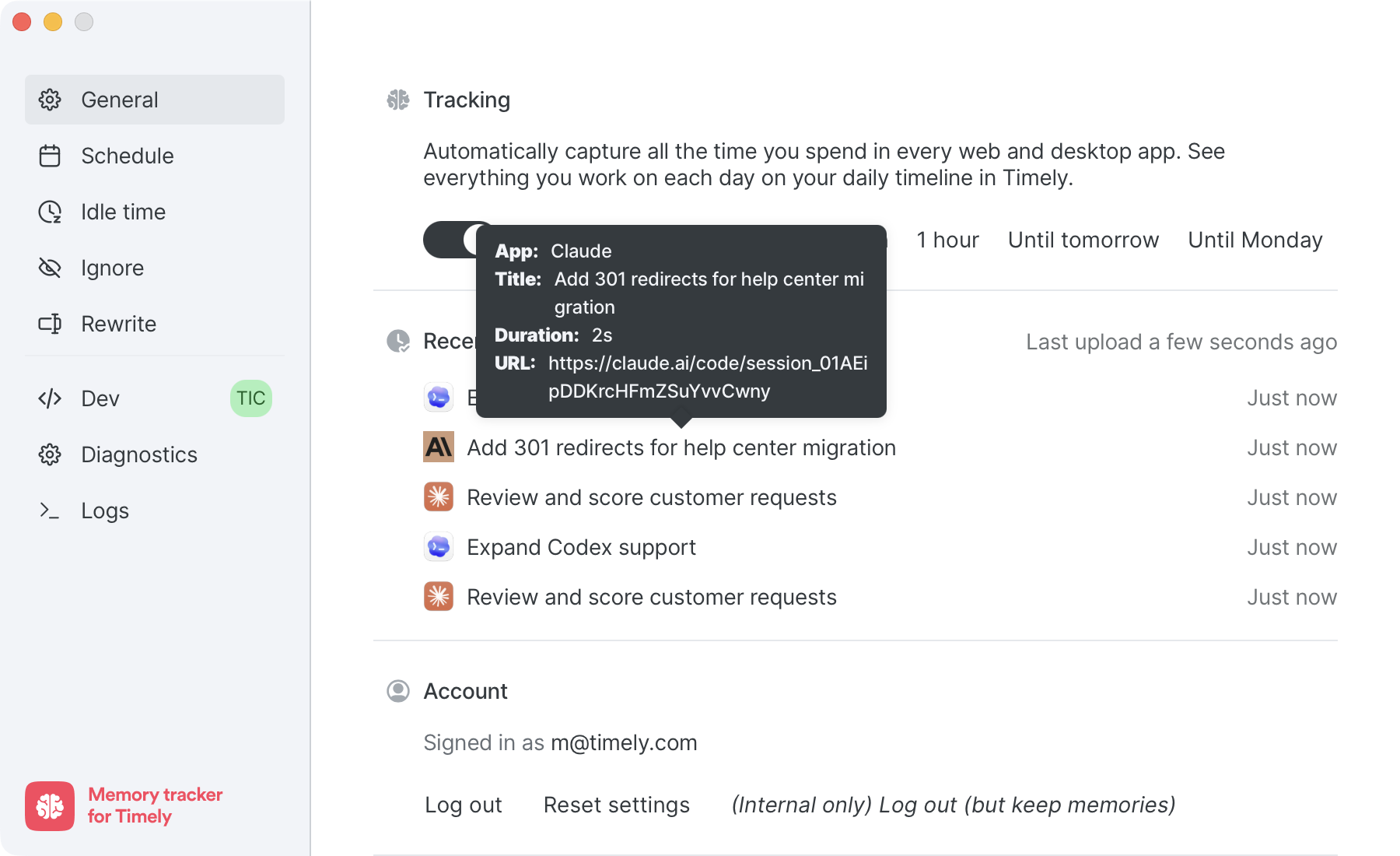
Memory.app now reads the real window title from Codex and from Claude Chat, Claude Cowork, and Claude Code, and attaches the URL when there is one. Instead of a generic “Claude” or “Codex” entry, you’ll see what you were actually doing — like “Add 301 redirects for help center migration” — alongside the session URL. If you split your day between Codex and Claude Code, both will now appear in your timeline with the context you need to log them correctly.
Two things get better as a result:
- Your timeline tells the truth. When you review your day in AutoSheet or Classic, you can see the specific tasks you worked on inside each AI session, not just the app name.
- Timely’s AI has real signal to work with. Project, note, tag and linked work predictions get noticeably more accurate, because the model finally knows what each AI session was about.
Coming soon
- ChatGPT Desktop — same treatment for ChatGPT’s desktop app.
- Windows build — this release is Mac-only. A Windows version of Memory.app with the same AI tracking is on the way.
How to update
Memory.app updates automatically, so most people will pick this up without doing anything. If you want to grab it now, open Memory.app from your menu bar, scroll down on the General tab, and click Check for updates.