
User access levels
Empower your team with tailored access levels that ensure secure collaboration, transparency, and control. Protect sensitive information while optimizing team efficiency.

Unlock Seamless Collaboration While Protecting Data
Assigning user access levels in Timely ensures that every team member has access to the tools and data they need. By tailoring permissions to specific roles, you can safeguard critical information like hourly rates while enabling streamlined workflows and greater accountability.

Streamline team workflows by assigning clear roles and permissions to reduce confusion, eliminate bottlenecks, and keep projects moving efficiently.
Protect sensitive information, like hourly rates, with customizable access controls.
Empower informed decision-making and provide team leads with the data and tools they need to make impactful outcomes.

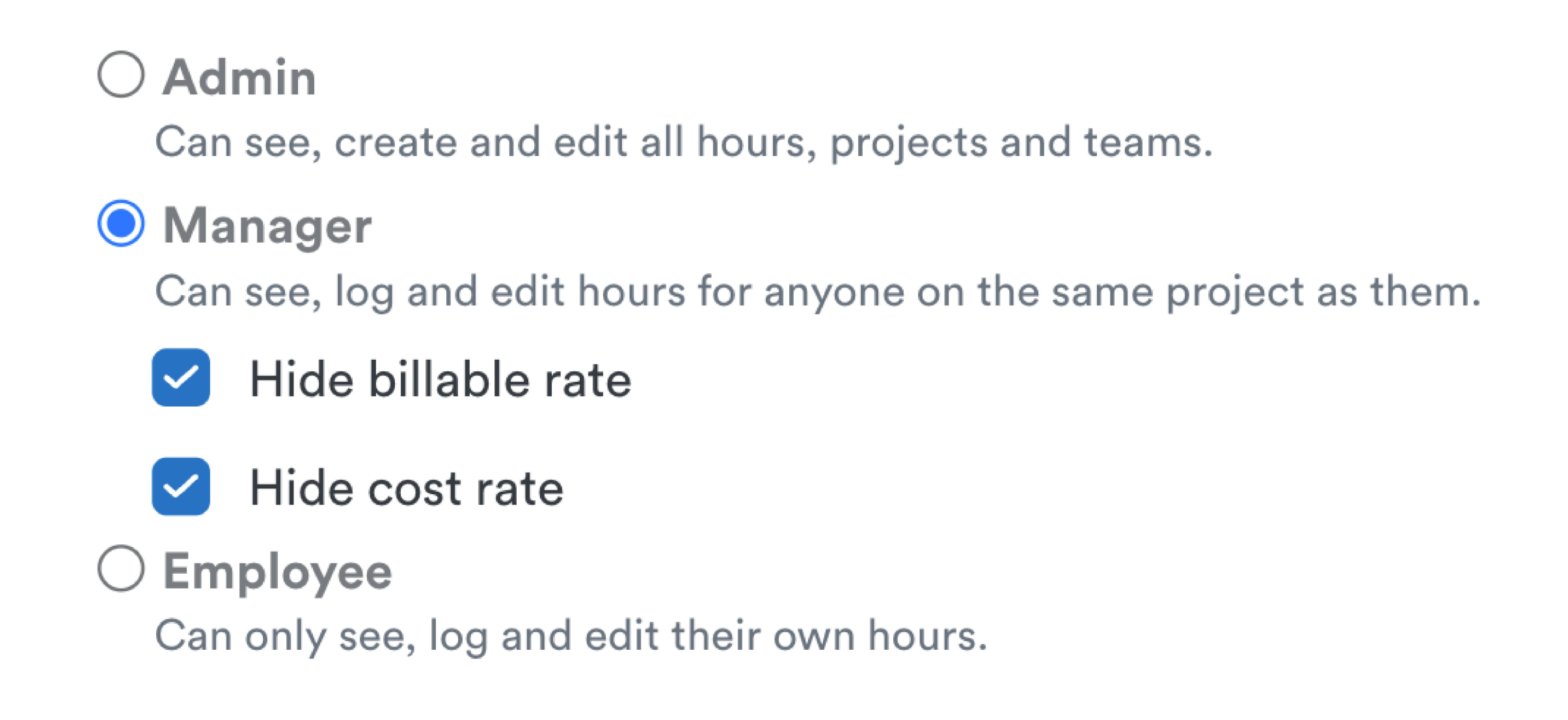
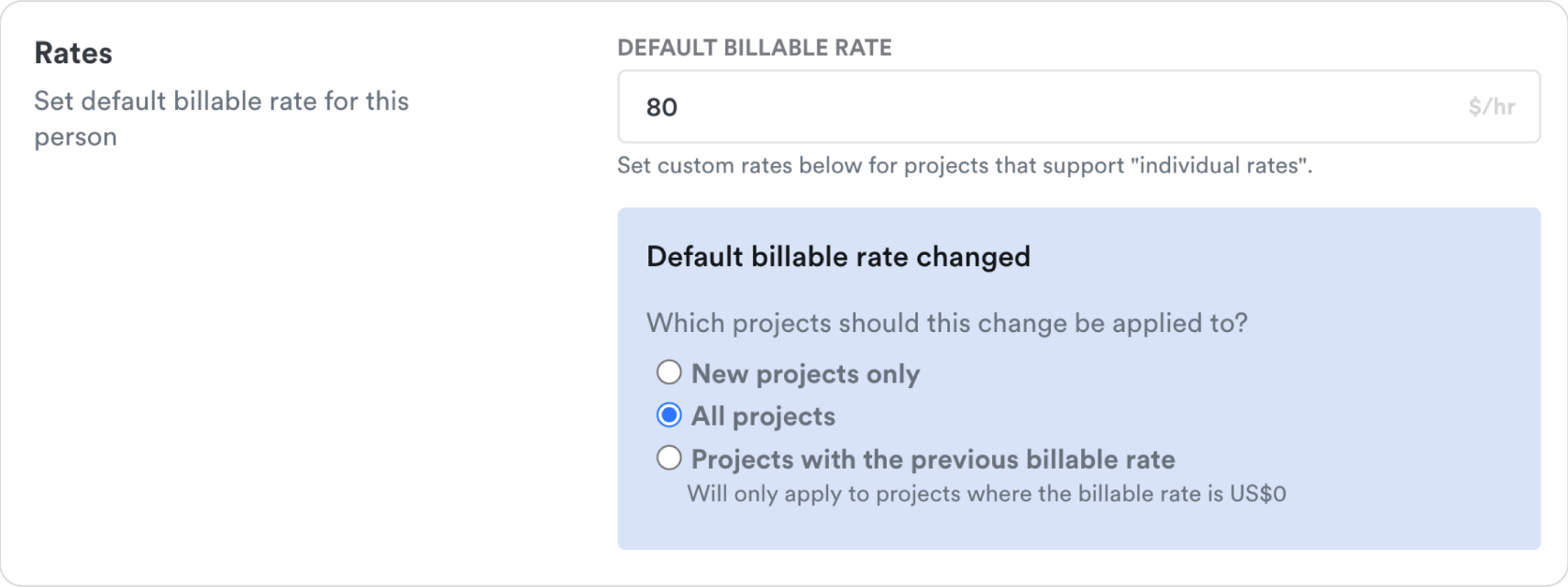
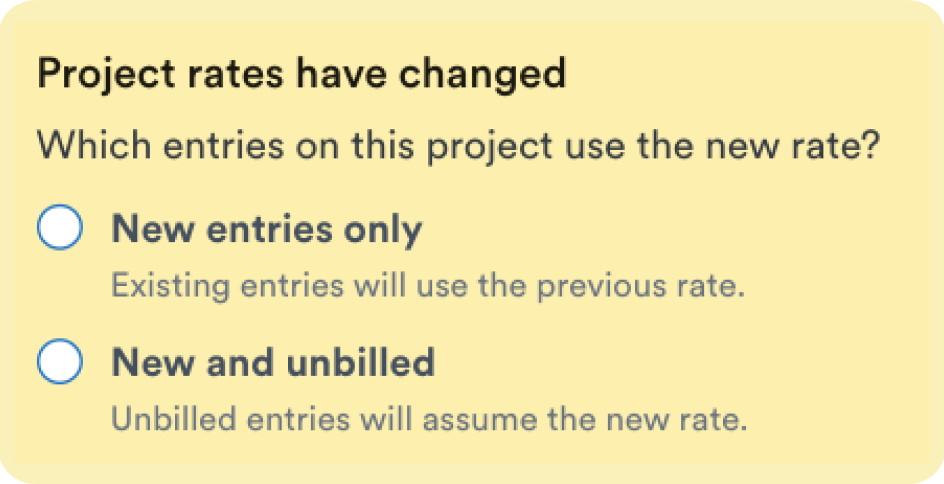


Key use cases
Define what information the different users on your account can access and edit. Keep your employees' hourly rates confidential.
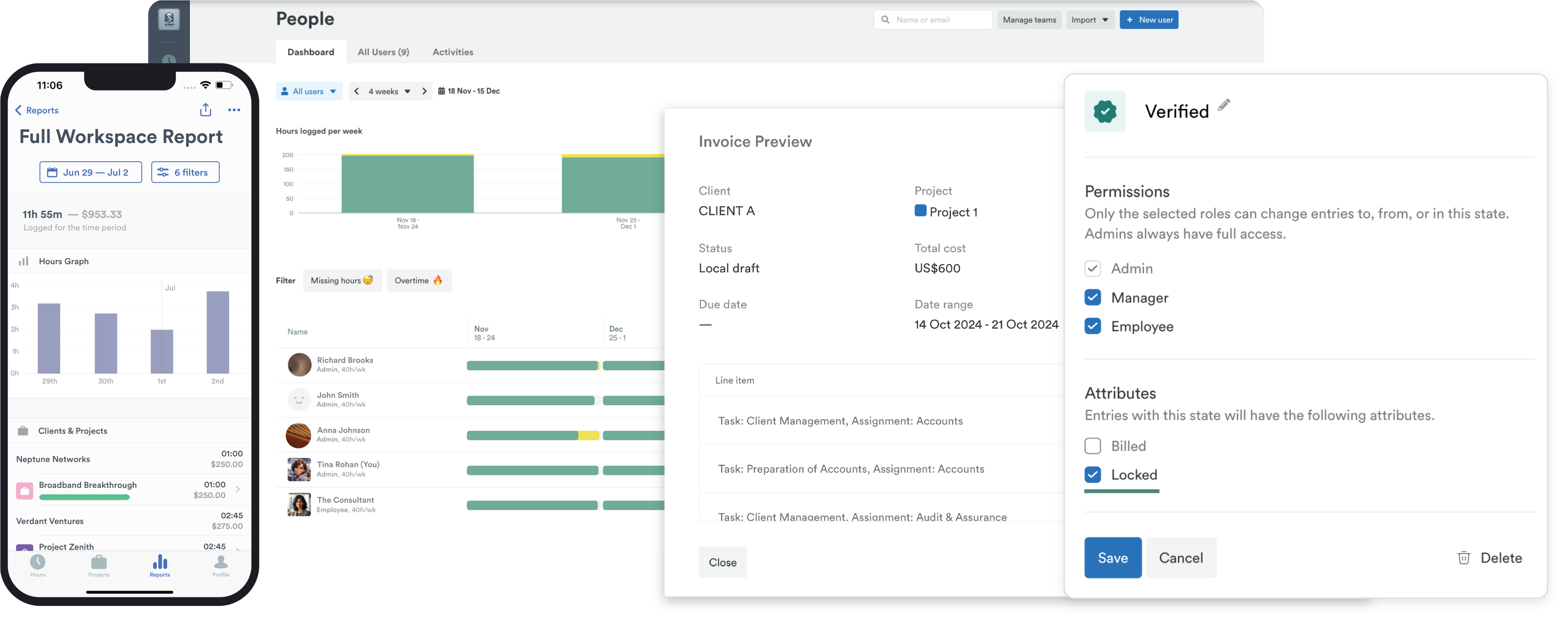
Admins needing full oversight
Project-based control for managers
Simplified access for employees
Team Leads driving efficiency



Scores above 95% in Quality of Performance, Support, Ease of Use, and Setup.

"Ingenious, efficient and effective time tracking system"

"Effective tool to help you keep track of time and stay productive"

"User-friendly and effective"

"Timely record my time automagically"

"Timely is hands down the best time tracking app available"

"A great experience which has made my invoicing life much easier!"

"Ingenious, efficient and effective time tracking system"
"So many valuable uses for Timely & Memory"

"Black box for all your daily efforts"

"Timely record my time automagically"
"Best time tracking app"

"Unbeatable time-tracking for many clients and projects"

"It's super easy tracking task details on timely without much hassle"

"Ingenious, efficient and effective time tracking system"
"Timely - our time management tool"

"It's super easy tracking task details on timely without much hassle"
"Ingenious, efficient and effective time tracking system"
"Best time tracking software on the market"

"Effective tool to help you keep track of time and stay productive"
"Timely is hands down the best time tracking app available"
"Ingenious, efficient and effective time tracking system"