
TrackingTime is built to chase missing hours. Timely stops them going missing.
TrackingTime's automatic tracker is a memory aid: it suggests entries you confirm one at a time, and its approvals flow lets managers request the hours that never arrived. Timely drafts each day's timesheet from the work itself.
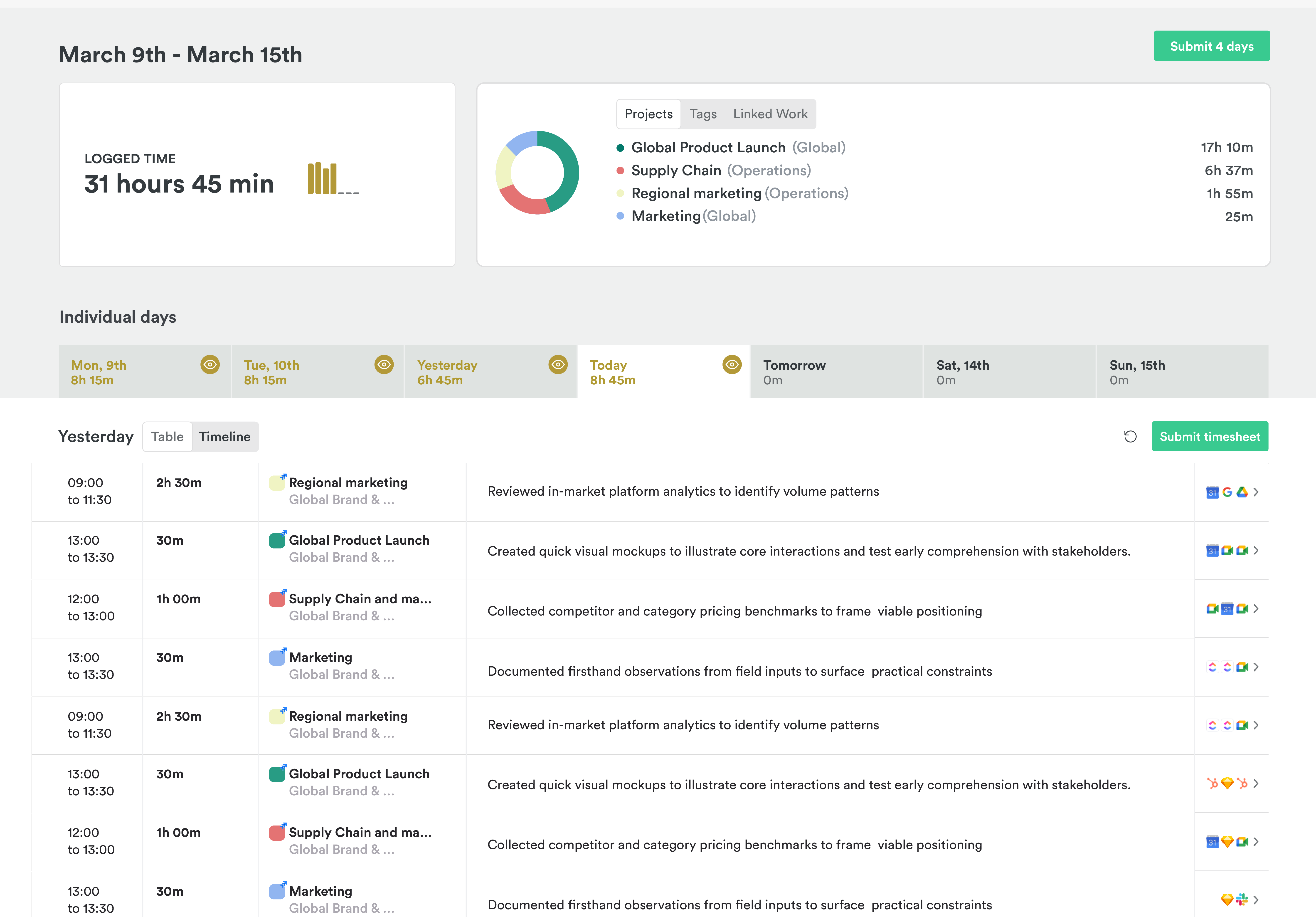
What TrackingTime gets right
TrackingTime covers a lot of the back office for firms that sell hours, and its AutoTrack is private. Activity stays with the person until they log it, with no screenshots or keystrokes.
- A free plan for unlimited people
- Retainers, time off, invoicing, and approvals on Pro
- A free MCP server for AI assistants, on every plan
Built for hours that arrive late
You can tell what a product expects from its buttons. TrackingTime has one for requesting missing hours, and a report that compares hours worked with hours expected. Those are tools for timesheets that arrive late or incomplete, and plenty do.
Its automatic tracker helps, up to a point. AutoTrack records the day privately and suggests entries, but TrackingTime's own help says it isn't meant to create entries by itself. Each suggestion waits for a click. A recall aid still needs someone to do the recalling.
And the free plan is the timer plan. AutoTrack needs a paid plan and the Mac or Windows app. On Free, and in the browser button inside other tools, every hour still starts with someone remembering to press start.
An example day of 6h 30m. In TrackingTime: 8 suggestions, each waiting for its own click. In Timely: 6h 30m drafted across 3 projects, ready to check and submit.
Timely changes the default
In TrackingTime, the default is a list of suggestions and a manager who may have to ask for the rest. In Timely, the default is a drafted timesheet, so there’s less for anyone to chase.
Memory records the day
The Memory app notes the apps, documents, sites, and meetings you work in, privately, on your Mac or PC. Nobody else can see it, admins included.
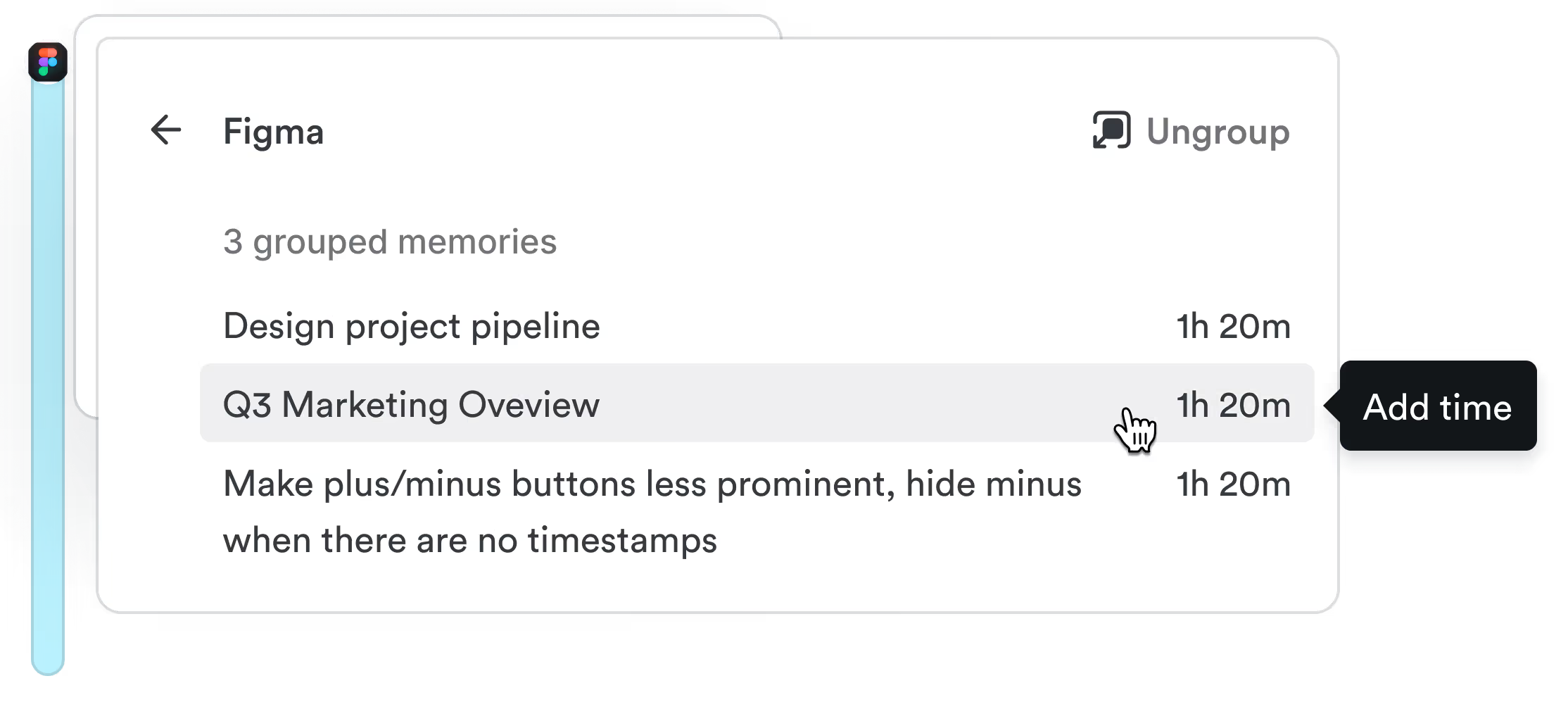
AutoSheet drafts the timesheet
Each morning, AutoSheet turns yesterday into a draft: projects, hours, and notes, linked to the work behind them.
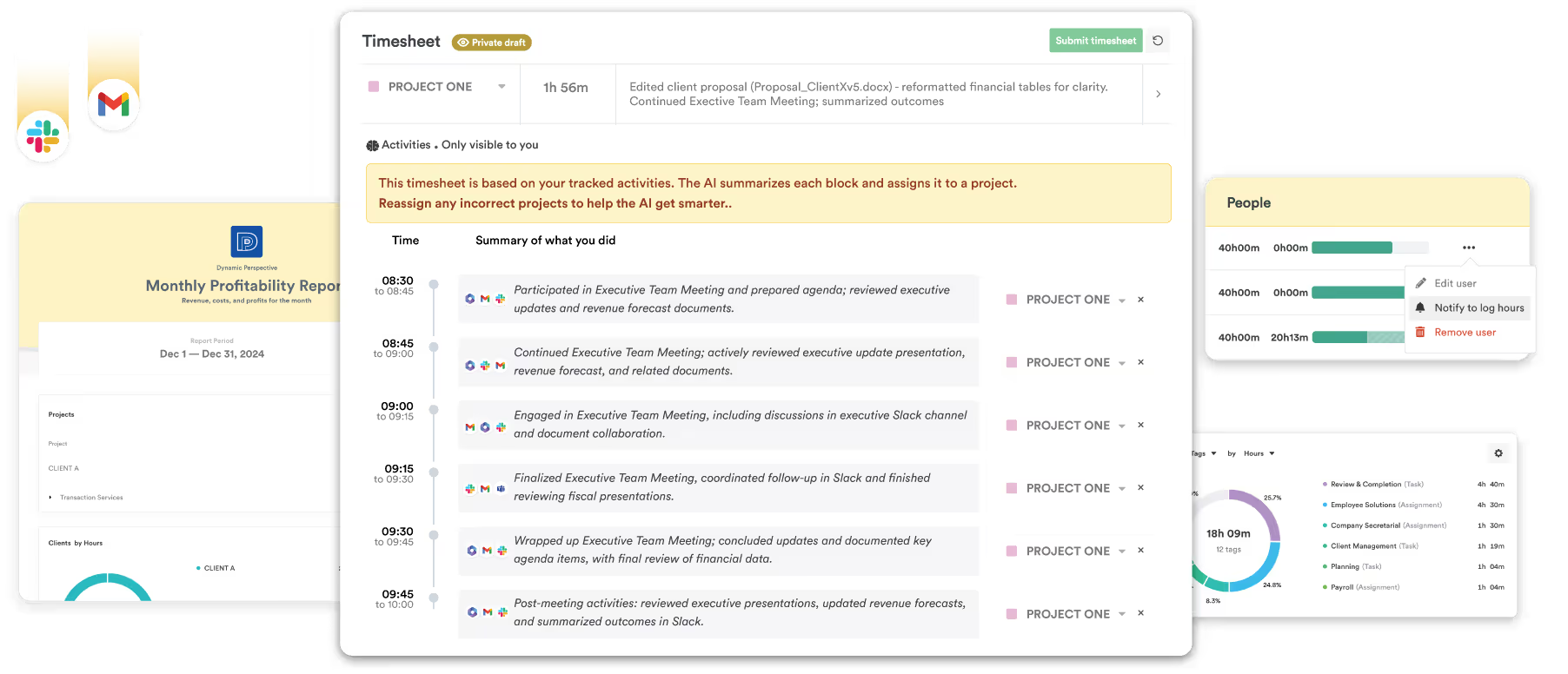
You check it and submit
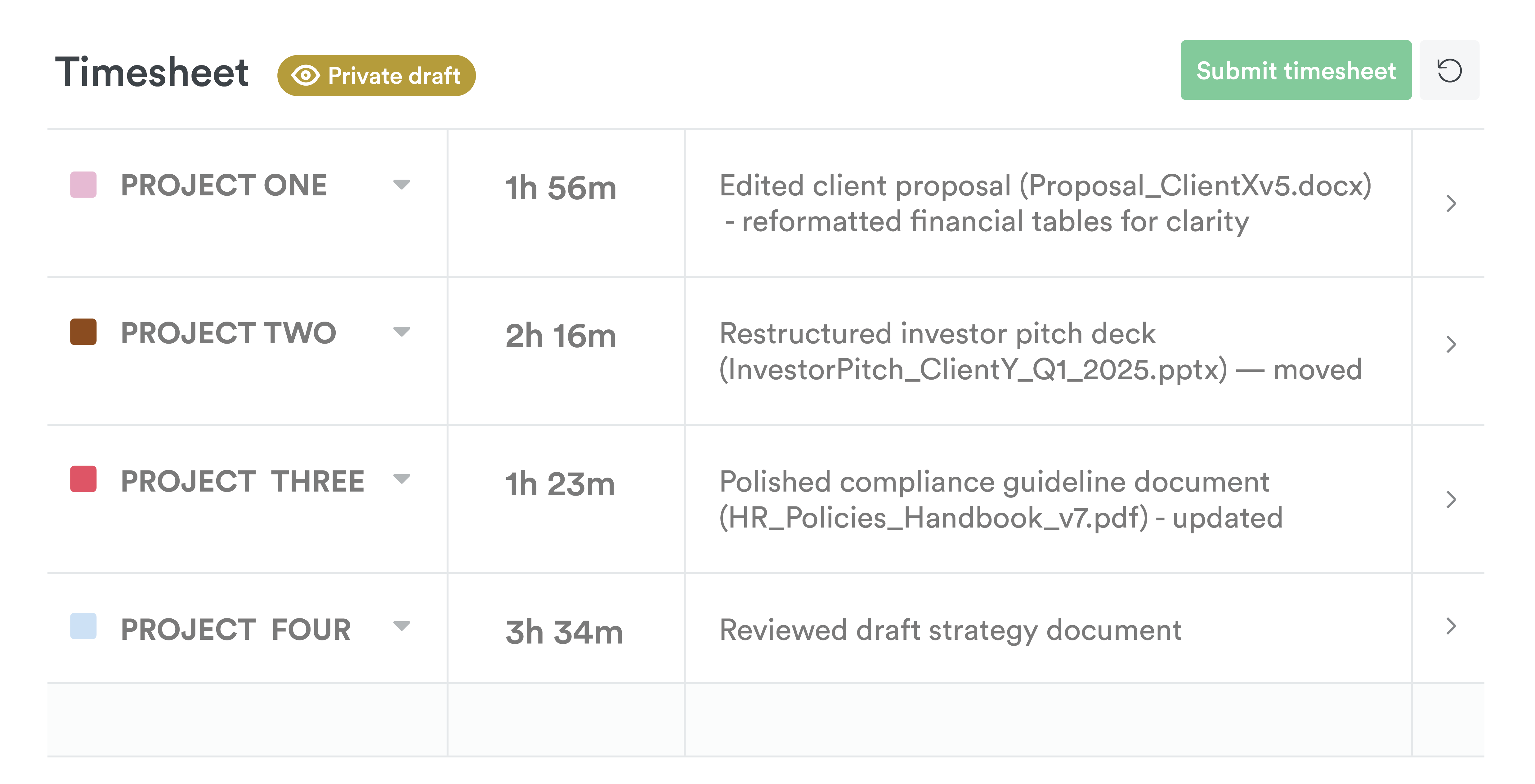
Fix anything that looks wrong and submit. Nothing reaches the shared timesheet until you do.
What people notice first
Simple, clean and intuitive. Time tracking have never been easier. With Timely I can easily both manage my projects and keep track of everything I do, down the the minute.
I love Timely because it makes planning, tracking and reporting my time across several consulting projects completely straightforward and quick…
What TrackingTime costs
TrackingTime costs less per seat than Timely, and AutoTrack comes with its Starter plan. Approvals, rates, and invoicing need Pro.
| Pricing | TrackingTime | Timely |
|---|---|---|
| Cheapest paid plan, per person a month | $4.50 annually, $6 monthly (Starter) | $9 annually, $11 monthly (Starter, up to 5 people) |
| Automatic capture | AutoTrack from Starter, with suggestions to confirm | Memory and AutoSheet from Starter, with a drafted day to check |
| Approvals and invoicing | $6.50 annually, $8.50 monthly (Pro) | Premium, $16 annually. Invoices go out through QuickBooks Online |
| Free plan | Yes, timers only | No, 14-day free trial |
Checked on . Source: TrackingTime pricing page.
Timely vs TrackingTime, feature by feature
Every row checked against TrackingTime's own website. We've marked where TrackingTime wins, too.
| Feature | Timely | TrackingTime |
|---|---|---|
| Capturing time | ||
| Captures work automatically, no timer | : Memory app for Mac and Windows | : AutoTrack, Mac and Windows app, Starter and up |
| Drafts your timesheet for you | : AutoSheet drafts each day for you to check and submit | : Suggests entries you confirm one at a time |
| No screenshots, keystroke logging or productivity scores | : On every plan | : AutoTrack takes no screenshots or keystrokes |
| Activity private to the person | : Admins can't see anyone's Memory | : AutoTrack data stays with the person until they log it |
| Approving and billing | ||
| Timesheet approvals | : Premium and up, built with time entry states | : Pro and up, with requests for missing hours |
| Locked time | : Unlimited plan | : Approved hours can be locked, Pro and up |
| Billable rates | : Pro and up | |
| Project budgets | : Recurring budgets on Premium and up | : Estimates with alerts when time runs over |
| Invoicing | : Draft invoices sent through QuickBooks Online, Premium and up | : Pro and up, alongside retainers |
| Planning and reporting | ||
| Planned vs actual time | : Premium and up | : Estimated vs actual reports, Starter and up |
| Capacity planning | : Logged and planned time against capacity, Unlimited plan | : A team timeline shows busy periods; no forward planning |
| Utilization reports | : Unlimited plan | : Hours against schedule; no utilization report found |
| Practicalities | ||
| Free plan | : Unlimited people, timers only | |
| Free trial | 14 days: No card needed | 14 days: Pro plan, no card needed |
| Price from, per person a month | $9 annually, $11 monthly: Starter: up to 5 people and 20 projects | $4.50 annually, $6 monthly: Starter, with AutoTrack. Approvals and invoicing need Pro |
| Security certification | ISO 27001: No SOC 2 | None listed: Runs on AWS, with a GDPR policy |
Moving from TrackingTime
Timely has no TrackingTime importer, so your structure and history come across by CSV. TrackingTime’s CSV export starts on its Starter plan.
Import your data
On Premium and up, an admin uploads CSV files for people, projects, tags, and time entries. Bring people and projects across first, then the time.
Install Memory
Everyone installs the Memory app on their Mac or PC. It starts noting the apps, documents, and meetings they work in, privately.
Check your first draft
After a day of work, AutoSheet drafts the timesheet. Check it, fix anything that looks wrong, and submit.
Questions about Timely vs TrackingTime
TrackingTime has automatic tracking too, so what’s different?
Both record your day privately on your computer. TrackingTime's AutoTrack suggests entries, and each one waits for you to confirm it; its help center describes AutoTrack as a recall aid that isn't meant to create entries on its own. Timely's AutoSheet drafts the whole day as a timesheet, so you check one draft and submit it.
Is Timely cheaper than TrackingTime?
No. TrackingTime Starter, with AutoTrack, is $4.50 a person billed annually, and Pro, with approvals and invoicing, is $6.50. Timely Starter is $9 a person billed annually, for up to 5 people and 20 projects, and Premium is $16.
Does Timely handle approvals and invoicing?
Yes, with some differences. On Premium and up, teams build approvals with time entry states, such as "Submitted" and "Approved". Timely drafts invoices from billable hours and sends them to QuickBooks Online, where you send them to clients. TrackingTime has a dedicated approvals queue and its own invoices.
Can I bring my TrackingTime data?
Yes, by CSV. TrackingTime exports CSV on its Starter plan and up. On Premium and up, an admin can import people, projects, tags, and time entries into Timely, mapping your columns to Timely's fields. Import people and projects before time entries.
Is there a free plan?
No. Timely has a 14-day free trial with every feature, and you don’t need a card to start.
Leave less to chase
Fourteen days, every feature, no card. See what a week looks like when every day’s timesheet arrives as a draft.