
Workspace capacity
Achieve clarity, confidence, and control over your team’s time like never before. Timely’s Workspace Capacity feature gives you the insights to make informed decisions, ensuring your team is supported and your projects stay on course.

Make smarter decisions with clear team insights
Spot trends, reallocate effort to what matters most, and tackle challenges before they arise. Deliver exceptional value for clients while keeping your team balanced and supported.

Understand how time is being spent and deliver on promises with confidence.
Prevent burnout before it happens and spot opportunities to optimize effortlessly.
Make smarter, data-backed decisions with real-time insights.




Key use cases
Whether reallocating work, preparing for upcoming projects, or ensuring no one is overwhelmed, Timely’s Workspace Capacity feature helps you stay ahead and in control.
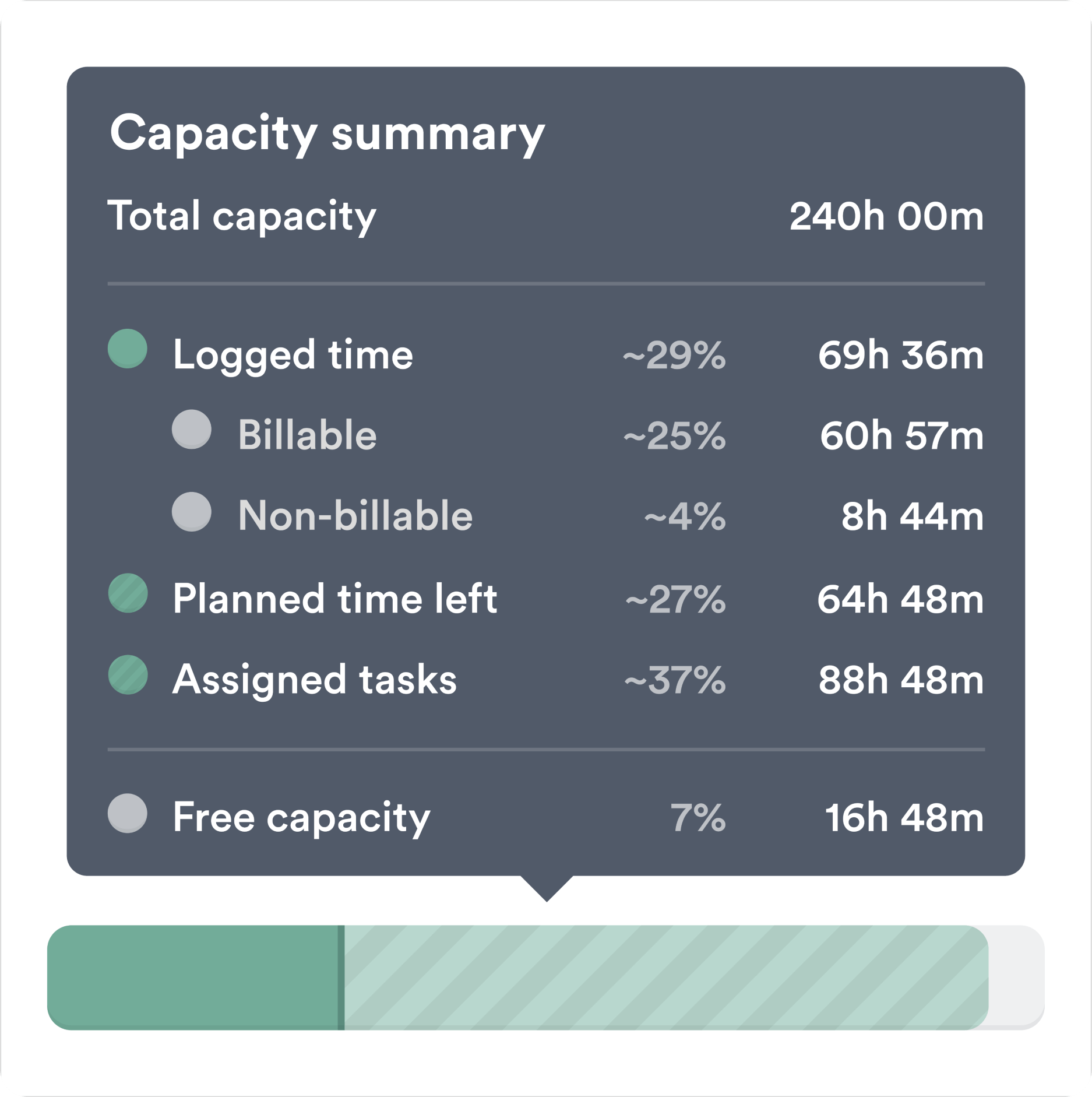
Aligning work with priorities
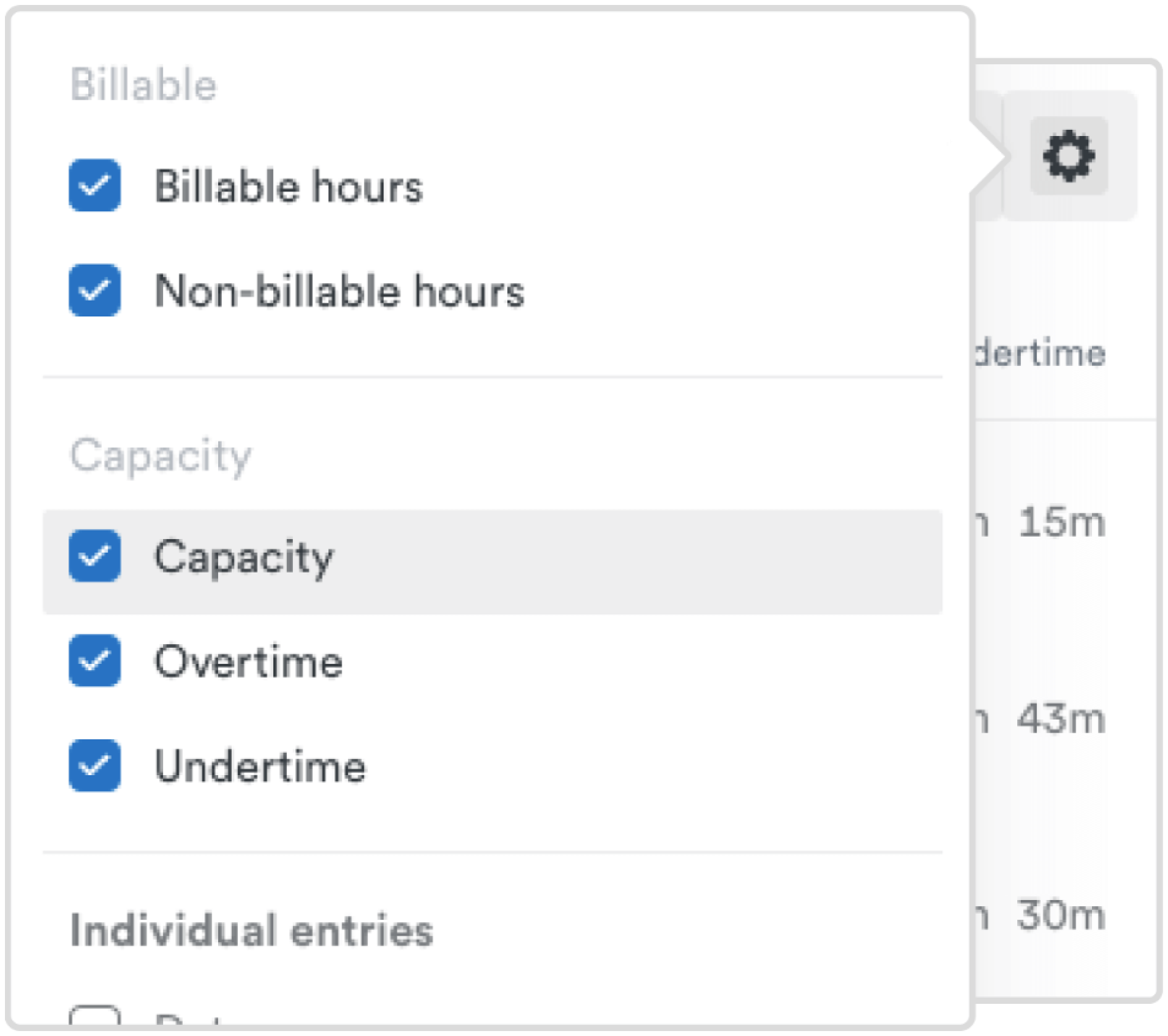
Protect your team’s well-being
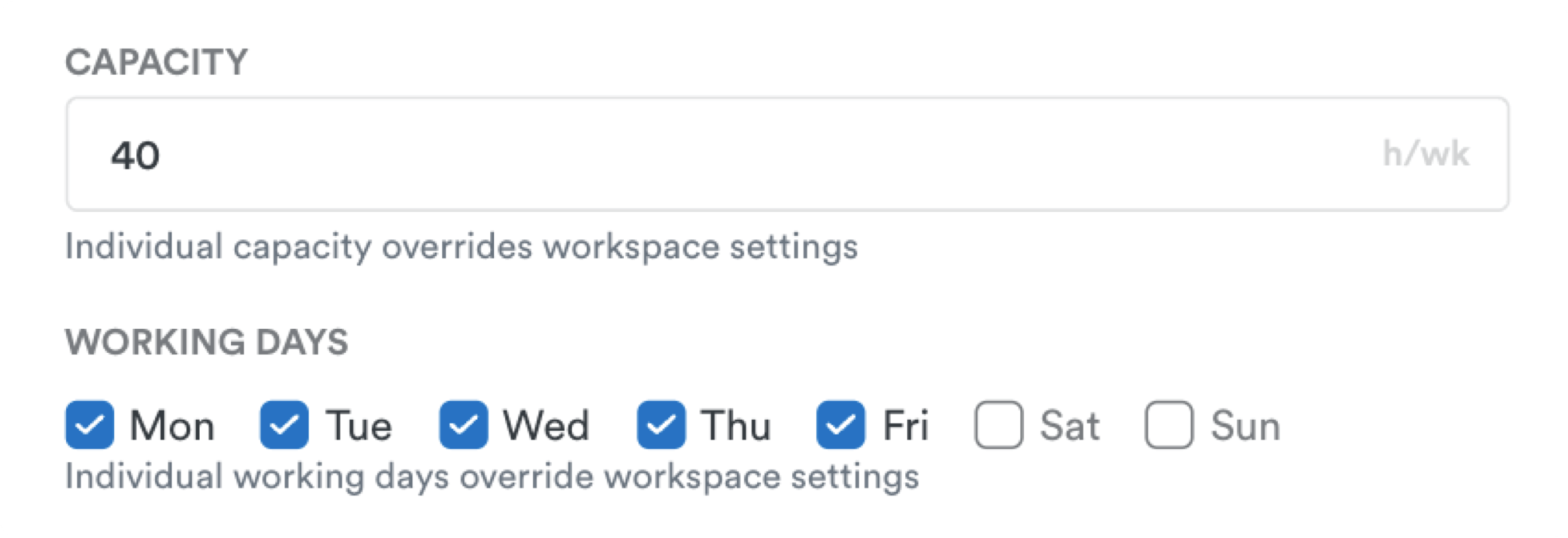
Plan for new projects with confidence
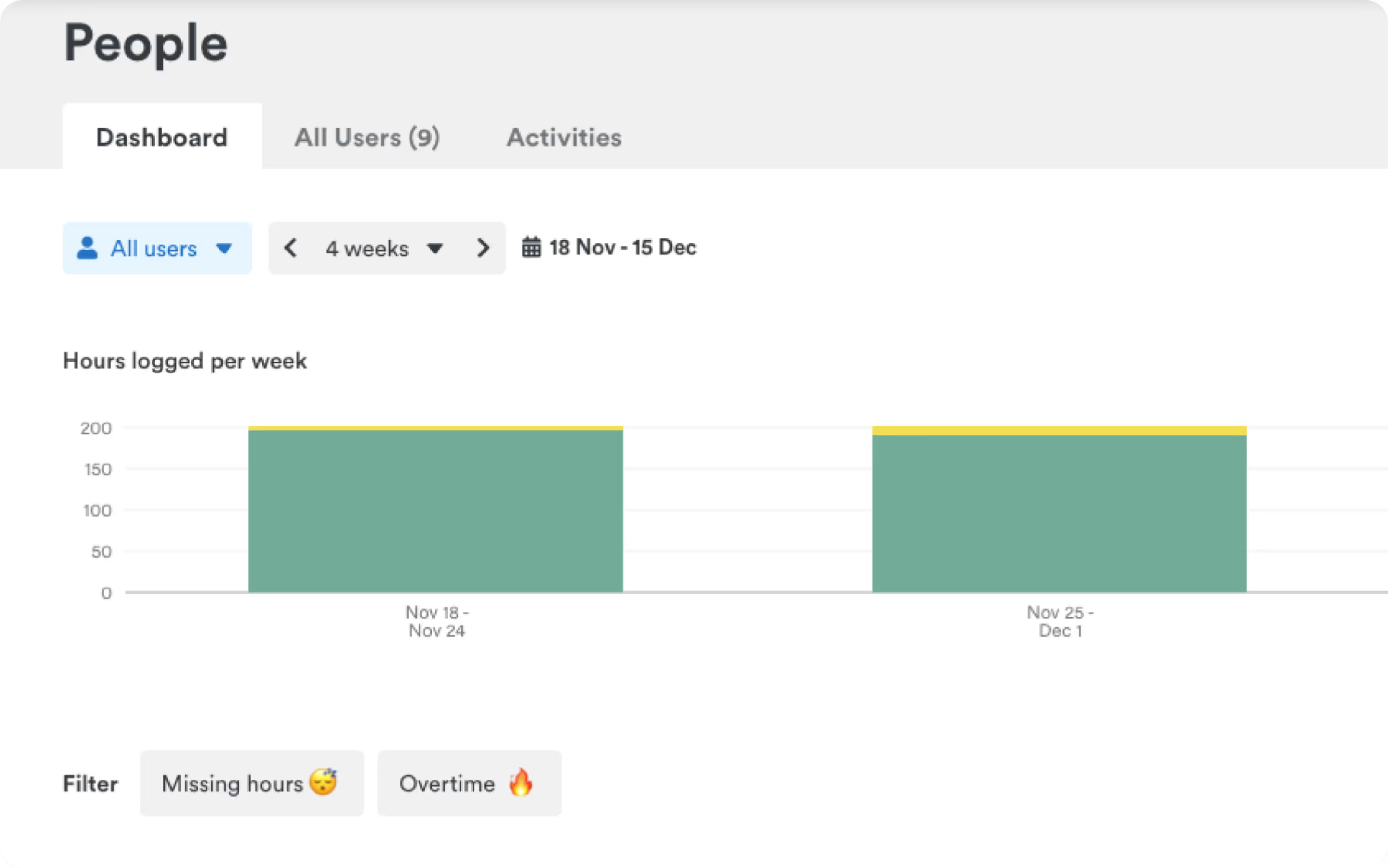
Make reporting simple and insightful





Scores above 95% in Quality of Performance, Support, Ease of Use, and Setup.

"Ingenious, efficient and effective time tracking system"

"Effective tool to help you keep track of time and stay productive"

"User-friendly and effective"

"Timely record my time automagically"

"Timely is hands down the best time tracking app available"

"A great experience which has made my invoicing life much easier!"

"Ingenious, efficient and effective time tracking system"
"So many valuable uses for Timely & Memory"

"Black box for all your daily efforts"

"Timely record my time automagically"
"Best time tracking app"

"Unbeatable time-tracking for many clients and projects"

"It's super easy tracking task details on timely without much hassle"

"Ingenious, efficient and effective time tracking system"
"Timely - our time management tool"

"It's super easy tracking task details on timely without much hassle"
"Ingenious, efficient and effective time tracking system"
"Best time tracking software on the market"

"Effective tool to help you keep track of time and stay productive"
"Timely is hands down the best time tracking app available"
"Ingenious, efficient and effective time tracking system"