
New Features
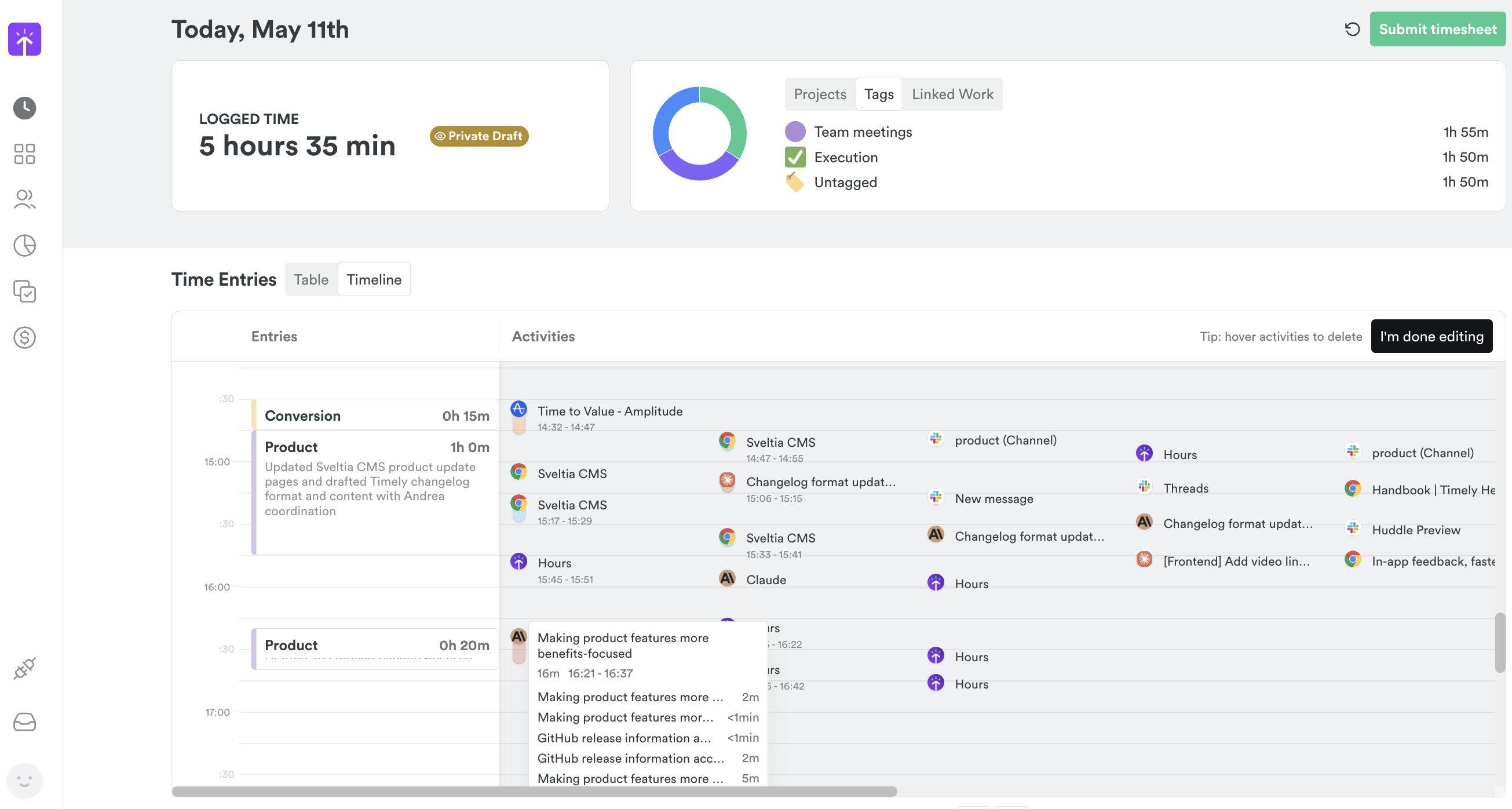
- AI activity tracking — Timely now automatically captures your work with AI tools like Claude Desktop and Codex Desktop, creating detailed timeline entries with conversation-specific titles and URLs for better project attribution. Learn how Memory captures your work →
- Team-wide hour visibility — Managers and employees can now view hours for their entire team while maintaining project-specific access controls through a new “Team-wide” permission setting. Learn about user access levels →
- Enhanced timesheet filters — Filter linked work tasks by project and completion status directly in the hour editor. Learn about AutoSheet →
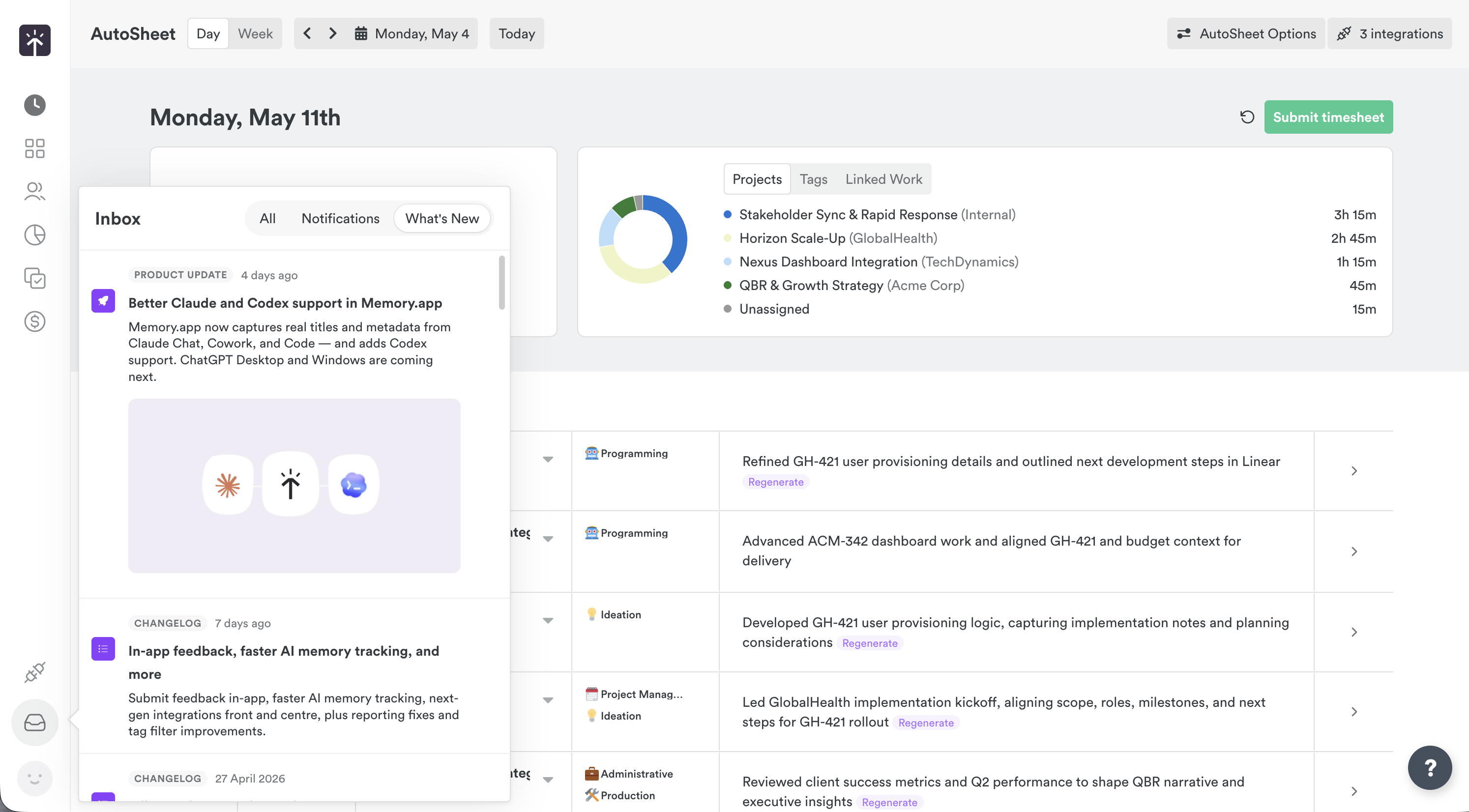
- Inbox notifications refresh — A new Inbox drawer replaces the notifications dropdown, combining legacy notifications with What’s New updates and AI memory alerts in one place.
Improvements
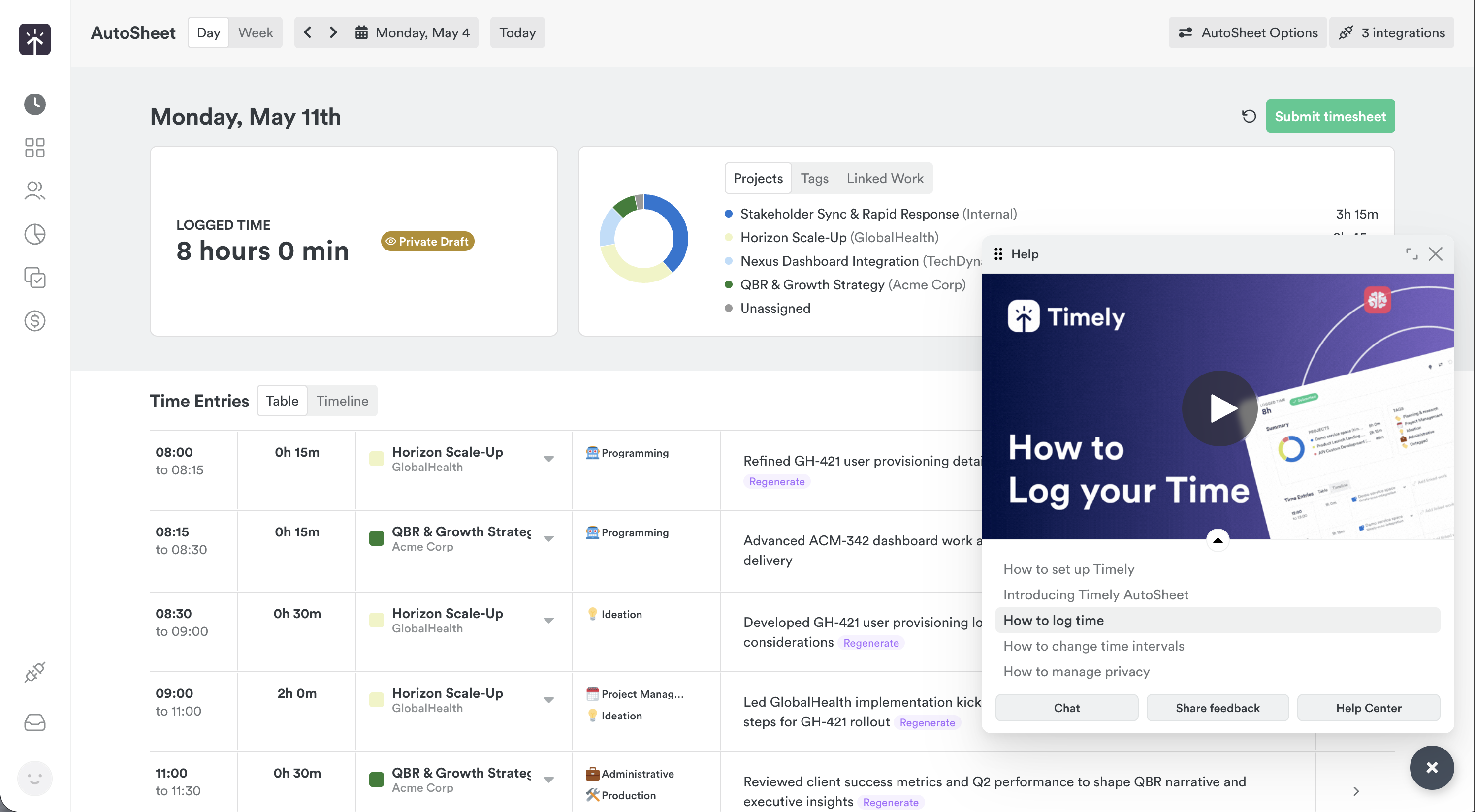
- Help system overhaul — The help menu is now a resizable modal with embedded video tutorials, searchable questions, and quick access to support resources.
- AutoSheet reliability — Duplicate hour creation during submit/revert cycles is fixed, and AutoSheet now automatically pauses after 7 days of inactivity to reduce unnecessary generations. Learn about AutoSheet →
Bug Fixes
- Project counting accuracy — The “All Projects” tab now correctly counts only active projects, excluding archived ones from the displayed total.
- User invitation validation — Resolved an issue where inviting users with invalid or cross-account role assignments caused unexpected errors.
More updates
Smarter Timelines, easier edits and more control over your notes
See your seats at a glance, plus cleaner exports and invoices
Per-period recurring budgets, faster Trello and Jira syncing, and reliability fixes
Faster Linked-Work Search, Flexible Time Logging, and Reliability Fixes
Compliance Dashboard, Saved Filters, and Sync Reliability Improvements
Manual AutoSheet time, monday.com setup guidance, and security improvements