
Google Calendar
IntegrationsAI Time Tracking SourcesHandbookAutomatically import Google Calendar events to your Memory timeline.Integrating your Google Calendar with Timely lets you see all your scheduled appointments for each day and quickly log meeting time just by clicking on them.
Calendar rules
- When you integrate your calendar(s), you’ll get 28 days of calendar history and 14 days in the future
- Data is never sent back or changed in Google Calendar — what you do in Timely, stays in Timely
- Any changes you make in Google Calendar will automatically update in Timely
- Events you change in Timely (e.g. meeting times or tagged projects) will be overridden by subsequent changes in Google Calendar
Connect your Google Calendar
- Log in to Timely
- Go to Settings > Apps
- Select Google Calendar

- Click “Connect New Account” and enter your credentials
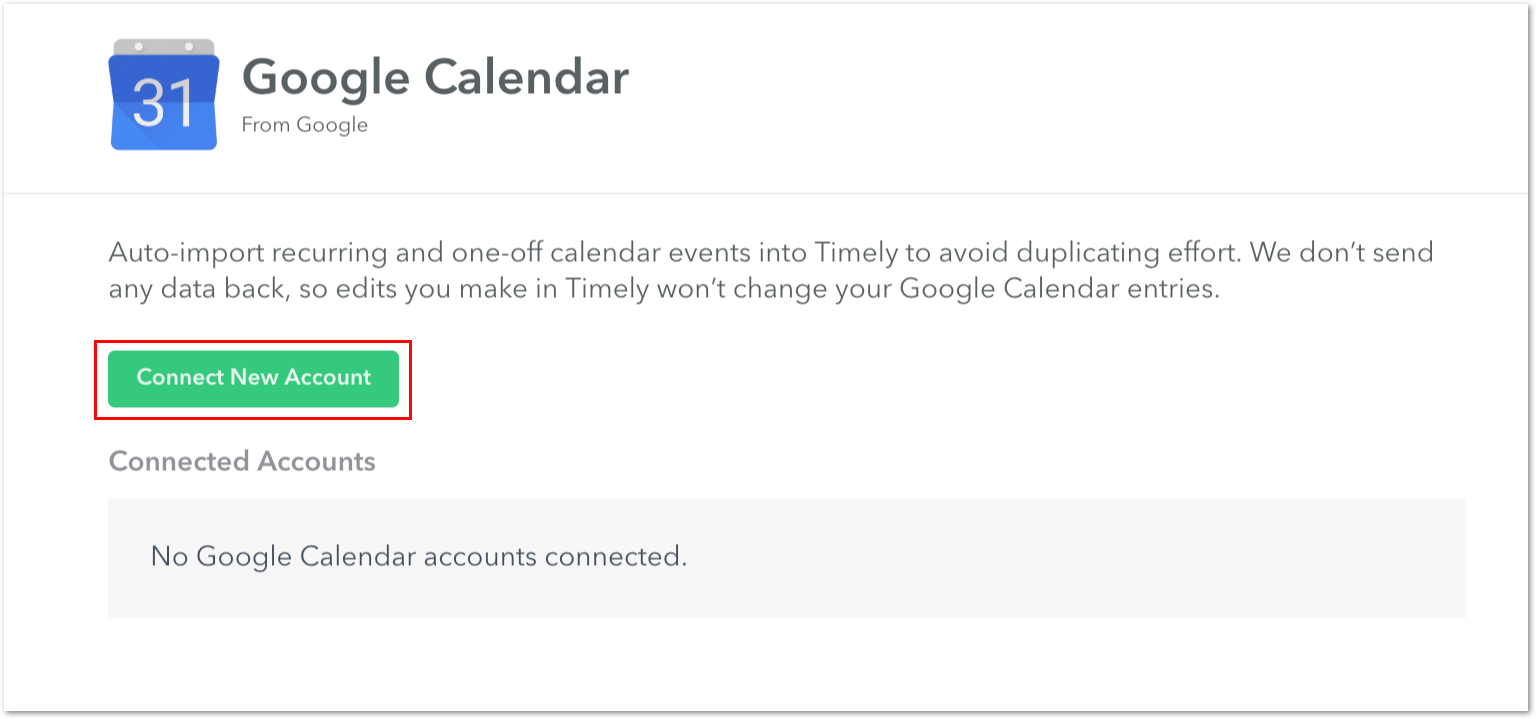
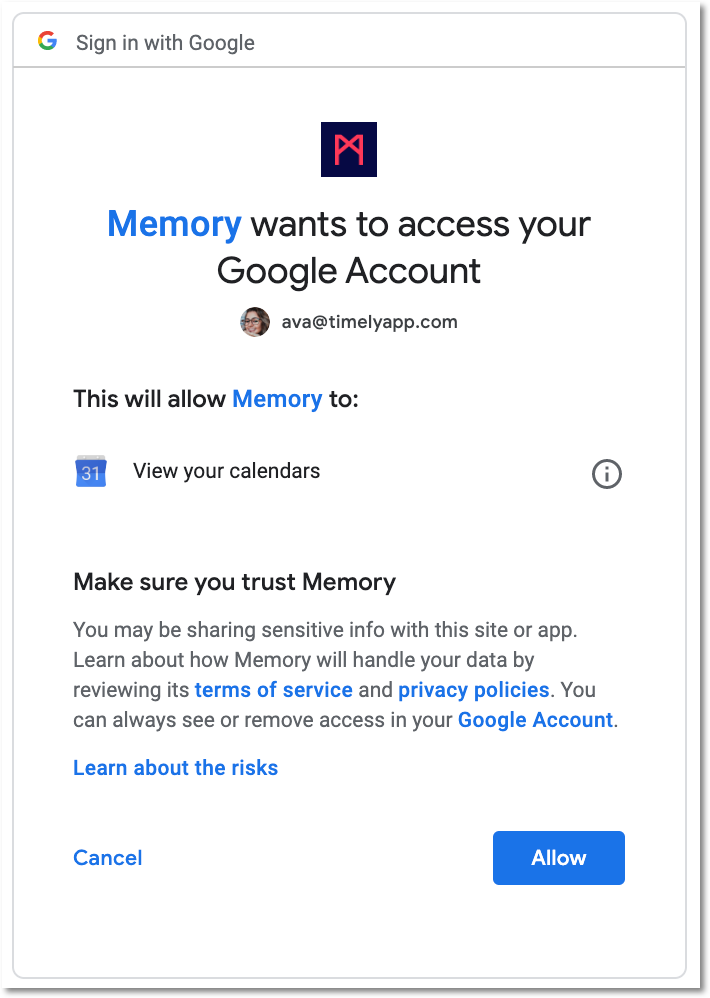
- Timely will request access permission — click “Allow” to authorize
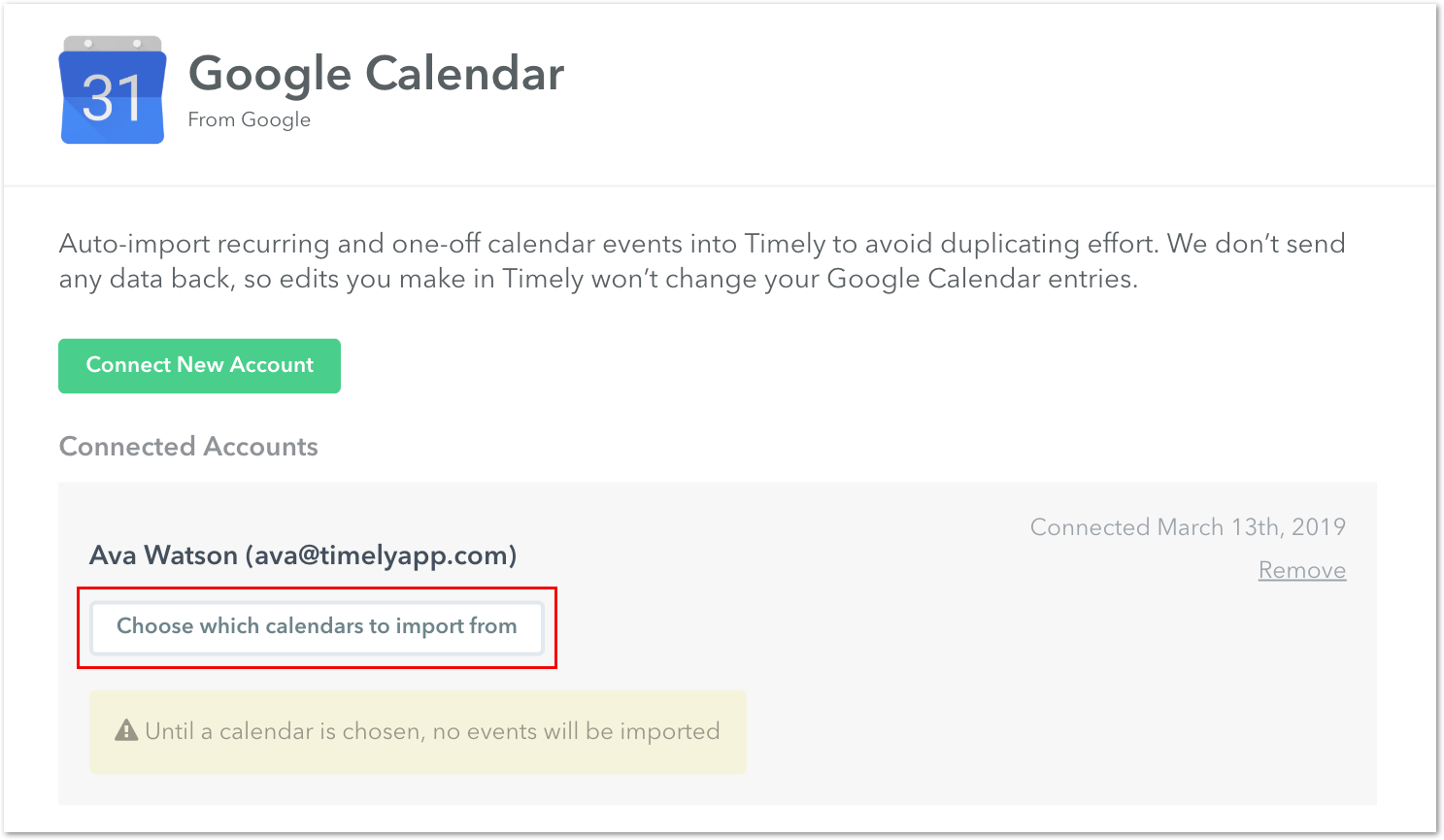
- Choose the specific calendar(s) to import from
Have multiple calendars? No problem — select as many as you’d like. You can always come back later to edit your selections.
- Hit “Save Now” and your events will automatically be uploaded to your Memory Timeline
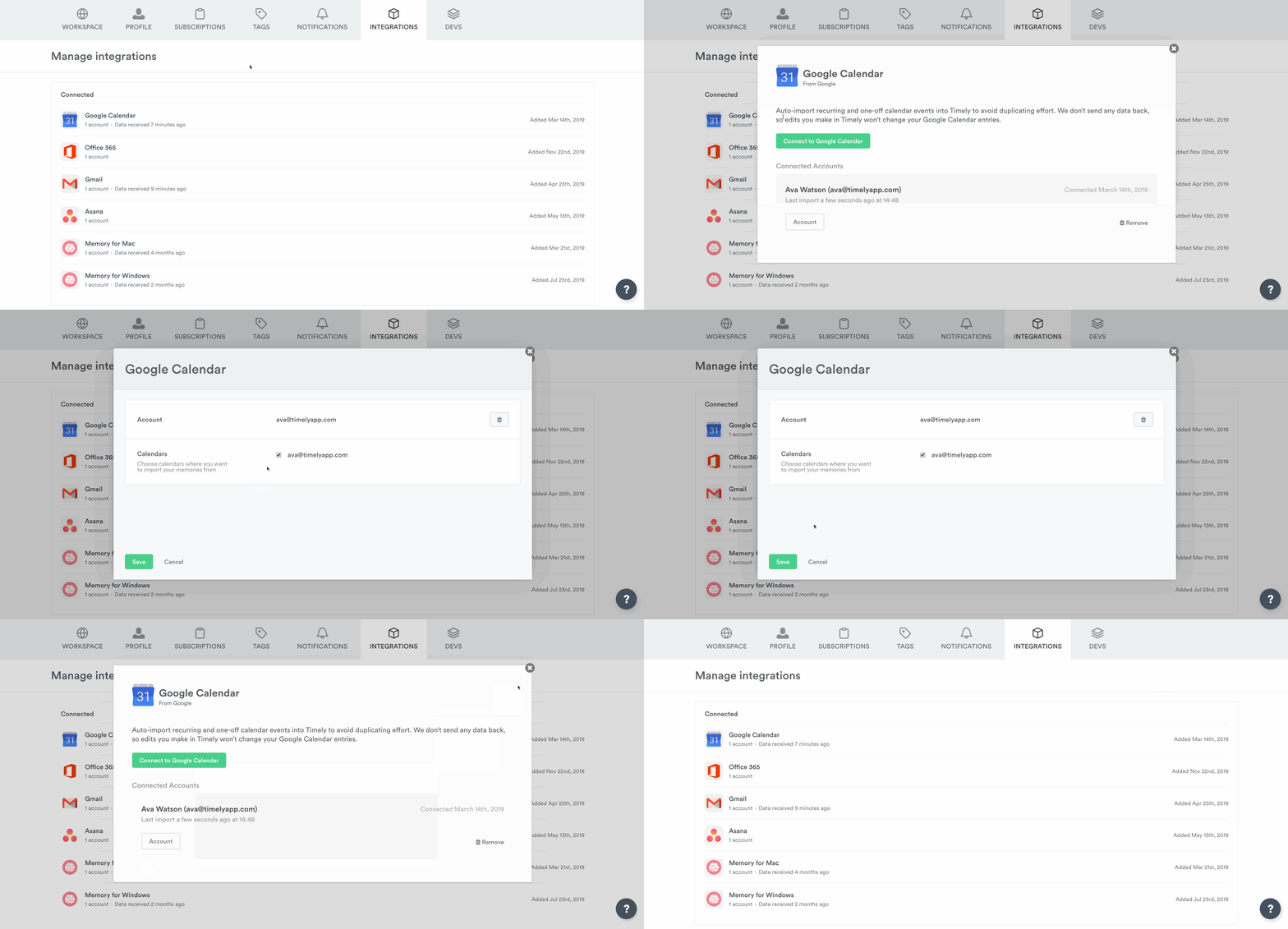
Once saved, you can see exactly how many calendars are importing:
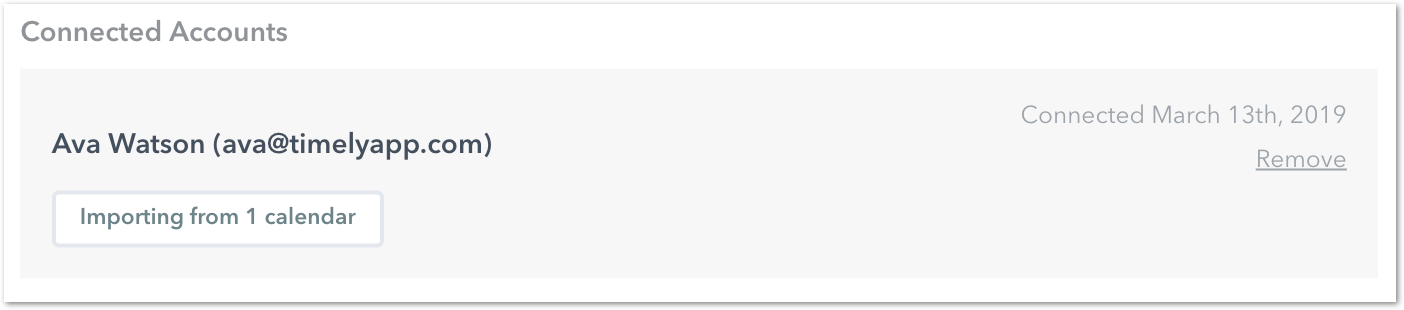
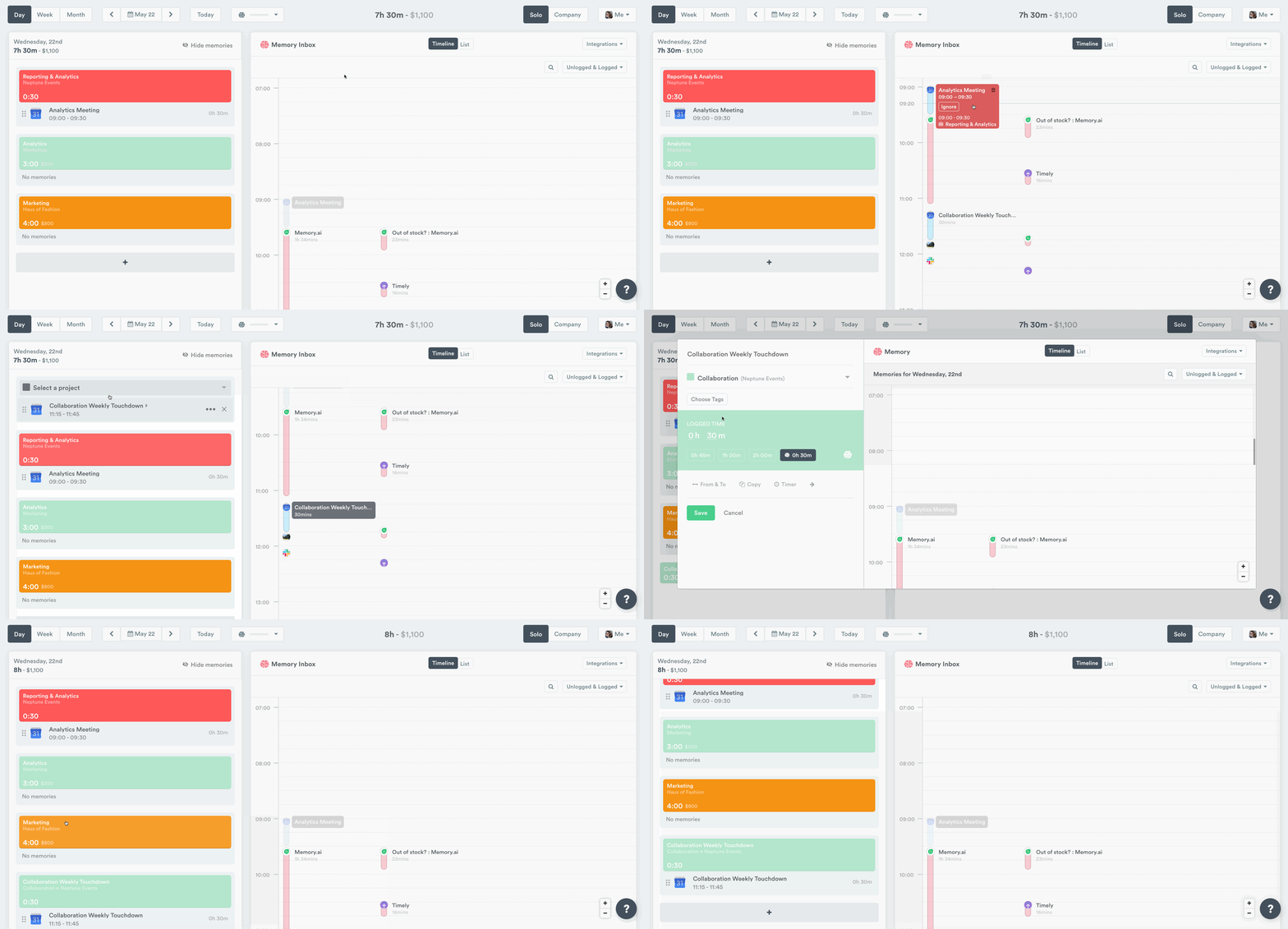
That’s it! Your calendar events will now import into Timely. Click your calendar events to create logged time entries directly from your Memory timeline.
Troubleshooting
Integration shows as needing reconnection
If your Google Calendar integration shows as needing reconnection or stops importing events, this may be due to missing authentication tokens. To resolve this:
- Go to Settings > Apps > Google Calendar
- Click “Disconnect and remove all data” to disconnect the current integration
- Type ERASE in the confirmation field to confirm the disconnection
- Click “Connect New Account” to set up the integration again
- Make sure to authorize with full permissions when prompted
- Reselect your desired calendars and save
Events not importing after reconnection
If events still don’t appear after reconnecting:
- Wait a few minutes for the sync to complete
- Check that you’ve selected the correct calendars in step 6 above
- Verify the events aren’t all-day or multi-day events (which aren’t supported)
Related questions
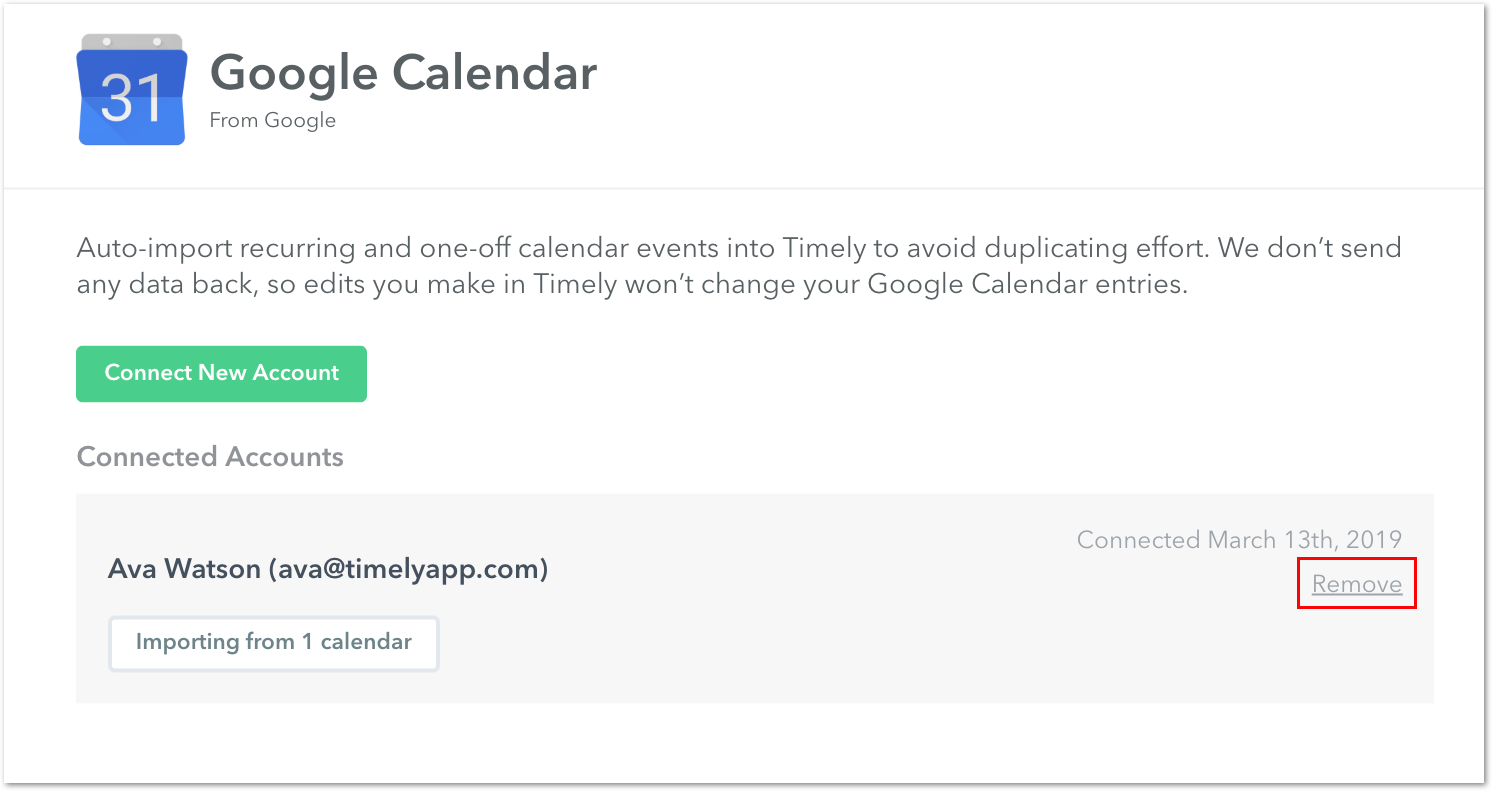
How do I disconnect the calendar?
- Go to Settings > Apps > Google Calendar
- Click “Disconnect and remove all data”
- A confirmation panel will appear explaining that disconnecting will permanently delete all calendar memories
- Type ERASE exactly as shown to confirm
- Click the confirmation button to complete the disconnection
I don’t have access to Memory. Can I still use the Calendar integration?
Absolutely! Even if you haven’t installed the Memory tracker, you will still be able to see your integrations on the Memory Timeline.
I’ve updated my Google Calendar, but events are not showing up
If you’ve created or edited several events in quick succession, it might take some time for them to appear. Try disconnecting and reconnecting the integration.
Last updated June 19, 2026
Have feedback for this article or need more help? Contact us now.