
How do I resend an invite to Timely?
People & Team ManagementHandbookMake sure colleagues can activate and access their Timely account.If members of your team haven’t received their activation links to join Timely, just follow these steps to get logged in and logging their time.
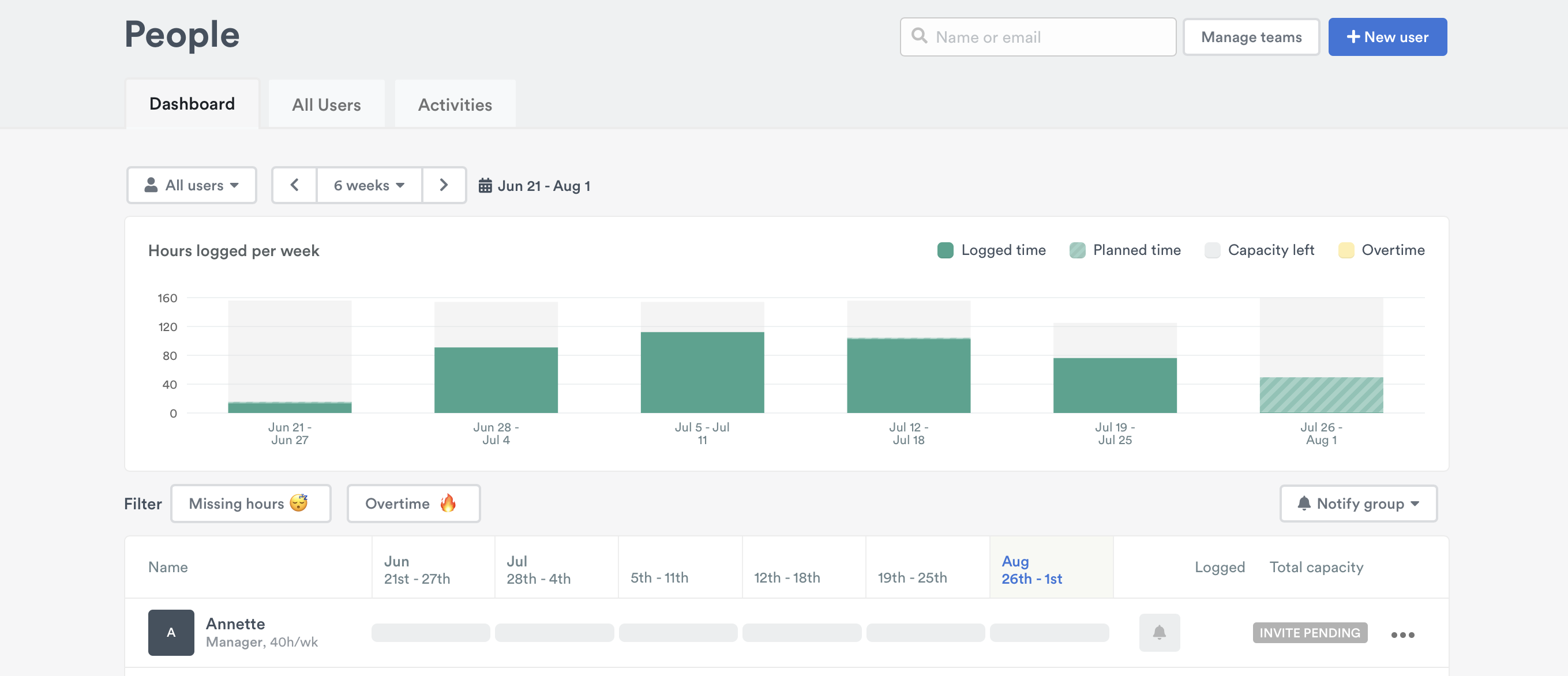
First, head to the People page to verify that an invite is pending for a new user. Pending invites are listed under Invited users at the top of the Users list. If you don’t see the user listed, make sure that you haven’t hit your subscription plan’s user or seat limit.
Next, check to see whether or not the invite you sent originally isn’t hidden somewhere in Spam or Junk.
If a user was added to Timely before their email address was created by your company’s IT team, the activation link will have bounced, as the message would have been sent to a non-existent email address. If this happens to you, just contact us at [email protected] so we can make changes on our end.
If an email from Timely isn’t there, you may need to whitelist the following URLs/IP addresses in order to receive emails from Timely:
- https://api.timelyapp.com/
- https://app.timelyapp.com/
- 149.72.184.168
From there, simply remove the user you added whose invite is pending from the People page and add that user again using the same information. Their invitation to join Timely should arrive in no time!
Last updated October 7, 2026
Have feedback for this article or need more help? Contact us now.