
Trello Sync Integration
IntegrationsDeep Sync IntegrationsHandbookSync your Trello boards, cards, and activity directly into Timely for effortless time tracking.Overview
If your team manages work in Trello but tracks time in Timely, this integration makes your life a whole lot easier. Trello data syncs directly into Timely automatically — no stress, no friction.
Connecting Trello to Timely — Admin setup
- Head to Settings > Integrations in Timely
- Select Trello from “Next-Gen Integrations”
- Choose your import configuration:
- Boards as Projects: Organizations → Boards (Projects) → Cards
- Boards as Clients: Organizations → Boards (Clients) → Lists (Projects) → Cards
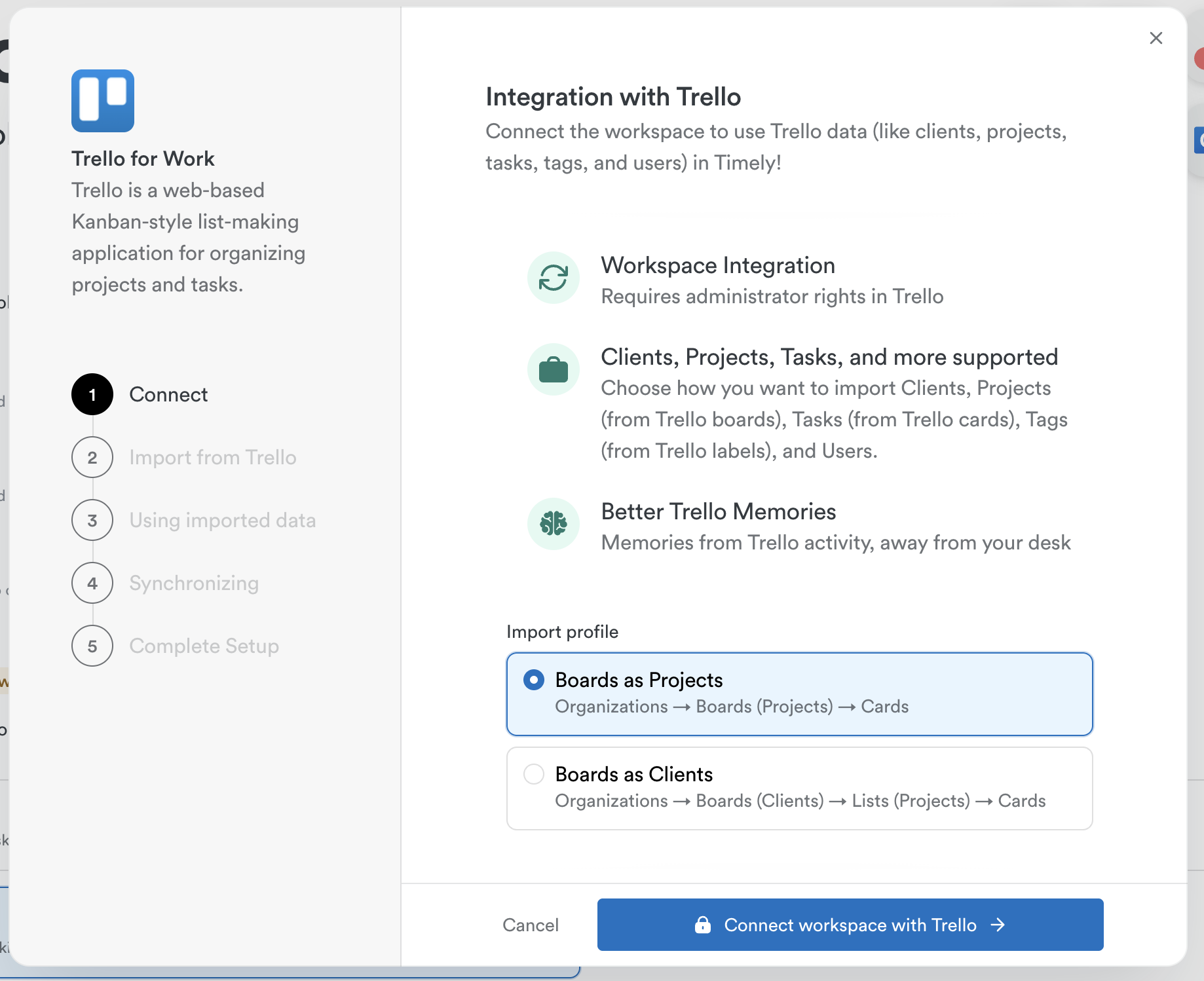
- Click “Connect workspace with Trello”, log in, and authenticate
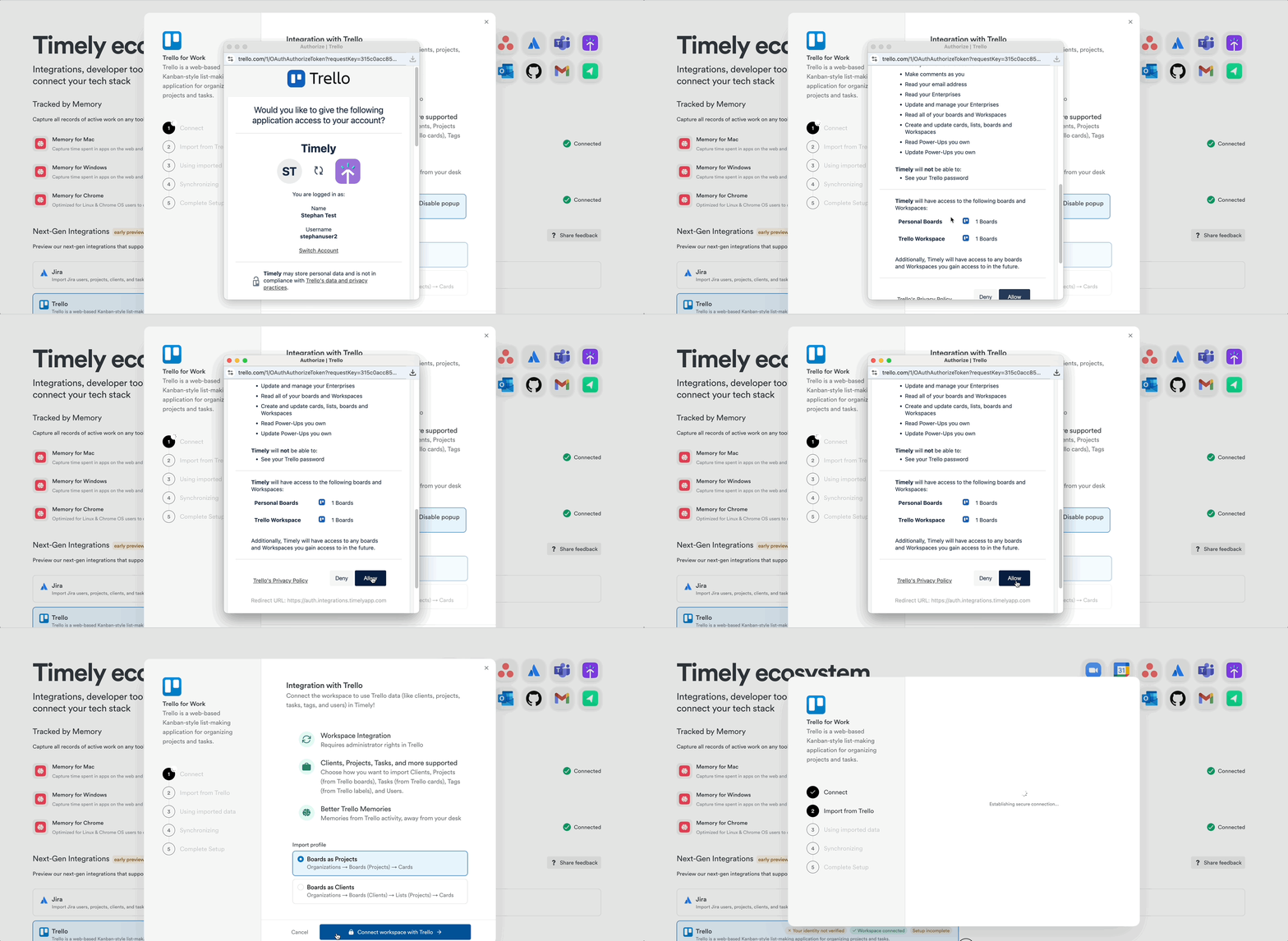
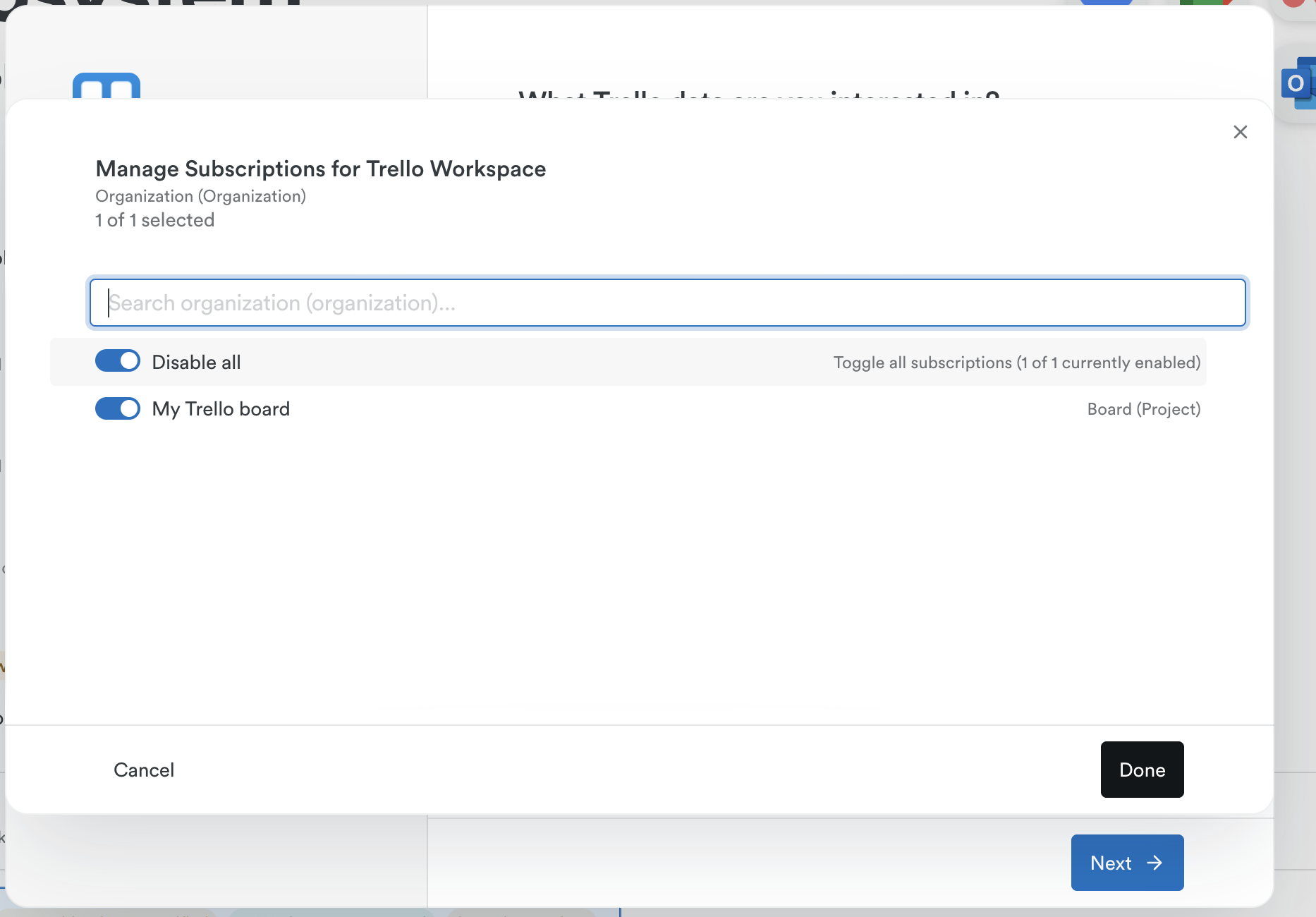
- Select which Trello boards to connect (default: all boards)
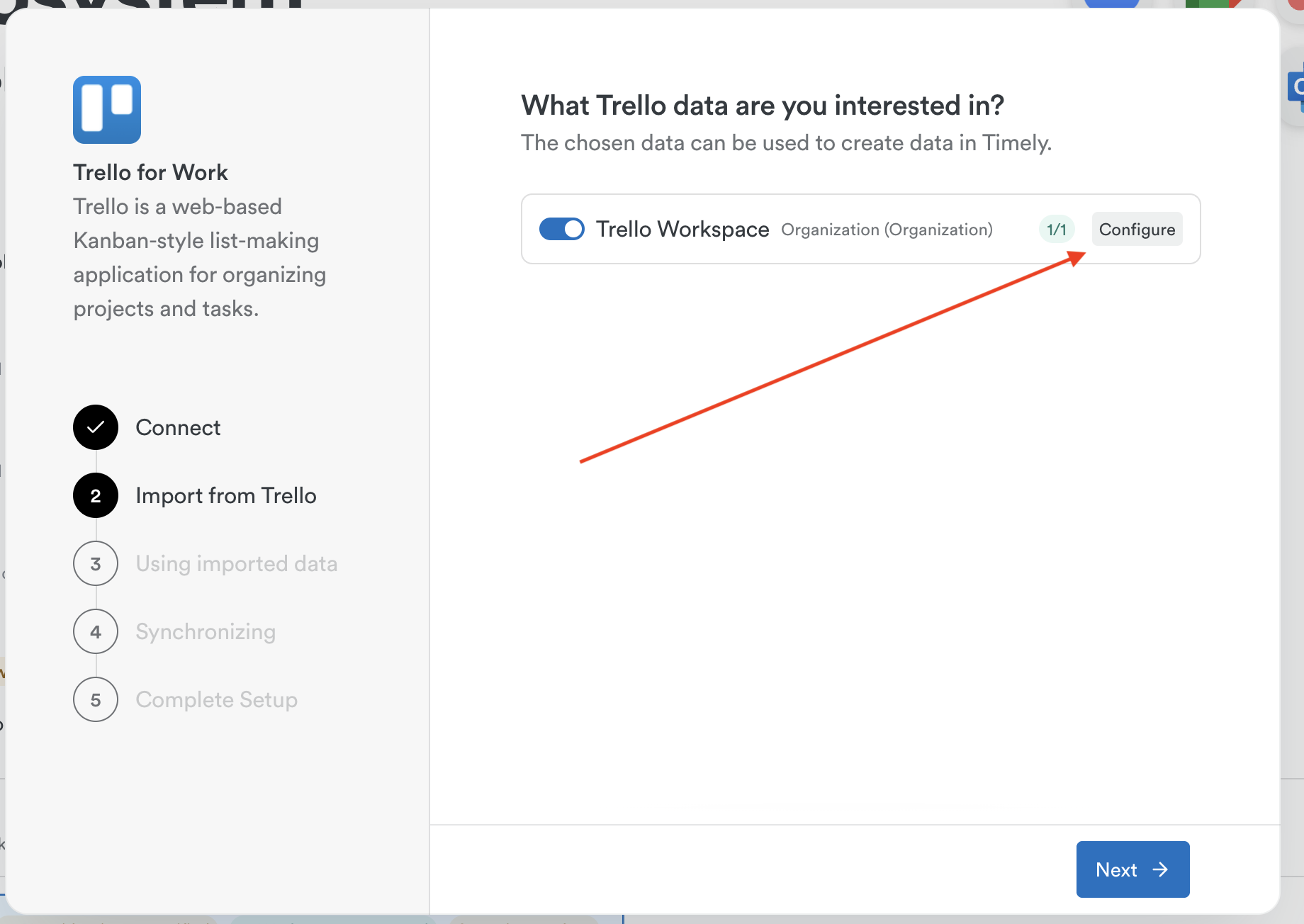
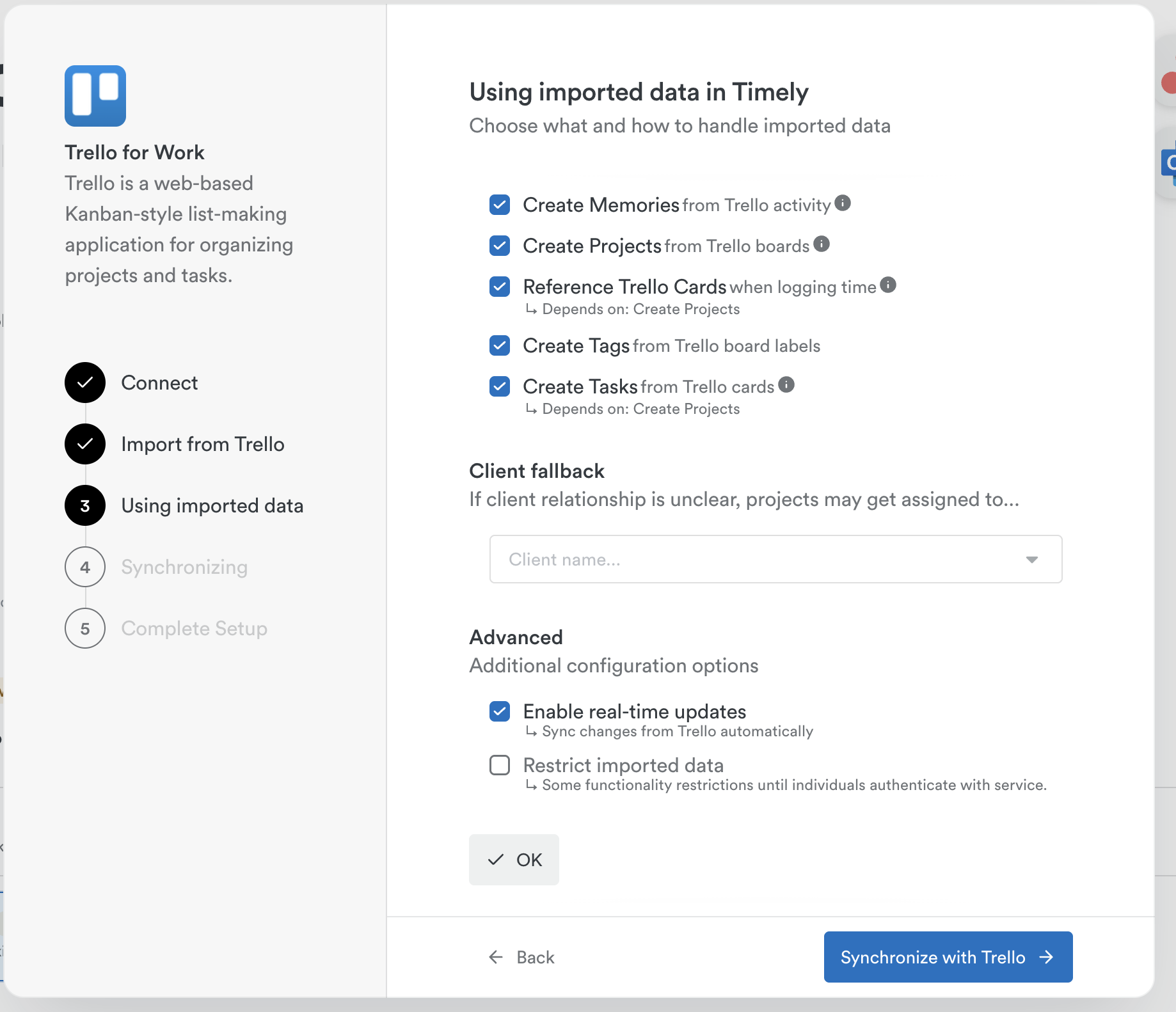
- Confirm default sync settings:
- Create Memories from Trello activity
- Create Projects from Trello boards
- Reference Trello Cards when logging time
- Create Tags from board labels
- Import Users from organizations
- Create Tasks from cards
- Real-time sync enabled
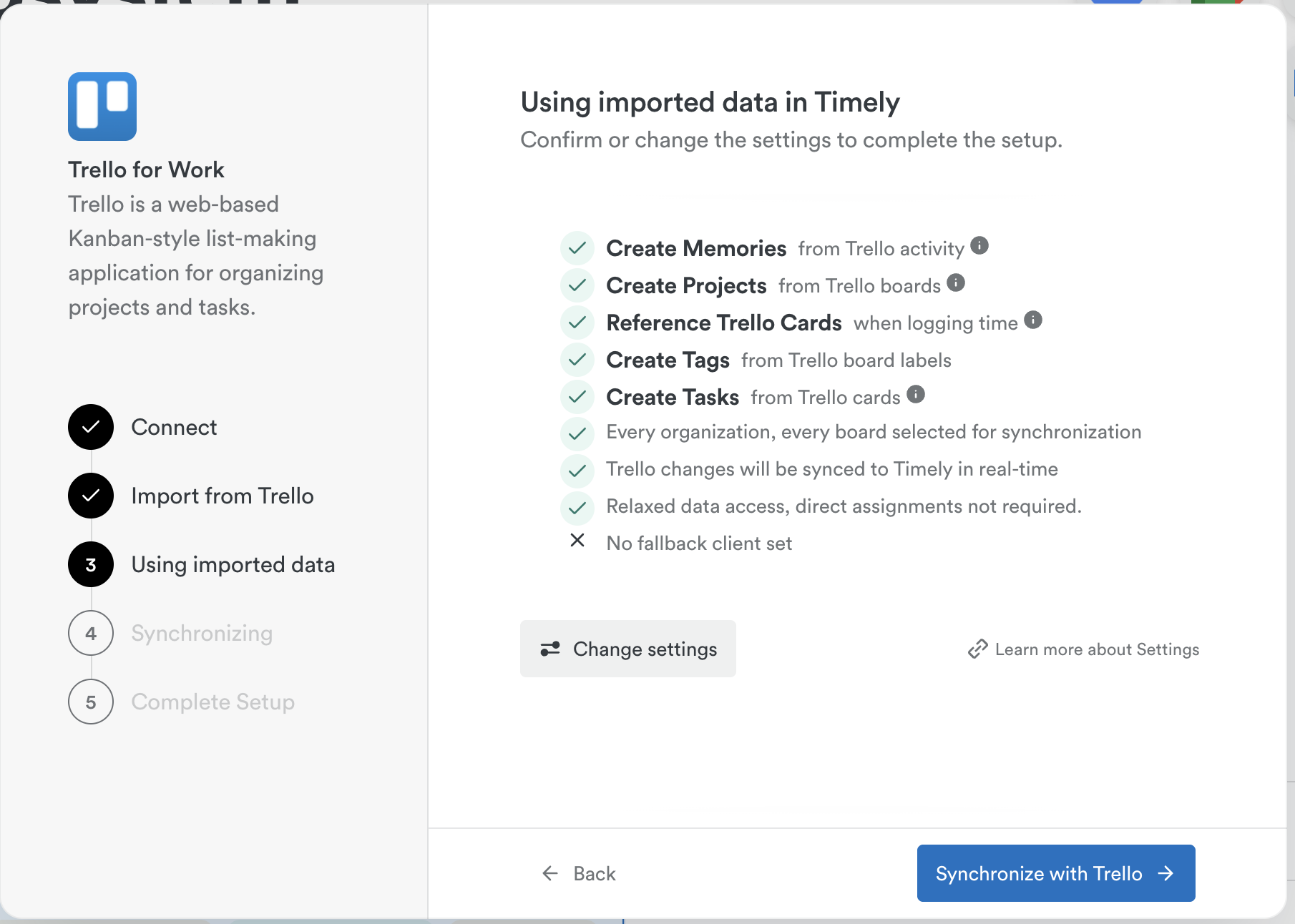
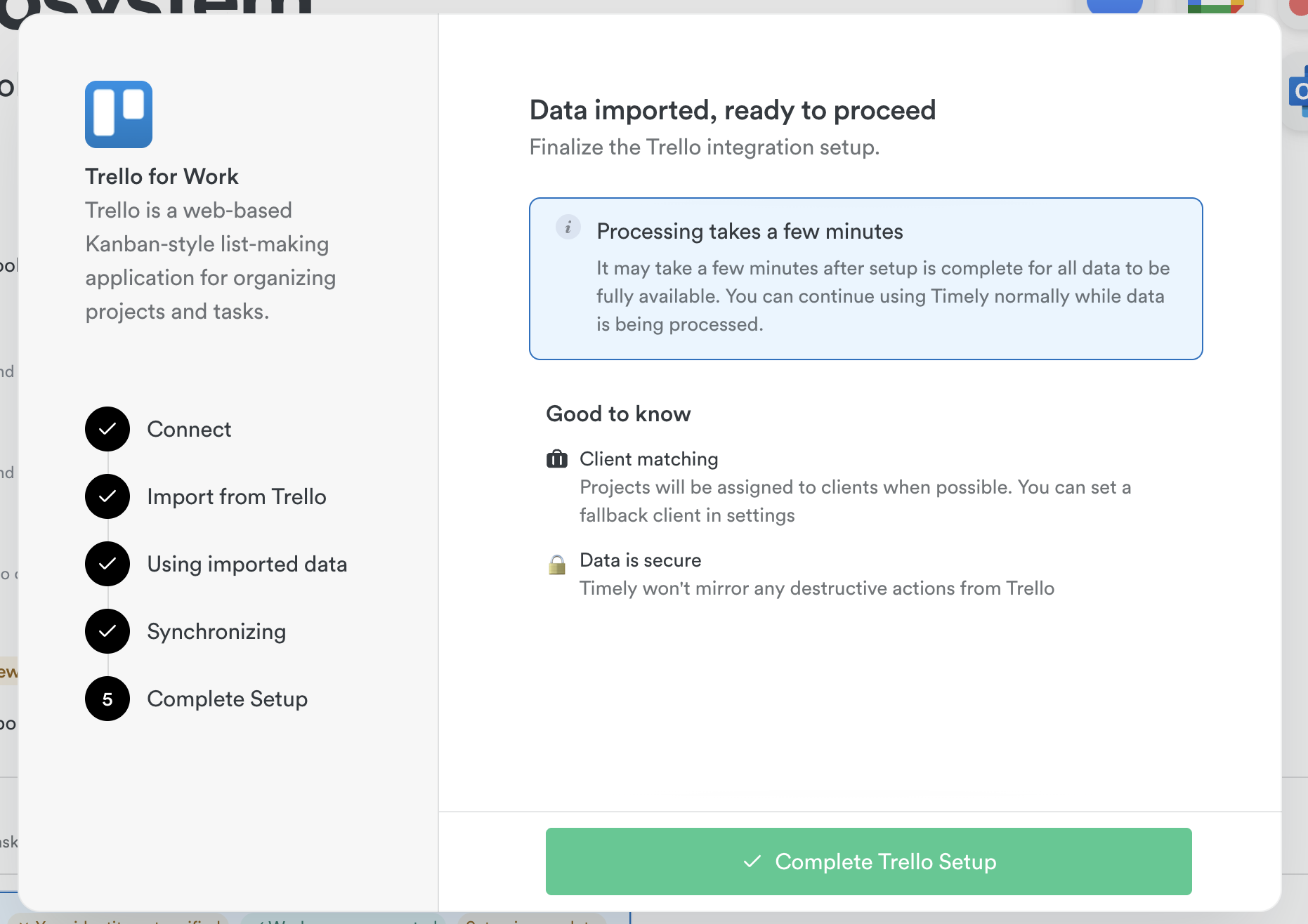
- Customize if needed, then click “Synchronize with Trello”
Connecting Trello — Individual setup
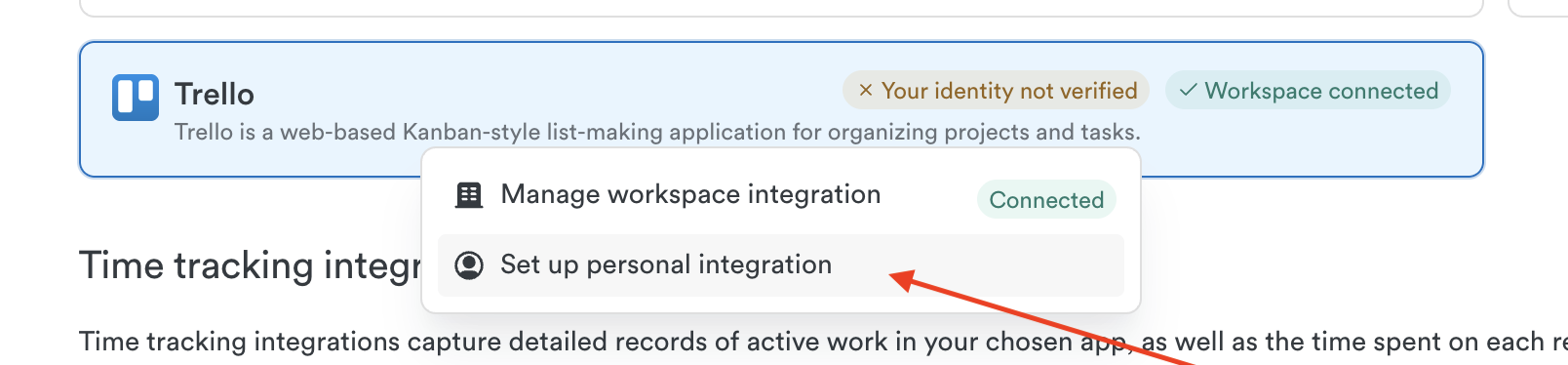
- Head to Settings > Integrations
- Click Trello under “Next-Gen Integrations”
- Click “Set up personal integration”
- Click “Authenticate with Trello”
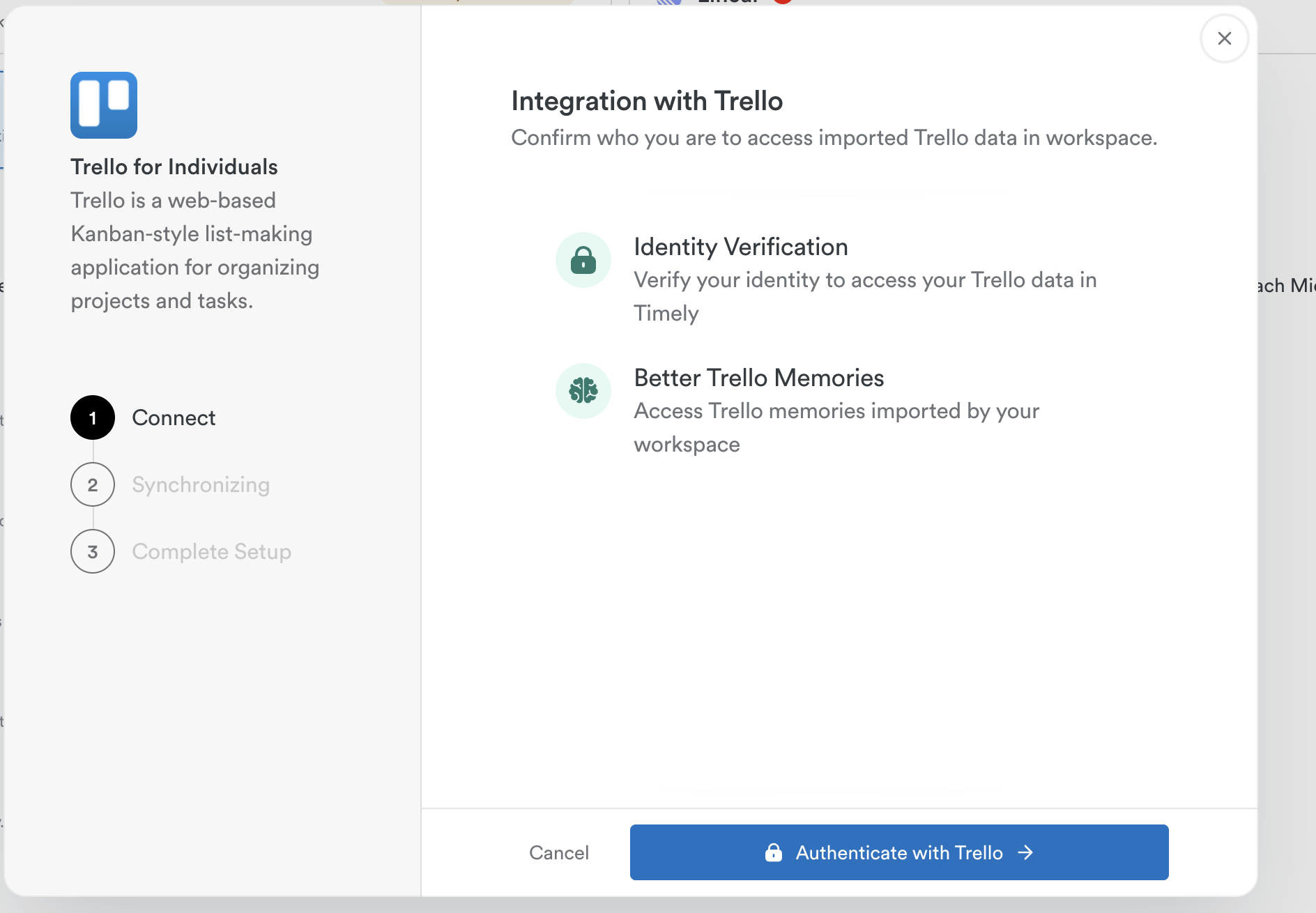
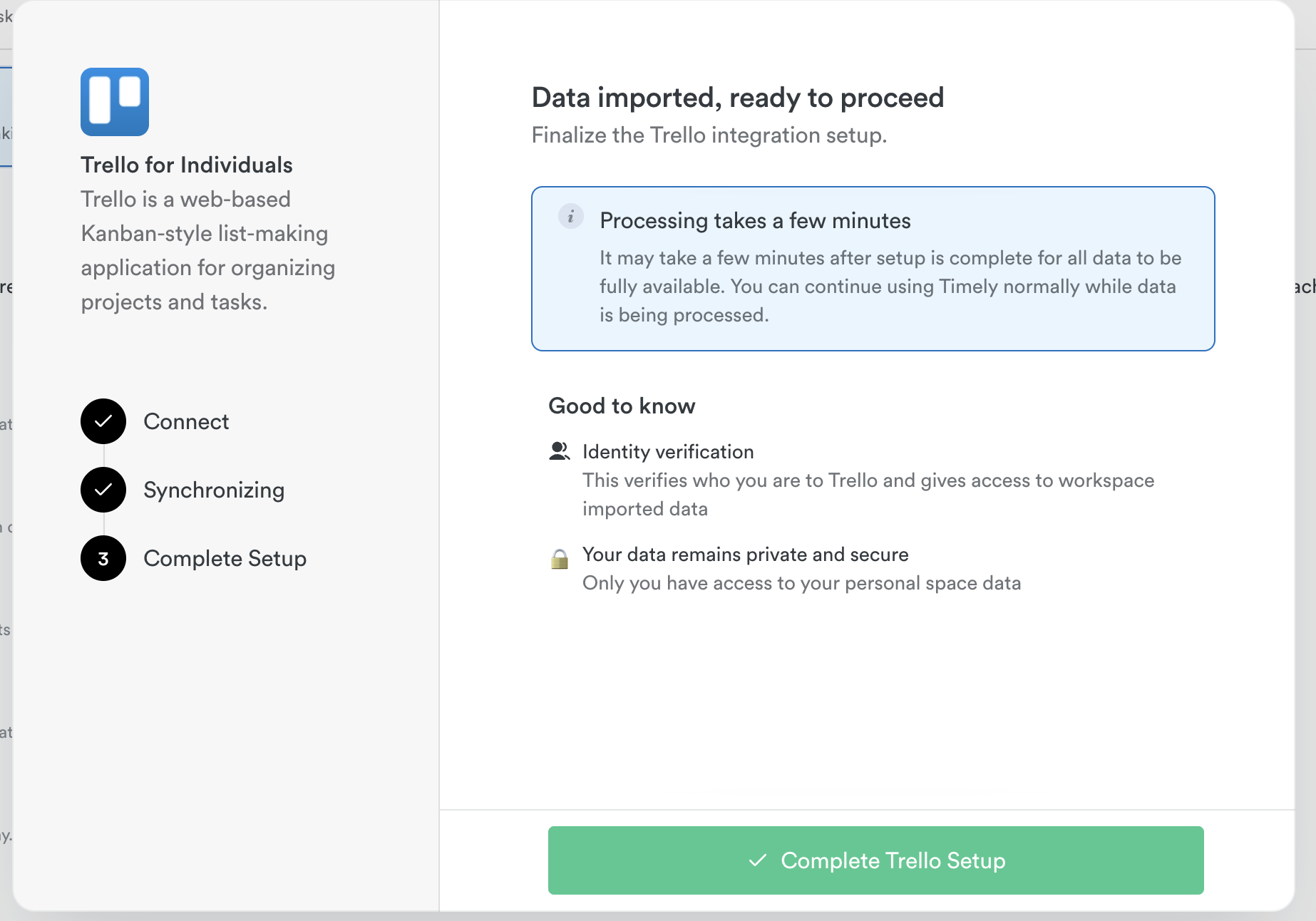
- Approve permissions — you’re set!
How the sync works
Project Mapping
| Trello Object | Timely Object |
|---|---|
| Organization | Client |
| Board | Project |
| Cards | Task |
Task Sync Rules
- Tasks are only imported if assigned and have both a start and due date
- Tasks get: card title, start/due dates, labels as tags, description with Trello link
- When a Trello card is marked Done, the Timely task is completed too (not the other way around)
Safeguards
- Timely won’t delete tasks if a Trello card is deleted
- Tasks won’t be duplicated if items are renamed or moved after initial sync
Removing the Trello integration
Admins: Settings > Integrations > Trello > Manage workspace integration > Settings > Delete
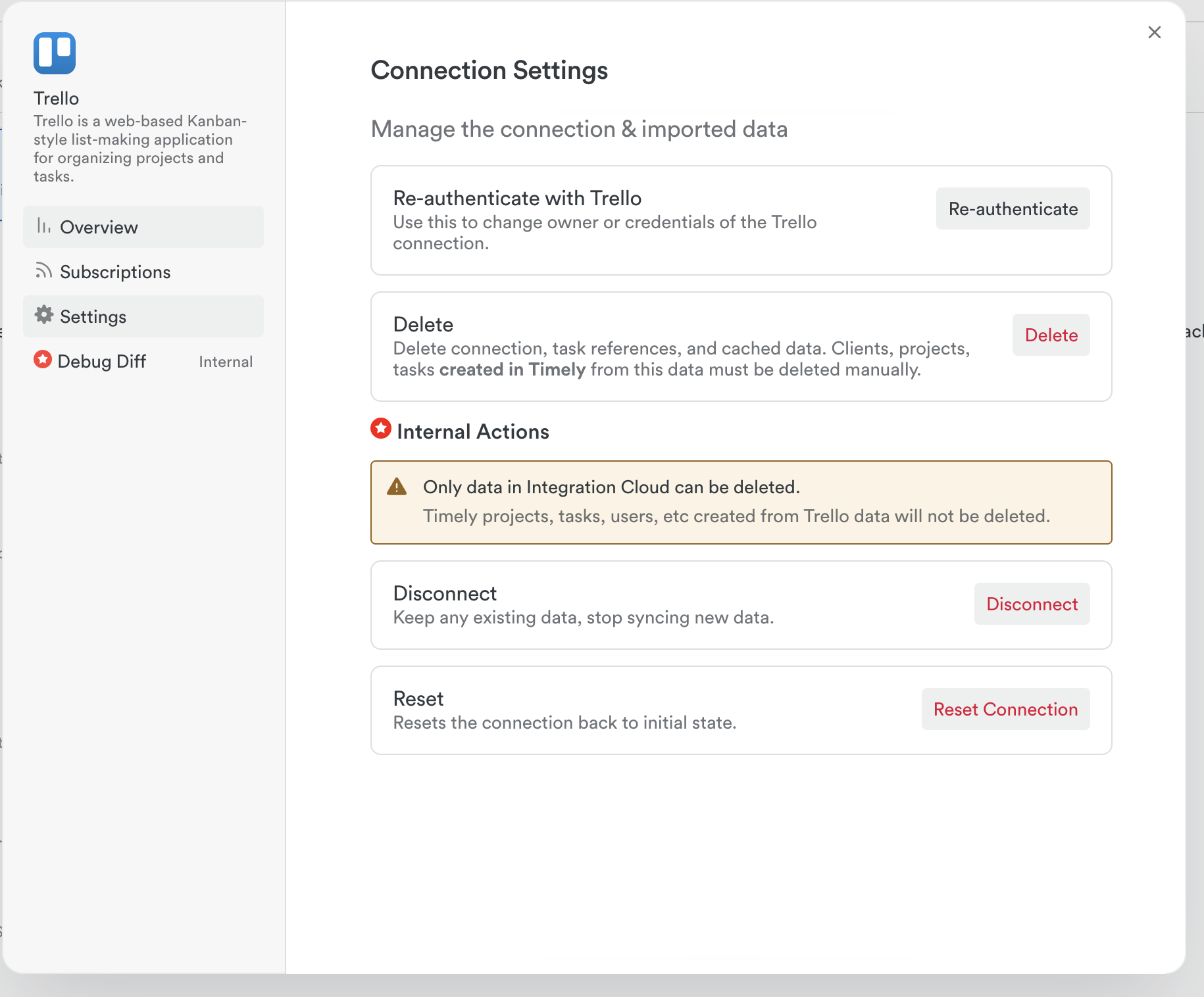
Individuals: Settings > Integrations > Trello > Manage personal integration > Settings > Delete
FAQs
What’s the difference between old and new Trello integration?
The legacy version only created Memories. The new version imports clients, projects, tasks, tags, and more.
Why isn’t a specific Trello card appearing?
Cards need both a start AND end date to be imported.
Do I need the Tasks add-on?
Yes, to use the full functionality including task creation in Timely.
What about new Boards added later?
Under the default configuration, new Boards sync to Timely automatically.
Last updated April 16, 2026
Have feedback for this article or need more help? Contact us now.