
Todoist
IntegrationsAI Time Tracking SourcesHandbookSee all the to-dos you've completed today in your Memory timeline.Can’t remember what you’ve done today or which task you completed? Timely makes it easy to keep track of all the tasks you complete and capture the time you spend on task management. With the Todoist integration, all of your completed tasks will show up in your Memory timeline.
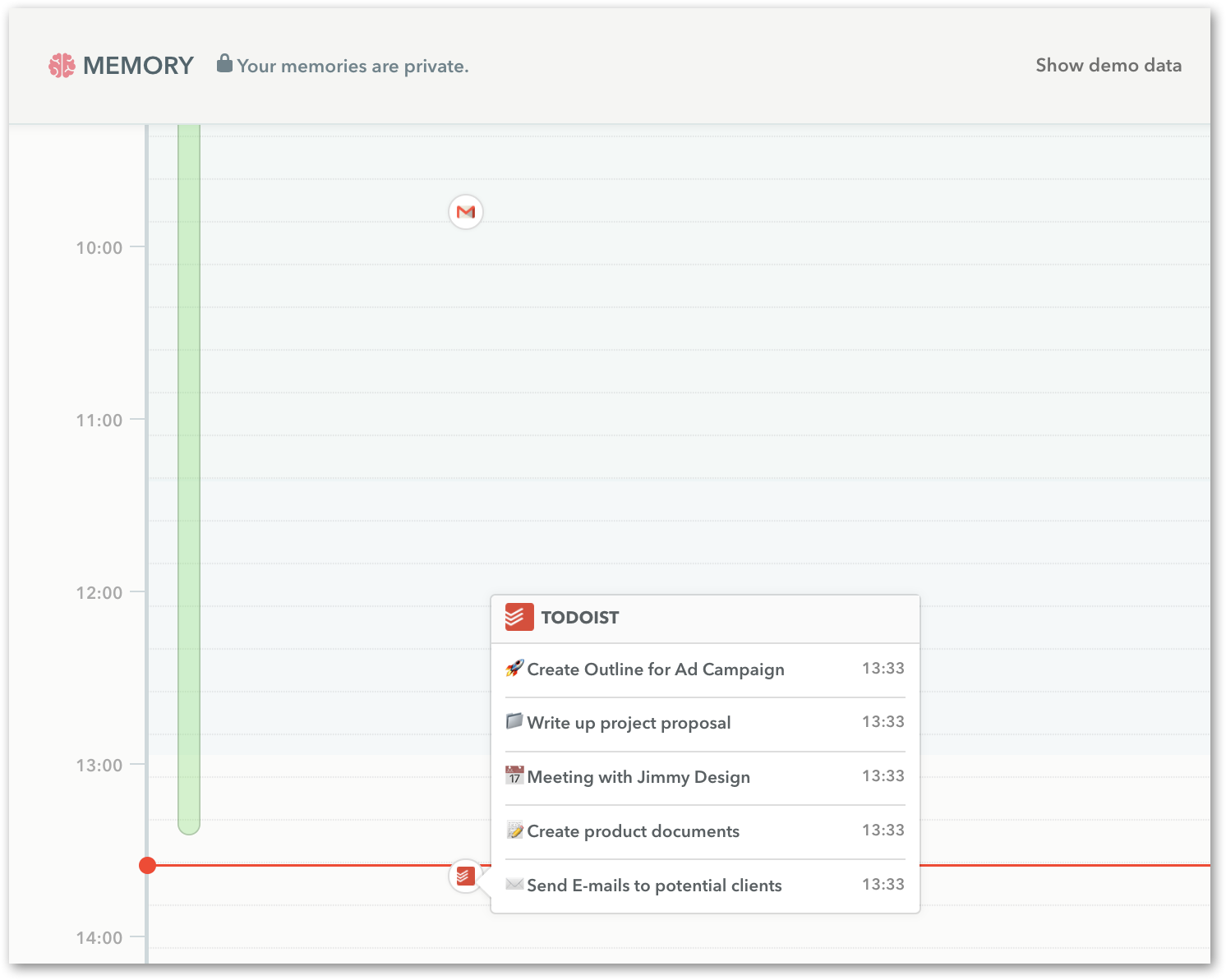
How it works
- See the name of completed tasks
- See when you completed each task
- Tasks completed within a short period are compiled into a scrollable list
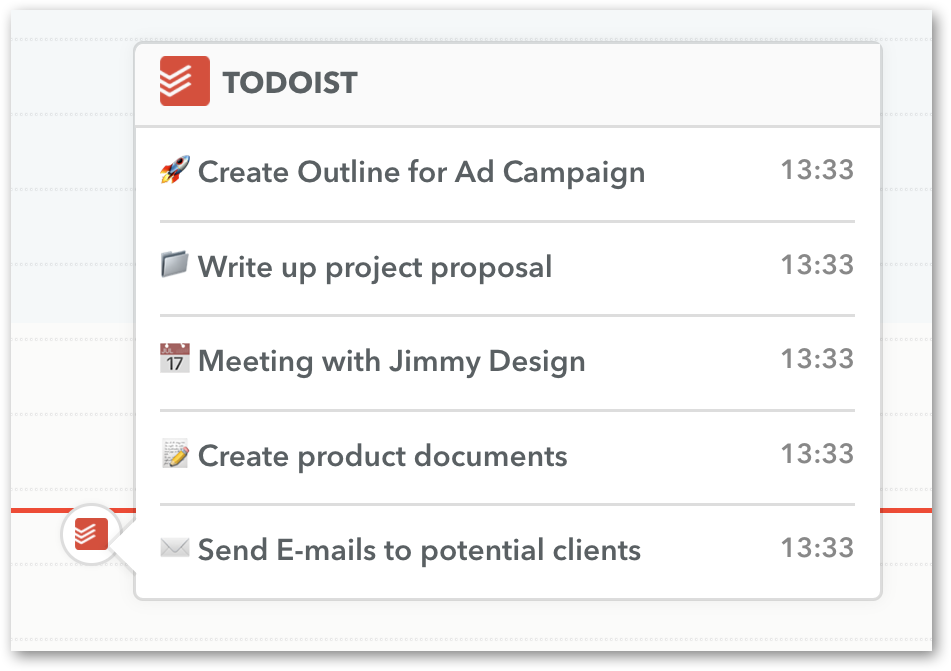
Hover over the Todoist entry to view all your completed tasks.
Connect Todoist with Timely
Head to the App page inside Timely Settings:
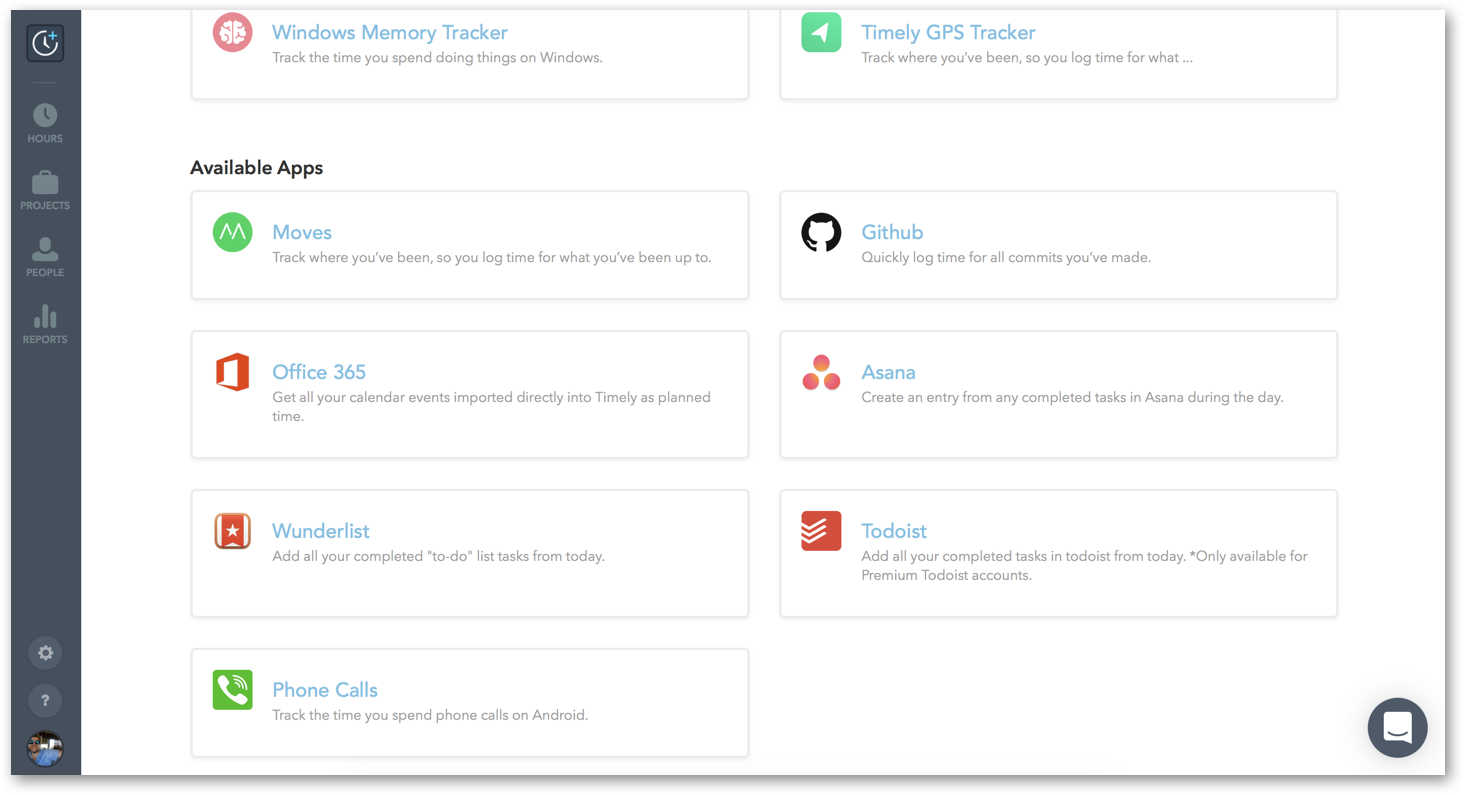
Click on the Todoist application and then “Connect new account to Todoist”:
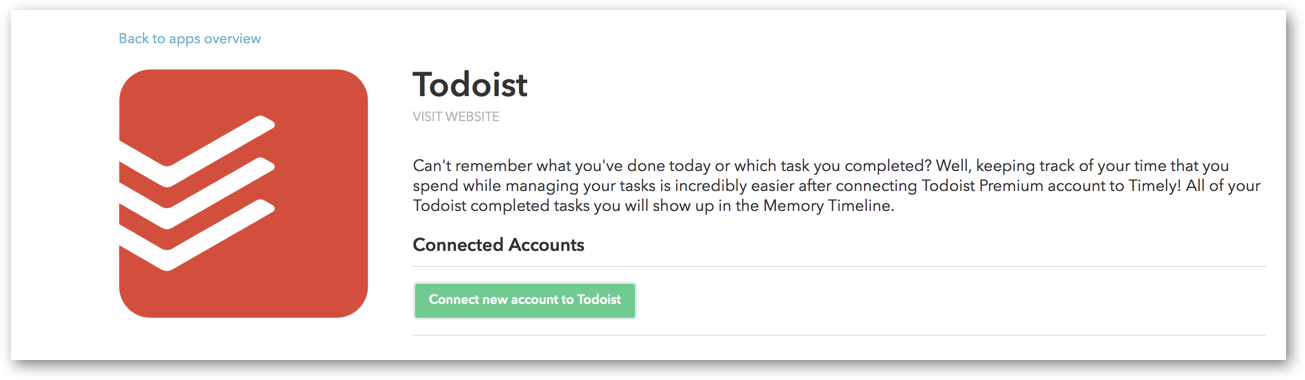
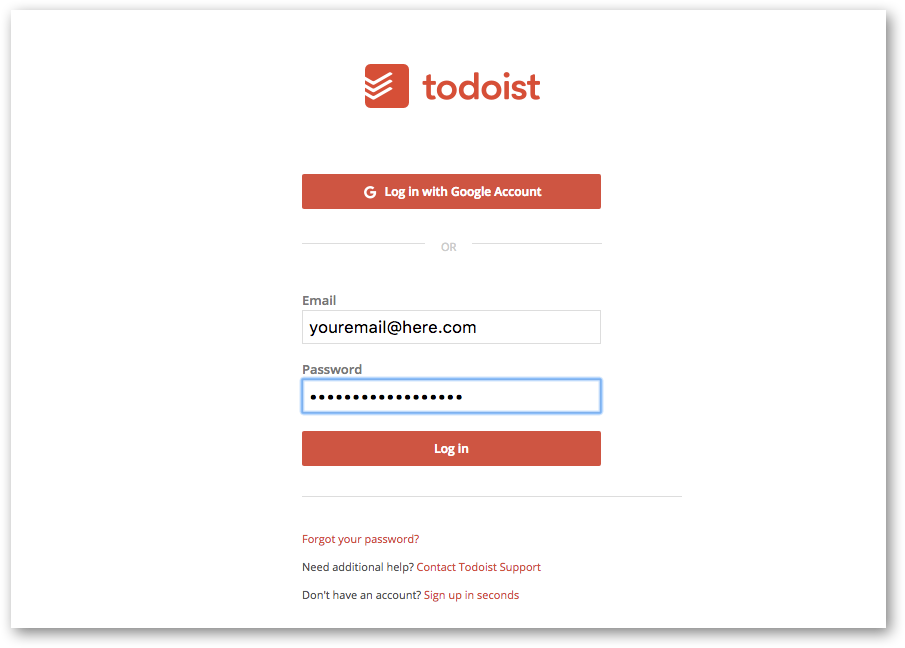
Click “Authorize” and sign into your Todoist account:
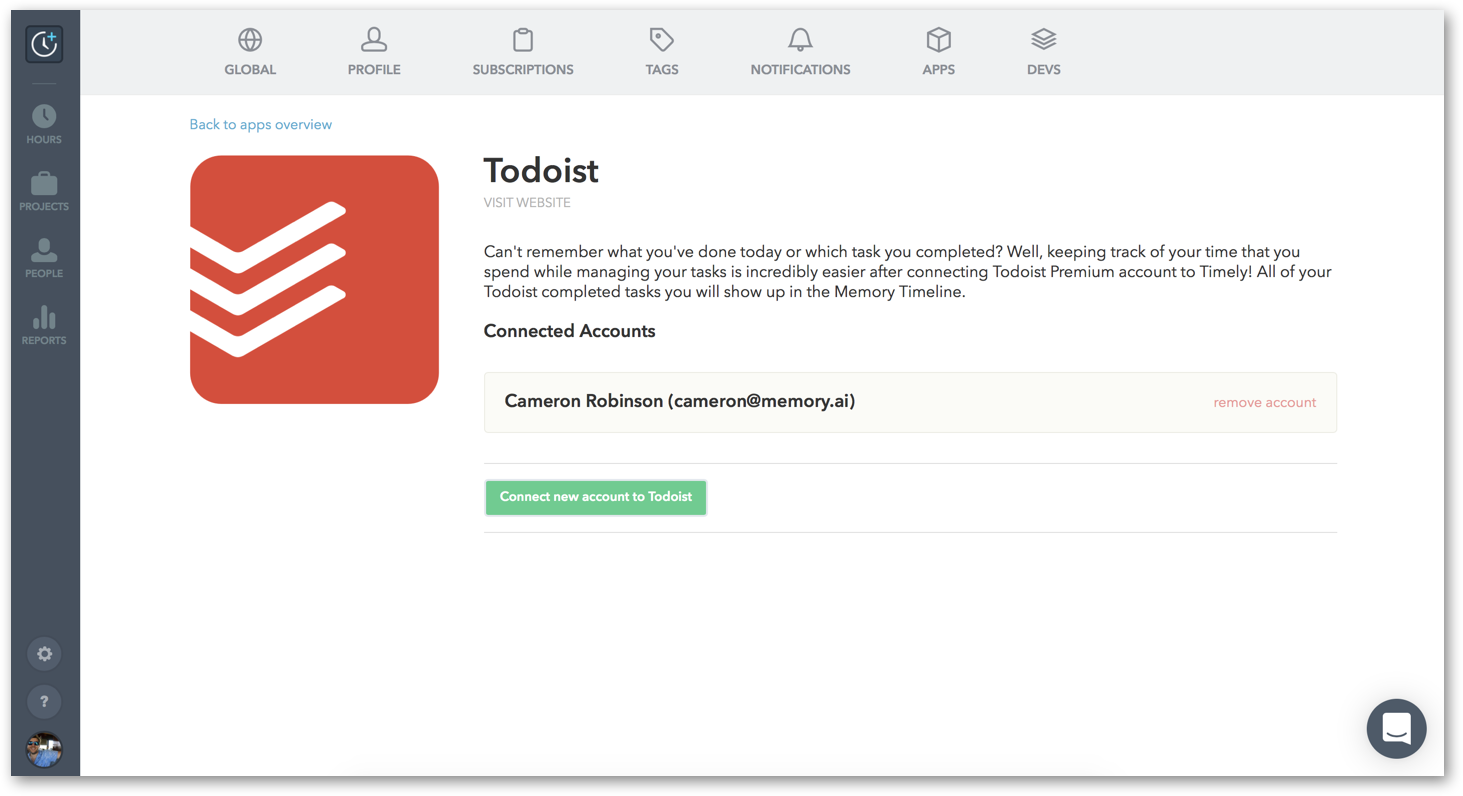
You’ll be brought back to the Todoist app page:
Your completed tasks will now show up in your Memory timeline!
What’s the benefit of Todoist memories in Timely?
It massively reduces the time and effort you spend logging hours! Seeing all your completed tasks reminds you what you worked on, and having them all in one place lets you fill in entry notes super quickly. It enables you to capture and account for time spent managing tasks, which often goes unreported.
Last updated October 7, 2026
Have feedback for this article or need more help? Contact us now.