
Outlook
IntegrationsAI Time Tracking SourcesHandbookCapture the time you spend writing emails in Outlook with Timely.Writing emails can sometimes seem like an endless task, but when it makes a difference to the bottom line, you want to capture every detail. With Timely’s Outlook integration, you get extra detail about the emails you send pulled straight into your Memory timeline.
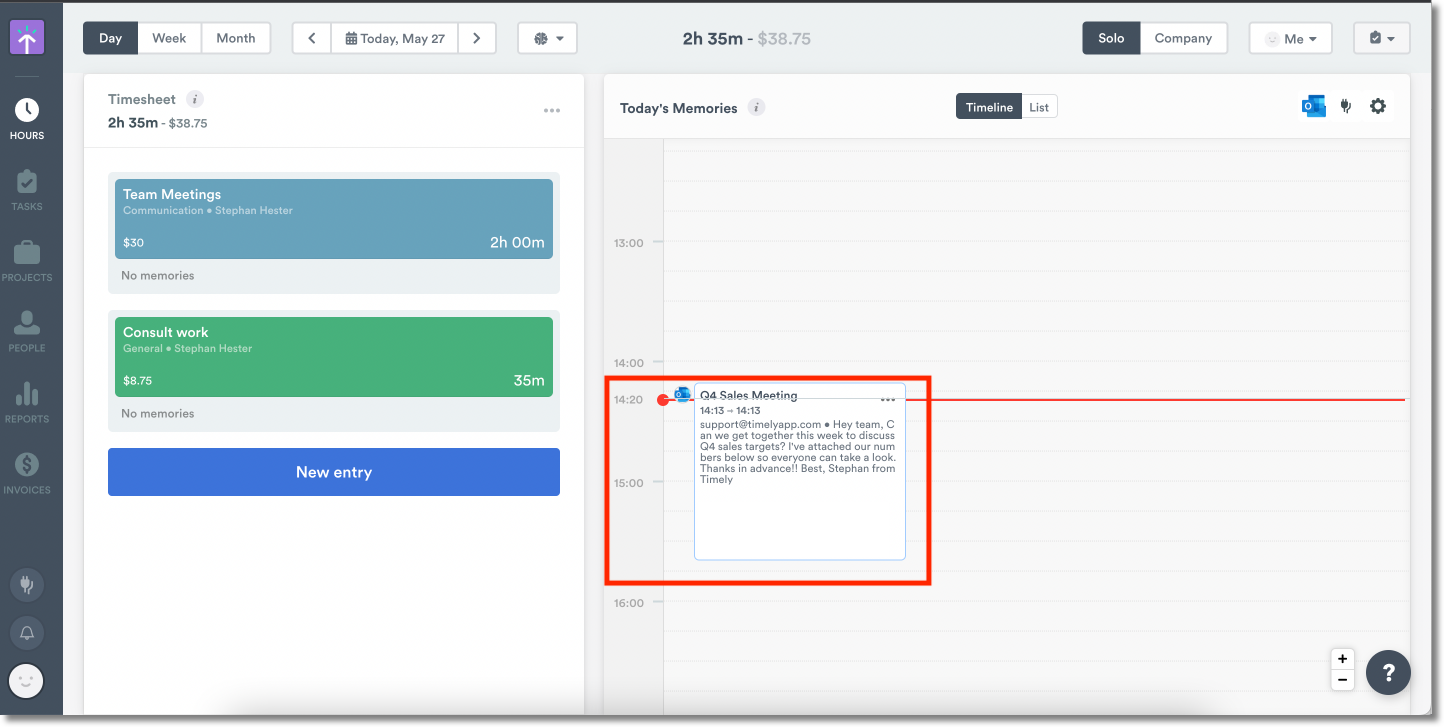
What you see in Timely
- The emails you send in a day
- The subject field of each email sent
- The time each email was sent
- The emails you compose (Outlook desktop app only)
- The emails you reply to (Outlook desktop app only)
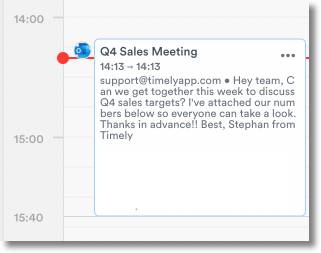
Integrating Outlook with Timely
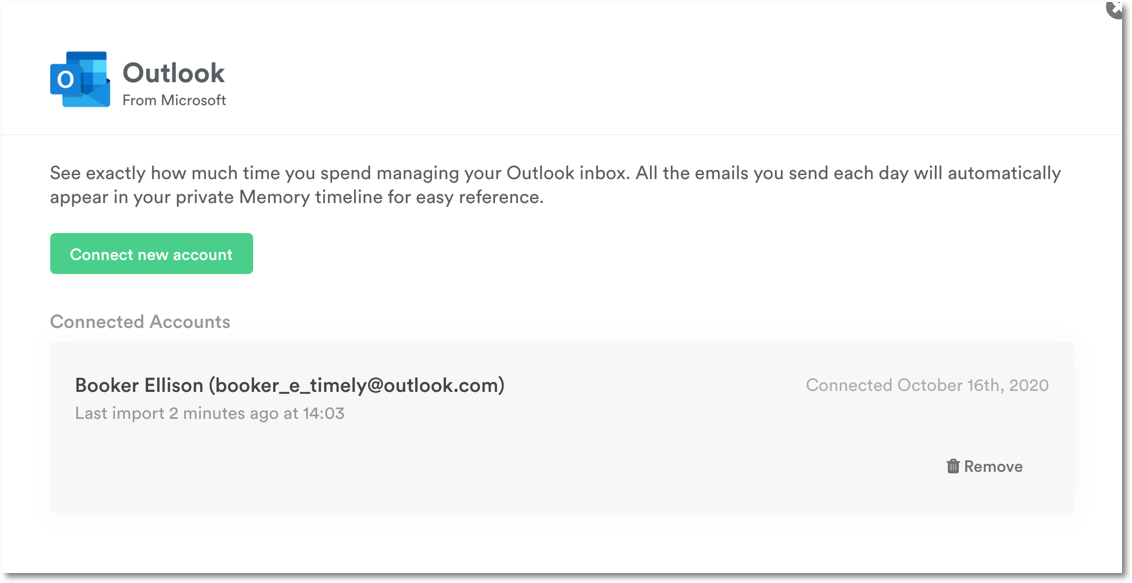
Head to Settings > Integrations, then select “Outlook” from the list of personal integrations:
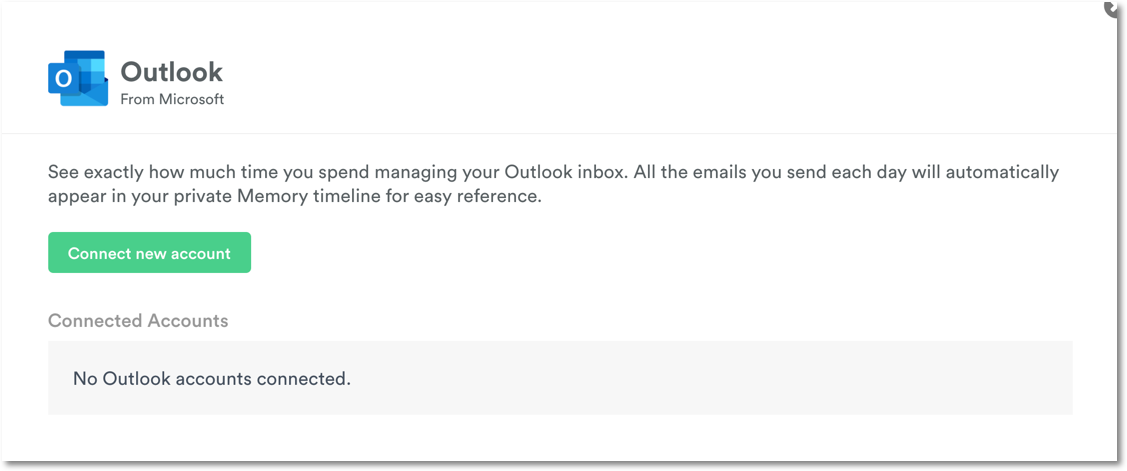
Click “Connect new account” and sign in using your email address:
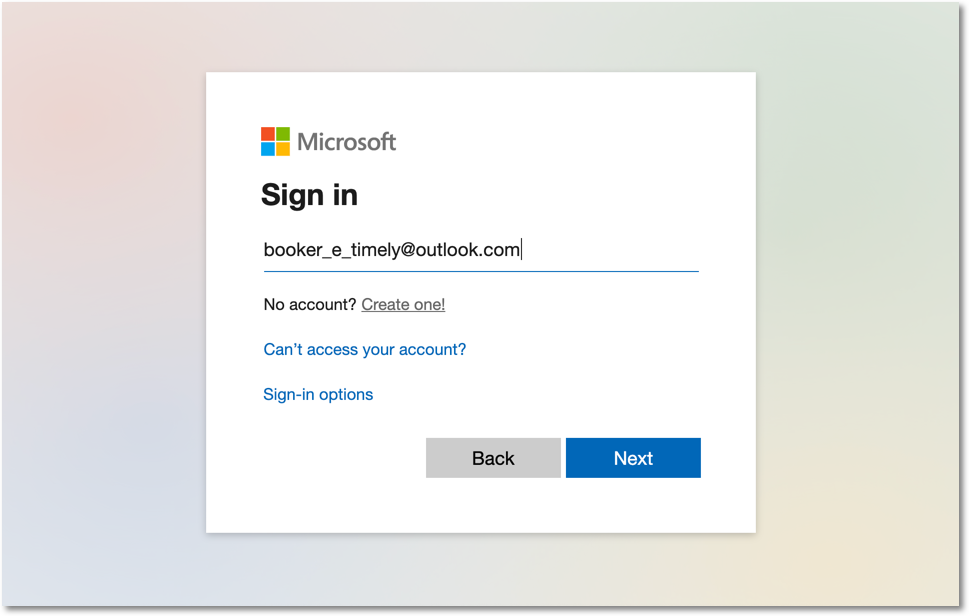
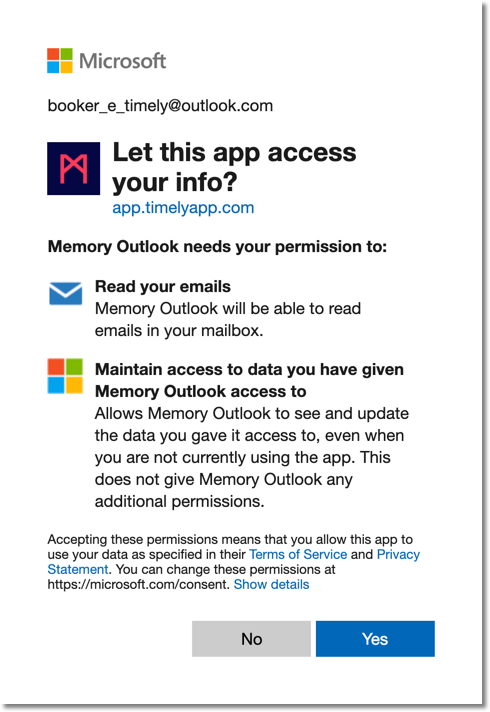
Accept the permissions and you’re done!
FAQs
How do I remove the Outlook integration?
Go back to the Integrations page, select Outlook, and hit “Remove”.
Can I create an entry from an Outlook memory?
You cannot directly create an entry from an Outlook memory, but you can use the information as a basis for your entry’s notes.
Can I connect my Office 365 Exchange account?
No, Timely’s Outlook integration only connects to Microsoft’s web-based Outlook services. Exchange server is not supported at this time.
Last updated April 1, 2026
Have feedback for this article or need more help? Contact us now.