
GitHub
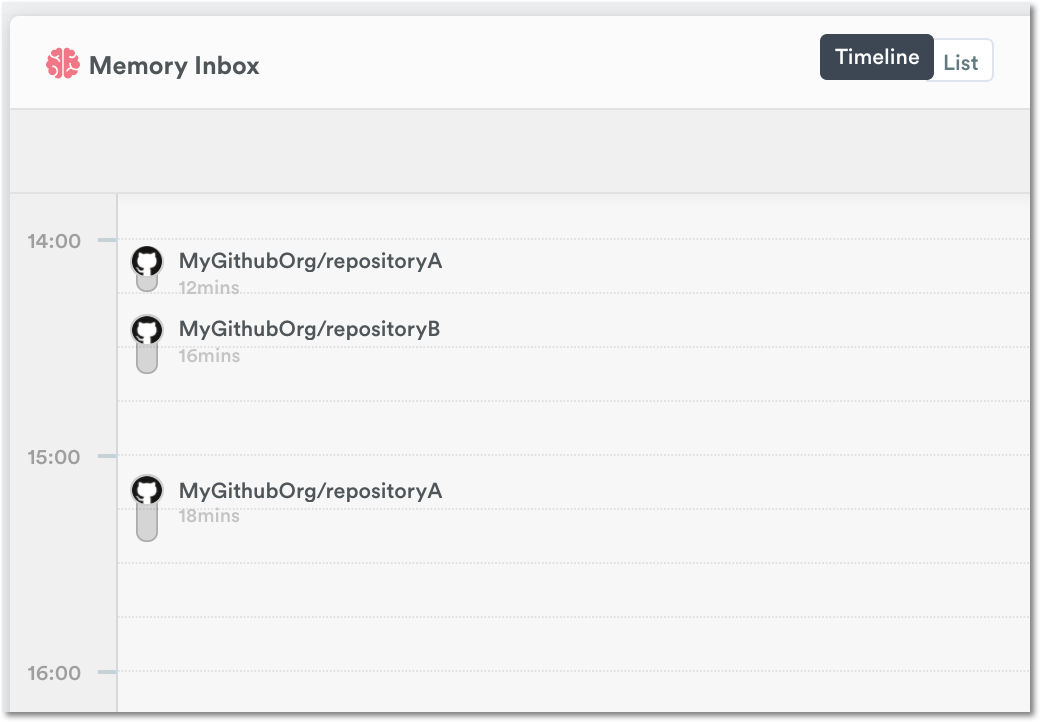
IntegrationsAI Time Tracking SourcesHandbookSee all your Git commits for the day in your Memory timeline.Want to track the time you spend on all your daily Git commits? Connect GitHub with Timely to do it automatically while you work!
How it works
- Timely records all commits from public repositories
- Timely records all commits from private repositories if you are the owner or admin
Timely will also group these GitHub events that occur within 20 minutes:
- Pushed commits
- Commenting on pull requests, issues
- Reviewing comments
- Opening, updating, or closing pull requests
- Creating branches or tags
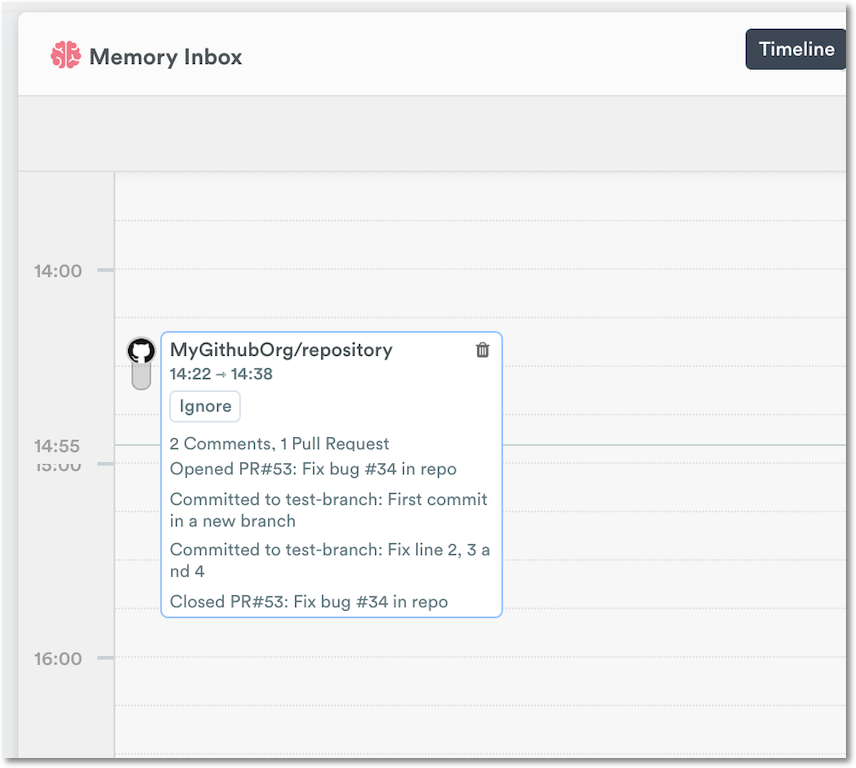
Hover over the memory to view details of the commits
Connect GitHub with Timely
Head to the Apps tab in your Timely Settings page:
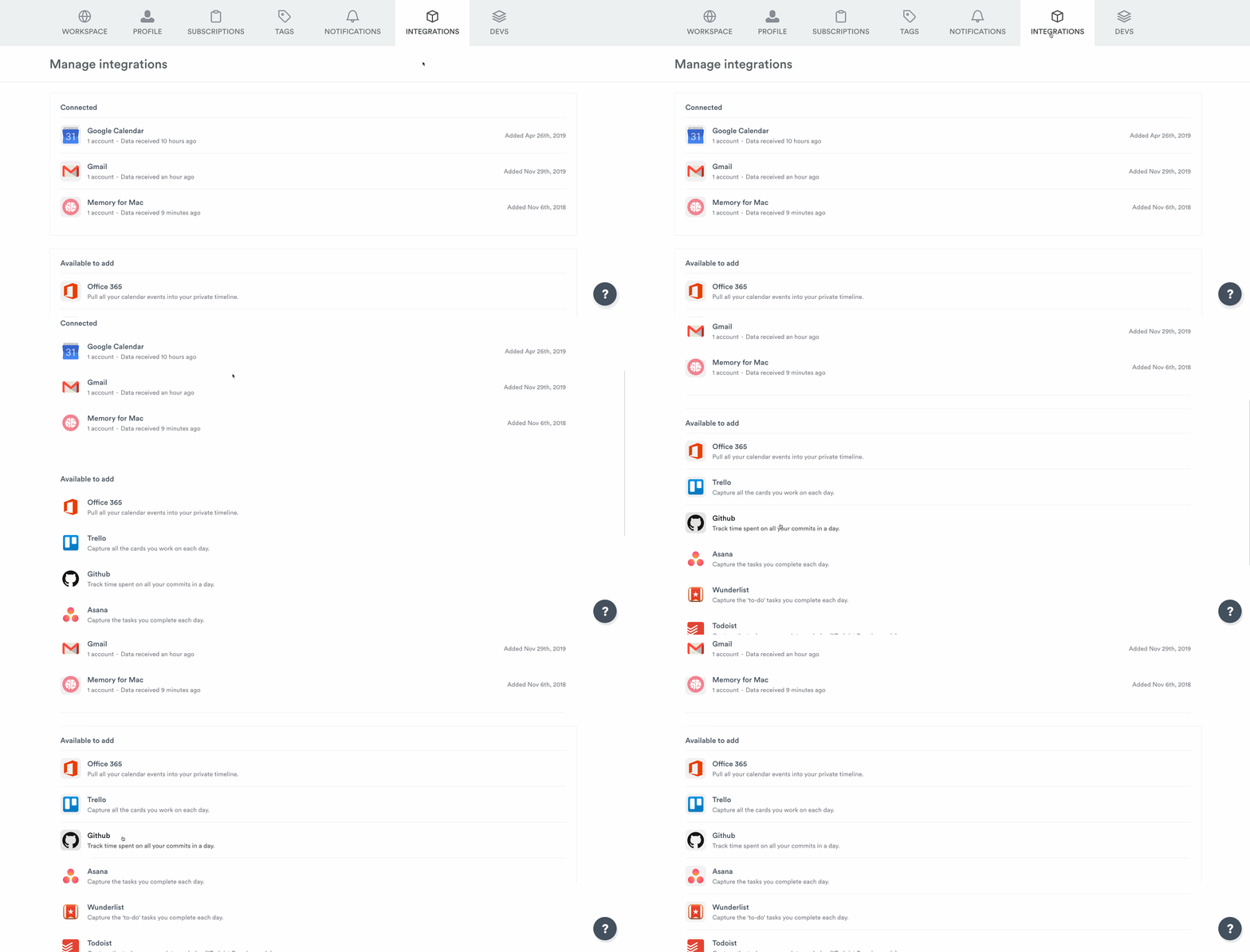
Select the GitHub application and click “Connect new account to Timely”:
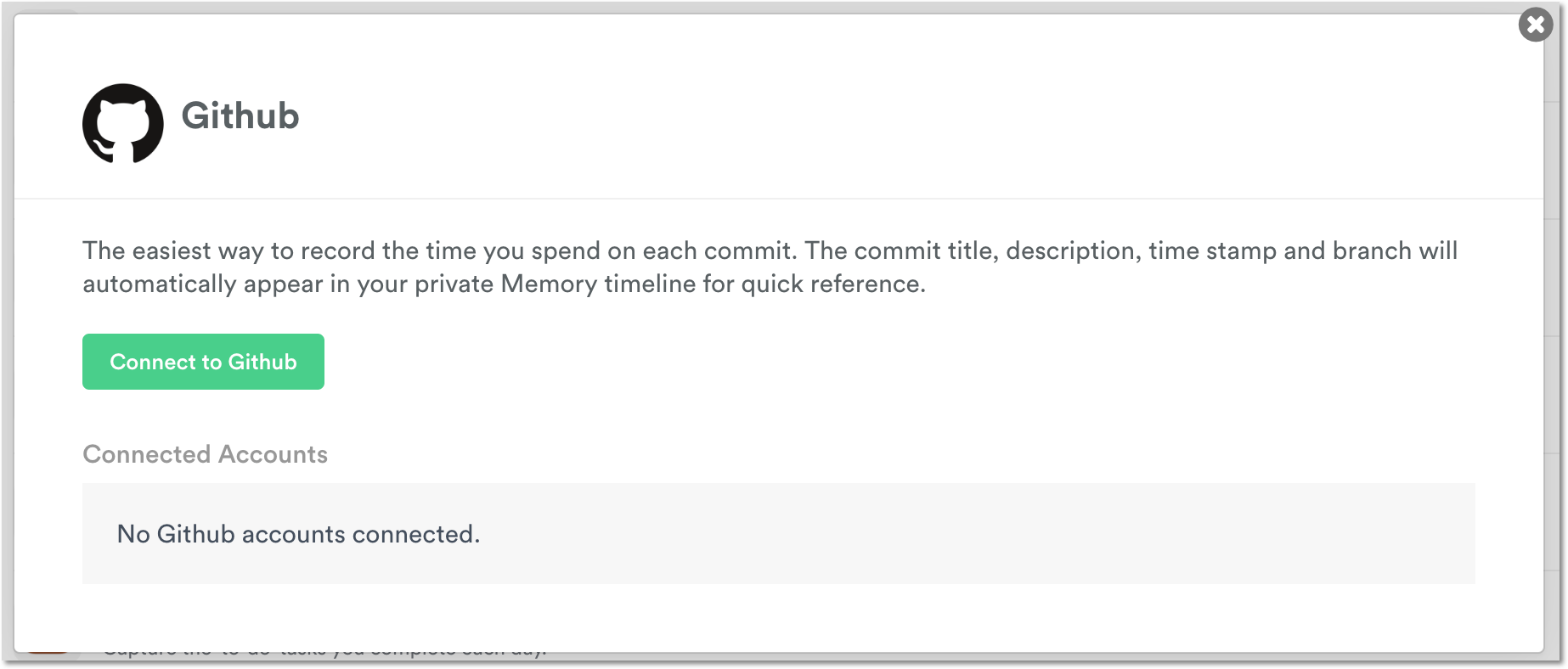
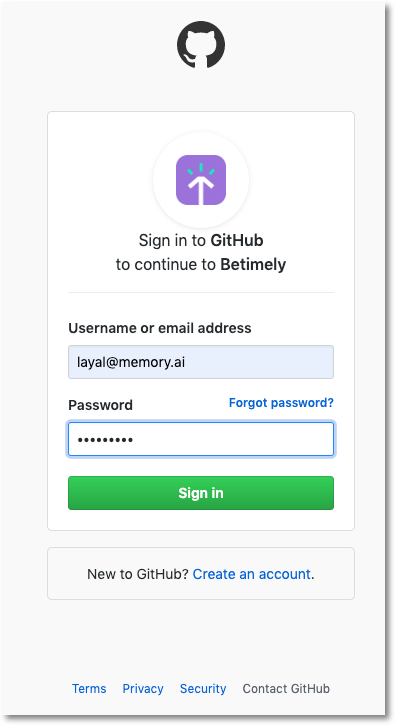
Sign into your GitHub account:
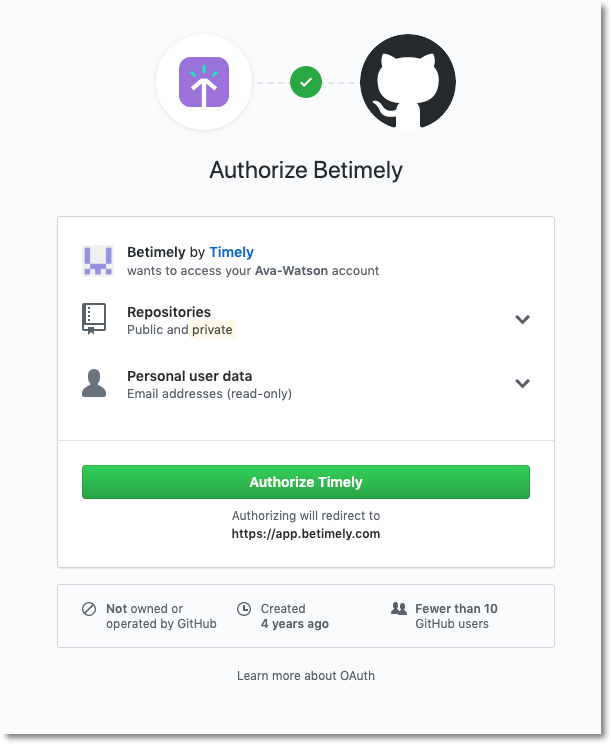
Authorize Timely to access your GitHub account:
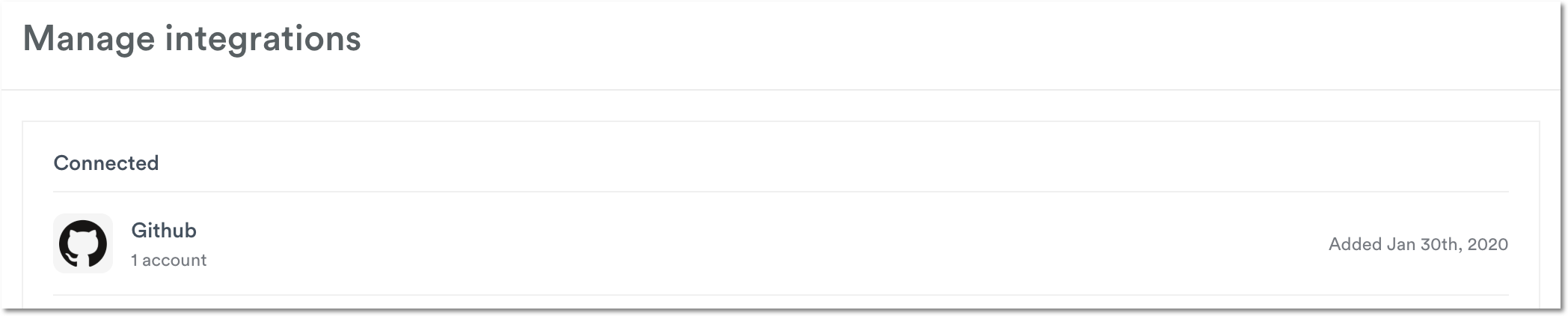
Once authorized, you’ll see your connected account:
You’re all set up and ready to track all the time you spend on commits!
Last updated April 1, 2026
Have feedback for this article or need more help? Contact us now.