
Memory app Improvements
- Cursor Agents tracked separately — Memory(Mac) now distinguishes Cursor Agents from the Cursor editor window when capturing activity, so background agent work shows up as its own entry instead of being mixed in with editor time.
- Credential scrubbing in captured URLs — Memory now strips usernames, passwords, and tokens from URLs before they’re stored, so sensitive credentials never end up in your timeline or activity history.
How to update
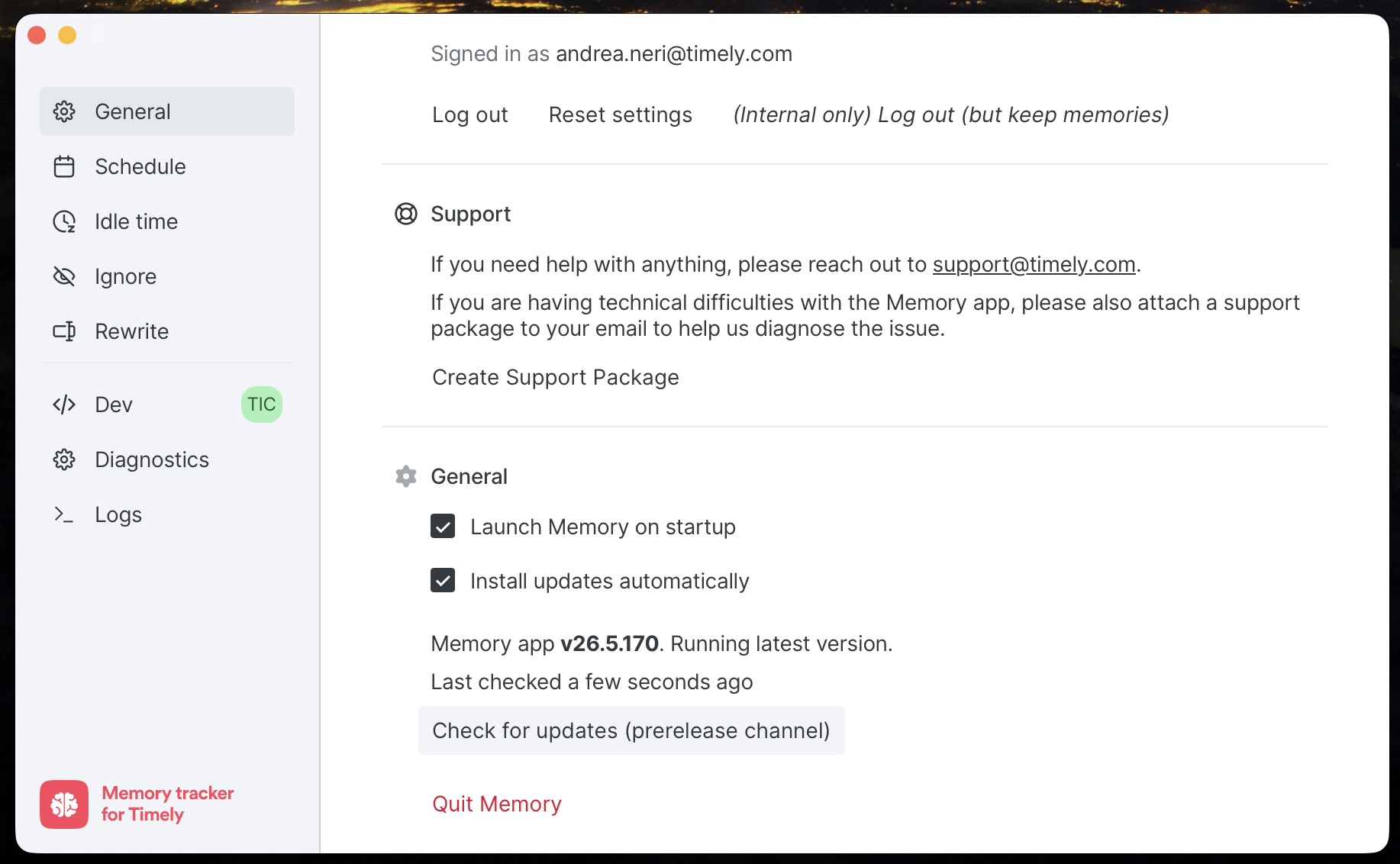
Memory updates automatically, so most people will pick this up without doing anything. If you want to grab it now, open Memory from your menu bar or system tray, scroll down on the General tab, and click Check for updates.
Improvements
- Timesheets date filtering — Clicking “See all hours” from the People page weekly capacity modal now opens Timesheets pre-filtered to that week, so you land exactly where you need to be.
Bug Fixes
- Memory incognito detection (Windows) — Fixed a bug where Chrome incognito windows weren’t being detected on Windows, which could lead to private browsing being captured unintentionally.
- AutoSheet timeline interactions — Drag-resize and drag-to-create gestures now use the correct time intervals, so your edits match the original proposal as expected.
- AutoSheet bulk delete — Bulk deleting entries now works reliably, with removed items correctly moving to the unassigned section.
- AutoSheet entry creation — New entries now appear immediately after reassigning activities, no page refresh needed.
- Dark mode visibility — Improved contrast for timeline selection highlights and feedback modal text, making dark mode easier to dark mode easier to read.
More updates
Smarter Timelines, easier edits and more control over your notes
See your seats at a glance, plus cleaner exports and invoices
Per-period recurring budgets, faster Trello and Jira syncing, and reliability fixes
Faster Linked-Work Search, Flexible Time Logging, and Reliability Fixes
Compliance Dashboard, Saved Filters, and Sync Reliability Improvements
Manual AutoSheet time, monday.com setup guidance, and security improvements