Projects on iOS
Time Tracking: Classic iOS and Android Handbook Create, view and organize projects on the fly with Timely for iOS.Sometimes opportunities fall into your lap when you least expect it. With Timely, you can get a project set up right away using the iOS app, so by the time you’re back at your computer, you’re ready to get stuck in!
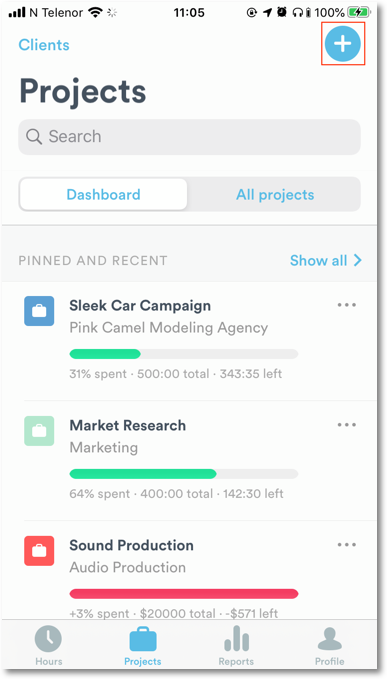
First, head to the “Projects” tab and tap the blue ”+” in the top-right corner:
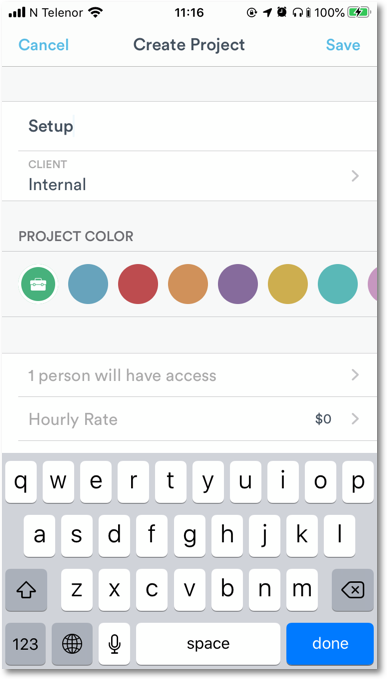
From there, you can add a title for your project by tapping “Project Name”:
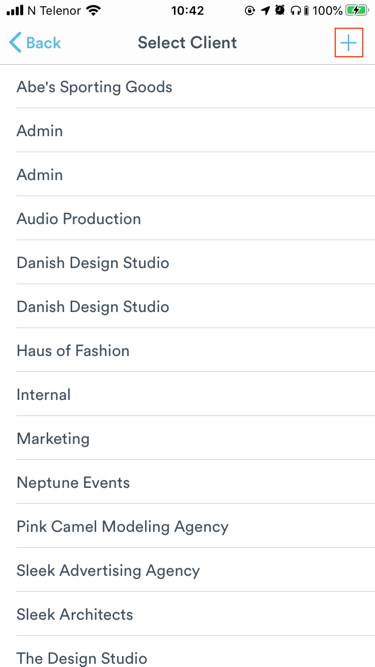
Select the client it belongs to or create a new client:
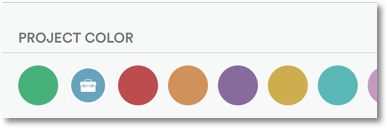
Select the project color:
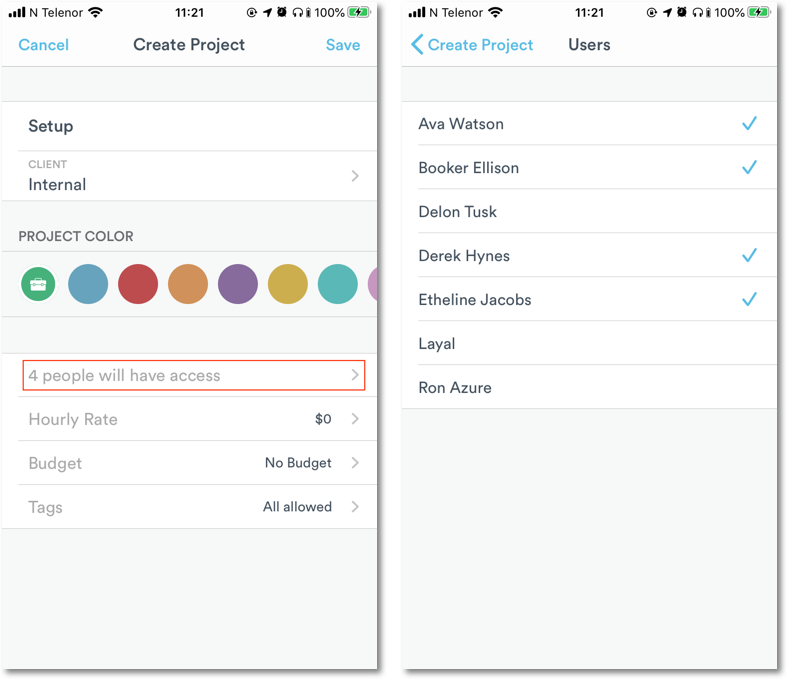
Add users who can log time to the project:
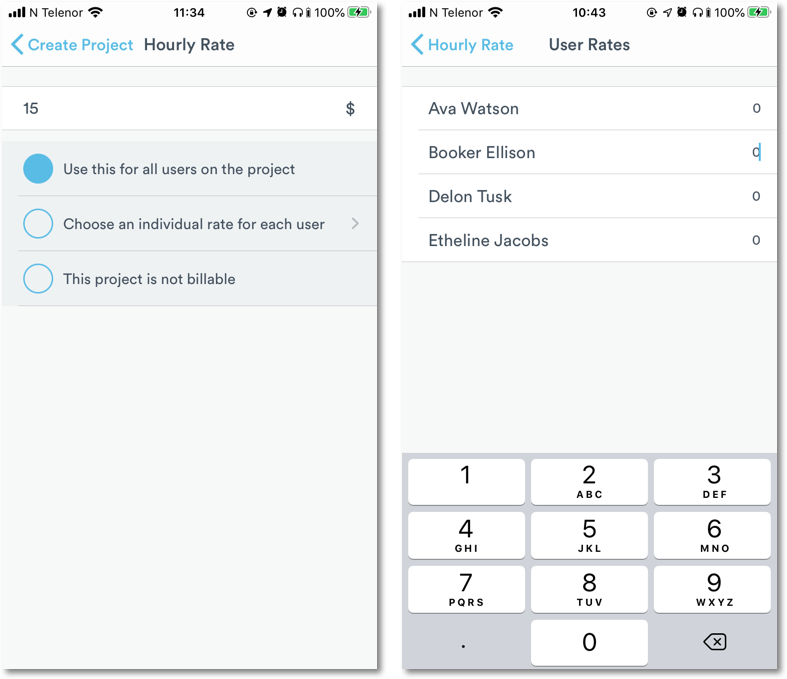
Set one hourly rate for all users on a project, or individual rates per user:
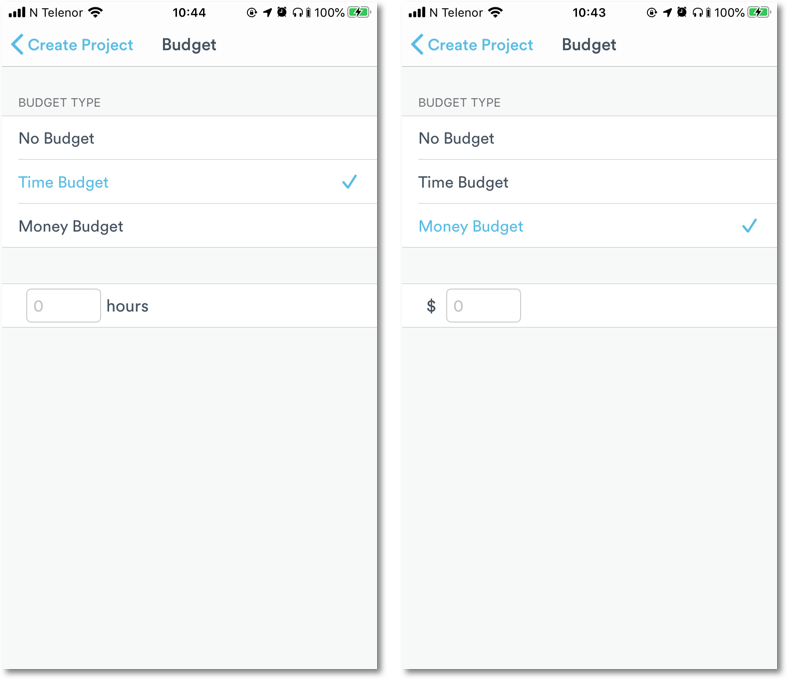
Create a time or money budget:
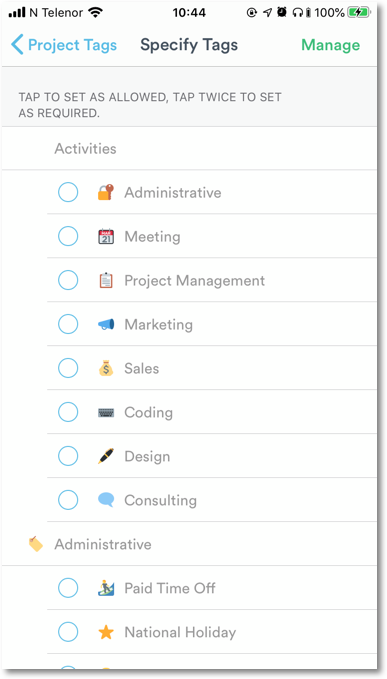
Finally, select the tags you want to use when logging time:
Tap “Save” and you’re done!
Last updated April 14, 2026
Have feedback for this article or need more help? Contact us now.