You would think that a time tracking tool that is completely free would have an army of satisfied users with no desire to switch to another platform. But as it turns out, there are some things that just don't sit well with users even when a tool is free. Today, we talk about Jibble, one of the few completely free time tracking tools. More importantly, we talk about the best Jibble alternatives.
We'll show you some of the most obvious downsides of Jibble, why they're so important and then go into top alternatives. We discuss feature gaps, pricing, ease of use and more to help you find the ideal time tracking software to replace Jibble.
TL;DR
| Pricing starts at | Free trial / free plan | Top advantage over Jibble | |
|---|---|---|---|
| Timely | $9 per user per month | 14-day free trial, no free plan | Automatic time tracking with private activity records |
| DeskTime | $6.42 per user per month | 14-day free trial, no free plan | More detailed employee productivity monitoring |
| Hubstaff | $4.99 per user per month | 14-day free trial, free plan for one user | Stronger GPS tracking for remote and field teams |
| Time Doctor | $6.67 per user per month | 14-day free trial, no free plan | Deeper productivity monitoring and real time workforce data |
| Everhour | $8.50 per user per month | 14-day free trial, free plan for up to five users | Deeper integrations with project management platforms |
| Clockify | $3.99 per user per month | 7-day free trial, free plan available | More flexible time tracking and reporting options |
| Connecteam | $29 per month for the first 30 users | 14-day free trial, free plan for businesses with fewer than 10 employees | Broader employee and team management features |
| Memtime | $14 per user per month | 14-day free trial, no free plan | Automatic tracking with stronger employee privacy |
| Toggl Track | $9 per user per month | 30-day free trial, free plan for up to three users | Better project profitability tracking |
| TimeCamp | $3.99 per user per month | 14-day free trial, free plan with unlimited users | Automatic tracking with stronger billing features |
| TMetric | $5.83 per user per month | 14-day free trial, free plan for up to two users | Better project budgeting and billing tools |
| Buddy Punch | $4.99 per user per month, plus $19 monthly base fee | 14-day free trial, no free plan | Stronger clock-in controls and GPS features |
Get the better Jibble alternative for automatic time tracking. Try Timely for free today.
Why look for alternatives to Jibble in the first place?
Jibble has quite a bit going for it on top of the generous free plan. However, there is a handful of downsides that keep popping up across user reviews. Here's what you should know before getting Jibble for your team.
Neither the desktop nor the mobile app is flawless
There are multiple accounts of users who complain about the desktop app crashing out, which can be important if you're running Jibble locally.
"One issue I've experienced with Jibble is that the desktop application occasionally crashes after updates. While it doesn't happen frequently, it can be frustrating when it interrupts work and requires restarting the app. Aside from that, the platform works well overall, but I would like to see more stability and smoother post-update performance in future releases."
Another user had similar complaints about the mobile app:
"One area where Jibble could be improved is the mobile app experience. Occasionally, some team members experience issues with the app not functioning properly, which can make clocking in and out less reliable. While these issues are not frequent, they can be frustrating when they occur."
The reports could use more customization options
By far, the most common complaint about Jibble is the one regarding the reporting features. Out of the box, the reports work just fine, but if you want to customize the design or the layout, you might run into problems.
For businesses that need in-house reporting only, this is not a huge concern. However, if you run an agency and need white-label reports for different clients, this can be a dealbreaker.
Here's how one user described it:
"One thing that could be improved is the reporting and customization options, as they can feel a bit limited for more complex workforce management needs. There are also a few features that take some time to get used to, especially when configuring settings for different teams. While these aren't major issues, having more flexibility in reporting and advanced configurations would make the platform even more useful."
Top Jibble alternatives for flexible time tracking in 2026
If you want a more reliable (and possibly paid) way to track time and get detailed productivity insights, the time tracking niche is crowded with excellent choices. Here are some of the best tools to accurately track time for you and your business.
1. Timely
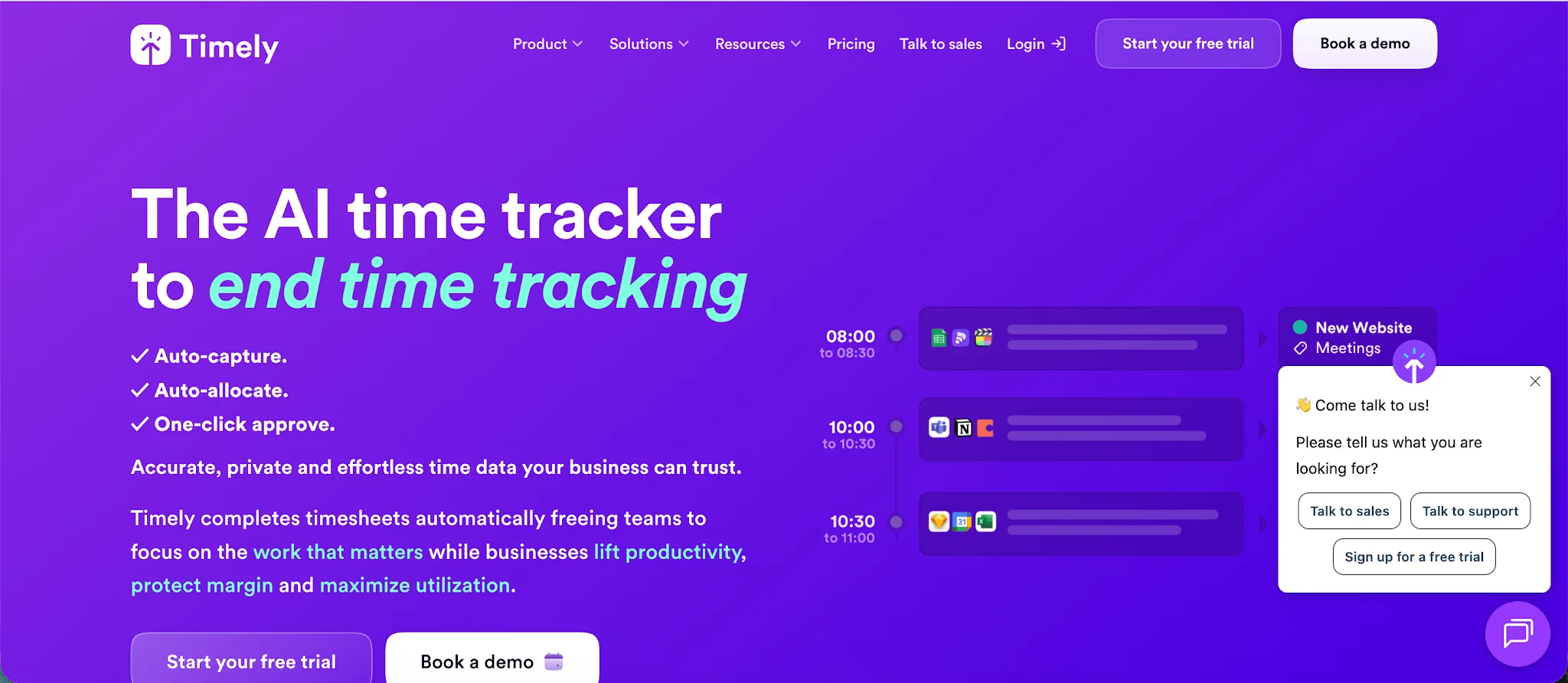
Timely is an automatic time tracking platform built for professionals and teams that want accurate records of their work without constantly starting and stopping timers. It is especially useful for agencies, consultancies, software teams, and other businesses that need to understand where working hours go across projects and clients.
- Automatic time tracking: Timely records activity across apps and websites in the background, so users do not need to remember to clock in or start a timer.
- Private activity records: Individual activity captured by Timely's Memory tracker remains private to the user until they choose what to add to their timesheet, giving employees more control over their data than attendance-focused tracking systems.
- Detailed project tracking: Teams can connect tracked time to projects, budgets, billable rates, and clients, making Timely better suited to businesses that need to understand how working hours affect project performance.
- Workforce planning: Higher-tier Timely plans include tools for planning team workloads, tracking capacity, and monitoring overtime and undertime alongside recorded hours.
- Automatic categorization: Timely can categorize recorded activity and help users turn their work history into completed timesheets with less input, which is useful for people who regularly switch between tasks throughout the day.
Pricing: Timely pricing starts at $9 per user per month with annual billing, or $11 per user per month with monthly billing. A 14-day free trial is available.
2. Desktime
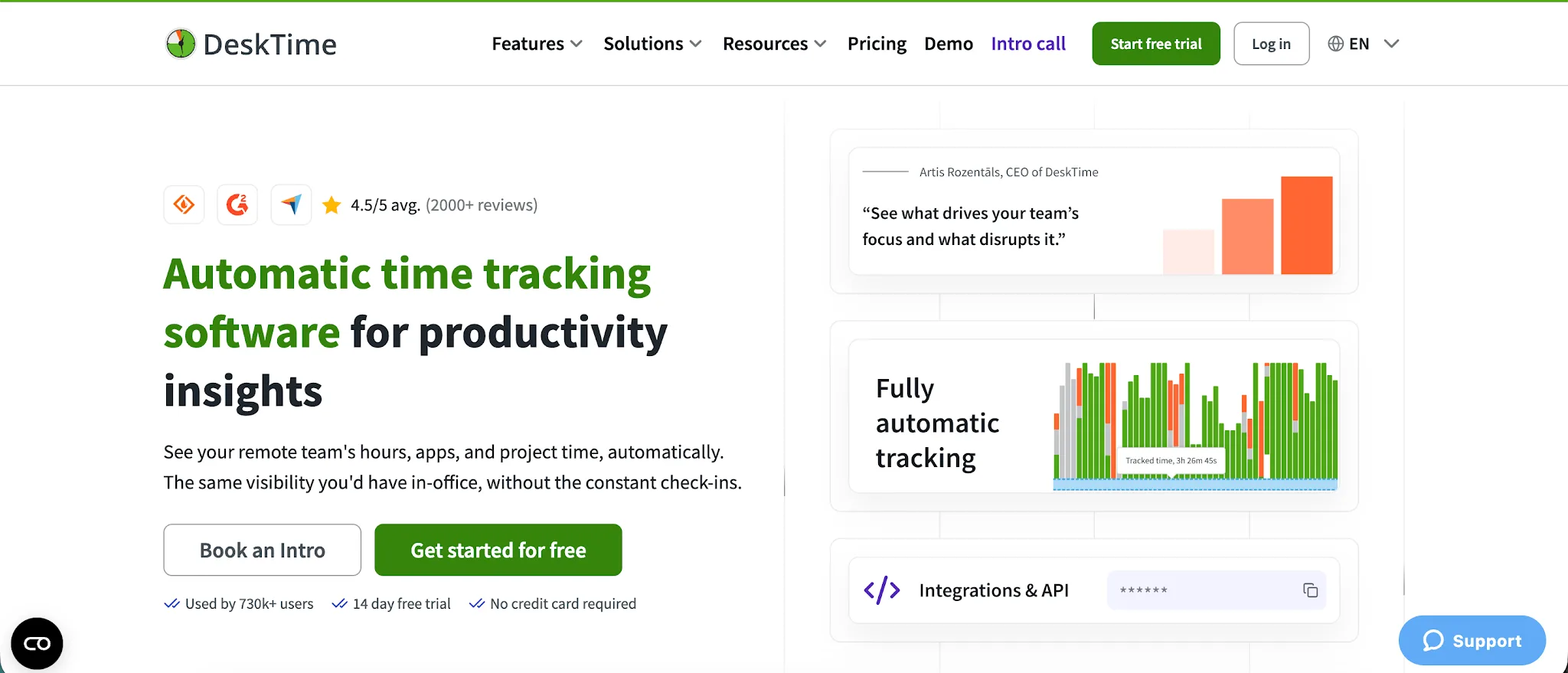
DeskTime is a time tracking and workforce management platform focused on automatic activity tracking and employee productivity. It is primarily built for companies that want visibility into how employees spend their working hours, especially remote and hybrid teams.
- More detailed productivity monitoring: DeskTime tracks the apps, websites, and document titles employees use, giving managers a clearer view of how working hours are actually spent.
- Automatic desktop tracking: The desktop app records computer activity automatically, reducing reliance on manual time tracking and helping teams avoid manual entry errors.
- Employee monitoring features: DeskTime offers screenshots, productivity calculations, and individual employee dashboards for businesses that need closer oversight of distributed teams.
- More workforce management tools: Shift scheduling, absence tracking, attendance management, and employee scheduling give DeskTime broader workforce management capabilities beyond basic time and attendance tracking.
- Tracking away from the computer: The DeskTime mobile app lets employees use a timer, record offline work, review their stats, and assign time to projects while away from their desks.
Pricing: DeskTime pricing starts at $6.42 per user per month with annual billing. A 14 day free trial is available, but there is no free plan.
3. Hubstaff
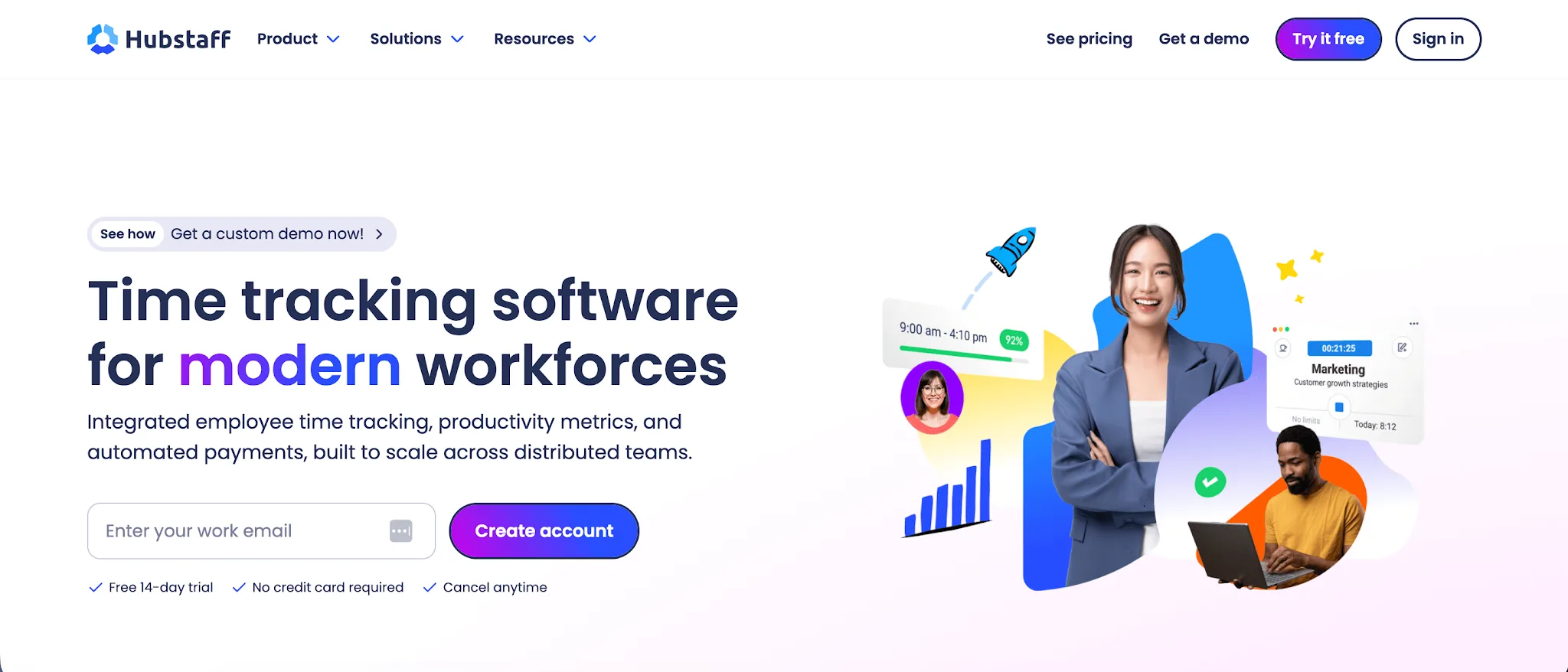
Hubstaff is an employee time tracking and workforce management platform built for remote teams, agencies, and businesses with employees working across different locations. It goes beyond basic time tracking with productivity monitoring, GPS tracking, payroll features, and tools for understanding how employees spend their working hours.
- Stronger GPS tracking: Hubstaff offers GPS tracking, geofenced job sites, route information, and automatic clock ins based on employee location, making it a better option for companies managing field teams.
- More detailed employee activity data: While Jibble is attractive to companies looking for a free plan with unlimited users, Hubstaff provides deeper visibility into app usage, website activity, keyboard and mouse activity, and optional screenshots.
- Detailed reporting: Hubstaff includes more than 20 report types covering working hours, activity, expenses, payments, attendance, and projects. Managers can generate reports for specific employees, clients, projects, and date ranges.
- Better project tracking: Teams can track working hours against individual projects and tasks, set project budgets, monitor costs, and connect Hubstaff with popular project management software.
- Built for distributed teams: Hubstaff combines employee scheduling, attendance monitoring, payroll, payments, and productivity data in one platform, giving managers more control over teams working remotely or across multiple job sites.
Pricing: Hubstaff pricing starts at $4.99 per user per month with annual billing. A 14 day free trial is available, and there is also a free plan for one user.
Make sure to check out our blog on the best Hubstaff alternatives too.
4. Time Doctor
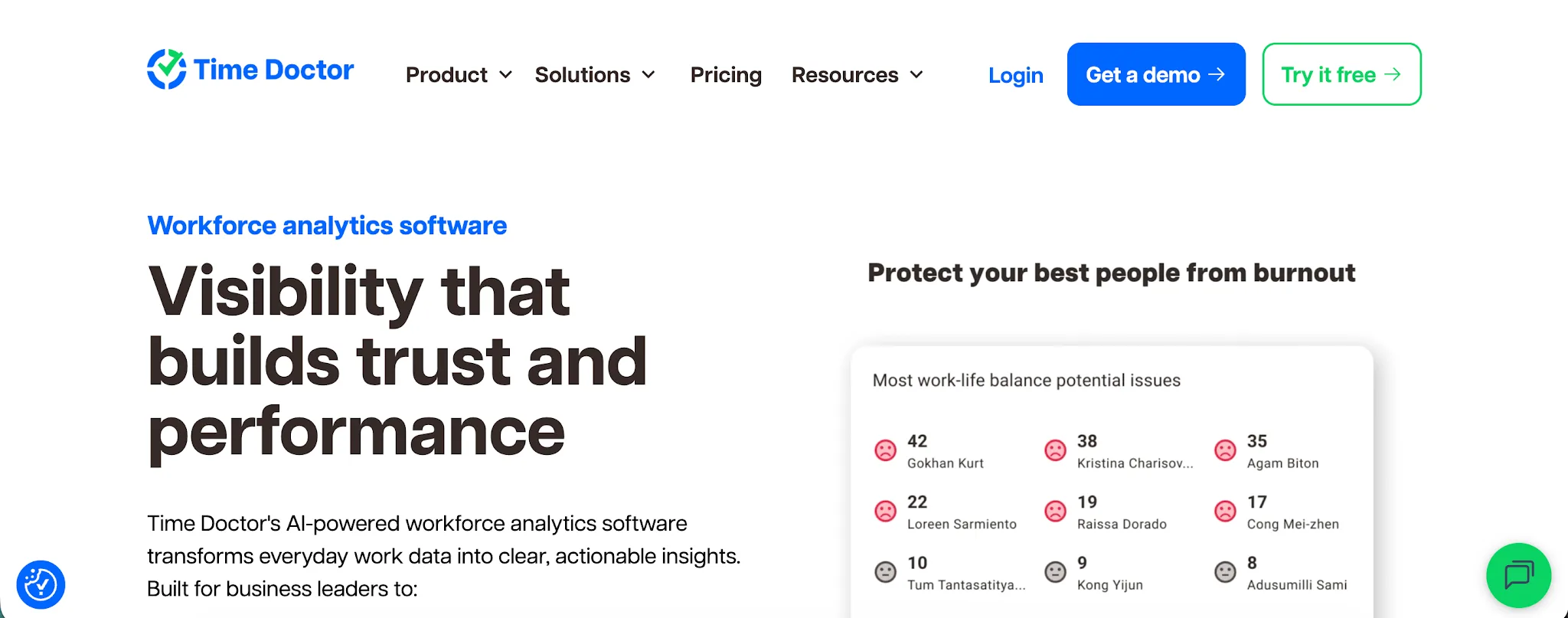
Time Doctor is a time tracking and employee productivity platform designed for companies that want detailed visibility into how working hours are spent. It is primarily aimed at remote employees, distributed teams, and businesses that need stronger productivity monitoring alongside time and attendance data.
- More detailed productivity monitoring: Time Doctor tracks website and app usage, activity levels, idle time, and optional screenshots, giving managers more context around how employees spend their working hours.
- Better real-time visibility: Managers get real-time insights into who is currently working, total hours recorded, productivity patterns, and current activity without waiting for completed timesheets.
- Stronger attendance monitoring: Time Doctor automatically tracks employee attendance, including start times, end times, absences, late starts, and actual hours worked compared with scheduled hours.
- More detailed project tracking: Teams can manage projects and tasks, assign work to specific users, and track hours against each project to see where employee capacity is being used.
- Deeper reporting: Time Doctor provides reports for hours tracked, projects and tasks, activity, attendance, website and app usage, timelines, and other workforce data, giving managers more ways to analyze individual and team performance.
Pricing: Time Doctor pricing starts at $6.67 per user per month with annual billing. A 14-day free trial is available, but there is no free plan.
Many businesses consider this platform too intrusive when it comes to employee privacy, which is why they often look at Time Doctor alternatives instead.
5. Everhour
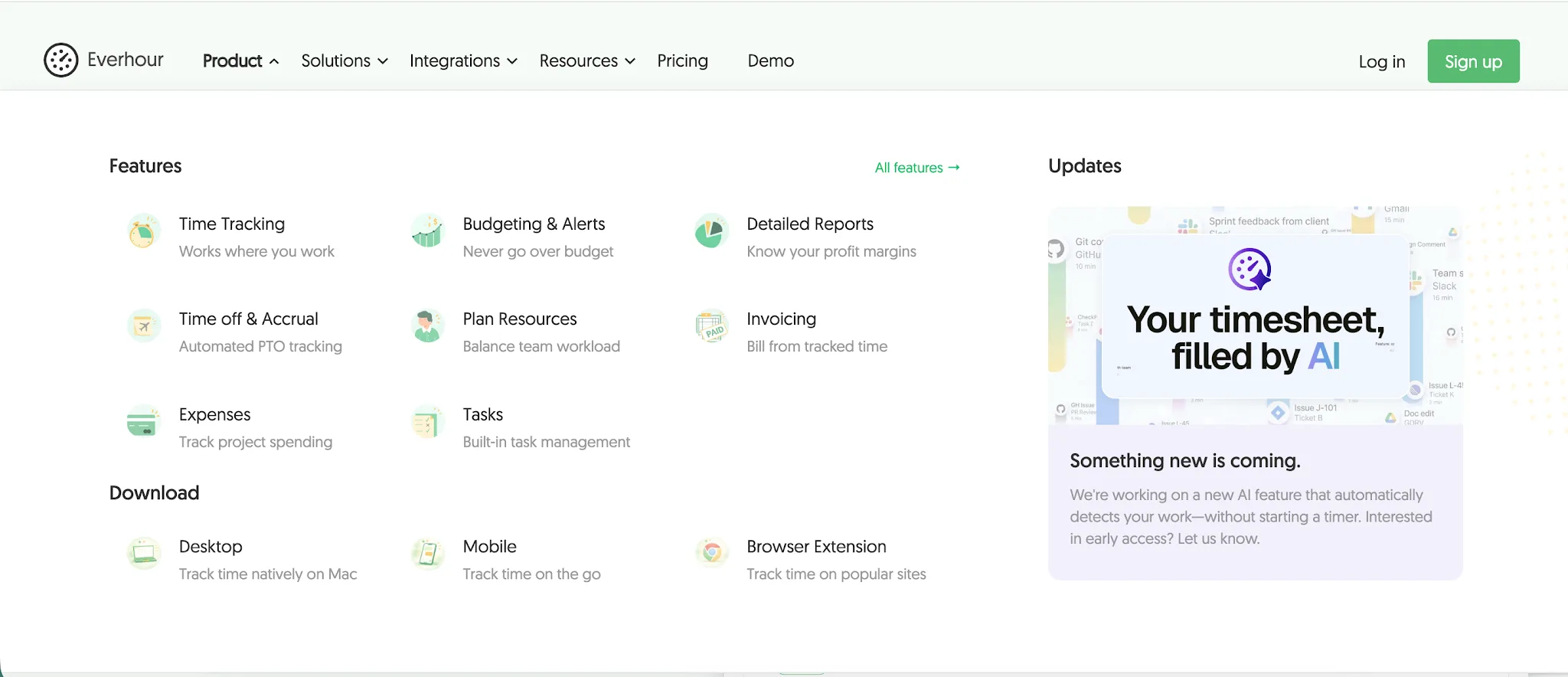
Everhour is a time tracking and project management platform designed for teams that want to connect tracked hours directly with their existing work. Its intuitive interface and broad integrations make it especially useful for agencies, professional services teams, and small business owners already using tools such as Asana, ClickUp, Jira, or Monday.
- Deeper project management integrations: Everhour embeds its time tracking controls directly inside popular project management tools, so employees can track work without constantly switching between apps.
- More detailed project budgeting: Teams can set project budgets, monitor billable and nonbillable hours, track expenses, and compare project costs against the value of completed work.
- Flexible reporting: Everhour provides detailed insights into employee hours, project progress, costs, and profitability, with customizable reports that can be filtered and exported.
- Convenient tracking from web browsers: Everhour offers browser extensions that let users start timers and record hours from web browsers while working inside supported tools.
- Broader integrations with everyday work tools: Beyond project management platforms, Everhour connects with communication apps and business tools such as Slack, Gmail, HubSpot, Zendesk, and Google Docs.
Pricing: Everhour pricing starts at $8.50 per user per month with annual billing, with a minimum of five paid seats. A 14-day free trial is available, and there is a free plan for up to five users with limited features.
6. Clockify
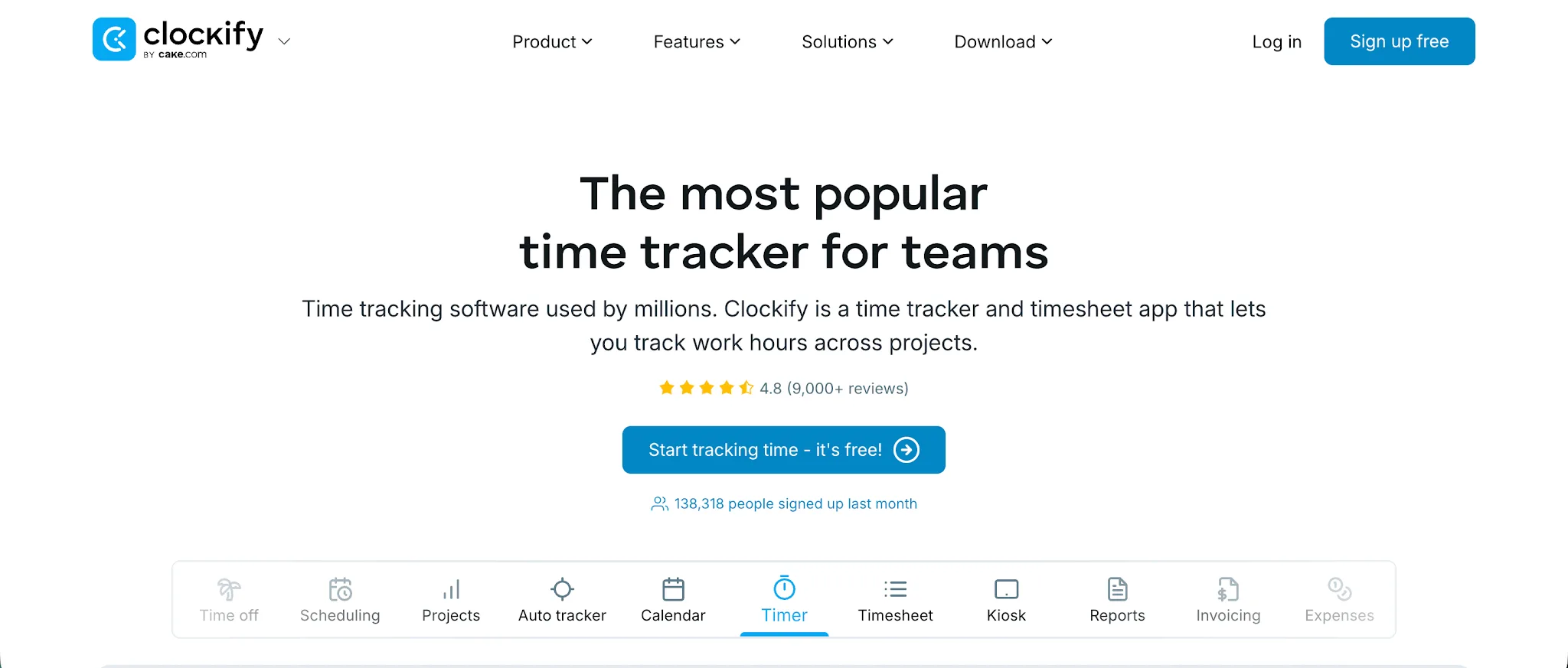
Clockify is a time tracking and timesheet platform for freelancers and teams that need reliable time tracking across projects and clients. Its core features cover timers, timesheets, attendance, reporting, and integrations with other tools, while paid plans add more advanced controls for larger teams.
- A more useful free tier: Clockify offers a free tier with unlimited time tracking and core project features, making it a practical option for teams that want to get started without paying for every employee immediately.
- Stronger reporting features: Managers can review summary, detailed, weekly, attendance, expense, and assignment reports, with filters for users, projects, clients, dates, and other fields.
- Built in expense tracking: Clockify supports expense tracking by project, category, amount, or unit, with receipts, approvals, billable expenses, and downloadable expense reports available on higher plans.
- More control over questionable time entries: Features such as time audits, locked timesheets, activity tracking, screenshots, and kiosk PINs can help businesses spot suspicious entries and reduce opportunities for time theft.
- More ways to track work: Employees can record time through a timer, timesheet, kiosk, desktop app, mobile app, browser extension, or automatic tracker, which gives teams more flexibility than relying on a single tracking method.
Pricing: Clockify pricing starts at $3.99 per user per month for paid plans. A 7 day free trial of paid features is available, and Clockify also offers a free plan.
We also reviewed the best Clockify alternatives on our blog.
7. Connecteam
Connecteam is an employee management platform built for businesses with deskless and frontline workers. It combines time tracking with scheduling, communication, HR, and team management tools, giving companies a complete picture of everyday workforce activity.
- Broader team management: Connecteam covers scheduling, tasks, forms, employee communication, training, and HR alongside time tracking, giving businesses more essential features in one platform.
- Better support for larger workforces: Its pricing covers the first 30 employees at a fixed monthly rate, which can make Connecteam attractive for companies with many users.
- Advanced reporting: Managers can create customized attendance and timesheet reports, filter information by jobs or employees, and automatically send recurring reports to selected recipients.
- More payroll options: Connecteam offers direct payroll integration with platforms including QuickBooks Online, Gusto, Xero, Paychex Flex, and ADP, while additional payroll systems are supported through exports.
- Stronger tools for deskless teams: GPS based clock ins, geofencing, shift scheduling, job management, and mobile access give managers a complete picture of employees working across job sites or locations.
Pricing: Connecteam pricing starts at $29 per month with annual billing for the first 30 users. A 14 day free trial is available, and businesses with fewer than 10 employees can use the Small Business plan for free.
8. Memtime
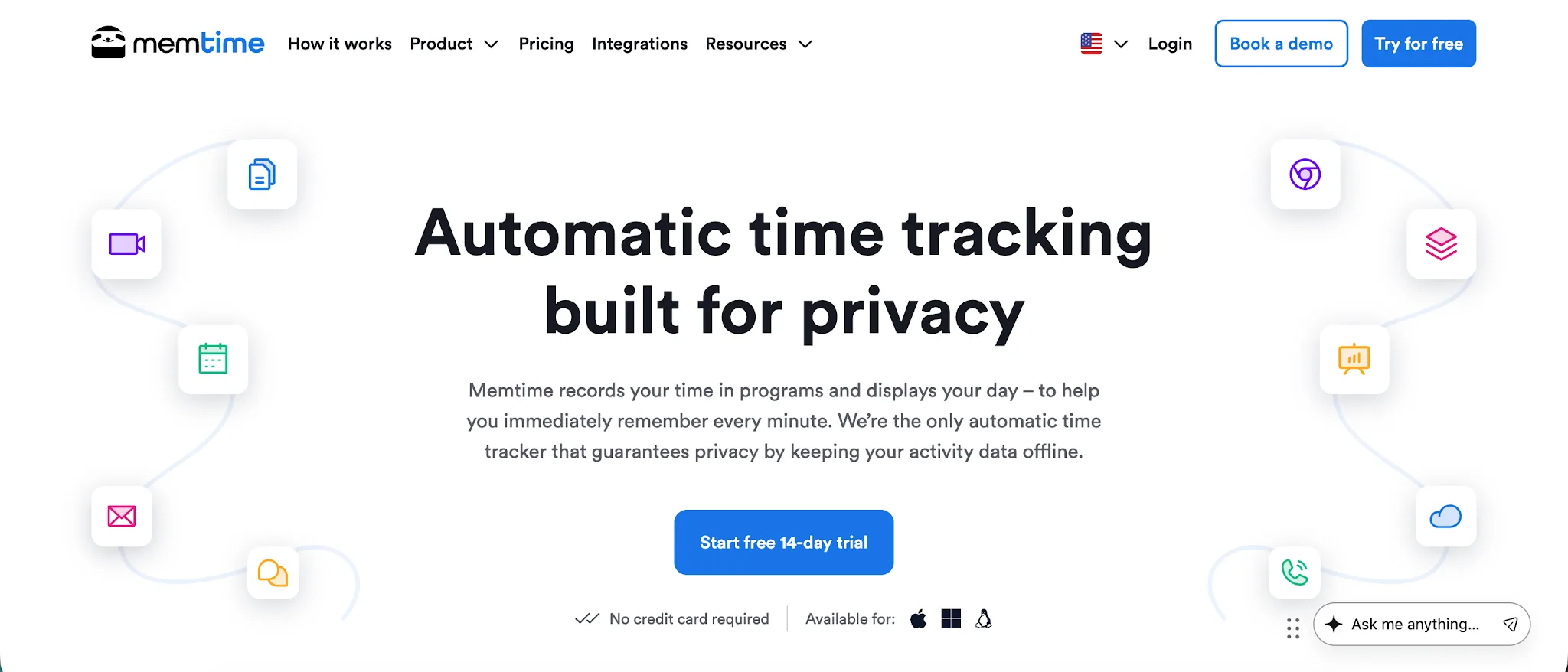
Memtime is an automatic time tracking and timesheet app that records computer activity in the background and helps users reconstruct their workday without relying on timers. It is primarily designed for freelancers, agencies, and small teams that want accurate time records with minimal employee monitoring.
- Automatic activity tracking: Memtime privately records time spent in programs, websites, documents, and other computer activities, helping users save time when completing their timesheets.
- Stronger privacy controls: Automatically captured activity stays locally on each employee's device. Only time entries that users choose to log are shared with the team, giving employees more privacy than monitoring-focused alternatives.
- Built-in project management: Memtime includes management features for creating projects, assigning tasks, inviting team members, and tracking progress without requiring separate project software.
- More detailed reporting: Users can create comprehensive reports covering timesheets, projects, captured activity, billable utilization, program usage, and working hours, with exports available in Excel, CSV, and PDF formats.
- Better integrations for project-based work: Higher plans connect Memtime with more than 100 tools, allowing teams to import projects and send completed time entries back to the software they already use.
Pricing: Memtime pricing starts at $14 per user per month with annual billing. A 14 day free trial is available with no credit card required, but there is no free plan.
9. Toggl Track
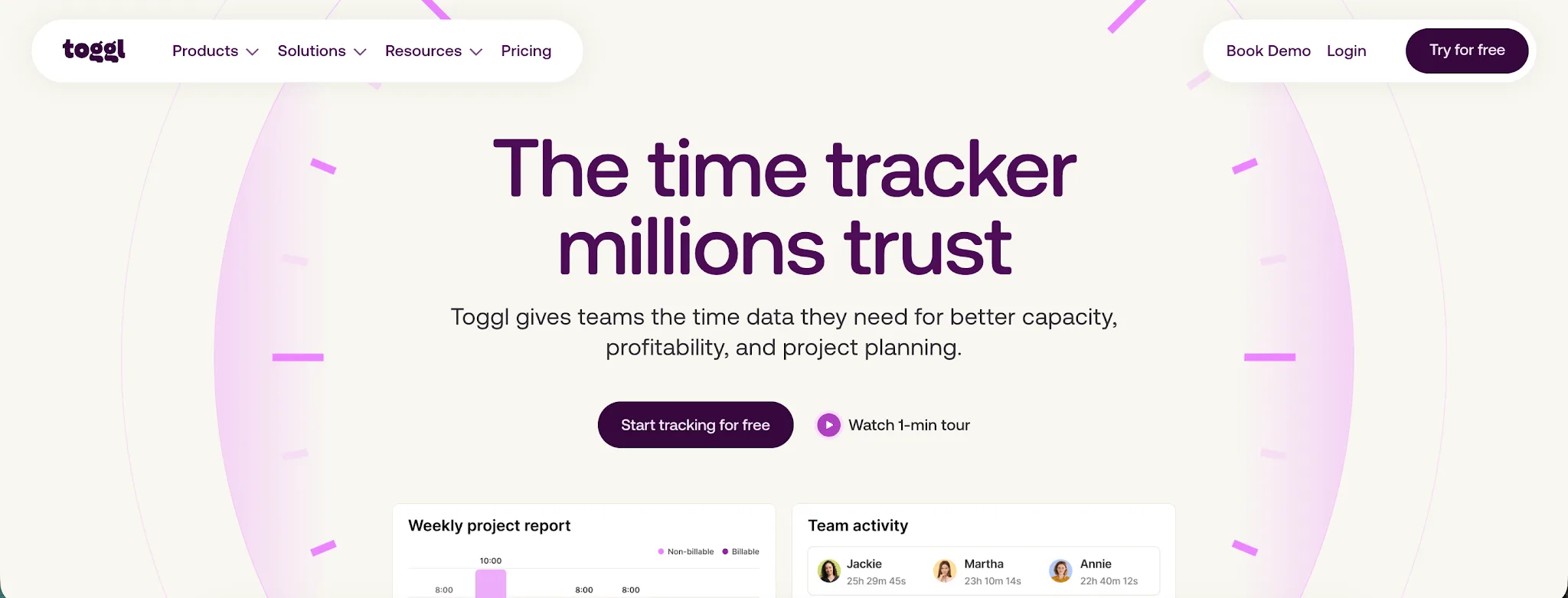
Toggl Track is a time tracking platform built for freelancers and teams that need to understand where working hours go across clients and projects. Its user-friendly interface and focus on project profitability make it especially useful for agencies, consultancies, and other businesses that bill for their time.
- Better project profitability tracking: Toggl Track connects billable hours with labor costs, project budgets, and rates, helping teams see which clients and projects are actually profitable.
- More flexible reporting: Teams can create detailed reports covering hours, utilization, workload, billable time, and project performance, with filters and custom report options available on paid plans.
- Better support for payroll accuracy: Timesheet approvals, locked time entries, required fields, and audit logs help keep recorded hours accurate before payroll data is exported or processed.
- Built-in leave management: Toggl Track offers time off management for vacations, sick days, PTO balances, accruals, and other leave types, giving managers a clearer view of team availability.
- More integrations for project-based teams: Toggl Track works with more than 100 tools through browser extensions and integrations, including project management platforms and accounting tools such as QuickBooks Online.
Pricing: Toggl Track pricing starts at $9 per user per month with annual billing. A 30 day free trial is available, and there is a free plan for up to three users.
Check out our review of the best Toggl Track alternatives too.
10. TimeCamp
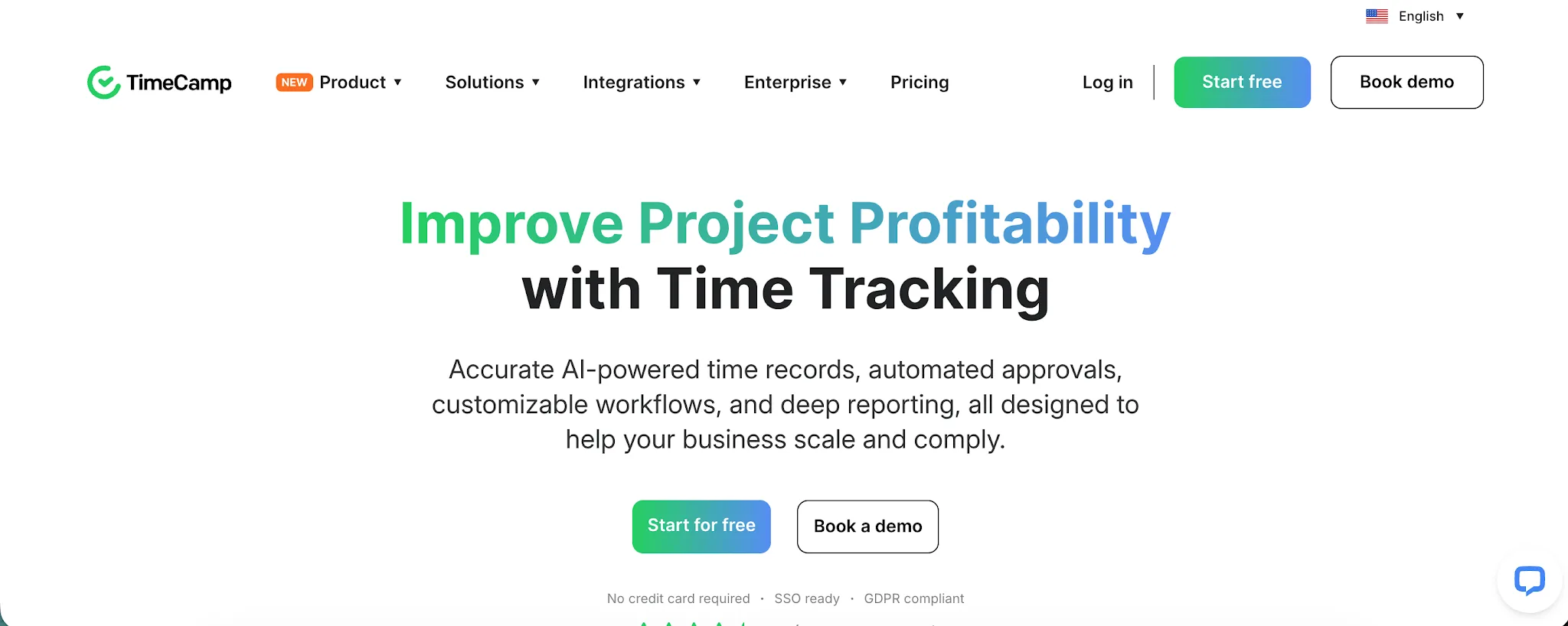
TimeCamp is a time tracking platform designed for freelancers and teams that want to track working hours, monitor productivity, and understand project costs. It is especially useful for agencies and service businesses that need automatic tracking alongside billing and profitability features.
- Automatic desktop tracking: TimeCamp can record app and website activity in the background, giving users another way to capture working hours without relying entirely on timers or manual entries.
- Stronger project profitability tools: Teams can compare billable hours, labor costs, budgets, and estimates to understand how individual projects are performing financially.
- More billing features: TimeCamp supports billable rates and invoicing, allowing businesses to turn tracked working hours into client invoices without moving the data into another system first.
- Flexible reporting: Managers can analyze working hours, productivity, attendance, projects, and billing data, with filters and exports available for deeper analysis.
- More integrations: TimeCamp connects with popular project management and business platforms, while its higher plans support unlimited integrations for teams working across several systems.
Pricing: TimeCamp pricing starts at $3.99 per user per month with annual billing. A 14 day free trial is available, and there is also a free forever plan with unlimited users and unlimited projects.
Read our review of the best TimeCamp alternatives too.
11. TMetric
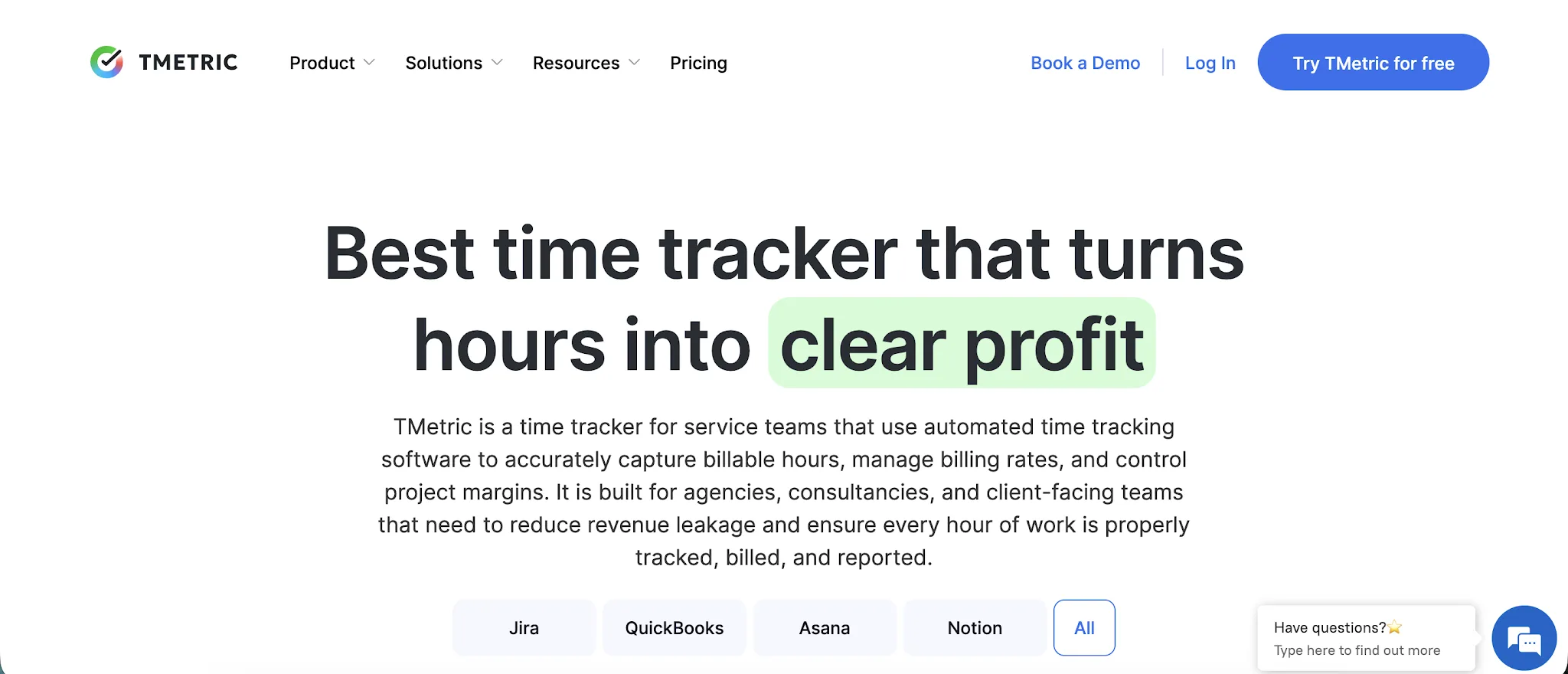
TMetric is a time tracking platform built for freelancers, small teams, and businesses that need to connect working hours with projects, billing, and employee activity. It combines time tracking with project budgets, invoicing, attendance, and productivity monitoring in one system.
- Better project budgeting: TMetric lets teams set project budgets, billable rates, cost rates, and alerts when work approaches budget limits, giving managers more financial context around tracked hours.
- More billing tools: Teams can create invoices directly from tracked time, add expenses to projects, and export billing data to accounting platforms such as QuickBooks and Xero.
- More detailed reporting: TMetric includes project, task, team, activity, and detailed time reports, with filters and exports that make it easier to analyze employee hours and project performance.
- Built-in time off management: Higher plans include paid time off tracking, leave requests, approval workflows, accrual rules, absence reporting, and regional calendars.
- More integrations with work tools: TMetric connects with more than 50 apps, including Jira, Asana, ClickUp, Google Calendar, Outlook, and QuickBooks, so teams can track time without leaving the tools they already use.
Pricing: TMetric pricing starts at $5.83 per user per month with annual billing. A 14 day free trial is available, and there is a free plan for up to two users.
12. Buddy Punch
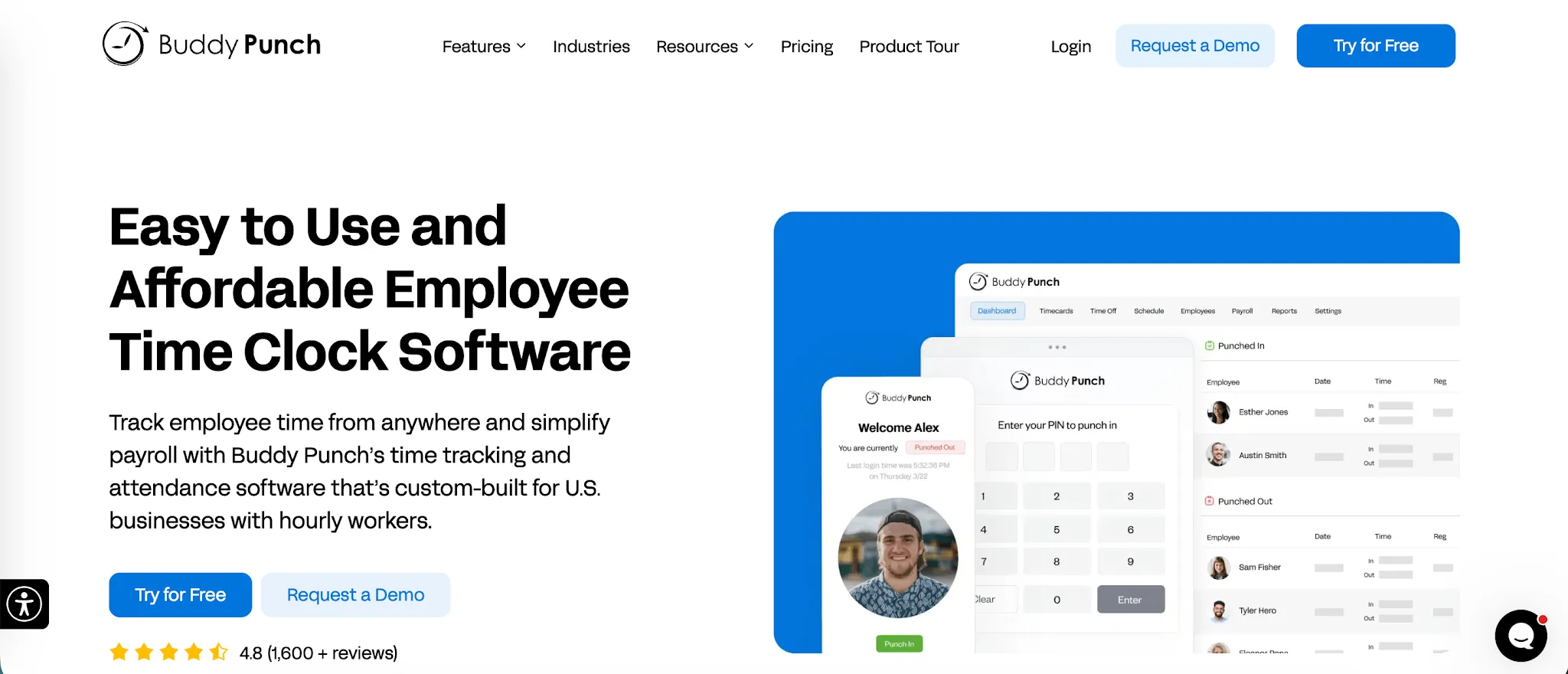
Buddy Punch is an employee time clock and attendance platform built for businesses that manage hourly workers across offices, job sites, or multiple locations. It is especially useful for companies that need stronger controls around clock-ins, scheduling, payroll, and employee location tracking.
- Better clock-in controls: Buddy Punch lets businesses restrict punches by device, IP address, scheduled shift, or location, with options such as Face ID, QR codes, kiosk punching, and webcam photos on higher plans.
- Stronger GPS features: Businesses can capture GPS coordinates when employees punch in and out, set geofences, and add live GPS tracking for employees working in the field.
- More scheduling tools: The Pro plan includes employee scheduling, recurring shifts, shift trades, availability management, and reports for late or absent employees.
- More payroll options: Buddy Punch connects directly with payroll platforms including QuickBooks, Gusto, Paychex, ADP, Rippling, and Workday. Businesses can also add Buddy Punch Payroll if they want payroll and time tracking in the same platform.
- Detailed attendance reporting: Managers can generate reports covering employee hours, attendance, jobs, locations, pay rates, and time off, while the Advanced plan adds extra reporting options for larger organizations.
Pricing: Buddy Punch pricing starts at $4.99 per user per month with annual billing, plus a $19 monthly base fee. A 14-day free trial is available, but there is no free plan.
Get the best Jibble alternative for automatic time tracking
Jibble is hard to beat on price, especially if you mainly need basic time and attendance tracking. But once you need automatic time tracking, stronger project insights, or a more private way to understand how work gets done, there are better options.
Timely is our top pick if you want automatic tracking without turning employee monitoring into the center of your setup. It records work activity in the background, keeps those records private to each user, and helps turn that activity into accurate timesheets with far less effort.
If you want to move away from timers and get a clearer view of where your workday goes, try Timely free for 14 days.