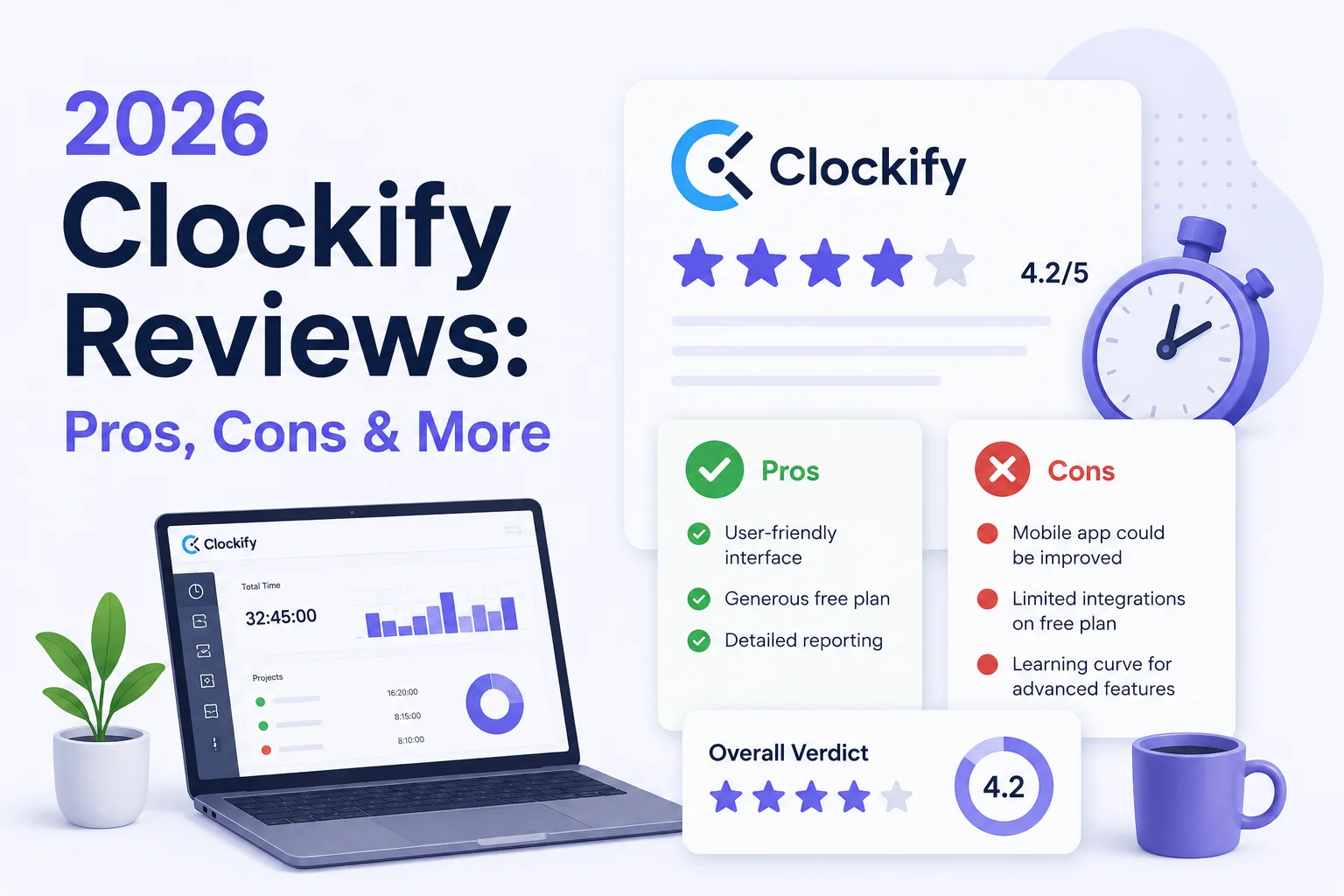
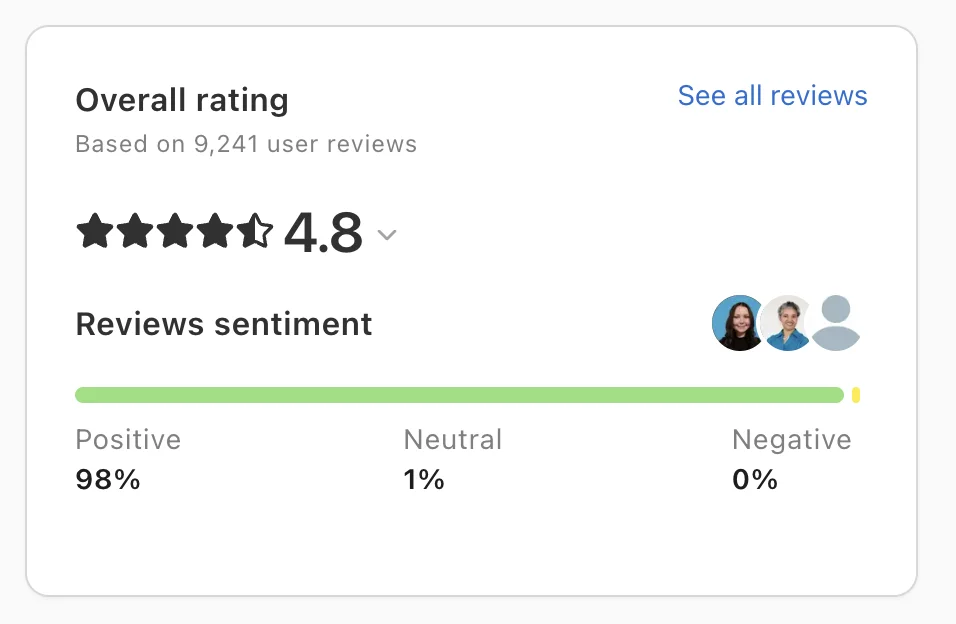
Clockify is a popular time tracking software, and reviews back that up. At the moment of writing, there are over 200 Clockify reviews on G2, and somehow over 9,200 on Capterra. Who has time to go through all that?
This is why we’re summarizing the best and worst of Clockify reviews in 2026 and showing you what real users think of this time tracking platform.
TL;DR
- Clockify is easy to use, quick to set up, and a solid first-time tracking tool for teams moving away from spreadsheets, calendar notes, or messy timesheets.
- The free forever plan is one of its biggest strengths, especially for freelancers, consultants, small agencies, and teams that need basic time tracking without paying upfront.
- Clockify works best for simple setups where users need to track hours, organize time by project, mark time as billable, and generate basic reports.
- The mobile app is one of the biggest weak spots, with users reporting slow sync, bugs, sluggish performance, and fewer reporting options than the desktop app.
- Reporting is useful for basic visibility, but teams that need deeper dashboards, flexible filters, or cleaner views across departments may find it limiting.
- Clockify can feel less practical for larger teams because many management features, such as approvals, time off, forecasting, screenshots, expenses, and GPS tracking, sit behind paid plans.
- Timely is the better alternative if you want more automatic time tracking, fewer manual edits, cleaner timesheets, and stronger visibility into how work actually gets done.
Clockify is easy to use
Clockify’s biggest strength is how quickly you can start using it without onboarding or prep.
You do not need a long onboarding process, a technical admin, or a week of training before the team can start tracking time. For most users, the workflow is obvious: create a project, choose a task, start the timer, stop it when the work is done, and review the entry later.
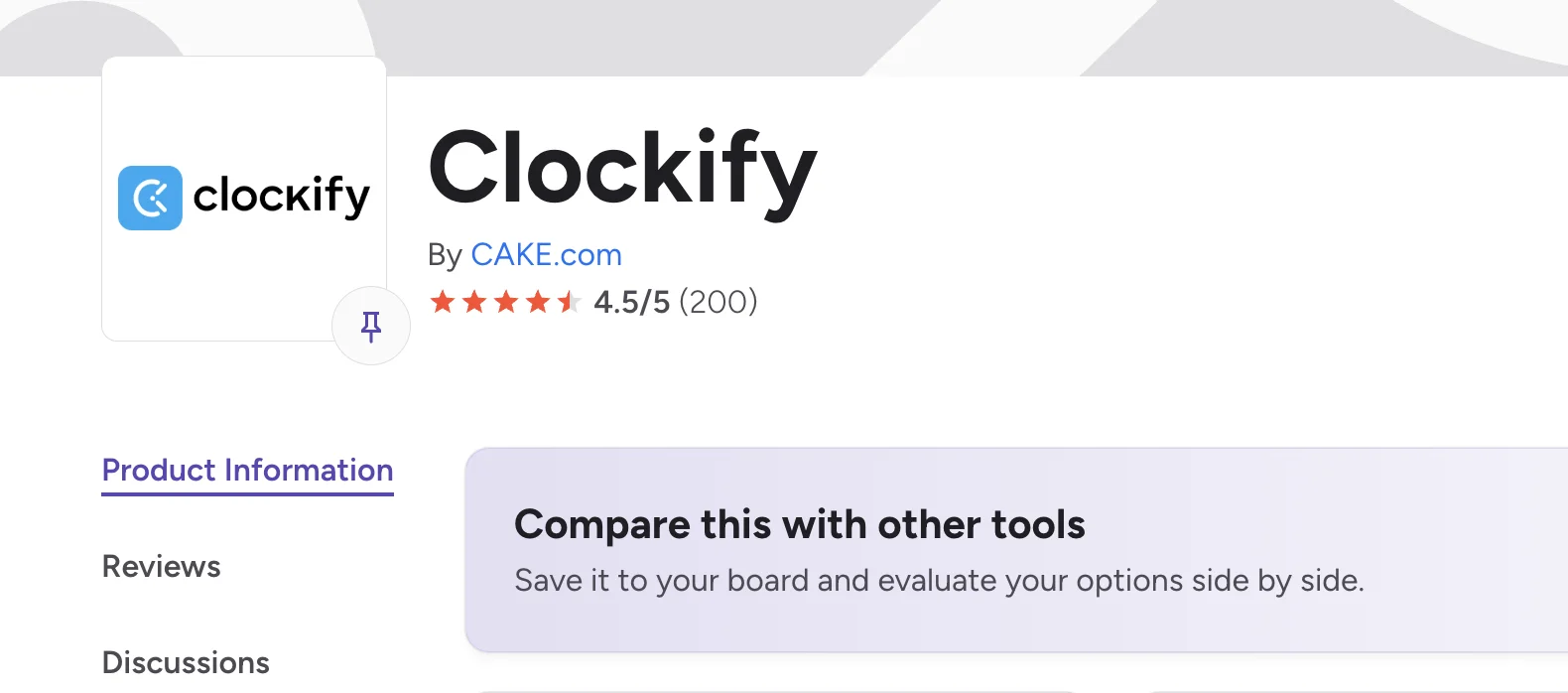
One Capterra reviewer noted that “Within 30 minutes I had my account set up and my client projects configured.” Another described it as “simple to use, very intuitive” for tracking hours.
On G2, a reviewer called Clockify a “straightforward time tracking tool that’s easy to roll out,” which captures why many small teams adopt it.
The user interface helps when teams only need the basics. Clockify does not force users through a complicated setup just to track hours. Freelancers can use it for client work, agencies can organize time by project, and managers can check who worked on what without digging through spreadsheets.
This is why Clockify works well as a first-time tracking app. A team that has been using spreadsheets, calendar notes, or Slack messages to record hours can move into Clockify without much preparation.
The key features work well for freelancers and smaller teams
Clockify makes the most sense when you look at it through the lens of freelancers, consultants, agencies, and smaller teams.
These users usually do not need a heavy workforce management platform. They need a simple way to track hours, organize work by project, mark time as billable, and generate basic reports for clients or internal planning.
The free version is a big part of the appeal. Clockify’s free forever plan gives users enough to start tracking time without committing to paid software right away. This makes it attractive for freelancers watching expenses, early-stage teams that do not want another subscription, and small agencies that need a simple system before investing in more advanced tools.
User reviews back this up. One Capterra reviewer noted that “Even at the Free level, it offers Unlimited tracking, users, projects and reports.” Another called Clockify “the most simple time tracking tool that is available for free.” On G2, a reviewer said the “free model is more than enough,” which sums up why Clockify has become such a common starting point.
Clockify’s mobile app feels unfinished
Clockify is strong enough as desktop time tracking software, but if you mostly track time on your phone, it is not a very good choice.
The main complaint is sync. One G2 reviewer stated that the “mobile app does not properly sync with the desktop app,” which is a big issue for anyone who starts a timer on one device and expects the entry to show up correctly elsewhere. A Capterra reviewer made the same point, saying there are “times when they don’t always sync together correctly, or the synchronization is delayed.”
Other users mention speed and stability issues. One Capterra reviewer said the app “can also be a bit sluggish at times,” while a G2 reviewer said it “can feel buggy at times.” The mobile app is also less advanced than the web version—G2 reviewers have asked for “more reports and graphs” on Android, suggesting users frequently need to return to the desktop for fuller visibility.
Reporting and dashboard customization can feel limited
Clockify gets a lot of praise for basic reporting, especially from freelancers and smaller teams. That said, once users need deeper reporting, more flexible dashboards, or cleaner views across teams, the cracks start to show.
One Capterra reviewer summed it up: “Limited advanced reporting, UI can feel cluttered at scale, and some useful features sit behind paid tiers.” G2 reviewers echo this, noting that “reporting and filtering can feel limited” when teams move beyond basic time logs and need sharper analysis.
There are also complaints around specific modules. One Capterra reviewer said the employee time off reporting module was “nearly pointless” because they could not properly edit how the information appeared.
The interface can go from simple to busy, fast
Clockify’s user interface makes a good first impression because the core timer is easy to understand. The problem is that the interface can become harder to manage once you add more people, projects, clients, tags, approvals, attendance tracking, and reports.
One G2 reviewer said the “interface, while functional, can feel a bit cluttered” when managing multiple projects. A Capterra review noted the “UI looks a bit old school,” while another said the interface “isn’t as polished or visually appealing as some other time tracking tools.”
Key features are primarily built for freelancers and small teams
Clockify works best when you need a straightforward time tracking tool for logging hours, assigning time to projects, and checking where the week went. That simplicity is also where the limits start to show. Features such as time off requests, approvals, scheduling, screenshots, expenses, forecasting, and GPS tracking exist—but many sit behind paid plans.
One G2 reviewer called Clockify an “excellent starting point, particularly for remote work,” but added that it is “better suited for smaller teams or freelancers.” That is probably the fairest way to describe the tool.
The free plan is good, but the best features are locked away
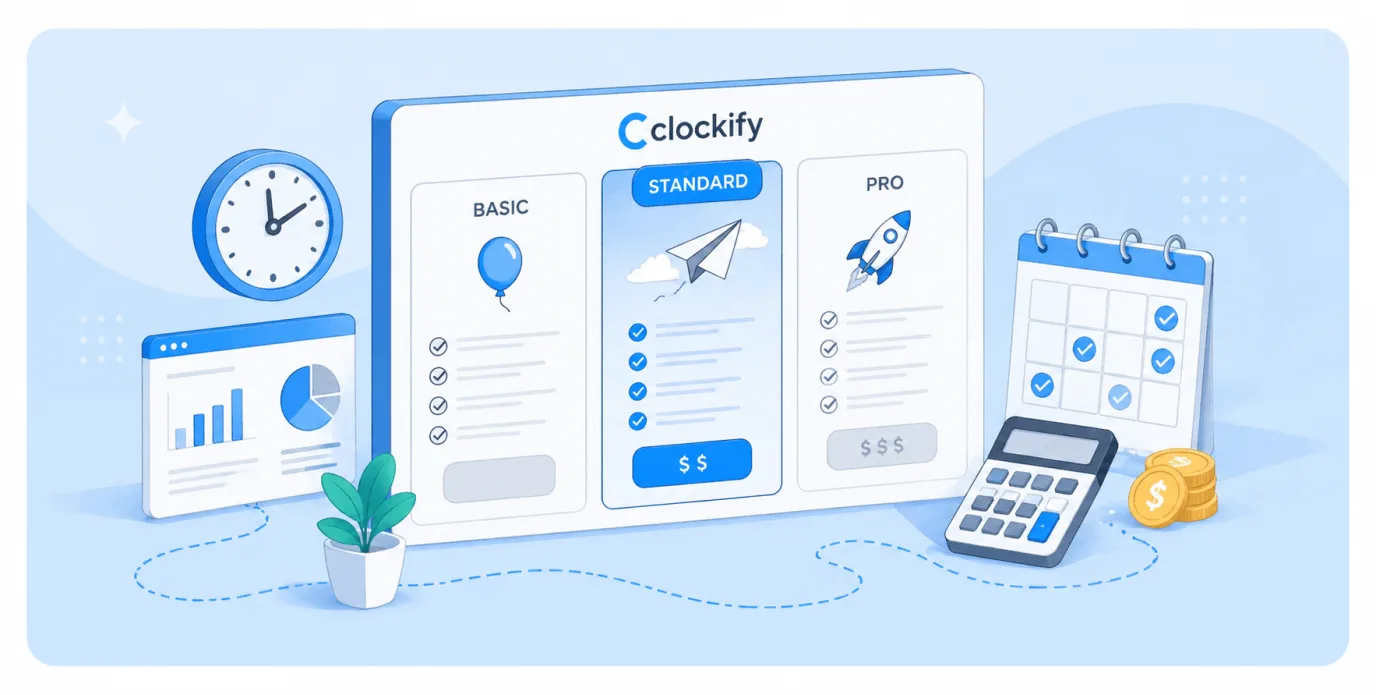
The Basic plan adds controls such as bulk edit, required fields, time audit, project templates, and billable rates. The Standard and Pro plans add time off, invoicing, approvals, scheduling, expenses, labor cost tracking, screenshots, and GPS tracking.
One Capterra reviewer made this point directly: “Some of the more advanced features, like invoicing and deeper analytics, are only available in the paid plans.” Clockify gives you robust time tracking for free, but the features that help managers control data quality and manage budgets are spread across paid tiers.
Support leaves something to be desired
Customer support comes up less often than product issues in reviews, but when it does, the feedback can be harsh. One Capterra reviewer said, “Customer service was lacking and became a pain to deal with, especially in terms of cancelling and being charged/billed.” Another said, “Customer support can be slow regarding billing or payment issues.”
On G2, a user mentioned “constant bugs leading to a loss of confidence,” while another described the Windows app as “a constant headache” with “arrogant and unhelpful” support. Larger teams with complex setups typically need faster escalation and a dedicated success contact, which Clockify does not consistently provide.
The integration list is fairly basic
Clockify says it “integrates with 100+ web apps,” but that number includes apps where the browser extension simply adds a timer button. The actual native integration list is much more limited, covering core options like Jira, Google Calendar, Outlook, QuickBooks, Asana, and Salesforce.
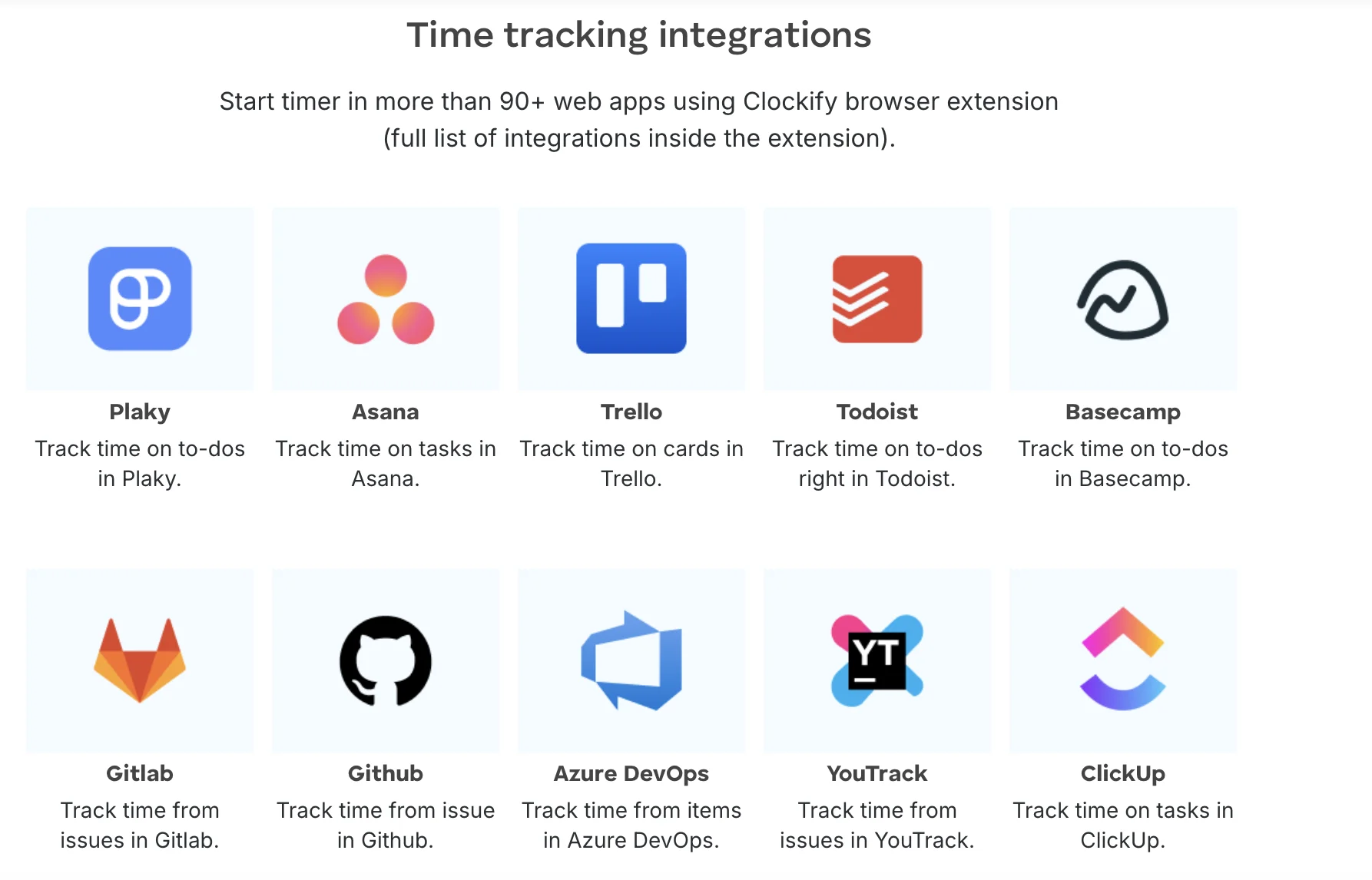
Clockify lists Zapier separately as the way to “connect Clockify to 2,900 plus apps,” which highlights the gap between native integrations and Zapier workarounds. User reviews reflect this: one Capterra reviewer said “I really would have liked to be able to integrate with something like Wave,” and a G2 reviewer complained about “Very limited webhook actions.”
Manual time entry and edits can be frustrating
Clockify is easy enough when everyone tracks time perfectly as they work. The problem is that real teams rarely work that neatly. Team members forget to start timers, leave timers running during breaks, or log time under the wrong task.
One Capterra reviewer said, “Occasionally it was difficult to make a manual adjustment to a time record.” Another said, “Adding or editing time entries manually can be time-consuming.” For managers who need accurate records from several team members every week, this admin burden adds up quickly.
Why Timely is the better Clockify alternative
Clockify is a decent choice if you need a simple time tracker with a generous free plan. It is easy to use, quick to set up, and useful for freelancers or smaller teams that only need to log hours.
But once time tracking becomes part of a bigger workflow, Clockify starts to feel limited. Reporting can feel rigid, the mobile app has sync issues, integrations are fairly basic, and many of the best management features sit behind paid plans.
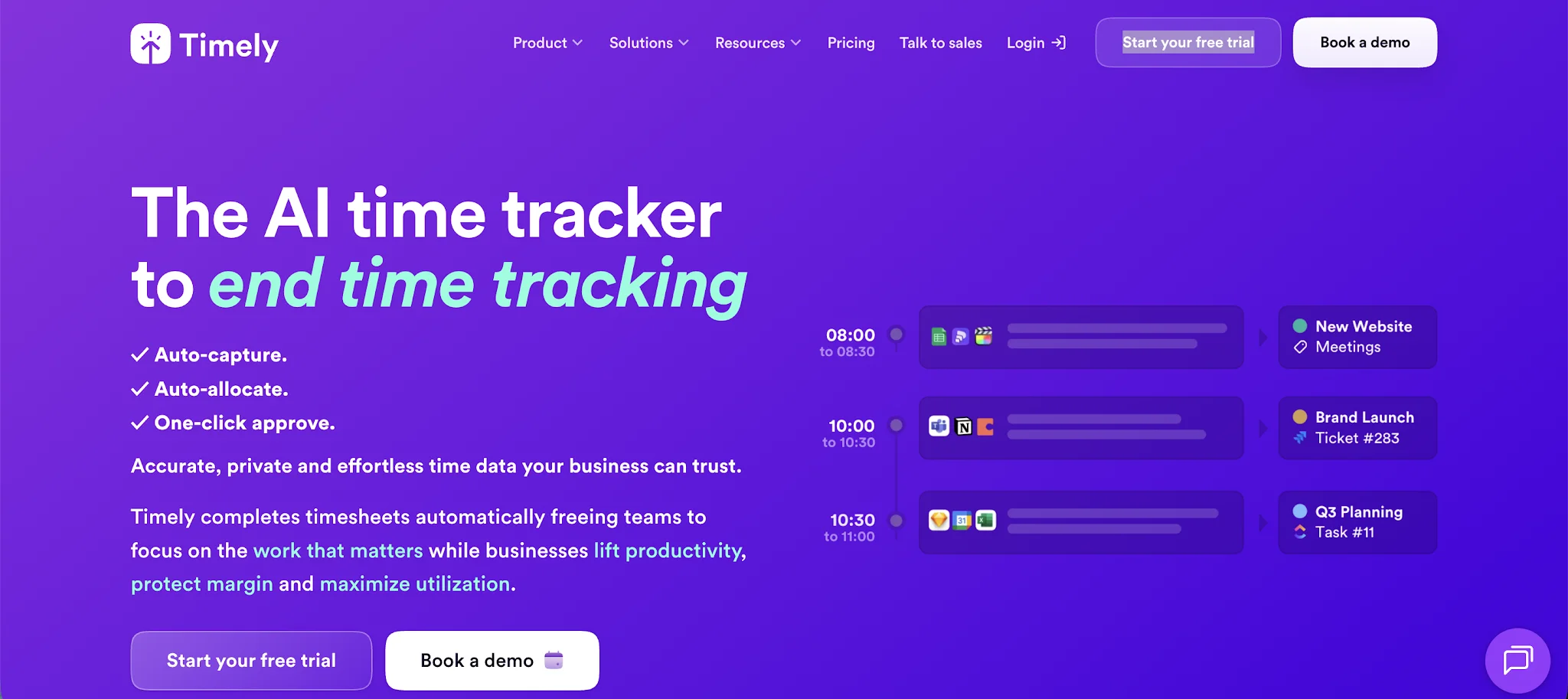
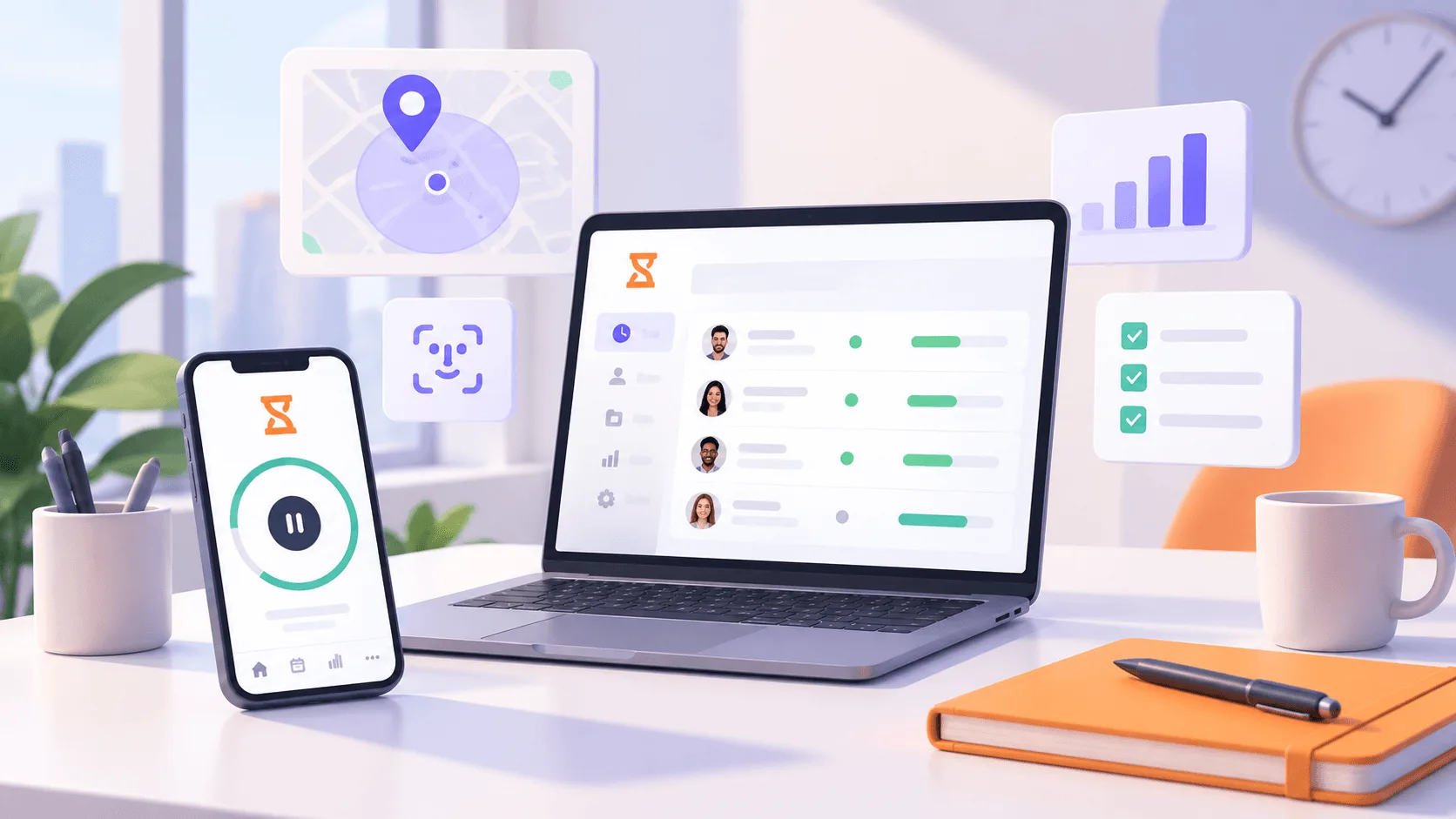
That is where Timely comes in. Instead of relying on timers and manual edits, Timely gives teams a more automatic way to understand where work time goes. It captures work activity in the background, helps users build accurate timesheets, and gives managers a clearer view of project progress without turning time tracking into another daily chore.
This makes Timely ideal for agencies, consultants, service businesses, and growing teams that want cleaner data, fewer forgotten timers, and stronger reporting around real work patterns.