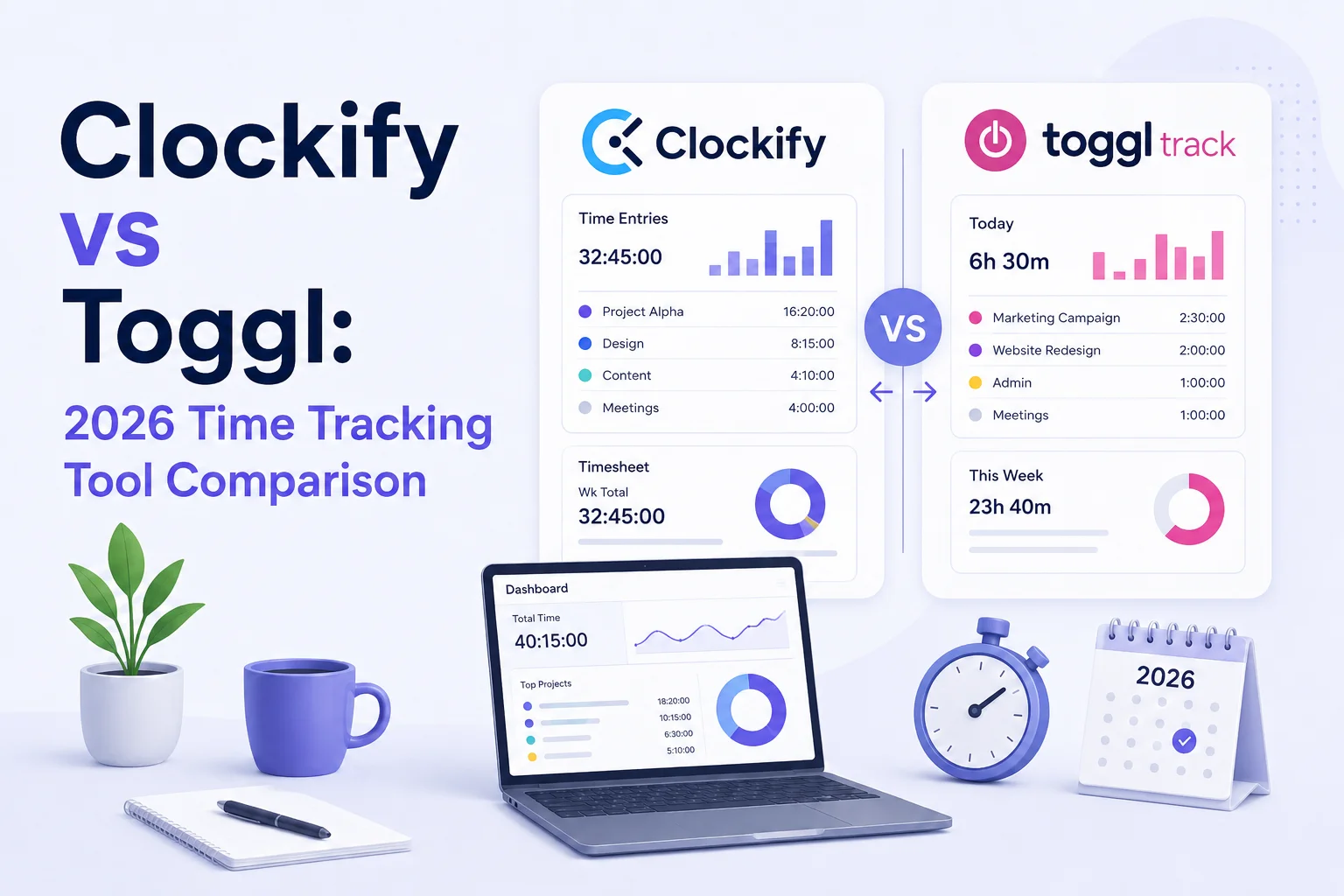
Clockify and Toggl Track are two of the most popular time tracking tools in 2026, but they serve different types of teams. Clockify emphasizes affordability, operational control, and extensive administrative features. Toggl Track prioritizes user experience, reporting clarity, and a faster daily workflow.
If you are trying to choose between the two, this breakdown covers every major difference—pricing, features, reporting, monitoring, mobile, and integrations—so you can make the right call for your team.
Clockify vs Toggl: at a glance
| Feature | Clockify | Toggl Track |
|---|---|---|
| Best for | Larger teams, operations-focused businesses | Freelancers, agencies, smaller teams |
| Ease of use | More structured, admin-heavy | Cleaner, faster daily experience |
| Free plan | Very generous (historically unlimited users) | Limited to 5 users |
| Starting paid price | $3.99/user/month | $9/user/month |
| Employee monitoring | Screenshots, GPS, attendance, kiosk mode | Minimal surveillance features |
| Mobile experience | More features, busier interface | Faster, cleaner experience |
| Integrations | ~90+ integrations | 100+ native integrations |
Time tracking features
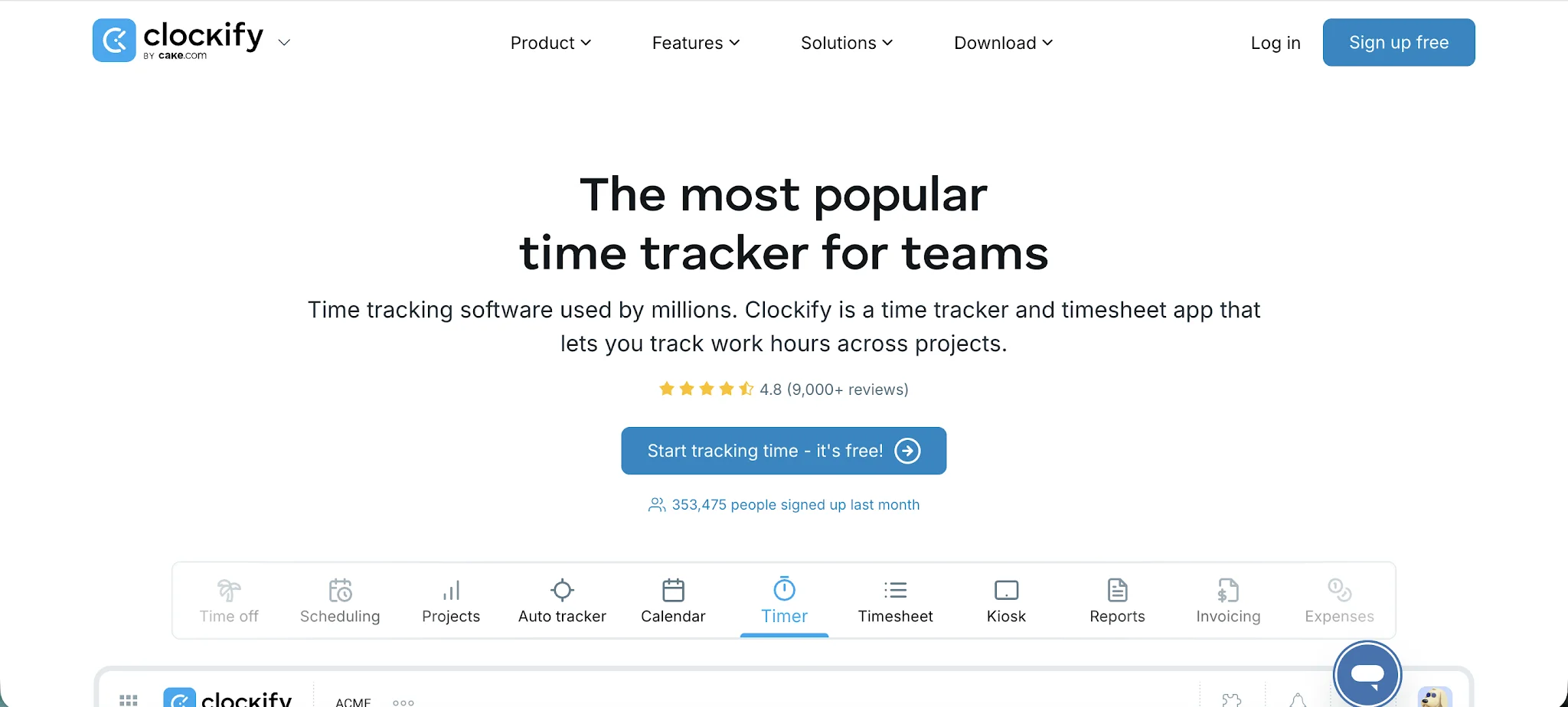
Both platforms handle core timer functionality well—start a timer, assign it to a project, stop it when you’re done. But the daily experience differs significantly.
Toggl Track feels faster during everyday use. Project switching is quicker, the interface stays clean as you add more work, and the workflow requires fewer clicks for common actions. Clockify provides more structural controls: required fields, task approvals, time audits, and tighter admin oversight over how time is logged.
On automatic tracking, Toggl excels with activity detection and intelligent reminders that prompt users to log time when they forget. Clockify’s automatic features exist but feel more utilitarian—they are there, but not the core of the experience.
Reporting capabilities
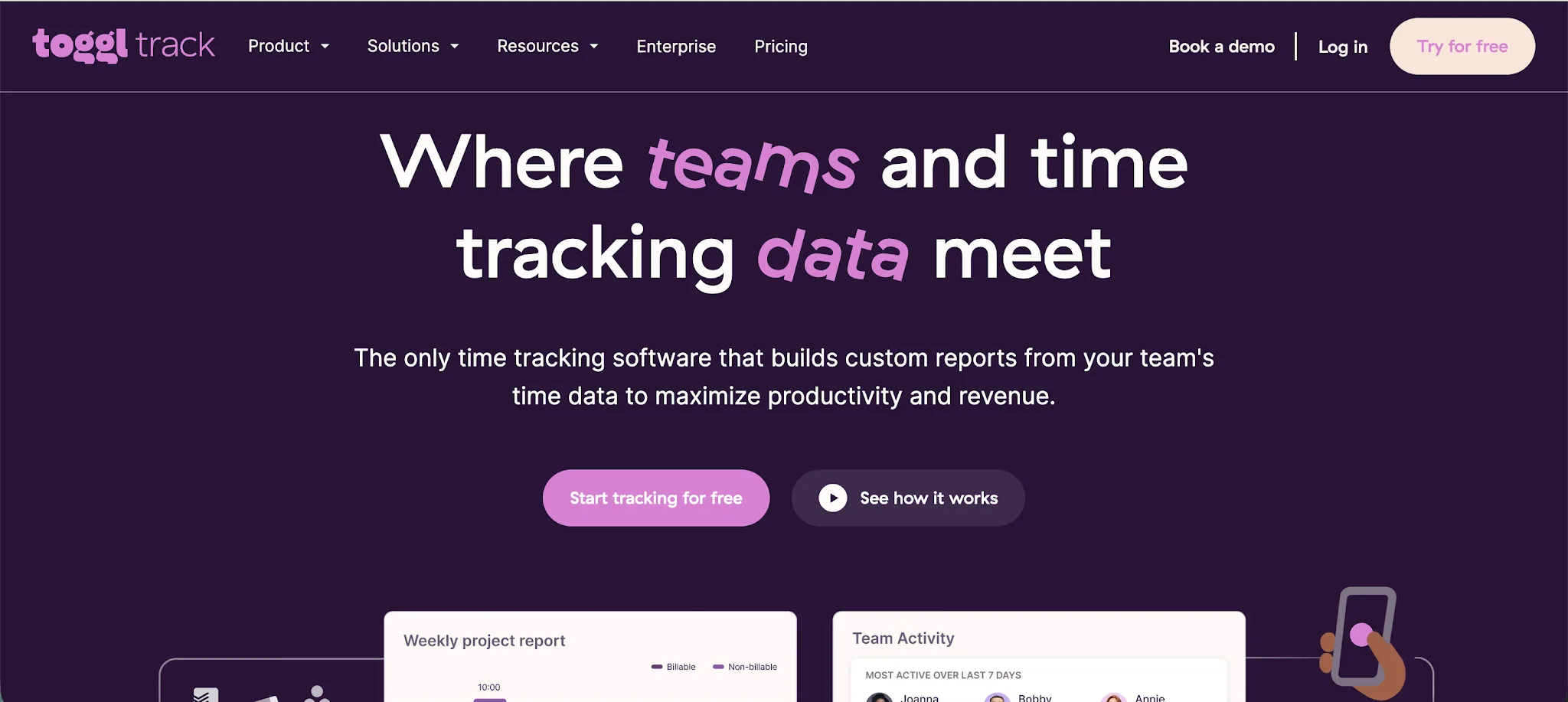
This is where the two tools diverge most sharply in philosophy.
Toggl Track treats reporting as a decision-making tool. Dashboards are visual and quick to read, making it easy to answer questions like “which projects are over budget?” or “who is close to capacity?” The emphasis is on clarity over depth.
Clockify emphasizes operational infrastructure. Reports are dense, highly configurable, and built for managers who need to investigate details. You can drill into time data in more ways, but it takes more time to get there. For teams needing a quick weekly overview, Toggl is usually faster. For teams auditing time entries across dozens of projects or users, Clockify offers more control.
Employee monitoring
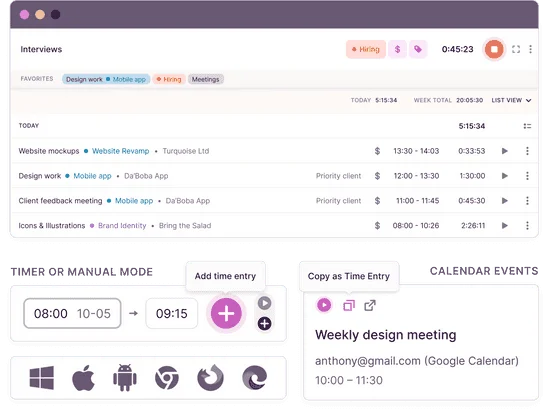
Clockify includes extensive surveillance options: screenshot tracking at configurable intervals, GPS monitoring, attendance controls, idle detection, and kiosk modes for shared devices. These features sit behind the Pro plan but are a core part of Clockify’s value proposition for managers who want activity-level visibility.
Toggl Track deliberately avoids invasive monitoring. There are no screenshots, no keystroke logging, no GPS surveillance. This reflects a trust-based philosophy that positions Toggl as the better fit for teams where autonomy matters. If your culture prioritizes outcomes over activity tracking, Toggl’s approach will feel more aligned.
Mobile apps
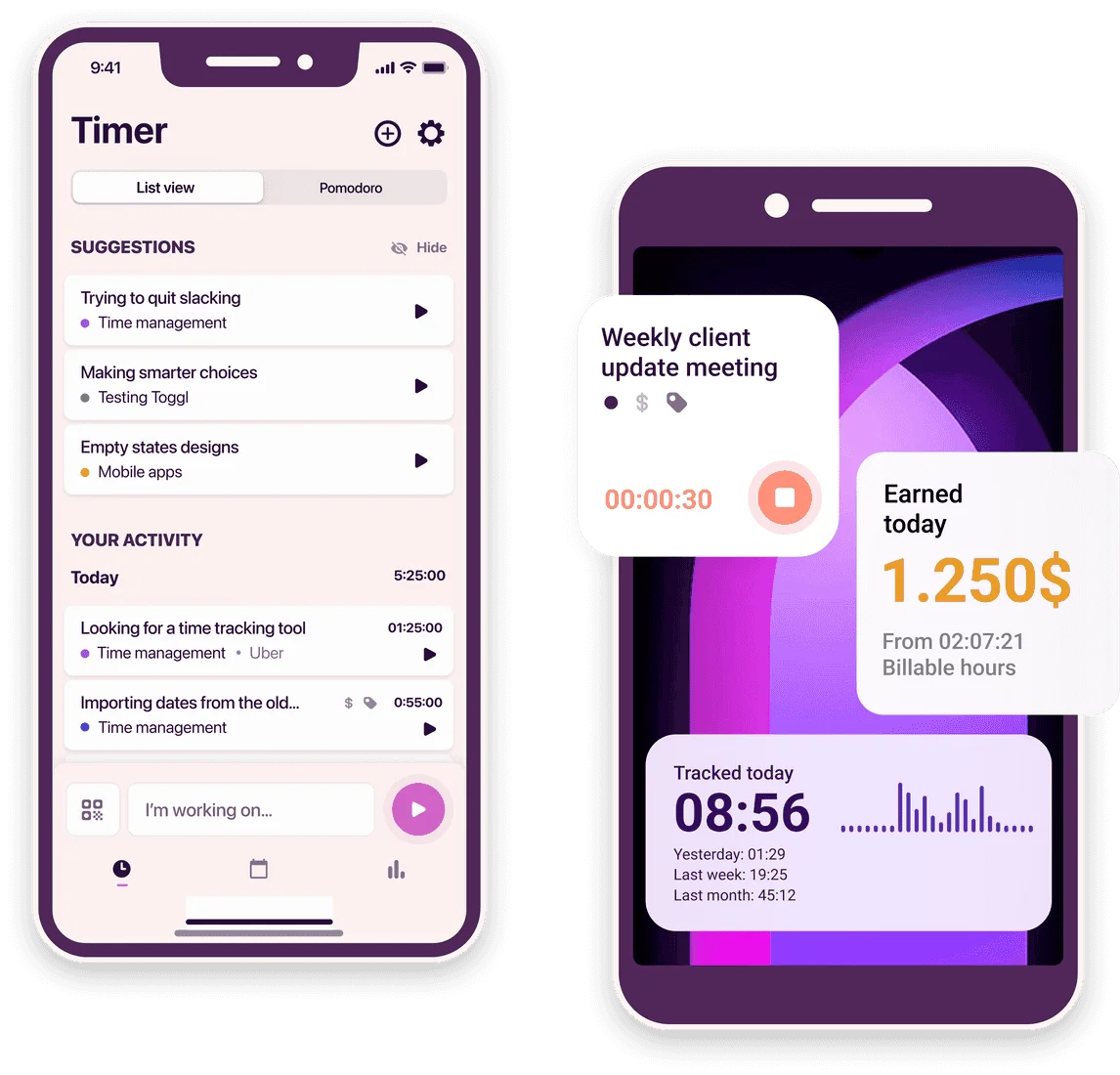
Toggl Track delivers a cleaner mobile experience that mirrors its desktop simplicity. The app is fast, the core workflow is unchanged, and syncing between devices is reliable. It is the stronger choice for teams who track time frequently on mobile.
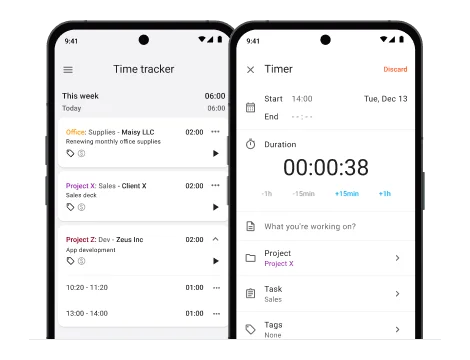
Clockify’s mobile app exposes more functionality, but the interface feels denser overall. User reviews consistently cite sync delays, occasional bugs, and a less polished experience compared to the desktop version. For occasional use it is fine; for daily mobile-first tracking, it can become frustrating.
Project and budget management
Toggl keeps project management lightweight and visually clear. Budget tracking is straightforward, project health is easy to read at a glance, and the reporting connects directly to billing decisions. It does not try to replace project management software.
Clockify integrates deeper operational structure. It supports labor cost calculations, detailed budget forecasts, approval workflows, and project templates. For teams that need to track the full cost of a project—not just billable hours—Clockify offers more tools out of the box, though they become available progressively across paid plans.
Pricing
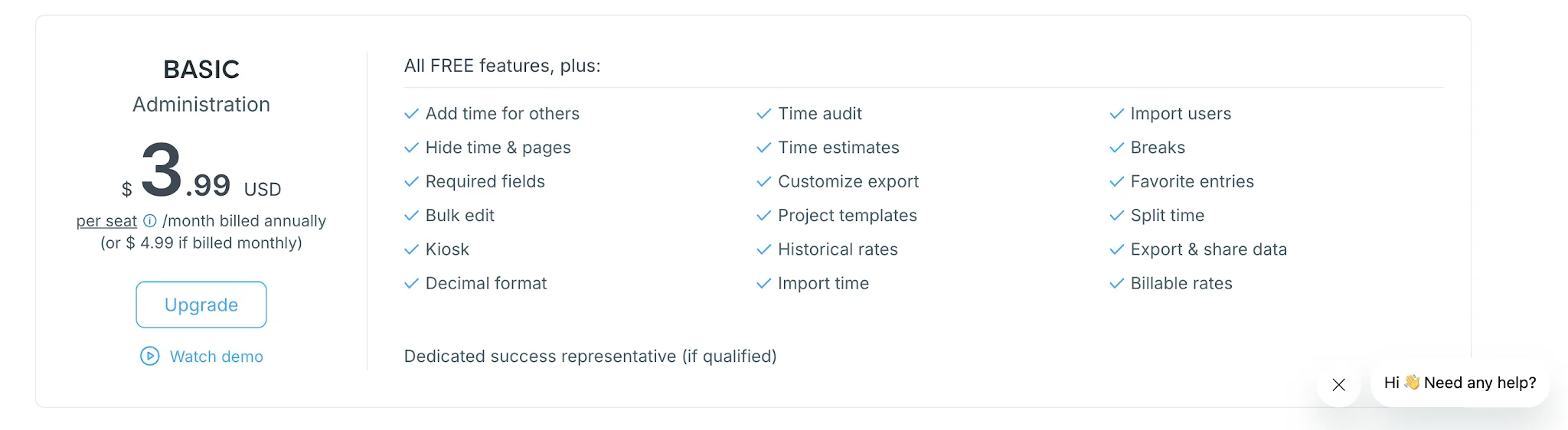
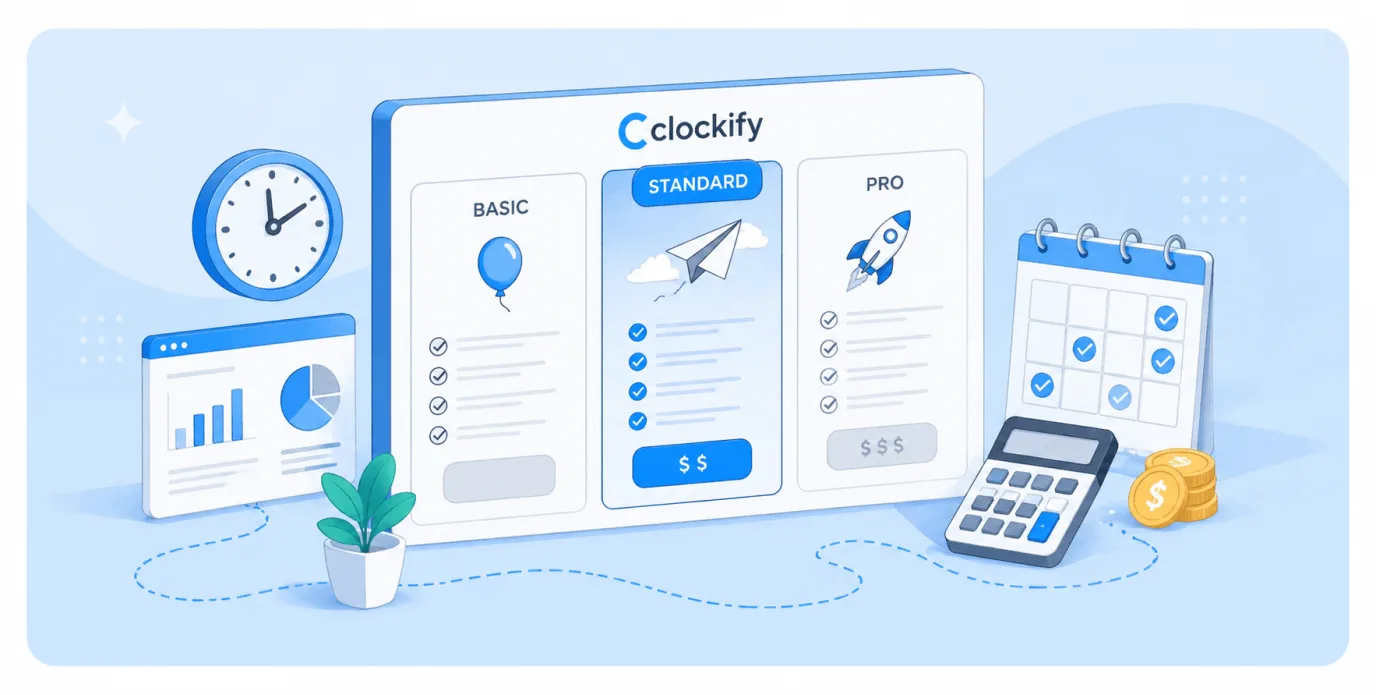
Clockify pricing
- Free plan available (unlimited users historically)
- Basic: $3.99/user/month (annually)
- Standard: $5.49–$6.99/user/month
- Pro: $7.99–$9.99/user/month
- Enterprise: $11.99–$14.99/user/month
Toggl Track pricing
- Free: Up to 5 users
- Starter: $9/user/month (annually)
- Premium: $18/user/month (annually)
- Enterprise: Custom pricing
Clockify offers significantly lower per-user costs, and the free plan is substantially more generous. Toggl charges a premium for a more polished experience, but the gap closes when you factor in which Clockify tier you actually need to get the features you want.
Integration ecosystem
Toggl Track maintains a stronger integration presence with 100+ native integrations, particularly excelling with developer tools, CRMs, and automation platforms. Its browser extension embeds directly into supported apps, meaning you can start timers from inside the tools where the work actually happens.
Clockify covers the essential integrations but feels less refined in execution. Many of its 90+ claimed integrations are browser extension timer buttons rather than deep native connections. For teams needing automation between time tracking, billing, and payroll, Toggl generally has an edge.
Which tool should you choose?
Choose Clockify if you:
- Need affordable scaling for larger teams
- Require employee monitoring capabilities (screenshots, GPS)
- Prioritize detailed budget tracking and approval workflows
- Prefer feature depth over interface polish
- Want a generous free plan with unlimited users
Choose Toggl Track if you:
- Value everyday usability and a fast daily workflow
- Prefer trust-based management without surveillance
- Need reliable, clean mobile time tracking
- Want polished reporting that answers questions quickly
- Run a freelance practice or small agency
Consider Timely if neither fully fits
Both Clockify and Toggl rely primarily on timers and manual entries. If your team frequently forgets to track time, needs to reconstruct timesheets after the fact, or spends significant admin time cleaning up entries, both tools will feel like friction rather than relief.
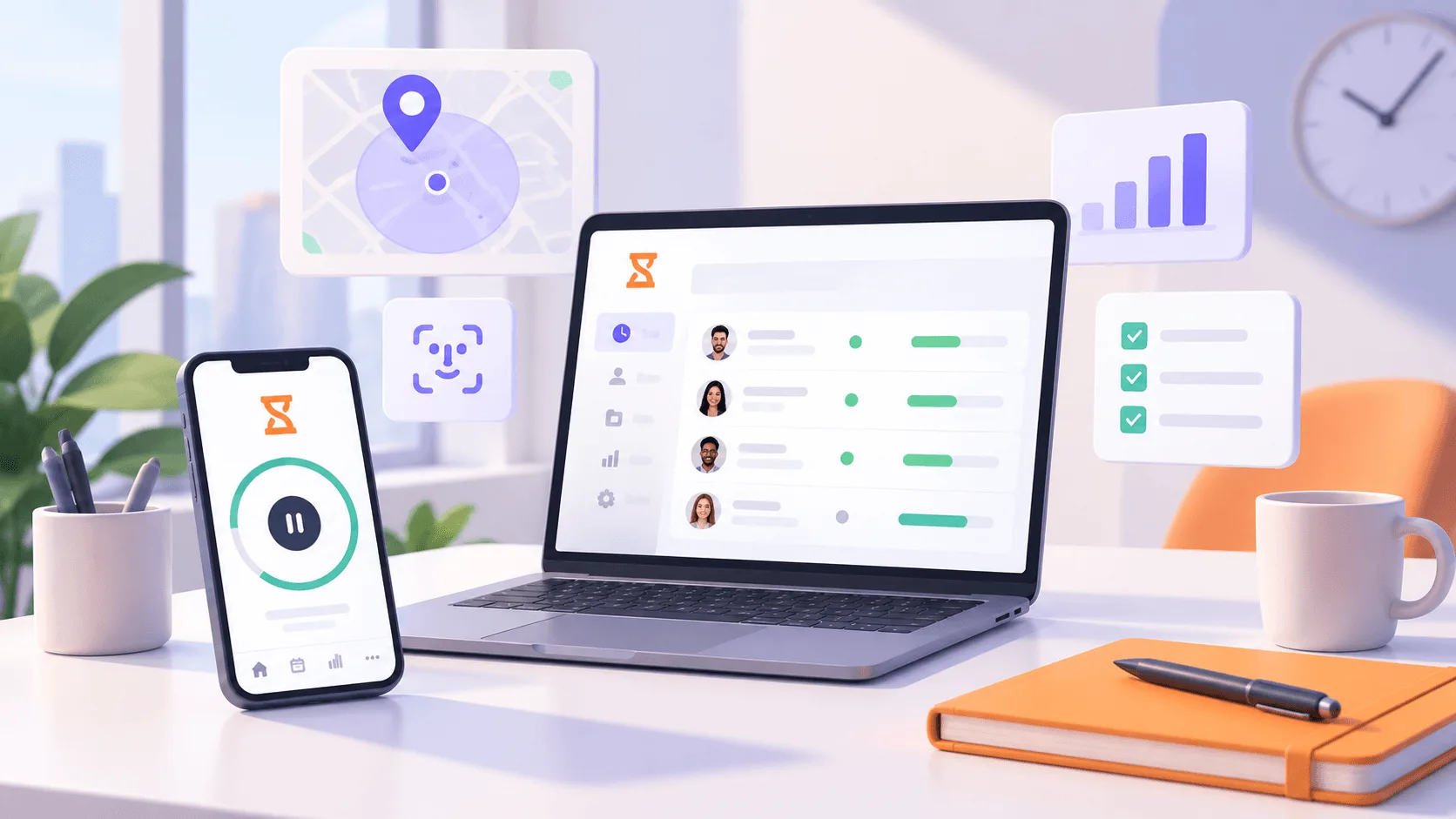
Timely takes a different approach. It automatically records time in the background across apps, meetings, documents, and websites, then uses AI to draft timesheet entries for review. Teams stop chasing missing hours and start approving what is already there.
Compared to both Clockify and Toggl, Timely adds:
- Automatic background time capture across all work activity
- AI-generated timesheet drafts that reduce manual admin
- Built-in capacity planning and workload management
- Project health and profitability tracking tied to real data
- No surveillance features—privacy-first by design
Pricing starts at $9/user/month, matching Toggl’s entry point, with more included at each tier than either competitor.
If manual time tracking is the bottleneck, switching tools without fixing that problem just moves it. Try Timely free and see how automatic tracking changes the workflow.