Clockify is one of the most widely used time tracking tools, and it’s easy to see why. The free plan is generous, setup is quick, and the basics work without much friction. But once teams move past simple hour logging, the cracks start to show.
The mobile app has persistent sync problems. The interface gets cluttered fast. Reporting customization is limited. And with only 24 native integrations, teams often end up relying on Zapier workarounds for tools they use every day.
If you’re running into any of these issues, you’re not alone. This guide covers the 9 best Clockify alternatives in 2026, with a breakdown of who each tool is best for.
Why teams look for Clockify alternatives
Mobile app issues
The platform struggles with syncing between mobile and desktop versions. Users report that the mobile app does not properly sync with the desktop app, causing tracking inaccuracies. This is particularly problematic for field-based teams and anyone who tracks time across devices.
Cluttered interface
The user experience feels dated once your setup grows. Reviewers note the interface “can feel a bit cluttered when juggling multiple projects” and requires excessive clicks to access needed features.
Limited reporting
Customization options are basic. Teams that need flexible dashboards or detailed cross-department reports regularly hit walls. Users note that “customizing and exporting detailed reports isn’t always intuitive.”
Sparse integration ecosystem
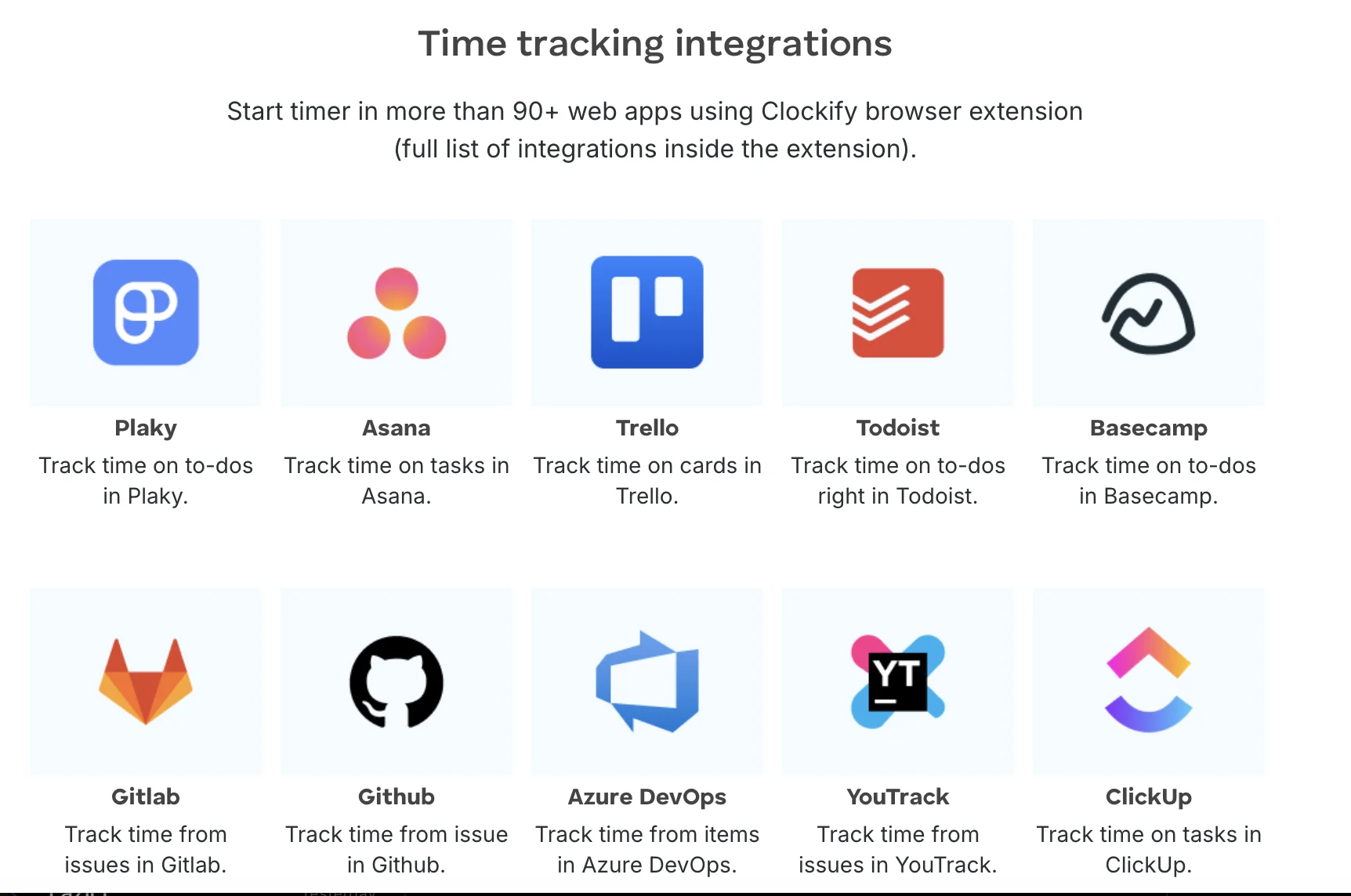
Despite claims of extensive integrations, Clockify offers only 24 native integrations. Most deeper connections require coding custom solutions or relying on Zapier workarounds.
Ready to move beyond manual timers? Try Timely’s automatic time tracking free today.
The 9 best Clockify alternatives in 2026
1. Timely — Best overall
Timely is the strongest Clockify alternative if you want time tracking that actually reduces admin work rather than adding to it. Instead of relying on timers and manual entries, Timely tracks time automatically in the background across your apps, meetings, and documents, then uses AI to draft timesheet entries for review.
The difference shows up immediately. Teams stop chasing missing entries and start reviewing what’s already there.
- Automatic memory tracking without invasive monitoring
- AI-powered time entry suggestions built from real activity
- Advanced reporting and project dashboards
- Capacity planning and workload visibility
- Premium, modern interface that stays clean as teams grow
Pricing: $9–$22/user/month (billed annually)
Best for: Agencies, consultancies, and service teams that need accurate timesheets without constant manual effort.
2. Toggl Track — Best for freelancers
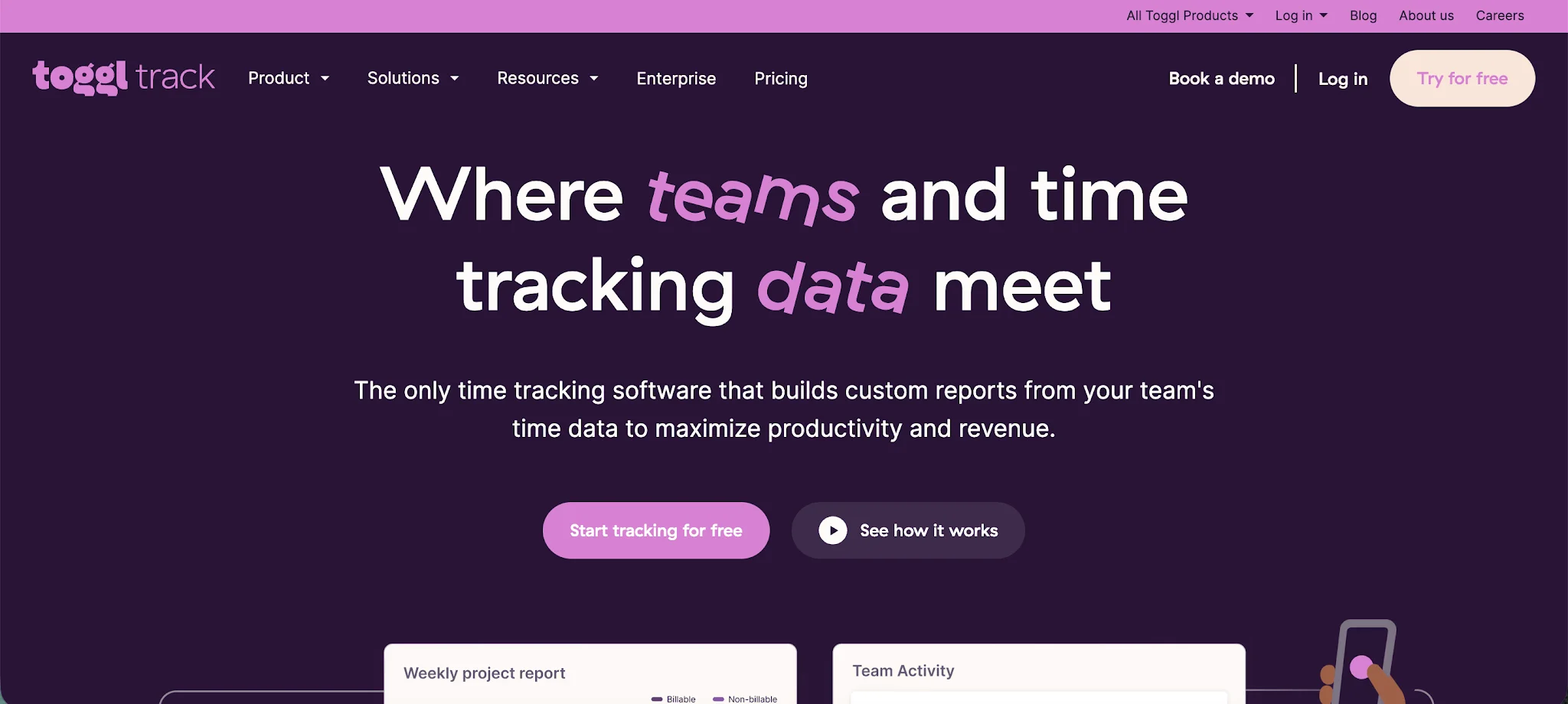
Toggl Track is a clean, fast time tracker built around everyday usability. It does less than Clockify in terms of administrative controls, but what it does, it does well. The interface is one of the cleanest in the category, and the daily tracking workflow is noticeably faster.
- Automated background activity tracking
- Clean, modern design that stays simple at scale
- Task and project organization with solid reporting
- 100+ native integrations
Pricing: Free plan (up to 5 users); $9–$18/user/month (billed annually)
Best for: Freelancers and small teams who prioritize speed and usability over deep admin controls.
3. My Hours — Best for small businesses
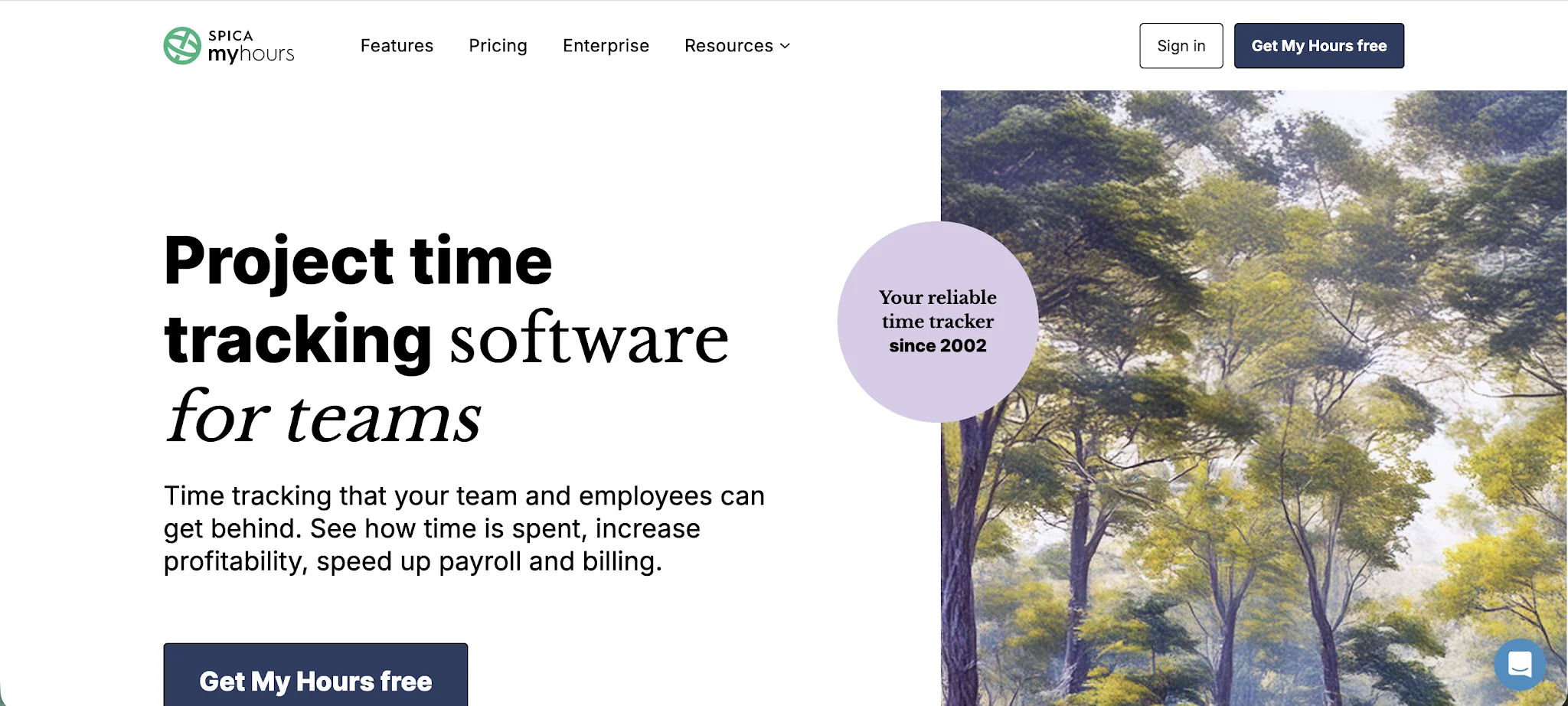
My Hours is a lightweight time tracker aimed at small businesses and freelancers who need project budgeting and invoicing without a steep learning curve. It covers the essentials cleanly and includes built-in invoicing, which Clockify pushes to higher paid tiers.
- Project budgeting tools with simple overviews
- Lightweight, easy-to-navigate interface
- Built-in invoicing from tracked time
- Client and project rate management
Pricing: Free plan available; $4/user/month (billed annually)
Best for: Small teams and freelancers who need budgeting and invoicing without complex setup.
4. Everhour — Best for project management integration
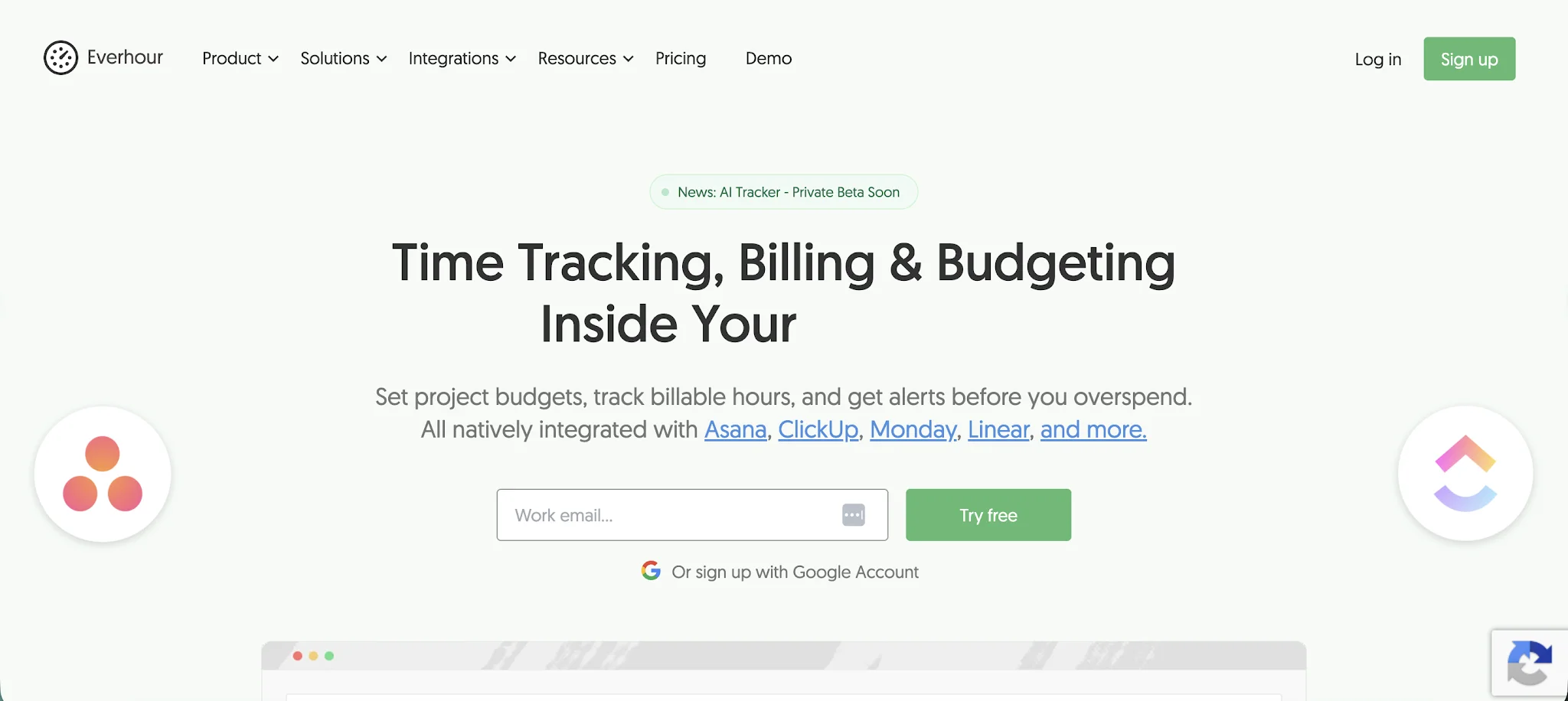
Everhour is purpose-built for teams that live inside project management tools. It embeds directly into Asana, ClickUp, Jira, Trello, and others, so users can track time from the same place they manage work. That tight integration removes the need to switch between tools.
- Deep native integrations with Asana, ClickUp, Jira, Trello
- Budget forecasting tied to actual tracked time
- Team capacity planning and workload overviews
- Invoicing and expense tracking
Pricing: $8.50/user/month (5-user minimum)
Best for: Teams already using Asana, ClickUp, or Jira who want time tracking embedded directly into their workflow.
5. Jibble — Best for attendance and workforce management
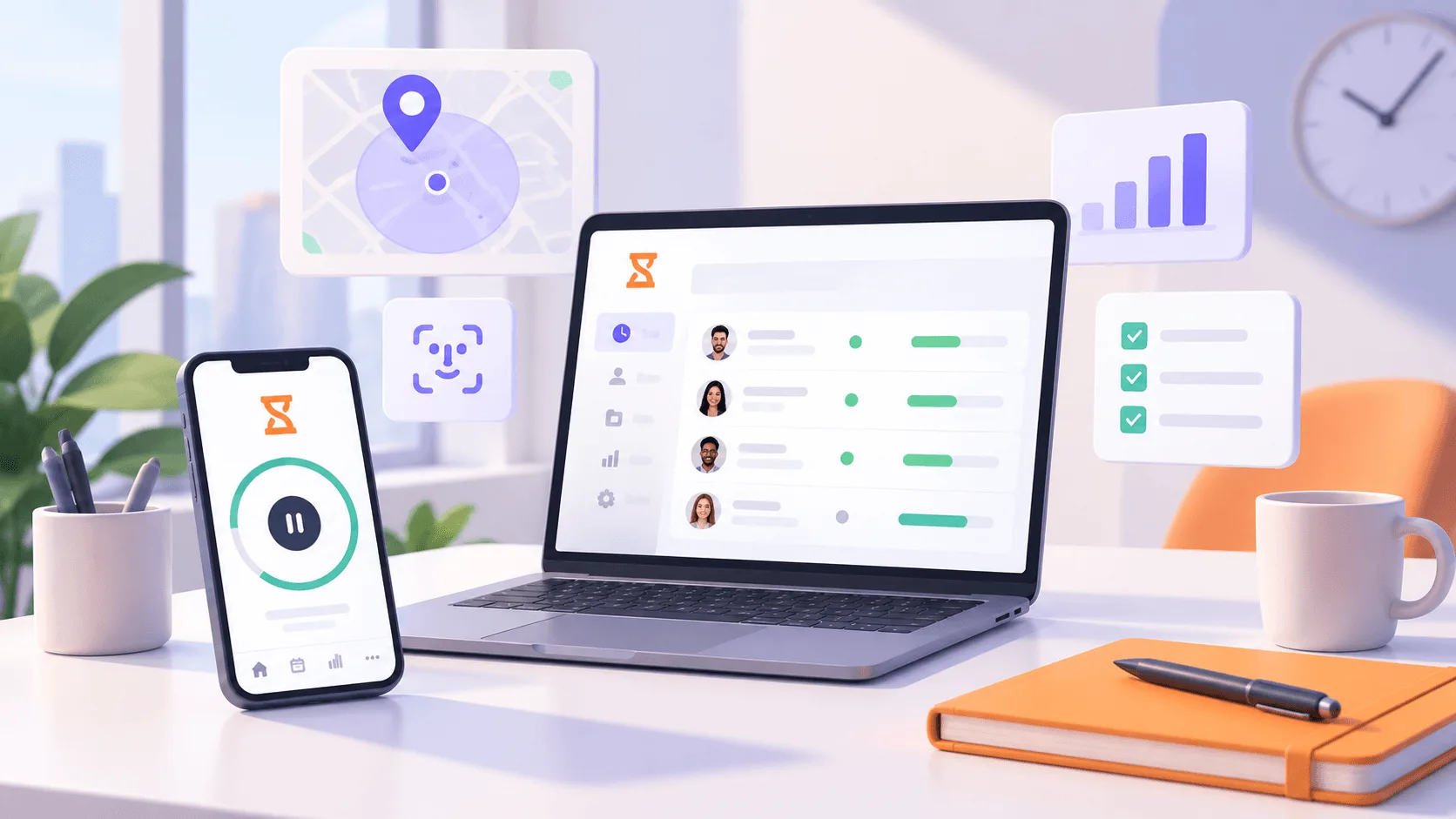
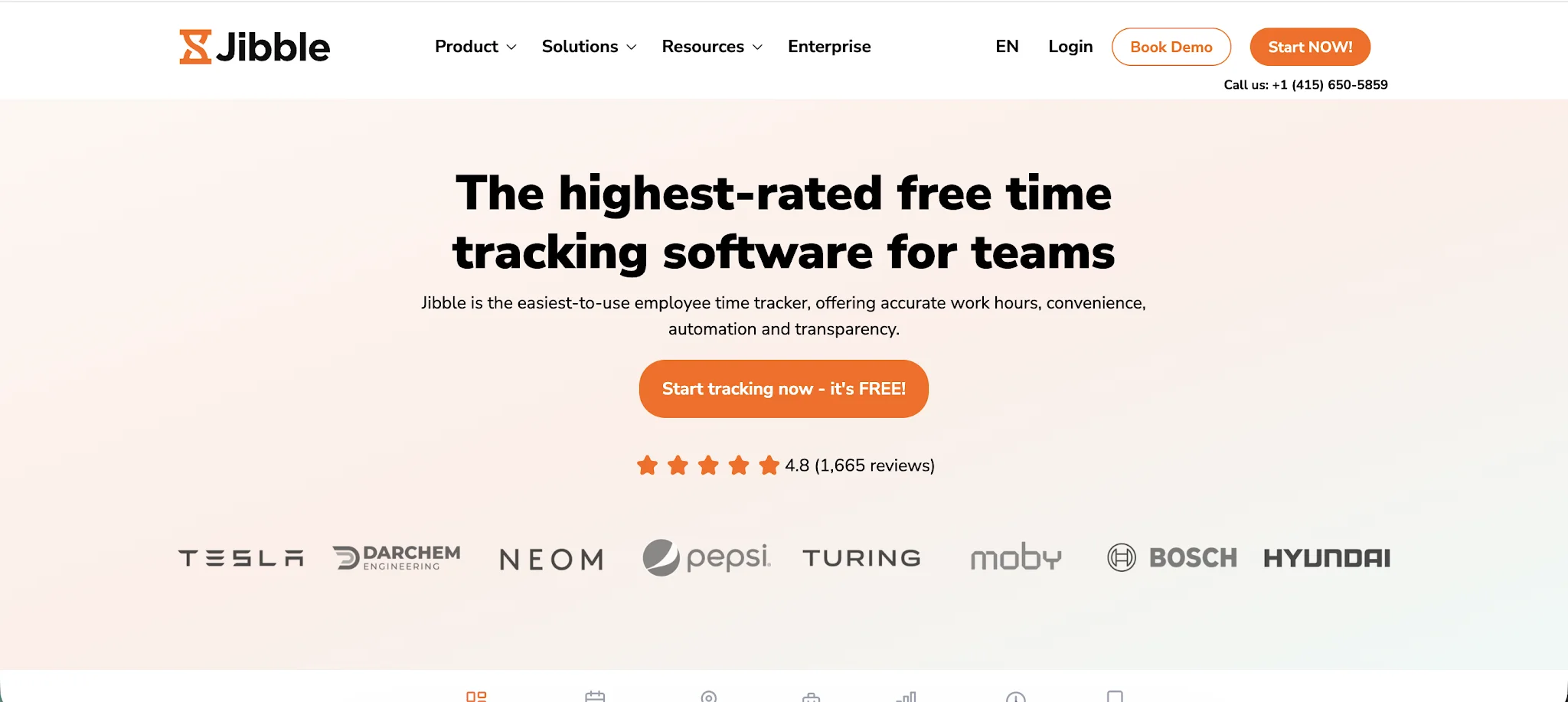
Jibble focuses on attendance tracking and workforce management rather than billable hour analysis. It offers facial recognition clock-in, GPS attendance, and kiosk modes for shift-based teams. If your priority is knowing who is where and when, rather than deep project reporting, Jibble covers it well.
- Automatic and manual time tracking
- Facial recognition and GPS-based attendance
- Kiosk mode for shared devices
- Shift scheduling and workforce management
Pricing: Free plan available; $2.49–$4.99/user/month
Best for: Teams with field workers or shift-based staff who need reliable attendance tracking.
6. Desklog — Most affordable with monitoring
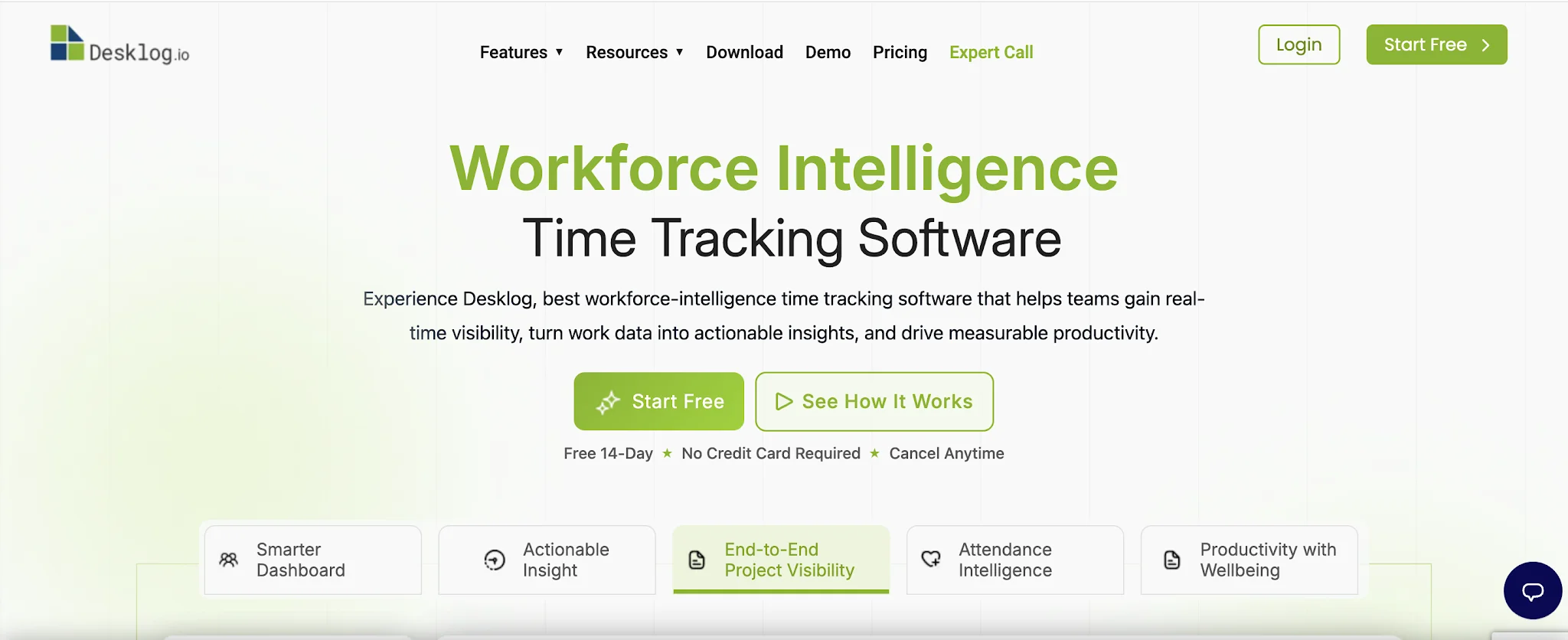
Desklog is one of the most affordable tools in this category that still includes productivity monitoring features. It automatically tracks which apps and windows are active, alongside manual time entry, making it useful for teams that want passive activity data without paying for a premium monitoring platform.
- Automatic app and window tracking
- Expense tracking and invoicing
- Productivity monitoring and reports
- Project and task management
Pricing: $3.15/user/month
Best for: Budget-conscious teams that want basic productivity monitoring alongside time tracking.
7. Hubstaff — Best for remote teams
Hubstaff is designed for remote and distributed teams that need visibility into where work happens, not just how long it takes. GPS tracking, idle detection, screenshot capture, and built-in payroll make it one of the most operationally complete tools in this list. It does lean heavily on monitoring, which may not suit every team culture.
- GPS tracking for field and remote teams
- Idle detection and screenshot-based activity monitoring
- Built-in payroll and invoicing
- Project budgeting and time approval workflows
Pricing: $4.99–$10/user/month (2-seat minimum)
Best for: Remote teams and field service businesses that need location-aware time tracking and workforce oversight.
8. TimeCamp — Best for agencies
TimeCamp combines automatic activity categorization with strong client billing features, making it a solid choice for agencies managing multiple clients and projects. The automatic tracking classifies time by app and website activity, reducing the manual logging burden while keeping billable hours accurate.
- Automatic activity categorization by app and URL
- 70+ integrations including project management and accounting tools
- Client billing and invoicing from tracked time
- Attendance tracking and approval workflows
Pricing: Free plan available; $3.99–$9.99/user/month
Best for: Agencies and consultancies with multiple clients who need automatic tracking and clean billing workflows.
9. Time Doctor — Best for productivity monitoring
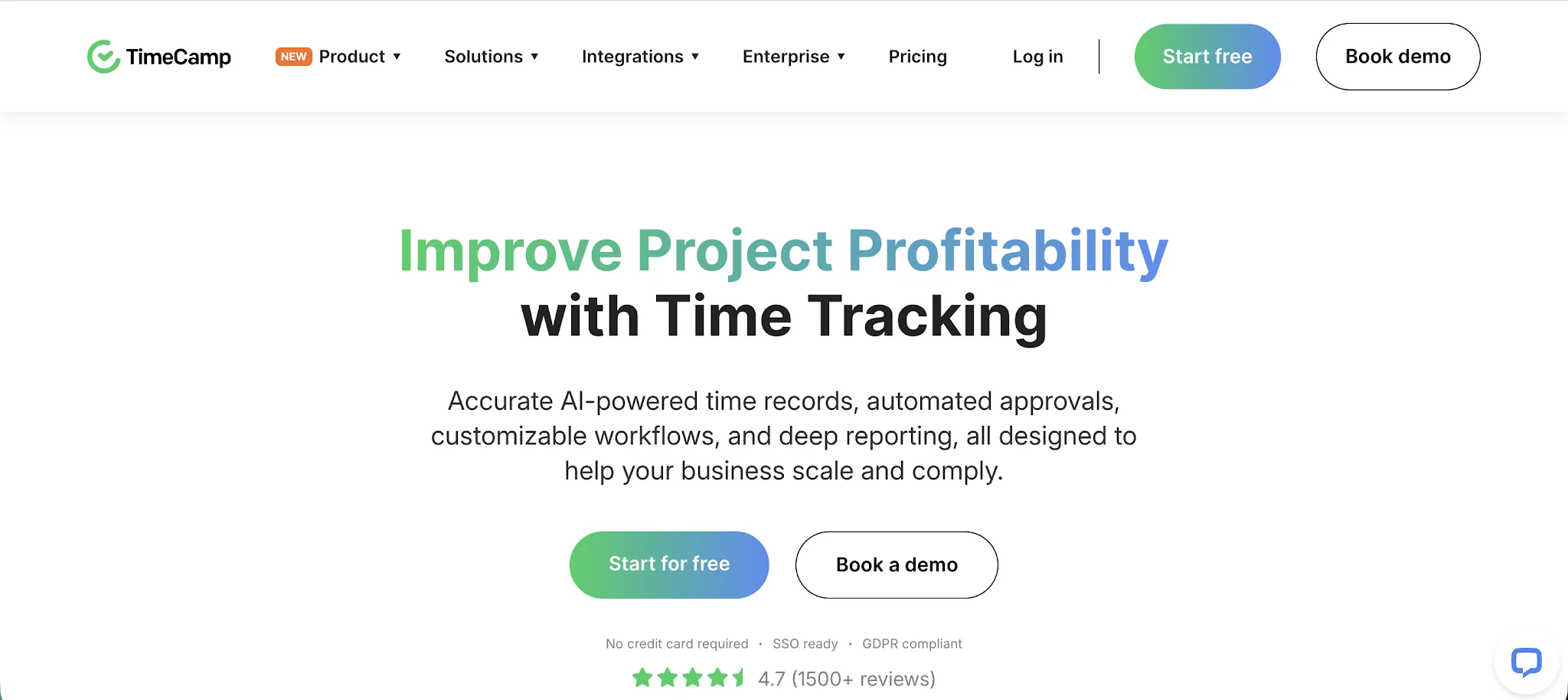
Time Doctor is the most monitoring-focused tool on this list. Screenshot capture, app and URL tracking, attendance management, and payroll integrations give managers detailed oversight of distributed teams. It suits organizations where accountability and productivity visibility are the primary goals.
- Screenshot and app/URL activity tracking
- Attendance tracking with productivity analytics
- Payroll integrations and timesheet exports
- Distraction alerts and work-session management
Pricing: $6.67–$16.70/user/month
Best for: Companies with distributed teams that prioritize productivity monitoring and detailed activity oversight.
Which Clockify alternative is right for you?
The right choice depends on what Clockify is actually failing to do for your team.
If the core problem is manual time entry and incomplete timesheets, Timely solves that directly with automatic background tracking and AI-drafted entries. If you need tighter project management integration, Everhour embeds into the tools you already use. If attendance and shift management matter more than project billing, Jibble or Hubstaff are better fits.
For most agencies and service teams, Clockify’s limitations around automation, reporting depth, and mobile reliability are the main drivers for switching. Timely addresses all three while adding capacity planning and workload visibility that Clockify does not offer at any tier.
Stop chasing missing time entries. Try Timely free and see how automatic tracking changes your workflow.