TimeCamp is one of the less popular time tracking tools with its own merits. Forever free plan, AI time tracking, unlimited users, invoicing and budgeting are some of the many reasons why users opt for TimeCamp. But at the same time, there are a couple of downsides to be aware of too.
The time tracking tool niche is filled with excellent tools, so the negative aspects of TimeCamp become apparent very quickly. Today, we discuss some of the main reasons why TimeCamp may not be an excellent choice, and some alternatives to replace it with.
TL;DR
- Timely: Best for private automatic time tracking
- Toggl Track: Best for ease of use
- Harvest: Best for invoicing and client payments
- Hubstaff: Best for employee monitoring
- Jibble: Best for attendance and field teams
- Clockify: Best free TimeCamp alternative
- Memtime: Best for reconstructing workdays automatically
- My Hours: Best for project costing
- Apploye: Best for remote team monitoring
- TMetric: Best for timesheet approvals and permissions
- Beebole: Best for connecting resource planning to timesheets
Get the best TimeCamp alternative for automated time tracking. Try Timely for free today.
Why look at alternatives to TimeCamp in the first place?
At the first glance, it seems that TimeCamp has similar manual and automatic time tracking features as the rest of the tools in the market, and pricing looks competitive too. But if you dig into user reviews, some of the biggest issues become apparent quickly.
There's a lot of manual time tracking work involved
Automatic time tracking allows users to simply hit the timer and stop it, and the tool figures out the rest. While TimeCamp claims this to be one of their strongest features, users say that this isn't necessarily the case.
"I am still having to go back and categorize time. I also find it not as user-friendly a setup as it could be. I am continually having to remember how to do a certain task rather than it being intuitive or visible on the dash." - G2 review
And here's what another user said:
"I don't like that I have to remember to stop tracking; I would like if there was a feature to automatically track jobs through the software and file name I am using," - G2 review
The basic time tracking functions work decently well, but if you want a time tracking solution that figures out what you're working on and sorts your activities automatically, TimeCamp is not it.
The integrations can glitch and require manual input
TimeCamp has a wide array of integrations, from project management tools to invoicing and payroll apps, among others. The lack of options isn't a problem, but the way these integrations actually work can be an issue.
Here's how one user described it:
"My least favorite thing about TimeCamp is a lack of control in integrations. Integrations like Notion require manual refreshes, are sometimes slow to update, do not always bring information into TimeCamp menus correctly or update after a change is made in Notion, and it's difficult to understand how the database relations in Notion translate into TimeCamp.
It's required a lot of trial and error and time to troubleshoot this integration, even though we are thankful that the integration is available in any capacity. It would be fantastic if TimeCamp integrated more detailed help and support pages. Another app we use, Gusto, has many support pages with step by step instructions that guide a user through integration setup." - G2 review
The problem is that integrations only start with the Premium plan, so there is no way to try out if your most important integrations work well on the free tier.
The ease of use is not its strong side
One of the most important aspects of time tracking tools is their ease of use as you want to lower the barrier for your team to actually start tracking their time instead of viewing it as a chore. Unfortunately, there are multiple accounts of users complaining about TimeCamp's ease of use.
Here's what one G2 user had to say:
"I am still having to go back and categorize time. I also find it not as user-friendly a setup as it could be. I am continually having to remember how to do a certain task rather than it being intuitive or visible on the dash."
And here's another account with a similar issue:
"At the end of the month, I have to submit a report that shows the daily tasks and times along with the earned pay. I have not been able to figure out how to do this and I have been submitting two separate reports. Once that shows tasks broken down by day, and another that shows money earned. I wish the report feature was a bit more intuitive to allow me to create what I need." - G2 review
This may not be a downside if your team has used time tracking and productivity monitoring tools before. If TimeCamp is their first tool of this sort, expect some pushback and a learning curve in the beginning.
The best TimeCamp alternatives for automatic time tracking in 2026
Whether you need something with more flexible pricing plans, more intuitive interface or truly automatic time tracking, there are plenty of options to choose from. Here are some of the best options as of mid 2026.
1. Timely
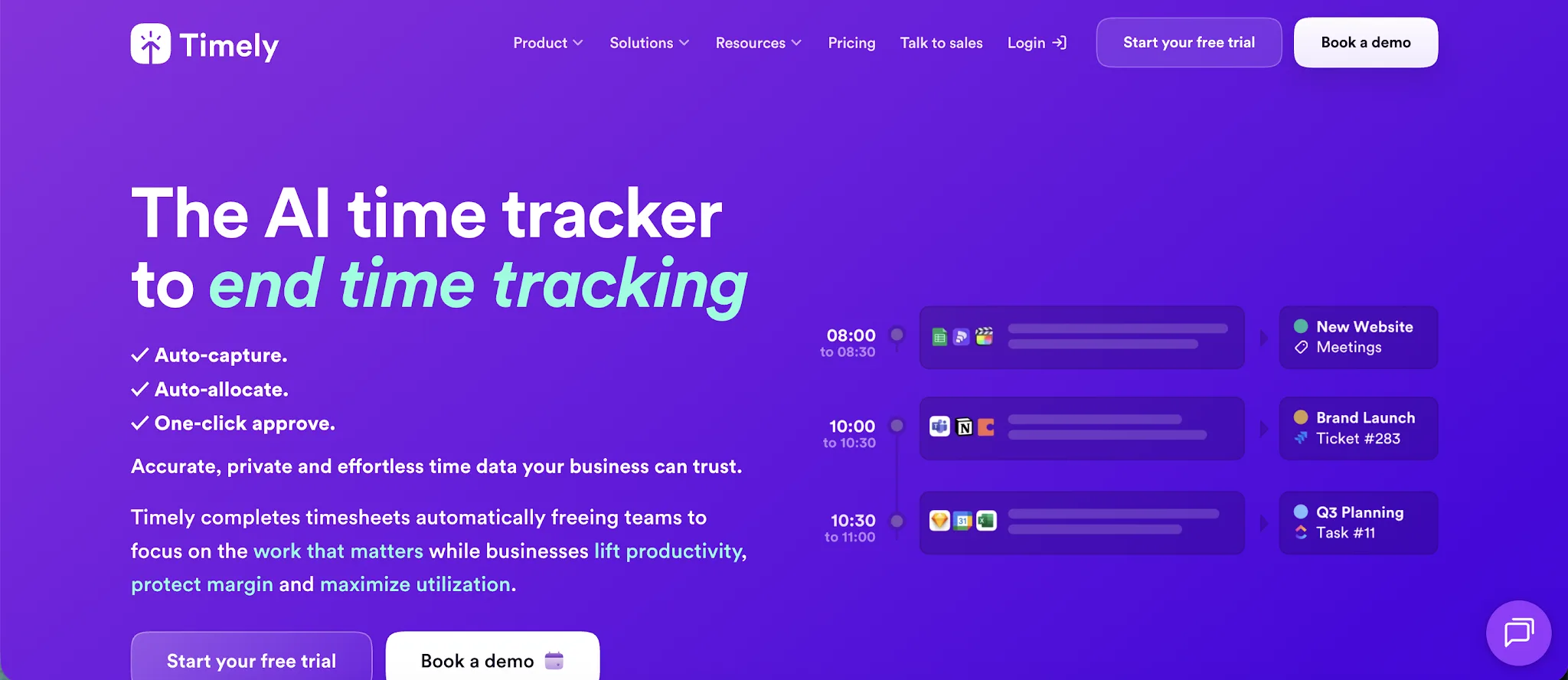
Timely is automatic time tracking software for agencies, consultancies, SaaS companies, and small teams that need accurate records without relying on timers. It records activity across desktop and web apps, then drafts time entries for users to review before they are added to a timesheet.
Why it's a better TimeCamp alternative:
- Less setup for automatic tracking: Timely can track time across apps, websites, files, and meetings without requiring users to create project keywords first.
- More private activity records: Each user's Memory timeline remains private until they choose which information to include in shared time entries, while TimeCamp offers administrator controlled screenshots and computer activity monitoring.
- Faster timesheet completion: Timely automatically suggests durations, projects, tags, and notes, leaving users to review and approve their drafted entries.
- Stronger planning around recorded time: Teams can compare planned and logged hours, monitor budgets and costs, review capacity, and use recorded data to improve future project estimates.
Timely pricing starts at $9 per user per month when billed annually, with 14-day free trial that does not require a credit card.
2. Toggl Track
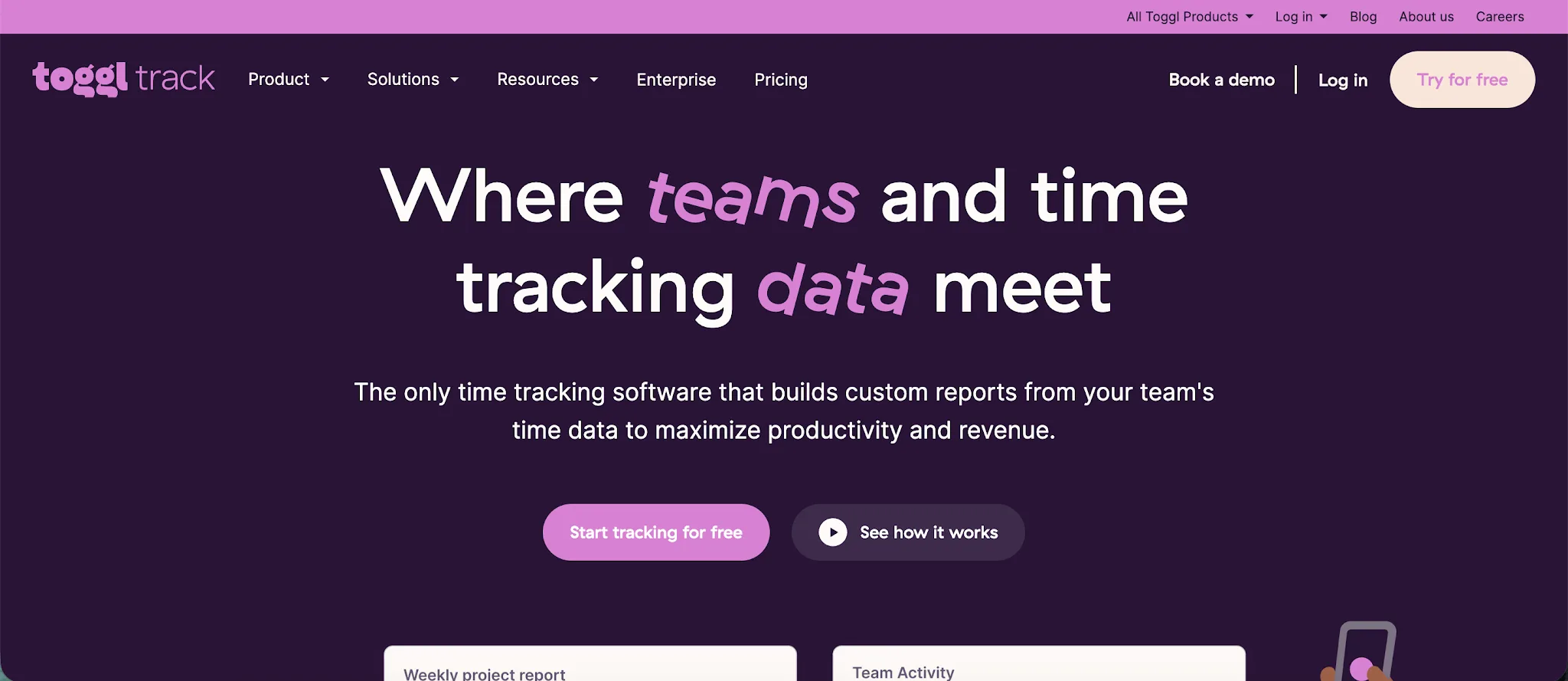
Toggl Track is a time tracking and reporting platform for freelancers, agencies, and remote workers that need a quick way to record billable work. It combines time tracking with project performance reporting and connects with project management software, while its user-friendly interface keeps the time spent on clients and tasks easy to review.
Why it's a better TimeCamp alternative:
- Easier to learn: Toggl Track focuses on one click timers and a simple interface, reducing the setup needed before team members can begin recording their work.
- More convenient browser tracking: Its browser extension embeds the timer into more than 100 connected tools, allowing users to record work without switching tabs.
- More private activity capture: Toggl Track can record app and browser activity in a private timeline, while each user decides which activity becomes a time entry.
- Longer trial period: Toggl Track provides a 30 day trial, compared with the 14 day trial available from TimeCamp.
Toggl Track costs more than TimeCamp, and its free plan supports only five users while TimeCamp allows unlimited users, which is one of the many reasons users consider Toggl Track alternatives. TimeCamp also offers stronger attendance features and more advanced automatic categorization, which may suit companies that want recorded activity assigned to projects with less input from employees.
Toggl Track pricing starts at $9 per user per month when billed annually, with a free plan for up to five users and a 30 day free trial with no credit card required.
3. Harvest
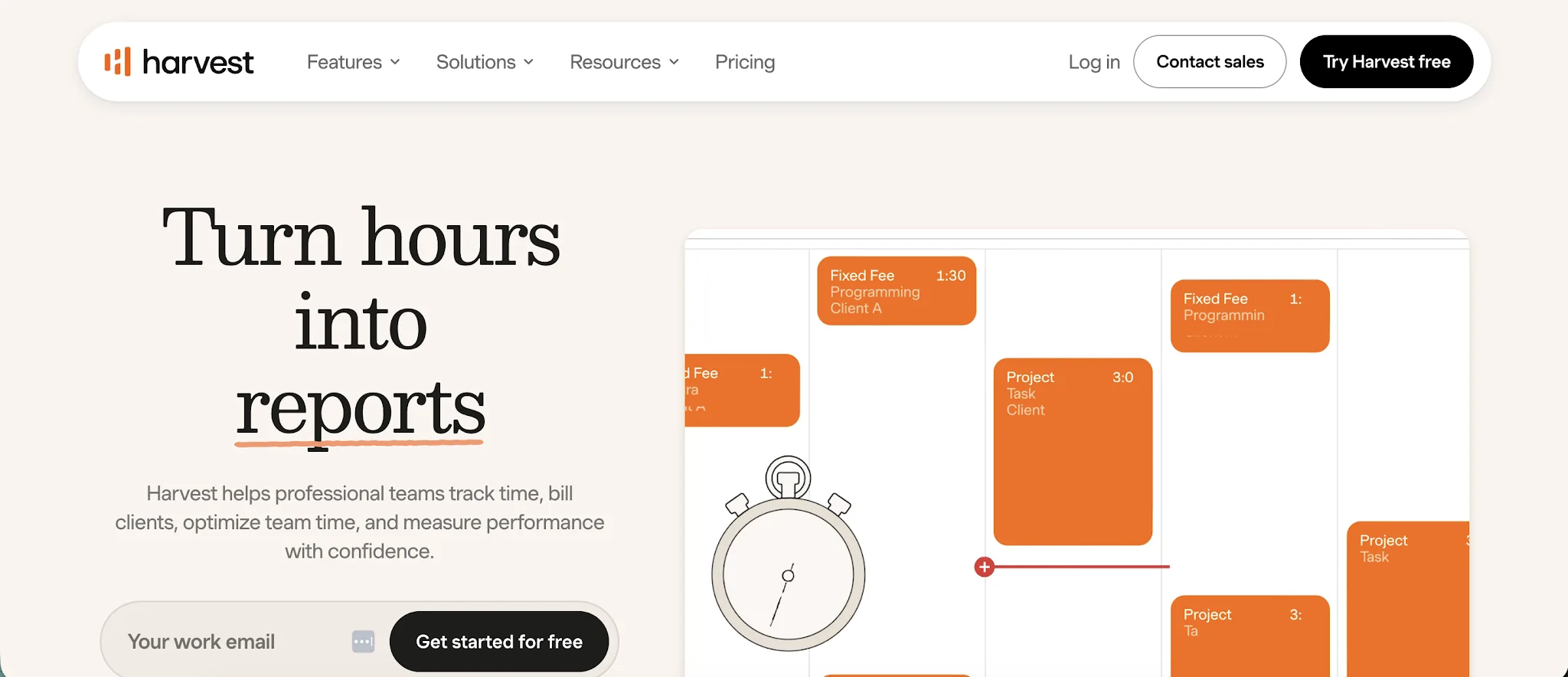
Harvest is a time tracking, invoicing, and project profitability platform for agencies, consultancies, and service firms that bill clients for employee hours. It is a good time tracking app for teams that want simple timesheets, expense tracking, billing, and team management features in one place.
Why it's a better TimeCamp alternative:
- More direct invoicing and payment options: Harvest converts tracked time and expenses into invoices, accepts payments through Stripe and PayPal, and syncs invoice data with QuickBooks Online or Xero.
- Clearer team capacity insights: Managers can review capacity, utilization, and workloads across team members to see who has room for more work and who may be overloaded.
- More convenient tracking inside connected tools: Harvest lets users start timers from platforms such as Asana, Basecamp, Jira, Slack, and Trello, which can make it easier to record time without switching between apps.
- Longer trial period: Harvest provides a 30 day trial, giving teams more time to test its paid features than TimeCamp's 14 day trial.
Harvest does not provide the same automated time tracking as TimeCamp, which can detect computer activity and assign it to projects in the background. Unlike some other time tracking tools, Harvest also has no screenshot or application monitoring features. Its free plan supports only one user and two projects, so TimeCamp is a better free option for larger teams.
Harvest pricing starts at $9 per user per month when billed annually, with a free plan for one user and two projects, plus a 30 day free trial with no credit card required.
4. Hubstaff
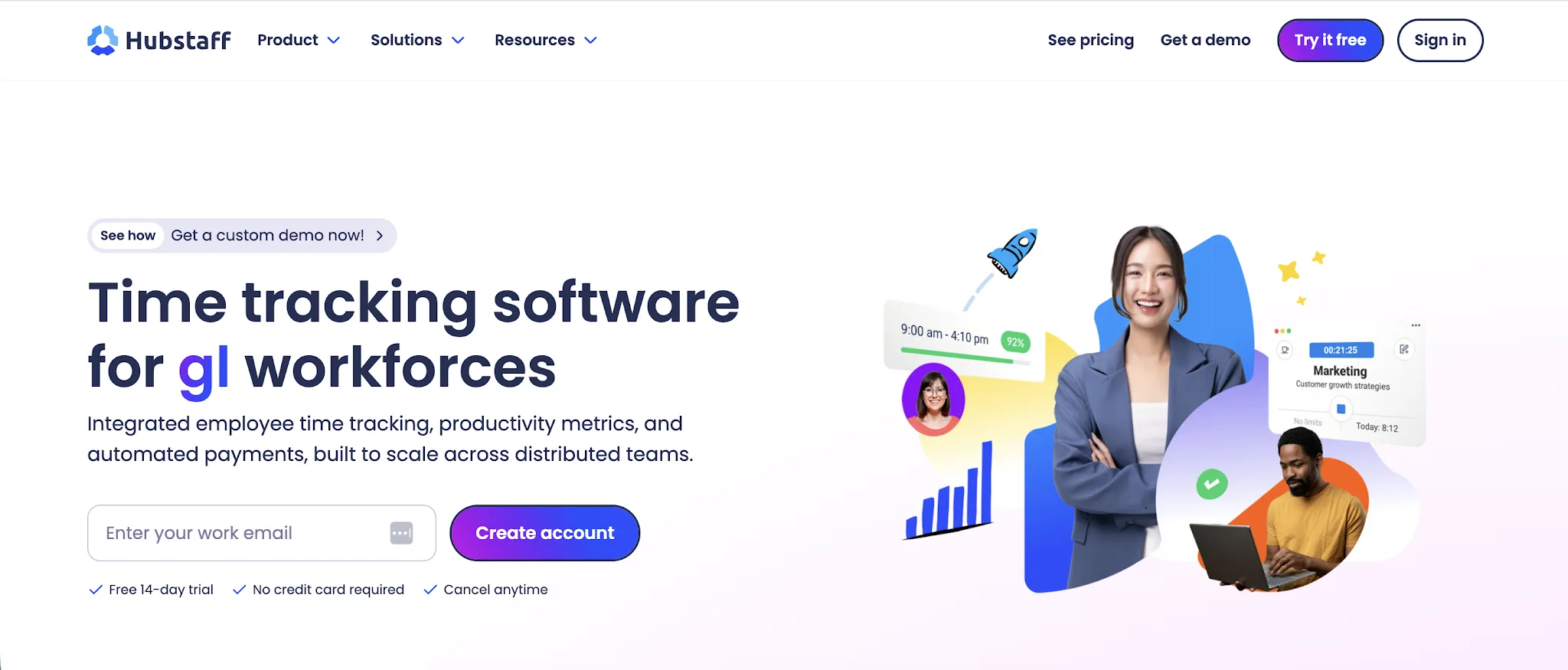
Hubstaff is a time tracking solution for remote teams, field teams, agencies, and businesses that need clearer oversight of employee work. It combines accurate time tracking with activity monitoring, workforce scheduling, payroll support, and project management tools.
Why it's a better TimeCamp alternative:
- Deeper employee activity data: Hubstaff combines optional screenshots with app and website usage, activity levels, and idle time detection for a more detailed view of how tracked hours are spent.
- More capable project management tools: Hubstaff Tasks adds Kanban boards, sprints, roadmaps, automated workflows, and standups while connecting tracked time directly to tasks.
- More direct payment support: Approved timesheets can trigger payments through supported providers, using custom pay rates and tracked work hours.
- More controls for distributed workforces: Hubstaff brings scheduling, attendance, time off, GPS tracking, and geofencing into the same platform, which can help companies manage remote teams and mobile employees.
Hubstaff's employee monitoring features may feel excessive for companies that only want automatic timesheets and project profitability data, which is the most common reason businesses look for Hubstaff alternatives. It also has no permanent free plan and requires at least two paid seats, while TimeCamp offers a free plan for unlimited users and projects.
Hubstaff pricing starts at $4.99 per user per month when billed annually, with no free plan and a 14 day free trial that requires no credit card, although a two seat minimum applies.
5. Jibble
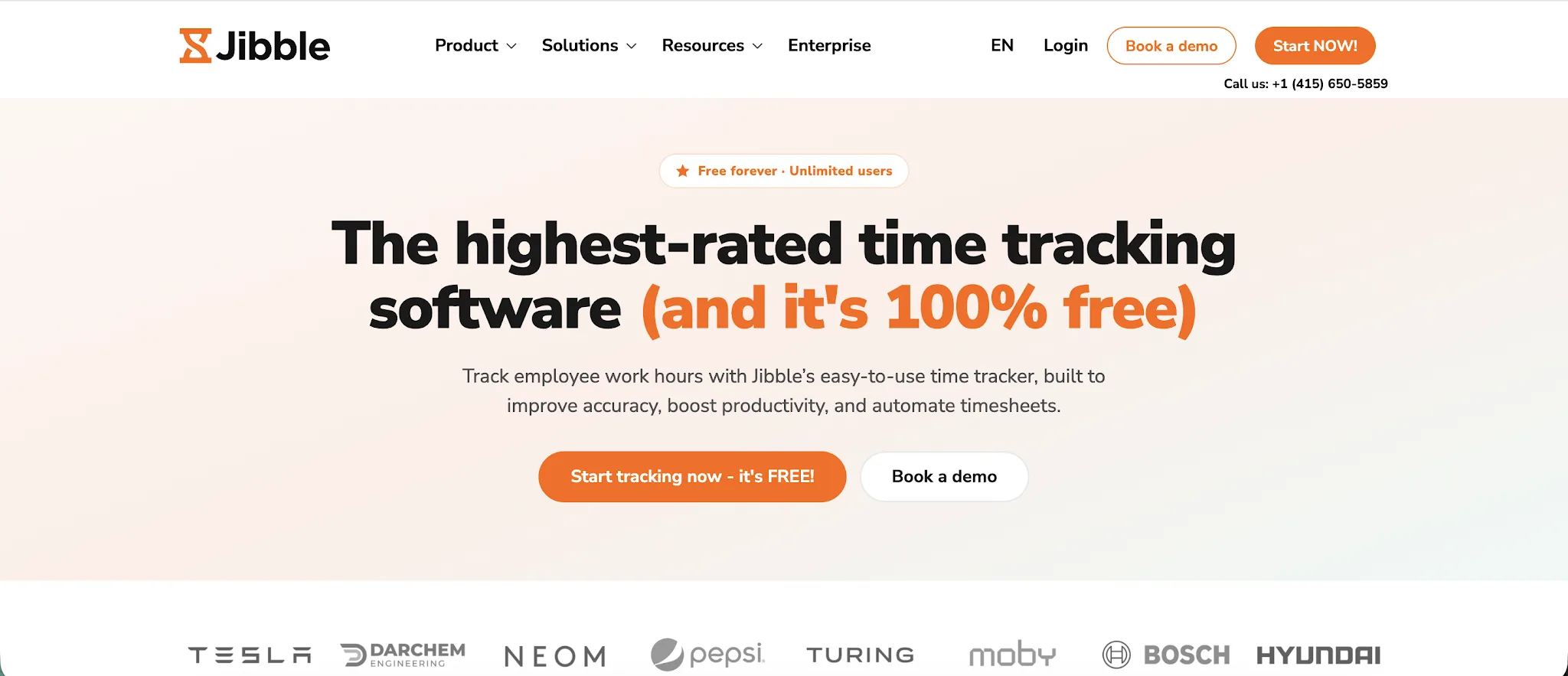
Jibble is a time and attendance platform for businesses that need to manage time across office and field teams. Its essential time tracking features cover automated timesheets, project hours, attendance, and client billing, with access through a web app and other devices.
Why it's a better TimeCamp alternative:
- More features for unlimited free users: Jibble's free plan includes attendance tracking, leave management, GPS tracking, and facial recognition for an unlimited number of users.
- Stronger tools for field teams: GPS tracking, geofences, offline tracking, and facial recognition help businesses confirm where and when employees start work.
- More ways to manage time: Employees can record hours through the web app, desktop software, mobile apps, a Chrome extension, or shared kiosks.
- Flexible reporting and billing: Advanced reporting lets managers filter hours by employee, project, or client, while built in invoicing makes it easier to bill clients using tracked time. These insights can help teams boost productivity and understand team productivity more clearly.
Jibble focuses more heavily on attendance and clock in controls than automatic background activity capture. TimeCamp may be a better choice for desk based teams that want software to detect project keywords and automatically assign recorded activity to the correct tasks.
Jibble pricing starts at $4.49 per user per month when billed annually, with a free plan for unlimited users and a 14 day free trial.
6. Clockify
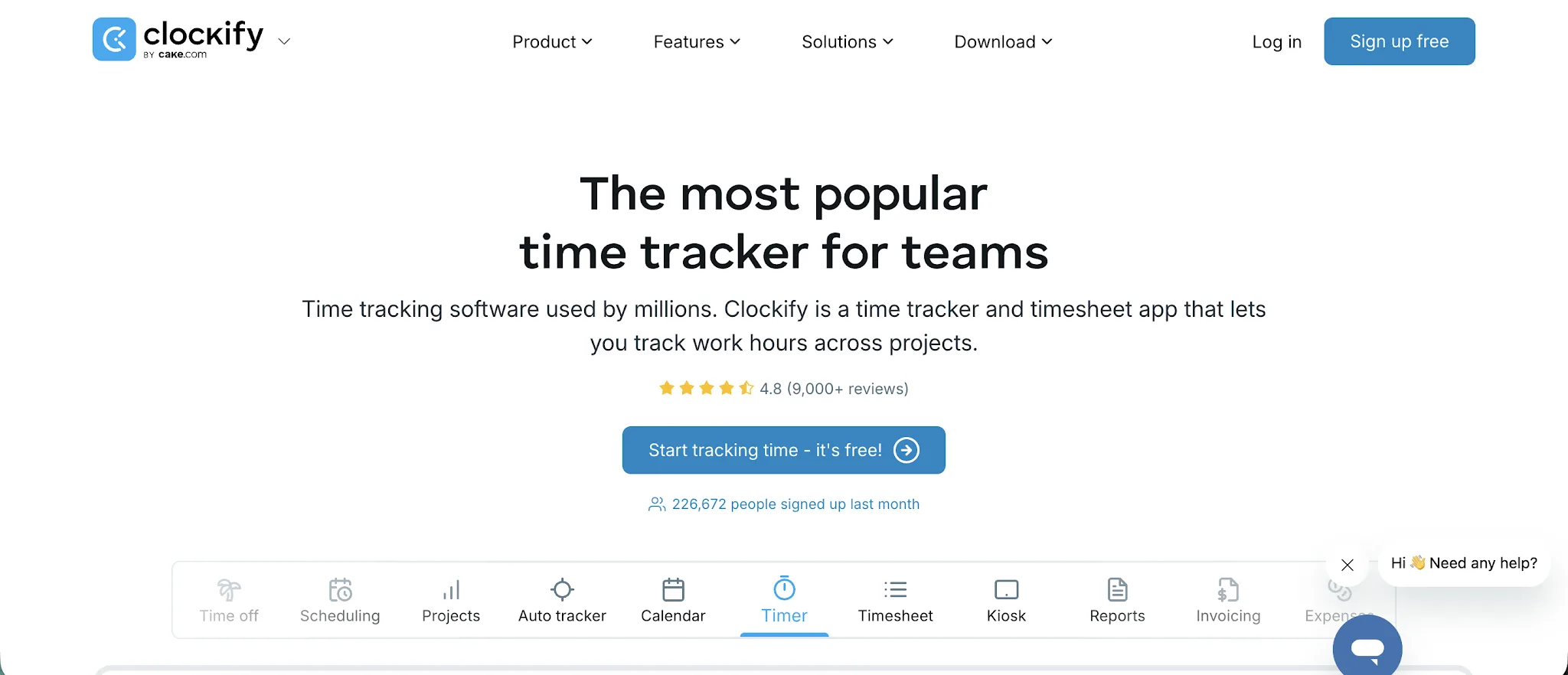
Clockify is a straightforward time tracking platform for freelancers and agencies, as well as businesses that need to monitor work across team members. It combines timesheets with project tracking, reporting, attendance tools, invoicing, and expense management, making it a practical free alternative for teams that want to track time without paying from the start.
Why it's a better TimeCamp alternative:
- More activity data on the free plan: Clockify includes its private Auto Tracker for recording applications and websites, while TimeCamp reserves application and website tracking for its Premium plan.
- Lower priced billing and approval tools: Clockify Standard includes billable rates, invoicing, timesheet approvals, and a shared kiosk for $5.49 per user per month with annual billing.
- More straightforward time tracking: Users can start a timer, add hours manually, complete a weekly timesheet, or create entries from automatically recorded activity without first setting project keywords.
- More flexible project billing: Clockify supports separate rates for users, projects, and tasks, then connects billable hours with reports and client invoices.
TimeCamp may be the better option for larger teams that need a free plan, since it supports unlimited users while Clockify limits free workspaces to five users. TimeCamp can also assign tracked activity directly to projects through keywords, while Clockify's Auto Tracker requires users to review recorded activity and create the relevant time entries, hence why some users look for Clockify alternatives.
Clockify pricing starts at $3.99 per user per month when billed annually, with a free plan for up to five users and a 7 day free trial with no credit card required.
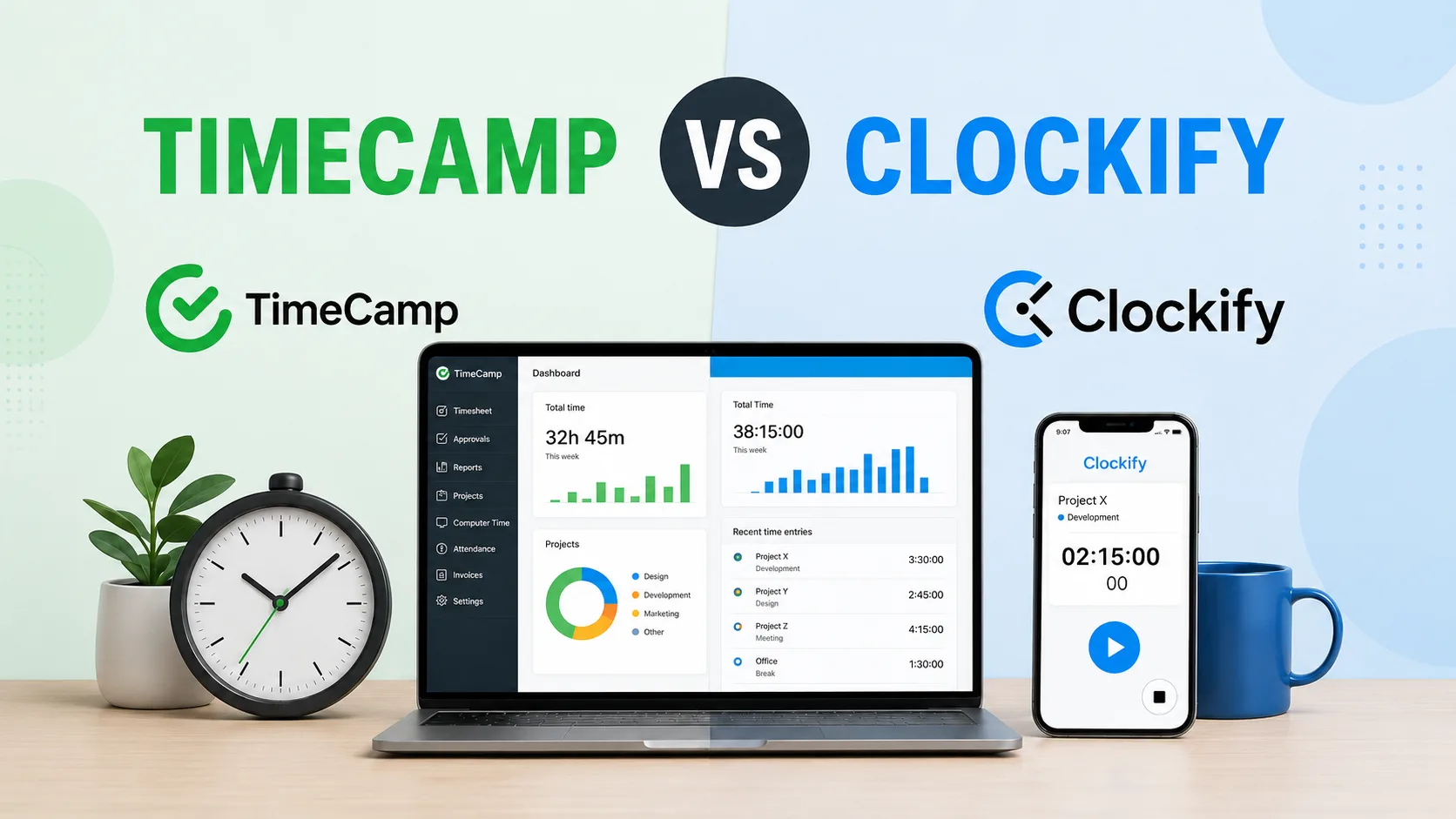
You can also read our full comparison of TimeCamp vs Clockify.
7. Memtime
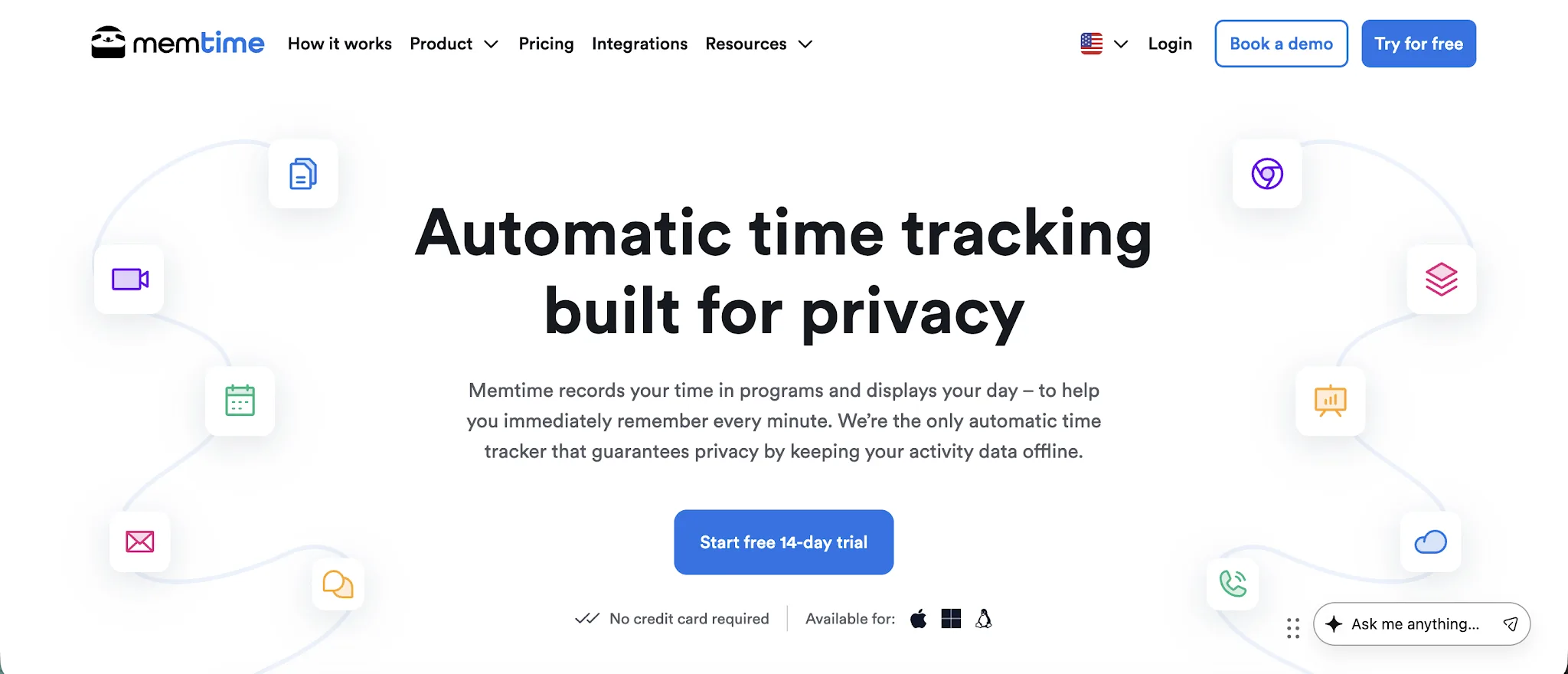
Memtime is an automatic desktop time tracker for freelancers, consultants, and teams that want accurate work hours without starting and stopping timers. It records apps, browser tabs, documents, and meetings in a private timeline, then lets users convert this activity into project entries in just a few clicks. Its project management features support task assignment and project progress, with billability data available for review.
Why it's a better TimeCamp alternative:
- Greater privacy for employees: Memtime stores automatically captured activity locally and keeps it hidden from managers, while TimeCamp supports administrator controlled activity reports and optional screenshots.
- Easier workday reconstruction: Its chronological timeline shows which programs, documents, and browser tabs were active, helping users fill gaps without depending on an active timer or predefined project keywords.
- More flexible timeline views: Users can organize recorded activity into intervals ranging from 1 to 60 minutes, depending on how precisely they need to report or bill their time.
- Long term reporting access: Memtime retains historical activity from the first day of installation and provides detailed reports covering timesheets, projects, utilization, and program use.
Memtime costs considerably more than TimeCamp and does not offer a permanent free plan. It also lacks an Android or iOS tracking app, while TimeCamp supports mobile time tracking and attendance tools. Memtime's local privacy model means captured activity does not automatically sync between computers.
Memtime pricing starts at $14 per user per month when billed annually, with no free plan and a 14 day free trial that does not require a credit card.
8. MyHours
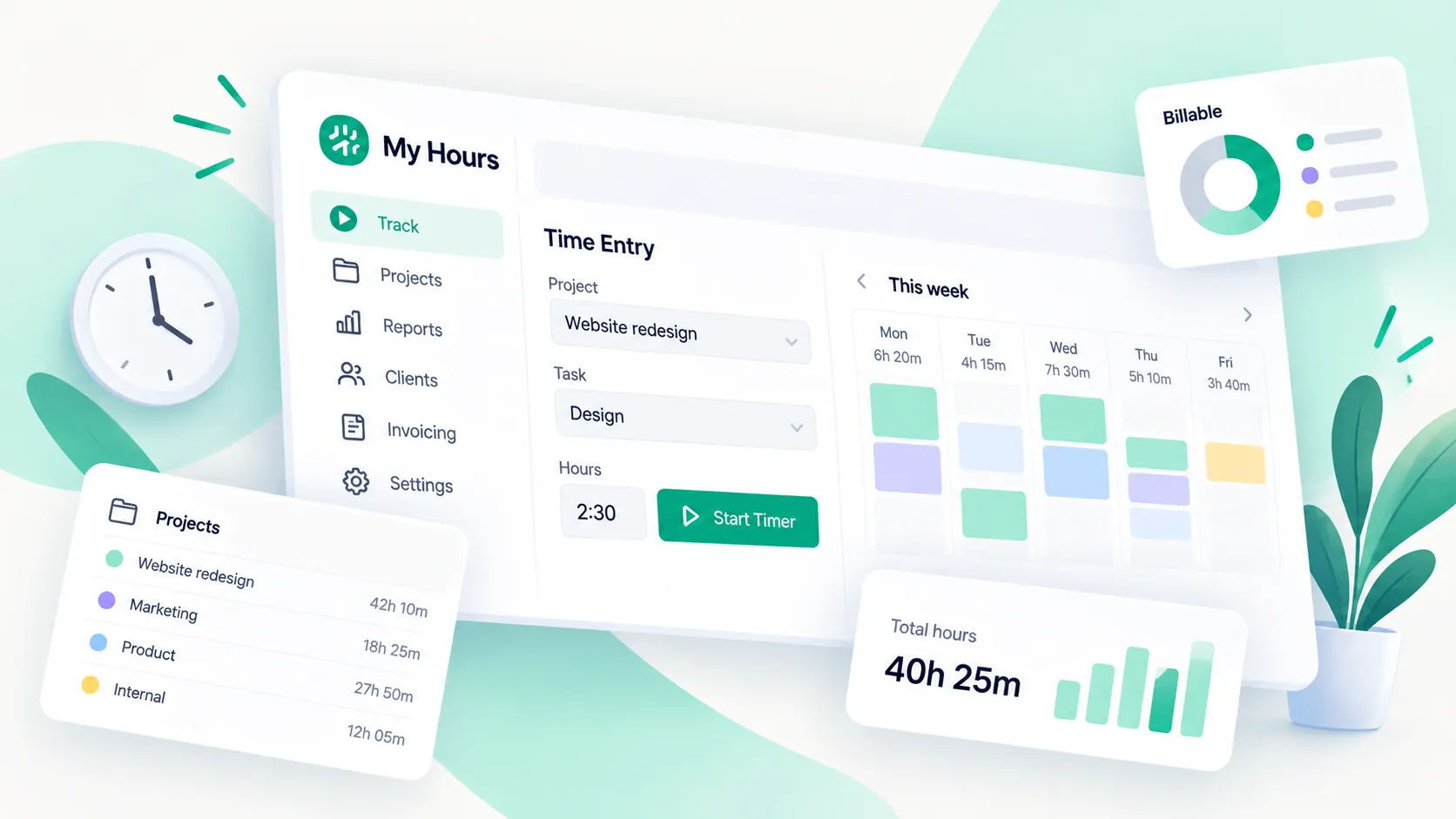
My Hours is a project time tracking platform for freelancers, professional services companies, and remote and hybrid teams that need to connect hours with costs and client billing. Its key features include timesheets, project budgets, invoicing, attendance tracking, expense tracking, approvals, and reporting through its web platform and mobile app.
Why it's a better TimeCamp alternative:
- More flexible project billing: My Hours supports hourly billing, fixed fees, monthly retainers, and nonbillable projects, giving service teams several ways to charge clients.
- More precise project costing: Companies can set separate billable and labor rates at the team, project, or task level, then combine those figures with project expenses and budgets.
- More capable mobile controls: Managers can approve timesheets, manage projects and users, review budgets, and capture receipts directly from the mobile app.
- Less focus on employee surveillance: My Hours does not include employee monitoring, which may appeal to companies that want accurate timesheets without tracking employee applications or browsing activity.
My Hours does not offer the same automatic background time tracking and productivity monitoring options as TimeCamp. It also has fewer native integrations, while its free plan is limited to five users compared with TimeCamp's unlimited user allowance.
My Hours pricing starts at $4 per user per month when billed annually, with a free plan for up to five users and a 14 day free trial with no credit card required.
9. Apploye
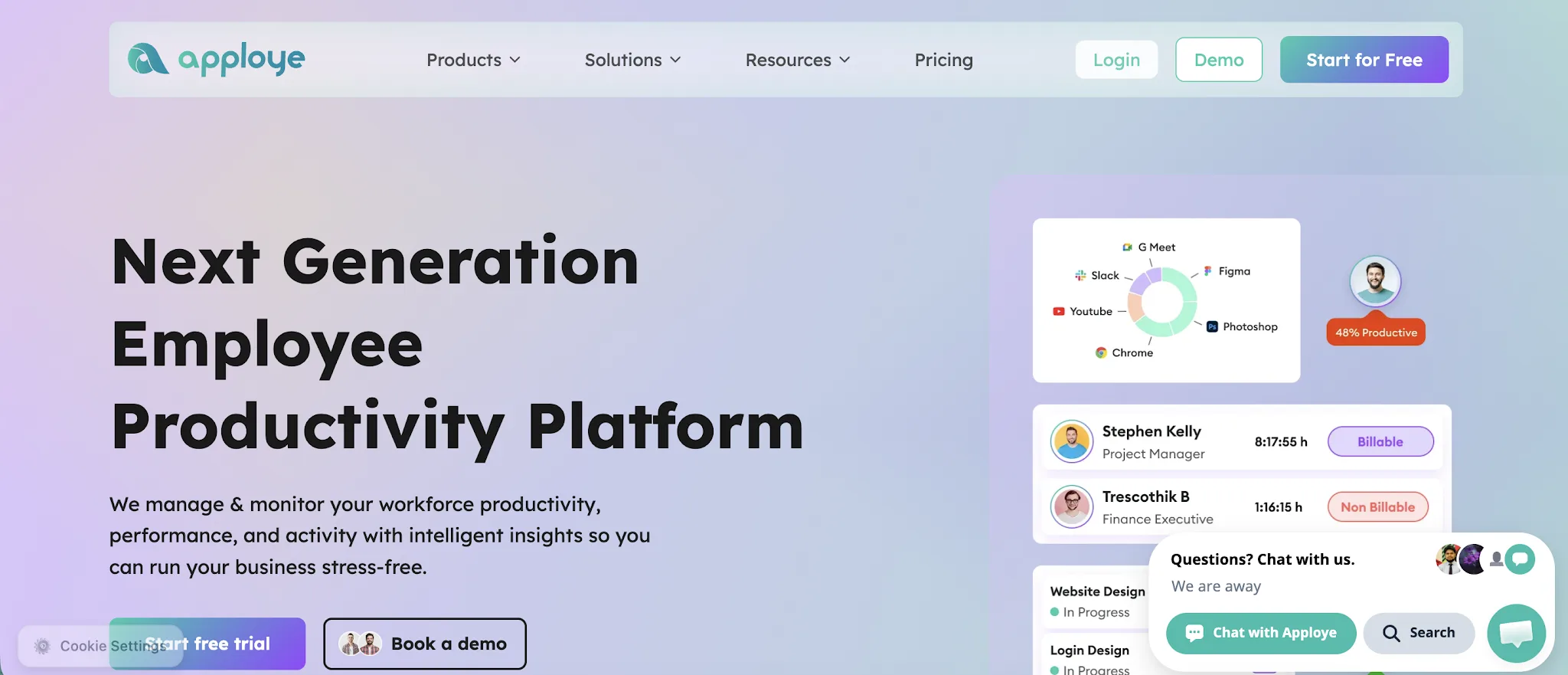
Apploye is a time tracking and employee monitoring platform for remote teams, agencies, and service businesses that need visibility into hours, attendance, and employee activity. Its key features include project management, task management, productivity analytics, payroll, invoicing, and client billing.
Why it's a better TimeCamp alternative:
- More capable monitoring on the free plan: Apploye includes screenshots, app and website usage tracking, activity analytics, and timesheet approvals for up to 10 users without requiring a paid subscription.
- More direct task management: Teams can create and assign tasks, track time against each task, and review work by project or assignee without connecting a separate project management platform.
- Stronger live monitoring controls: The Elite plan includes a real time active view, while the Power plan adds instant screenshots and supports up to 60 screenshots per hour.
- More workforce tools in one paid tier: Apploye Elite combines attendance, leave tracking, payroll, projects, invoices, and employee monitoring for $4.50 per user per month when billed annually.
TimeCamp may be the better choice for larger teams looking for a free plan, since it supports unlimited users and projects while Apploye limits its free plan to 10 users and three projects. TimeCamp also places greater emphasis on automatic, keyword based time capture, while Apploye is more focused on timers and employee activity monitoring.
Apploye pricing starts at $4.50 per user per month when billed annually, with a free plan for up to 10 users and a 10 day free trial with no credit card required.
10. TMetric
TMetric is a time tracking and workforce management platform for agencies, consultants, service businesses, and teams that bill by the hour. It combines employee time tracking with project budgeting, invoicing, attendance management, and productivity monitoring.
Why it's a better TimeCamp alternative:
- More structured roles and permissions: TMetric provides dedicated roles for team leads, project managers, client representatives, administrators, and workspace owners, giving companies more control over access to time and project data.
- Client access to reports: Companies can invite client representatives to view reports for their assigned projects without giving them access to the rest of the workspace.
- Stronger timesheet approval processes: Employees can submit timesheets for review, while managers can approve, reject, or return them before the data is used for payroll or billing.
- More connected attendance and leave management: TMetric brings tracked hours, overtime, attendance, and paid time off into the same team workspace.
TMetric is more expensive than TimeCamp at the entry level, and its free plan supports only two users, while TimeCamp allows unlimited users on its free tier. TimeCamp may also be the better option for companies that prioritize automatic time capture over structured timesheets and access controls.
TMetric pricing starts at $7 per user per month when billed annually, with a free plan for up to two users and a 14 day free trial that can be extended by another seven days.
11. Beebole
Beebole is a project time tracking and planning platform for businesses that need to plan resources, track time, and report on project costs and margins. It connects planning, timesheets, approvals, and reporting in one system, with access from the web, a desktop app, and a phone.
Why it's a better TimeCamp alternative:
- Timesheets that start from the plan: Planned hours pre-fill each person's timesheet, so employees confirm or adjust what was planned rather than rebuilding their day.
- Resource planning with Gantt, Kanban, and Staffing views: Managers book people on projects with an allocation percentage, check workload on a heatmap, and compare planned hours with actual time in the Planned vs. real report.
- Budget forecasts and tag-level rates: The budget status report adds a burn-rate forecast that warns when a project is on track to go over budget, and cost and billing rates can be set by tag as well as by person, project, and task.
- Approvals in the order you set: Timesheets move through multi-level approval chains, and a review digest flags overtime, non-working days, and unusual totals before approval.
TimeCamp may be the better option for larger teams that need a free plan, since TimeCamp's free plan supports unlimited users while Beebole's covers up to five. Teams that want to create client invoices inside their time tracker may also prefer TimeCamp, because Beebole exports time to QuickBooks and Xero for billing rather than creating invoices itself.
Beebole pricing starts at $9 per user per month when billed annually, with a free plan for up to five users and a 30-day free trial with no credit card required.
Get the best TimeCamp alternative for automatic tracking
TimeCamp is a capable option for teams that want affordable time tracking, attendance tools, and a permanent free plan. However, it still depends more heavily on timers, project keywords, and employee input than some alternatives on this list.
Timely is the better choice for teams that want automatic tracking without invasive employee monitoring. It records activity privately, drafts accurate time entries, and helps users complete timesheets with less effort while giving managers clear project and capacity data.
Try Timely for free and see how much easier automatic time tracking can be.