If you're looking for time tracking software that offers a bit more than standard tracking, Hubstaff is one of the more benign options. It has the basic time tracking features, alongside location tracking and employee monitoring for businesses that need more insights into team productivity.
At the same time, Hubstaff can be buggy, complex to use, expensive, and sometimes simply too bloated for the average user. Today, we show you why users look for alternatives to Hubstaff and which time tracking tools you should consider instead.
Get the better Hubstaff alternative for automatic time tracking. Try Timely today for free.
Why look for Hubstaff alternatives, anyways?
Hubstaff has been around since 2012, and it's one of the more established ways to track time at work, be it on-site or for distributed and remote teams. However, they didn't get everything right in those years, and there are certain things where Hubstaff is subpar compared to the competition.
Hubstaff is not the cheapest time tracker
Hubstaff has seemingly affordable pricing plans, starting at $4.99 per seat per month. When you look at it like that, it seems that Hubstaff is one of the cheapest time tracking software around.
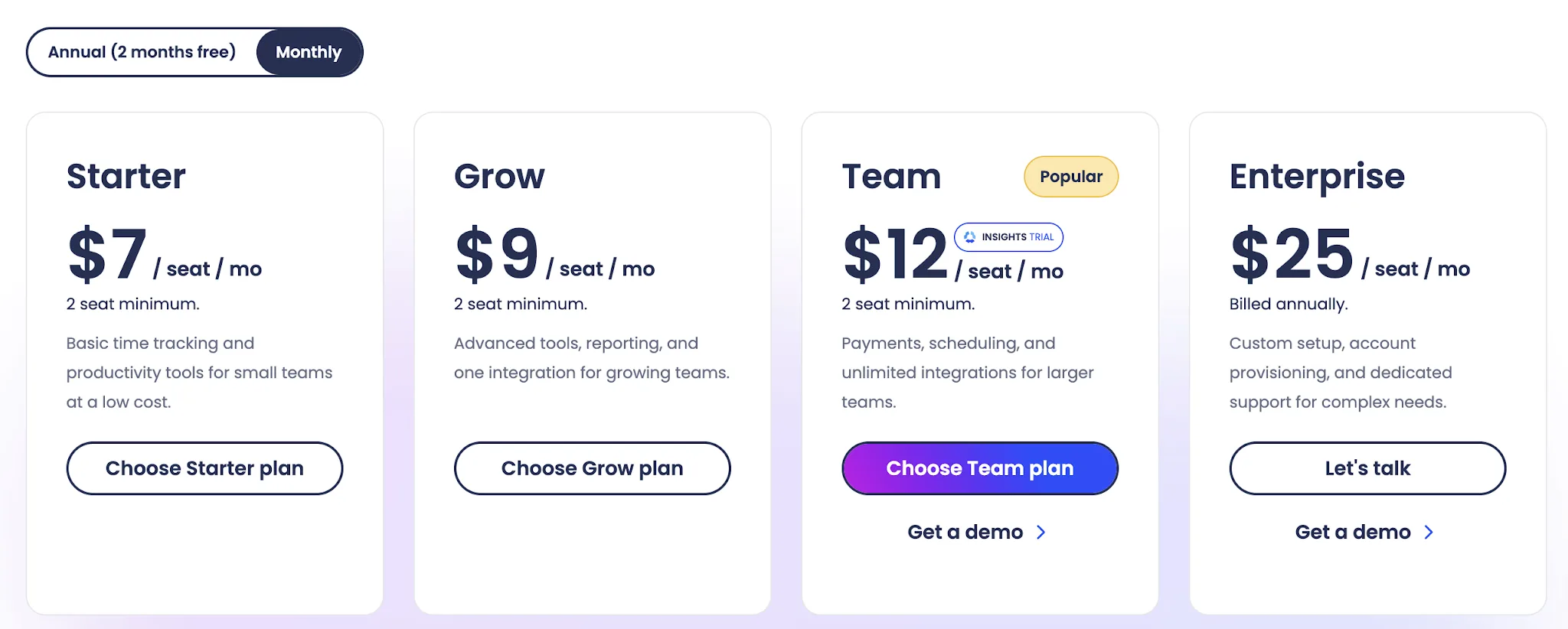
The problem is that this price is for annual payments, and you have to get a minimum of two seats. If you want to purchase Hubstaff on a monthly basis, for those two seats, you'll pay $14/month. And this plan doesn't even have the best features like automatic time tracking.
As one user said:
"Many essential tools—like automated payroll and scheduling—are locked behind the most expensive tiers, making the cost add up quickly for growing teams."
Idle time detection doesn't always work well
If you care about data accuracy and you want to account for every moment of your employees' time, idle time detection can help. It adds notes when an employee is away from their keyboard and not actively working.
The problem is that for many jobs, this kind of approach doesn't work, and apparently, Hubstaff's method of tracking this is not very reliable.
"The idle time detection can sometimes be too sensitive. When I’m focused on reading complex project instructions or analyzing data without moving my mouse, it may trigger an idle alert even though I’m actively working. That can be disruptive to my workflow. Also, while the screenshot feature helps ensure transparency, it can feel a bit invasive if you’re not used to constant monitoring during freelance tasks." - Source
Another user had a similar complaint:
"Sometimes the activity tracking feels a bit too strict. If I pause or stop using the keyboard or mouse even briefly, the activity percentage drops. I’d appreciate a little more flexibility in how activity is measured so short breaks don’t affect the score so quickly."
Your employees might hate all the tracking
Like any other time tracking tool with extensive monitoring features, Hubstaff may not get love from your employees. Idle detection, screenshots, and GPS tracking with detailed productivity analytics can be seen as a lack of trust from your team. They'll be scared to take personal breaks, and they'll think that you are out to get them.
Or as one user says:
"One thing I dislike about Hubstaff is that some of its monitoring features can feel a bit intrusive, especially things like screenshots and activity tracking. While I understand their purpose, they can create a sense of being constantly watched rather than trusted, which might not sit well with everyone on a team."
And here's what one business owner had to say:
"I don't like that there's a feature allowing employees to change or blur screenshots. This shouldn't be allowed as it can lead to employees misusing it. Also, it was a bit difficult to get everyone to use it initially."
The best Hubstaff alternatives for automatic time tracking in 2026
Whether you need something with more detailed productivity insights, lower pricing per user, or a smoother UX, the right alternatives are just a few clicks away. Here's what to consider.
1. Timely
2. Clockify
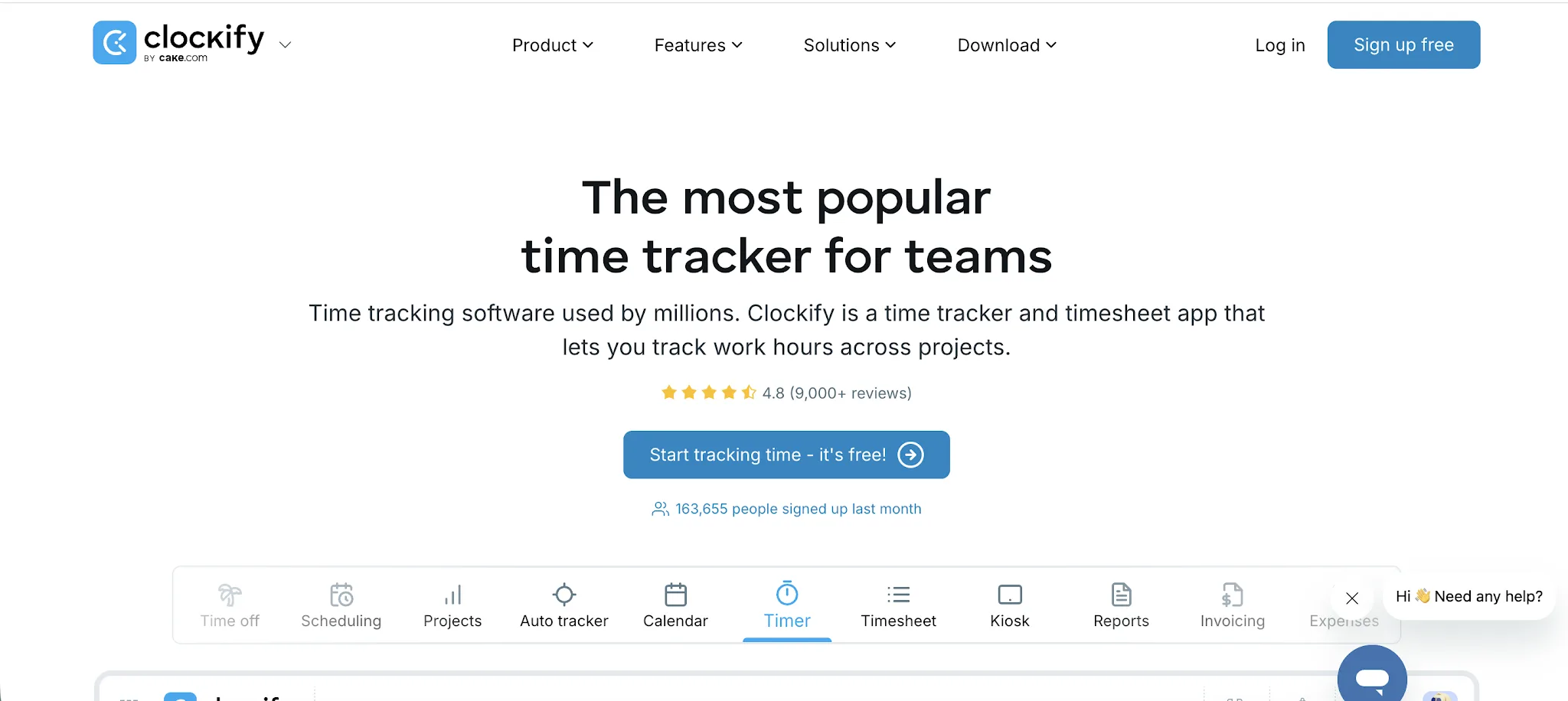
Clockify is a time tracking and timesheet tool built for teams that want clean time records without making employee monitoring the center of their operations. It's popular with agencies, consultants, freelancers, and internal teams that care more about project hours, budgets, approvals, and reporting than screenshots and activity tracking.
- More useful free plan: Clockify gives teams a real free plan for basic time tracking, which makes it easier to roll out across a small team before paying.
- Less invasive for employees: Compared with Hubstaff, Clockify feels more focused on tracking work hours and project time, rather than monitoring activity levels, screenshots, and keyboard or mouse usage.
- Better fit for client billing: Clockify makes it simple to track billable hours by client, project, task, and rate, which is useful for agencies and service teams that need clean records for invoices.
- Easier for simple timesheets: Teams that do not need heavy workforce monitoring can use Clockify for timers, timesheets, approvals, and reports without adding extra pressure to the workday.
- Strong reporting for project profitability: Clockify helps managers see where time is going across projects, clients, and team members, making it easier to spot over-budget work and poorly scoped projects.
Clockify pricing starts at $4.99/month per user, and there is a free plan, plus a 7-day free trial.
3. Time Doctor
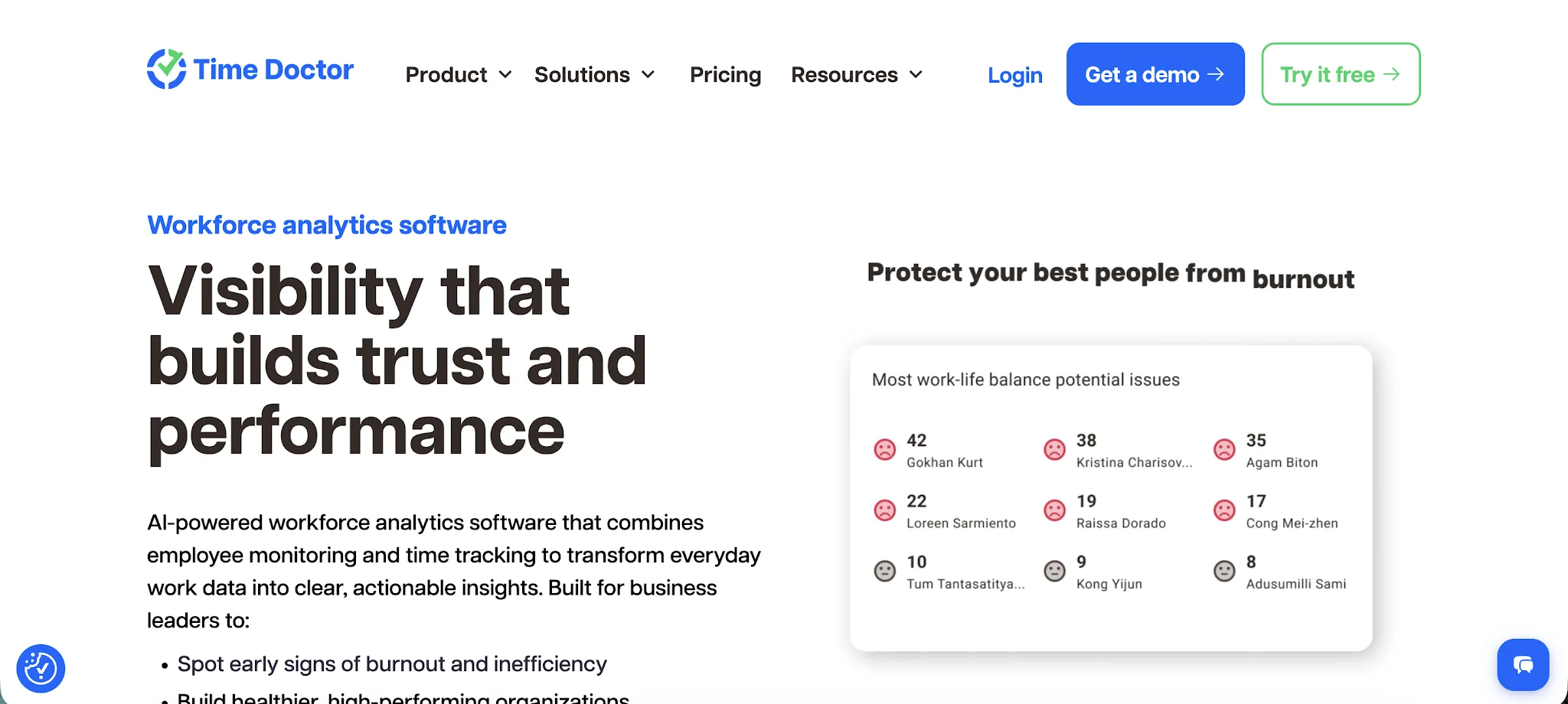
Time Doctor is a workforce analytics and time tracking platform for companies that want a closer view of how remote, hybrid, and distributed teams spend their workday. Compared with Hubstaff, it leans more into productivity coaching, detailed reports, and operational visibility, making it a stronger fit for managers who want to understand work patterns instead of only tracking hours.
- Stronger productivity reporting: Time Doctor gives managers detailed reports on time use, attendance, web and app usage, idle time, and productivity trends, which makes it easier to spot where work is getting stuck.
- Better for coaching teams: Instead of only showing whether someone was active, Time Doctor helps managers understand patterns across projects, apps, websites, and work sessions, so feedback can be based on clearer data.
- Useful activity monitoring options: Teams that need more oversight can use activity monitoring, screenshots, and app usage data, while still keeping the focus on productivity rather than basic surveillance.
- Works well with project management tools: Time Doctor connects with popular project management tools, so teams can track time against the work they already manage in other systems.
- Good fit for field and remote teams: Time Doctor includes GPS tracking, which helps businesses manage employees who work across different locations, not just people sitting at a desk.
Pricing starts at $8/month per user, and there is a 14-day free trial, but there is no free plan.
4. Toggl Track
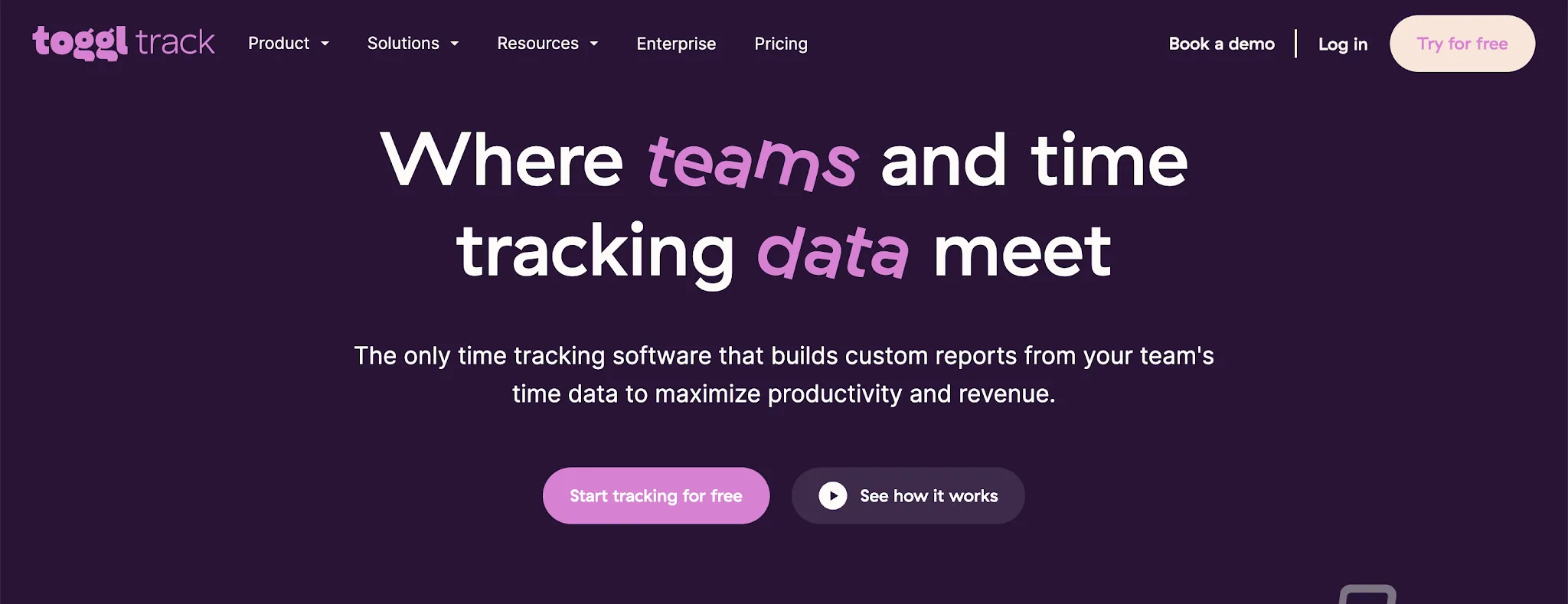
Toggl Track is a clean, lightweight time tracking tool for teams that want accurate work logs without the heavier monitoring feel of Hubstaff. It is a strong option for remote teams, agencies, consultants, and professional services companies that need to track progress, manage project budgets, and bill clients without making time tracking feel like a compliance exercise.
- Easier for teams to adopt: Toggl Track has a simple timer, clean interface, and low learning curve, which helps teams track time consistently without needing much training.
- Better for billable work: Toggl Track makes it easy to assign time to clients, projects, tasks, and billable rates, which is useful for agencies and consultants that need clean records before they bill clients.
- Less focused on surveillance: Compared with Hubstaff, Toggl Track is a better fit for teams that want visibility into work without leaning heavily on screenshots, activity monitoring, or employee oversight.
- Stronger project budget visibility: Teams can use Toggl Track to compare tracked hours against project budgets, spot scope creep, and see which clients or projects are taking more time than planned.
- Good advanced features without extra complexity: Toggl Track includes team management, approvals, reporting, reminders, and integrations, but the product still feels simple enough for daily use.
Pricing starts at $10/month per user, and there is a free plan, plus a 30-day free trial.
5. Harvest
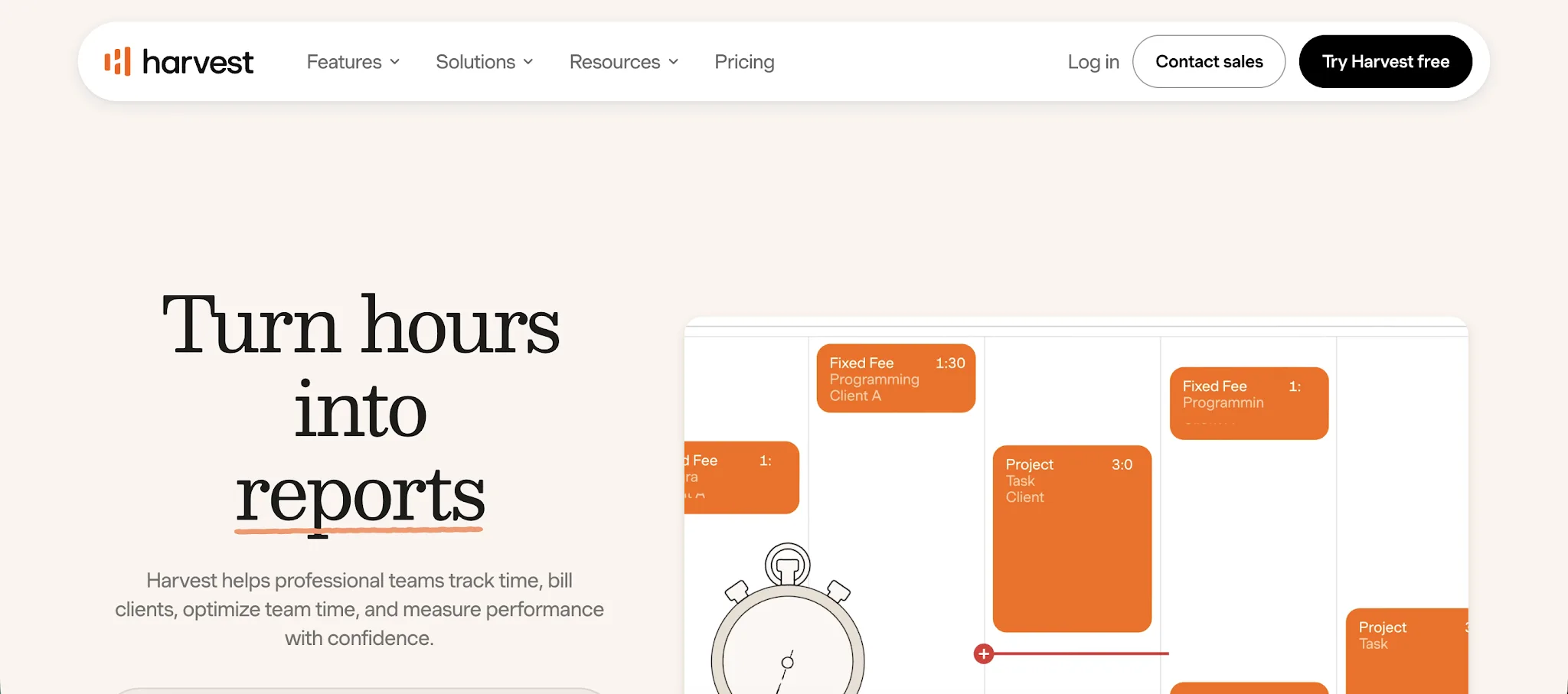
Harvest is a time tracking, invoicing, and project tracking tool built for service based businesses that need to connect hours worked with client billing. It is a better fit than Hubstaff for agencies, consultancies, and professional services teams that want cleaner time entries, budget visibility, and invoicing without making employee productivity tracking feel overly invasive.
- Better for client billing: Harvest turns time entries and expenses into invoices, which makes it easier for service-based businesses to bill clients without exporting time data into another tool.
- Cleaner project tracking: Teams can track time by client, project, task, and person, so managers can see where hours worked are going before a project runs over budget.
- Less focused on surveillance: Compared with Hubstaff, Harvest is better for teams that want to manage teams through project data, budgets, and reports instead of screenshots or activity scores.
- Stronger budget control: Harvest helps teams compare tracked time against project budgets, which is useful for spotting scope creep and deciding when to adjust timelines, retainers, or client expectations.
- Simple reporting for managers: Harvest gives managers a clear view of time entries, billable hours, uninvoiced work, and team workload, so employee productivity tracking is tied to actual client work instead of raw activity.
Pricing starts at $11/user/month, and there is a free plan, plus a 30-day free trial.
6. DeskTime
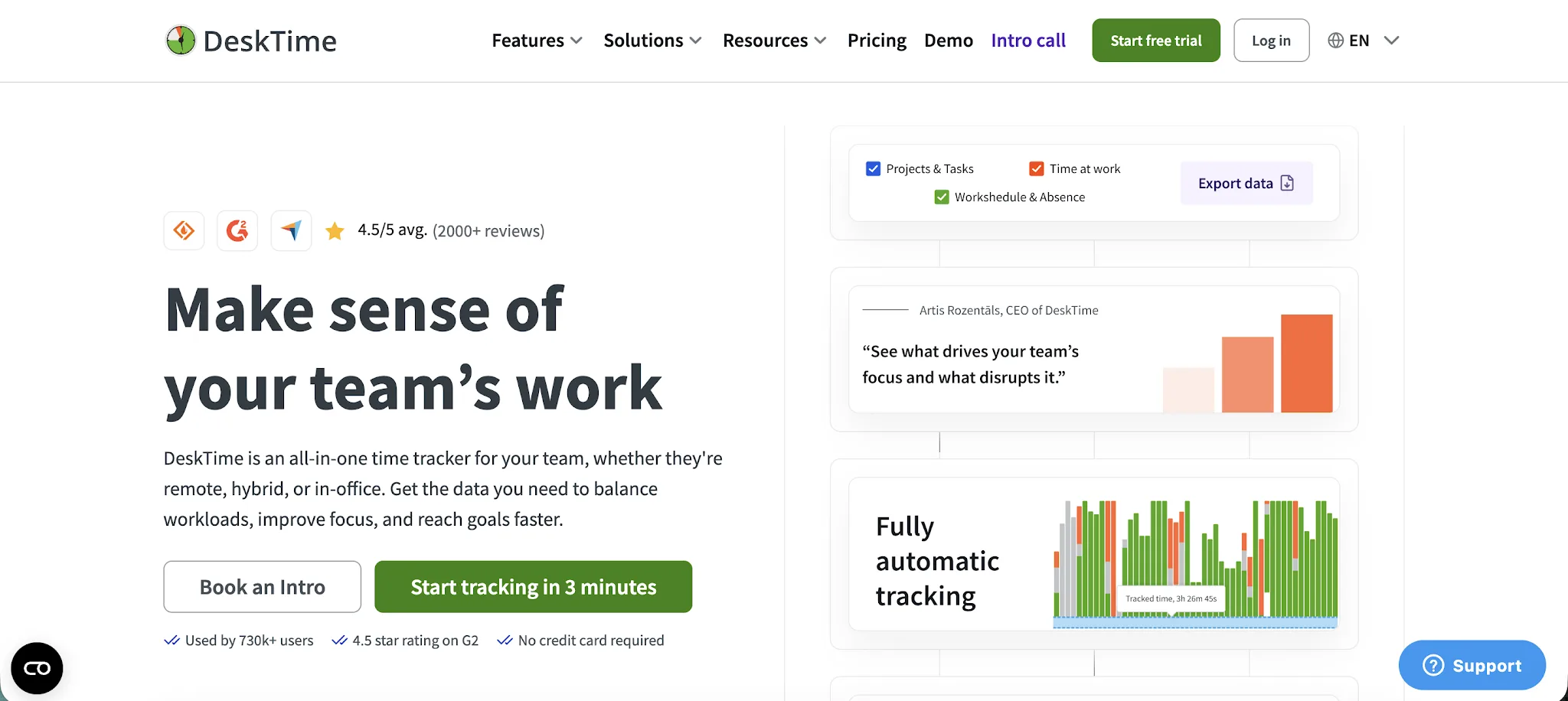
DeskTime is a time tracking and workforce management tool for companies that want automatic tracking, productivity data, and stronger visibility into how work happens across the day. It is a good fit for managing remote teams that need app and website tracking, project time data, attendance features, and reports without building a complicated tracking setup from scratch.
- Automatic tracking is the default: DeskTime starts tracking when employees turn on their computers, which reduces forgotten timers and gives managers a cleaner picture of the actual workday.
- Stronger productivity visibility: Unlike Hubstaff, DeskTime puts more focus on categorizing productive, unproductive, and neutral apps and websites, which helps managers understand patterns instead of only reviewing activity levels.
- Good cost tracking for projects: DeskTime can connect time spent on tasks with project costs, making it useful for agencies, service teams, and internal departments that need to watch budgets more closely.
- Helpful for managing remote teams: Managers can review attendance, idle time, offline time, screenshots, and productivity trends in one place, which helps when people work across different locations and schedules.
- Fits into existing workflows: DeskTime integrates with tools like Jira, Trello, Asana, Basecamp, and Google Calendar, so teams can connect time tracking to the systems they already use.
Pricing starts at $6.42/user/month per user and there is a 14-day free trial, but there is no free plan listed on the current official pricing page.
7. Jibble
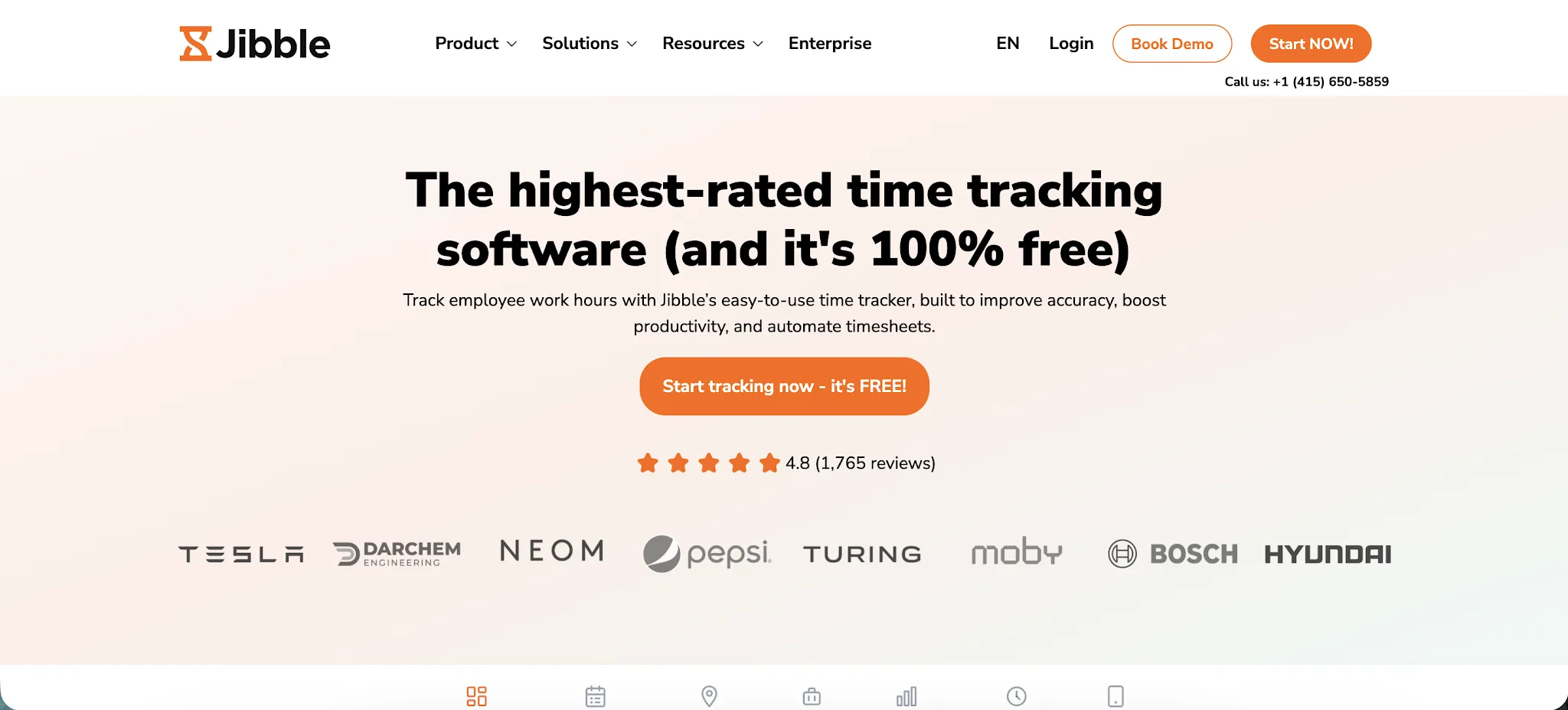
Jibble is a free time tracker built for teams that need accurate time tracking, attendance records, and location-based clock-ins without paying for every basic feature. It is a strong free Hubstaff alternative for small businesses, field teams, retail teams, and service companies that need basic tracking first, with room to upgrade into more advanced controls later.
- More useful free plan: Jibble’s free plan supports unlimited users and includes core time tracking features, which makes it easier to start using than Hubstaff if budget is the main concern.
- Better for attendance tracking: Jibble is especially strong for clock-ins, clock-outs, timesheets, breaks, overtime, and attendance rules, so it works well for teams that care more about shifts than desk activity.
- Good fit for location-based teams: Jibble includes GPS-based clock-ins and geofencing options, which helps managers confirm where work starts without needing heavier employee monitoring.
- Simple enough for basic tracking: Teams that only need employees to track hours, submit timesheets, and keep payroll records clean can use Jibble without dealing with extra features they may not need.
- Affordable path to advanced controls: Jibble’s paid plans add stronger reporting, approvals, scheduling, and policy controls, so companies can start free and only upgrade when their tracking needs become more complex.
Pricing starts at $2.49/month per user and there is a free plan, plus a 14-day free trial.
8. Buddy Punch
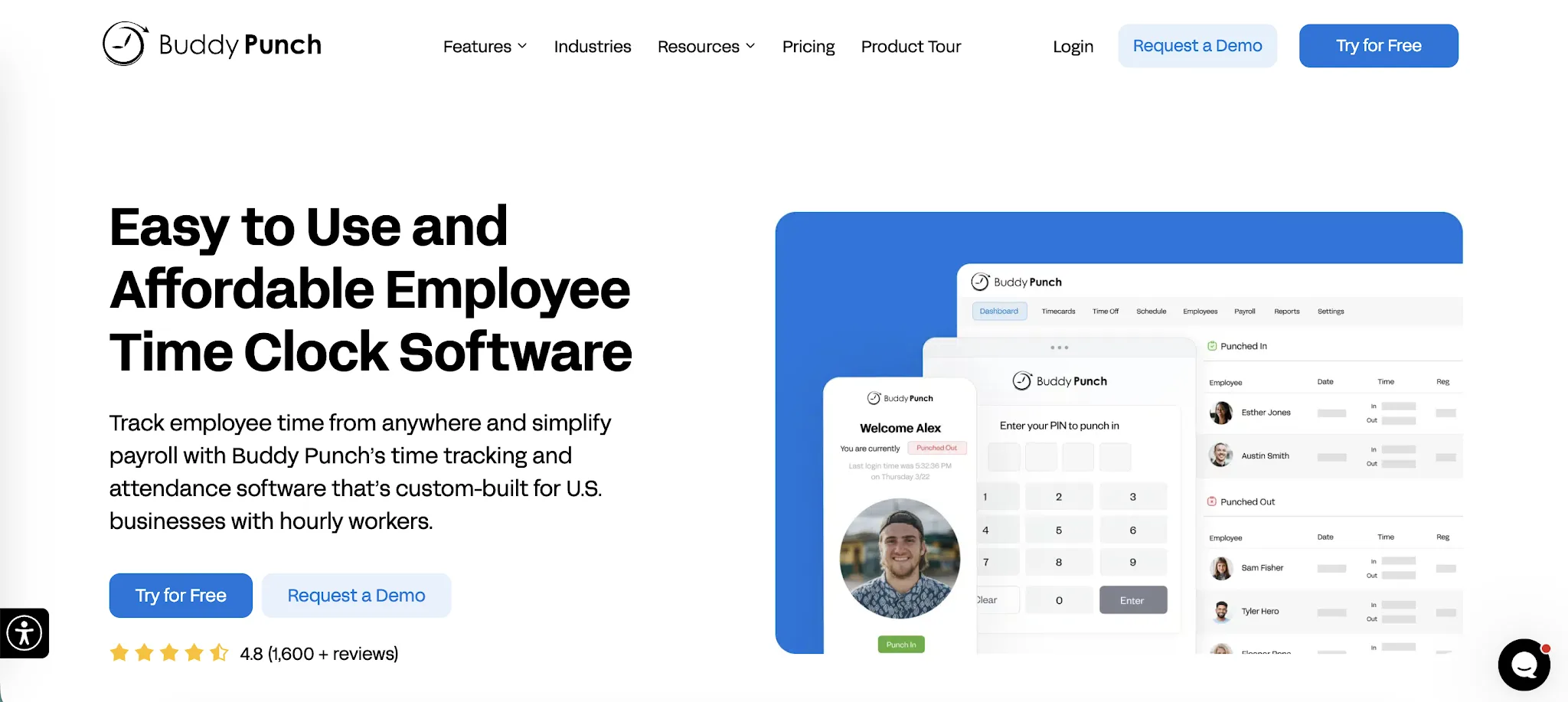
Buddy Punch is an employee time clock and scheduling tool built for hourly teams that need accurate clock-ins, payroll-ready timesheets, and location-based attendance controls. It is a practical Hubstaff alternative for companies that care more about shift coverage, hours worked, and payroll accuracy than constant desktop monitoring.
- Better for hourly teams: Buddy Punch is built around clock-ins, breaks, overtime, PTO, scheduling, and payroll prep, which makes it a stronger fit for businesses with shift-based employees.
- Clearer clock-in controls: Managers can choose how tracking begins, including web, mobile, kiosk, PIN, QR code, facial recognition, and webcam punch options.
- Useful location safeguards: Buddy Punch supports GPS tracking, geofencing, and photo clock ins, giving managers detailed tracking for attendance without needing to collect more sensitive data than necessary.
- Less focused on desk surveillance: Unlike Hubstaff, Buddy Punch is not centered on screenshots, app monitoring, or idle time detection, so it can feel more appropriate for teams that mainly need attendance accuracy.
- Good payroll support: Buddy Punch helps teams review, approve, and export hours worked, which reduces cleanup before payroll and makes time records easier to trust.
Pricing starts at $5.49/month per user plus a $19 monthly base fee, and there is a free trial, but there is no free version.
9. Apploye
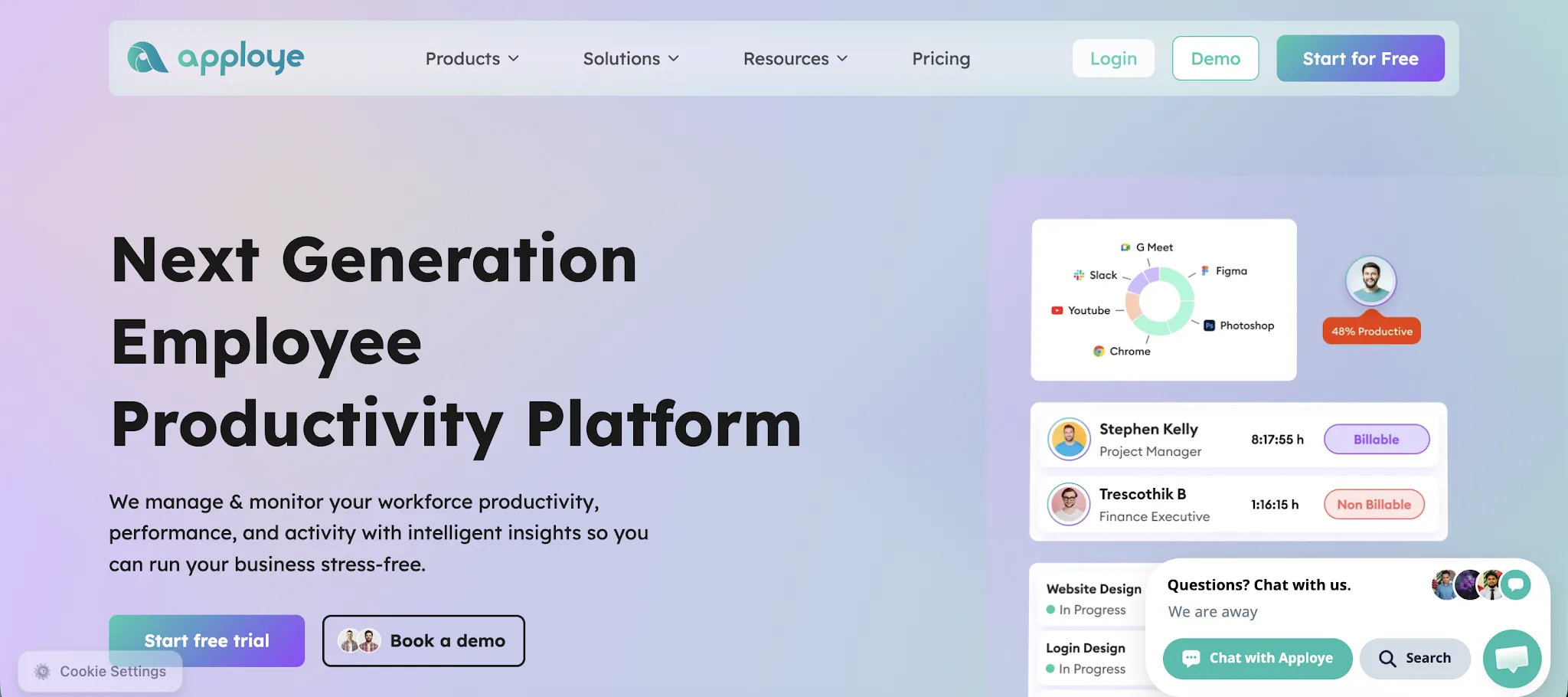
Apploye is a time tracking and productivity monitoring tool for teams that want detailed visibility into employee time, app usage, screenshots, projects, and attendance. It is a practical Hubstaff alternative for remote teams, agencies, and companies with people working across offices, homes, and job sites.
- Better for budget-conscious teams: Apploye gives smaller teams a lower entry price than many employee monitoring tools, while still covering time tracking, screenshots, attendance, and productivity data.
- Useful for job sites and field teams: Teams can track employee location, attendance, and hours from the mobile app, which makes Apploye useful for businesses where work does not only happen at a desk.
- Strong task tracking for project work: Apploye lets employees log hours against projects and tasks, so managers can compare tracked time with workloads, budgets, and client work.
- Good expense tracking for client work: Teams can track expenses alongside time, which helps agencies and service teams keep project costs clearer before invoicing.
- Detailed without feeling too heavy: Apploye has screenshots, app usage, URL tracking, and activity data, but teams can choose how much productivity monitoring they actually need instead of defaulting to intrusive monitoring.
Pricing starts at $4.50/month per user, and there is a 10-day free trial, plus a free plan for up to 10 users.
Get the best Hubstaff alternative for automatic time tracking
Hubstaff is a solid option if you need employee monitoring, screenshots, and location tracking. But if your main goal is accurate automatic time tracking without making people feel watched, Timely is the better choice.
Timely tracks work in the background, creates a private timeline for each user, and lets employees decide what gets added to their timesheet. Managers still get the visibility they need across projects, budgets, capacity, and billable hours, but without turning time tracking into surveillance.
For teams that want cleaner timesheets, better project visibility, and a calmer way to understand where work goes, Timely is the best Hubstaff alternative to try first.