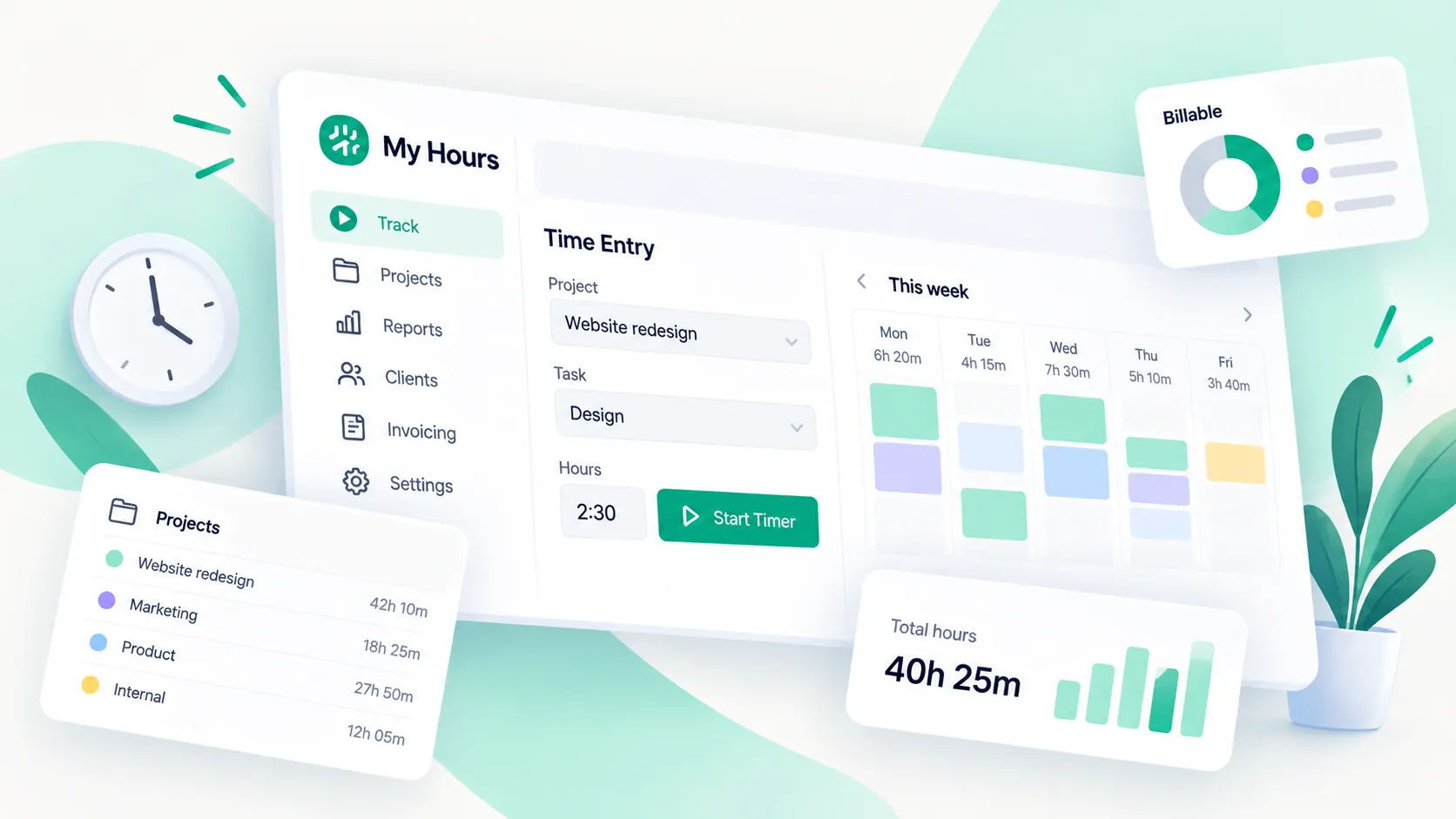
My Hours earned a lot of praise for being easy to use, affordable, and genuinely useful for tracking billable work. At the same time, many people hit a wall once projects get more complex, especially when it comes to reporting, integrations, invoicing, and mobile use.
So, is My Hours still a good choice in 2026, or are you better off with a more automatic time tracking tool?
We went through hundreds of real My Hours reviews (267 on G2 and 986 on Capterra) to find out where the software earns its good reputation, where users get frustrated, and who should actually consider switching to a different time tracking platform.
TL;DR
- My Hours is easy to learn, and reviewers frequently praise how quickly they can set up clients, projects, tasks, and time entries.
- Project budgets help teams compare estimated hours with actual work and spot projects that are consuming more time than planned.
- Reporting is useful for billable work, with reviewers using My Hours to prepare invoices and share activity records with clients.
- Pricing gets strong feedback from freelancers and small businesses, especially because the free version offers enough functionality to test the product properly.
- My Hours becomes harder to manage as project lists grow, with reviewers pointing to repetitive task administration and limited bulk editing.
- Reporting, invoicing, mobile access, and integrations all have limitations that can become more noticeable for larger teams or more complex workflows.
- Timely is the stronger option for automatic time tracking, with background activity capture, AutoSheet, broader integrations, dedicated mobile apps, and more flexible reporting.
Get the better alternative to MyHours for automatic time tracking. Try Timely for free today.
Pro: Time tracking is easy to learn and use
My Hours gets a lot of praise for one simple reason: people can start tracking time without spending hours learning the software first.
Kim M., a consultant who used My Hours for more than two years, says, “It is really easy to set up. Day to day it works great!”
Her review points to the parts of My Hours that feel easy in everyday use:
- Creating clients and projects
- Logging hours against specific tasks
- Moving between active projects
- Checking previously recorded time
The tool doesn't force users through a complicated setup before they can start tracking work.
Nicole W., a freelancer, had a similar experience after trying several time tracking tools: “MyHours was by far the easiest to use.”
Nicole says entering time and generating reports takes very little effort. She also recommends My Hours to newer freelancers because explaining the software does not require much training.
Pro: Project budgets make it easier to control costs
My Hours does more than record how long someone worked. Reviewers also use it to compare actual hours with what they expected a project to consume.
Justina O., a freelance consultant, says, “It simplified the multiple spreadsheets I was working with, and I can see easily when I've worked over the budgeted hours.”
This gives consultants and project managers a useful warning before a project quietly becomes unprofitable. Instead of discovering the problem during invoicing, they can see when actual effort starts moving beyond the original estimate.
My Hours can help teams:
- Compare estimated hours with actual hours
- Watch project costs while work is still underway
- Use completed projects to improve future estimates
- Set budget alerts before spending gets too far off course
Patrick M. uses the data for exactly that purpose: “We use it to reconcile our estimated hours vs. actual.”
Patrick says those comparisons helped him improve future estimates and understand what upcoming projects are likely to cost.
Pro: Reports make billable work easier to track
Missing a few minutes here and there sounds harmless until those minutes belong to client work. My Hours reviewers frequently connect accurate time records with more reliable billing.
Melissa B. says, “Having the ability to track by the minute has ensured that we do not lose out on any possible billings.”
Her company needs to account for client work down to the minute. My Hours lets the team mark work as billable and report on recorded tasks over different periods.
Those reports can then support several parts of the billing process:
- Checking how much time went into each client
- Finding billable work before invoices go out
- Reviewing time by project or task
- Giving clients a record of completed work
Helen M., a copywriter, says, “The reports are super easy to produce and are professional enough to share with clients.”
She uses those records for invoicing and calculating project fees, so the reporting is tied directly to how she gets paid.
Pro: My Hours offers excellent value for small teams
Price comes up often in My Hours reviews, particularly among freelancers and small businesses that do not need a large workforce management platform.
Erica G. started using My Hours after launching her own business. She highlights the amount of functionality available without paying anything: “But there is also great functionality available at no cost too!”
She previously used more expensive enterprise products and says My Hours gave her the time tracking and reporting she needed without paying for a much larger system.
The free version is also useful as a proper test rather than a brief product demo.
Eric H. says, “The free version gives you enough usability to actually try it in depth.”
That gives smaller teams room to see whether the workflow works for them before paying for additional features.
Pro: Customer support gets consistently strong reviews
Customer support is one of the more consistent positives across the My Hours reviews. Users mention getting useful answers quickly rather than being sent through a long support process.
Chloe S., a finance manager, says, “Great support team whenever you have any issues that you need help with.”
Her team also found My Hours easy to roll out, so support appears to complement a relatively simple onboarding process rather than compensate for a difficult product.
Earl W., a principal attorney who has used My Hours for several years, says, “Any questions I have, Customer Service handles it, even if they have to get back to me.”
Con: Managing tasks gets clunky as the project list grows
My Hours is easy to use when the project list is manageable. The cracks start showing when a company has hundreds of projects or needs to make the same change across many of them.
A Verified User in Architecture & Planning ran into exactly that problem after building a workspace with more than 200 projects: “And we have over 200 projects, so I have not found it's possible to do this unless I do it manually one by one.”
The issue came up when removing a task used across multiple projects. Tasks can be added broadly, but the reviewer says removing one of them requires editing every affected project individually.
Zeya M. describes another scaling problem: “No search in the timesheet user dropdown; have to scroll the full list, which slows down project collaboration at scale.”
Her review also mentions slower loading in the Projects section and no bulk spreadsheet overwrite for historical time corrections. Those are small inconveniences with a few projects. With a larger team and years of data, they can turn routine administration into repetitive work.
Con: Reporting still needs more flexibility
Reporting gets plenty of praise in My Hours reviews, but users who need more specific views start running into limitations.
Nadege B. gives a useful example: “Right now, I can only filter one client at a time and I would appreciate a filter where you can select multiple.”
She works with clients whose projects overlap, so analyzing them individually does not always reflect how the work is organized. A multiple client filter would let her group related accounts without exporting the data somewhere else.
Oliver S. raises a more serious concern: “Generating reports of all time worked for a given client so that I can provide an activity report is a bit cumbersome.”
Oliver also says report filters sometimes reset and describes earlier problems where some activity was excluded without being obvious. He notes that My Hours has improved its reports over time, but his experience shows why teams with more demanding reporting requirements may find the built in options restrictive.
Con: Invoicing is too basic for more complex billing
My Hours can turn recorded time into invoices, but reviewers who need more than basic billing tend to find the feature thin.
A Verified User in Accounting says, “The invoice generation and billing features are basic. I would like to see additional functionality, such as an AR system.”
They also want more control over invoice items. My Hours can handle the basic connection between tracked hours and billing, but it is not designed to replace a fuller accounting system.
Lindsay D. found a specific limitation that affected her client invoices: “There is currently no way to show the details of time billed, when creating invoices.”
Her workaround involved producing an Activity Report separately and combining it with the invoice PDF. That adds extra steps when clients expect to see what work sits behind the total they are being billed.
Con: The mobile experience still trails the desktop version
The mobile app is useful for logging time away from a computer, but several reviewers want more of the desktop functionality available from their phones.
Sam C. says, “I'd like to see an improved view from the mobile app that allows me to see specific tasks on a daily basis for staff.”
Sam uses My Hours to track both his own work and the hours recorded by staff on a construction site. Mobile access is therefore more than a convenience. The phone becomes one of the main places where work needs to be checked.
Michael F. is even more direct: “Not mobile friendly, although not a challenge for us.”
This limitation will depend heavily on how the team works. Companies that manage time primarily from desktop computers may barely notice it. Field teams and managers who frequently review work from their phones have more reason to care.
Con: Integrations leave some teams doing duplicate work
My Hours works well as a standalone time tracker, but integrations are one of the clearest weak points in the reviews.
Nadege B. explains the problem: “No integration that I know of with productivity software or project management software.”
Her concern is duplicate work. When tasks already live inside another project management platform, entering them again inside My Hours creates another layer of administration.
The integrations that do exist can also cause occasional problems. Chloe S. says, “When the Teams integration stops working but can easily use the website in the meantime.”
Chloe's workaround is simple enough, but it still means leaving the connected workflow and opening My Hours separately until the integration works again.
Get the better MyHours alternative for automatic time tracking
My Hours is easy to use for everyday time tracking, but the reviews show where it can start to feel limiting. Users mention restrictions around reporting, integrations, mobile access, and managing larger project lists.
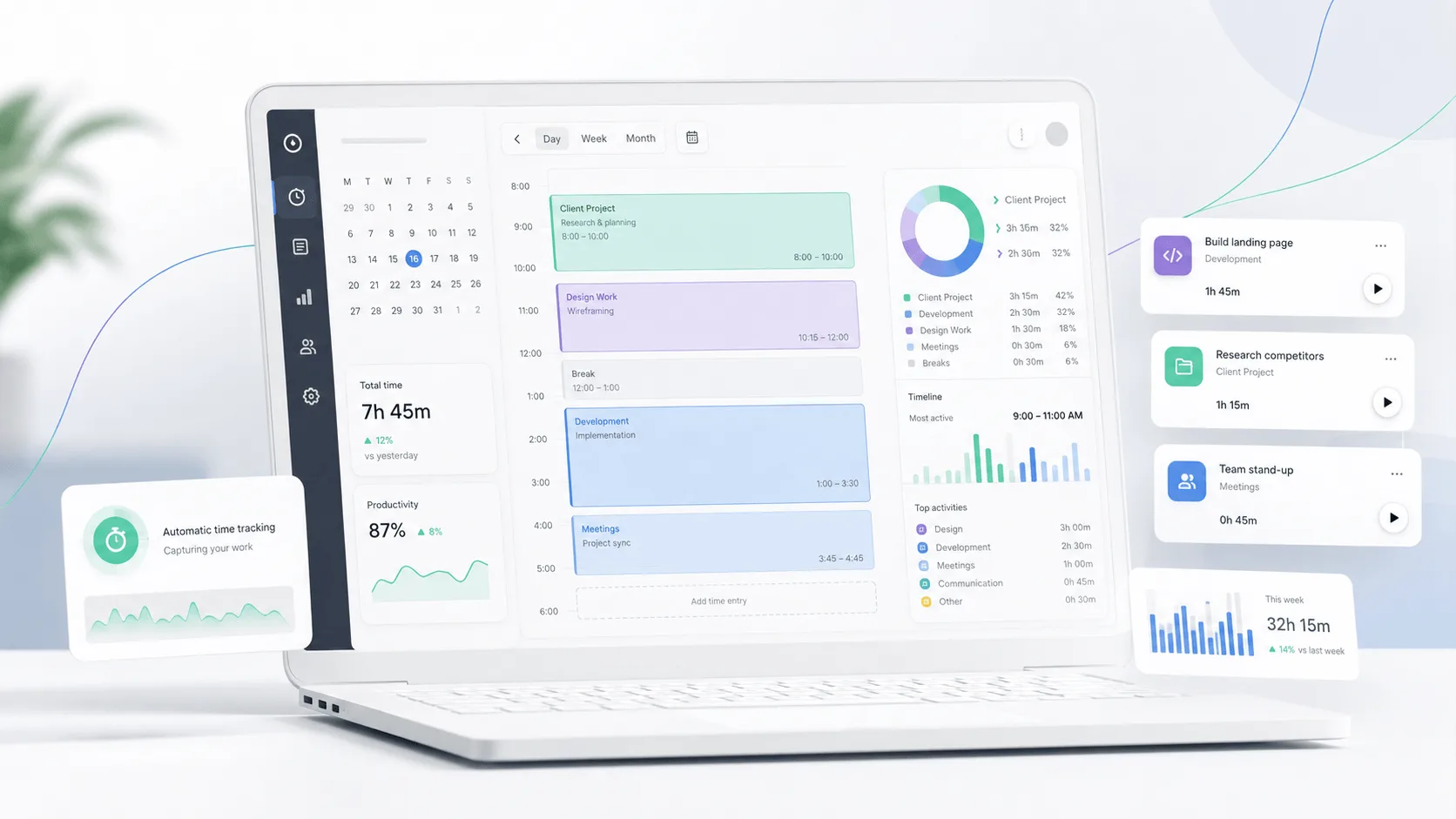
Timely gives teams more control in each of those areas. More importantly, it removes much of the effort involved in recording time.
The Memory app captures work activity automatically in the background. AutoSheet then uses that activity to prepare timesheet entries and assign time to projects. Employees can review what Timely suggests and approve their timesheets instead of trying to remember what they worked on hours or days later.
Timely also includes:
- Custom and live reports with detailed filters
- 94 supported tools across integrations and Memory tracking
- Dedicated iOS and Android apps
- Project dashboards for budgets, capacity, billable hours, and profitability
- PDF, CSV, and Excel report exports
- QuickBooks Online and Zapier integrations
This is especially useful when your work already lives in tools such as Asana, ClickUp, Jira, monday.com, or QuickBooks. Timely can connect time data with the software your team already uses, which reduces duplicate project administration.
The main reason to switch, though, is automatic time tracking. Timely records the working day in the background, so employees do not have to remember when to start or stop a timer. The result is more complete timesheets and more reliable data for billing, utilization, and project planning.
Try Timely free for 14 days with every feature included and no credit card required.