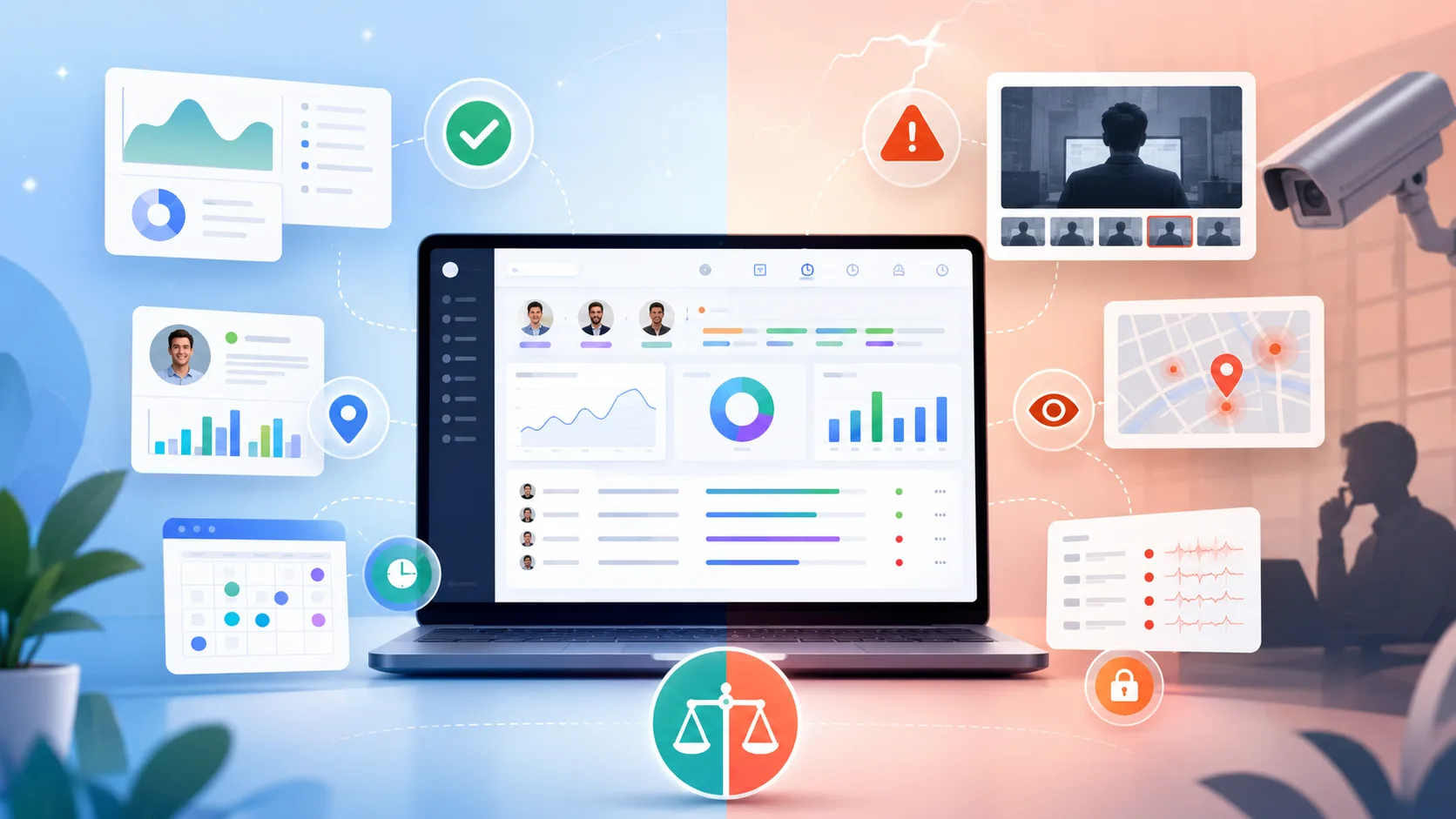
If you ask employees who use Hubstaff whether they like the app, chances are that you won't hear too many praises. It takes screenshots, records employees' screens and monitors their every move, so there is not a lot to like. Employers, on the other hand, love the productivity monitoring features, detailed reports, and an easier calculation of billable hours.
As always, the situation is not black and white, and the truth is somewhere in the middle. If you don't have time to read through thousands of user reviews on various platforms, we've boiled down the most important aspects of Hubstaff in this review.
While Timely is a Hubstaff competitor, we'll try to give you a good overview of the real pros and cons, as objectively as possible. Let's start with the good sides.
Get the better alternative to Hubstaff. Try Timely for free today.
What is Hubstaff?
Hubstaff is a time tracking and employee monitoring tool for companies that want a closer look at how work gets done.
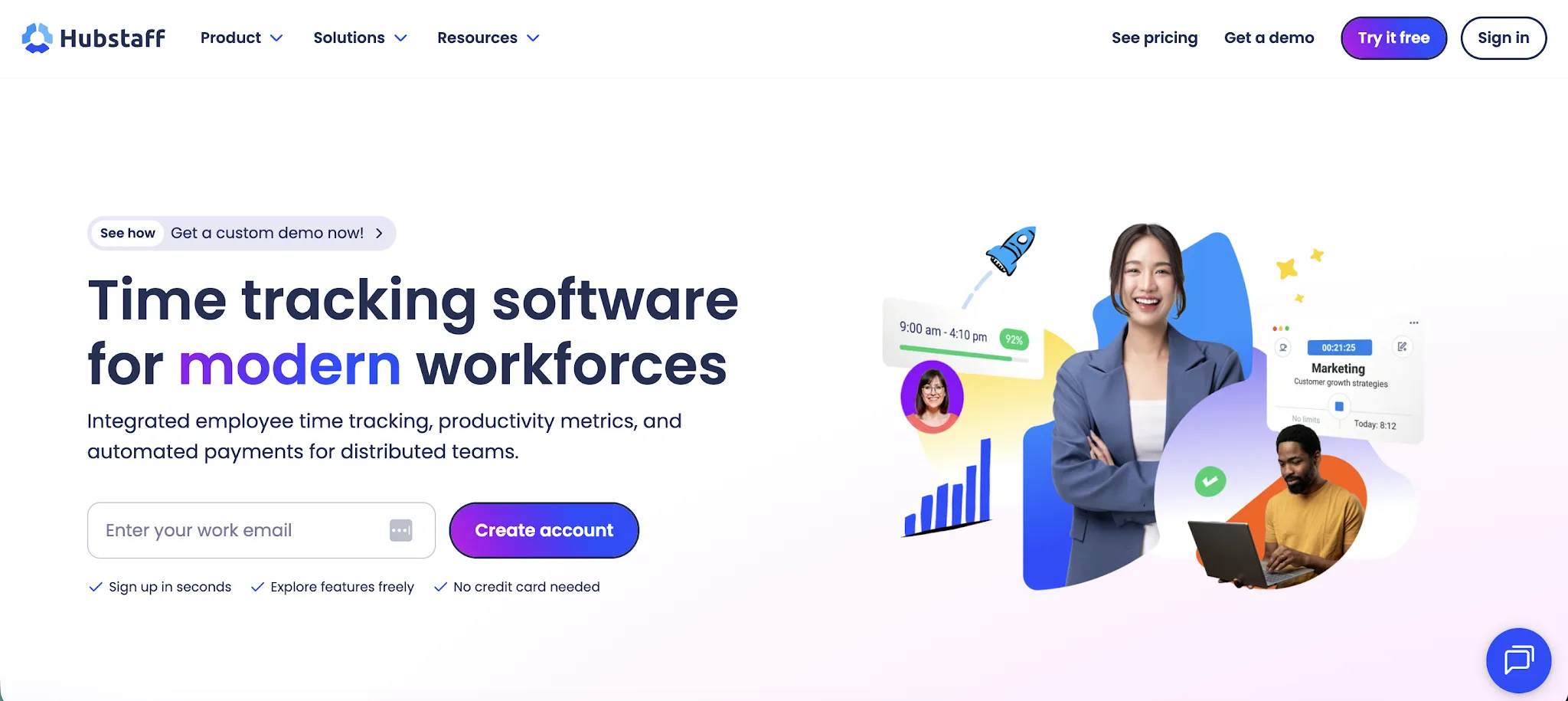
At its simplest, employees start a timer, choose a project or task, and Hubstaff records their hours worked. Managers can then review timesheets, approve time entries, manage tasks, create schedules, and see how time is being spent across the team.
But Hubstaff goes further than basic time tracking.
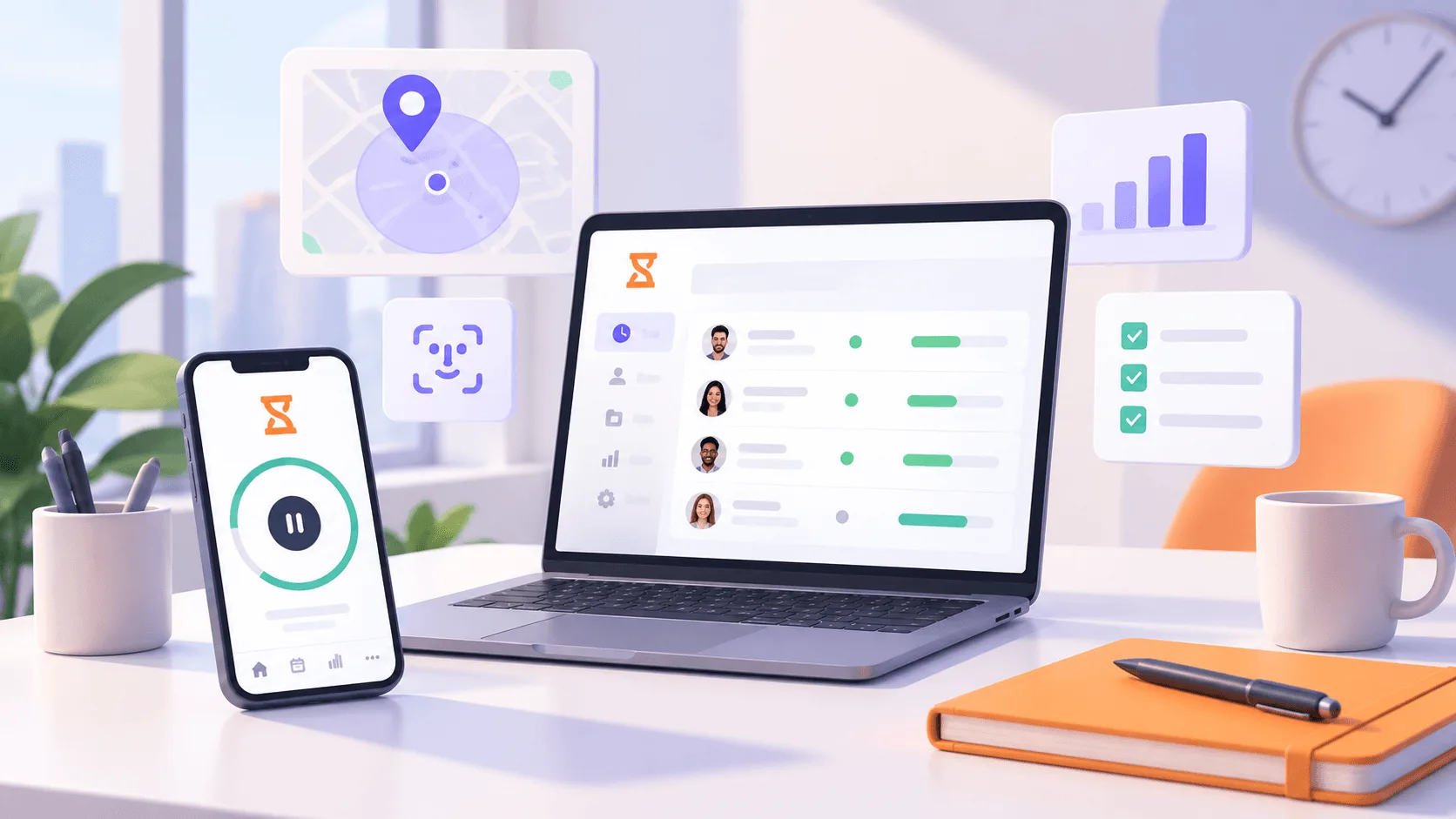
It also includes screenshots, activity levels, URL tracking, app tracking, reports, payroll features, employee scheduling, and Hubstaff location tracking for people working in the field.
That makes it a better fit for companies that need proof of work, not just a record of time. Think remote and field teams, contractors, agencies, construction crews, cleaning companies, delivery teams, maintenance teams, and businesses with team members spread across different locations.
The user interface is fairly simple for everyday use. Most employees can start tracking time without much training, and managers can add team members, assign work, check schedules, and review activity from one place.
The tradeoff is that Hubstaff can feel strict. Screenshots, URL tracking, activity scores, and location tracking give managers a detailed view of employee behavior. That can be useful when accountability is the main goal, but it can also feel invasive for teams that are used to more trust and independence.
So, in this Hubstaff review, it is best to think of Hubstaff as a time tracking tool with a strong monitoring layer. If you only need simple time tracking, it may be more than you need. If you need to track employee time, verify work, and manage people across different locations, Hubstaff gives you that control.
Hubstaff is fairly easy to use
If you just want to sign up and start tracking time, be it for yourself or a team you manage, users say that Hubstaff is effortless.
"I use Hubstaff to manage the hours of billing contractors. It shows me the intensity and screenshots of what they are doing, which helps me monitor their work. I really like the timeline chat feature because it provides a simple but clear visual on how much focused work my team is doing. With it, I don't have blind spots." - G2 review
Even if you want to manage one team as part of a larger organization, things like Hubstaff tasks can increase your and your team's productivity.
"I use Hubstaff in HR to add schedules for employees, track time, and take screenshots while working remotely. The time tracking feature is the best, as it helps me know who is active and how much activity each person is doing in a particular hour. It also detects any suspicious behavior if someone tries to cheat the system. Setting up schedules is easy, and this helps track employee payments. Initial setup of Hubstaff is easy too. I chose Hubstaff because it was the best option we found." - G2 review
That's pretty much it. Across the thousands of other reviews, simplicity and ease of use are highlited as the most common positives. The negatives are more varied.
Switching between different devices (e.g., Hubstaff mobile app to Hubstaff web app) can be janky
One of the more common scenarios with time tracking is switching between different platforms. Especially if your team is on the go and constantly between locations, they'll start tracking time on one app and continue on something else.
This is one of the areas where Hubstaff doesn't shine as a time tracking app. As one user said:
"Sometimes while switching between different tasks or projects, the timer may need a few extra clicks to start or move correctly, especially between desktop and web tracking." - G2 review
And another user said:
"I have also noticed that the desktop app can occasionally lag or have minor sync issues, which can interrupt workflow. It's not a dealbreaker, but it does affect overall experience." - G2 review
The activity monitoring and employee productivity features can be too much
Things like GPS tracking and detailed employee activity monitoring can seem like an advantage if you're managing a team. These features can be useful, especially if you feel like the work hours being logged are far from what is actually happening.
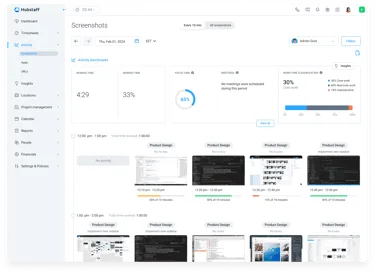
But at the same time, employee monitoring software can cause distrust in your team. As one user highlighted:
"The idle time detection can sometimes be too sensitive. When I’m focused on reading complex project instructions or analyzing data without moving my mouse, it may trigger an idle alert even though I’m actively working. That can be disruptive to my workflow. Also, while the screenshot feature helps ensure transparency, it can feel a bit invasive if you’re not used to constant monitoring during freelance tasks." - G2 review
So not only can Hubstaff monitor your employees' every move, but it can also be fairly inaccurate.
In essence, using location tracking, screenshot monitoring features and similar features can show your team that you don't trust them, which doesn't create the most ideal company culture and work atmosphere.
The glitches seem to happen mostly during meetings because Hubstaff can't "see" meetings as actual work:
"Hubstaff sometimes marks you as completely inactive during meetings, which can make the statistics somewhat misleading. I would like there to be an option to add the type of work I am doing, as without a deep analysis, the statistics may not accurately reflect my activity." - G2 review
On the other hand, Hubstaff allows the option for employees to blur their screenshots, which can be a nuisance to managers who use Hubstaff just for the sake of monitoring:
"I don't like that there's a feature allowing employees to change or blur screenshots. This shouldn't be allowed as it can lead to employees misusing it. Also, it was a bit difficult to get everyone to use it initially." - G2 review
The PTO feature feels half-finished
Your team will use Hubstaff beyond its time tracking tool. If they want to submit time-off requests, they can do this and send them off for approval with their manager. The problem is, the feature isn't exactly polished.
"PTO policies are currently limited to start in January. It would be great if you could set them up to the person's start date as well. Also, when requesting, a lot of my employees have issues with understanding why their balance already looks like they have less since it automatically decreases the 8h the system assumes they're gonna request. It's a little misleading. Also, when editing/changing policies, it would be great of balances could be transferred from one policy to another without having to decrease and increase each person's balance between poliices manually" - G2 review
The reporting can feel subpar
Reports are one of the key features in Hubstaff's time tracking software but according to user reviews, they're not the most polished one. The lack of customization and various reporting views means that you can't count on Hubstaff's reports for serious workforce management and analytics.
Even getting the basic information can be a chore:
"I wish I could pull a report that showed how much time each employee spent on each project. I can pull something with that information but I have to edit it and it takes me a few hours each week." - G2 review
Things get even more complex if you manage distributed or remote teams scattered across different job sites, countries and time zones:
"We can't adjust time zone in Reports. We can adjust the time zone when we are viewing and adjusting their timesheets, but we not in Reports which requires additional work to be done after the report is exported. For example, we want to review adherence - we pull our data from our scheduling software which is in Pacific Time (because our business operates in these hours), and then pull the data from Hubstaff, then we have to convert the times and dates on the Hubstaff report to line up with the time zone from the CRM report." - G2 review
The customer support team is not very helpful
If you need help with overtime tracking, integrating project management tools or making sense of the desktop app, the first course of action is to get in touch with Hubstaff via chatbot, which is apparently not that great. But then you get to talk to an actual human being and as it turns out, that experience also isn't the greatest.
"The AI chatbot is only semi-helpful, and when connected with an agent, they can't solve the issue. The website usability is also an issue, as it takes 5+ steps for PTO to accrue accurately. Moreover, it almost forces you to pay employees within the app for it to work efficiently, making it confusing to track hours and PTO accurately if you don't pay your staff within Hubstaff." - G2 review
"Poor customer service, price per seat for basic functionality, hidden costs, poor customer service, limited ability to manage productivity with limited screenshots, expensive for a large team, did I mention poor customer service?" - G2 review
Is Hubstaff worth it?
Hubstaff is worth it if your biggest priority is strict employee monitoring. If you need to track employee time, manage tasks, verify screenshots, check activity levels, and use GPS location tracking for field teams, Hubstaff gives you a lot of control in one place.
That control comes with a tradeoff.
The mobile app is useful for teams that move between job sites, client locations, and field work. Managers can see where work happened, when it happened, and how much time was logged. For construction, staffing, cleaning, delivery, maintenance, and similar businesses, that can be genuinely useful.
But for knowledge work, remote teams, agencies, software teams, and consultants, Hubstaff can quickly feel heavy handed. Screenshots, activity scores, idle alerts, and location tracking can create tension between managers and employees. The tool can help you spot clear issues, but it can also punish normal work patterns like reading, thinking, planning, client calls, or meetings.
The reporting issues are another problem. If you need clean reports without extra spreadsheet work, Hubstaff may frustrate you. The same goes for PTO, support, and switching between apps, where user reviews suggest the experience still needs work.
So, is Hubstaff worth it? Yes, if you want a monitoring-first tool and your team understands that from day one.
If you care more about accurate time data, employee trust, and less invasive tracking, Timely is a better fit. You still get automatic time tracking and visibility into how work gets done, but without turning every workday into a surveillance exercise.
Get better time tracking with Timely
Hubstaff offers a lot of ways to watch employees, from screenshots and activity scores to location tracking and reports. That can work for companies that need strict oversight, but it can also create the wrong kind of pressure for teams that just need reliable time tracking.
Timely gives you a better way to understand where time goes without turning work into a monitoring exercise.
As a time tracking app, Timely automatically captures work activity in the background, then lets employees review and submit accurate timesheets. Managers still get the visibility they need for planning, reporting, budgets, and billing, but without invasive employee productivity monitoring.
That makes Timely a better choice for teams that care about accurate data, trust, and cleaner workflows. You can see how time is spent across projects, clients, and tasks, without relying on screenshots or constant checkups to prove that work happened.
If Hubstaff feels too focused on surveillance, Timely gives you a simpler and more respectful way to track time.