Everhour is a popular time tracking tool, particularly for teams that already use project management software like Asana, ClickUp, or Trello. But its reliance on timers, limited free plan, and five-seat minimum for paid subscriptions mean it won't be the right fit for everyone.
Fortunately, there are plenty of Everhour alternatives that offer more flexible pricing, automatic time tracking, and features that Everhour either lacks or charges extra for.
In this guide, we'll compare 11 of the best Everhour alternatives for 2026, covering their features, pricing, and advantages over Everhour. Whether you're looking for a cheaper option, better project management capabilities, or a tool that tracks your working hours automatically, we'll help you find the right fit.
TL;DR
| Biggest benefit over Everhour | Pricing starts at | Free trial/free plan | |
|---|---|---|---|
| 1. Timely | Automatic time tracking without employee monitoring | $9/user/month | 14-day free trial |
| 2. TMetric | Lower prices and built-in task management | $5.83/user/month | Free for 2 users, 14-day trial |
| 3. Toggl Track | Automatic tracking options and flexible pricing | $9/user/month | Free for 3 users, 30-day trial |
| 4. Harvest | Better invoicing and expense tracking | $9/user/month | Free for 1 user and 2 projects, 30-day trial |
| 5. Clockify | More affordable plans and free tracking features | $3.99/user/month | Free for 5 users, 7-day trial |
| 6. Hubstaff | Advanced employee monitoring and workforce management | $4.99/user/month | 14-day free trial |
| 7. TimeChamp | Automatic attendance and detailed productivity monitoring | $3.20/user/month | 7-day free trial |
| 8. DeskTime | Automatic desktop tracking and productivity insights | $6.42/user/month | 14-day free trial |
| 9. Paymo | More advanced project management and client billing | $5.90/month | Free for 1 user, 15-day trial |
| 10. Jibble | Unlimited users on the free plan | $0 | Free for unlimited users, 14-day trial |
| 11. Time Doctor | Advanced workforce analytics and activity monitoring | $6.67/user/month | 14-day free trial |
All paid starting prices reflect annual billing. Hubstaff requires at least two paid seats. Paymo's listed starting price is for its Solo plan, while team subscriptions start at $10.90 per user per month.
Why look for alternatives to Everhour in the first place?
If you're already using Everhour and want something more affordable or a tool that tracks your working hours automatically, skip to the next section. Otherwise, here are some of the biggest drawbacks, supported by actual user reviews.
PS. Make sure to check out our coverage of Everhour pricing too.
The five-seat minimum makes Everhour expensive for small teams
Everhour's Team plan costs $10 per user per month, or $8.50 with annual billing. Those prices seem reasonable until you realize there's a minimum of five paid seats, regardless of how many employees actually use the software.
This means a freelancer or a two-person team still has to pay at least $50 per month, or $510 upfront for an annual subscription. And if you cancel your annual subscription early, Everhour doesn't refund the unused months.
As one small business owner explains in a Capterra review:
"All I would say is that $50 a month seems a bit steep"
For businesses with five or more employees, the pricing may be perfectly reasonable. But smaller teams can find comparable time tracking features elsewhere without paying for seats they don't need.
You still have to remember to start and stop timers
Everhour integrates time tracking directly into project management tools, but recording working hours still depends on employees remembering to start timers or add entries afterward.
This becomes a problem when people frequently switch between tasks, attend unexpected meetings, or spend time working outside their project management software.
One freelancer describes the issue in a G2 review:
"Make sure you remember to stop the timer if you're doing something else"
If someone forgets to start a timer or stops tracking too early, that work can go unrecorded. Employees then have to reconstruct their day from memory, which can affect billing accuracy and project profitability.
Everhour has announced that it's working on automatic work detection, but its official website still presents this as an upcoming feature rather than an existing capability.
The Free plan doesn't include native integrations
One of Everhour's biggest selling points is the ability to track time directly inside popular project management tools. Unfortunately, you can't use those native integrations on the Free plan.
If you want to connect Everhour with Asana, ClickUp, Trello, or Jira, you'll need to upgrade to Team and accept the five-seat minimum.
Even with a paid subscription, some users encounter integration issues. For example, one reviewer on Capterra reports:
"Sometimes the chrome extension can't find the asana task."
This isn't necessarily a common problem, and plenty of users praise Everhour's integrations. Still, it illustrates how closely the tracking experience depends on your project management setup.
If you regularly work outside those tools, you may prefer software that can capture activity across your entire working day.
Reporting can be frustrating when your time data isn't organized
Everhour includes customizable reports for tracking billable hours, monitoring budgets, and reviewing employee performance. However, getting useful information from those reports depends on how accurately employees record and categorize their work.
When time entries are missing, assigned to the wrong projects, or recorded inconsistently, managers have to correct the underlying data before they can rely on the reports.
The reporting experience itself also receives some criticism. As one user explains in a G2 review:
"They need to make a cleaner setup for exporting timesheets into excel files."
Another reviewer on G2 mentions "some confusion with time estimates in reports."
These aren't dealbreakers for every team. But if you frequently prepare client reports, calculate utilization, or analyze project profitability, spending additional time correcting entries and reviewing exported data can become frustrating.
The best Everhour alternatives for accurate time tracking in 2026
We've selected 11 Everhour alternatives based on their time tracking capabilities, pricing, project management features, and suitability for different team sizes. Some offer more affordable plans, while others focus on automatic time tracking, employee monitoring, or better ways to manage billable work. Here's how they compare and what each tool does better than Everhour.
1. Timely
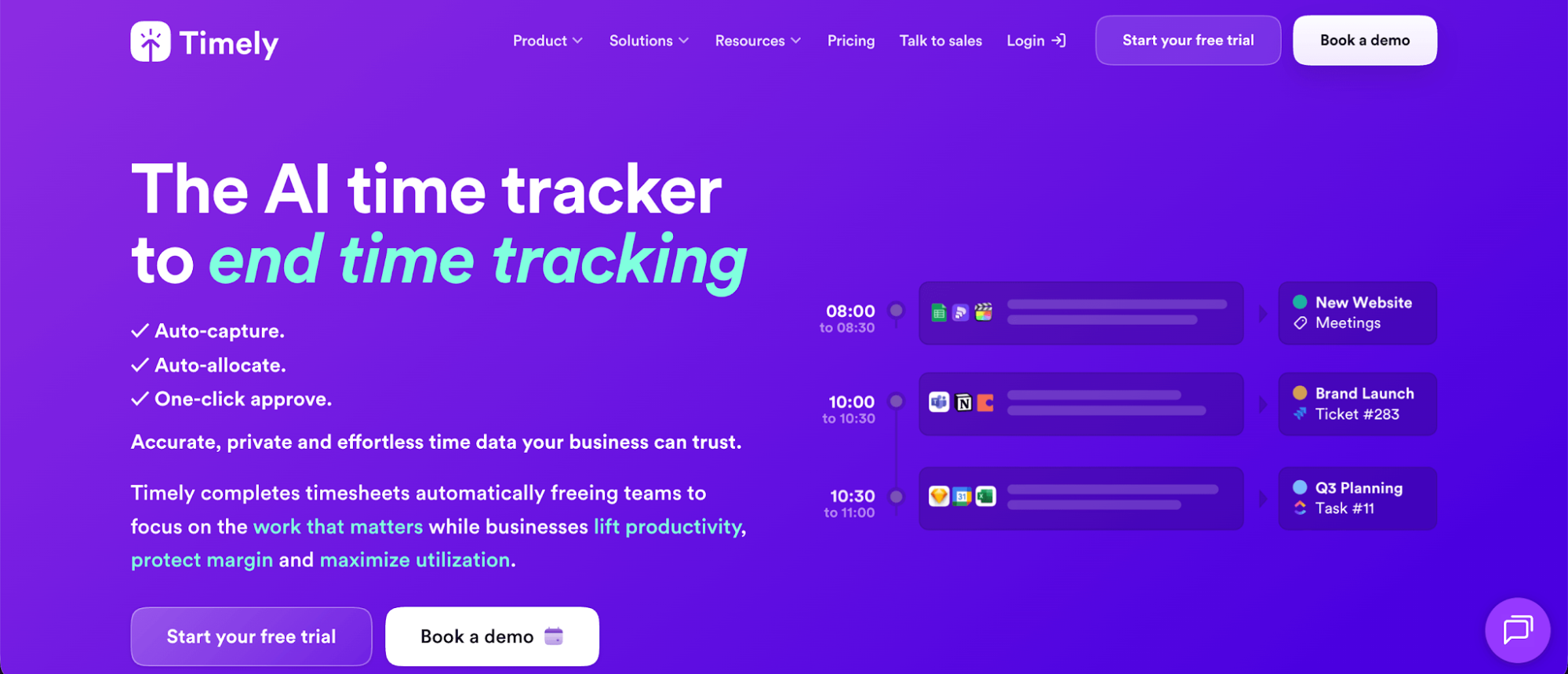
Timely is an automatic time tracking app designed for freelancers, agencies, and teams that want accurate timesheets without having to constantly start and stop timers. Unlike Everhour, which primarily relies on users to record their working hours, Timely automatically captures activity across apps, websites, documents, and meetings.
Why Timely is better than Everhour:
- Automatic time tracking: Timely captures work activity in the background, reducing forgotten hours and the need to reconstruct timesheets at the end of the day.
- AI-assisted timesheets: Automatically recorded activities can be categorized and turned into timesheet entries, reducing the effort required to track billable work.
- Privacy-first approach: Timely doesn't take screenshots or monitor keystrokes. Individual activity records remain private until users choose to share their time entries.
- Better pricing for smaller teams: Everhour requires a minimum of five paid seats, while Timely lets freelancers and smaller teams pay only for the users they need. The Starter plan covers up to five users and 20 projects.
- Clearer visibility into working hours: Timely captures time spent across thousands of apps and websites, helping teams identify unrecorded work and understand how their time is distributed.
Timely pricing starts at $9 per user per month with annual billing, or $11 when billed monthly. A 14-day free trial is available, with access to all features.
2. TMetric
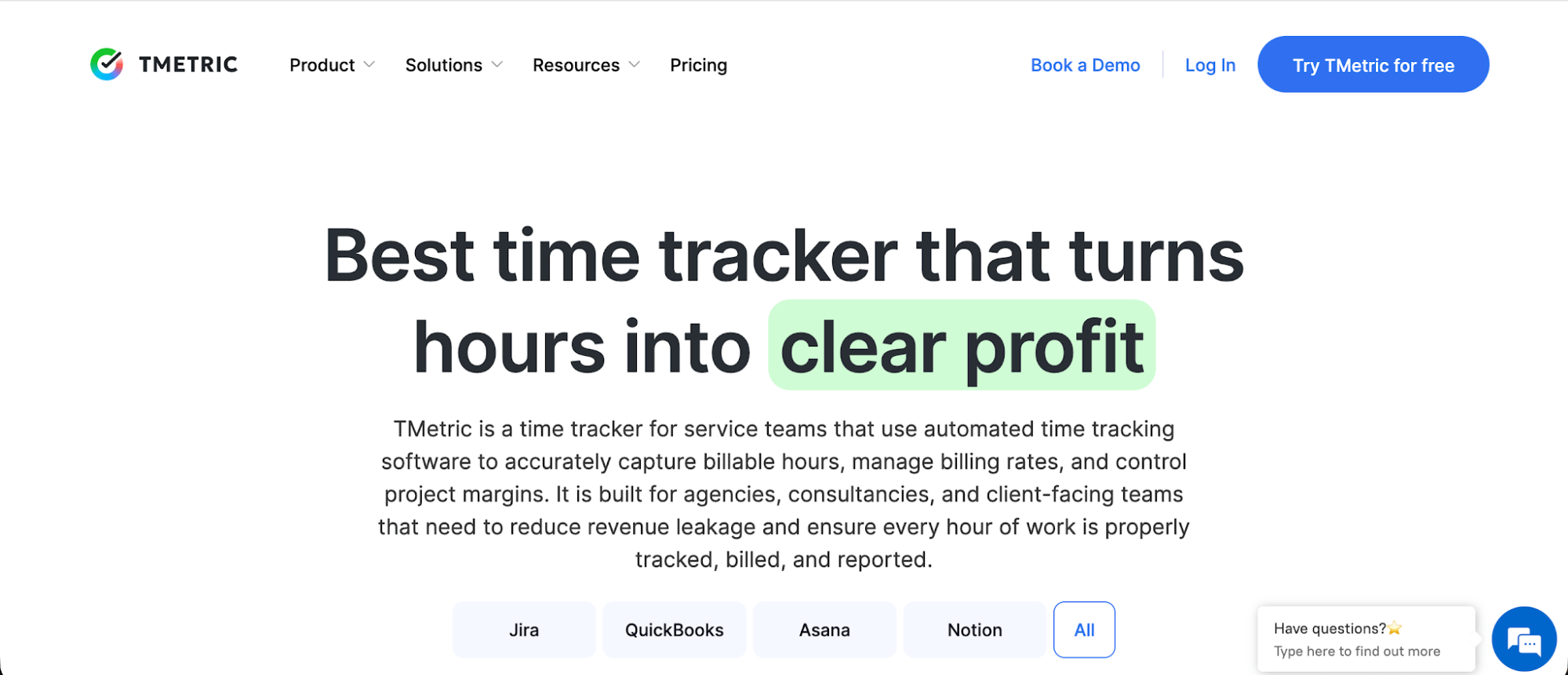
TMetric is a time tracking and project management tool designed for freelancers, small businesses, and agencies that need to track billable hours, manage budgets, and monitor employee activity. It's a good Everhour alternative for teams that want more affordable paid plans, built-in task management, and additional employee monitoring options.
Why TMetric is better than Everhour:
- Lower starting price: TMetric's Professional plan starts at $5.83 per user per month, compared to Everhour's $8.50. There's also no five-seat minimum, making TMetric considerably cheaper for smaller teams.
- More flexible pricing: TMetric separates billing and project management features from employee monitoring, so you don't have to pay for every feature when you only need basic functionality.
- Free integrations: TMetric's free plan includes timer integrations with more than 50 web apps, while Everhour reserves native integrations for paying customers.
- Built-in task management: Professional users can break projects into tasks, assign responsibilities, set estimates, and track progress without needing separate project management software.
- Offline time tracking: TMetric's desktop app lets employees record working hours even without an internet connection, with data synchronized once they're back online.
TMetric pricing starts at $5.83 per user per month with annual billing. A free plan for up to two users and a 14-day trial of paid features are also available.
3. Toggl Track
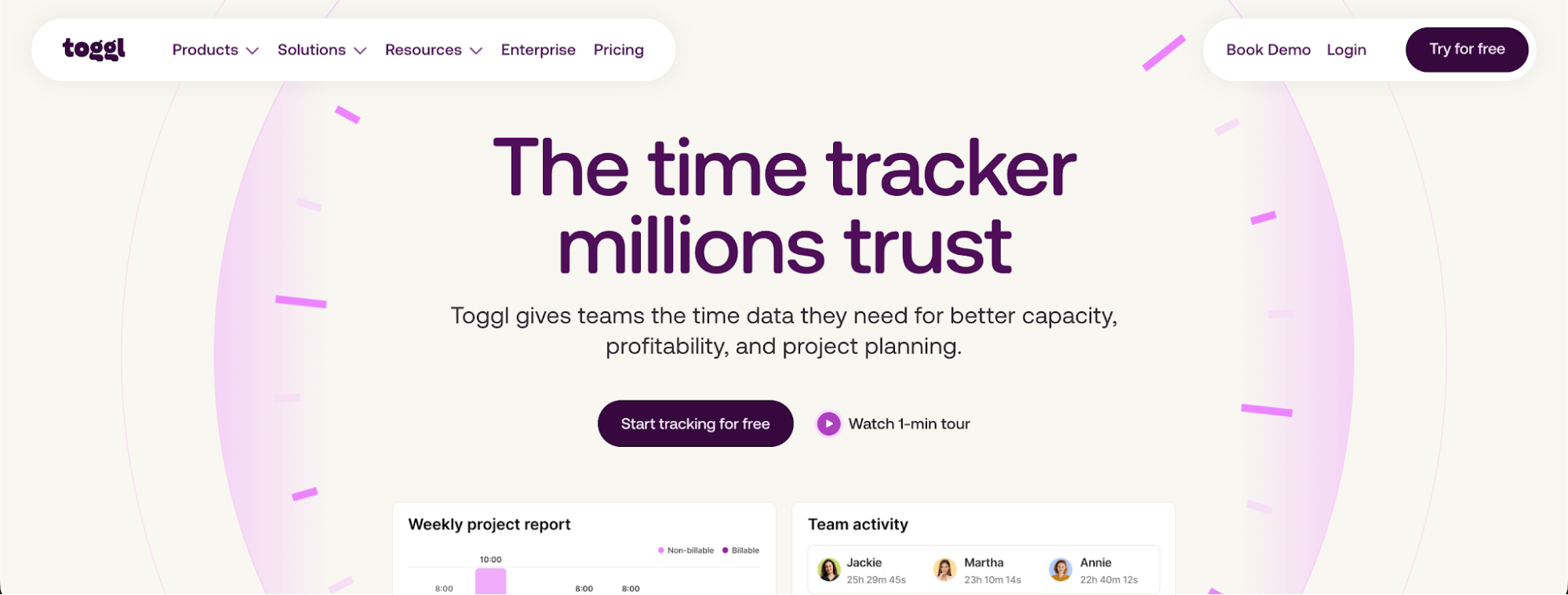
Toggl Track is a time tracking tool designed for freelancers, small businesses, and larger teams that want to track working hours, monitor project progress, and improve productivity. It's a good Everhour alternative for businesses that want more flexible pricing, automatic tracking options, and a simple way to manage time across multiple projects.
Why Toggl Track is better than Everhour:
- No minimum seat requirement: Unlike Everhour, which charges for at least five users on the Team plan, Toggl Track lets you pay for individual seats, making it more affordable for freelancers and smaller teams.
- Automatic tracking: Toggl Track can record desktop activity in the background, automatically start timers based on selected apps or windows, and turn calendar events into time entries.
- More features on the free plan: Toggl Track's free plan covers up to three users and includes calendar integrations and personal productivity reports. Everhour's Free plan supports five users but doesn't include native integrations.
- Visual project tracking: Use calendar views, task boards, and timelines to organize work and monitor project progress, rather than relying primarily on timesheets and reports.
- Flexible team management: Paid plans include team reporting and additional management controls, with more advanced permissions and approval features available as your organization grows.
Toggl Track pricing starts at $9 per user per month with annual billing, or $12 when billed monthly. A free plan for up to three users and a 30-day free trial are also available.
4. Harvest
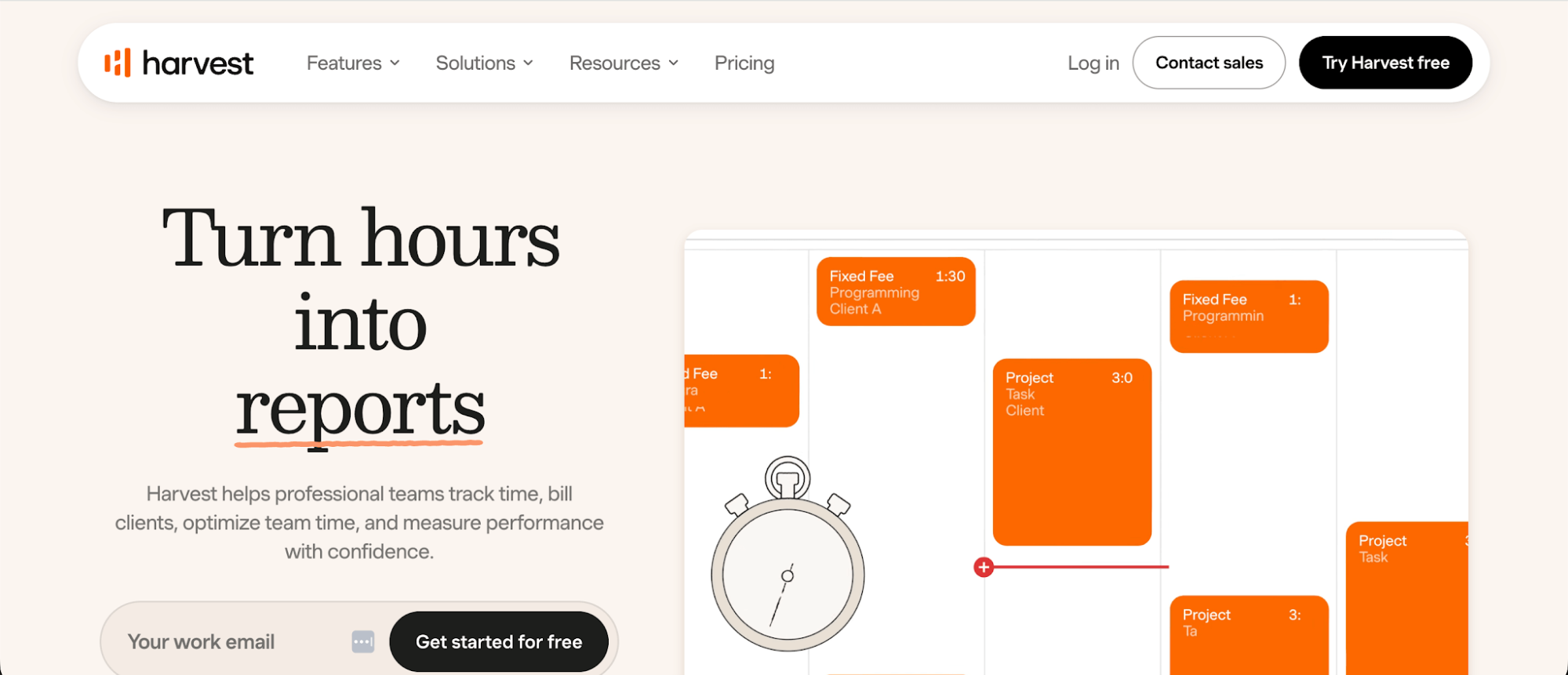
Harvest is a time tracking and invoicing tool designed for freelancers, agencies, and businesses that need to manage billable work and client payments. It's a good Everhour alternative for teams that want built-in expense tracking and financial reporting alongside their time tracking.
Why Harvest is better than Everhour:
- More financial features on the free plan: Harvest includes invoicing, expense tracking, and project estimates at no cost, while Everhour reserves most financial features for paying customers.
- No minimum seat requirement: Everhour charges for at least five seats on its paid plan, while Harvest lets you pay for individual users, making it more affordable for freelancers and smaller teams.
- Integrated accounting and payments: Connect Harvest to Stripe, QuickBooks Online, and Xero to manage invoices and payments without transferring information between multiple systems.
- Calendar imports: Import calendar events into timesheets to account for meetings and other activities, reducing the manual entry needed to record working hours.
- Team reporting: Review team capacity, utilization, and productivity data to see how working hours are distributed across projects.
- Project estimates: Set expected hours and costs before starting work, then compare actual time against project budgets to identify potential overruns.
Harvest still relies on manual time tracking, so employees need to start timers or enter their hours themselves.
Harvest pricing starts at $9 per user per month with annual billing, or $11 when billed monthly. A free plan for one user and two projects is available, along with a 30-day free trial.
The advertised price isn't the whole story. Harvest now adds usage fees for projects, clients, tasks, and invoices on paid plans, and some customers have seen their bills multiply. Read our Harvest pricing breakdown before you commit.
5. Clockify
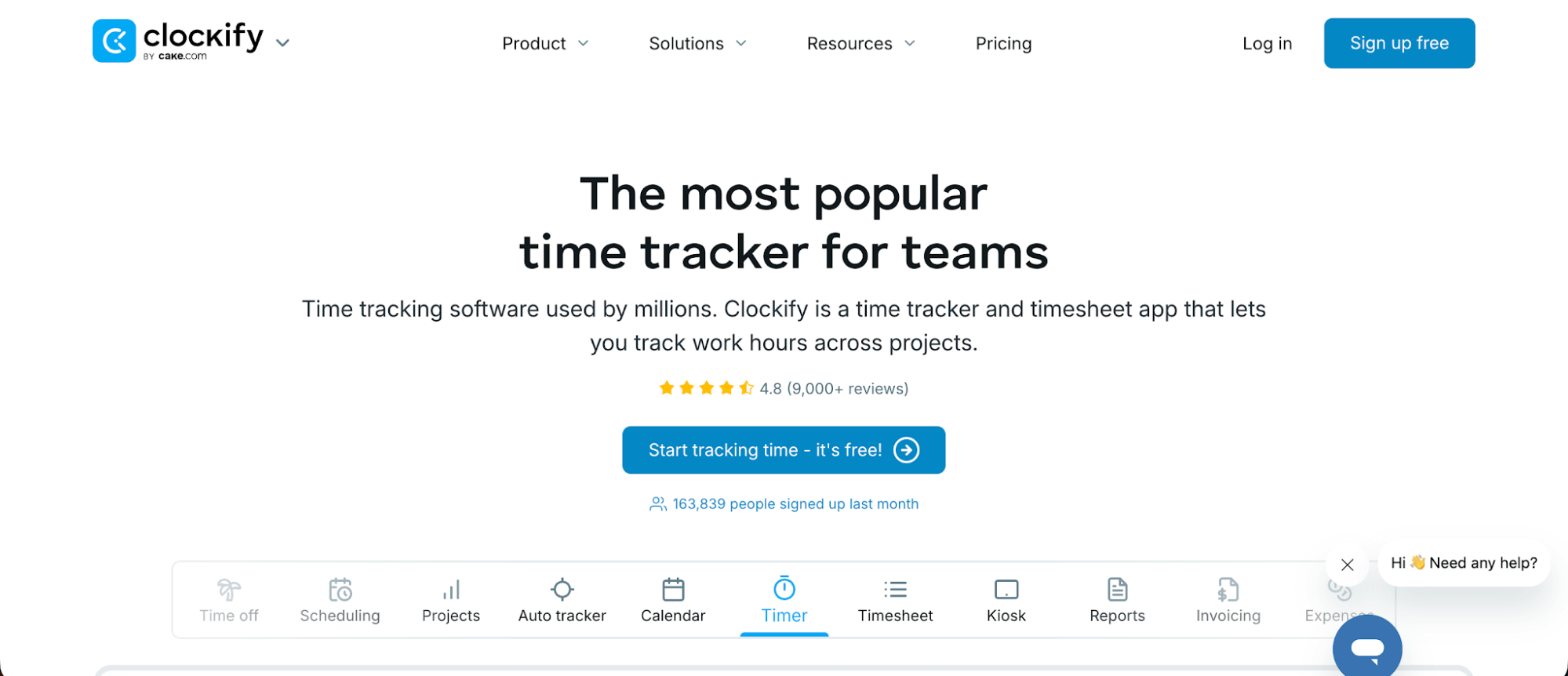
Clockify is a time tracking and project management tool designed for freelancers, agencies, and businesses that need to track billable hours, manage projects, and monitor team performance. It's a good Everhour alternative for teams that want lower subscription prices, more features on the free plan, and additional options for attendance tracking.
Why Clockify is better than Everhour:
- Lower starting price: Clockify's paid plans start at $3.99 per user per month, compared to Everhour's $8.50. There's also no five-seat minimum, making Clockify more affordable for smaller teams.
- More generous free features: Clockify's Free plan supports five team members and includes automatic activity tracking, calendar integrations, and unlimited projects. Everhour reserves integrations for paying customers.
- More flexible task tracking: Create unlimited projects and tasks, assign work to team members, and see how many hours are spent on individual activities without upgrading to a paid subscription.
- Attendance tracking: Clockify's Standard plan includes attendance reports, overtime calculations, and time off management. It also supports a shared kiosk where employees can clock in and out.
- Affordable client billing: Clockify includes invoicing, recurring invoices, and timesheet approvals in the Standard plan, which starts at $5.49 per user per month with annual billing.
- Additional reporting options: Clockify offers team activity reports and productivity dashboards, with more advanced project profitability and expense tracking available on higher plans.
Clockify pricing starts at $3.99 per user per month with annual billing, or $4.99 when billed monthly. A free plan for up to five users and a seven-day trial of Pro features are also available.
6. Hubstaff
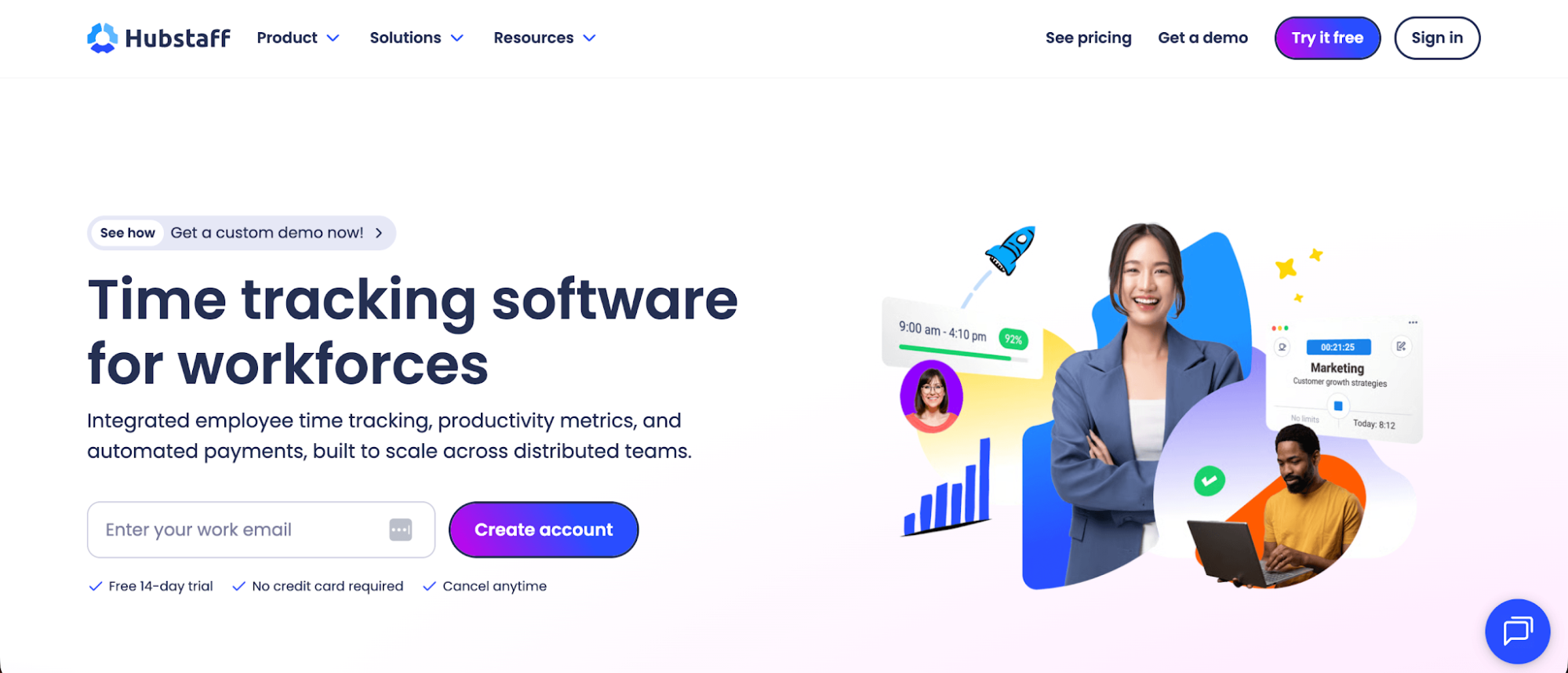
Hubstaff is a time tracking and employee monitoring tool designed for remote teams, agencies, and businesses that need detailed visibility into how employees spend their working hours. It's a good Everhour alternative for teams focused on productivity monitoring, employee accountability, and workforce management rather than just tracking billable hours.
Why Hubstaff is better than Everhour:
- Lower starting price: Hubstaff's Starter plan costs $4.99 per user per month with annual billing and a two-seat minimum, compared to Everhour's $8.50 per user per month with a five-seat minimum.
- Detailed employee monitoring: Hubstaff includes activity levels, optional screenshots, and website tracking, giving managers more information about employee activity than standard time tracking reports.
- Reduced manual time entry: Hubstaff generates timesheets from tracked activity and offers idle time detection on higher plans, reducing some of the effort associated with manual time tracking.
- More workforce management options: The Team plan includes employee scheduling, attendance management, time off tracking, and payroll features that connect recorded hours with employee payments.
- Advanced reporting features: Review employee utilization, activity trends, and productivity data to understand how teams spend their working hours. Additional workforce analytics are available through Hubstaff Insights.
- Location tracking: Hubstaff offers optional GPS tracking, geofencing, and job site management for businesses with employees working across multiple locations.
Hubstaff pricing starts at $4.99 per user per month with annual billing, with a minimum of two paid seats. A 14-day free trial is available, and higher plans start at $7.50 per user per month with annual billing.
7. TimeChamp
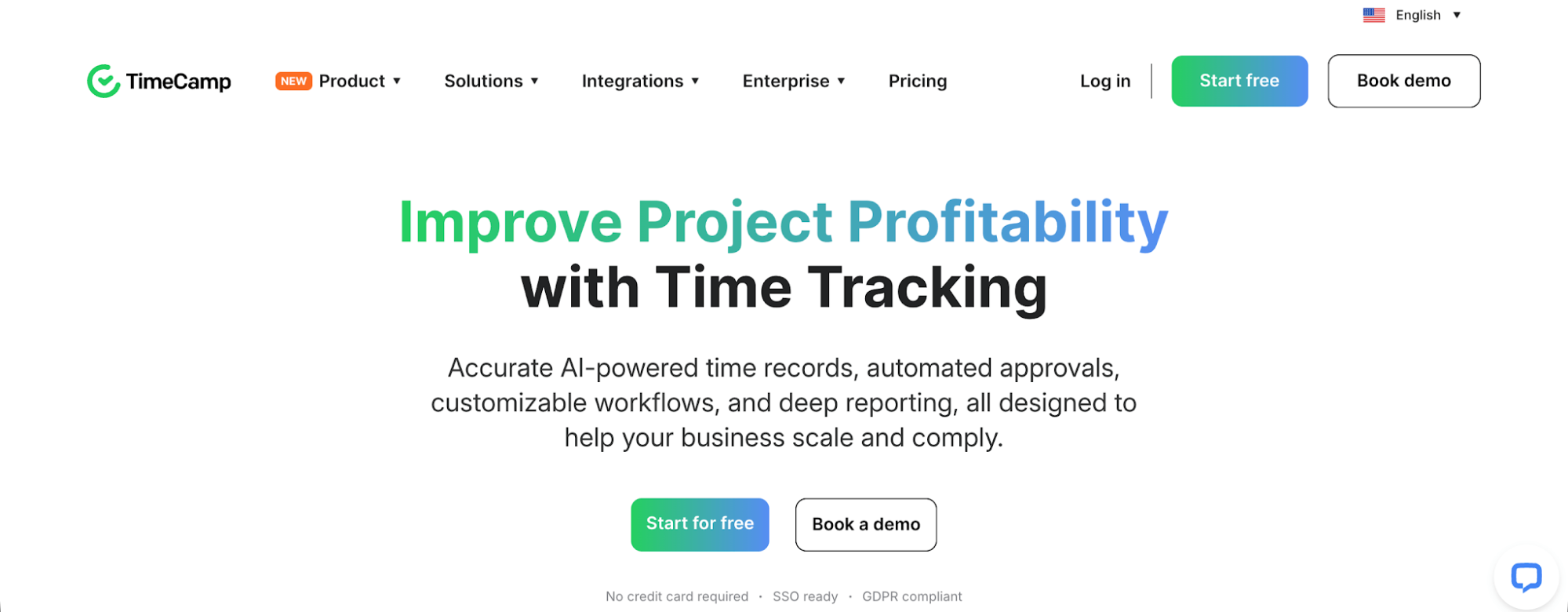
TimeChamp is a time tracking and employee productivity monitoring tool designed for remote teams, agencies, and businesses that want greater visibility into how employees spend their working hours. It's a good Everhour alternative for organizations that prioritize team productivity, detailed activity monitoring, and team capacity planning alongside traditional time tracking.
Why TimeChamp is better than Everhour:
- Lower starting price: TimeChamp's Starter plan starts at $3.20 per user per month with annual billing, compared to Everhour's $8.50 per user per month with a five-seat minimum.
- Automatic attendance tracking: Record employee attendance, login times, and working hours automatically, reducing the need to rely on manually started timers.
- Detailed productivity monitoring: Track application and website usage, activity levels, and idle time to understand how employees spend their working hours.
- Advanced reporting: Generate detailed reports on employee activity, attendance, and team productivity, with additional options for analyzing time data and identifying productivity trends.
- Team capacity planning: Monitor workloads, allocate resources based on availability, and identify overloaded employees before they affect project deadlines.
- Project and billing management: Use the optional project management module to track tasks, monitor billable time, and compare actual working hours against project budgets.
TimeChamp pricing starts at $3.20 per user per month with annual billing, although features like project management cost extra. A seven-day free trial is available without a credit card.
8. DeskTime
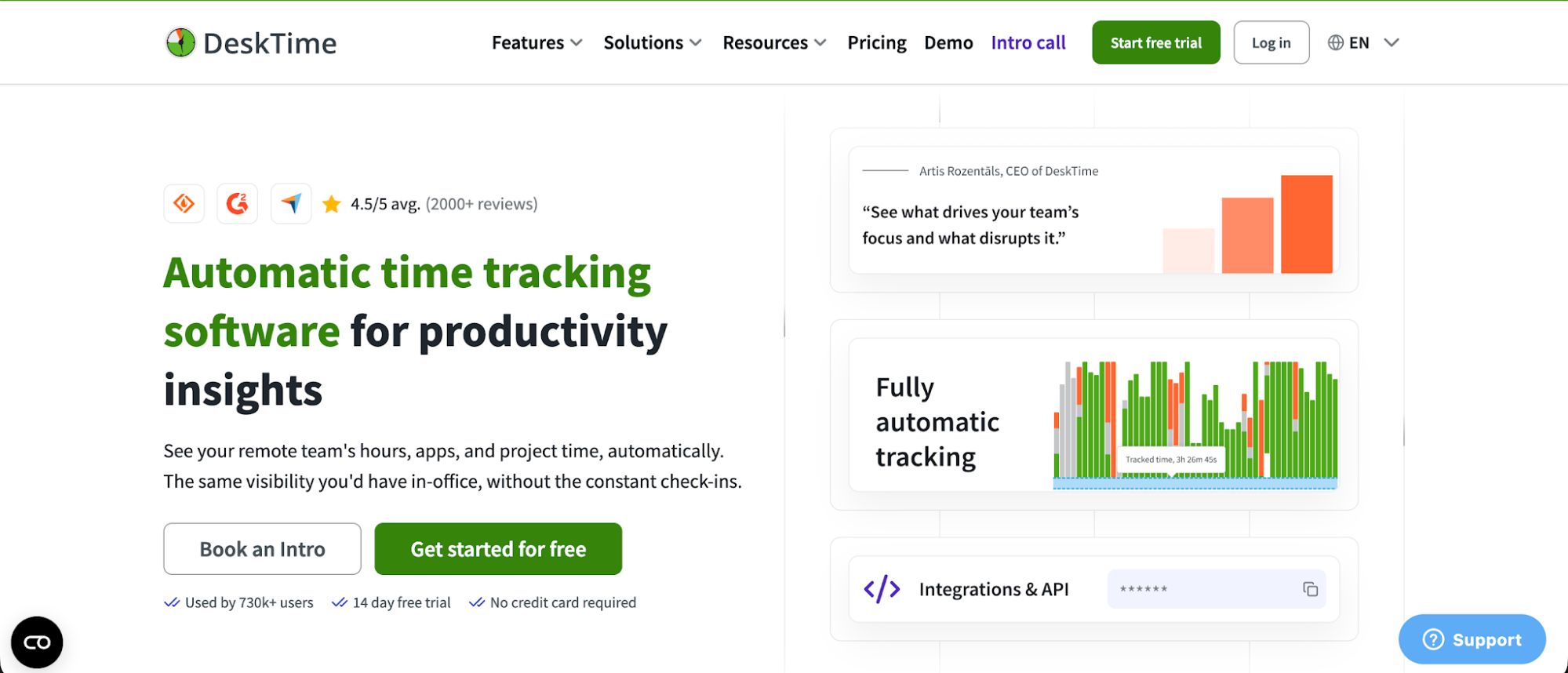
DeskTime is an automatic time tracking and employee productivity monitoring tool designed for agencies, remote teams, and businesses that want to understand how working hours are spent. It's a good Everhour alternative for companies that need automatic activity tracking, detailed productivity reports, and better visibility into project costs.
Why DeskTime is better than Everhour:
- Automatic time tracking: DeskTime records computer activity in the background, reducing reliance on manually started timers. Employees can still assign tracked hours to specific projects and tasks.
- Lower starting price: DeskTime's Pro plan costs $6.42 per user per month with annual billing, compared to Everhour's $8.50. There's also no five-seat minimum.
- Detailed productivity insights: Track application usage, visited websites, and document titles, with productivity scores that help managers understand how employees spend their working hours.
- Project cost tracking: Assign hourly rates to project tasks and calculate costs from tracked hours. This is useful for agencies managing fixed-fee projects that need to compare actual work against their original estimates.
- Leave tracking and scheduling: Use the absence calendar to coordinate vacations and sick leave, with shift scheduling available on the Premium plan.
- More detailed activity reports: Review individual and team productivity, compare productive and unproductive time, and export reports to help manage client work.
DeskTime pricing starts at $6.42 per user per month with annual billing, or $7 when billed monthly. A 14-day free trial is available, but there's no permanent free plan.
9. Paymo
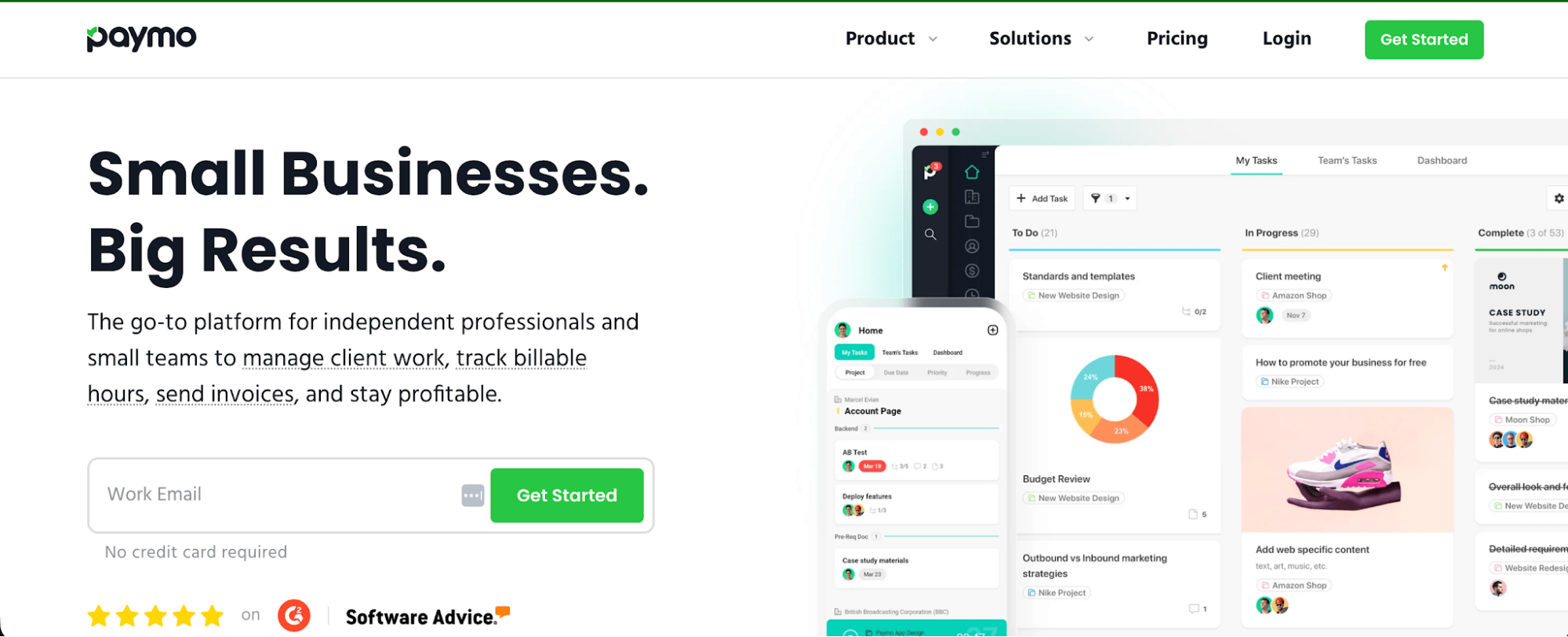
Paymo combines time tracking, project management, and invoicing in one tool, making it a good choice for freelancers, agencies, and small businesses managing client projects. Compared to Everhour, it offers more ways to organize tasks, manage project finances, and automatically record working hours.
Why Paymo is better than Everhour:
- Automatic time tracking: Paymo Track records desktop application activity in the background and lets users convert recorded activities into timesheet entries, reducing reliance on manually started timers.
- More affordable for freelancers: Paymo's Solo plan starts at $5.90 per month with annual billing, while Everhour requires a minimum of five paid seats, costing at least $42.50 per month.
- Free invoicing: Paymo includes unlimited invoices on the Free plan, while Everhour reserves invoicing for paying customers.
- More project management options: Paymo offers Kanban boards, project templates, Gantt charts, task dependencies, and file proofing, giving teams more ways to coordinate and review client work.
- Flexible project billing: Manage hourly, fixed-rate, and retainer projects, with financial reporting that compares internal costs against billable amounts.
- Workload management: Paymo's Pro plan includes employee scheduling, capacity planning, and leave management, helping managers identify excessive workloads and support overtime tracking.
Paymo pricing starts at $5.90 per month for Solo with annual billing. Teams need the Plus plan, which starts at $10.90 per user per month annually. A free plan for one user and a 15-day free trial are also available.
10. Jibble
Jibble is a time tracking and attendance management tool designed for businesses that need to monitor employee hours, manage shifts, and track attendance across multiple locations. In an Everhour vs Jibble comparison, Jibble is a better option for teams that prioritize affordable time tracking, employee attendance, and workforce management over advanced project budgeting.
Why Jibble is better than Everhour:
- Unlimited users on the free plan: Jibble lets you track time for unlimited users without paying a subscription fee, while Everhour's Free plan supports a maximum of five people.
- More free features: Jibble includes GPS tracking, facial recognition, attendance management, and basic integrations without requiring a paid subscription.
- Location tracking: Monitor where employees clock in and out using GPS and geofencing, making Jibble more suitable for field teams and businesses with multiple worksites.
- Shared attendance kiosks: Employees can clock in and out using a shared tablet or other device, with facial recognition available to verify their identity.
- Automatic timesheets: Jibble generates timesheets from employee clock entries, calculates working hours, and prepares records for payroll processing.
- Offline tracking: Employees can record their hours without an internet connection, and Jibble synchronizes the data when connectivity returns.
Jibble pricing starts at $0 for unlimited users, with no expiration date. Paid plans start at $4.49 per user per month for Premium and $7.99 for Ultimate with annual billing, and Enterprise is priced by quote. Jibble doesn't show these prices on its website, so check before you buy. New users can access a 14-day trial of paid features.
11. Time Doctor
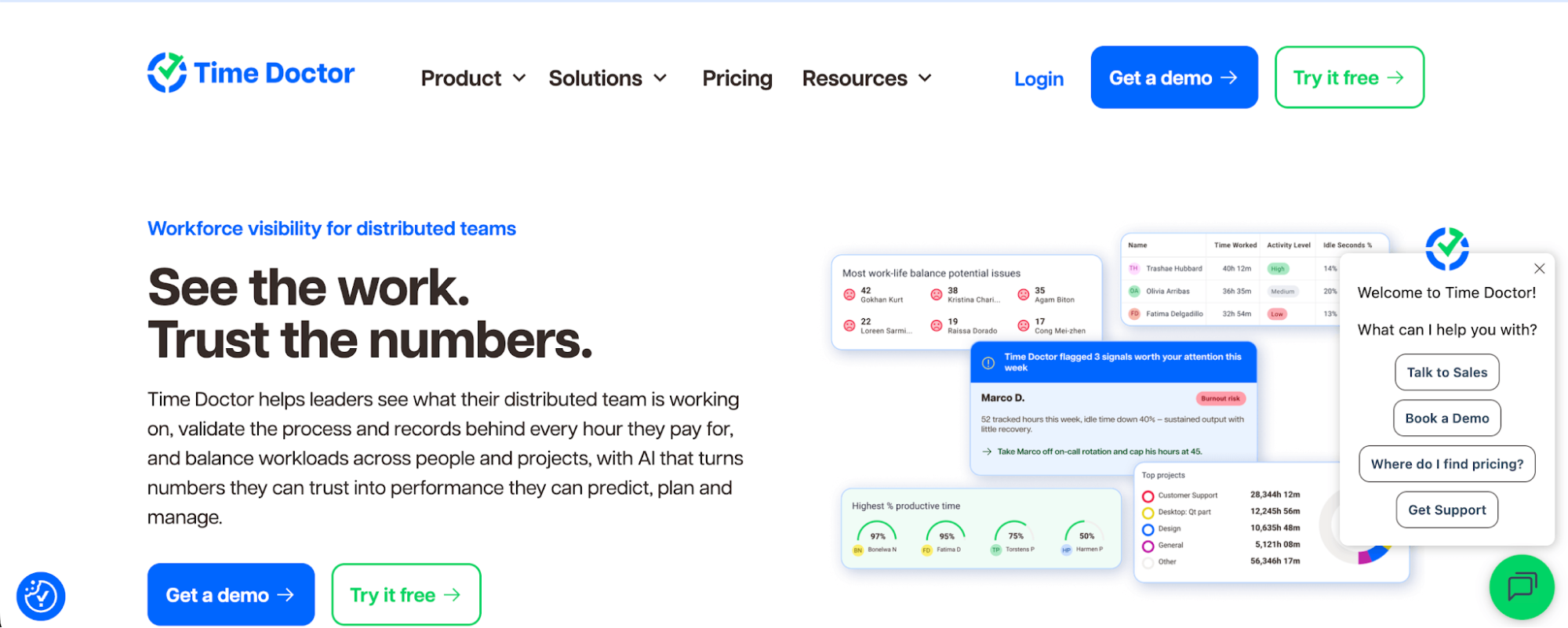
Time Doctor is a time tracking and workforce analytics tool designed for remote teams, agencies, and businesses that want detailed insights into employee productivity. It's a good Everhour alternative for organizations that need more advanced employee monitoring, attendance management, and reporting features alongside traditional time tracking.
Why Time Doctor is better than Everhour:
- Lower starting price: Time Doctor's Basic plan starts at $6.67 per user per month with annual billing, compared to Everhour's $8.50. There's also no five-seat minimum, making it more affordable for smaller teams.
- Automatic activity tracking: Time Doctor offers automatic tracking options and records computer activity, reducing reliance on employees manually documenting every working hour.
- Detailed productivity monitoring: Track website and application usage, activity levels, and optional screenshots to understand how employees spend their time. Everhour's Team plan supports screenshots but offers fewer options for analyzing employee activity.
- Attendance and payroll management: Time Doctor's Standard plan includes attendance reports, employee scheduling, leave tracking, and payroll features, making it better suited to managing distributed workforces.
- Advanced workforce analytics: Higher plans include productivity benchmarks, unusual activity detection, and software usage reports that help managers identify inefficiencies and understand team performance.
- More flexible integrations: Connect Time Doctor with over 60 tools, including project management, payroll, and HR software, to bring employee time data into other business systems.
Time Doctor pricing starts at $6.67 per user per month with annual billing, or $8 when billed monthly. A 14-day free trial is available, with access to Premium features and no credit card required.
Get the better Everhour alternative for automatic time tracking
Everhour works well for teams that want to track hours directly inside their project management tools. But if you're tired of starting and stopping timers, correcting forgotten entries, or trying to remember what you worked on yesterday, there's a better way.
With Timely, you can automatically capture the time you spend across apps, websites, documents, and meetings. Our software helps you turn that activity into accurate timesheets, so you can account for more billable hours and get a clearer picture of project profitability without constantly monitoring the clock.
And unlike employee monitoring tools, Timely keeps your activity private. We don't take screenshots or track keystrokes, and you decide which recorded activities become shared time entries.
Automatic time tracking is included in every Timely plan, with pricing starting at $9 per user per month and no minimum seat requirement.
Ready to see what automatic time tracking can do for your team? Try Timely free for 14 days and start capturing your working hours automatically.