Jibble is one of the more attractive time tracking tools for small teams because its free plan is genuinely useful. But free is only a good deal if the product actually fits the way your team works. If you need better automatic tracking, deeper reporting, easier project oversight, or more advanced activity data, paying for the right tool can make more sense than choosing Jibble simply because the entry price is zero.
Jibble reviews are generally very positive, especially around ease of use, attendance tracking, GPS features, and value for money. At the same time, users raise concerns about reporting flexibility, syncing issues, admin controls, and the limits of its paid plans.
This article is for teams comparing Jibble with other time tracking tools, and it will show you where Jibble performs well, where users run into problems, and whether it is the right choice for your needs.
TL;DR
- Jibble is easy to set up and use, with reviewers frequently praising its simple interface and short learning curve.
- It is especially good for employee attendance, clock ins, payroll hours, and work schedules, with mobile access making it practical for distributed teams.
- Jibble’s free plan is one of its biggest strengths, offering useful attendance features and unlimited users without requiring an immediate upgrade.
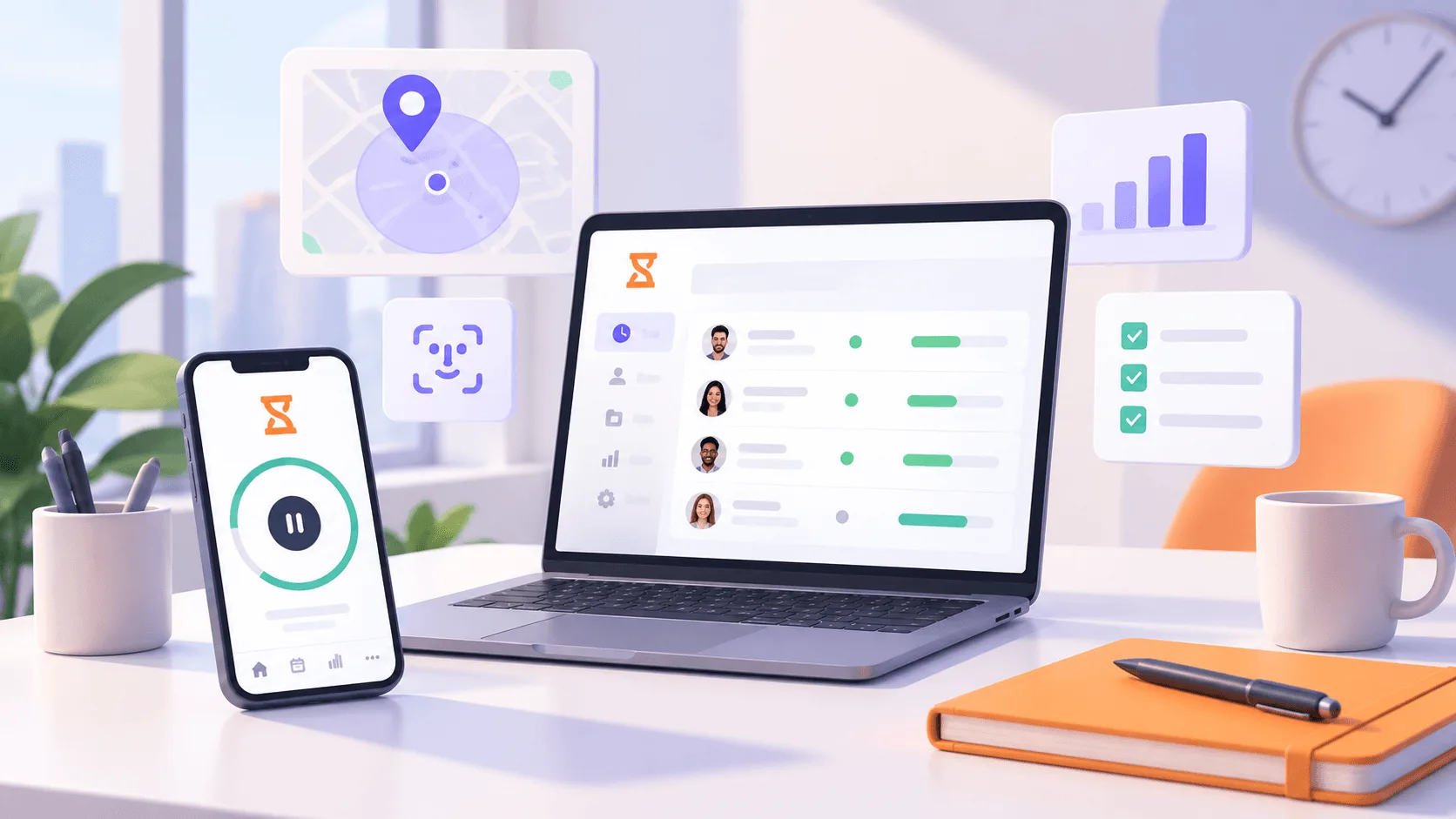
- GPS tracking, geofencing, and facial recognition give field teams more control over where employees clock in and who is submitting each entry.
- The main weaknesses are limited reporting customization, occasional syncing problems, and GPS-related clocking issues, especially for teams that need precise real-time data.
- Jibble’s paid pricing can be difficult to compare, while some advanced controls require Premium or Ultimate plans and larger teams may face more admin work.
- Choose Jibble for attendance and workforce tracking, but consider Timely if automatic activity capture and turning recorded work into accurate timesheets are higher priorities.
Get the better Jibble alternative for automatic time tracking. Try Timely today for free.
Pro: Jibble is easy to set up and use
Ease of use is one of the strongest themes across Jibble reviews. G2 has 168 positive mentions under ease of use, with reviewers frequently praising the interface, simple navigation, and short learning curve.
That can matter when rolling out time tracking software across a team. Employees can start tracking time without extensive training, while managers have less setup work to deal with before collecting useful attendance and timesheet data.
One G2 reviewer summed up the experience clearly:
“Setup was quick and the app was easy to understand from the first day. The layout is clean and pleasant to use.”
Another reviewer said the platform was easy to set up and that their team adopted it without needing much training. That simplicity can make Jibble appealing to businesses that want tracking time to become part of the working day without introducing a complicated new system.
Pro: Jibble makes employee time and attendance tracking straightforward
Jibble gets consistently positive feedback for making attendance tracking simple for both employees and managers. Staff can clock in and clock out from their phones or other supported devices, while managers get a clearer view of attendance and tracking work hours across the team.
This can be useful for businesses managing fixed or changing work schedules, since employees do not need to learn a complicated process just to record when they start and finish work. Managers can also check attendance data without digging through individual timesheets.
One Capterra reviewer described the experience this way:
“I really like the way my employees can use the app to clock in quickly and easily from their phones.”
The same reviewer said Jibble helped their business keep accurate records of working hours and reduced the effort required to manage timesheets. For companies primarily looking for attendance and employee time tracking, that straightforward approach is one of Jibble’s stronger advantages.
Pro: Jibble’s free plan offers excellent value for small teams
Jibble’s free version is one of its biggest selling points, especially for small business owners who only need core time and employee attendance features. Capterra reviewers frequently mention that the free plan covers enough functionality to run day-to-day tracking without forcing smaller teams into a paid subscription.
One Capterra reviewer running a six-person business said:
“it's free and does exactly what i need it to do for my 6 employees and me.”
The same reviewer noted that the free version included useful options such as facial recognition and geofencing. Another reviewer running an eight-employee business said Jibble was free for the basic setup they needed and was pleasantly surprised that the product worked well for a company of their size.
For smaller teams that mainly need employee attendance, timesheets, and basic time tracking, the free plan offers a lot without requiring an immediate upgrade.
Pro: GPS, geofencing, and facial recognition improve attendance accountability
Jibble’s location and identity checks are some of its most useful key features for remote and field teams. GPS tracking and geofencing can restrict clock-ins to a specific job site, while facial recognition helps verify that the right employee is submitting the time entry.
Capterra also highlights live location tracking as part of Jibble’s location-based feature set, while the free plan supports unlimited users. That can make the platform appealing to businesses with larger mobile teams that need stronger attendance controls without immediately paying per employee.
One G2 reviewer explained why these features mattered for their team:
“I like Jibble because it helps me with geofencing so that no one can easily fake their attendance. I also appreciate the selfie feature that allows me to know where employees are actually standing and from what location they are signing in.”
The same reviewer said they use Jibble to track workers in the field and verify that employees are checking in from the correct location. For businesses managing multiple job sites, that extra layer of verification can make time entries easier to trust.
Pro: Jibble makes it easy to track time across projects and billable work
Jibble can also work as a reliable solution for teams that need to understand where working hours actually go. Employees can assign time to individual projects and tasks, while managers can use tracked time reports to review billable hours and compare how much time different types of work consume.
This goes beyond using Jibble purely to track attendance. The mobile app and browser tools let employees record project work as it happens, while features such as facial recognition can help reduce buddy punching for teams that also need tighter attendance controls.
One G2 reviewer specifically praised Jibble for project-based tracking:
“What I like best about Jibble is how easy it is to track time across different projects. The project time tracking feature helps our team accurately log billable hours and monitor time spent on each task.”
The same reviewer said Jibble improved visibility into project hours and made billable work easier to manage. For agencies, consultants, and other teams charging for their time, that gives Jibble more value than a basic clock-in system.
Con: Beyond the free plan, Jibble pricing is surprisingly hard to pin down
Jibble is very clear about one part of its pricing: the Free plan costs nothing and supports unlimited users. Once you start looking at the Premium and Ultimate plans, however, figuring out exactly what Jibble will cost becomes much less straightforward.
The major software directories currently show conflicting information. G2 says Jibble does not provide its paid pricing directly on the platform, although another section of the same page lists Premium at $5.99 per user per month and Ultimate at $10.99.
Capterra makes things even less clear. Its dedicated pricing page currently lists only the Free plan and tells visitors to “Get Price,” while the main Jibble profile shows a starting price of $8 per user per month.
Jibble also uses localized pricing. Its own documentation shows standard pricing in euros at €4.99 per user per month for Premium and €9.99 for Ultimate with monthly billing, with lower rates for annual subscriptions. Eligibility for localized rates depends on where most users in the organization are based.
This does not necessarily mean Jibble is expensive. In fact, many reviewers describe the pricing as reasonable, and the free plan offers a lot. One G2 reviewer said:
“Some of the additional functionality is for a price, but the pricing seemed reasonable and worth it for the additional features.”
The problem is pricing transparency rather than value. If you are comparing Jibble with other time tracking tools, you may need to check your region, billing period, and required plan before you can establish what the paid version will actually cost your team.
Con: Jibble reporting and exports could offer more customization
Jibble provides useful reports for employee hours, attendance, projects, and payroll, but customization is one of the more common complaints in G2 reviews. G2 currently groups 13 negative mentions under limited customization, with several users asking for more control over dashboards and how reporting data is presented.
That may become limiting for businesses using time tracking tools for more than basic attendance management. Jibble can track employee time effectively, but managers with specific reporting requirements may need more flexibility when filtering data or presenting employee hours.
One G2 reviewer put the issue simply:
“Reports and dashboards could be a little more user-friendly and customizable.”
Another recent G2 reviewer similarly said they wanted more flexibility in how project data appears in reports and dashboards. For teams with straightforward reporting needs, this may be a minor limitation, but businesses that rely heavily on custom reporting should check whether Jibble supports the exact views and exports they need.
Con: The mobile and desktop apps can have syncing and stability issues
Jibble gets strong marks for usability, but some reviewers report occasional syncing delays, app lag, and refresh problems. These issues can become frustrating when multiple employees are clocking in from different devices and managers expect everyone to appear on the same page immediately.
That can also complicate managing attendance. If a clock-in takes time to sync, managers may briefly be unsure how many hours have actually been recorded for a particular employee or whether the latest attendance data is current.
One Capterra reviewer described the issue this way:
“The mobile app can occasionally be slow to refresh attendance data.”
Another Capterra reviewer reported similar problems:
“One of the biggest downsides of Jibble is that its mobile app can sometimes be buggy, with occasional syncing issues or delays in clock-ins.”
These problems appear to be occasional rather than constant, and Jibble still has a 4.8 out of 5 overall rating on Capterra. Still, teams relying on real-time attendance data should be aware that the mobile and desktop experience may not always update instantly.
Con: GPS and geofencing can sometimes cause clocking problems
Jibble’s location features are useful for verifying where team members clock in, but they can also create friction when the app fails to recognize an employee's location correctly. That can lead to missed clock-ins, delayed corrections, and questions around whether logged hours are complete.
One Capterra reviewer described the issue directly:
“GPS and location settings can sometimes cause clock-in issues for staff unfamiliar with the app.”
Another reviewer reported a more specific geofencing problem:
“The geofencing is failing to register your actual location.”
These problems can also affect syncing data when employees are working in areas with weaker connections or switching between locations. For teams that rely heavily on geofencing, it is worth testing the setup across real job sites before assuming every location-based entry will work perfectly.
Jibble can still produce accurate timesheets, but managers may occasionally need to correct missed or delayed entries when location tracking does not behave as expected.
Con: Setup, permissions, and admin controls can take time to figure out
Jibble is generally easy for employees to learn, but the setup process can require more effort for administrators. Capterra reviewers mention a learning curve around permissions, kiosk settings, user management, and some of the platform’s advanced features.
The learning curve can become more noticeable when configuring automated timesheets, different access levels, or reporting rules across a specific date range. Once everything is set up, the day-to-day experience tends to be much easier.
One Capterra reviewer described their experience this way:
“Setup took longer than expected. Kiosk mode didn't always work properly on the first try, admin access/permissions were finicky.”
The same reviewer said Jibble’s AI chat helper made the first week much easier, while other reviewers also rate customer support positively. So this is less a problem with Jibble being difficult to use overall, and more about the extra configuration required when admins want tighter permissions or more advanced controls.
Con: Jibble is for attendance tracking rather than detailed activity tracking
Jibble’s core strengths are still centered on attendance, payroll hours, schedules, and project tracking. It works well as a time tracker for answering practical team management questions such as who is working, how long they worked, and which project their hours belong to.
That does not mean Jibble has no activity monitoring features. The platform now supports screenshot capture, while Jibble is also expanding its deeper productivity monitoring capabilities. However, some of those features are newer, and parts of its activity tracking functionality are still being developed.
One G2 reviewer described how they primarily use Jibble:
“I use Jibble to maintain timesheets for attendance. It automatically calculates weekly and monthly
Jibble also supports project tracking, so teams can see where working hours are being allocated. But if your main priority is detailed visibility into computer activity rather than attendance and payroll hours, it is worth comparing Jibble with tools built more specifically around automatic activity capture and productivity analysis.
Con: Some useful features are restricted to paid plans
Jibble has one of the more generous free plans among time tracking tools, but you will not get all the features without upgrading. Jibble currently offers Free, Premium, and Ultimate plans, with more advanced controls reserved for the two paid tiers.
One Capterra reviewer specifically called out the way features are divided between the plans:
“Some important options are available in the premium paid version. But some options are available in the Ultra version (paid) instead of Premium (also paid).”
For growing teams, this means the Premium plan may still not include every function they want. Some capabilities require the Ultimate plan, so businesses should compare the feature lists carefully before choosing a subscription.
The free plan remains strong for core time and attendance tracking, but teams that need more control over schedules, restrictions, permissions, or other advanced functions should expect to move onto a paid plan.
Con: Managing users and timesheets can become cumbersome for larger teams
Jibble works well for small and mid-sized teams, but some reviewers say administrative work becomes less convenient as the number of employees, projects, and timesheets grows. Filtering records or reactivating returning workers can add extra steps for managers.
One G2 reviewer managing a mid-sized team highlighted the reporting side of the problem:
“While downloading, we have to segregate by filters, which can be cumbersome.”
The same reviewer also said there was no direct way to share a timesheet with an external client, which meant downloading and sending it manually. Another G2 reviewer reported having to manually reactivate former team members when they returned for a new agreement.
User management can create similar friction. A Capterra reviewer managing contractors across several countries said adding new users had to go through the organization owner, even when other administrators were available.
None of these issues make Jibble unsuitable for larger teams, but they can add administrative work once you are managing many users, projects, and timesheets at the same time.
Should you get Jibble for your time tracking needs in 2026?
Jibble is a good option if your main priorities are employee attendance, clock-ins, payroll hours, and basic project tracking. The free plan is especially attractive for small teams, while GPS tracking, geofencing, facial recognition, and mobile access make it useful for field-based work.
It becomes less compelling if you need deeper activity tracking or highly customizable reporting. Some reviewers also mention syncing issues, geofencing problems, and extra admin work when managing larger teams.
Jibble is strongest as an attendance and workforce tracking platform. If you mainly need to know when employees worked, where they clocked in, and how many hours should go to payroll, it covers those needs well.
If your priority is automatic time tracking that captures work across apps and websites, then a tool like Timely is a better fit. Timely is built around automatic activity capture and turning that activity into accurate timesheets, rather than relying primarily on employees to clock in and out.
Choose Jibble if attendance tracking, GPS controls, and a generous free plan matter most.
Consider another time tracker if automatic activity capture, deeper project visibility, or more flexible reporting are higher priorities.
Get the better Jibble alternative for automatic time tracking
Jibble is a solid choice for attendance, clock-ins, payroll hours, and location-based workforce tracking. But if your main priority is automatic time tracking, Timely is the better option.
Timely automatically captures work across apps and websites, then helps turn that activity into accurate timesheets. You can also separate billable and nonbillable hours, monitor project health, compare logged work against budgets, and see where team capacity is being used.
That makes Timely a better fit for agencies, consultants, and knowledge work teams that care less about attendance controls and more about understanding how working hours are actually spent.
You also avoid relying as heavily on employees remembering to clock in, clock out, or assign every block of work correctly throughout the day.
If you want automatic time tracking built around real work activity rather than attendance alone, try Timely for free.