Toggl Track is a great starting point for tracking time. It is simple, familiar, and generous enough for freelancers or small teams that only need the basics.
But once time tracking becomes tied to client billing, project budgets, team capacity, reporting, and accurate timesheets, the gaps start to show. A timer is only useful when people remember to use it, and even the best manual setup can leave hours missing at the end of the week.
The good news is that Toggl Track is far from your only option. Below, we compare the best Toggl Track alternatives for 2026, including tools for automatic tracking, invoicing, productivity insights, project budgets, and teams that need a clearer view of where time actually goes.
TL;DR The best Toggl Track alternatives in 2026
| Best for | Standout features | Main reason to choose it over Toggl Track | Starting price | Free plan or trial | |
|---|---|---|---|---|---|
| Timely | Agencies, consultancies, SaaS companies, and professional services teams that want automatic tracking without employee surveillance. | Automatic tracking, Memory Tracker, AI drafted timesheets, project dashboards, people dashboards, planning, reporting, invoicing. | Best option for teams that want accurate timesheets without relying on people to start and stop timers. | $9 per user per month | Free trial available |
| Clockify | Freelancers, small businesses, agencies, and teams that want a low cost or free Toggl Track alternative. | Free plan, Google Calendar sync, browser extension, idle detection, reminders, timesheets, approvals, reports. | Good choice for teams that want broad time tracking coverage without paying from day one. | $3.99 per user per month | Free plan available |
| Harvest | Agencies, consultants, software teams, and service businesses that need time tracking, invoicing, and budget control. | Time-based invoicing, budget tracking, expense tracking, team capacity reports, mobile tracking, low surveillance approach. | Better fit for teams that need to bill clients and connect tracked hours to project profitability. | $9 per user per month | Free plan available |
| Everhour | Agencies, consultants, software teams, and project based teams already working in tools like Asana, ClickUp, Jira, Monday, Trello, Basecamp, GitHub, Linear, or Notion. | Native project tool integrations, timer, manual input, project budgets, alerts, reports, resource planning, invoicing, expenses. | Strong option for teams that want time tracking inside their existing project management setup. | $8.50 per user per month | Free plan available |
| Apploye | Remote, hybrid, outsourcing, call center, and service teams that need productivity monitoring alongside time tracking. | Screenshots, app usage, website usage, activity levels, screen recording, idle time detection, payroll, invoicing, integrations. | Better fit for managers who need more visibility into team activity and tracked hours. | $4.50 per user per month | Free plan for up to 10 users |
| RescueTime | Individuals and teams that want focus analytics, productivity coaching, and automatic activity tracking. | Automatic activity tracking, Focus Sessions, distraction blocking, goals, alerts, timesheets, team dashboards, advanced reports. | Good choice for teams that care about focus patterns and productivity data as much as tracked hours. | $7 per user per month | Free trial for 14 days |
| My Hours | Freelancers, consultants, agencies, nonprofits, and small teams that want simple tracking, reports, billing, and budgets. | Manual time tracking, flexible reports, client billing, invoices, project budgets, mobile app, no employee monitoring. | Good fit for teams that want clean reports and billing controls without surveillance features. | $4 per user per month | Free trial for 14 days |
| Memtime | Consultants, agencies, lawyers, accountants, software teams, and knowledge workers that need automatic desktop tracking. | Automatic desktop memory, offline tracking, project software sync, local data storage, custom reports, built in project management. | Stronger option for people who often forget to log billable work and need to rebuild their day from actual activity. | $12 per user per month | Free trial available |
| TimeCamp | Agencies, consultants, professional services teams, and businesses that need billing, budgets, attendance, and productivity reporting. | Automatic activity tracking, project budget tracking, invoicing, attendance, time off tools, expenses, productivity reports. | Better option for teams that need tracked time to support payroll, billing, and project profitability. | $3.99 per user per month | Free trial available |
| TMetric | Software development teams, agencies, consulting firms, and service-based businesses that want budgeting and payroll alongside time tracking. | One-click and manual time tracking, project budgets, labor cost control, billable and cost rates, payroll, productivity reports, integrations. | Adds project budgeting, labor cost management, payroll calculations, and workload monitoring in one platform. | $5.83 per user per month | Forever free plan |
Why look for alternatives to Toggl Track in the first place?
Toggl Track gets a lot of love from its community because of the generous free plan that has all the basic time tracking features. For freelancers and small teams, Toggl is one of the most logical choices for a time tracking tool. But as soon as you get into the paid plans, you have to compare Toggl Track against other (paid) tools, and this is where downsides start becoming obvious.
Automatic time tracking is an afterthought
Toggl Track is good at many things, but tracking time automatically is not one of them. According to many users, they have to do a lot of manual work as opposed to just hitting one button and hoping that Toggl figures out the rest.
According to one user, this is especially obvious if you switch back and forth between devices:
"One thing I don’t like is that sometimes the timer doesn’t start or stop when I expect it to, especially if I switch between devices. The syncing can feel a bit slow. Also, organizing multiple projects or editing past entries takes a few extra clicks, which gets irritating when you’re in a rush. The reports are helpful, but some of the filters feel a little limited unless you upgrade."
This may not sound like a major downside, but it can be, especially if your team is new to time tracking. Automatic time tracking lets everyone track time without major disruptions to their everyday lives. Manual time tracking, on the other hand, can create resistance in your team.
There could be more integrations
While Toggl's integration list is quite exhaustive (over 100 of them at the time of writing), some users state that certain tools are missing. Specifically, more HR-focused tools that would make Toggl Track a full-scale employee management platform.
"I think more integrations with similar apps could be really helpful. Using it with a platform like Gusto would be great because then my employers could directly see and pay me through that integration according to the data that Toggl Track provides." - G2 review
It is possible to connect Toggl Track with various platforms through their API and via Zapier, but this is neither simple nor cheap for most businesses.
And some users complain about the available integrations and how they are done:
"I wish there was a better integration with google calendar and other applications like Todoist" - G2 review
In short, before committing to a paid plan, make sure that Toggl Track integrates with the exact tools you use every day.
The best Toggl alternatives for (automatic) time tracking
Time tracking tools can all seem similar at the first glance. However, that's only true if you need only the most basic feature set. Once you get into expense management, reporting and invoicing, and similar features, the differences go far beyond the monthly costs.
These are some of the best alternatives to Toggl Track in 2026.
1. Timely
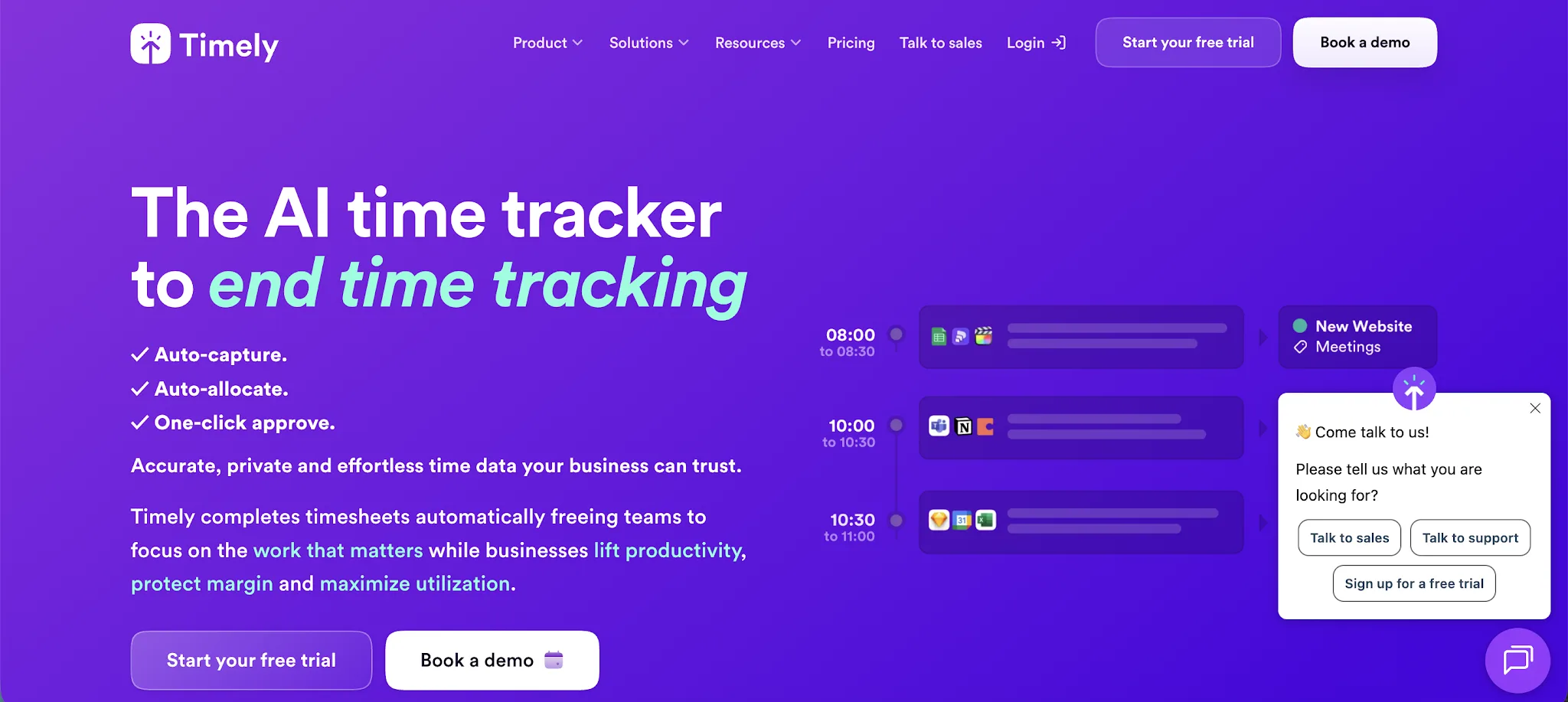
Timely is an automated time tracking platform for teams that want accurate timesheets without relying on timers, memory, or end-of-week guesswork. It is popular with agencies, consultancies, SaaS companies, and professional services teams that need a cleaner way to track project time, billable hours, and team capacity.
Key features:
- AI-powered automatic time tracking: Timely records work activity in the background, then helps turn that data into accurate timesheets for review and approval.
- Memory Tracker: The app creates a private record of the apps, documents, websites, meetings, and tasks someone worked on, so they can assign time to the right project later.
- Automated tracking without surveillance: Timely focuses on personal work records and timesheet accuracy rather than screenshots, keystroke logging, or live employee monitoring.
- Project and people dashboards: Managers can review project progress, team capacity, planned work, billable rates, costs, and logged hours from one place.
- Planning and workload management: Teams can compare planned time against actual work, spot capacity issues, and understand where hours are going before projects drift.
- Reporting and invoicing: Timely includes reports, billable rates, cost rates, invoices, tags, locked time, and project details for teams that need time data to support billing and profitability.
Timely is the best Toggl Track alternative for teams that want automated time tracking instead of another tool that depends on people remembering to start and stop timers. Toggl Track is strong for simple logging, but Timely gives teams more accurate records through automated tracking, AI generated timesheets, and an intuitive interface built around real work activity.
For agencies, consultancies, and service teams, Timely is the stronger choice when accuracy, billing, capacity planning, and low admin matter more than basic timers.
Pricing starts at $9/user/month, and you can try it for free.
2. Clockify
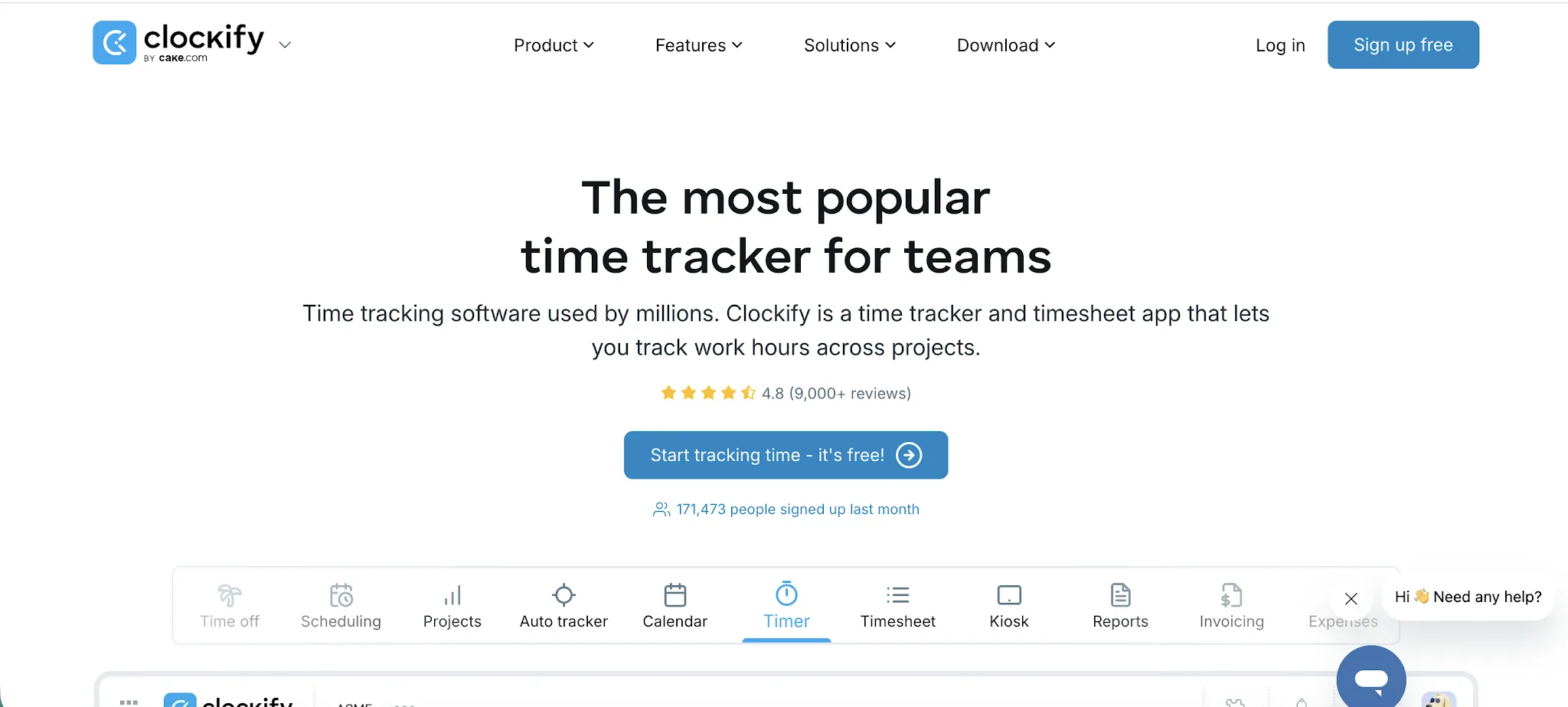
Clockify is a time tracking and timesheet app for teams that need a simple way to log work hours across projects, clients, tasks, and billable work. It is typically used by freelancers, agencies, small businesses, and larger teams that want a free alternative to paid time tracking tools.
Key features:
- Generous free plan: Clockify’s free plan includes unlimited tracking, timesheets, a calendar, desktop and mobile apps, reports, team activity, reminders, and idle time tracking.
- Google Calendar sync: Users can connect Google Calendar or Outlook, view planned events inside Clockify, and compare scheduled work against tracked time.
- Browser extension: Clockify’s Chrome extension lets users start timers from websites and supported work apps, including Trello, Jira, Gmail, Google Calendar, and GitHub.
- Idle detection and reminders: Clockify can detect inactive computer time, remind users when they forget to start the timer, and help clean up inaccurate entries.
- Timesheets and approvals: Teams can submit timesheets, review entries, approve work hours, and keep a clearer record of who worked on what.
- Budgeting and reporting: Managers can review tracked time by project, client, task, team member, billable status, and date range.
Clockify is a good Toggl Track alternative for teams that want a lower entry point and a wide set of time tracking features on a free plan. Toggl Track is cleaner for simple individual tracking, while Clockify gives teams more room to manage timesheets, approvals, calendars, reports, and work schedules.
It is a practical option for businesses that want broad coverage without paying from day one.
Prices start at $3.99 per user per month, and there is a free plan available. Check our full guide on Clockify pricing.
We also have a full comparison between Clockify and Toggl Track.
3. Harvest
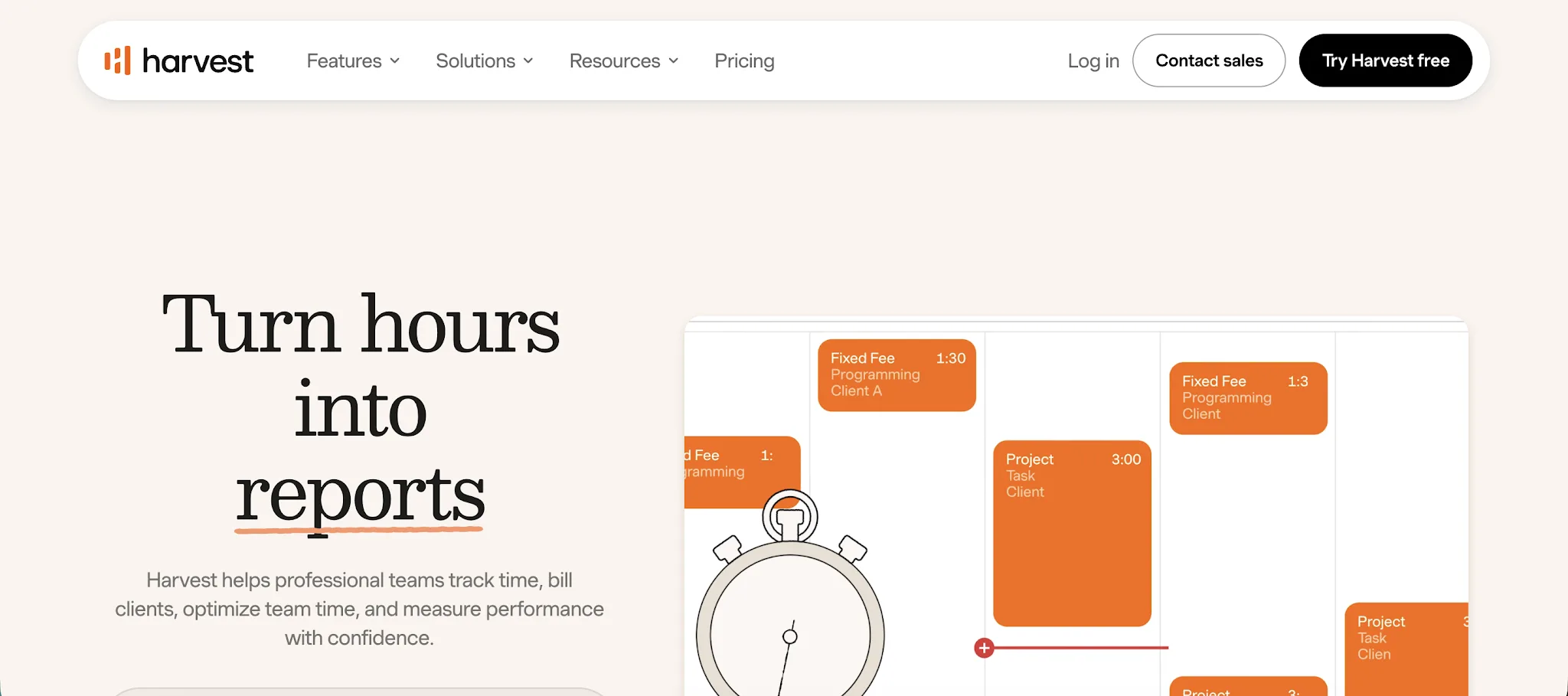
Harvest is a time tracking app for teams that need to track time, manage project budgets, and bill clients from the same place. It is typically used by agencies, consultants, software teams, and professional services businesses that need clean timesheets, invoices, and reports without heavy employee monitoring features.
Key features:
- Time-based invoicing: Harvest can turn approved hours and expenses into invoices, helping teams bill clients based on the work already recorded.
- Budget tracking: Teams can set project budgets, track progress against estimates, and see when work is getting close to the planned limit.
- Expense tracking: Users can log expenses, attach receipts, and include reimbursable costs in client invoices.
- Team capacity reports: Managers can review how much work each person has logged and spot workload issues before projects fall behind.
- Wide app coverage: Harvest works across web, desktop, browser, and mobile, so users can track time from different devices.
- Low surveillance approach: Harvest does not include screenshots, video recording, GPS tracking, message monitoring, or app and website tracking.
Harvest is a good Toggl Track alternative for teams that want simple tracking with stronger invoicing, expenses, and budget controls. Toggl Track is great for quick timers, while Harvest is better for service businesses that need tracked hours to connect directly to client billing and project profitability.
It is also a better fit for teams that want accountability without heavy monitoring.
Prices start at $9/user/month, and there is a forever free plan.
4. Everhour
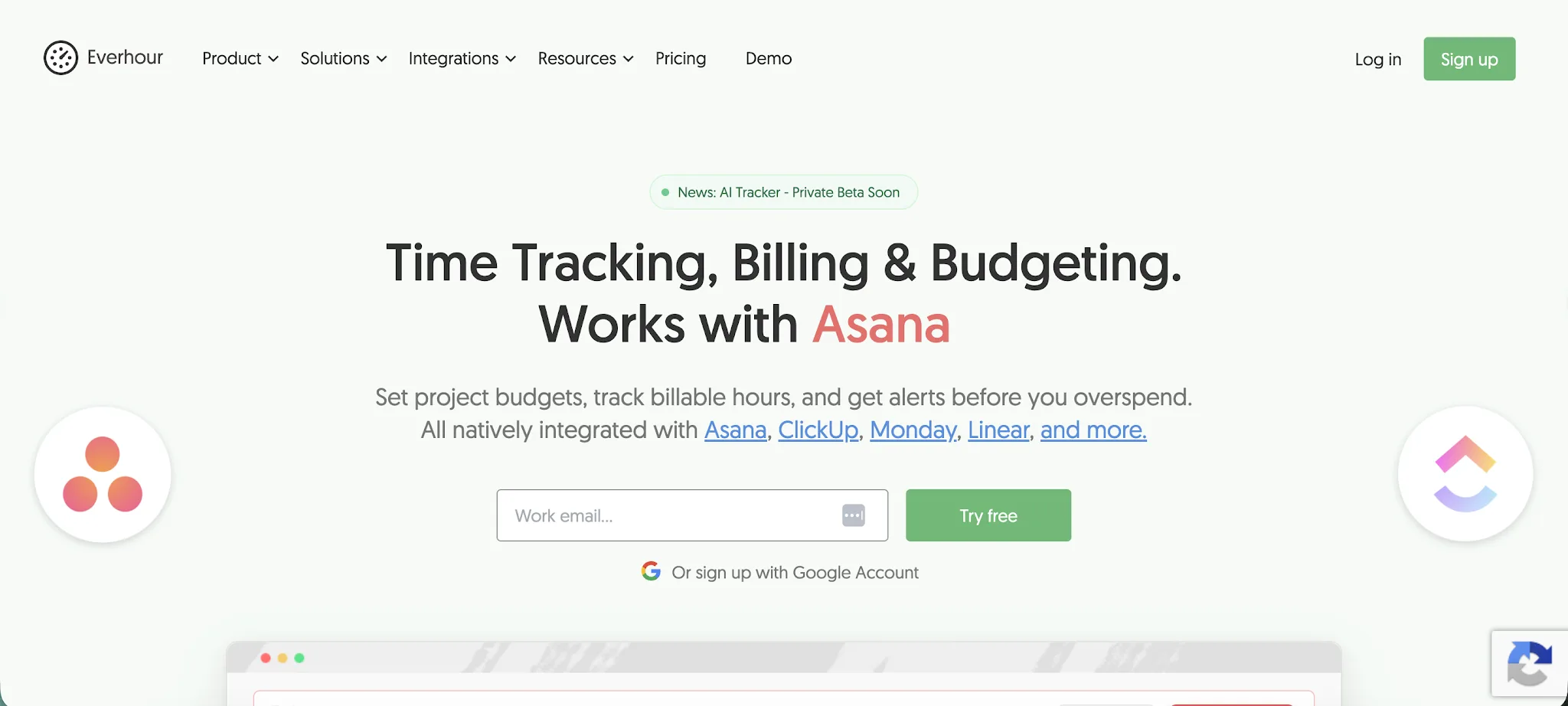
Everhour is a time tracker built around project visibility, budgets, billing, and team planning. It is typically used by agencies, consultants, software teams, and professional services teams that already manage work in tools like Asana, ClickUp, Jira, Monday, Trello, Basecamp, GitHub, Linear, or Notion.
Key features:
- Native project tool integrations: Everhour adds time tracking controls directly inside popular project management tools, so teams can track work without switching tabs.
- Timer and manual input: Users can start a live timer or log hours manually after the work is done.
- Project budgets and alerts: Teams can set project budgets, mark work as billable, and receive alerts before hours or costs go over the planned limit.
- Detailed reports: Managers can review time by project, client, task, user, billable status, tags, sections, custom fields, and date range.
- Resource planning: Everhour includes project management features for workload planning, time off tracking, scheduling, and team capacity.
- Billing, expenses, and invoices: Teams can track expenses, attach receipts, create invoices, and keep billable and non billable work separate.
- No GPS tracking focus: Everhour is better for desk based project teams than field teams that need GPS tracking, live location data, or route based workforce tracking.
Everhour is a good Toggl Track alternative for teams that want tracking to live inside their existing project management setup. Toggl Track works well as a standalone timer, while Everhour gives teams more control over budgets, estimates, billing, invoices, and resource planning.
It also supports unlimited projects, which is useful for agencies and service teams managing many clients at once.
Prices start at $8.50/user/month and there is a forever free plan, too.
5. Apploye
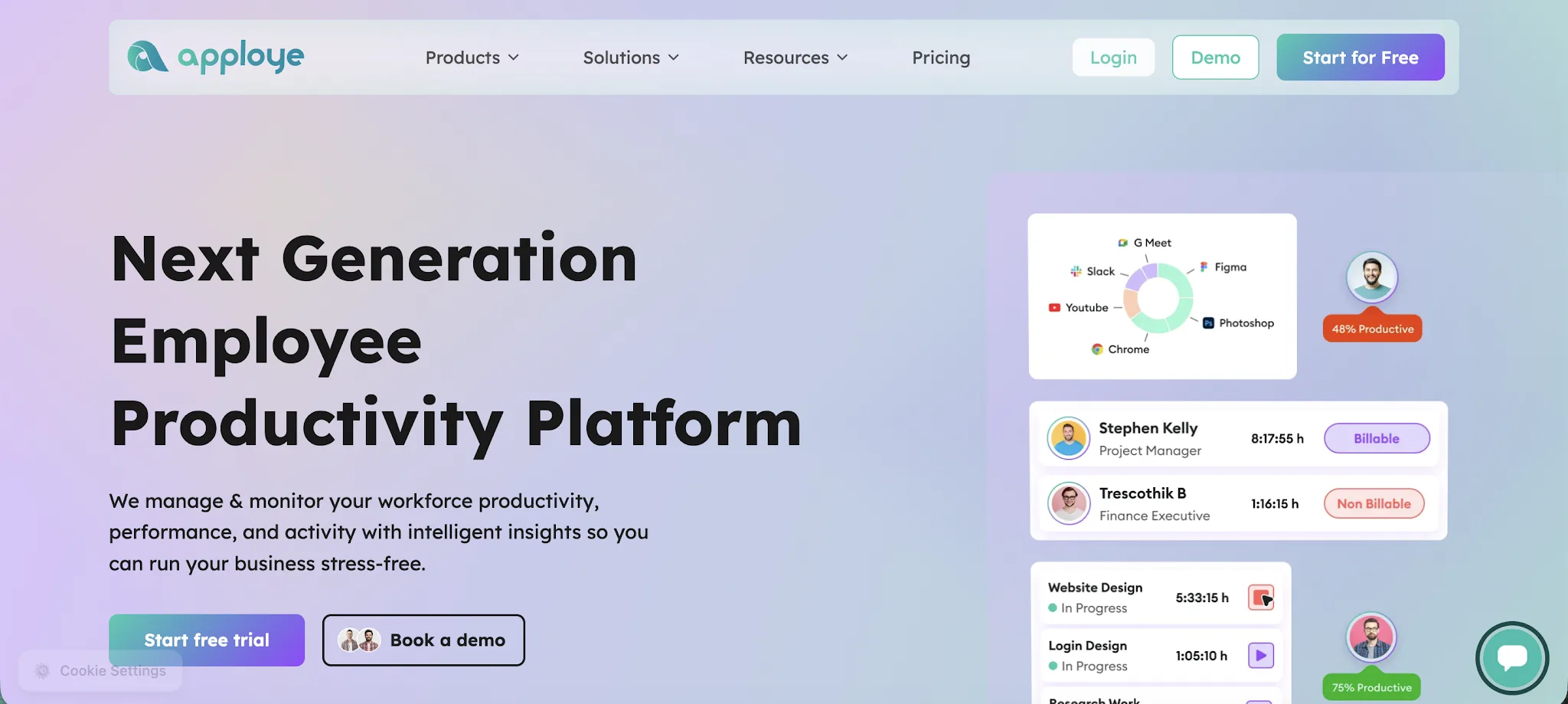
Apploye is a time tracking and productivity monitoring platform built for remote, hybrid, and in office teams. It is typically used by agencies, outsourcing companies, call centers, consultants, and service teams that need to track projects, review team activity, and connect time entries to payroll or client billing.
Key features:
- Employee monitoring: Apploye includes screenshots, app usage, website usage, activity levels, and screen recording for teams that need visibility into how work is being done.
- Idle time detection: The platform can detect idle time and pause tracking, which helps keep time entries cleaner for payroll, reporting, and client billing.
- Manual tracking options: Teams can use manual tracking and manual timers when automatic tracking does not fit how a person works.
- Project and task tracking: Managers can track projects, assign tasks, set budgets, and see where hours are going across clients and team members.
- Payroll and invoicing: Apploye can use tracked hours to support payroll, billable work, client invoices, and payment records.
- Third-party integrations: Apploye connects with project tools such as Asana, ClickUp, Trello, and Jira, so teams can track time without moving all project work into a new system.
Apploye is a good Toggl Track alternative for teams that need more employee visibility and productivity monitoring. Toggl Track is stronger for simple time logging, while Apploye adds screenshots, idle time detection, activity tracking, payroll, and invoicing.
It is a better fit for managers who need to understand both how long work took and how actively teams worked during that time.
Pricing starts at $4.50/user/month, and you can get the free plan for up to 10 users.
6. RescueTime
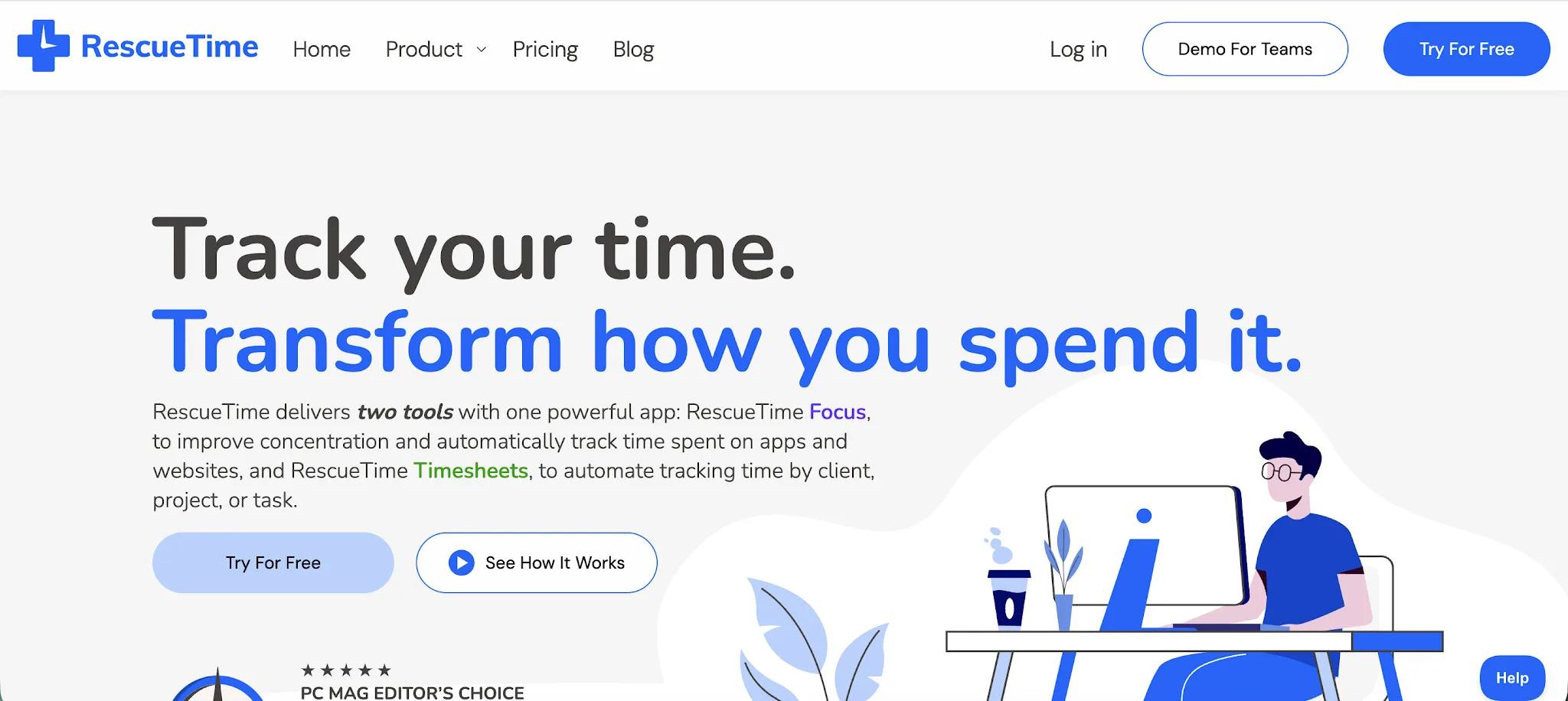
RescueTime is a productivity and time tracking tool that records how people spend their workday across apps, websites, documents, meetings, and projects. It is typically used by individuals and teams that want better focus, fewer distractions, and a clearer view of where work hours actually go.
Key features:
- Automatic activity tracking: RescueTime runs in the background and records app, website, and document activity without requiring users to start and stop timers.
- Focus Sessions: Users can block distracting apps and websites during planned focus periods, then review how much focused work they completed.
- Goals and alerts: RescueTime lets users set daily goals, get alerts when they spend too much time on distracting activity, and use automation features to protect focus time.
- Timesheets: RescueTime can help teams track billable hours by linking tracked activity to projects, tasks, and clients.
- Team dashboards: Managers can review team productivity, logged hours, focus trends, and project progress without relying only on manual updates.
- Advanced filtering and reports: Users can break down tracking work hours by activity type, project, client, app, website, and time period for clearer analysis.
RescueTime is a good Toggl Track alternative for people who care more about focus and productivity patterns than simple timer-based logging. Toggl Track is stronger for quick project time entries, while RescueTime adds advanced features for distraction blocking, automatic activity capture, goals, alerts, and productivity coaching.
It is especially useful for teams that want better visibility into how work happens before turning that data into billable time records.
Pricing starts at $7/user/month.
7. MyHours
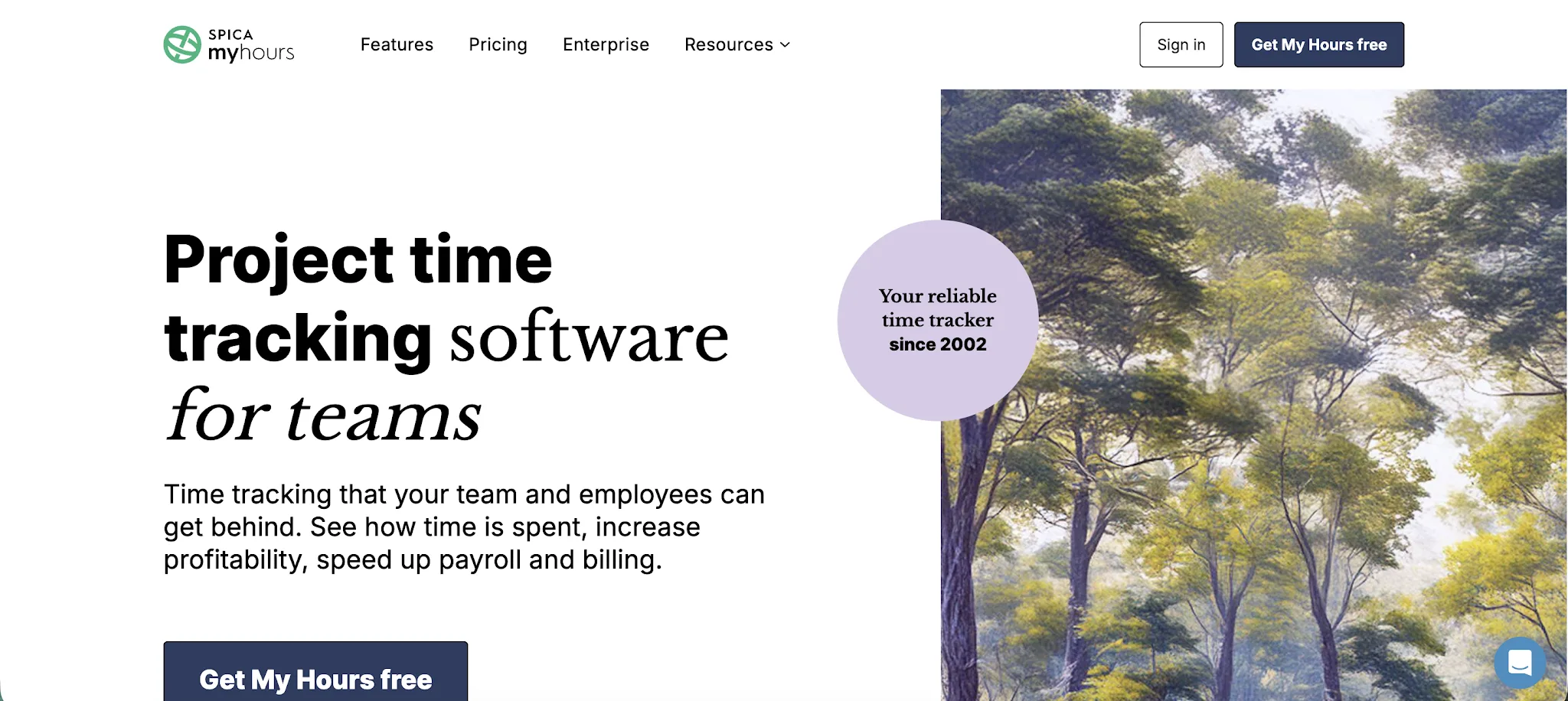
MyHours is a time tracking solution for teams that want simple project tracking, client billing, and reporting without heavy setup. It is typically used by freelancers, consultants, agencies, nonprofits, and small teams that need a clear time tracking app for billable work, budgets, and timesheets.
Key features:
- Simple manual time tracking: Teams can log time with a timer, add hours manually, or fill out weekly timesheets, which works well for people who do not want automatic activity monitoring.
- Flexible reporting: My Hours lets users generate reports by client, project, task, team member, date range, billable status, and budget data, so managers can review work from different angles.
- Client billing and invoices: Teams can set hourly rates, track billable work, add expenses, and create invoices from logged time.
- Project budgets: Users can set budgets for projects and tasks, then compare logged hours and costs against planned work.
- Mobile app: The iOS and Android mobile app supports timers, timesheets, reports, expenses, reminders, and approvals for people who track work away from their desk.
- No employee monitoring: My Hours focuses on timesheets, projects, reports, and billing rather than screenshots, keystroke logging, or activity surveillance.
MyHours is a good Toggl Track alternative for teams that want a simpler, less distracting time tracking tool with stronger billing and project cost controls. Toggl Track is better known for quick timers and broad integrations, while My Hours is more focused on detailed reports, client work, budgets, invoices, and easy team adoption.
It is a practical option for teams that want clean time data without adding employee monitoring.
Pricing starts at $4/user/month.
8. Memtime
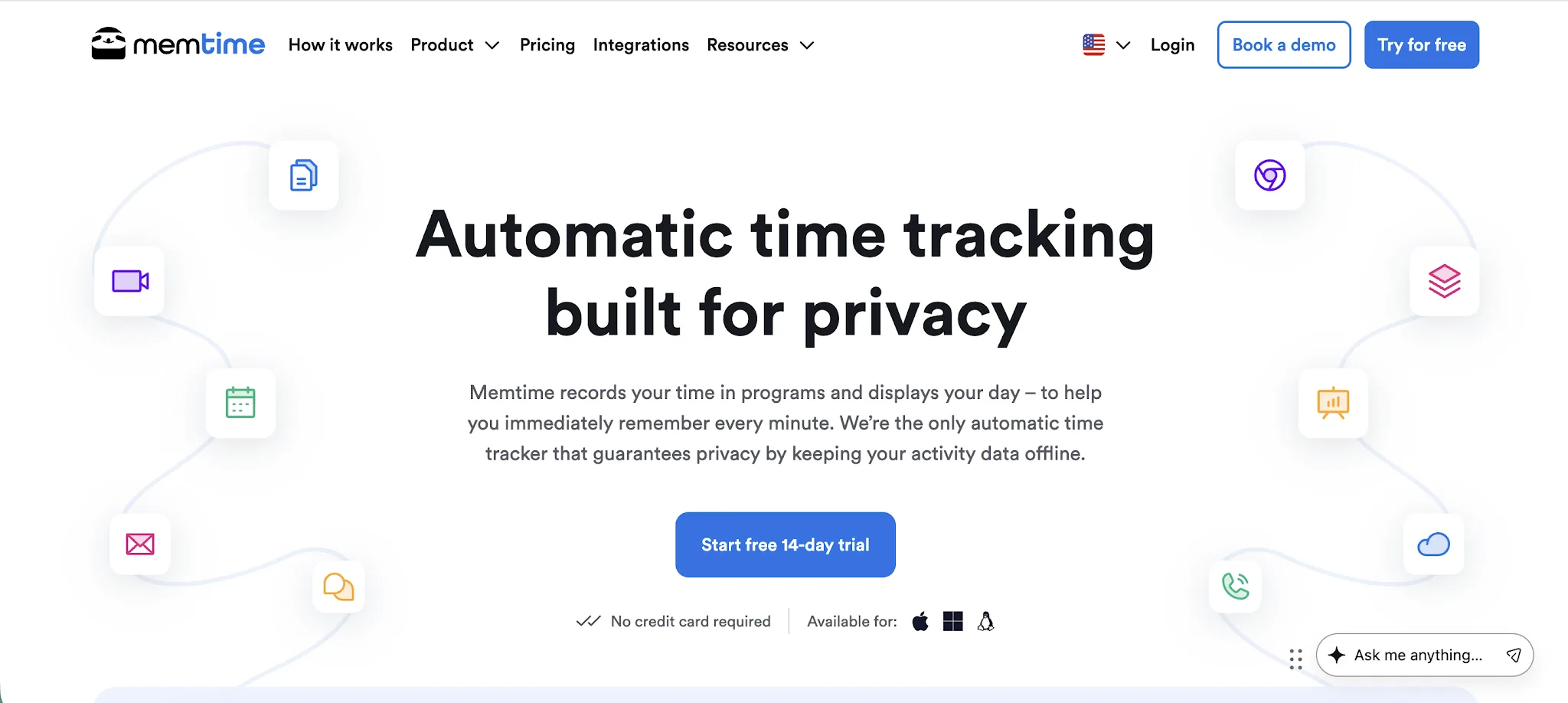
Memtime is an automatic time tracking tool that records work activity in the background across apps, files, emails, browser tabs, and calendar entries. It is typically used by consultants, agencies, lawyers, accountants, software teams, and other knowledge workers who need accurate project records without relying on timers.
Key features:
- Automatic desktop memory: Memtime runs in the background and builds a private timeline of your workday, so users can review what they worked on and assign time to the right project later.
- Offline tracking: The app can record activity without an internet connection, which is useful for people who work from different locations or travel often.
- Project software sync: Memtime connects with project management tools and lets teams import projects, assign tracked time, and export entries back to the right tasks.
- Private local data: User activity data is stored locally, so managers do not get a live surveillance feed of every app, file, or website someone opens.
- Custom reporting: Teams can create detailed reports by project, client, task, billable status, and time period to understand where work hours are going.
- Built in project management: Teams that do not want another project tool can manage projects inside Memtime instead of sending every entry to an external platform.
Memtime is a strong Toggl Track alternative for teams that want time tracking to happen automatically instead of relying on timers and manual entries. Toggl Track is easier for quick logging, but Memtime is better for reconstructing a workday from actual activity, especially when billable hours are easy to forget.
It is not the best pick for teams mainly looking for unlimited users on a free plan, but it works well for businesses that need more accurate time records across client work and internal projects.
Prices start at $12/user/month and there's a free trial.
9. TimeCamp
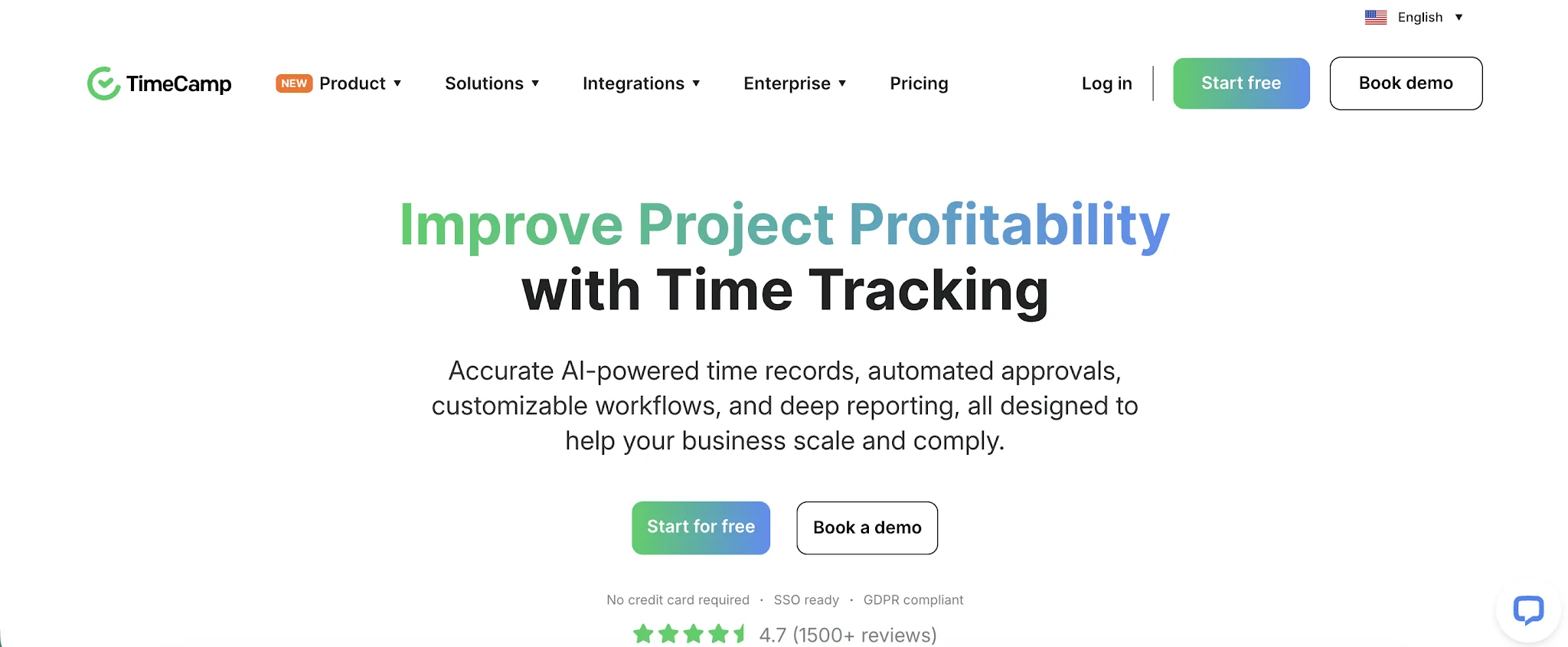
TimeCamp is a time tracking and productivity platform built for teams that need more control over billable hours, project budgets, attendance, and team activity. It is often used by agencies, consultants, professional services teams, and businesses that want tracked time to connect directly to billing and project profitability.
Key features:
- Automatic activity tracking: TimeCamp can record work activity in the background through its desktop app, including app and website use, idle time, breaks, and clock in or clock out data.
- Project budget tracking: Teams can compare logged hours against project budgets, hourly rates, and billable targets to see which projects are staying on track.
- Built in invoicing: TimeCamp can turn approved timesheets and billable hours into client invoices, which is useful for service businesses that bill by the hour.
- Attendance and time off tools: The platform includes attendance tracking, overtime, time off, approvals, and timesheets, so it can support workforce management as well as project tracking.
- Expense tracking: Teams can log project expenses, attach receipts, assign costs to clients or tasks, and include billable expenses in project records.
- Productivity reports: Managers can review how work hours are spent across apps, websites, tasks, and projects, giving them more detail than a simple timer view.
TimeCamp is a good Toggl Track alternative for teams that want more than lightweight time logging. Toggl Track is easier for simple tracking, but TimeCamp goes further into billing, budgets, attendance, expenses, and productivity reporting.
It is a better option for teams that need tracked time to support client work, payroll, and project profitability.
Prices start at $3.99/user/month and there is a free trial available.
10. TMetric
TMetric is a time tracking app for businesses that need to monitor work hours, manage project budgets, control labor costs, and simplify payroll. It is commonly used by software development teams, agencies, consulting firms, remote teams, and other service-based businesses looking for a balance between time tracking, productivity insights, and project management without invasive employee surveillance.
Key features:
- Automatic time tracking: Users can track time with a one-click timer or add time entries manually, making it easy to capture work across different tasks and projects.
- Project budgets and costs: Teams can set project budgets, monitor labor costs in real time, and identify projects that are approaching budget limits.
- Billable rates and payroll: TMetric allows businesses to assign billable and cost rates, calculate payroll based on tracked hours, and generate reports for client billing and employee compensation.
- Productivity insights and reporting: Managers can review detailed reports on time usage, project progress, team performance, and employee workloads to improve planning and resource allocation.
- Integrations with popular business tools: TMetric integrates with project management and collaboration platforms such as Jira, Asana, Trello, GitHub, ClickUp, and more, allowing teams to track time directly within their existing workflows.
While Toggl Track focuses on simple and intuitive time logging, TMetric adds project budgeting, labor cost management, payroll calculations, and workload monitoring in one platform. It is especially well suited for growing teams that want greater control over project profitability and resource planning.
Prices start at $5.83/user/month, and there is a forever free plan.
Get the best Toggl Track alternative for automatic tracking
Toggl Track is a solid tool for simple timers, but it still depends on people remembering to track their work accurately. Timely is a better fit for teams that want automatic tracking, fewer missed hours, and a clearer record of where time actually goes.
With Timely, teams can capture work activity in the background, review AI-drafted timesheets, and keep users in control before anything is submitted. The result is more accurate project data, cleaner billing, and less admin around time tracking.
If you want a Toggl Track alternative built for accurate, automatic time tracking, start your free trial of Timely today.