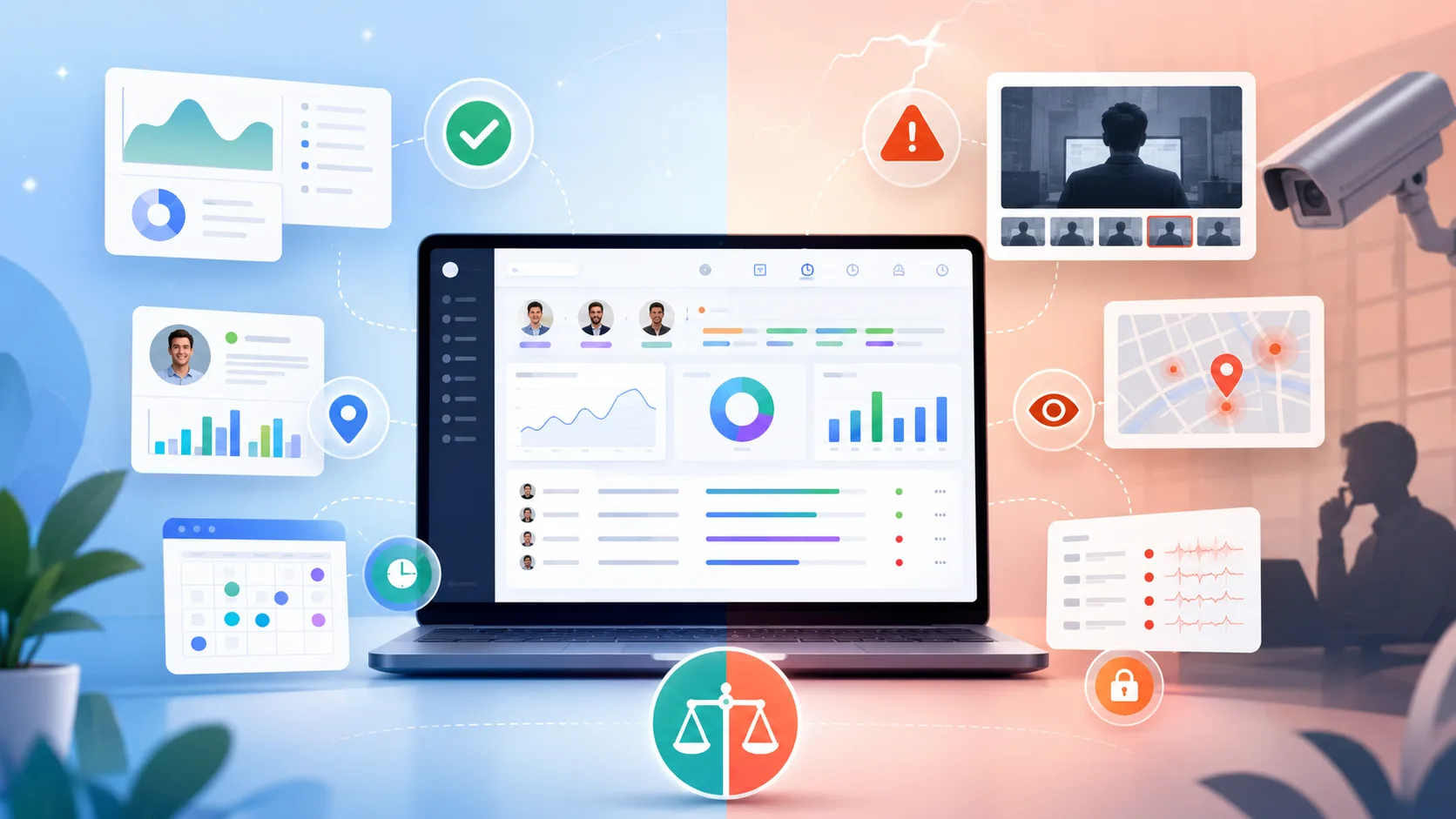
If you're comparing Hubstaff vs TimeCamp, it means that you've already determined that just time tracking software is not enough. These tools are built for remote and hybrid teams or just about any business that needs employee monitoring features.
They seem similar but depending on whether you want to improve team productivity, get easy automatic time tracking, or use geofencing, the choice between them may not be so obvious. So, which one should you get?
Let's compare TimeCamp and Hubstaff for different use cases and budgets to help you choose the best one for your unique requirements.
TL;DR
| TimeCamp | Hubstaff | Better option | |
|---|---|---|---|
| Best for | Agencies, professional services teams, freelancers, project-based businesses | Remote teams, distributed workforces, field teams | Depends on use case |
| Automatic time tracking | Strong background tracking with automatic project assignment using keywords | More dependent on employees starting timers, with some scheduled automation | TimeCamp |
| Timers and manual entry | Web, desktop, and mobile timers, plus manual time entries | Web, desktop, mobile, and browser-based timers, plus manual entries | Tie |
| Project tracking | Strong project and task tracking with automatic activity assignment | Tracks time directly against assigned projects and tasks | TimeCamp |
| Offline tracking | Offline work can be added or synced later | Continues tracking without internet and syncs later | Hubstaff |
| Employee monitoring | Screenshots, app usage, website tracking, activity levels, idle detection | Screenshots, activity percentages, app and URL tracking, idle detection, unusual activity detection | Hubstaff |
| Project profitability | Strong focus on billable hours, labor costs, budgets, and profitability | Project budgets and cost tracking with more workforce context | TimeCamp |
| Reporting | Strong time, attendance, financial, and project reports | Strong workforce analytics, dashboards, and productivity reporting | Hubstaff overall |
| GPS and field tracking | GPS tracking and geofencing | GPS tracking, geofencing, job sites, and stronger field workforce controls | Hubstaff |
| Scheduling and attendance | Attendance, leave, overtime, and timesheet approvals | Scheduling, shifts, attendance, leave, and approvals | Hubstaff |
| Invoicing | Strong client billing, billable hours, and expense support | Invoicing available alongside payroll features | TimeCamp |
| Payroll and payments | Payroll preparation and accounting integrations | Payroll automation and direct payment integrations | Hubstaff |
| Integrations | More than 100 integrations | More than 35 native integrations, plus Zapier | TimeCamp |
| Ease of use | Stronger for teams that want less interaction through automatic tracking | Straightforward for basic tracking, but more controls to configure | TimeCamp |
| Pricing | Lower priced across comparable tiers, with a free plan | Generally more expensive as workforce features are added | TimeCamp |
Get the better alternative to TimeCamp and Hubstaff for automatic time tracking. Try Timely for free today.
TimeCamp and Hubstaff at a glance
TimeCamp and Hubstaff are both time tracking platforms, but they are aimed at somewhat different types of businesses.
TimeCamp is best for agencies, professional services teams, freelancers, and companies that want to connect working hours with projects and billing. It is known for automatic time tracking, timesheets, billable hours, invoicing, project budgets, and profitability reporting. Employee monitoring features are available, including screenshots and activity tracking, but they are not the main focus of the product.
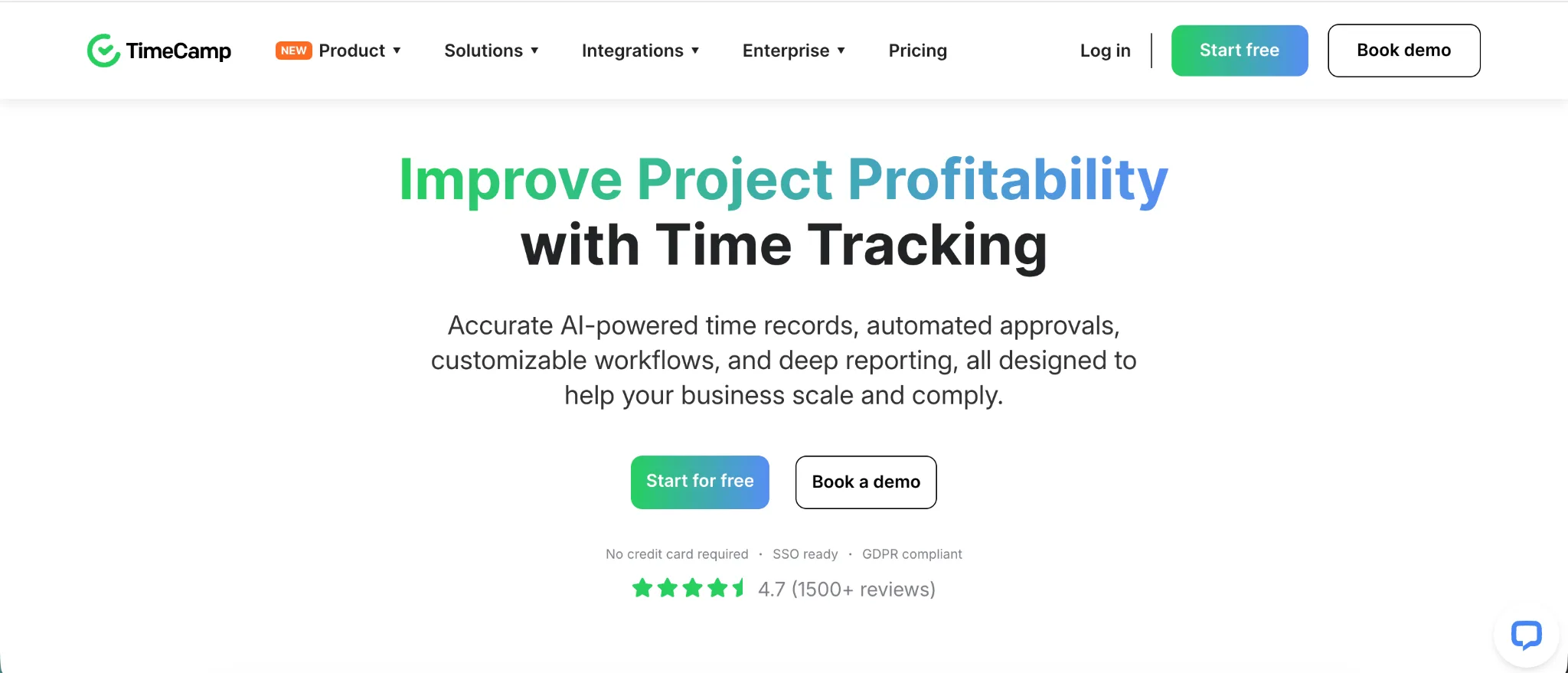
TimeCamp is especially useful when managers want to understand how much time projects consume, what that work costs, and how recorded hours translate into client billing.
Hubstaff is best for remote teams, distributed workforces, and businesses with field employees. It is known for employee activity monitoring, screenshots, keyboard and mouse activity levels, GPS tracking, scheduling, and payroll features.
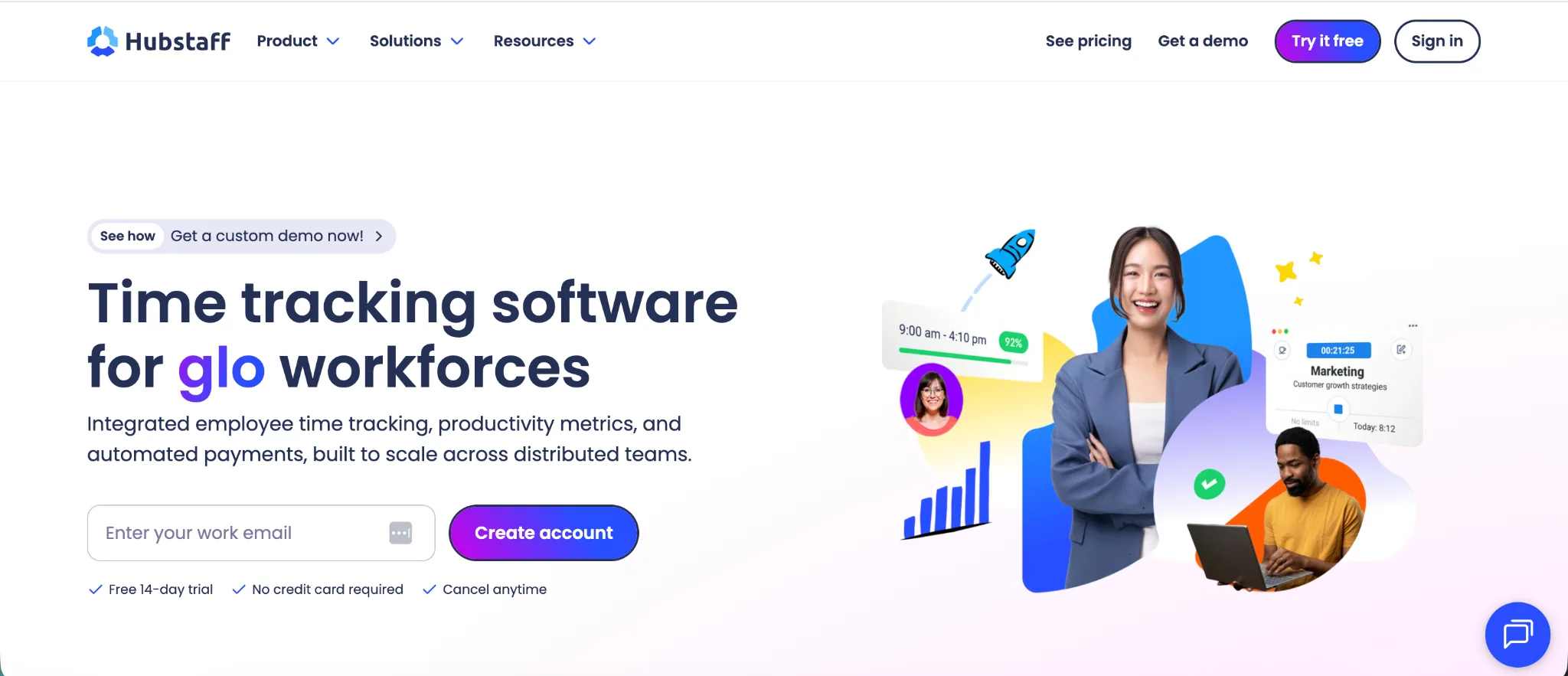
Hubstaff puts more emphasis on workforce oversight. Managers can monitor how employees spend tracked hours, manage schedules and attendance, review location data for field staff, and connect approved time with payments.
In simple terms, TimeCamp is more focused on time tracking, projects, and profitability, while Hubstaff is more focused on employee monitoring and workforce management.
Time tracking features
TimeCamp and Hubstaff both cover the fundamentals of employee time tracking, including timers, timesheets, project tracking, desktop apps, and mobile tracking. The biggest difference is how much input they require from the person being tracked.
TimeCamp puts more emphasis on capturing work automatically in the background, while Hubstaff generally centers the experience around starting a timer for a particular project or task.
Automatic time tracking
This is one of the clearest advantages TimeCamp has over Hubstaff.
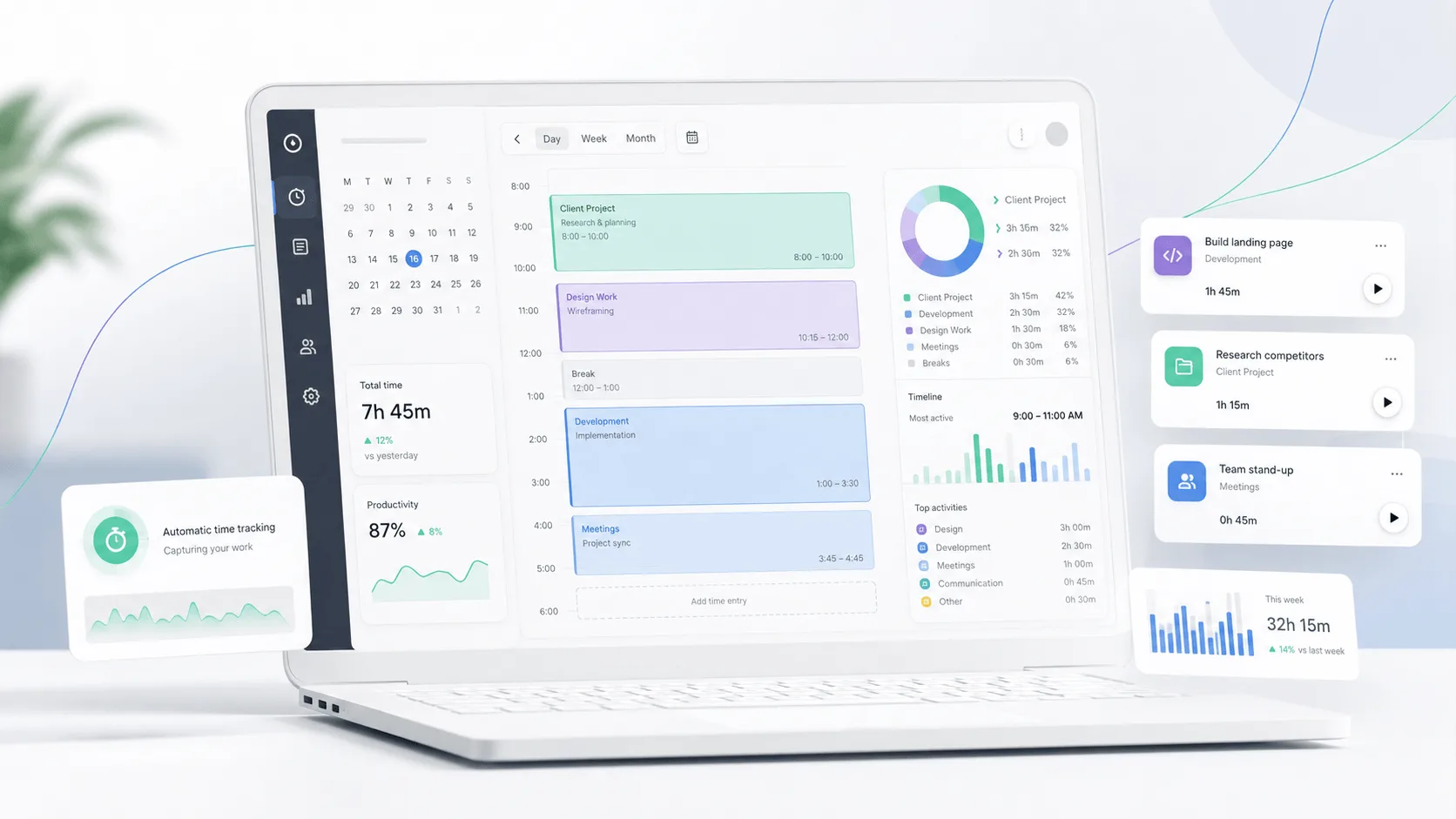
TimeCamp's desktop app can start recording computer activity when the device starts. It records time spent in applications, websites, and documents without requiring the employee to continually operate a timer.
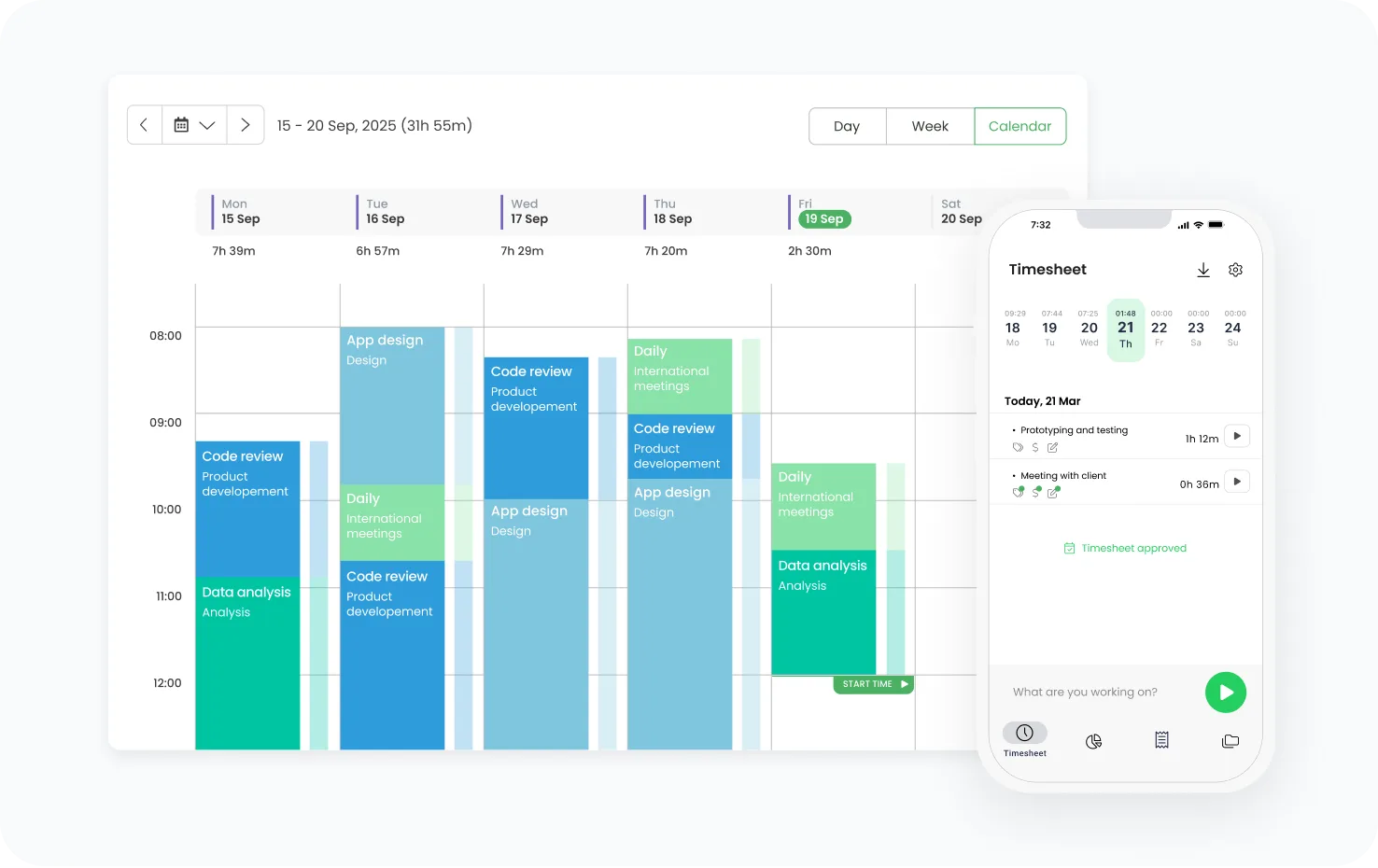
Users can then assign that activity to projects, but TimeCamp can also automate the process using keywords associated with individual tasks. When the desktop app detects a defined keyword in a window title or website address, it can automatically start tracking time against the corresponding task.
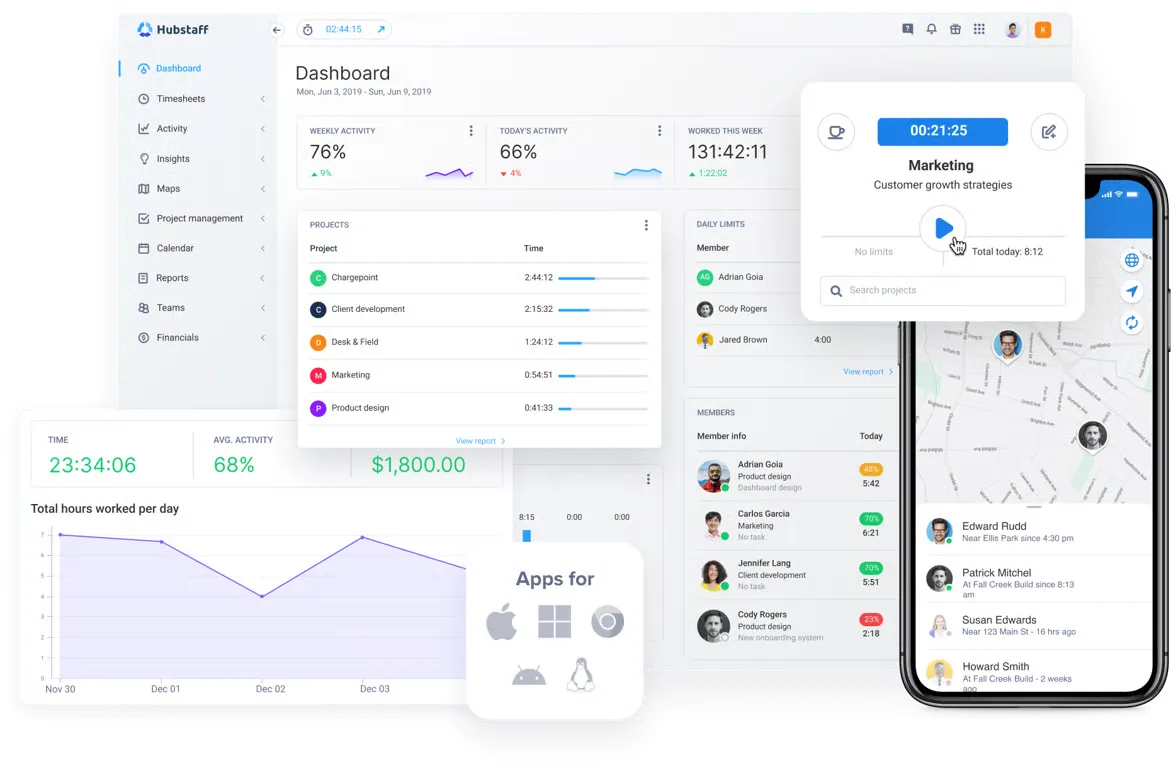
Hubstaff has automatic tracking capabilities, but they work differently. Its standard desktop experience asks employees to select a project or task and start the timer. Hubstaff can automatically start and stop tracking according to scheduled shifts or predetermined working hours, but it does not provide the same keyword based automatic project allocation offered by TimeCamp.
TimeCamp is the better choice for automatic time tracking because it can capture computer activity and assign time to work with less employee input.
Timers and manual time entry
For employees who prefer traditional timers, both platforms provide flexible time tracking options.
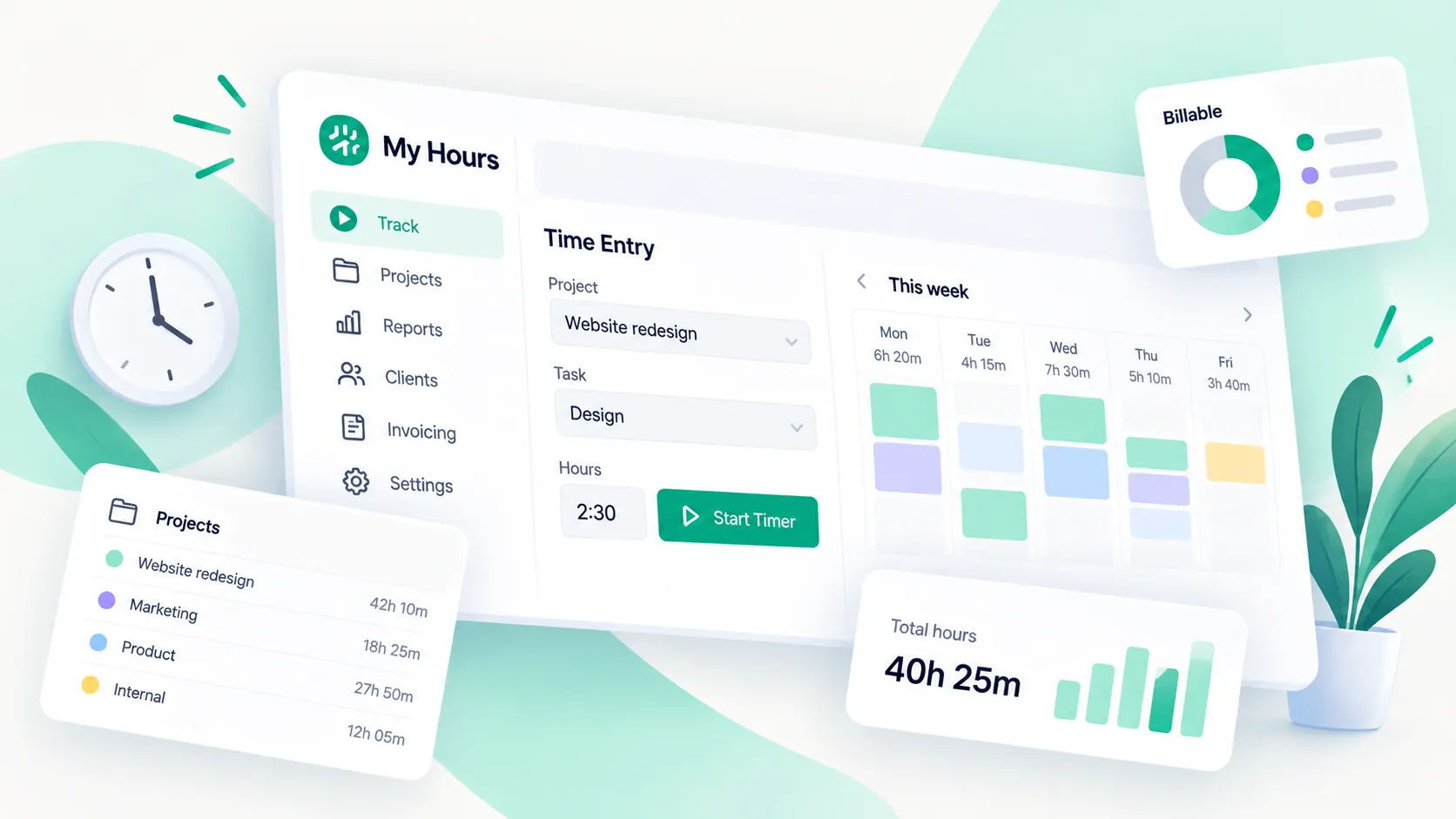
TimeCamp offers a timer through its web, desktop, and mobile applications. Employees can select a task and start tracking in real time, while organizations can also allow users to enter working hours directly into their timesheets. Administrators can restrict employees to real time tracking if manual entries are not desirable.
Hubstaff follows a similar process. Employees choose an assigned project or task, press the play button, and Hubstaff records the session until the timer is stopped. Tracking is available through desktop applications, mobile apps, browser extensions, and a web timer.
The two are closely matched for standard timer based tracking, although TimeCamp provides more options for teams that want to combine timers with automatic tracking.
Project tracking
Both tools allow recorded hours to be associated with projects and tasks rather than simply creating a record of total working time.
In TimeCamp, teams can create project structures and assign employees to specific work. The desktop app can then connect tracked activity with those projects either through employee selection or automatic keywords.
Hubstaff also lets employees track directly against assigned projects and tasks. This means every timer session can be connected to the work being performed, with the resulting hours available through Hubstaff's web application.
The difference again comes down to automation. TimeCamp has the advantage for project tracking when teams want recorded computer activity automatically assigned to specific work.
Offline tracking
Offline tracking is one area where Hubstaff has a meaningful advantage.
Hubstaff can continue tracking time and activity when an employee loses their internet connection. The data is stored locally on the device and automatically uploaded once connectivity returns. Hubstaff says there is no predefined limit on how long locally recorded data can remain before being synced.
TimeCamp handles offline work differently. Users can add offline activity manually so the period appears as active work in reports. Its mobile app also allows employees to log offline work and sync their entries later, but TimeCamp's Kiosk requires an internet connection.
Hubstaff is better for offline tracking, particularly for employees who may lose connectivity while a tracking session is already running.
Desktop and mobile tracking
Both TimeCamp and Hubstaff let employees track work away from the browser.
TimeCamp offers desktop and mobile apps alongside its web interface. Its mobile app lets employees start timers, enter hours, review timesheets, and track work associated with projects. GPS data can also be connected with mobile time entries when location tracking is enabled.
Hubstaff supports desktop applications, mobile apps, browser extensions, and its web timer. Its mobile apps also support GPS based time tracking, which is particularly useful for employees working at client locations or job sites.
Both provide strong mobile and desktop coverage, while Hubstaff has an advantage for field work and TimeCamp has an advantage for background desktop tracking.
Idle time tracking
Both platforms can separate genuine working time from periods when an employee has stepped away from their computer.
TimeCamp's desktop app records computer activity and can distinguish active computer use from periods away from the device. Administrators can configure how computer activity is handled and whether tracking continues against the previous task after an employee returns.
Hubstaff provides an inactivity warning that identifies idle periods during a tracking session. When enabled, the employee can choose whether the inactive period should be kept or removed from recorded time.
There is no major winner for idle time tracking, as both platforms provide controls for identifying inactive periods and keeping recorded hours more accurate.
Overall, TimeCamp offers the stronger time tracking feature set for businesses that prioritize automatic tracking and flexible ways to record project time. Hubstaff is stronger when time tracking needs to work closely with employee monitoring, field work, and offline tracking.
Employee monitoring features
Both TimeCamp and Hubstaff include employee monitoring features, but Hubstaff puts more emphasis on monitoring employee activity during tracked time. While this can be an upside, it's ironically the very reason why some businesses look for Hubstaff alternatives too.
TimeCamp covers the essentials well. Its desktop app records working hours and can show managers which websites and applications employees use while tracking time. Screenshots and activity tracking are available for teams that need more visibility, while administrators can disable these features if they only want basic tracking.
Key TimeCamp monitoring features include:
- Website and app tracking: See which applications and websites employees use during work.
- Screenshots: Capture employee screens at set intervals when this feature is enabled.
- Activity levels: View activity based on computer usage without recording individual keystrokes.
- Idle time detection: Identify periods when there is little or no computer activity.
Hubstaff offers many of the same features, but its workforce management software goes further in several areas.
Key Hubstaff monitoring features include:
- Activity percentages: Measure keyboard and mouse activity during tracked time.
- Screenshots: Capture screens automatically, with options to blur sensitive information.
- App and URL tracking: Review which applications and websites employees use.
- Idle detection: Identify inactive periods and remove idle time from timesheets.
- Unusual activity detection: Flag suspicious patterns, including extremely high or low activity and software associated with simulated input.
- Custom monitoring settings: Apply different monitoring rules to specific users and teams.
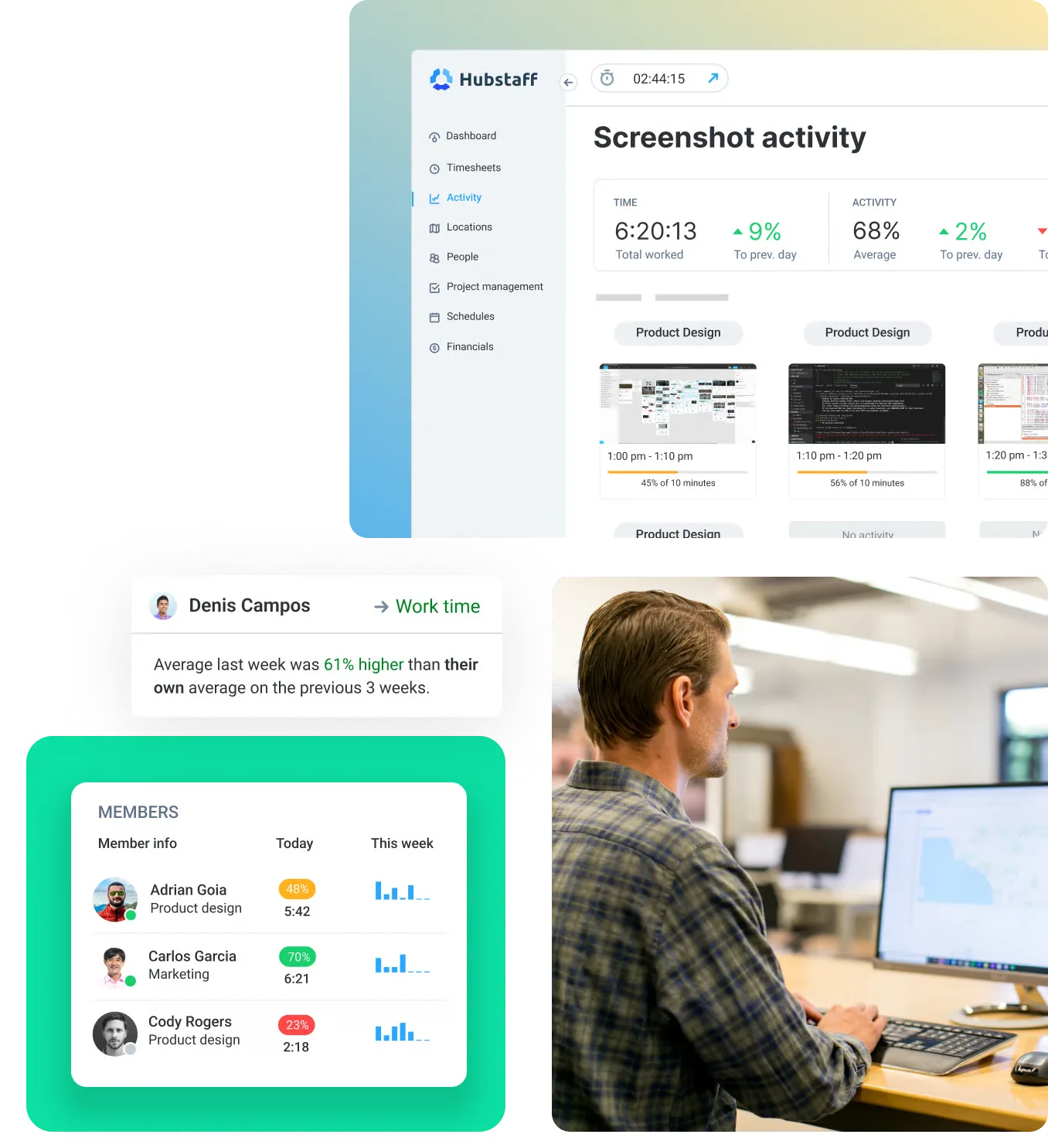
TimeCamp provides enough monitoring for teams that mainly want visibility into working hours and computer activity. Hubstaff gives managers more ways to investigate how employees are spending their recorded hours.
For employee monitoring features, Hubstaff is the better equipped tool.
Project management and profitability
TimeCamp and Hubstaff both connect tracked hours with project data, allowing managers to see where project resources are going and whether budgets are being used as planned. Neither is primarily a traditional project management platform, but both add financial oversight to their time tracking tool.
TimeCamp lets teams create projects and tasks, set hourly or monetary budgets, assign billing rates, and separate billable from non billable time entries. Its key features for profitability include labor cost tracking and financial reports that show project profitability and client billability. Budget alerts can also notify teams when a project reaches specified usage thresholds.
Hubstaff provides similar controls around project budgets and project costs. Managers can set budgets, compare estimated spending with actual costs, and see how much budget remains. Tracked time feeds directly into project reports, expenses, and invoices, making it possible to review financial performance in just a few clicks.
There are two differences worth highlighting:
- TimeCamp has a stronger profitability focus: Its reporting puts more emphasis on billing rates, labor costs, billable work, and project profitability.
- Hubstaff connects project data more closely with workforce activity: Its reports combine budgets and costs with employee time and employee productivity trends.
Both products give managers useful visibility into project performance, but their priorities differ.
For project profitability and financial tracking, TimeCamp offers the stronger feature set.
Reporting and analytics
Both TimeCamp and Hubstaff provide detailed reports based on tracked work, but they emphasize different types of data. TimeCamp focuses more heavily on time, attendance, and financial reporting, while Hubstaff adds more workforce analytics around employee activity and team performance.
TimeCamp's reporting system lets managers analyze actual hours across projects, tasks, and employees. Reports can be filtered by time period and exported in formats such as Excel, PDF, CSV, and Google Sheets. Its finance reports also connect tracked hours with project budgets, giving companies useful operational reporting for billing and project oversight.
Two areas stand out when comparing the platforms:
- TimeCamp: Offers reports covering attendance, tracked hours, project budgets, and financial data. Its attendance reporting can include total working hours, overtime, and leave information.
- Hubstaff: Combines time reports with customizable dashboards and workforce analytics. Its Time and Activity report supports custom filters, saved views, flexible grouping, and employee performance analysis.
Hubstaff also incorporates activity levels into its analytics, allowing managers to examine productivity trends alongside the time employees record. This makes the time tracking platform more useful for companies that want reporting to cover both working hours and employee activity.
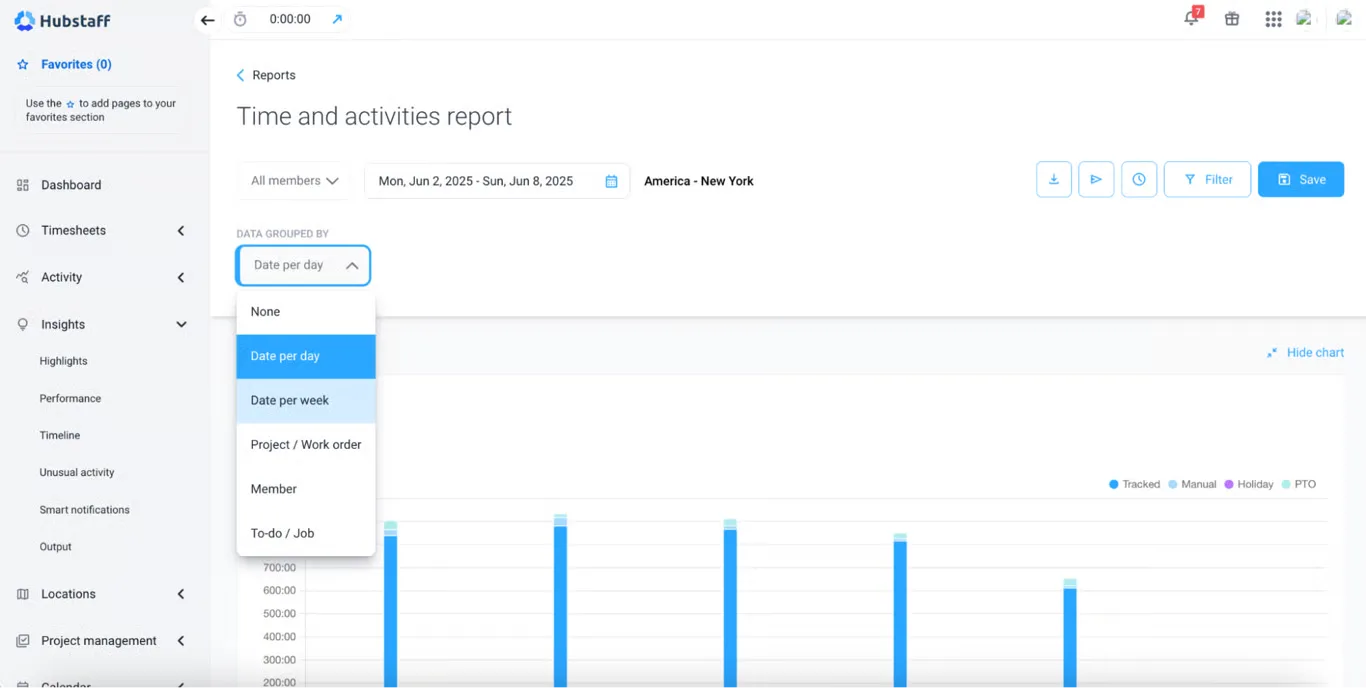
For reporting and analytics overall, Hubstaff has the stronger feature set, while TimeCamp has an advantage for time, attendance, and financial reporting.
GPS and field workforce tracking
Both TimeCamp and Hubstaff offer GPS tracking, but Hubstaff has a stronger set of features for companies managing employees across job sites and other physical locations.
TimeCamp supports GPS based location tracking through its mobile app. Employees can record routes while tracking time, while managers can see location data connected to working hours. Its geofencing feature can also start or stop timers automatically when employees enter or leave predefined areas. This can be useful for field employees as well as remote workers who occasionally work from specific client or company locations.
Hubstaff goes further by making location based time tracking a larger part of its workforce management features. Managers can create job sites with virtual boundaries and automatically clock employees in or out based on their location. The platform can also show employee routes and current locations, giving managers more visibility into work taking place outside the office.
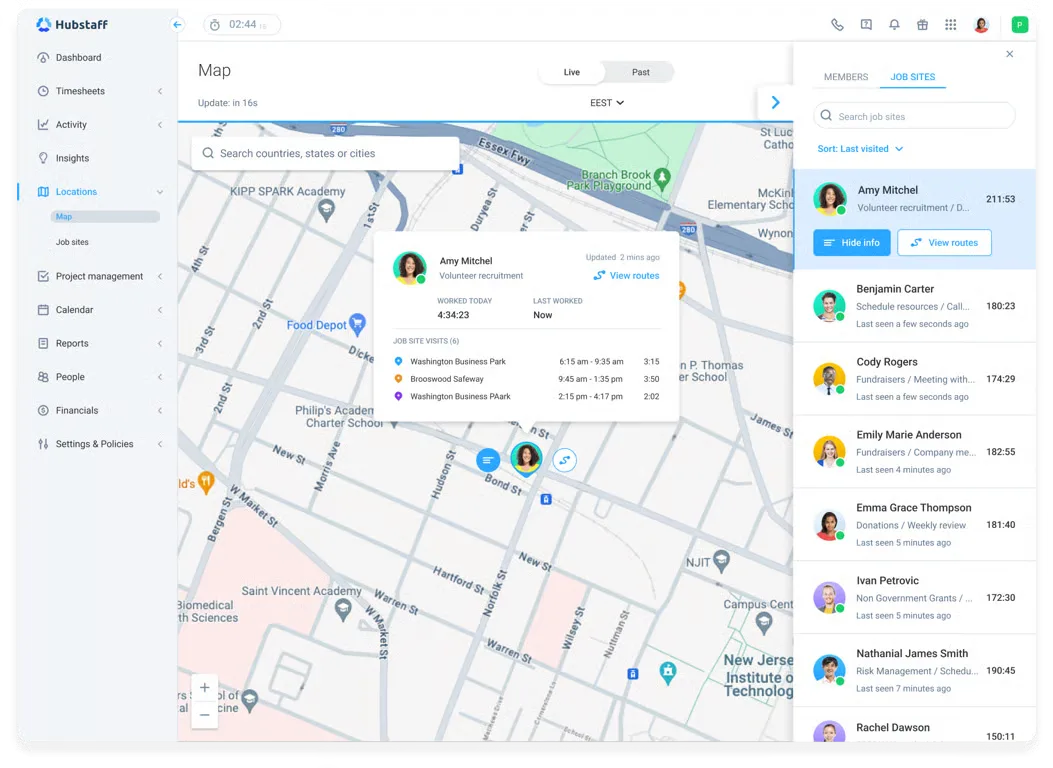
The main differences are:
- TimeCamp: Provides GPS tracking and geofencing alongside its broader time tracking features.
- Hubstaff: Adds stronger job site management and live location visibility for mobile teams.
Both tools can handle basic location tracking, but Hubstaff gives businesses more tools specifically designed around employees who spend much of their working day in the field.
For GPS and field workforce tracking, Hubstaff offers the stronger feature set.
Scheduling, attendance, and time off
Both platforms go beyond basic time tracking features with attendance and leave management, but Hubstaff offers more functionality for teams that also need employee and shift scheduling.
TimeCamp's Attendance module gives managers a central view of when employees start and finish work, their total hours, overtime, remote work status, vacations, sick leave, and other absences. Employees can submit time off requests inside the platform, while managers can approve or reject them.
TimeCamp also supports timesheet approvals. Managers can review submitted hours and either approve or reject them. Once approved, the timesheet is locked against further edits unless an administrator reopens it.
Hubstaff covers many of the same areas but adds dedicated employee scheduling. Managers can create shifts, set recurring schedules, track attendance against scheduled hours, and manage time off from the same system.
A few differences stand out:
- TimeCamp focuses more on attendance records: It provides dedicated attendance views for working hours, overtime, leave, and employee availability.
- Hubstaff adds stronger scheduling controls: Shifts and schedules are tied directly to time tracking, which is useful for teams working defined hours.
- Both support approval workflows: Employees can submit timesheets for review, while Hubstaff can also require approval for manual time entries before they are accepted.
Both tools make it possible to track work hours and manage attendance without relying entirely on separate systems.
For scheduling, attendance, and time off as a whole, Hubstaff offers the stronger feature set because of its more developed employee scheduling capabilities.
Invoicing, payroll, and payments
Both TimeCamp and Hubstaff can turn tracked work into financial data, but TimeCamp is more focused on client billing, while Hubstaff goes further with payroll automation and employee payments.
TimeCamp lets businesses mark time as billable or non billable, set different billing rates, and generate invoices from billable hours. Expenses can also be attached to projects and included in billing, which makes its expense tracking useful for agencies and service businesses.
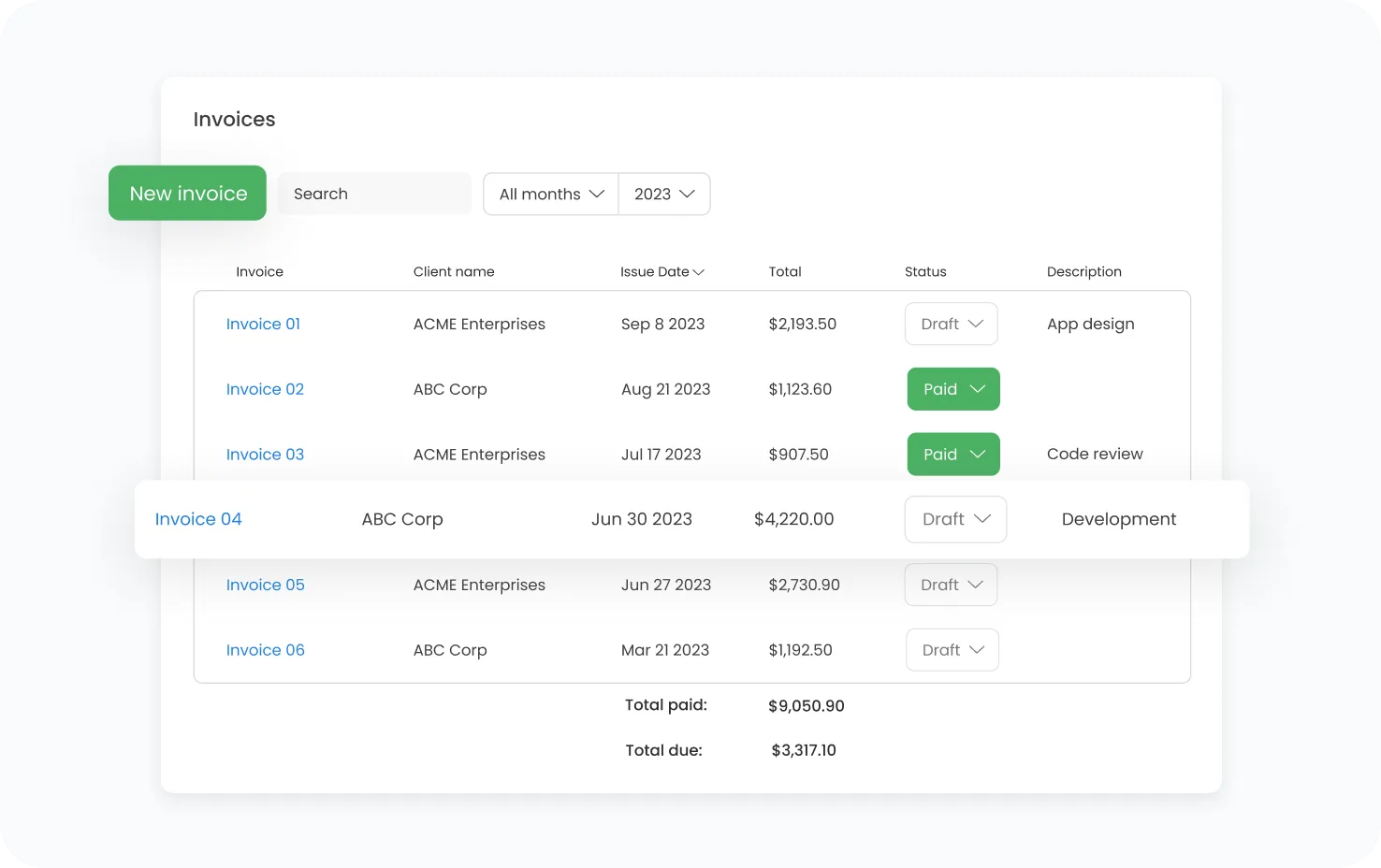
For payroll preparation, TimeCamp records attendance, overtime tracking, leave, and expected hours. That data can then be exported or passed to accounting systems through its payroll integration options, including QuickBooks Online and Xero.
Hubstaff covers invoicing and expenses too, but payments are a bigger part of the product. Its payroll features can calculate earnings from tracked hours and pay rates, then process payments automatically after timesheets are approved.
Hubstaff also connects with payment and payroll providers including Deel, Wise, PayPal, Payoneer, BitWage, and Gusto. This gives companies more options for paying employees and contractors directly from tracked work data.
TimeCamp is stronger when the main goal is converting project time and expenses into client invoices. Hubstaff covers that use case while adding more developed tools for payroll and direct workforce payments.
For invoicing alone, TimeCamp has an edge, but Hubstaff offers the stronger overall feature set for invoicing, payroll, and payments.
Integrations
Both TimeCamp and Hubstaff connect with popular project management tools, accounting platforms, and business software. TimeCamp has the larger integration library, while Hubstaff covers many of the platforms most commonly used alongside workforce tracking.
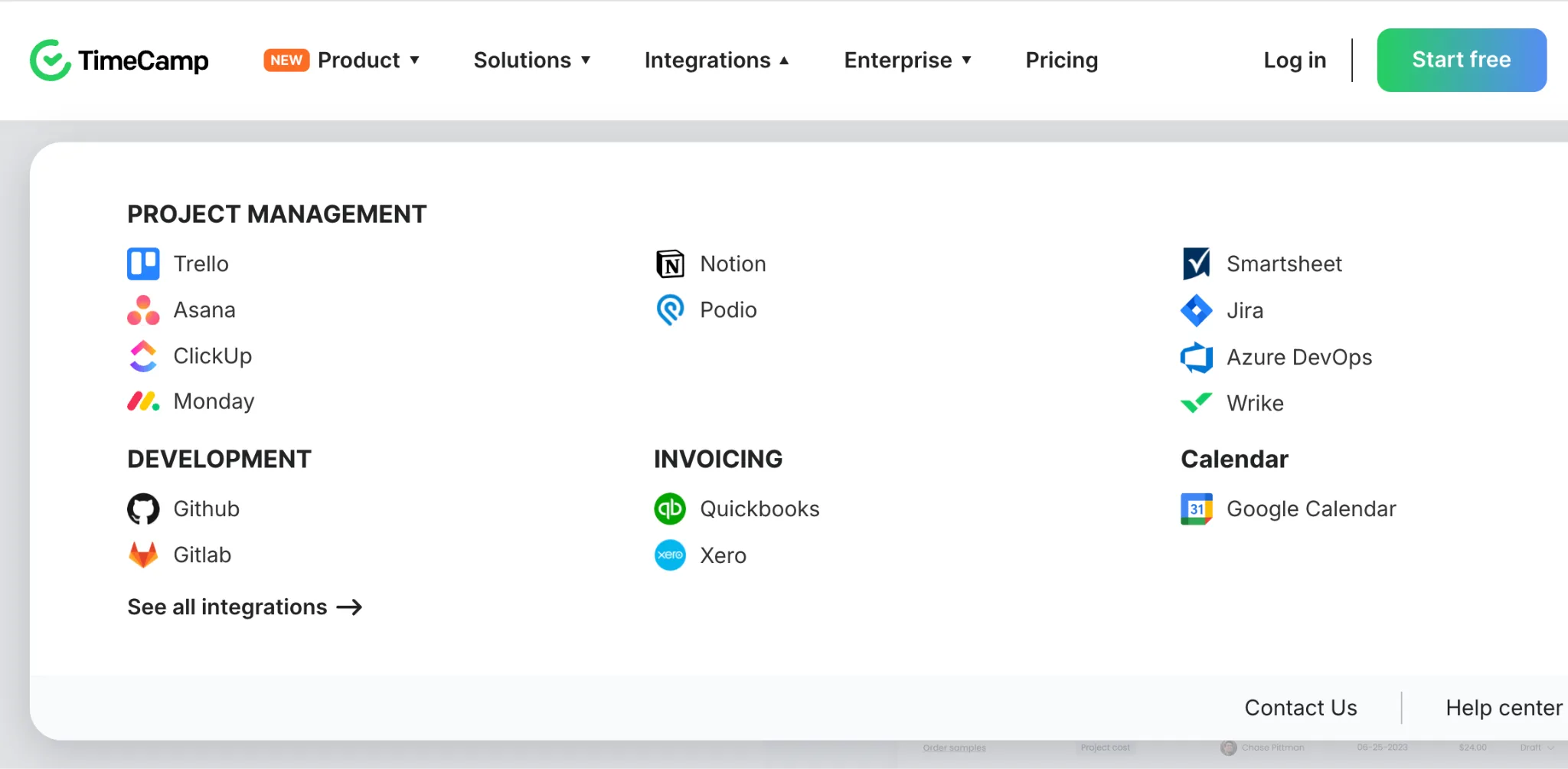
TimeCamp offers more than 100 integrations. It works with a broad selection of task management software and project platforms, allowing teams to import project structures and associate tracked time with work managed elsewhere. TimeCamp also supports an open API and custom integrations for companies that need to move time data into other systems.
Some of its most important integrations include:
- TimeCamp: Asana, ClickUp, Jira, monday.com, Trello, Wrike, Azure DevOps, QuickBooks, Xero, Salesforce, Zendesk, and Slack.
- Hubstaff: Asana, ClickUp, Jira, monday.com, Trello, GitHub, QuickBooks, Gusto, Deel, Wise, Salesforce, and Zendesk.
Hubstaff currently advertises more than 35 native integrations, plus connections to hundreds of additional applications through Zapier. Its integrations are particularly relevant for companies that want tracked hours and activity data connected with payroll, accounting, or project management systems.
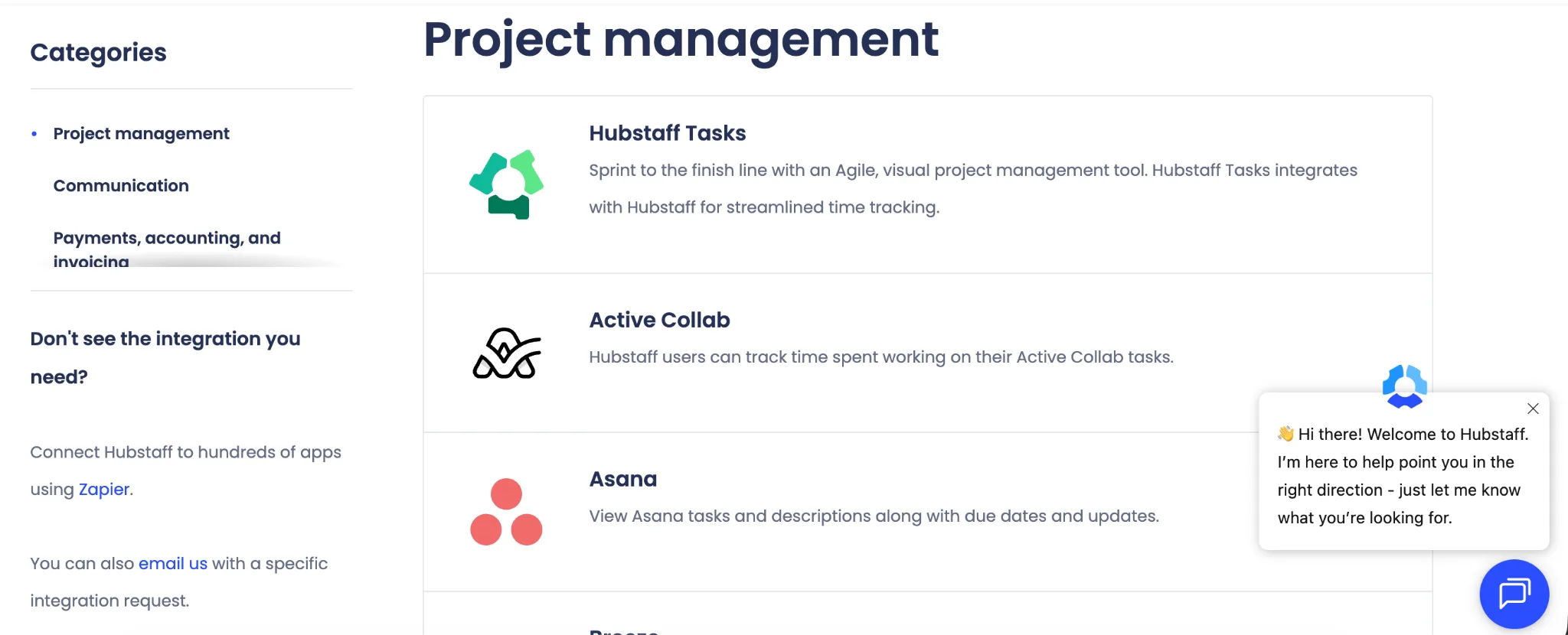
There is plenty of overlap between the two platforms, so teams using major project management tools are unlikely to find either option restrictive.
For integrations, TimeCamp has the advantage because it offers a substantially larger native integration library.
Ease of use
Both TimeCamp and Hubstaff are relatively straightforward for basic time tracking, but their day to day experience differs once teams start using more advanced features.
TimeCamp gives employees several ways to record work. They can use a timer, add time manually, or let the desktop app record computer activity in the background. The app can also assign recorded activity to projects using predefined keywords, which reduces how often employees need to interact with the tracker.
For teams that need just timesheets and basic reporting, this makes TimeCamp fairly easy to adopt. Managers can still review active hours, applications, websites, and idle periods when employee productivity monitoring is enabled.
Hubstaff also keeps basic time tracking simple, with employees starting a timer against a project or task. Its desktop apps are available across major operating systems, with tracked information feeding into timesheets and reports.
The main usability difference appears as more functionality is enabled:
- TimeCamp requires less interaction for automatic tracking: Its desktop app can continue recording activity without employees repeatedly starting and stopping timers.
- Hubstaff gives administrators more monitoring controls: Managers can configure screenshots, activity levels, app usage, website tracking, and permissions, which provides more control but also introduces more settings to manage.
Hubstaff remains accessible for straightforward tracking, but its wider focus on monitoring and workforce management can make setup more involved.
For ease of use overall, TimeCamp has a slight advantage, particularly for teams that want automatic tracking with minimal employee input.
Pricing plans
TimeCamp is generally the less expensive option, particularly for teams that only need time tracking, billing, and productivity features. Both products charge per user on their standard paid plans, with lower rates available for annual billing.
| TimeCamp | Hubstaff | |
|---|---|---|
| Free plan | $0, free forever | $0, limited to one seat |
| Entry paid plan | Starter, $3.99 per user per month annually, or $5.49 monthly | Starter, $4.99 per user per month annually, or $7 monthly |
| Mid tier | Premium, $6.99 per user per month annually, or $9.99 monthly | Grow, $7.50 per user per month annually, or $9 monthly |
| Higher tier | Ultimate, $9.99 per user per month annually, or $13.99 monthly | Team, $10 per user per month annually, or $12 monthly |
| Enterprise | Custom pricing | $25 per user with monthly billing, custom annual pricing |
TimeCamp's Free plan includes its core time tracking functionality, while Starter adds more billing capabilities. Premium expands into productivity and profitability, while Ultimate adds more analytics and collaboration features. TimeCamp also offers custom Enterprise pricing. You can see the full breakdown in our guide to TimeCamp pricing.
Hubstaff Starter includes time tracking, activity levels, limited screenshots, app and URL tracking, and client invoicing. Grow adds project budgets and expense tracking. The Team plan is where several major workforce features appear, including timesheet approvals, scheduling, attendance, payroll automation, and unlimited integrations.
One pricing detail worth mentioning is that Hubstaff also documents a Small Business Essentials plan for qualifying new organizations. It costs $144 per year and includes three paid seats, with the organization owner's seat included at no additional charge.
Both products offer a 14-day trial, although TimeCamp also has a permanent free plan, and Hubstaff's support documentation lists a separate free option limited to one user.
For pricing, TimeCamp offers better value at most comparable plan levels, while Hubstaff becomes more expensive as its workforce management features are added.
Which one should you get?
The better choice depends on whether you mainly need time and project visibility or deeper workforce oversight.
Get TimeCamp if you:
- Want automatic time tracking that requires less input from employees.
- Care more about billable hours, project costs, and profitability than employee activity monitoring.
- Need strong invoicing and financial reporting features.
- Want access to a larger library of native integrations.
- Prefer a lower entry price for teams that primarily need time tracking and reporting.
Get Hubstaff if you:
- Need stronger employee activity monitoring, including screenshots, activity levels, app usage, website tracking, and unusual activity detection.
- Manage field teams and need GPS tracking, geofencing, and job site monitoring.
- Want scheduling, attendance, payroll, and employee payments within the same workforce management tool.
- Need more control over how employees record and submit working hours.
- Manage a distributed workforce where visibility into employee activity is a major requirement.
TimeCamp is the better choice for businesses focused primarily on time tracking, project profitability, and client billing. Hubstaff makes more sense when workforce monitoring, scheduling, location tracking, and payroll management are higher priorities.
Choose TimeCamp for project and financial oversight, and Hubstaff for deeper workforce management.
Get the better alternative to TimeCamp and Hubstaff for automatic time tracking
TimeCamp and Hubstaff both offer automatic tracking features, but if automatic time tracking is your main priority, Timely does a much better job.
Timely is built around Memory Tracker, which automatically records the applications and websites you work in throughout the day. Instead of depending on employees to remember when to start and stop timers, Timely creates a private timeline of their activity that they can review and assign to the correct projects. Individual Memory data remains private until the user chooses what to log.
Timely also connects automatic tracking with the features businesses need once those hours have been captured:
- Automatic timesheets: Recorded activity can be turned into drafted time entries for review.
- Billable hour tracking: Teams can account for client work that might otherwise be forgotten when relying on timers.
- Project oversight: Track budgets and project health using the hours employees actually record.
- Team planning: Higher plans add workload planning and capacity management alongside tracked time.
This makes Timely particularly appealing for agencies, consultancies, and other professional services businesses that want accurate project data without introducing the heavier employee monitoring associated with Hubstaff.
If automatic tracking is the feature you and your team care for the most, Timely is the better alternative to both TimeCamp and Hubstaff. Try Timely for free today.