
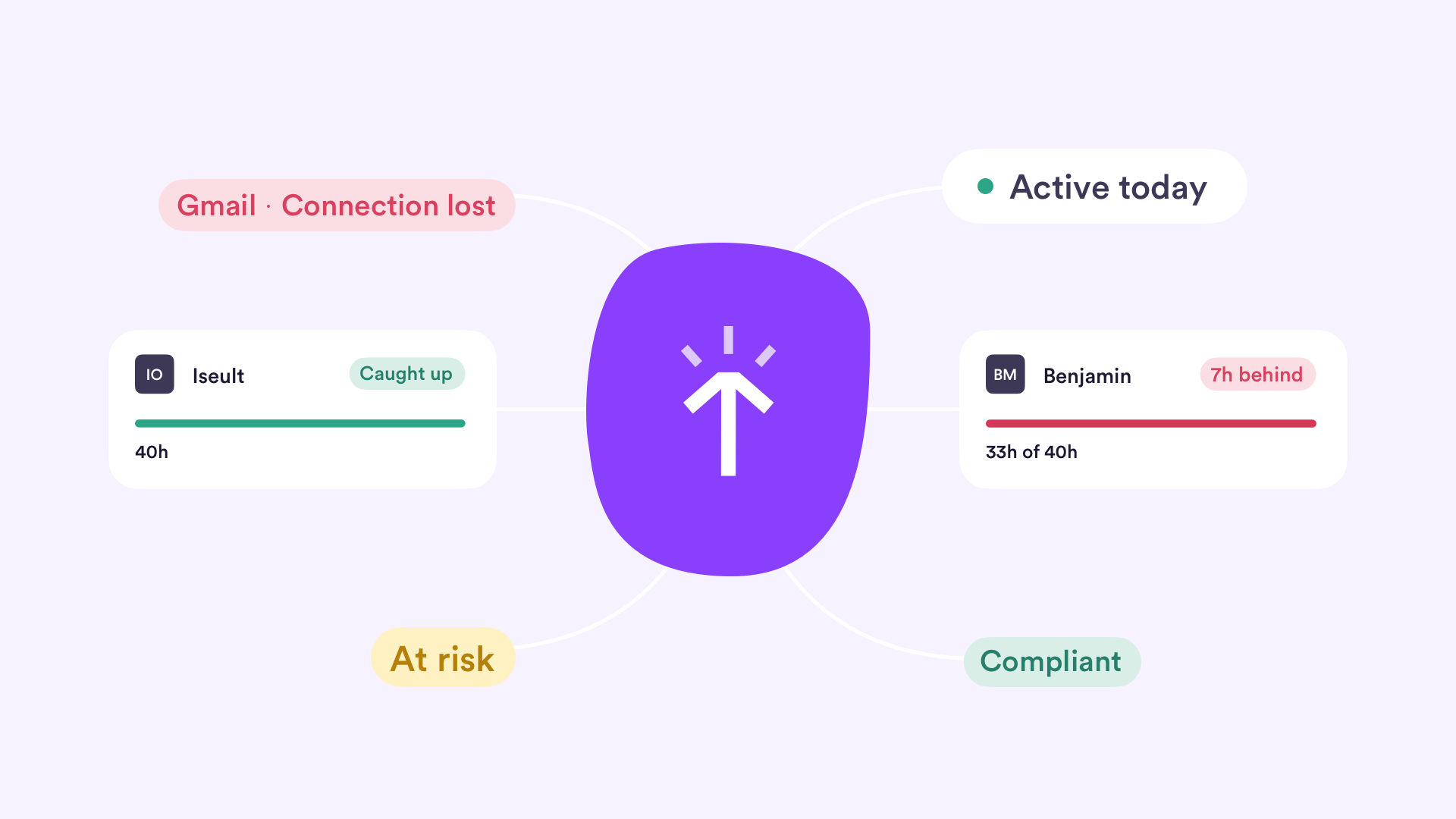
AutoSheet filled in nearly 190,000 timesheets this quarter. That’s a lot of time saved. It also got even better at the details: it saves your progress as you go and tags entries from your linked work, so fewer hours slip through. Admins can set how automatic notes read, and team leaders can spot a gap early and close it without chasing everyone.
Know where your team stands
The sooner you spot a gap, the easier it is to fix. These updates show you where things stand while there’s still time to act.
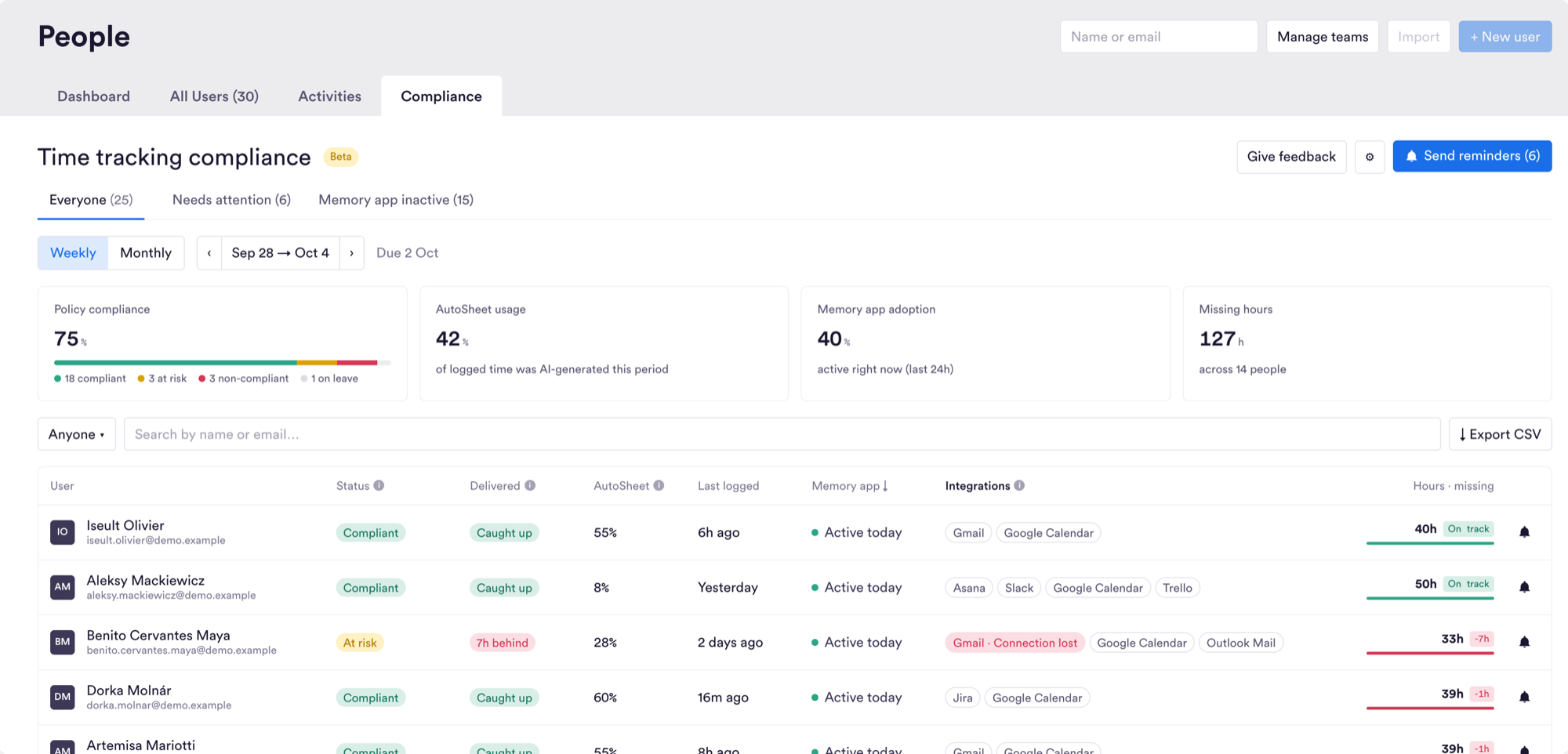
Compliance dashboard
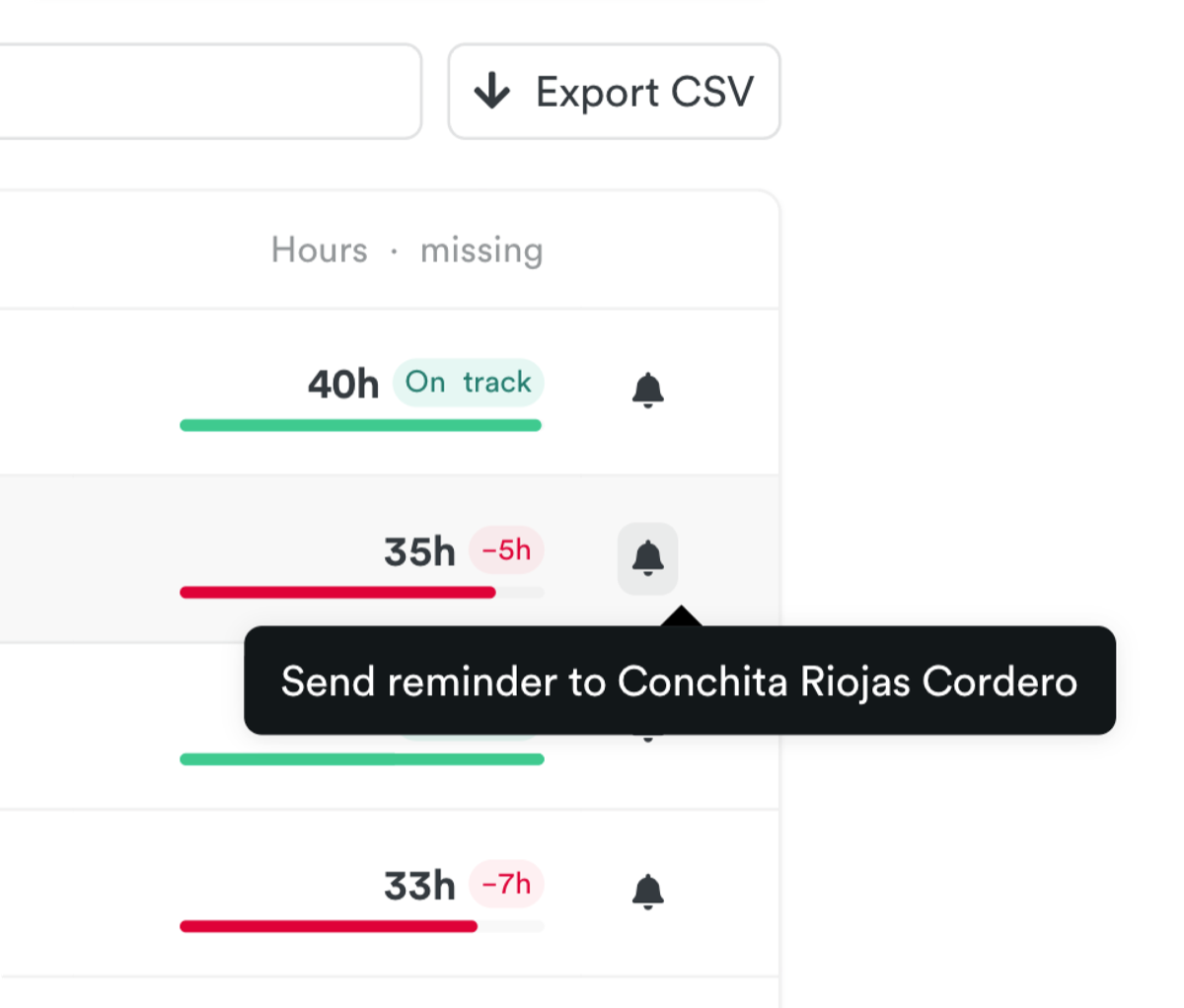
Remind the right people, and only them. Admins on Premium and above get a new Compliance tab under People. It shows who’s up to date with their time, who’s falling behind and how your team is adopting Memory, with summary cards for policy compliance, AutoSheet usage, Memory app adoption and missing hours. Filter by status, activity or team, drill into anyone’s details, export to CSV and send reminders once a period closes.
You’ll also see which calendar and email apps each person has connected. A red “Connection lost” label flags anything that needs reconnecting, so you can fix it before it leaves a gap in someone’s day.
Utilization % in reports
See who’s on target at a glance, no maths needed. People and Teams reports now have a Utilization % column, showing billable hours as a share of capacity. A colour-coded indicator (green, yellow, coral) shows where to look first. Hover to see the numbers behind it.
Per-period recurring budgets
Plan budgets ahead without rewriting history. Set a different budget for each upcoming period of a recurring project, right from the project editor. Current and past periods stay as they were. Budget History and your CSV, XLSX and PDF exports break down budget, spend and remaining by period. Available on Premium and above.
Rate changes from the date they apply
Bill the right rate, even when a change is signed off late. When you update someone’s billing or cost rate, choose an “Apply from” date. Only entries from that date onwards are repriced, so a rate agreed at the start of the month lands correctly even if it’s approved weeks later. Locked entries stay as they are.
Set the tone for automatic notes
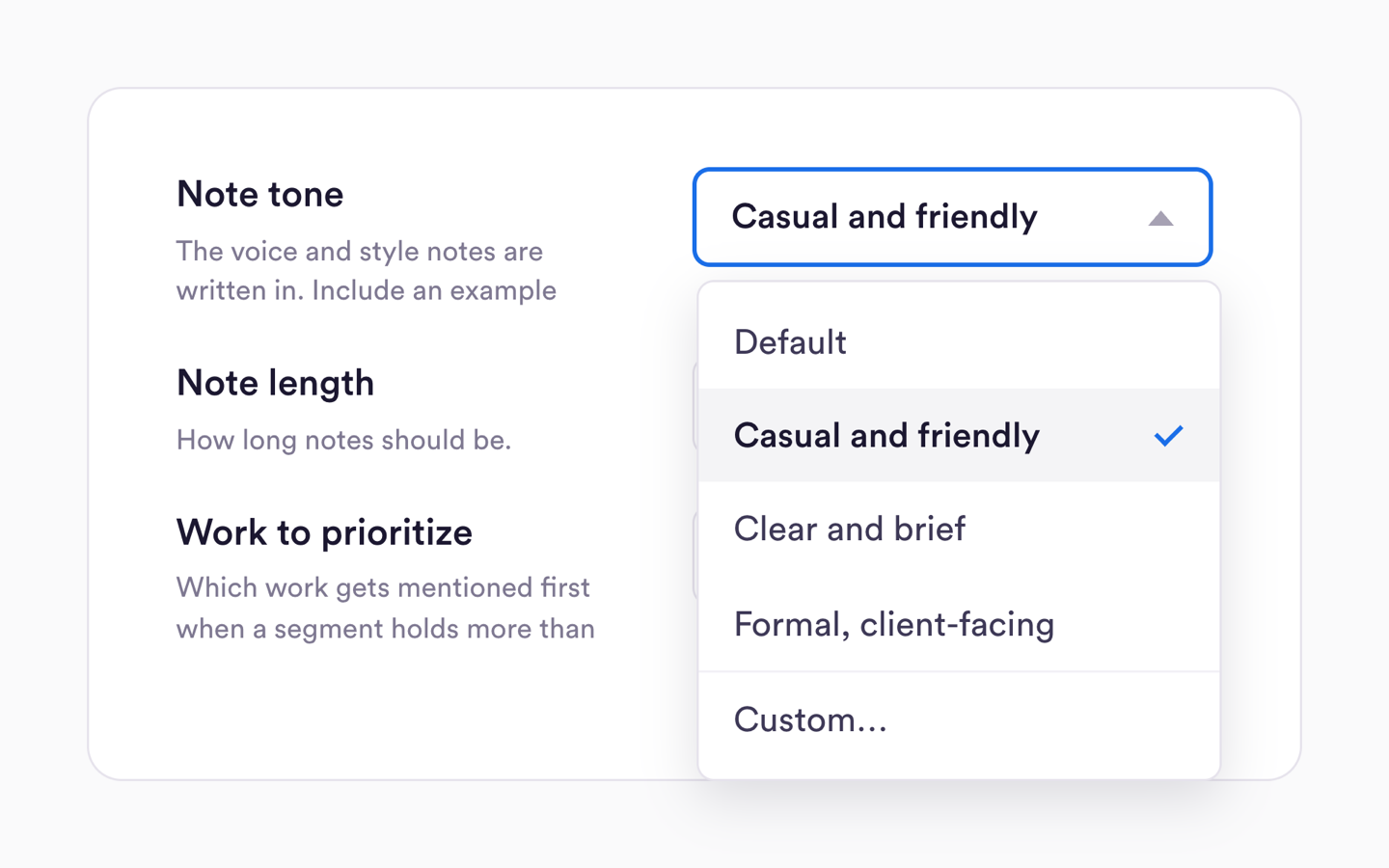
Your team’s notes read the way you want. Workspace owners and admins can now choose how automatic notes sound, with presets for tone, length and focus, or their own guidance. Notes stay consistent across the team, and only admins see the guidance.
Cleaner timesheets, less chasing
Good data in means fewer fixes later. AutoSheet now protects your team’s work and fills in more of the detail for them.
Pick up where you left off
A reload never costs you a timesheet. AutoSheet saves your progress as you go, so you can reload or switch devices and carry on where you left off. Days with little tracked activity now show a clean result instead of an error, and the same day can’t be submitted twice.
Tags that follow your linked work
Reports stay tagged without anyone having to remember. Link a time entry to an item in ClickUp, Jira, monday.com or another connected tool, and Timely applies that item’s tags for you. It works with every integration that supports tags.
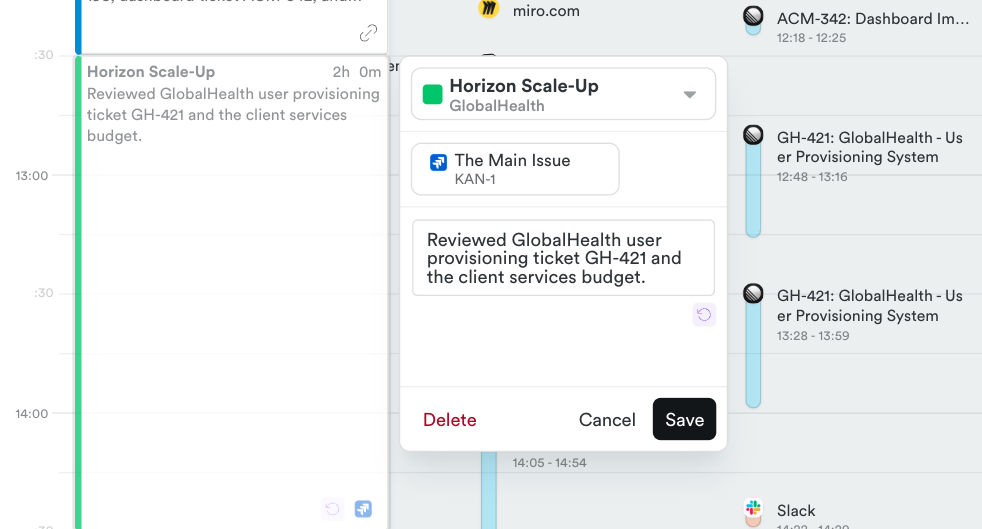
Teams Phone calls on your Timeline
Calls count towards the day they happened. Calls made through Microsoft Teams, including on mobile, now appear on your Timeline, with the caller’s name or number for inbound calls. Teams and other webhook integrations also stay connected through brief network blips.
Get around faster
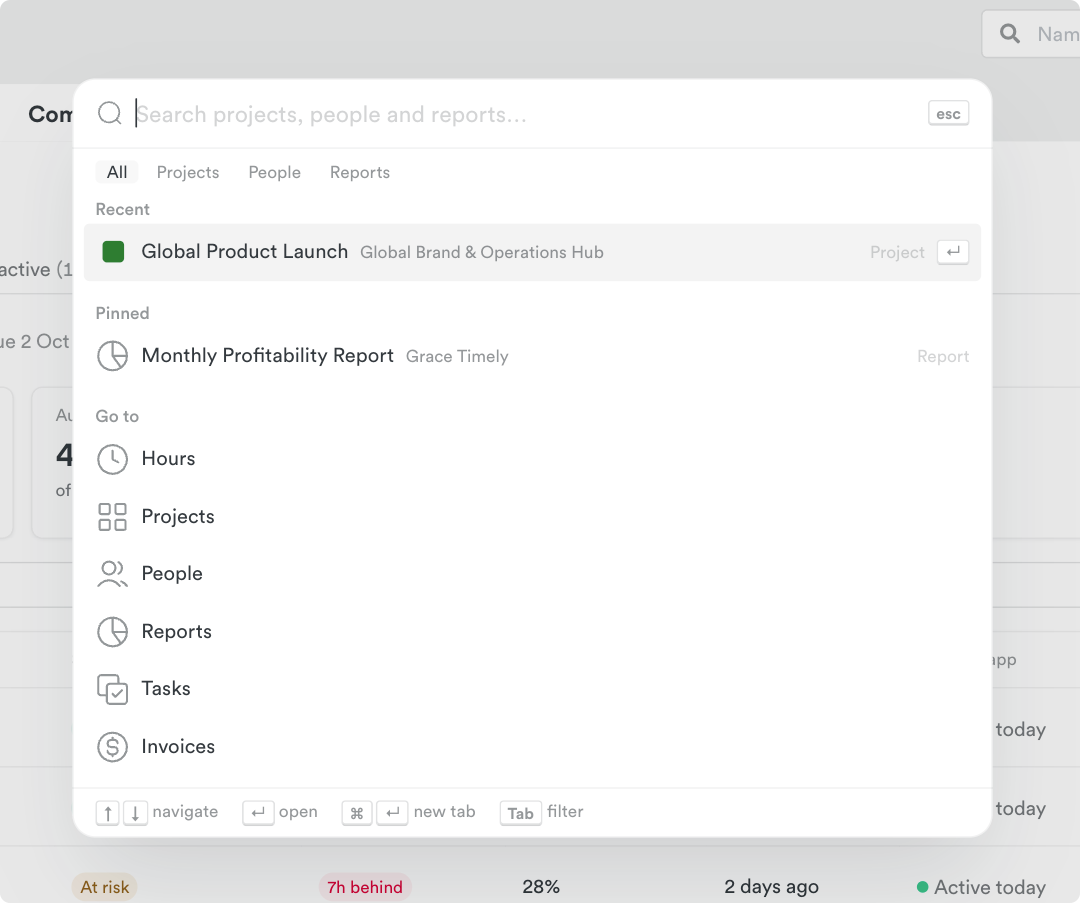
Search everything with ⌘K
Jump to any project, person or saved report in a few keystrokes. Press ⌘K (Ctrl+K on Windows), or click the search icon in the sidebar, from any page. Results update as you type and forgive typos, and projects match on their client’s name too. Press Enter to open a result, or ⌘/Ctrl+Enter to open it in a new tab. You’ll only ever see what you already have access to.
Also in this release
- Move time entries to another project in bulk, with a 10-second undo
- Undo a CSV import, with a preview before you confirm
- See your seats at a glance, plus an Invited users tab on People
- Linked ticket previews in AutoSheet
- Add time by hand on quiet days, even without Memory
- Clearer monday.com setup, plus smarter Trello, Jira and ClickUp syncing
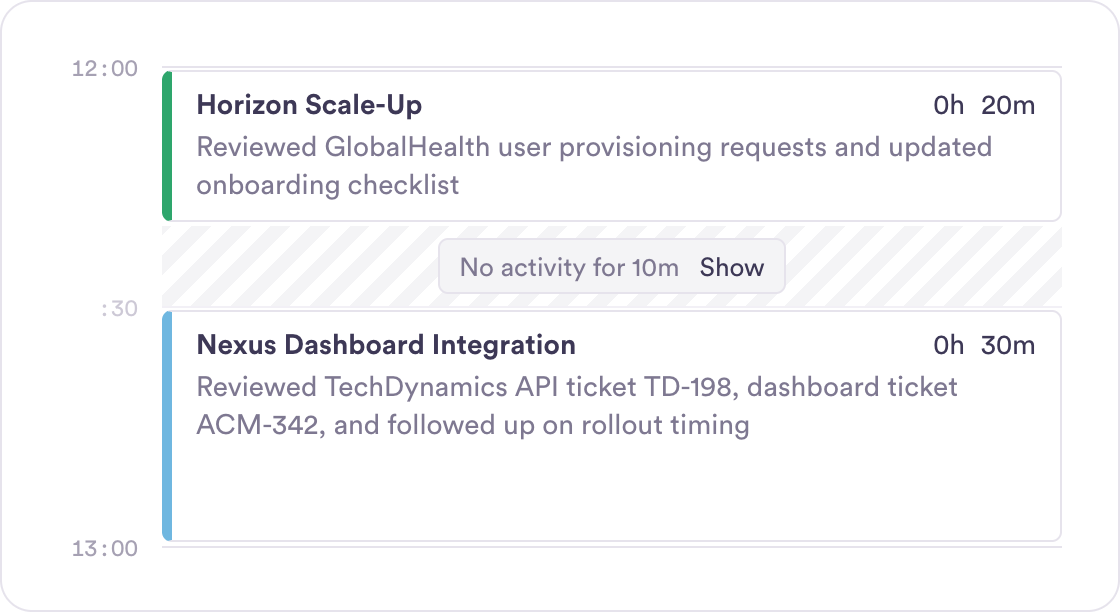
- Edit entries in a side panel, and a Timeline that folds away inactive gaps
Want the full list? Every release is in the changelog.