

Download Memory
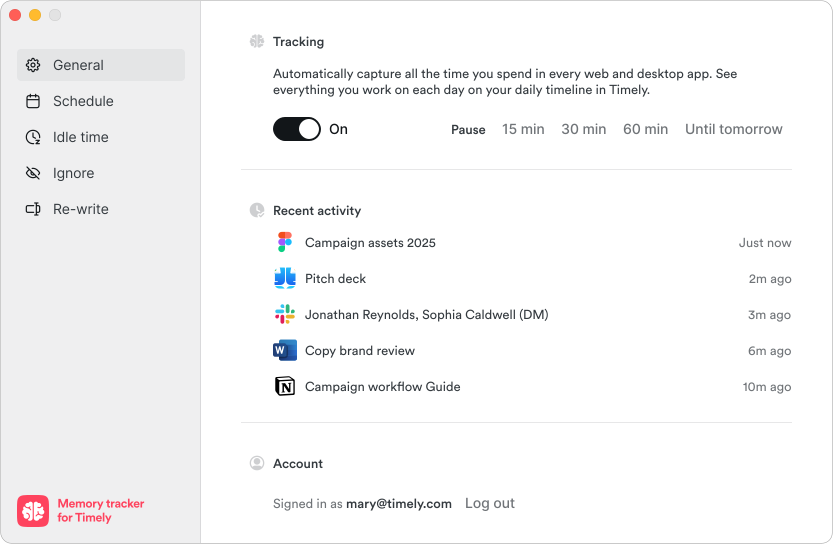
Memory runs in the background and records the apps, documents and sites you work in to a private timeline. AutoSheet turns it into your timesheet.
For macOS 14 Sonoma and Windows 10 or later.
Set up in three steps
Install
Open the download and move Memory to your Applications folder. On Windows, run the installer.
Connect your account
Sign in with your Timely login. SSO works too.
Allow access
Give Memory permission to record your activity, then get back to work.