
Integrations
Integrations built for reliable workflows, not just start/stop timers
Most time tracking software promises integrations.
But many are little more than glorified pop-ups with a start-stop timer. The integration stops there.
Timely is different.

Our integrations are built around workflow integrity, not surface-level connections.
Projects, tasks, budgets, and time stay synced, predictable, and trustworthy. From CRM to delivery to finance.
- Your tools behave like one system.
- Your time data becomes something you can trust.
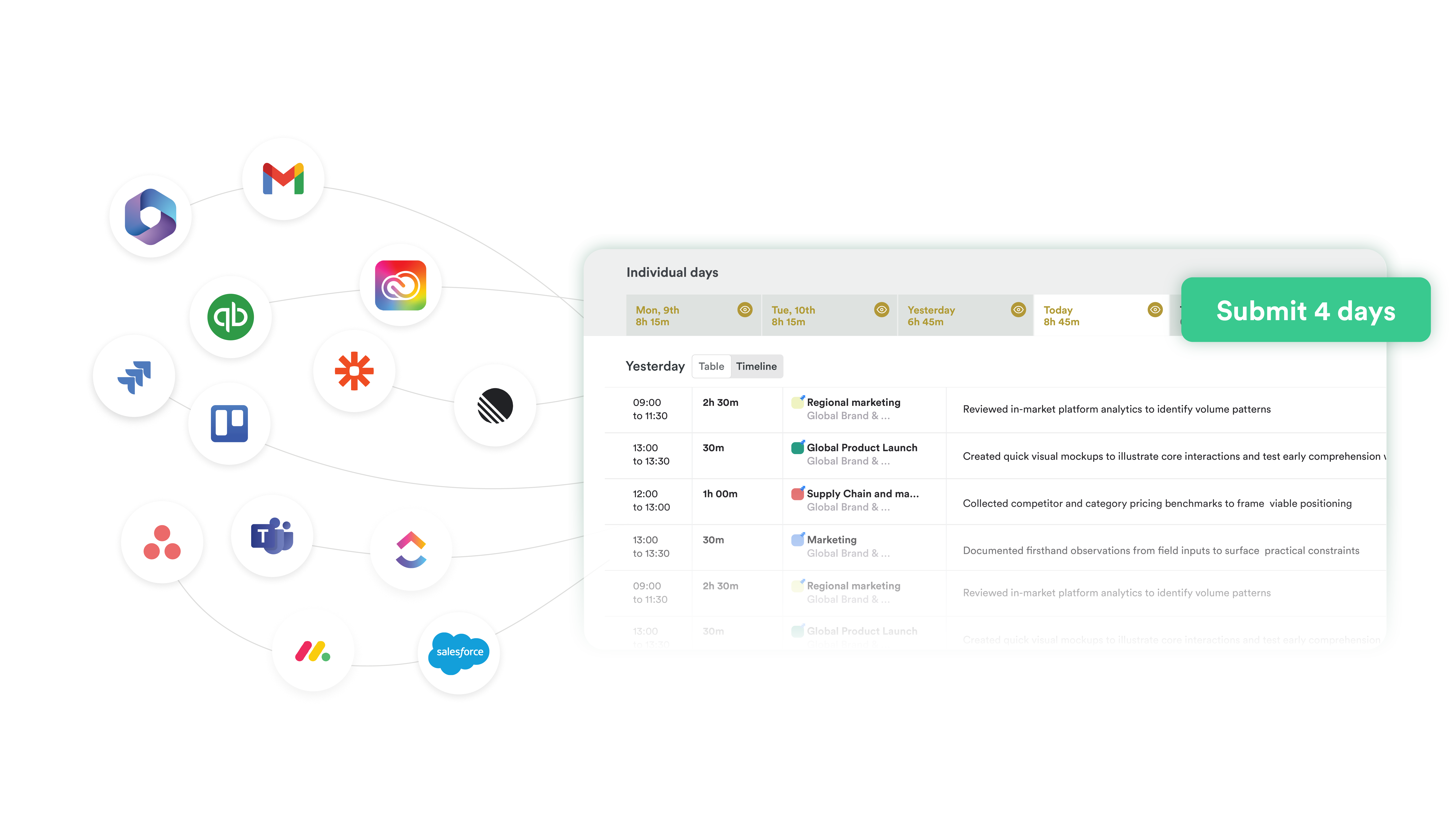
See how Timely fits your workflow
Side by side
Typical Time Tracker vs Timely
Most tools promise integrations. Here's what that actually means in practice.
Most integrations look connected.
Until:
- Billing doesn't reconcile
- Reporting can't be trusted
- Field changes break workflows
- Adoption drops because logging time feels like admin
Timely is designed to prevent that.

Why This Matters
Operational consequences of weak integrations
When integrations are built around tools instead of workflows, teams experience:
Teams experience
- Surface-level syncing without structured rollups
- Manual cleanup between systems
- Duplicate projects or mismatched IDs
- "Automations" that break without anyone noticing
- Limited visibility into what synced and what didn't
What teams feel
- Billable time gets missed
- Profit margins slowly shrink
- Forecasting becomes inaccurate
- Sales, delivery, and finance struggle to stay aligned
- Teams rely more and more on spreadsheets
- Timesheets become incomplete and adoption drops
If the sync isn't predictable, your reporting won't be either.
Why it matters strategically
When leaders don't trust time data:
- They hesitate to act
- They waste time adding manual checks
- They make hiring and investment decisions based on incomplete data
- They second-guess margins and forecasts
Bad integrations don't just create friction.
They distort strategy.
How Timely Integrations Work
Every Timely integration is built on three pillars
Workflow-First Design
Designed around how professional services teams actually operate, not around where a timer button can sit.
- Two-way sync where appropriate
- Project and task-level mapping
- Budget and scope alignment
- Admin control over structure and permissions
In practice
A deal closes in your CRM. Structured project data flows into Timely with consistent names, tags, and users. Delivery starts with mapped data. No double entry. No cleanup.
Data Integrity by Default
Good integrations don't just move data. They preserve meaning.
- Explicit field mapping
- Consistent identifiers across systems
- Clean rollups from issue to project to client
In practice
Time entries align automatically to the correct tasks and budgets. Finance doesn't chase mismatches. Leaders don't question the numbers.
Reliability & Visibility
If something changes, you should know. And you should stay in control.
- Clear sync status indicators
- Admin controls: pause, re-sync, remap, validate
- Predictable conflict handling
- Resilient as tools evolve and teams scale
In practice
No silent failures. No surprise data gaps months later. Frictionless doesn't mean invisible. It means reliable.
Timely's Advantage
Automatic Time Capture with Memory
Most time recorders rely on embedded timers.
Timely removes the need entirely.
Memory captures time in any application — no integration required.
Web apps. Desktop software. Documents. Internal tools.
If you're working in it, Timely captures it.
How it works
- Runs quietly as a lightweight desktop app
- Captures active windows and URLs
- No manual input
- No start/stop timers
- AI suggests structured time entries
- Review and approve — not reconstruct your day
Private by design
All captured activity is visible only to you. Managers see submitted time entries only — never raw activity data.
Memory eliminates the stop-start timer problem entirely.
Integrations enrich structure. Memory ensures completeness.
Integration Types & Categories
We're explicit about how each integration works
Two-Way Sync
Best for structured project workflowsDeep, bidirectional syncing of projects, tasks, users, and time data.
- Asana: Projects, tasks, users, tags sync. Time flows back to tasks.
- Jira: Issues and time sync bidirectionally.
- ClickUp: Tasks, projects, clients, and users sync cleanly.
- Linear: Issues sync in real time.
- Trello: Boards and cards import for structured allocation.
Import & Structured Sync
Project and task data flow into TimelyProject and task data flow into Timely for clean allocation and reporting.
- Google Sheets (real-time raw data reporting export)
API & Zapier
Custom workflows and extended stacksOpen API for internal systems, CRMs, accounting tools, or proprietary platforms.
- Salesforce & HubSpot (CRM)
- Xero & QuickBooks (accounting)
- Zapier: no-code automation across thousands of tools
- Open API for any internal system
Memory Enrichments
Enhance context and reduce adminEnhance captured time without requiring embedded timers.
- Google Calendar & Outlook
- Slack & Microsoft Teams
- Azure AD & Okta
- CRM & accounting visibility connections
Workflow Examples
See how it works in practice
A deal closes in your CRM (e.g. HubSpot or Salesforce).
- Memory captures time spent inside CRM tools automatically
- Activity links to the correct client account and project
- AI generates contextual notes for client reporting
Teams often manage work inside tools like Jira, Trello, Asana, or Monday.com.
- Tasks and projects sync automatically
- Memory captures work across all applications
- AI suggests time entries mapped to the correct tasks and projects
- Review and approve your timesheet with one click
Example
A marketing agency running 50–75 client projects organizes work by account lead inside Asana. During the day, a designer works across Figma, Google Slides, Slack, and Asana.
- 1h 12m Website redesign Figma → Asana task (Project Beta)
- 35m Client presentation updates Google Slides → Asana task (Project Alpha)
- 18m Internal design review Slack discussion → Asana task (Project Beta)
The designer reviews suggestions and submits their timesheet with one click.
As new teams onboard: mapping rules stay consistent, permissions stay scoped, identifiers stay structured.
- Project codes and names for client work defined once
- Client and project structures in Timely
- Integration rules validated on pilot team, then rolled out org-wide
Example
A landscape architecture firm with 240 employees starts with a pilot team of 6. Once validated, they roll Timely out across the entire organization. User permissions stay role-based, project structures stay consistent, and reporting scales without breaking workflows.
See how Timely fits your workflow
Integrations built for reliable data. Not just start/stop timers.