
Harvest's new pricing taxes the thing you're trying to grow.
On Harvest's Teams and Enterprise plans, projects, clients, tasks, and invoices are billed on top of every seat. Timely charges per person with no usage fees, and drafts the timesheets Harvest still asks you to type.
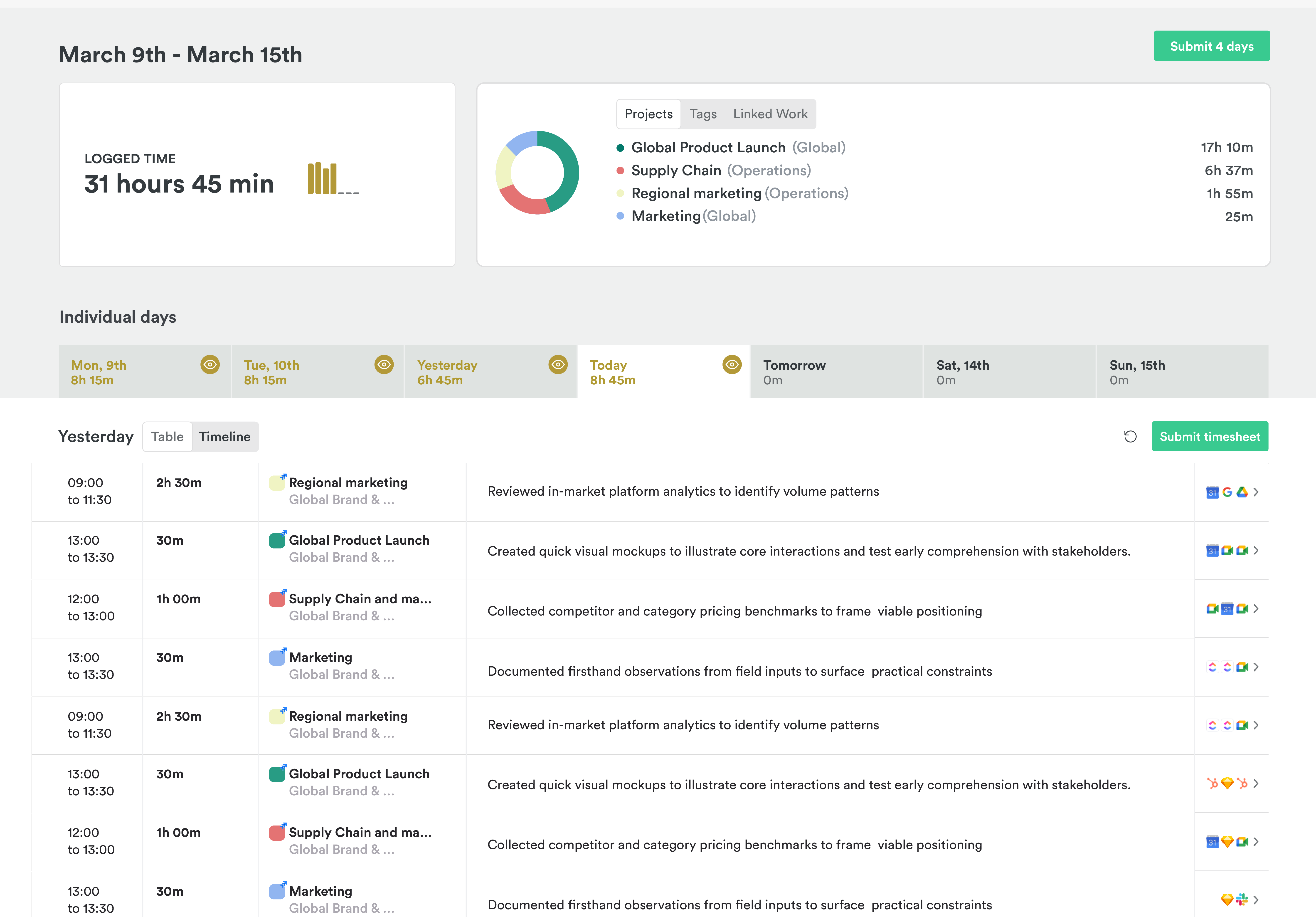
What Harvest gets right
Harvest earned its fans honestly. It's simple, quick to learn, and turns logged time into a proper invoice without fuss.
- Invoices with Stripe and PayPal payments built in
- A free plan for one person and a 30-day trial
- A calendar integration that turns events into time entries
Pricing that meters success
Most software isn't chosen each year. It's inherited from last year, and renewal is the rare moment the choice opens up again. A bigger number on the renewal is a good reason to look.
Usage pricing sounds fair until you notice what it meters. Clients, projects, and invoices are what growth looks like, so a fee on each one arrives every time you win.
And the timer was always the hidden cost. Harvest has never captured work on its own, so every hour depends on someone remembering to start, stop, and fill in. When Soar With Us looked into their missing hours, people weren't refusing to track. They were forgetting.
An example day of 6h 30m. In Harvest: 5h 5m on timers. 1h 25m never started. In Timely: 6h 30m drafted across 3 projects, ready to check and submit.
Timely changes the default
In Harvest, the default is a blank timesheet and a timer waiting to be remembered. In Timely, the default is a draft.
Memory records the day
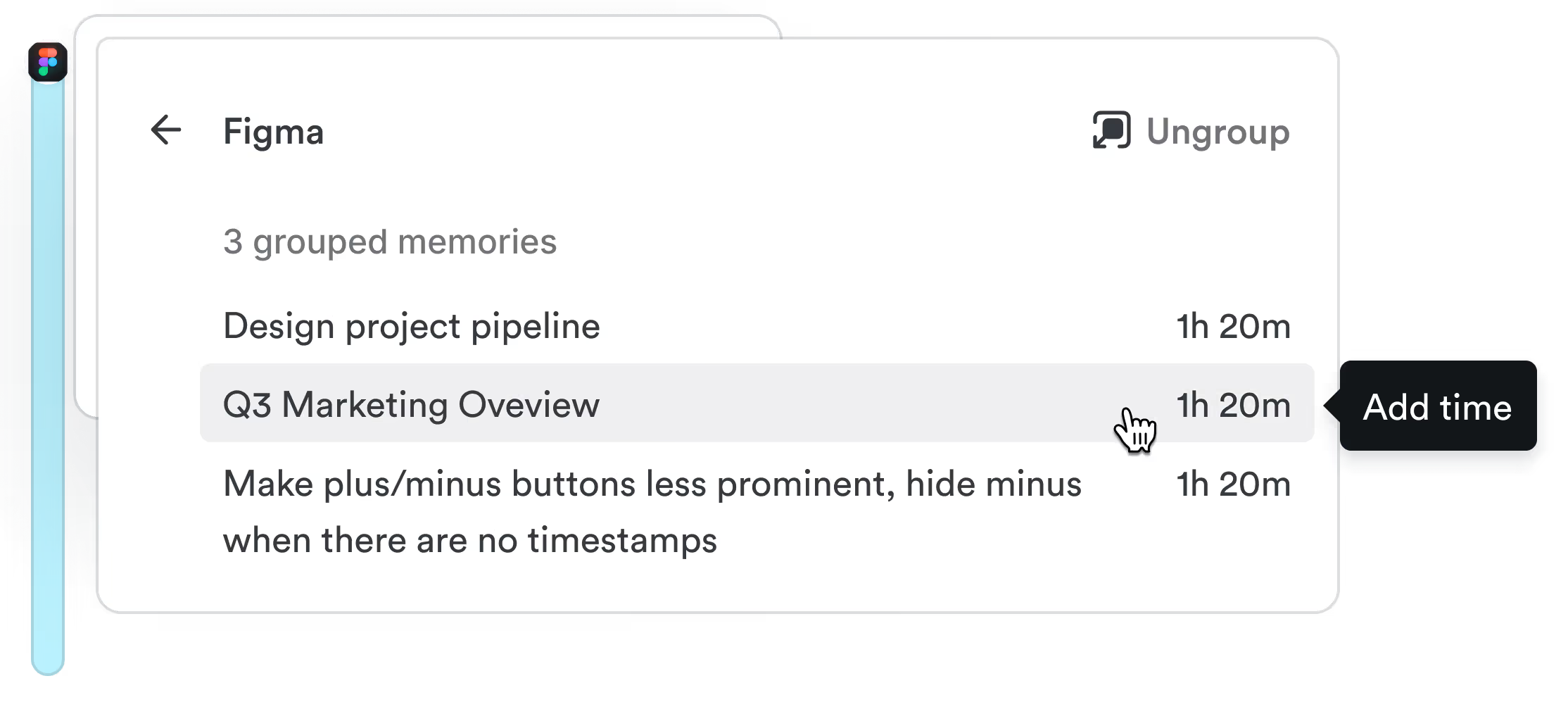
The Memory app notes the apps, documents, sites, and meetings you work in, privately, on your Mac or PC. Nobody else can see it, admins included.
AutoSheet drafts the timesheet
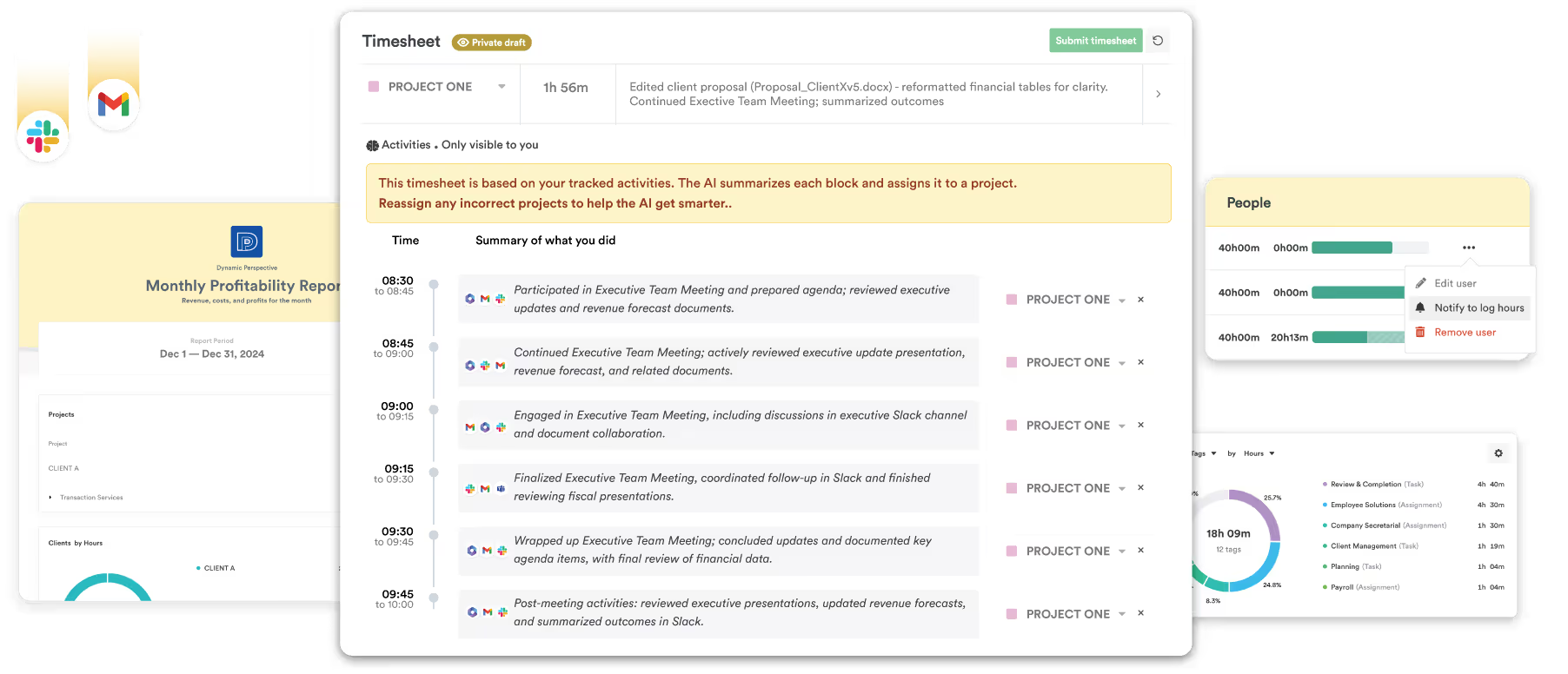
Each morning, AutoSheet turns yesterday into a draft: projects, hours, and notes, linked to the work behind them.
You check it and submit
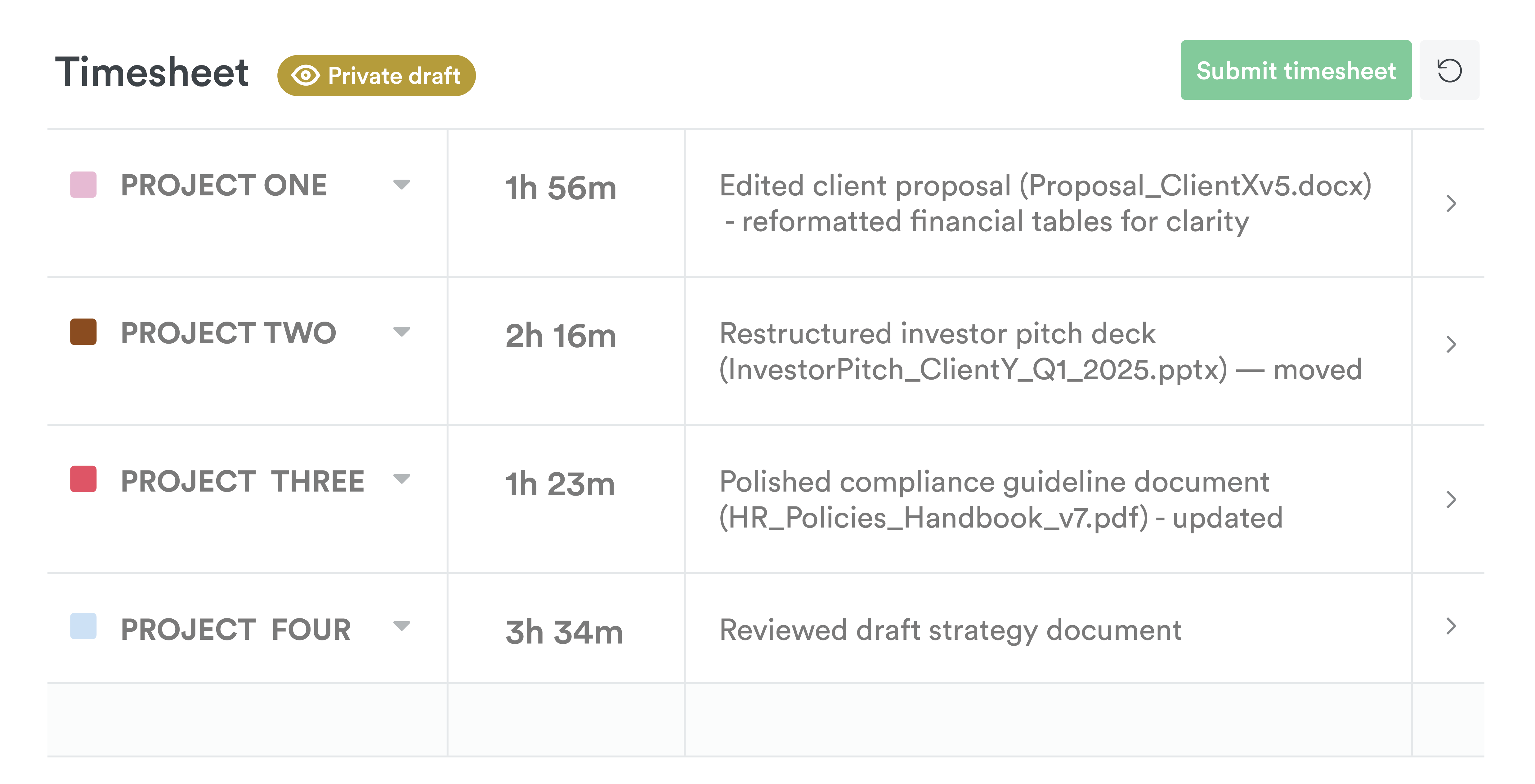
Fix anything that looks wrong and submit. Nothing reaches the shared timesheet until you do.
Why agency Soar With Us switched from Harvest
Harvest's timers left gaps in their data. Timely captures the day in the background, so the team stopped chasing timesheets and started trusting their numbers.

From people who moved on from Harvest
I’ve been using Harvest for over five years, and as I’ve taken on responsibilities it has become more difficult to accurately track my time to billable projects.
Harvest has no automation and whilst it was simple and easy to use it wasn't helping me track time.
How Harvest's pricing changed
Since Bending Spoons took over Harvest, its paid plans charge a fee per seat plus usage fees for invoices, projects, clients, and tasks. Harvest doesn't publish the usage rates, so many teams only see the difference when they renew.
| Pricing | Harvest | Timely |
|---|---|---|
| How you're charged | Per seat, plus usage fees | Per person, no usage fees |
| What makes the bill grow | More people, clients, projects, tasks, and invoices | More people |
| Seat price, billed annually | $9 on Teams, $14 on Enterprise | $9 on Starter (up to 5 people), $16 on Premium |
| Projects and clients | Billed on usage | Unlimited on Premium and up |
Checked on . Source: Harvest pricing page.
Harvest renewal coming up?
Renewal is the one moment the decision is open again. Try Timely free for 14 days before you sign, and let both tools earn their place in the budget.
Timely vs Harvest, feature by feature
Every row checked against Harvest's own website. We've marked where Harvest wins, too.
| Feature | Timely | Harvest |
|---|---|---|
| Capturing time | ||
| Captures work automatically, no timer | : Memory app for Mac and Windows | : Timers, manual entry, and calendar events |
| Drafts your timesheet for you | : AutoSheet drafts each day for you to check and submit | : Its AI assistant logs time when you ask it to |
| No screenshots, keystroke logging or productivity scores | : On every plan | |
| Activity private to the person | : Admins can't see anyone's Memory | Not applicable: Harvest records only the time people enter |
| Approving and billing | ||
| Timesheet approvals | : Premium and up, built with time entry states | : Enterprise plan |
| Locked time | : Unlimited plan | : Scheduled locking, added July 2026 |
| Billable rates | : Teams and up | |
| Project budgets | : Recurring budgets on Premium and up | |
| Invoicing | : Draft invoices sent through QuickBooks Online, Premium and up | : Extra invoices are billed on usage |
| Planning and reporting | ||
| Planned vs actual time | : Premium and up | : Scheduling is Forecast, a separate product from $5 a person |
| Capacity planning | : Logged and planned time against capacity, Unlimited plan | : Capacity reports; forward planning needs Forecast |
| Utilization reports | : Unlimited plan | : Teams and up |
| Practicalities | ||
| Free plan | : One seat, two projects | |
| Free trial | 14 days: No card needed | 30 days: No card needed |
| Price from, per person a month | $9 annually, $11 monthly: Starter: up to 5 people and 20 projects | $9 annually, $11 monthly: Teams, plus usage fees for projects, clients, tasks, and invoices |
| Security certification | ISO 27001: No SOC 2 | None of its own listed: Cites its host's SOC 2 |
Bring Harvest with you
Timely's Harvest importer brings your structure across, so nobody starts from a blank page.
Connect Harvest
An admin in both tools connects Harvest from Timely’s integrations settings.
Choose what comes across
Pick projects, clients, and people. Tags arrive in their own list. People join as unassigned, so nobody is billed until you invite them.
Bring your history if you want it
Past time entries come across with CSV import on Premium and up, or our team can help on a call.
Questions about Timely vs Harvest
Why has Harvest's price gone up?
Harvest's Teams and Enterprise plans now charge a fee per seat plus usage fees for invoices, projects, clients, and tasks. Harvest doesn't publish the usage rates on its pricing page, so the total depends on how much you use.
Is Timely cheaper than Harvest?
Timely Starter costs the same per seat as Harvest Teams ($9 a person, billed annually) for up to 5 people and 20 projects, with no usage fees. Premium is $16 a person with unlimited projects. Whether you save depends on what Harvest's usage fees add to your bill.
Can I bring my Harvest data?
Yes. The Harvest importer brings projects, clients, people, and tags. Past time entries come across with CSV import on Premium and up, or our team can help.
Does Timely send invoices like Harvest?
Timely builds draft invoices from billable hours and sends them to QuickBooks Online, where you send them to clients. Payment status comes back to Timely. If you invoice straight from Harvest today, you’ll want QuickBooks Online alongside Timely.
Can my manager see what I work on?
No. Your Memory is private to you, and admins can't open it. They see the timesheet you submit.
Is there a free plan?
No. Timely has a 14-day free trial with every feature, and you don’t need a card to start.
Try Timely before your Harvest renewal
Fourteen days, every feature, no card. See what a timesheet looks like when nobody has to remember to start a timer.