Time tracking
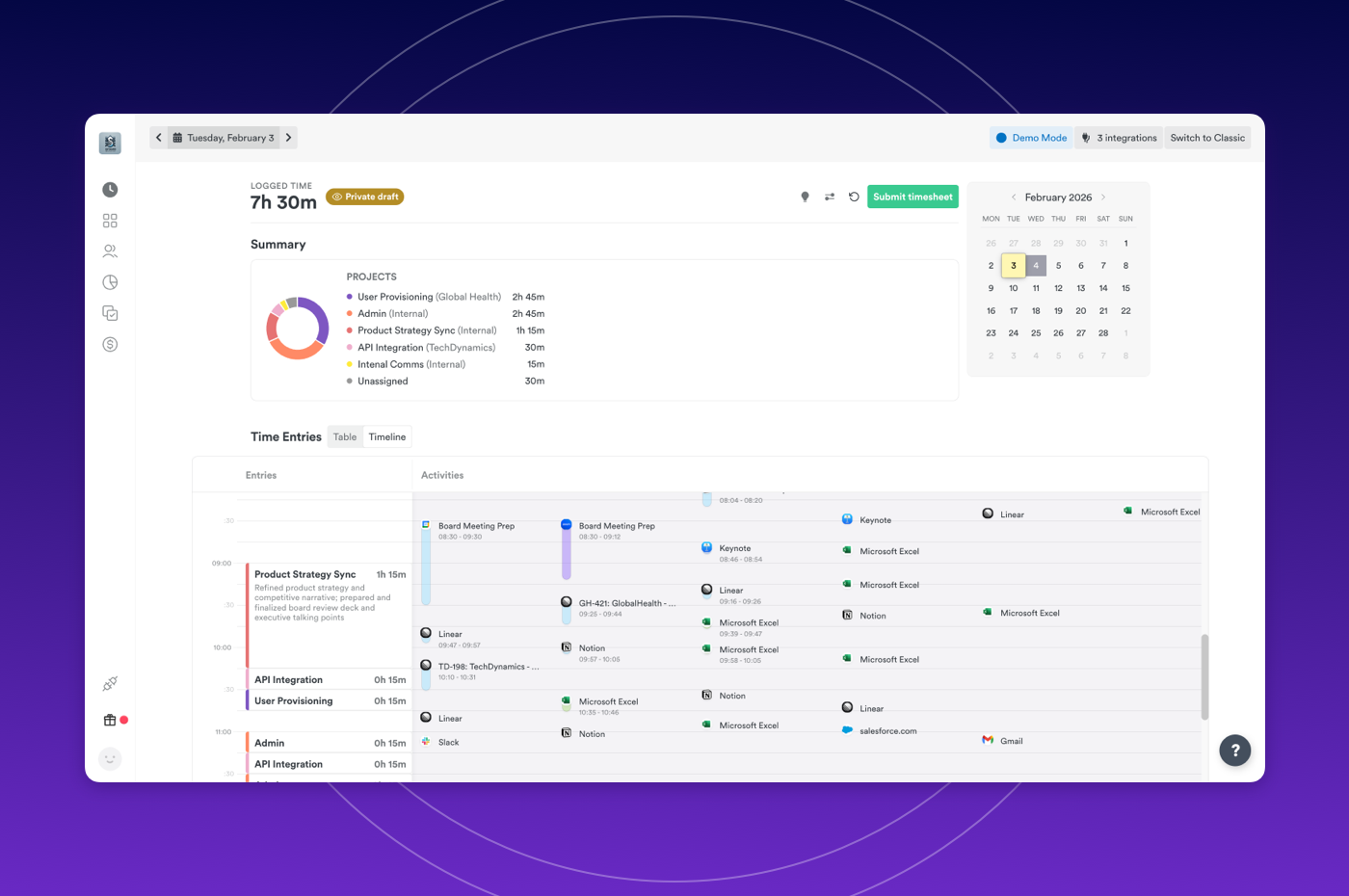
New Timeline view in AutoSheet
AutoSheet now includes a visual timeline that displays your Time Entries alongside captured Memories, giving you the ability to:
- See exactly what activities and memories contributed to each time entry, eliminating guesswork and making it easier to verify your logged time matches your actual work
- Review your day chronologically with entries positioned by time, helping you identify gaps, overlaps, or missing activities before submitting your timesheet
- Navigate between your logged entries and underlying memories in one unified view, reducing the back-and-forth
Plans: Starter, Premium, Unlimited, Enterprise
Integrations
Faster team onboarding with Microsoft Teams
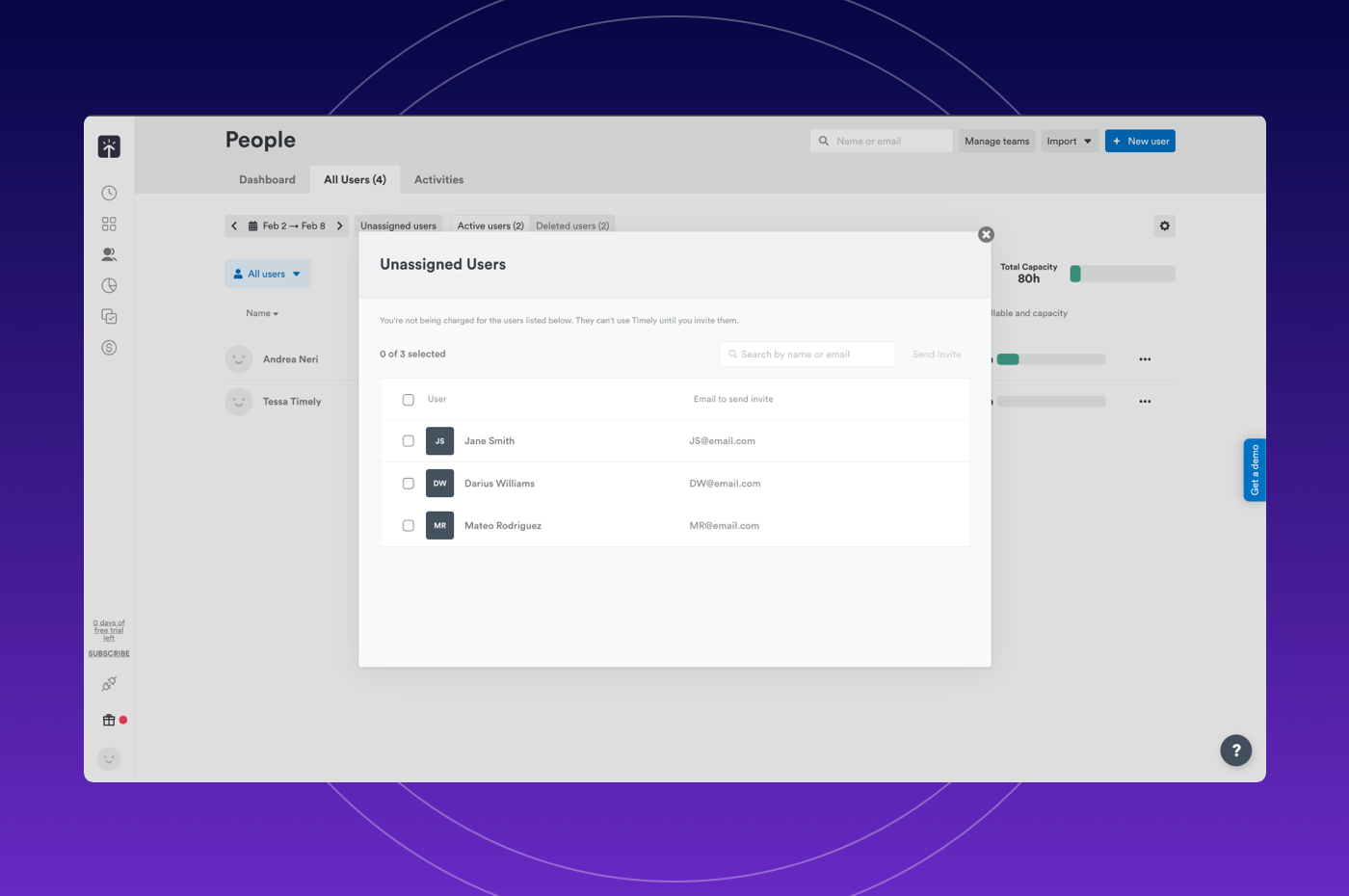
New Microsoft Teams users now connect automatically when invited to a workspace. Eliminate onboarding friction and get new team members productive immediately.
Imported users now appear in the new Unassigned users modal where admins can search users and invite in bulk from the Unassigned user list.
Plans: Premium, Unlimited, Enterprise
Linked Work improvements
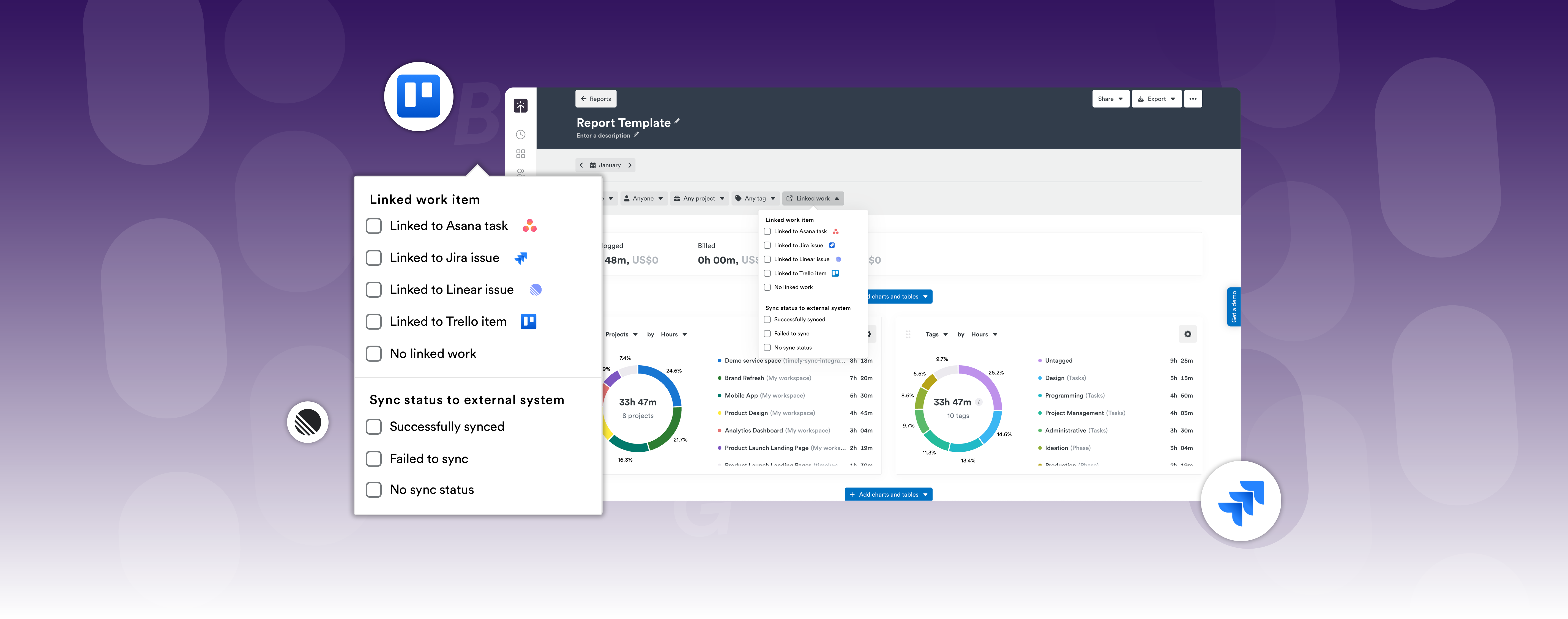
Enhanced Linked Work capabilities allow you to:
- Hover over tooltips to see Task descriptions for instant context
- Analyze time data with precision by filtering entries connected to tools like Jira or Linear
- Export linked work item details (ID, title, and sync status) in reports

Plans: Premium, Unlimited, Enterprise
Reports
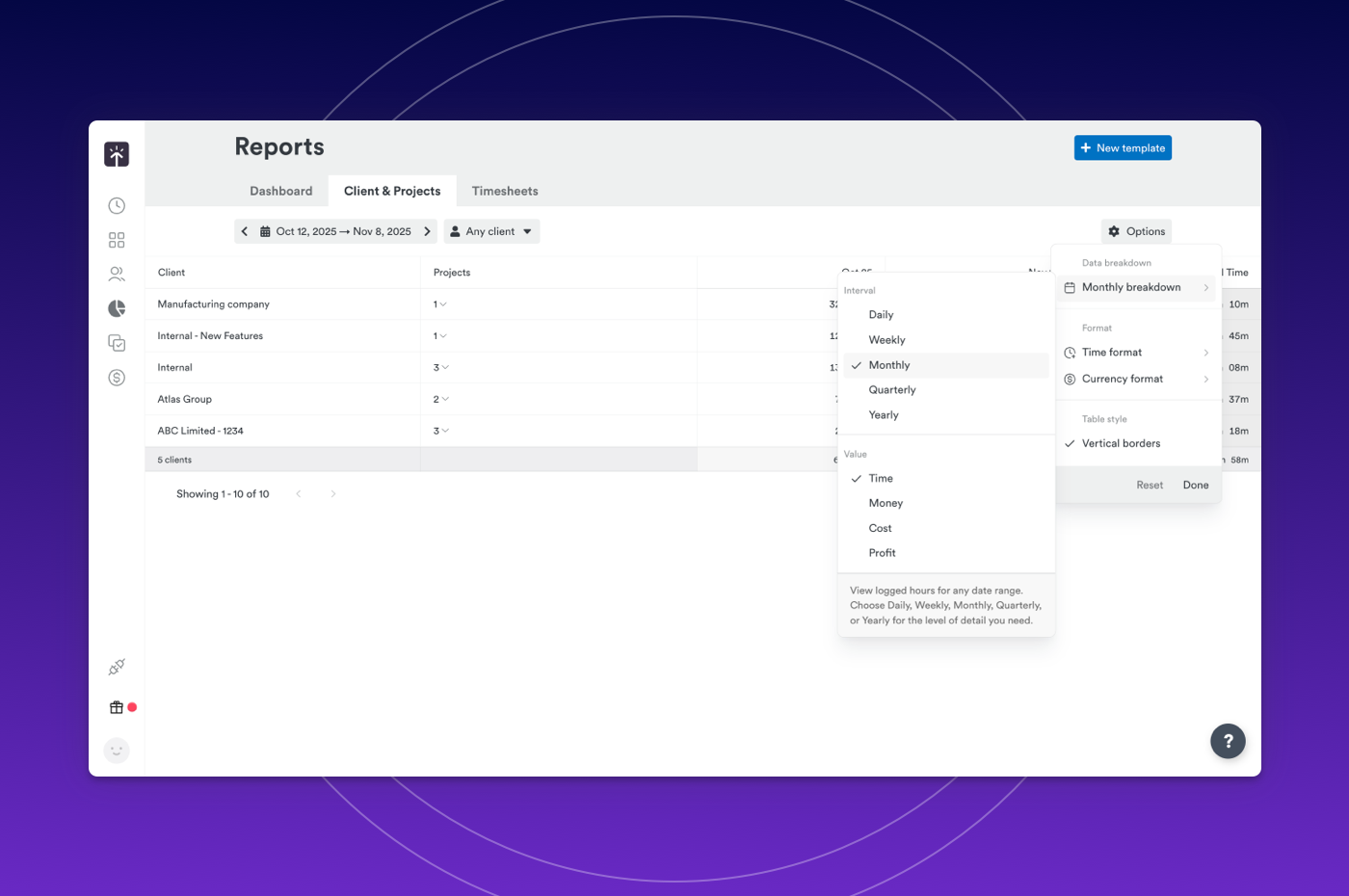
New quarterly & yearly breakdowns
Client & Project reports now include quarterly and yearly views, giving you the ability to:
- Identify patterns that daily or weekly views miss — see seasonal trends, client retention patterns, and project profitability shifts
- Plan with confidence by comparing performance year-over-year or quarter-over-quarter
- Report to stakeholders effortlessly with executive-ready summaries that show the big picture