What's new

Changelog

Product updates, shipping notes, and improvements from Timely in one place.

Product Update: March 2026
March 2026 product update

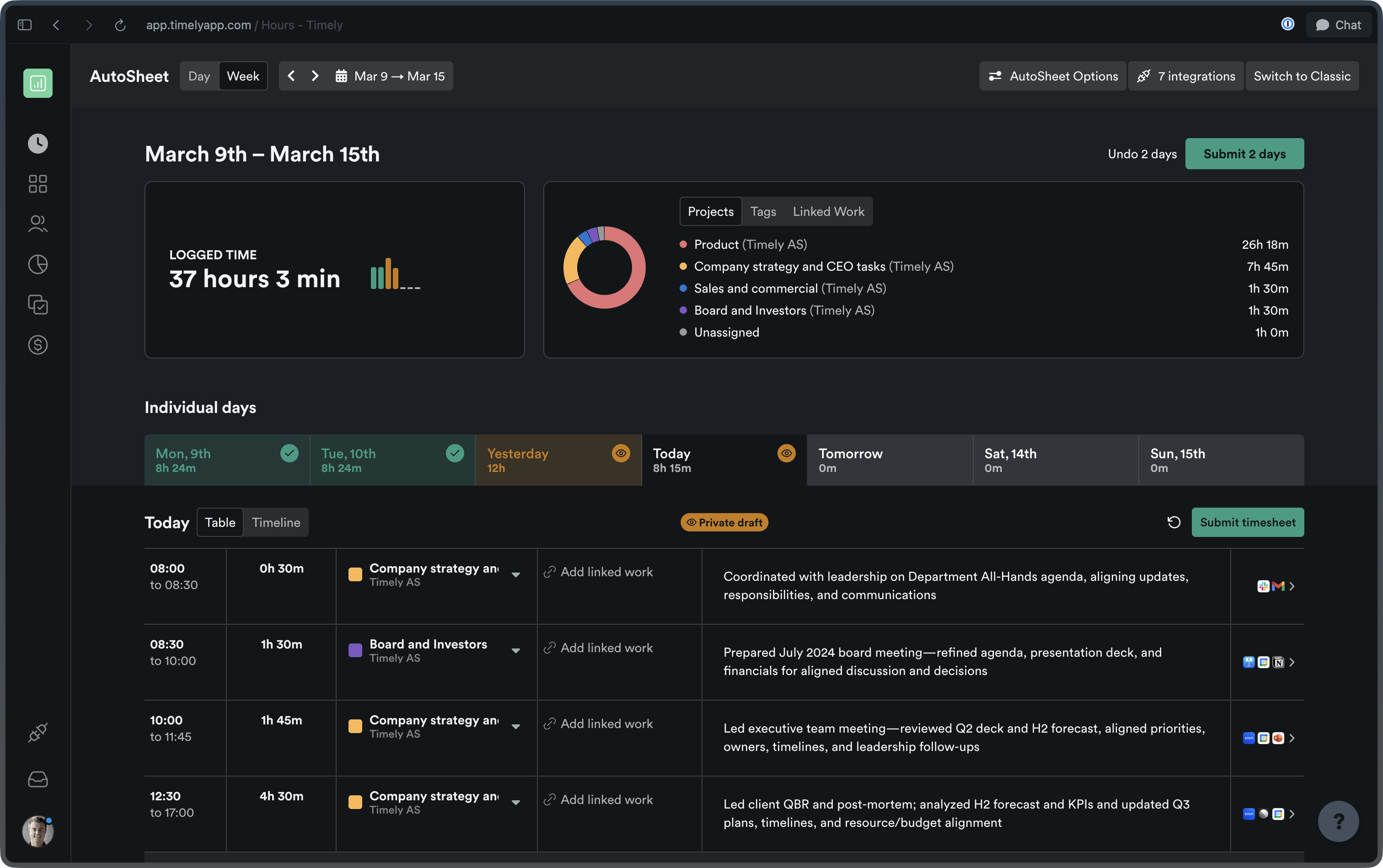
AutoSheet

More ways to view, edit, and manage your time, all in one place.

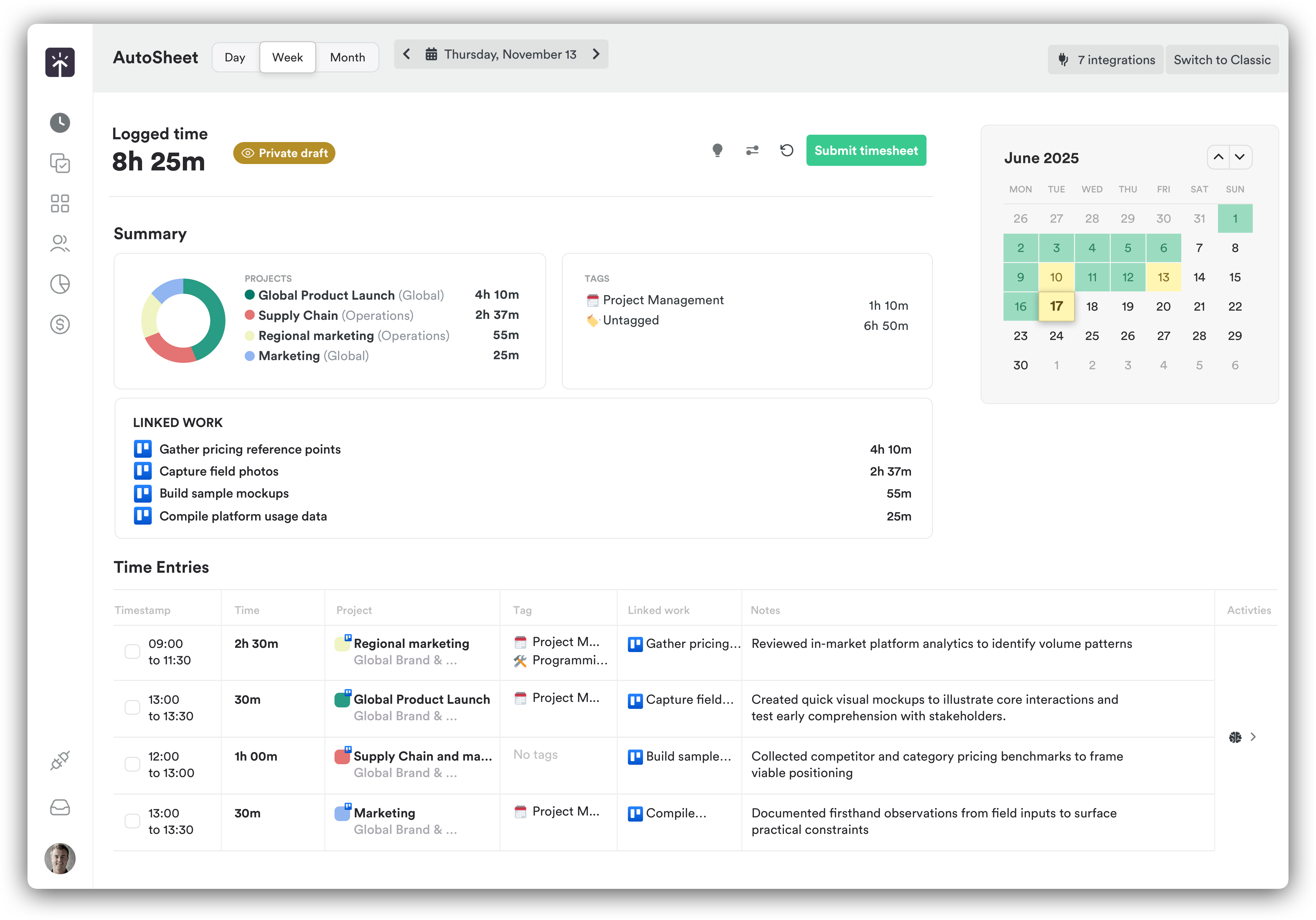
Week view

See your entire week at a glance with per-day tabs, week-specific actions, and a redesigned summary experience. A new logged-time widget, combined projects/tags/linked-work card, and quick date-jump controls (Today / This Week) make navigating your timesheet faster than ever.

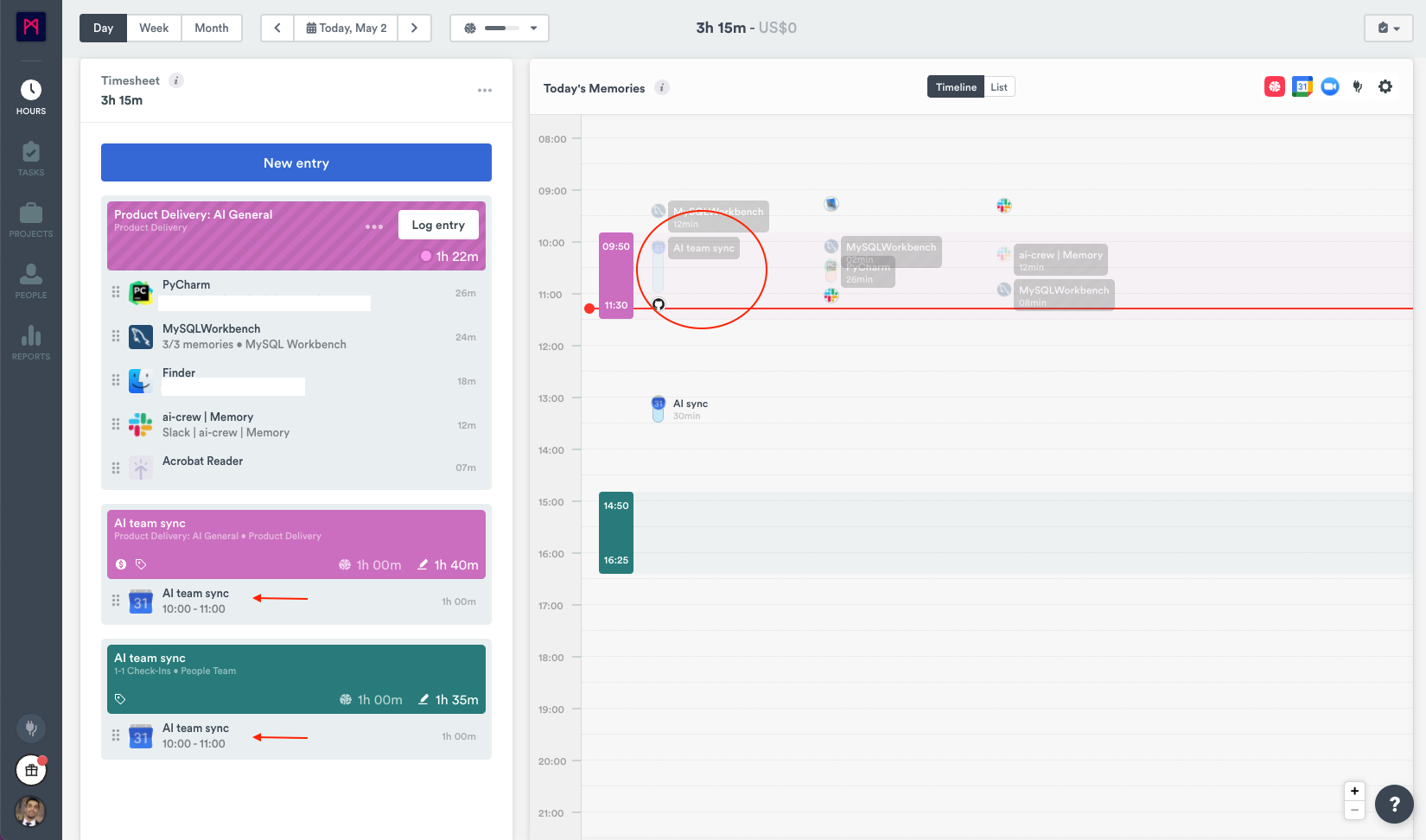
Richer timeline interactions

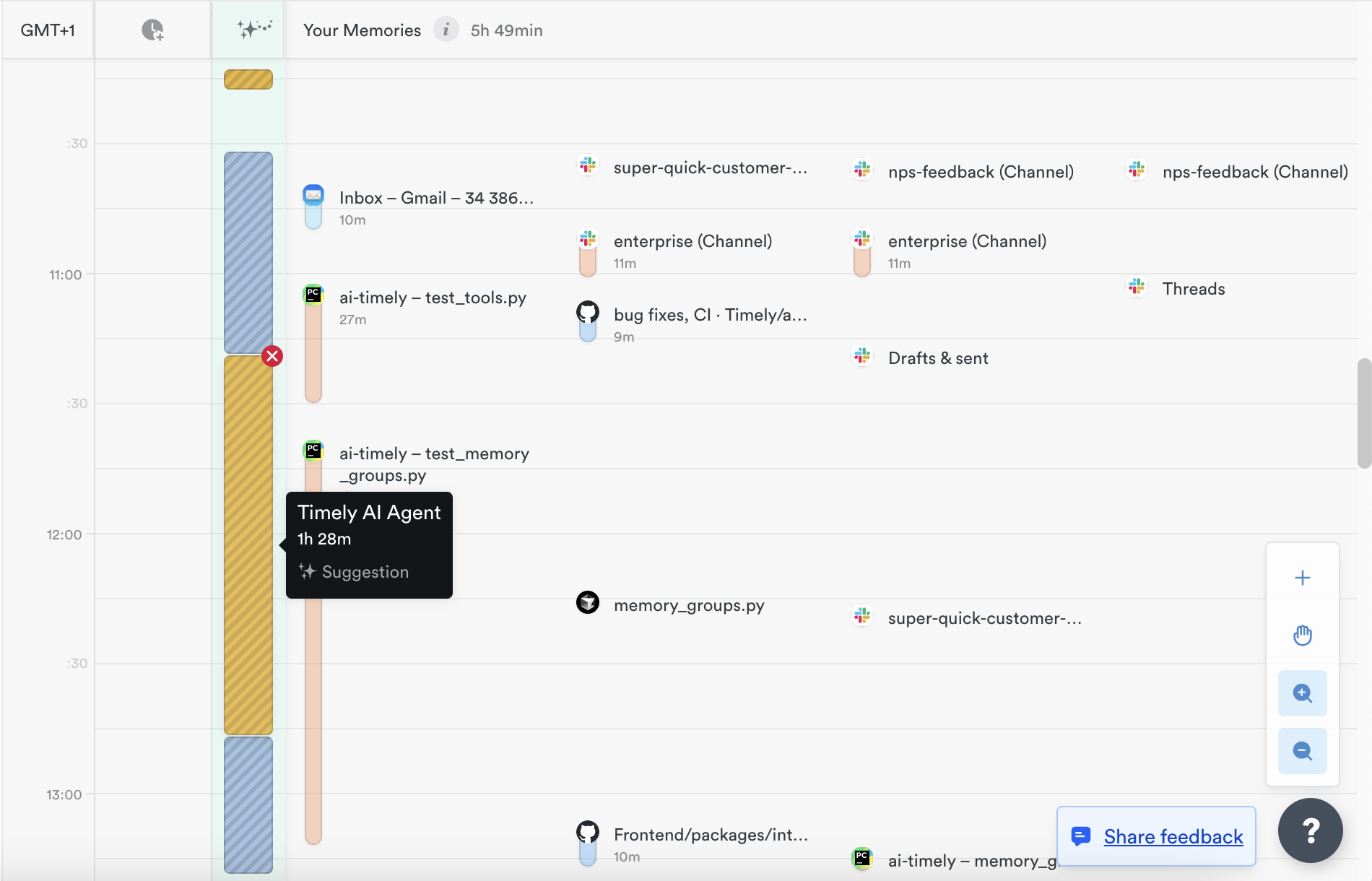
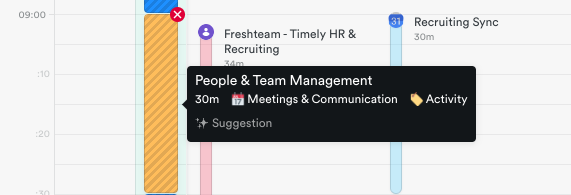
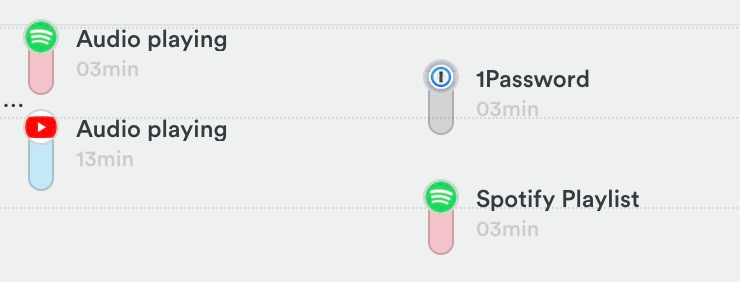
Hover over activities to highlight their time spans, reassign activities directly from the timeline, and select multiple activities by clicking or dragging. Managing your captured time has never felt this fluid.

Batch edit time entries

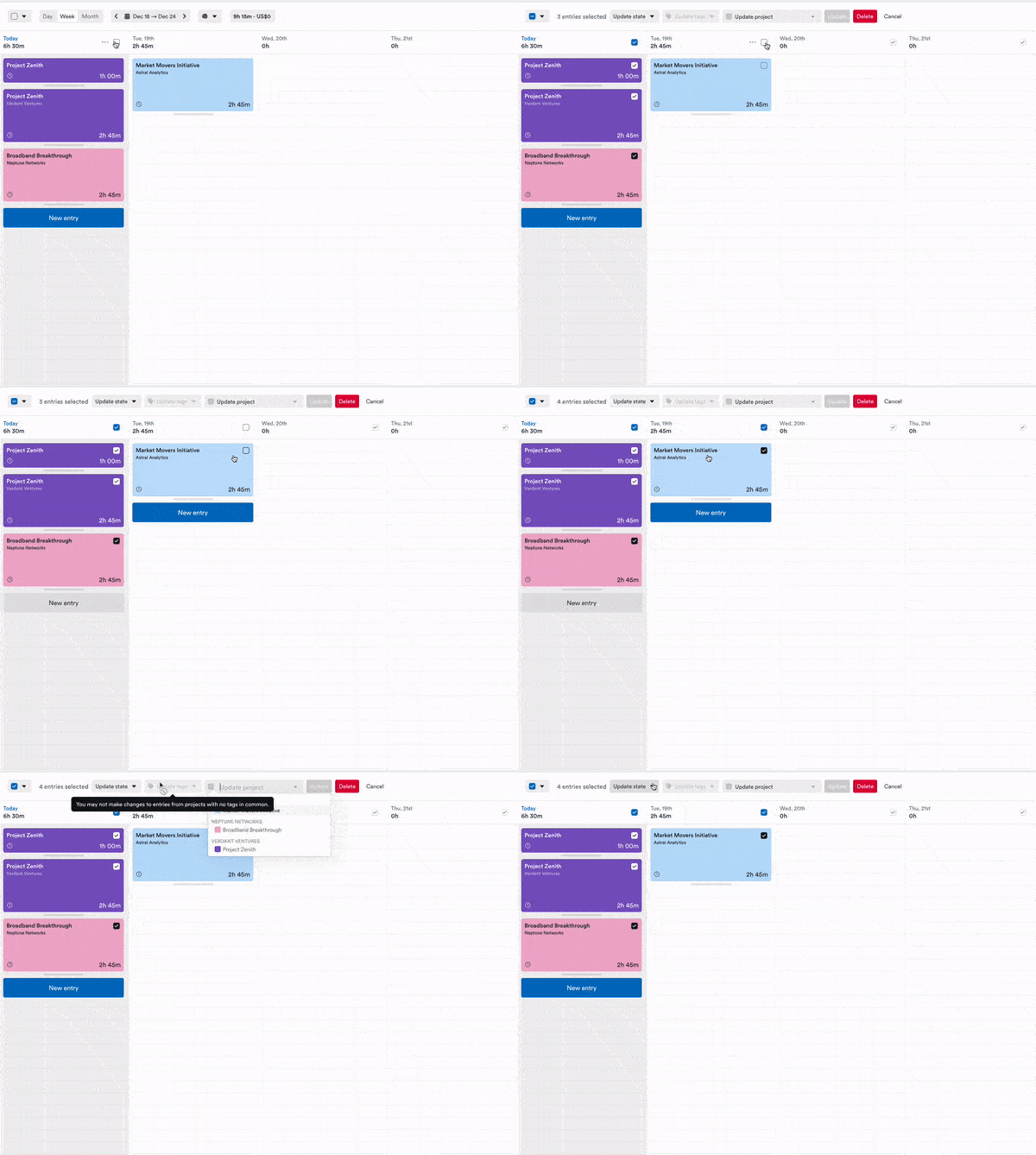
Select multiple time entries at once to change their project, linked work, or assignee, or delete them all in a single action. Perfect for tweaking timesheets at the end of a busy week.

Delete activities from the Timeline

Permanently delete memories directly from the AutoSheet timeline. Switch into “Edit Activities” mode, hover over any entry to reveal the delete popover, and confirm.

Custom summary intervals

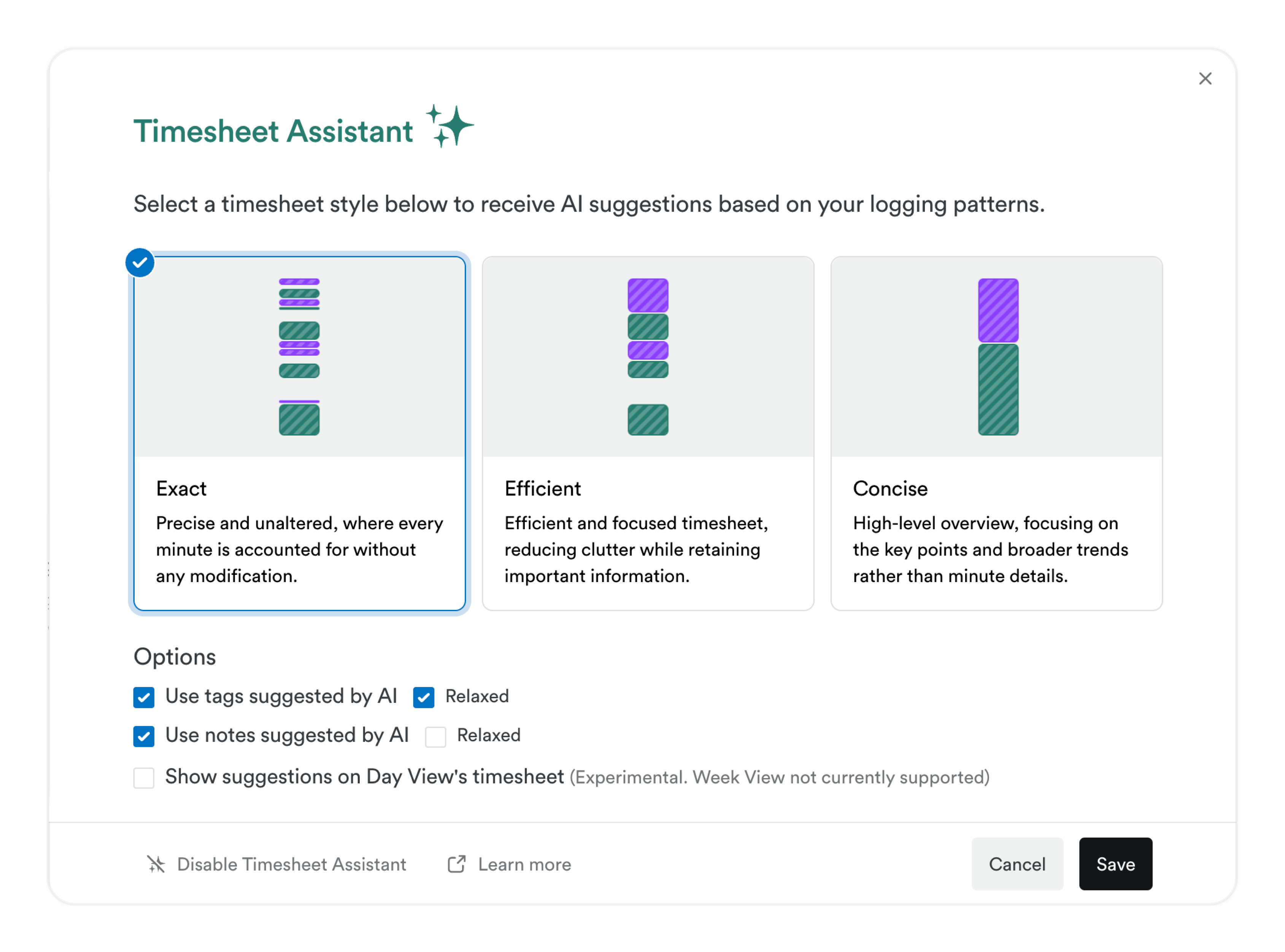
Set your own summary interval in AutoSheet including a new 10-minute option for those who want granular, real-time awareness of their tracked work. The default has also been updated from 30 minutes to 15 minutes. You can also set fully custom increments, like 6-minute intervals — perfect for legal teams who bill in tenths of an hour.

Settings & experience

A faster, more modern Timely: from dark mode to a rebuilt settings area.

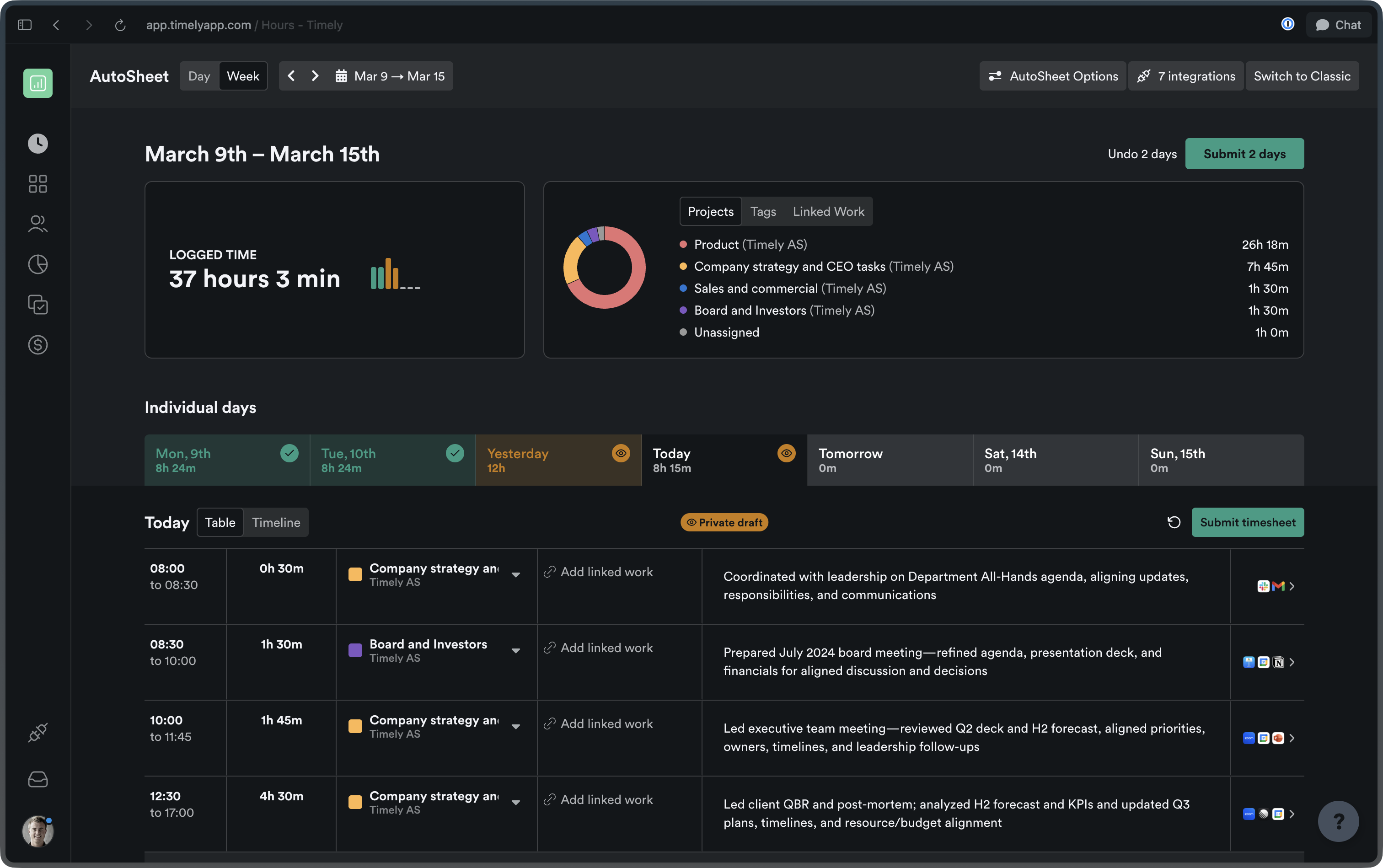
Dark mode — now everywhere

Dark mode is now fully supported across all settings and workspace pages. Whether you’re reviewing timesheets late at night or just prefer a darker workspace, Timely has you covered.
AutoSheet dark mode

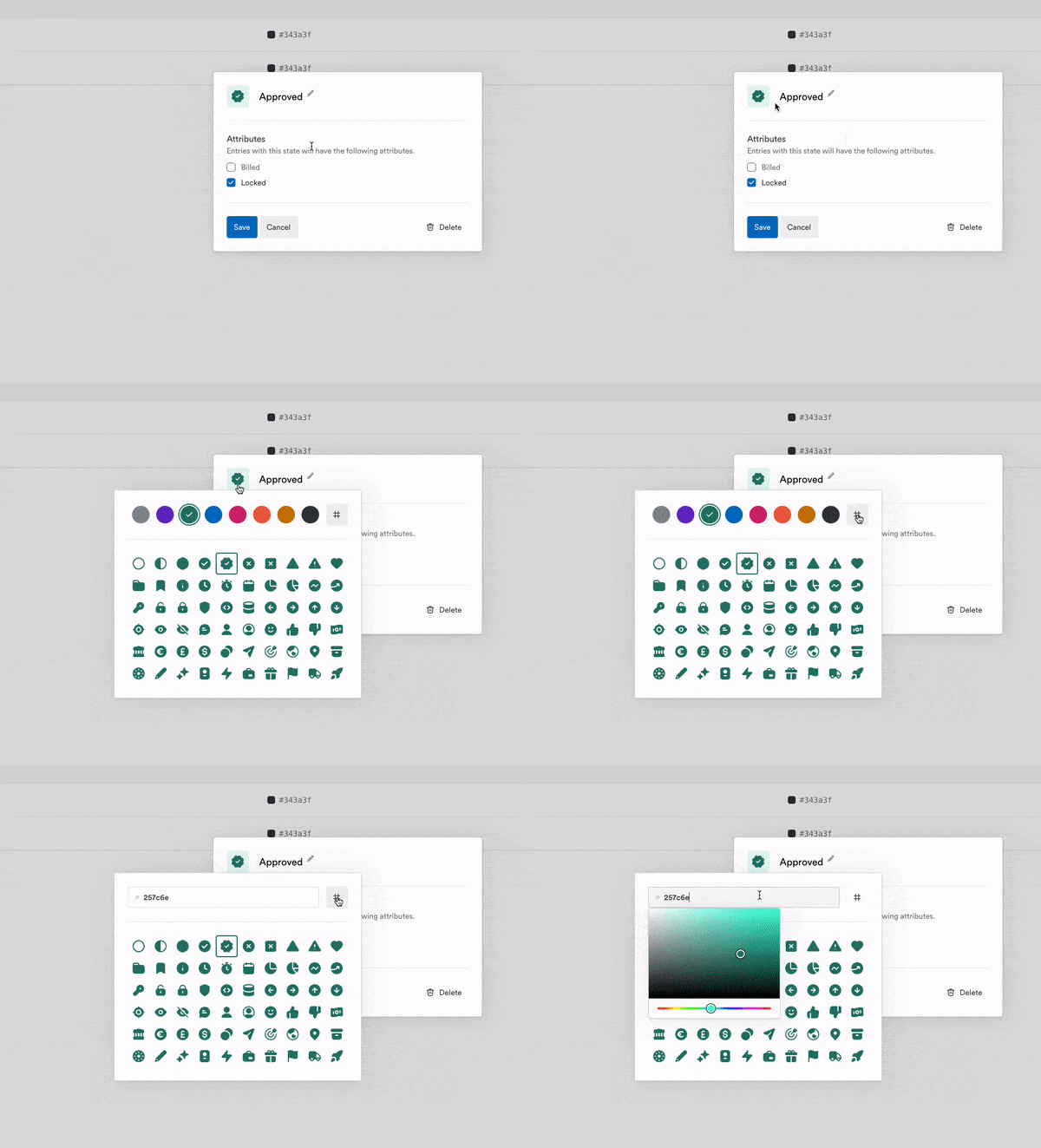
Settings sidebar navigation

The settings area has been redesigned with a new vertical sidebar layout. Finding and moving between sections is now intuitive and fast.

Rebuilt Personal Details page

The Personal Details settings page has been rebuilt from the ground up for a faster, more modern experience.

Dedicated email & sign-in settings

Email address, linked emails, and authentication settings now have their own dedicated page — making account security easier to manage in one clear place.

Re-applied task filters

Your last selected filters on the Tasks page are now remembered and restored when you return. No more re-applying the same filter every time you switch tabs.

Recovered transactions in Balance History

Recovered transactions now appear alongside standard transactions in the Balance Transaction History, giving admins a complete, unified view of account activity.

Tasks & projects

Better tools for planning, delegating, and keeping your team on track.

Bulk task creation

Create multiple tasks at once from the Tasks list, assigning one per team member with a shared title, description, project, and dates. Capacity warnings automatically flag any scheduling conflicts so you can plan with confidence.

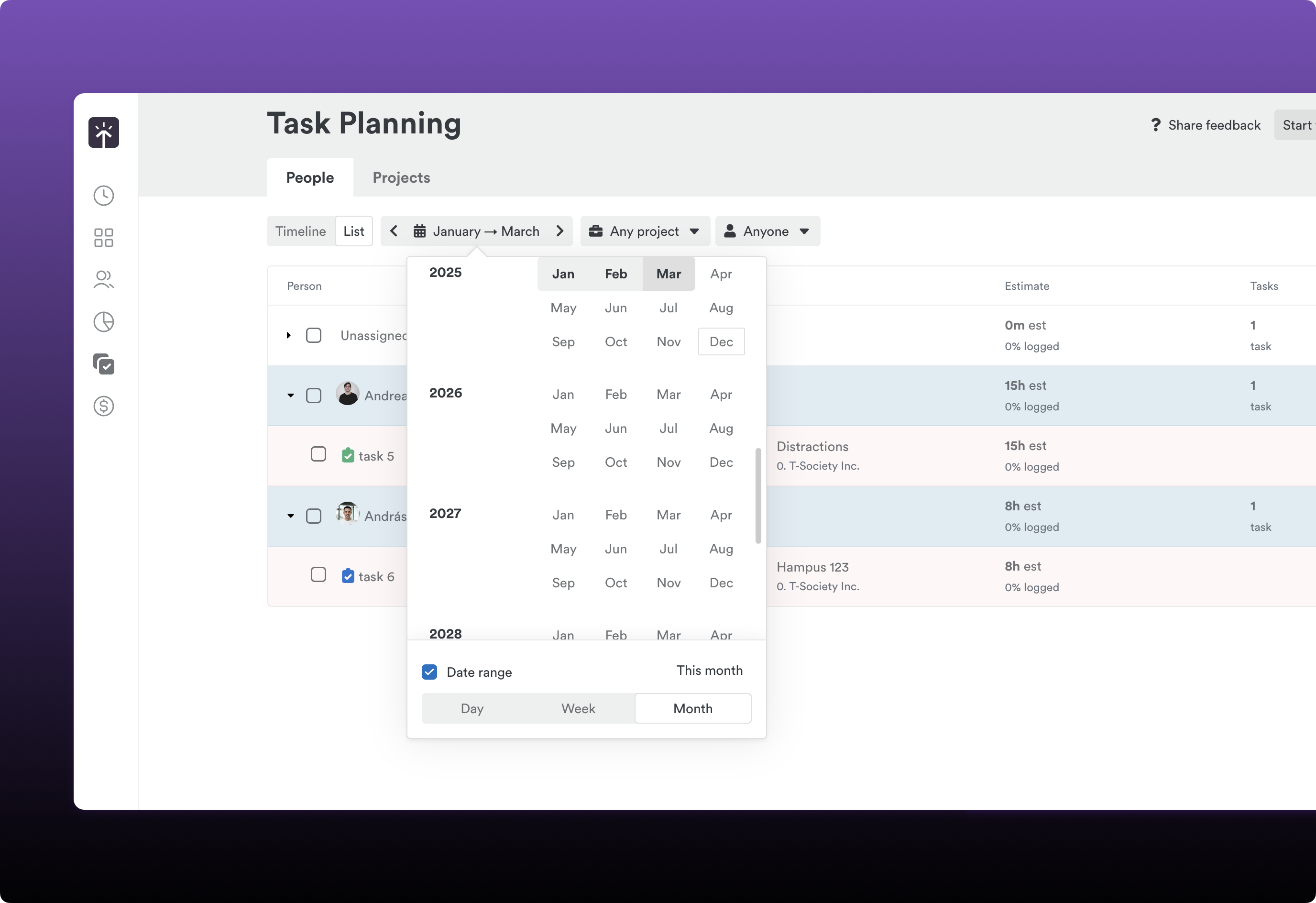
Upgraded projects page

The projects list now supports sortable columns, pagination, adjustable column visibility, and faster server-side search. Managing a large portfolio of projects just got a lot more manageable.

Filter ClickUp tasks by assignee

Opt in to a setting that limits which ClickUp tasks are visible to each user, so people only see tasks they’re directly assigned to.

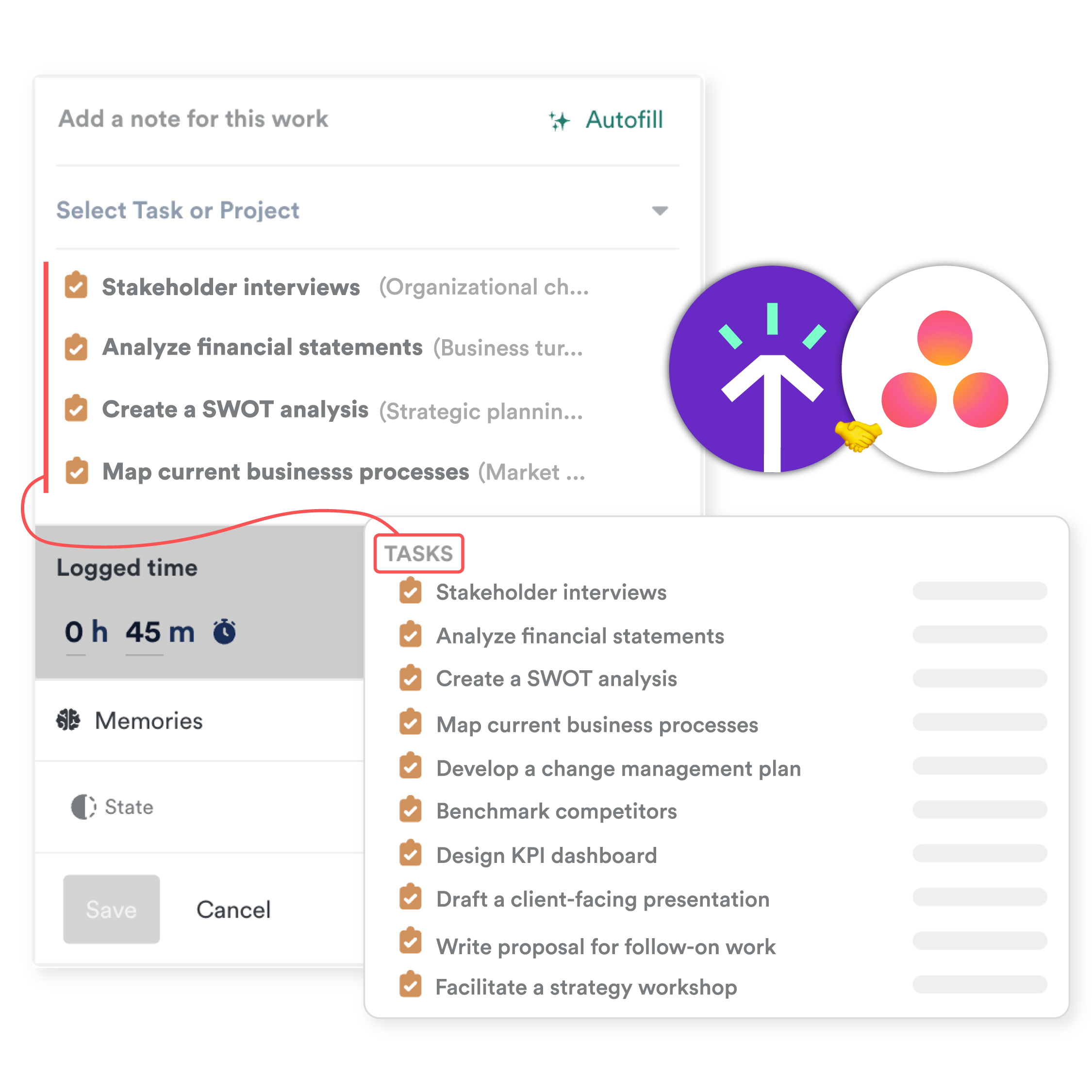
Log time to Asana subtasks

You can now log time directly to Asana subtasks, with support for up to 5 levels of nesting between a project and a task.

Team leads can send time logging reminders

Team leads can now send time logging reminders to their team members directly — no need to escalate to admins.
Dark mode, new Personal Details page, AutoSheet improvements, and more

New Features

  • AutoSheet week view — See your entire week with per-day tabs, week-specific actions, and a redesigned summary experience.
  • Delete activities from AutoSheet timeline — Permanently delete memories directly from the AutoSheet timeline via an Edit Activities mode with hover-to-delete popover.
  • Dark mode — Dark mode is now supported across all settings and workspace pages.
  • Personal Details settings page — The Personal Details settings page has been rebuilt with a faster, more modern experience.
  • Custom AutoSheet summary intervals — Set custom summary intervals including a new 10-minute option.
  • Persistent task filters — Your last selected filters on the Tasks page are now remembered and restored when you return.
  • Dedicated email & sign-in settings — Email address, linked emails, and authentication settings now have their own dedicated settings page.

Improvements

  • AutoSheet header & options — The AutoSheet title is now visible in the header, and the Options button has moved to the top right.
  • Default summary interval — The default AutoSheet summary interval has changed from 30 minutes to 15 minutes.
  • Smarter “Back to Timely” navigation — The Back to Timely button in settings now returns you to the page you came from.

Settings redesign, new admin tools, and more

New Features

  • Settings sidebar navigation — The settings area has been redesigned with a new vertical sidebar layout, making it easier to find and navigate between sections.

Improvements

  • Recovered transactions in Balance History — Recovered transactions now appear alongside standard transactions in the Balance Transaction History.

Bulk editing in AutoSheet, Asana subtasks, and more

New Features

  • Richer AutoSheet timeline interactions — Hover over activities to highlight time spans, reassign activities directly, and select multiple activities by clicking or dragging.
  • Batch edit time entries in AutoSheet — Select multiple time entries at once to change their project, linked work, or assignee — or delete them all in one go.
  • Filter ClickUp tasks by assignee — Opt in to a setting that limits which ClickUp tasks are visible to each user.
  • Bulk task creation — Create multiple tasks at once from the Tasks list, assigning one per team member with a shared title, description, project, and dates.

  • Upgraded projects page — The projects list now supports sortable columns, pagination, adjustable column visibility, and faster server-side search.
Improvements

  • Log time to Asana subtasks — You can now log time directly to Asana subtasks, with support for up to 5 levels of nesting.
  • Persistent report template filters — The “Created by” filter on Report Templates is now remembered when you navigate away.
  • Team leads can send time logging reminders — Team leads can now send time logging reminders to their team members directly.

AutoSheet improvements & UX updates

Improvements

  • Fixed AutoSheet notes overwriting — Fixed an issue where AutoSheet notes were being overwritten on existing time entries.
  • Notes regeneration uses preset language — Fixed AutoSheet notes regeneration to use your preset language instead of defaulting to English.
  • Updated Linked work widget name — Updated Linked work widget name for better clarity.
  • Regenerate notes in the notes field — Added the ability to regenerate notes directly in the notes field.
  • Project assignees filter on Tasks page — Added project assignees filter on the main tasks page for faster filtering.
  • Fixed timesheet export — Fixed timesheet export functionality.

Product Update: February 2026

February 2026 product update

Time tracking

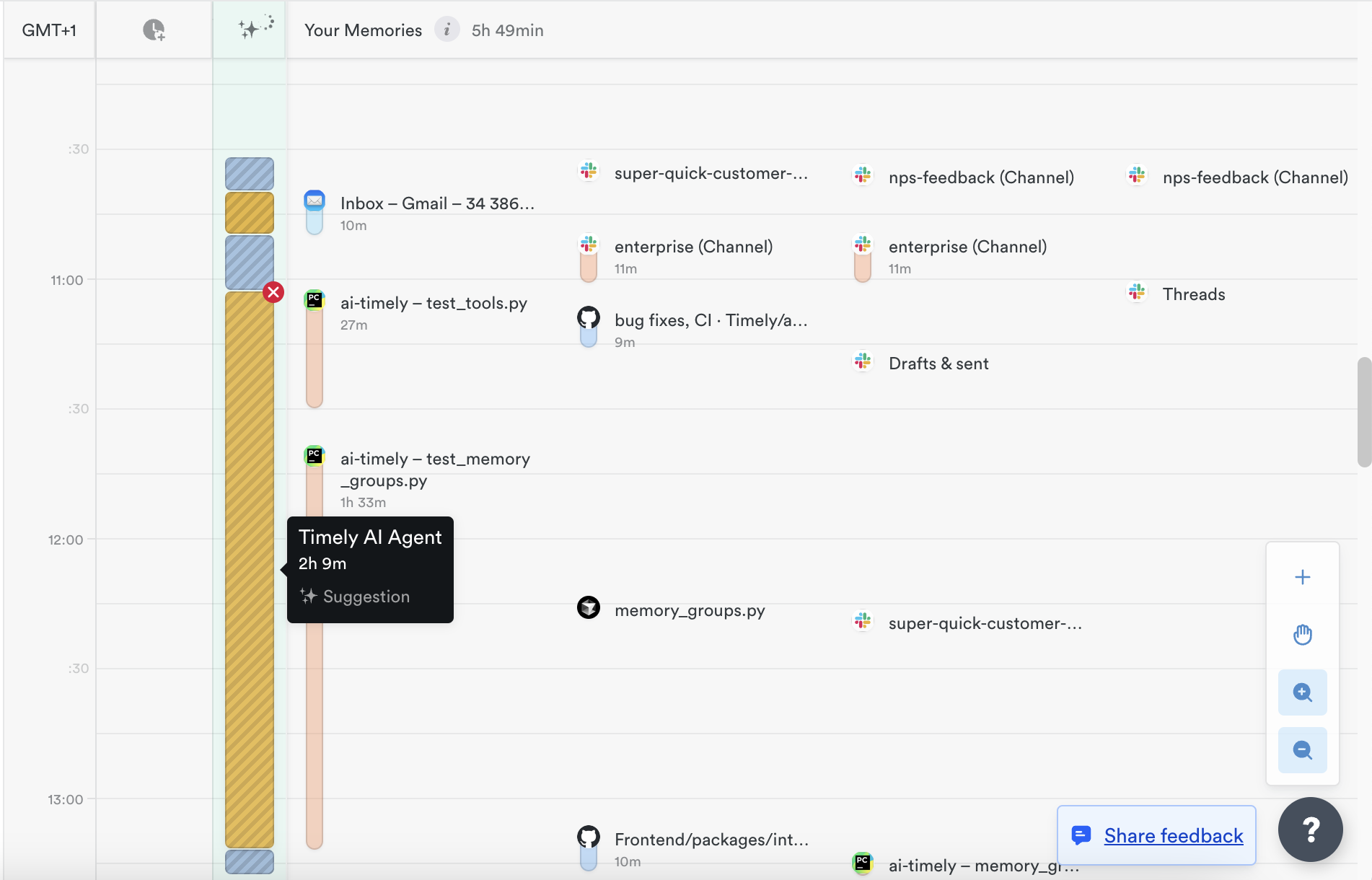
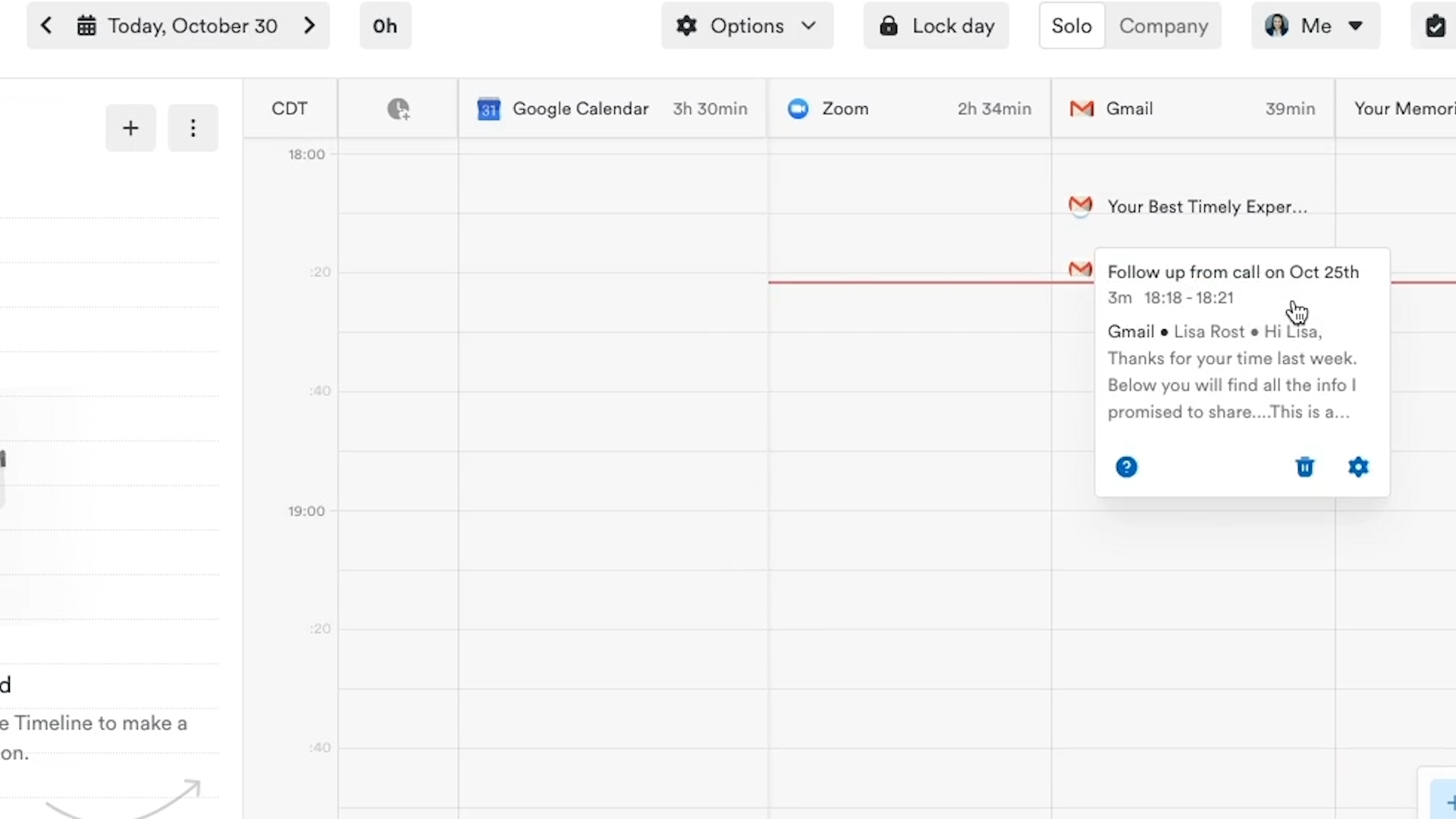
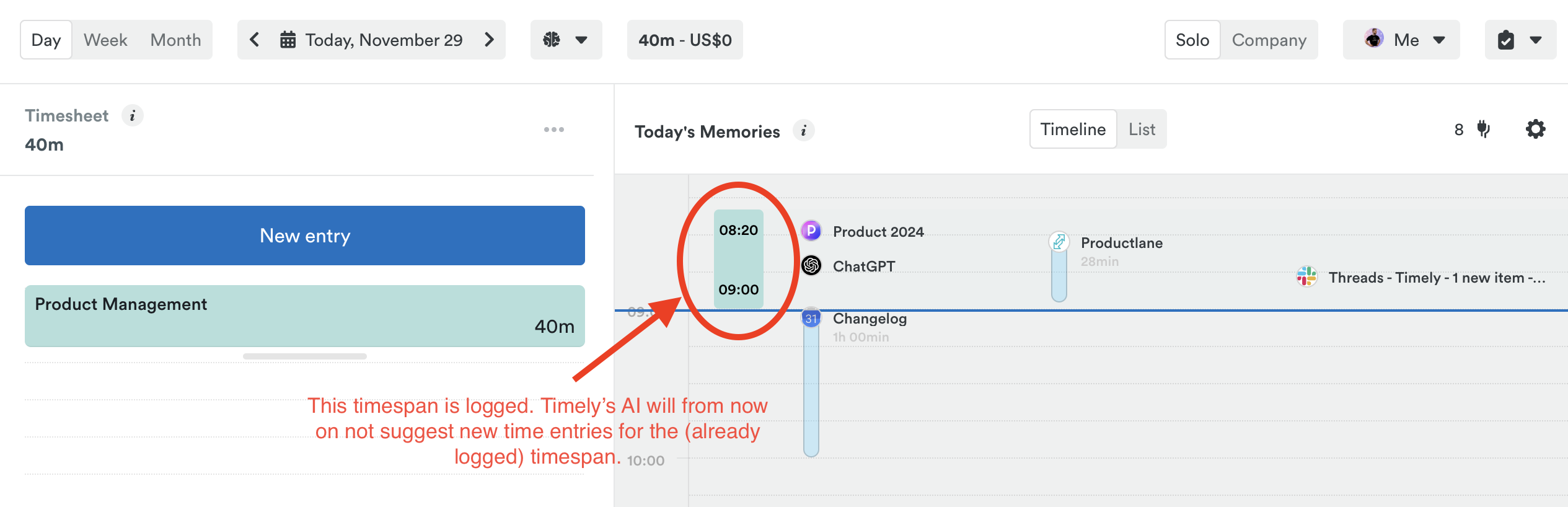
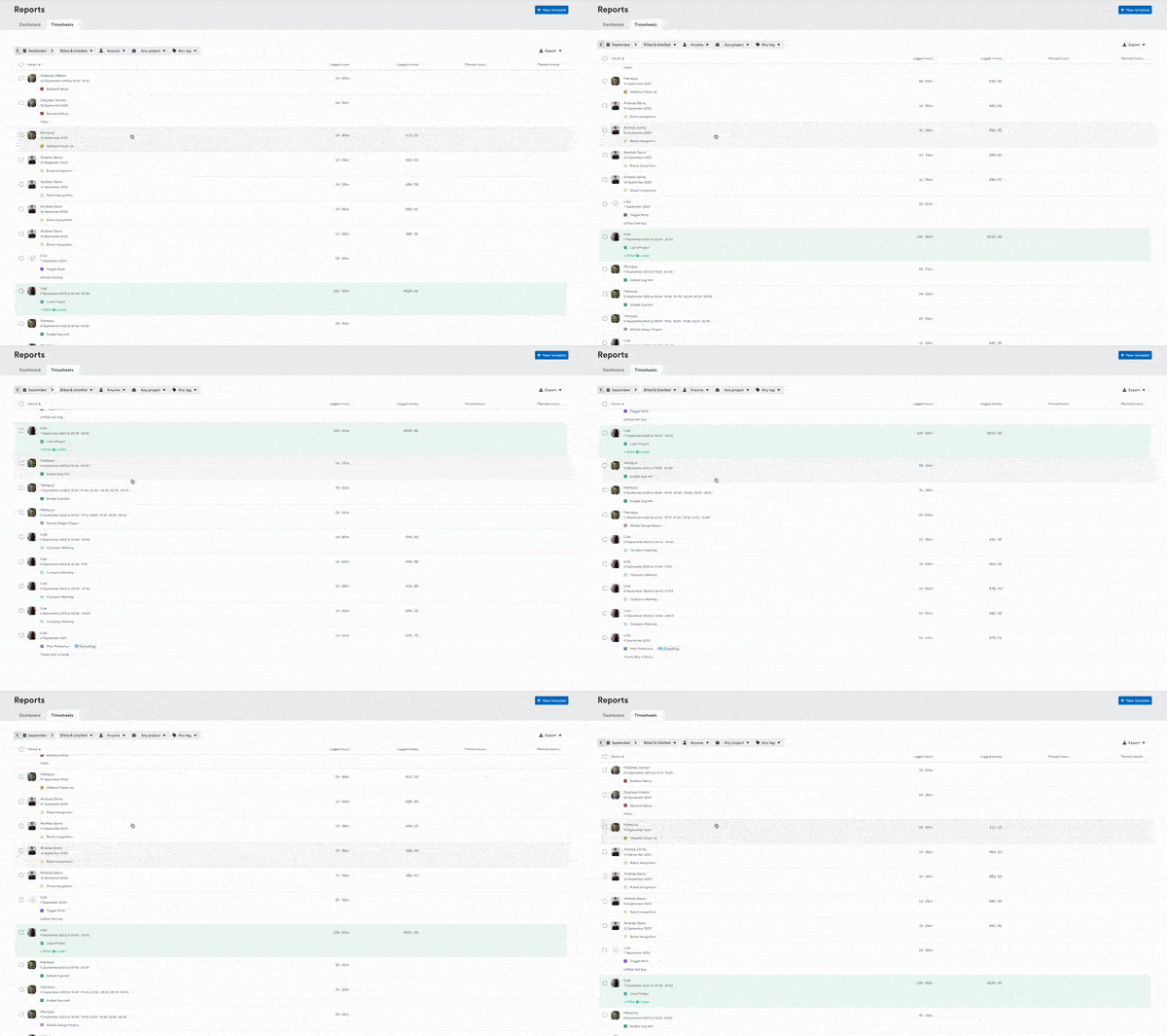
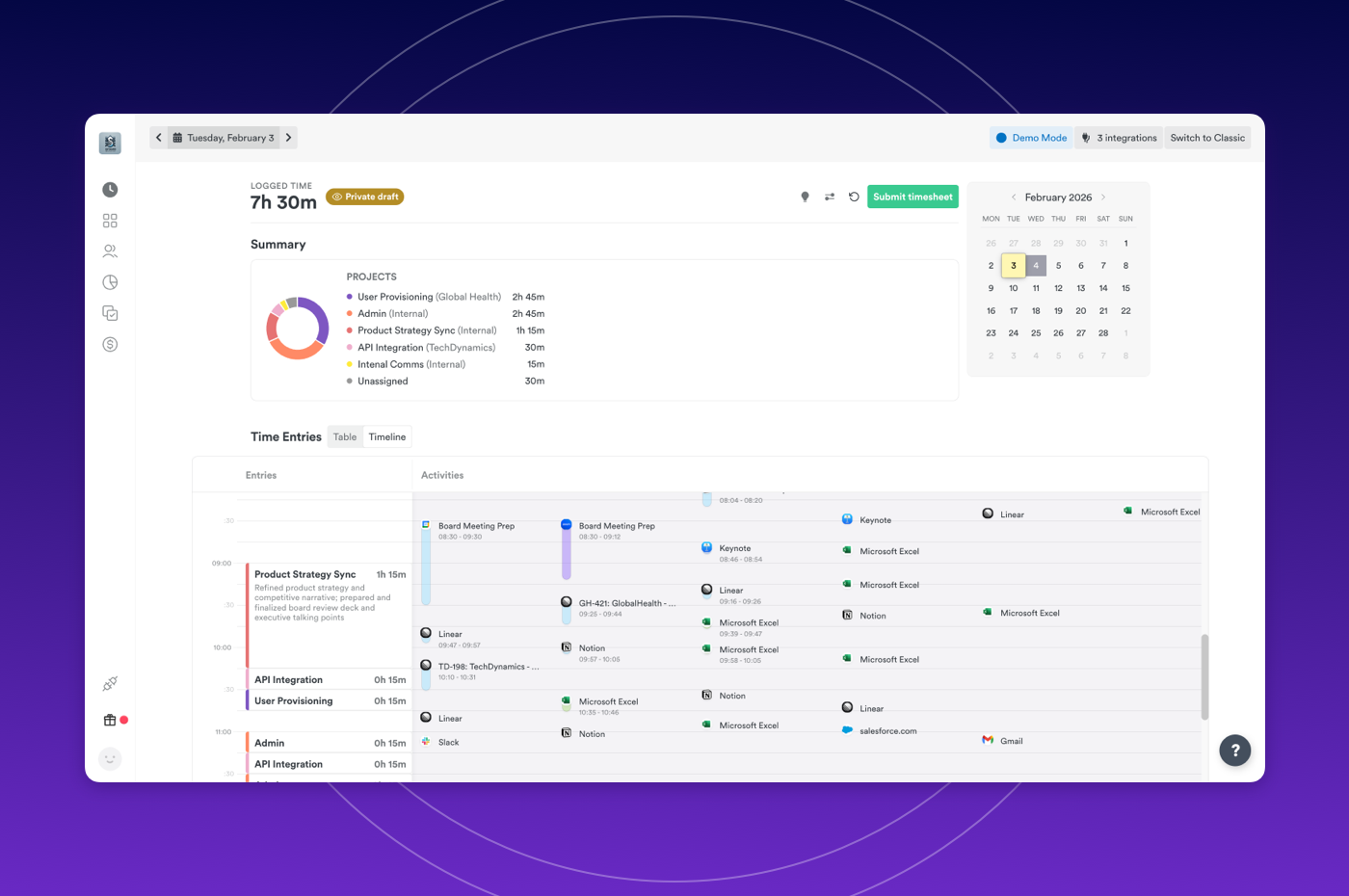
New Timeline view in AutoSheet

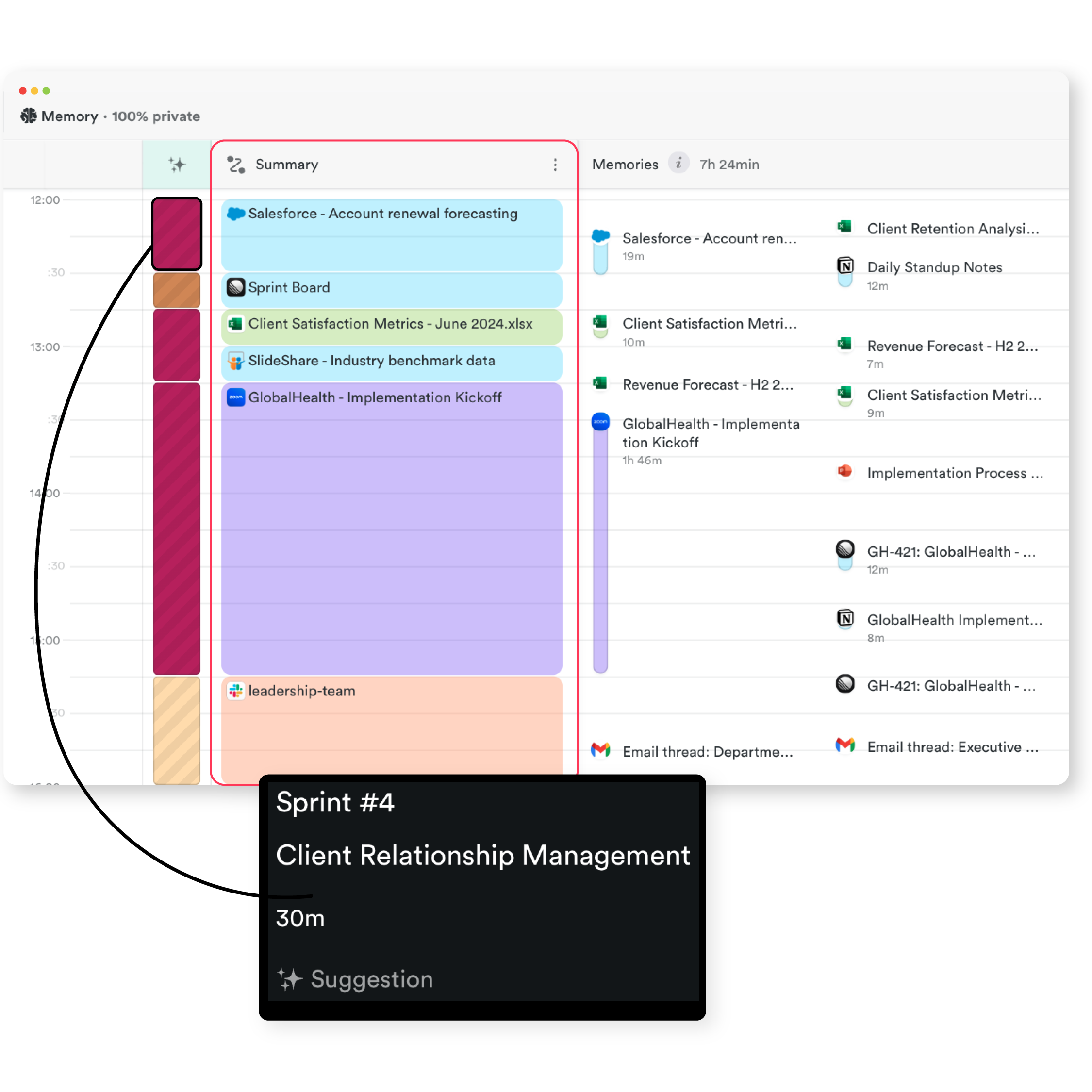
AutoSheet now includes a visual timeline that displays your Time Entries alongside captured Memories, giving you the ability to:

  • See exactly what activities and memories contributed to each time entry, eliminating guesswork and making it easier to verify your logged time matches your actual work
  • Review your day chronologically with entries positioned by time, helping you identify gaps, overlaps, or missing activities before submitting your timesheet
  • Navigate between your logged entries and underlying memories in one unified view, reducing the back-and-forth

AutoSheet timeline view

Plans: Starter, Premium, Unlimited, Enterprise

Integrations

Faster team onboarding with Microsoft Teams

New Microsoft Teams users now connect automatically when invited to a workspace. Eliminate onboarding friction and get new team members productive immediately.

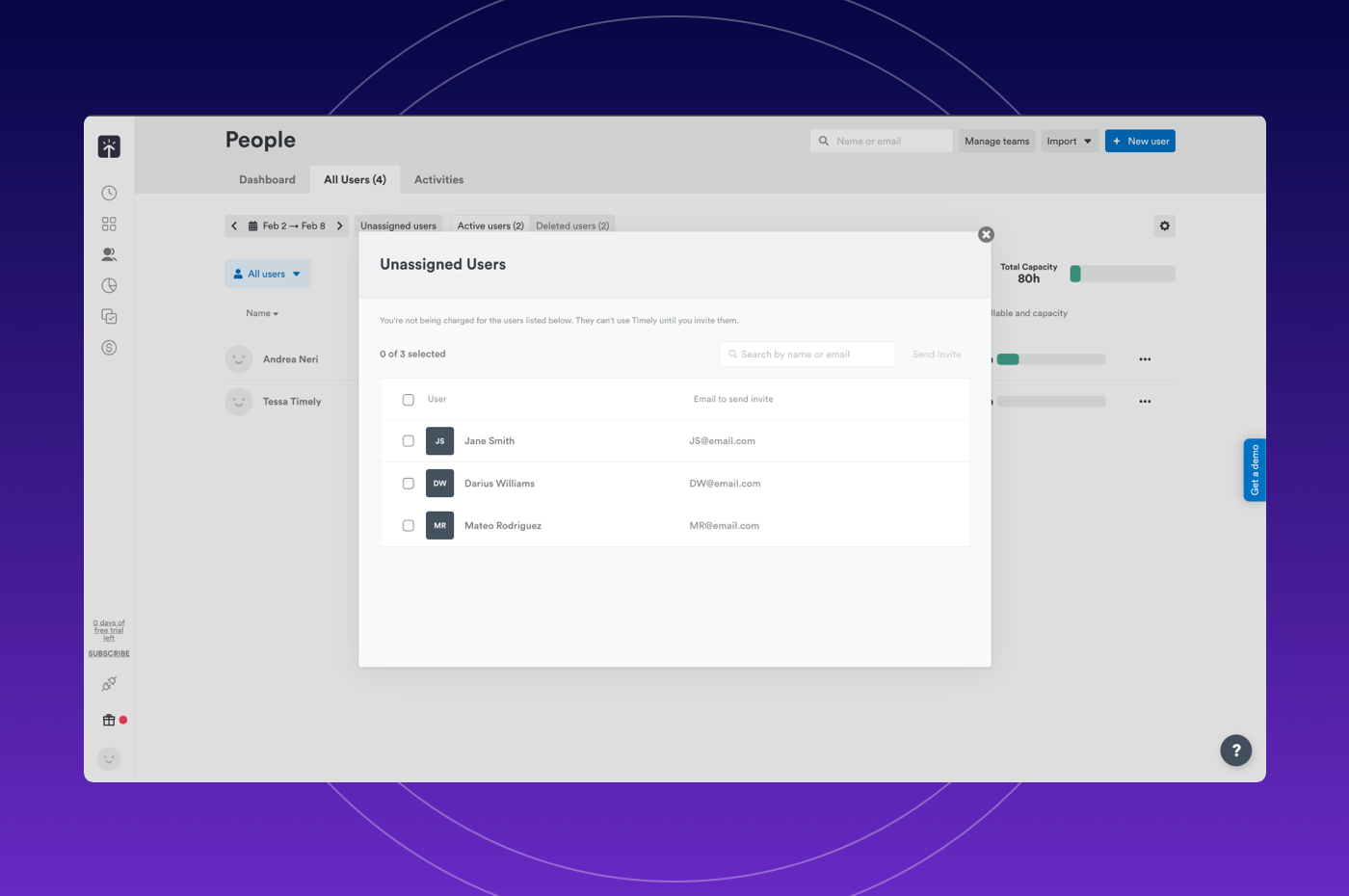
Imported users now appear in the new Unassigned users modal where admins can search users and invite in bulk from the Unassigned user list.

Unassigned users modal

Plans: Premium, Unlimited, Enterprise

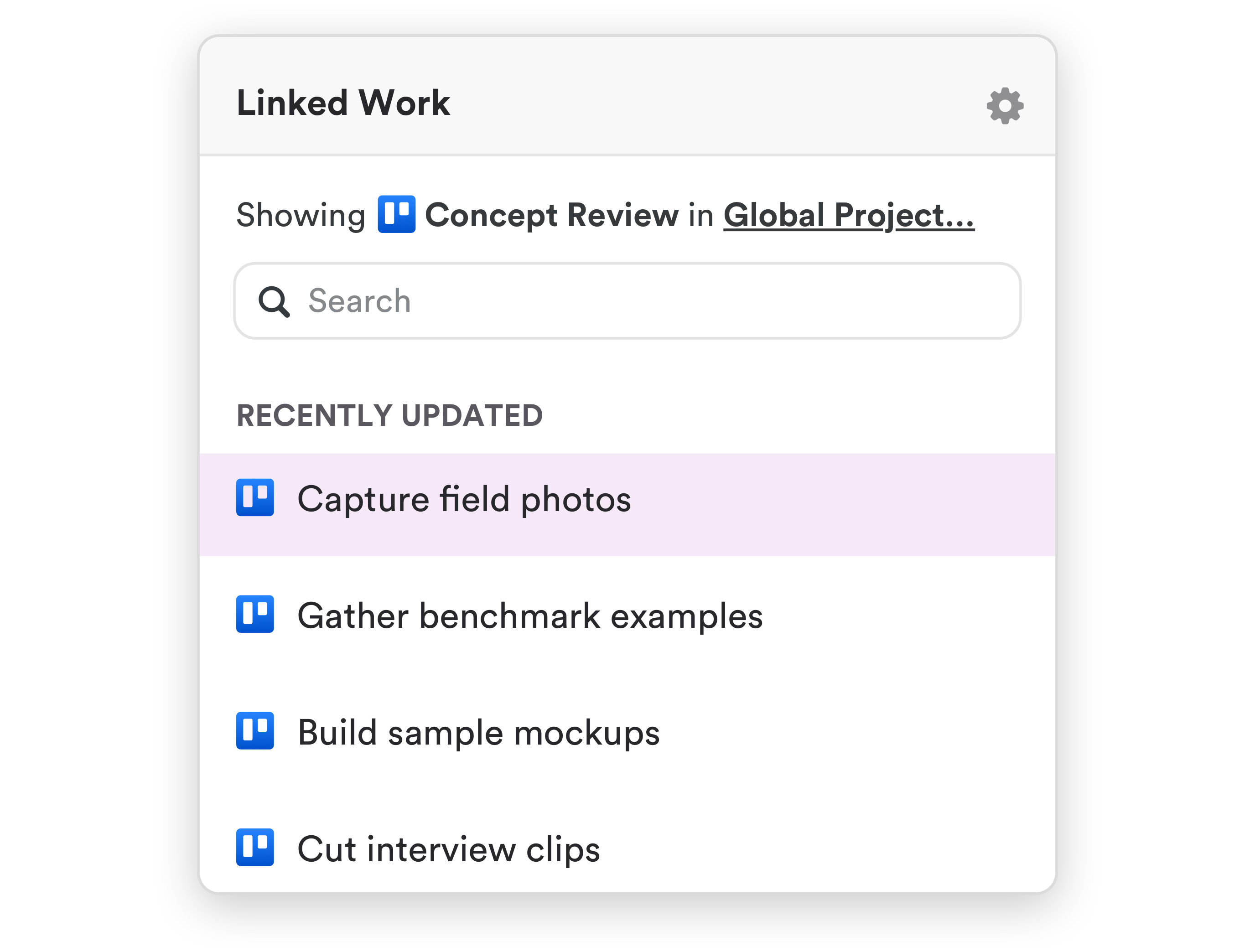
Linked Work improvements

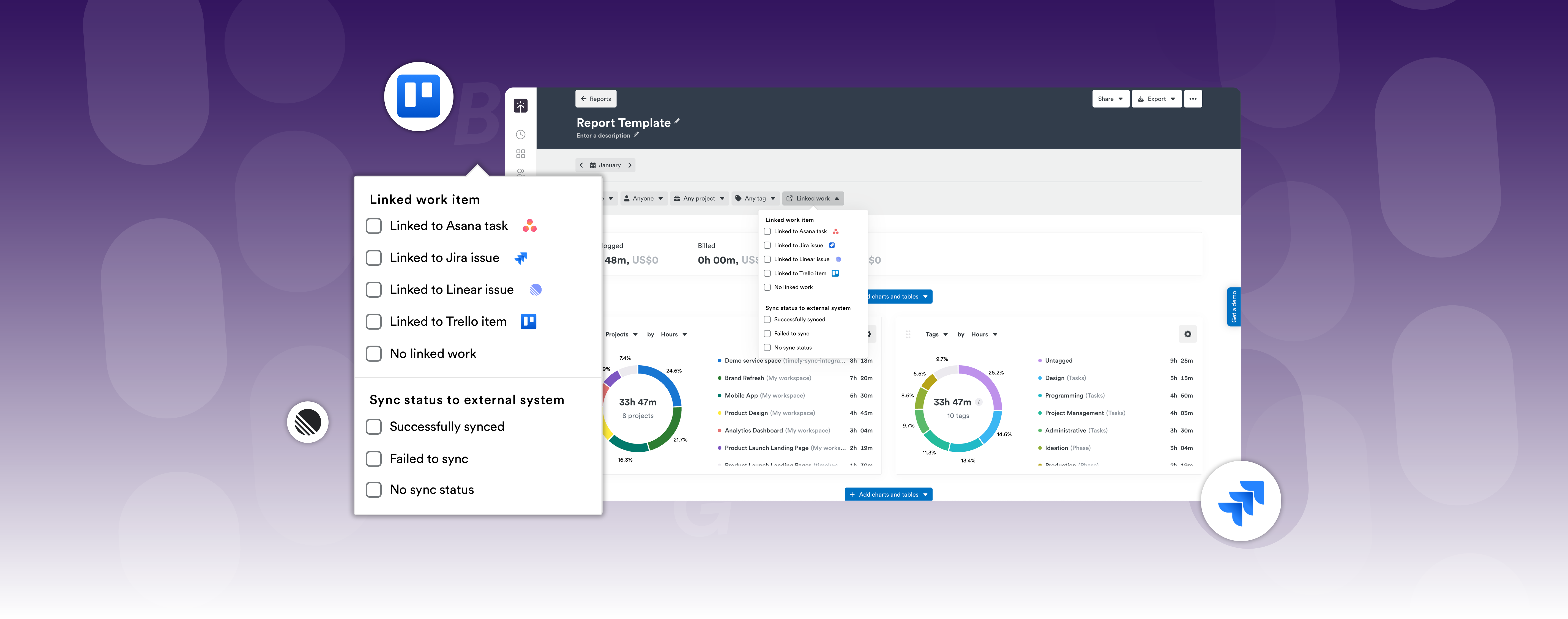
Enhanced Linked Work capabilities allow you to:

  • Hover over tooltips to see Task descriptions for instant context
  • Analyze time data with precision by filtering entries connected to tools like Jira or Linear
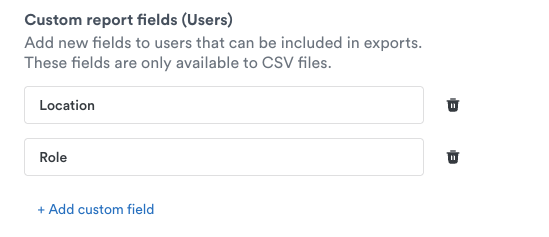
  • Export linked work item details (ID, title, and sync status) in reports

Linked Work report template

Plans: Premium, Unlimited, Enterprise

Reports

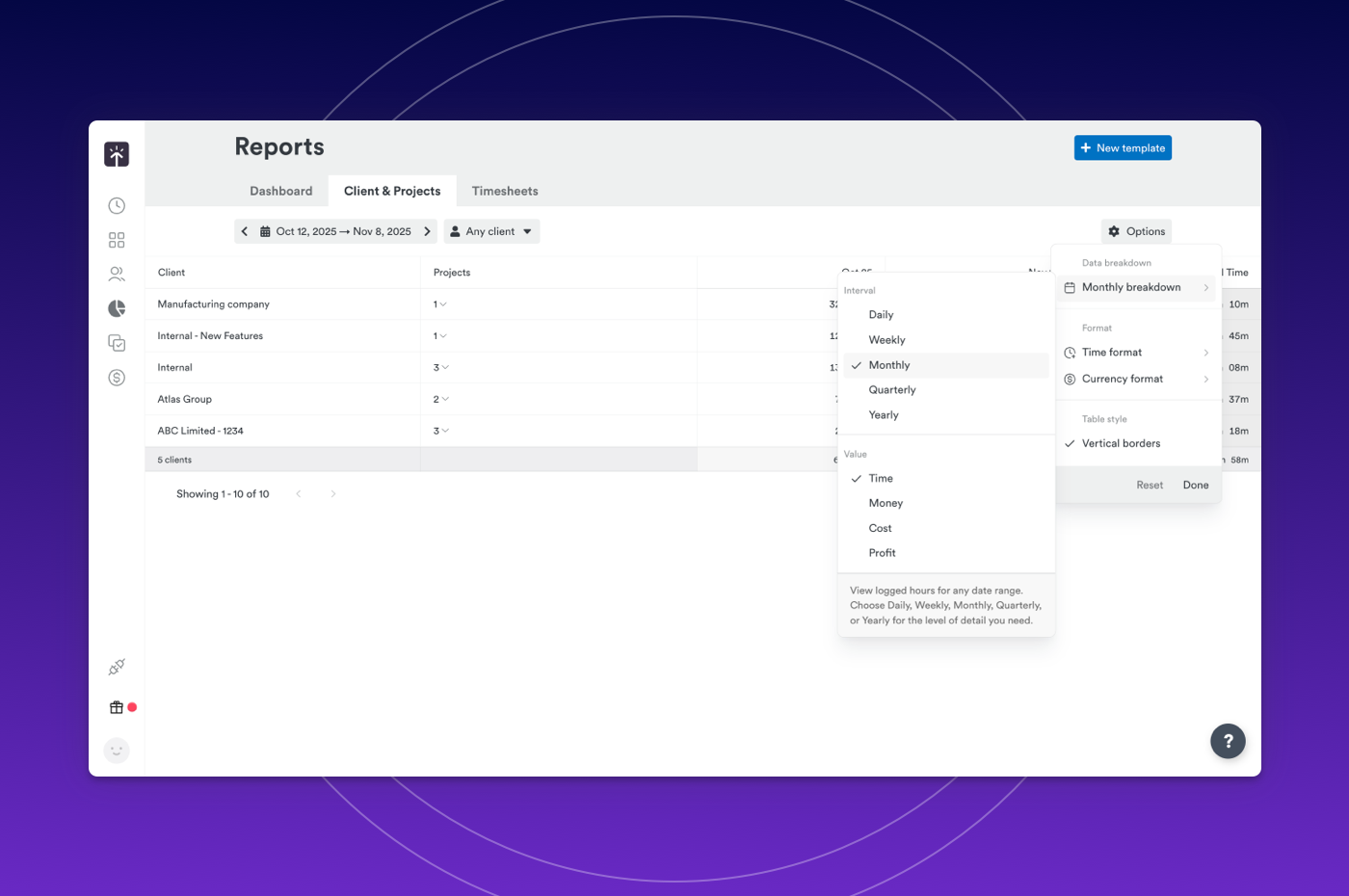
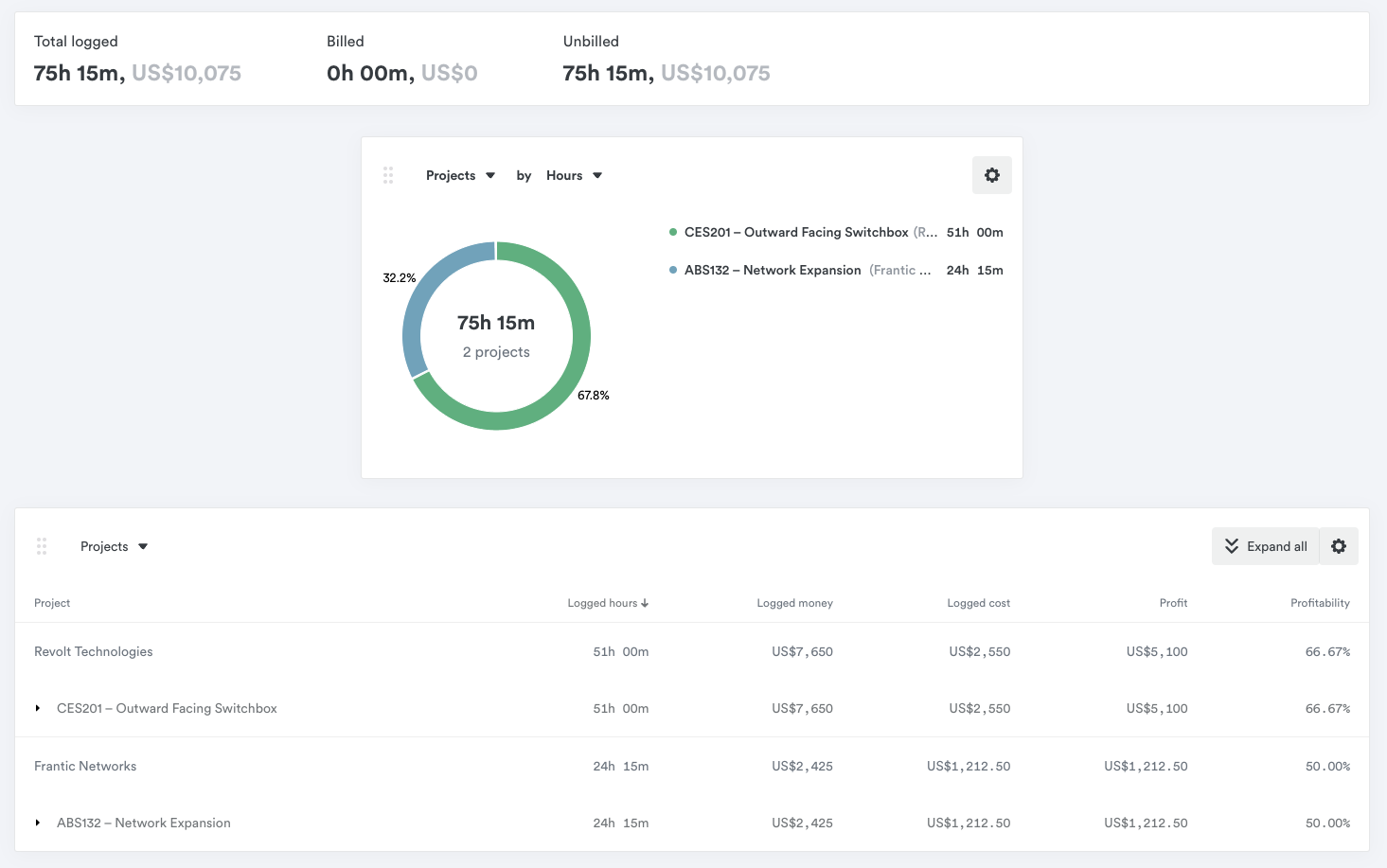
New quarterly & yearly breakdowns

Client & Project reports now include quarterly and yearly views, giving you the ability to:

  • Identify patterns that daily or weekly views miss — see seasonal trends, client retention patterns, and project profitability shifts
  • Plan with confidence by comparing performance year-over-year or quarter-over-quarter
  • Report to stakeholders effortlessly with executive-ready summaries that show the big picture

Quarterly and yearly report breakdowns

New Asana integration, advanced reporting & Linked Work features

New Features

  • New Asana sync integration — A new Asana sync integration for effortless, AI-powered time tracking built on Timely’s new Timeline infrastructure.

Improvements

  • MS Teams auto-connects new users — MS Teams integration now automatically connects new users when invited to workspaces.
  • ClickUp archived task cleanup — ClickUp archived tasks are now properly deleted in Timely.
  • Quarterly & yearly report breakdowns — Added quarterly and yearly report breakdowns to the Client & Project report page.
  • Task description tooltip — Added task description to tooltip — view task details on hover for better context.

Improved Memory visibility, navigation, and language support for AutoSheet & Timesheets

Improvements

  • View-only timeline for AutoSheet — A view-only timeline displays entries alongside memories.
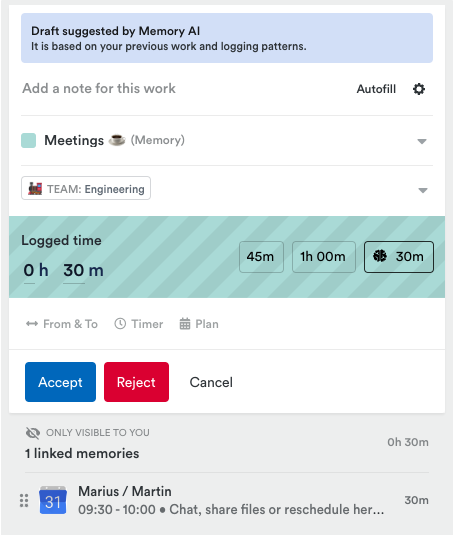
  • Preview activities before generating a timesheet — Users can now see activities and memories before generating a timesheet, showing icons of top apps ordered by time.
  • Japanese and Arabic language support — Added Japanese and Arabic language support for AutoSheet notes generation.
  • Keyboard navigation for linked work dropdown — Navigate the linked work dropdown using arrow keys, Enter to select, Escape to close.
  • New timesheet filters for linked work & sync status — Filter by whether entries are linked to a work item and by sync status.
  • Prevent submitting timesheets for locked days — Added a validation to prevent submitting timesheets for locked days.

Product Update: December 2025

December 2025 product update

Integrations

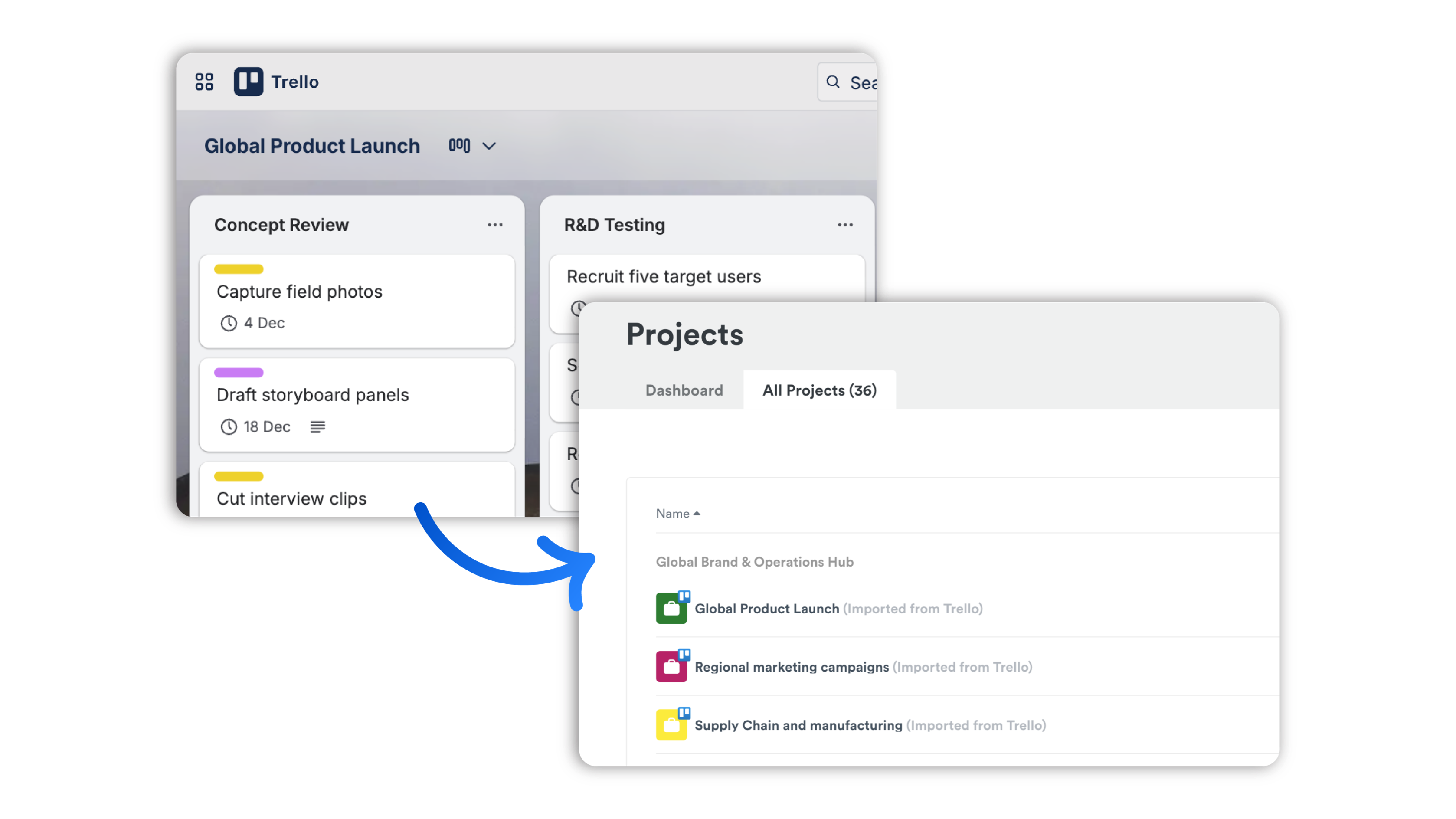
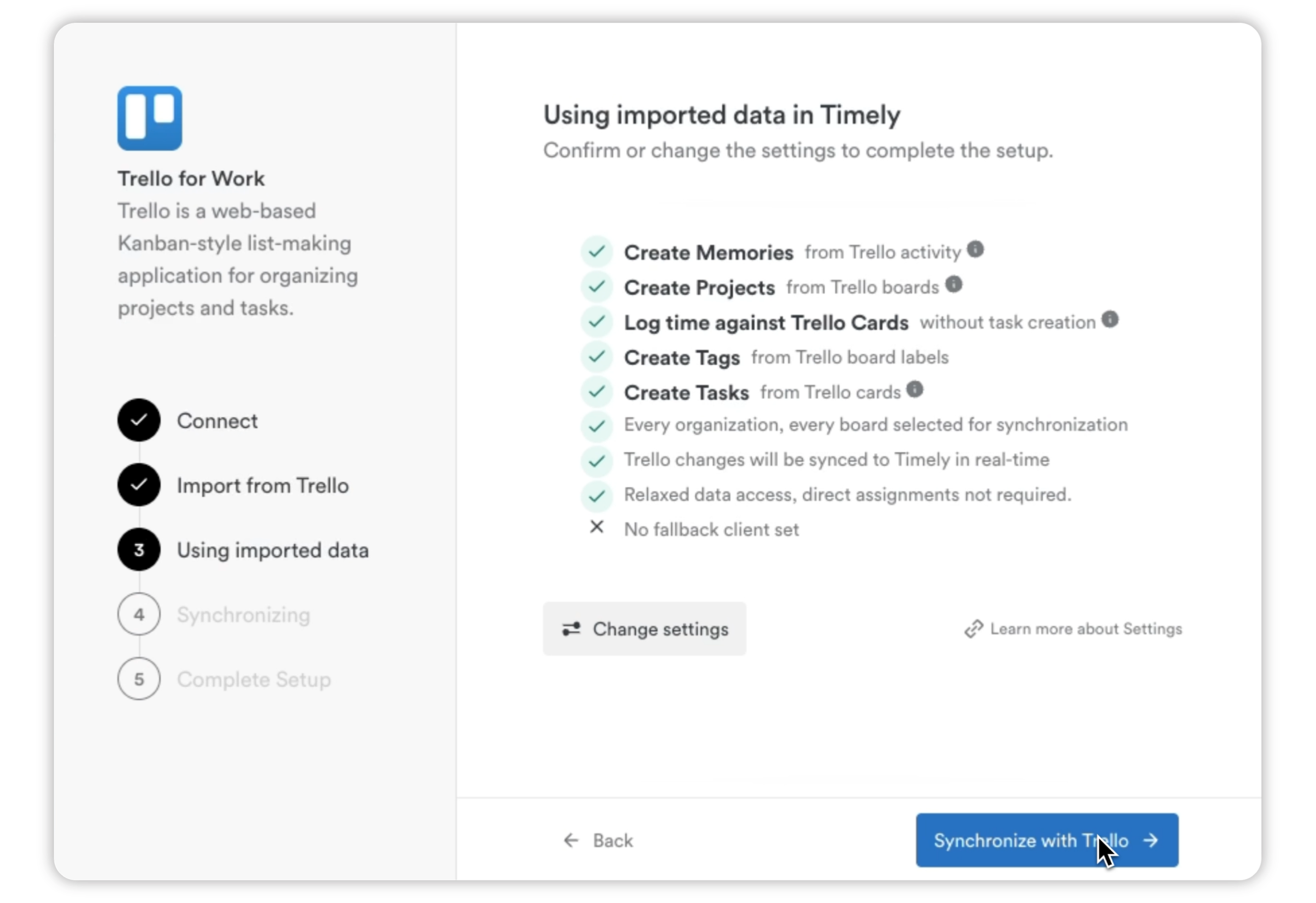
Hello Trello! Bring Trello and Timely together for effortless, AI-driven time tracking.

Let Trello keep your work organized while Timely captures the hours. Each Trello card that syncs over includes:

  • Projects automatically imported from Trello boards
  • Clients created from Trello organizations
  • Real-time updates when you create, update, or comment on cards
  • Direct link back to the original Trello card
  • Labels from Trello appear as tags in Timely
  • Start and due dates flow automatically
  • Card checklists formatted as markdown in task descriptions
  • Assignees sync automatically (and updates when members are added or removed)

Trello integration overview

Trello card sync

Trello labels as tags

Trello task completion

Plus, when a card is marked as “Done” in Trello, the Timely task is completed too.

Plans: Premium, Unlimited, Enterprise

Reports

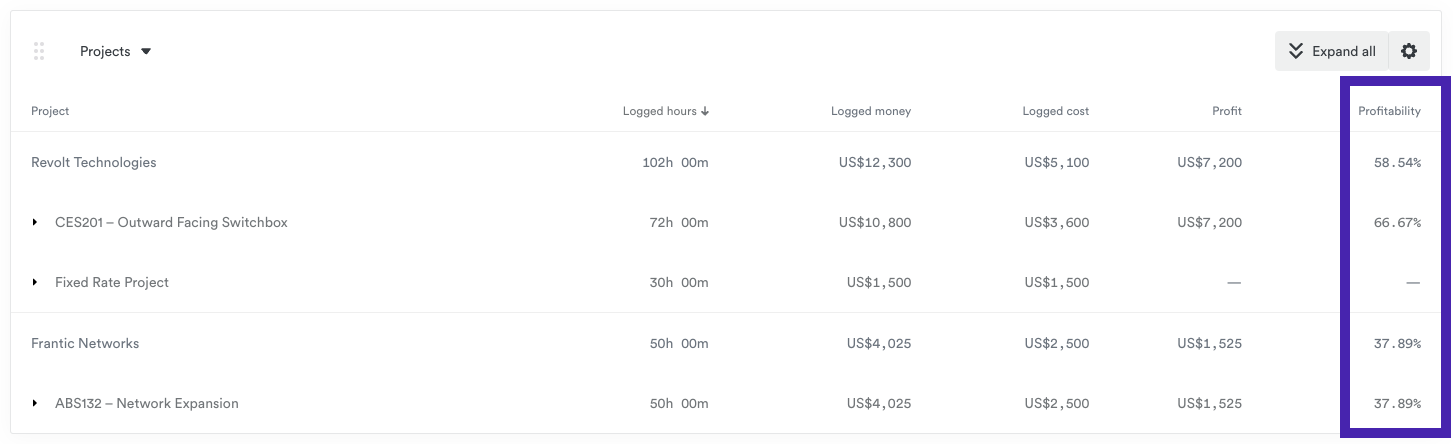
Sharper reporting for confident billing & performance

Reports improvements

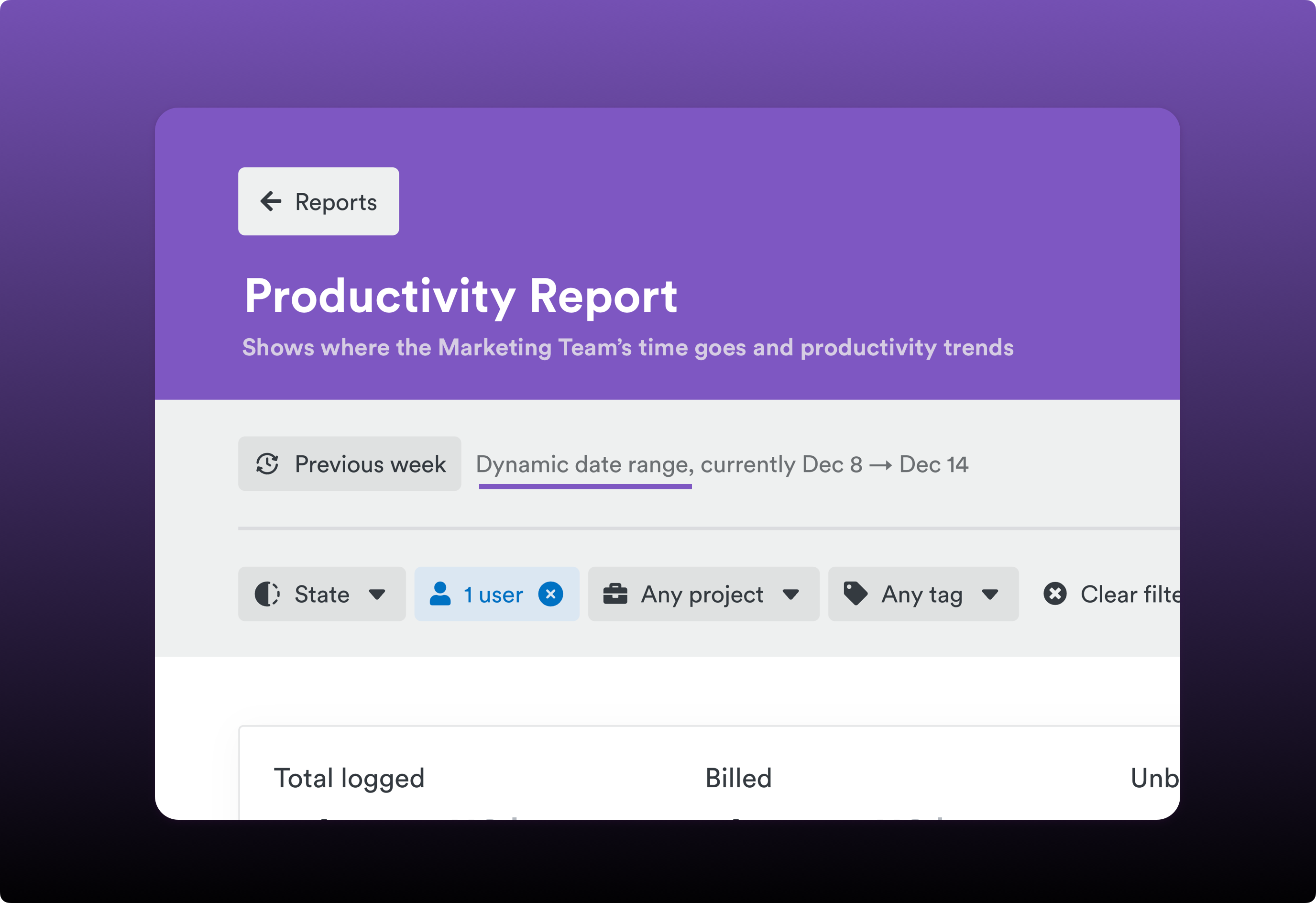
Filter your custom reports by the exact date range you need with custom time frames for user summaries. This gives you more flexibility when analyzing team performance and capacity.

API users now have more flexibility when filtering dashboards and workflows with the ability to apply the % filter for different timeframes, specifically allowing filters to act on either:

  • “Any week” — Filter based on criteria met in any single week within the selected period
  • “Whole period” — Filter based on criteria met across the entire date range

Time tracking

Faster Navigation for Busy Teams

Task filtering improvements

  • Date-range task filtering simplifies the Task list view by adding a date range selector, focusing on showing you only the tasks relevant to your current timeframe
  • Team tooltips for quick clarity: hover over long team names in filter dropdowns to see the full name

Security

Simple, Powerful Security

With one-click session termination, you can now instantly log out of all other active sessions — ideal for hybrid teams, shared devices, and client-sensitive work.

Improvements

Efficiency improvements

  • Improved project importing for ClickUp and monday.com integrations with external ID handling for name conflicts
  • Expanded task visibility for ClickUp and monday.com — all tasks shown even when the assignee is no longer active
  • Automatic Office365 calendar selection for smoother onboarding
  • Scheduled report emails now include the report name in the email body

New Jira & Linear integrations

New Features

  • Jira sync integration — Connect Jira and Timely for effortless, AI-powered time tracking. Automatically aligns projects, issues, teams, and time entries.
  • Linear sync integration — Syncs your Linear issues, projects, comments, attachments, cycles, and project updates with Timely.