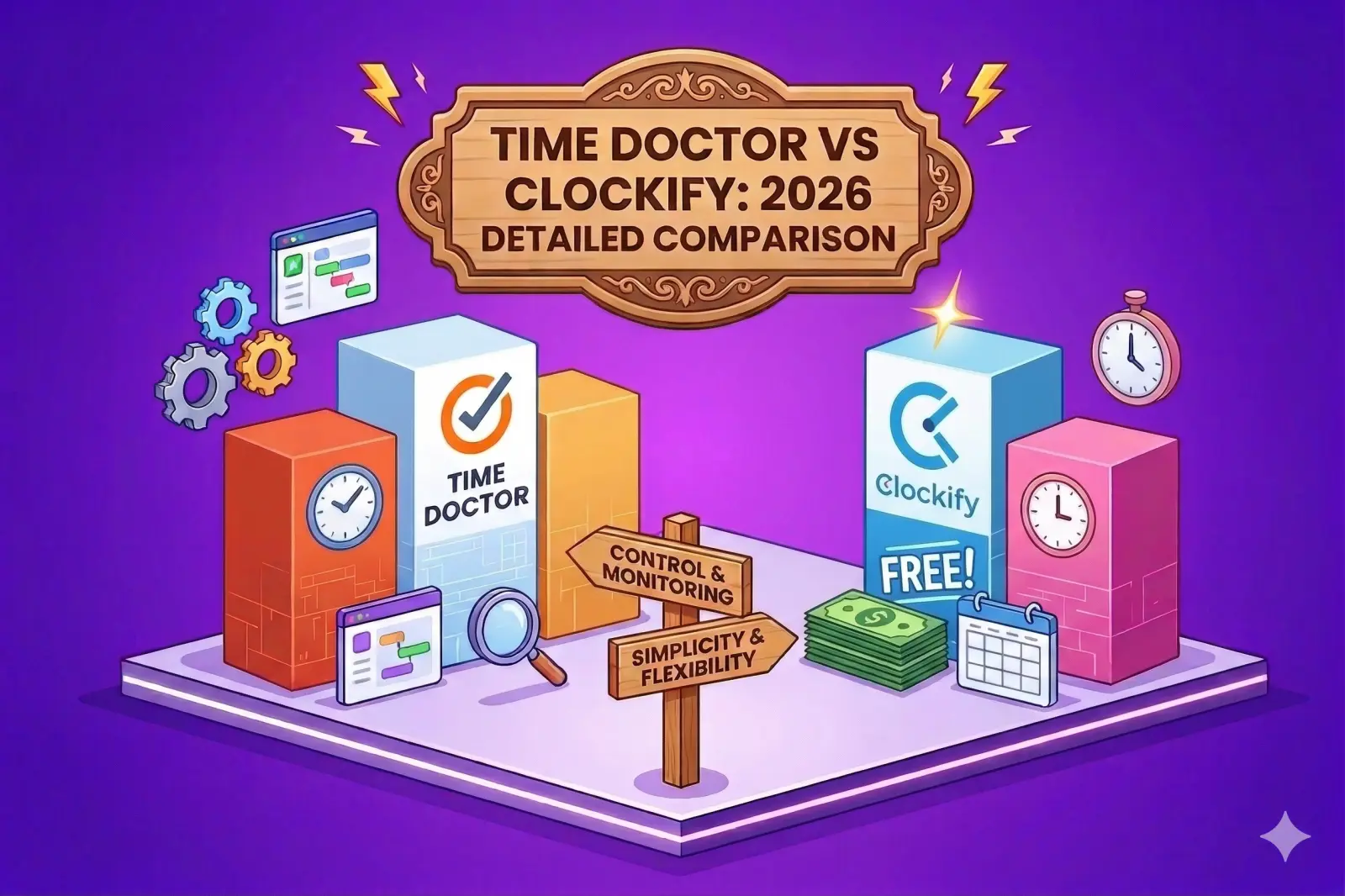
Time tracking appears simple on the surface — start a timer, log your hours, generate a report. But the tools built around this workflow vary enormously in their approach, their assumptions about how teams work, and the tradeoffs they make between visibility and privacy. Time Doctor and Clockify are two of the most widely used time tracking platforms, and they represent very different philosophies.
Time Doctor is built for remote teams that need oversight and accountability. Clockify is built for freelancers, agencies, and teams that want simple, flexible tracking without the surveillance. This comparison breaks down exactly how they differ across every major dimension so you can make the right choice for your team.
Looking for a better alternative to both? Try Timely for free today.
Time Doctor vs Clockify: quick comparison
Before diving into the details, here's how the two tools stack up at a glance:
- Best for: Time Doctor targets remote teams needing oversight and accountability; Clockify serves freelancers, agencies, and teams that want simple tracking
- Free plan: Time Doctor offers only a 14-day trial; Clockify provides unlimited users and projects on its free tier
- Starting price: Time Doctor at $6.67/user/month (annual); Clockify at $3.99/user/month (annual)
- Core monitoring: Time Doctor includes screenshots, app tracking, and activity levels by default; Clockify limits monitoring to higher-tier plans
- Integrations: Time Doctor offers 60+; Clockify offers 80+
- Ease of use: Clockify wins on simplicity; Time Doctor requires more configuration
Time tracking methods
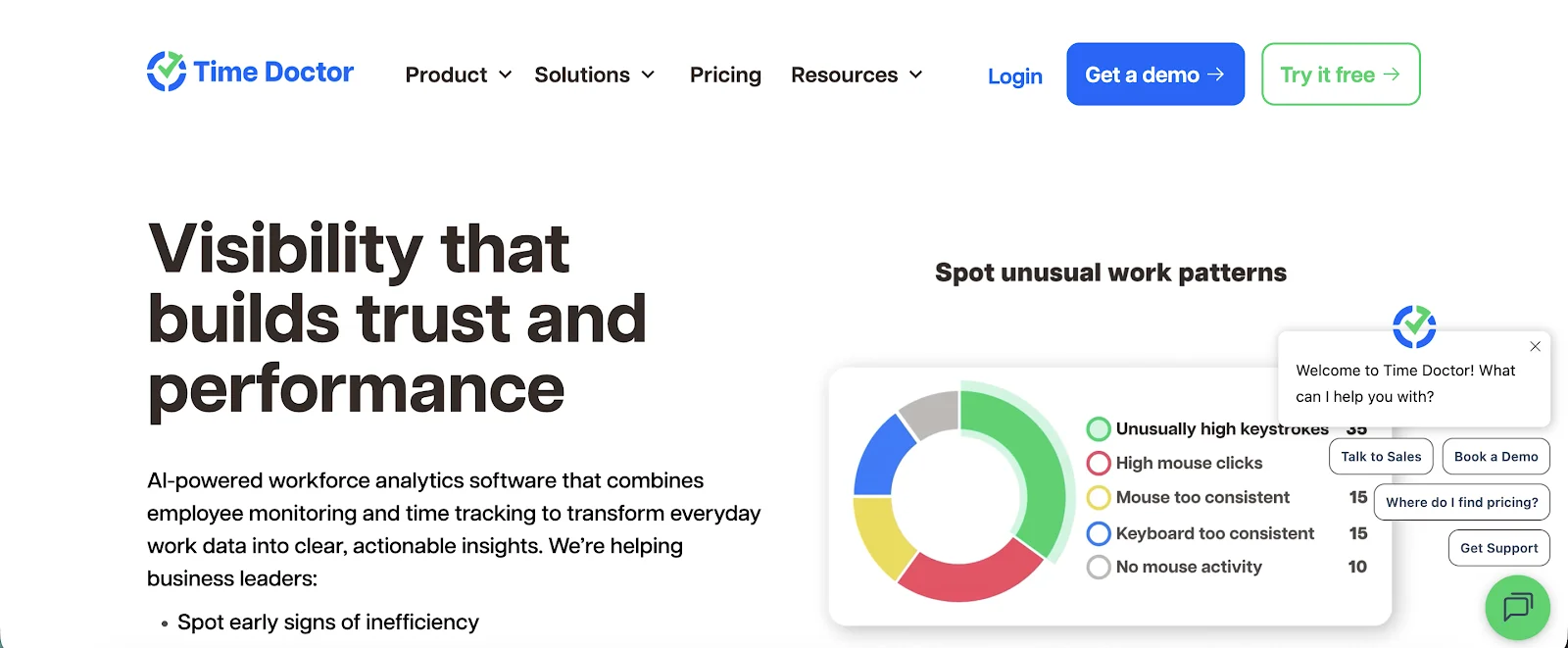
Time Doctor uses a desktop-based timer as its primary tracking method, with optional manual entries. It also includes idle detection, which pauses the timer when keyboard and mouse activity stops. This approach is designed to produce highly accurate logs, but it requires employees to keep the desktop app running and actively engaged throughout the day.
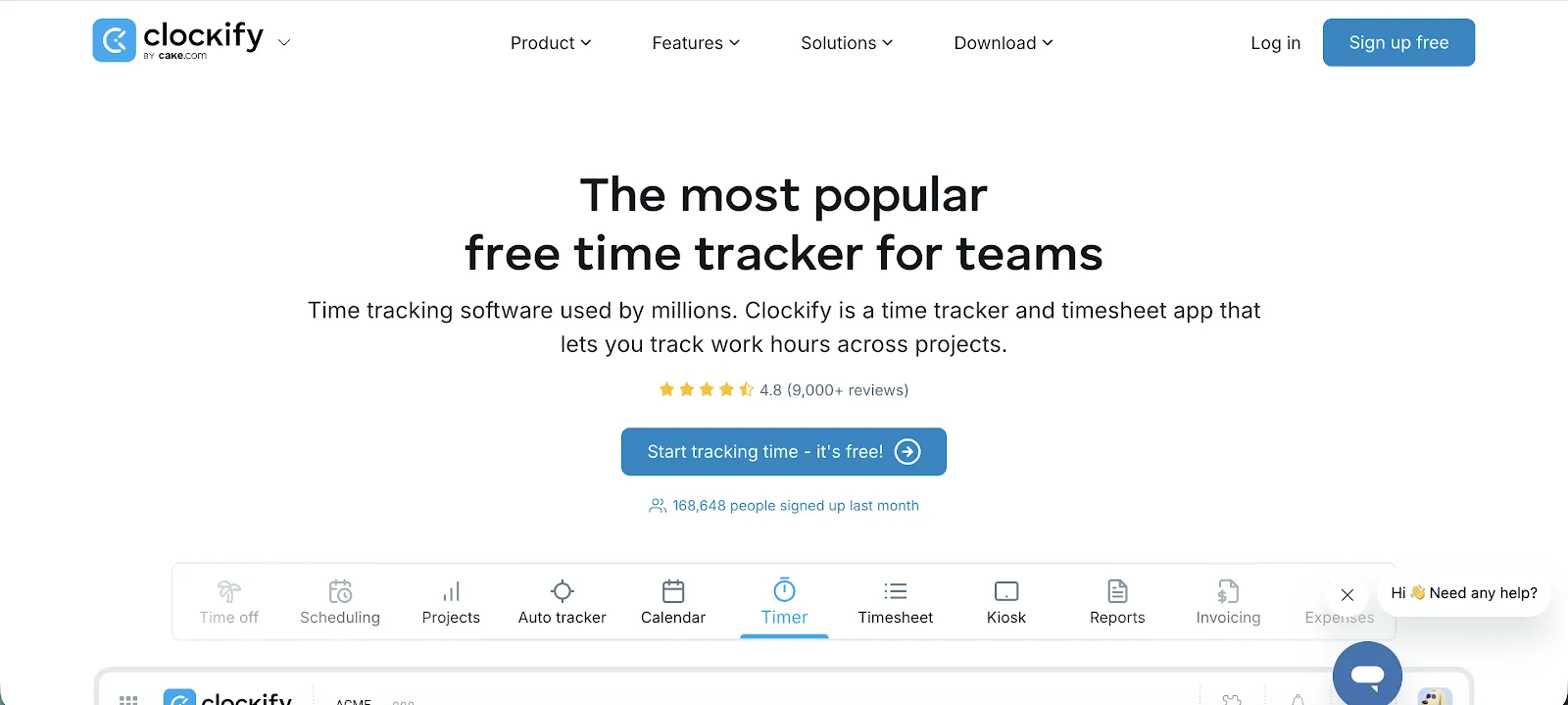
Clockify offers more flexibility: you can track time via a timer, enter it manually, or fill in a timesheet at the end of the day. GPS tracking is available on premium plans. This variety makes Clockify better suited for teams where work happens across different contexts — client sites, meetings, deep focus sessions where input devices aren't being used.
Employee monitoring
This is where the two platforms diverge most sharply. Time Doctor treats monitoring as a core feature, not an add-on. It captures screenshots at configurable intervals, records keyboard and mouse activity, tracks which apps and websites are open, and labels them as productive or unproductive. Managers get a minute-by-minute timeline of employee activity.
Clockify takes a much lighter touch. Screenshots and activity tracking exist, but only on higher-tier plans and treated as optional features rather than the reason to use the tool. For many teams, especially those with knowledge workers or remote employees who value autonomy, this distinction matters enormously.
The privacy implications are real. Time Doctor's monitoring approach can change behavior in ways that aren't always positive — people start optimizing for how their activity looks in reports rather than for the actual work. Teams frequently report pushback and slow adoption when Time Doctor is introduced precisely because of these surveillance-adjacent features.
Reporting and analytics
Time Doctor produces detailed reports that break down time by project, task, app usage, and website. You can see exactly what an employee was doing at any given moment. For certain use cases — distributed teams with contractors, call centers, or organizations where compliance matters — this level of detail is genuinely valuable.
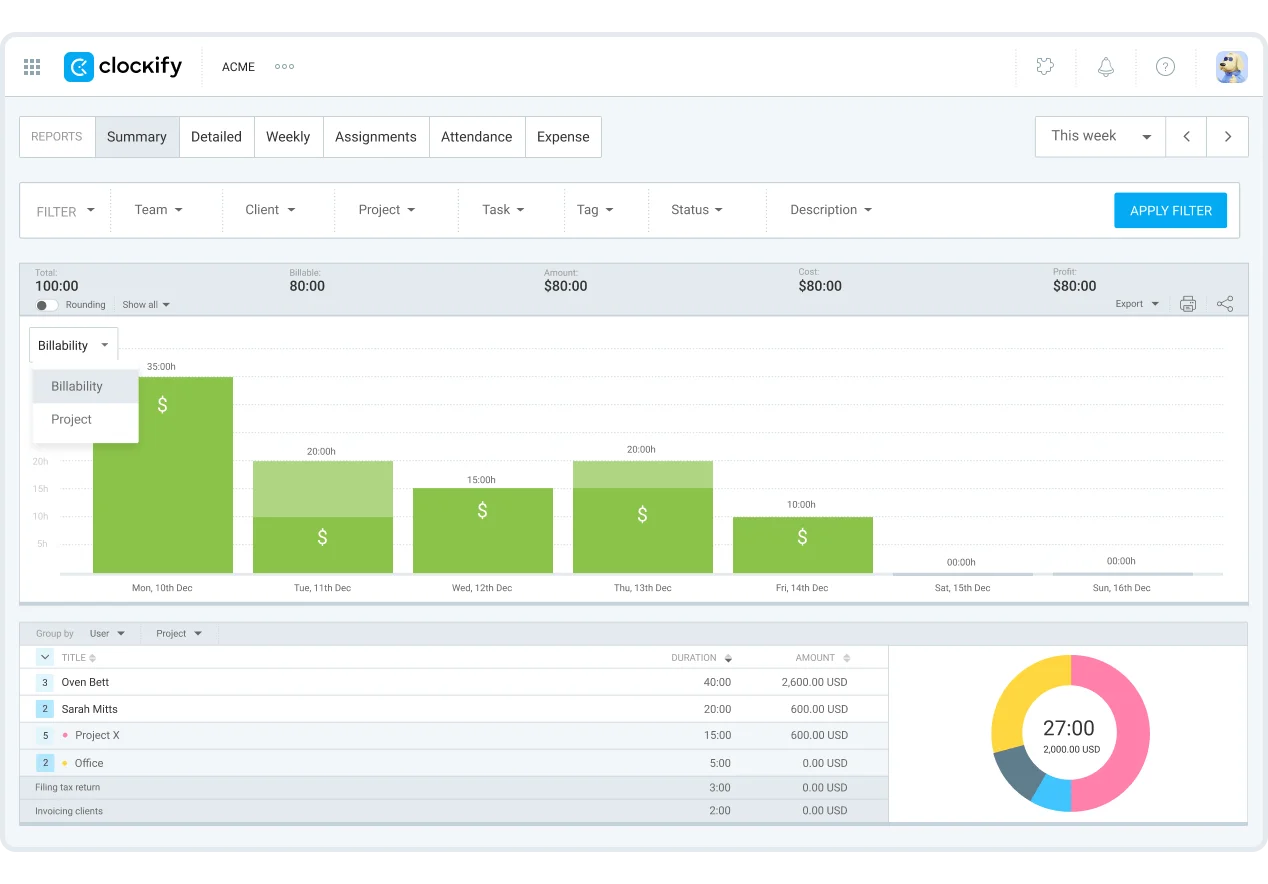
Clockify focuses on standard project and billing-oriented reports: time by project, client, team member, or date range. These reports cover the needs of the vast majority of agencies, freelancers, and service businesses without the overhead of behavioral analytics. The tradeoff is less granularity, but for most teams that's not a problem — it's a feature.
Payroll and invoicing
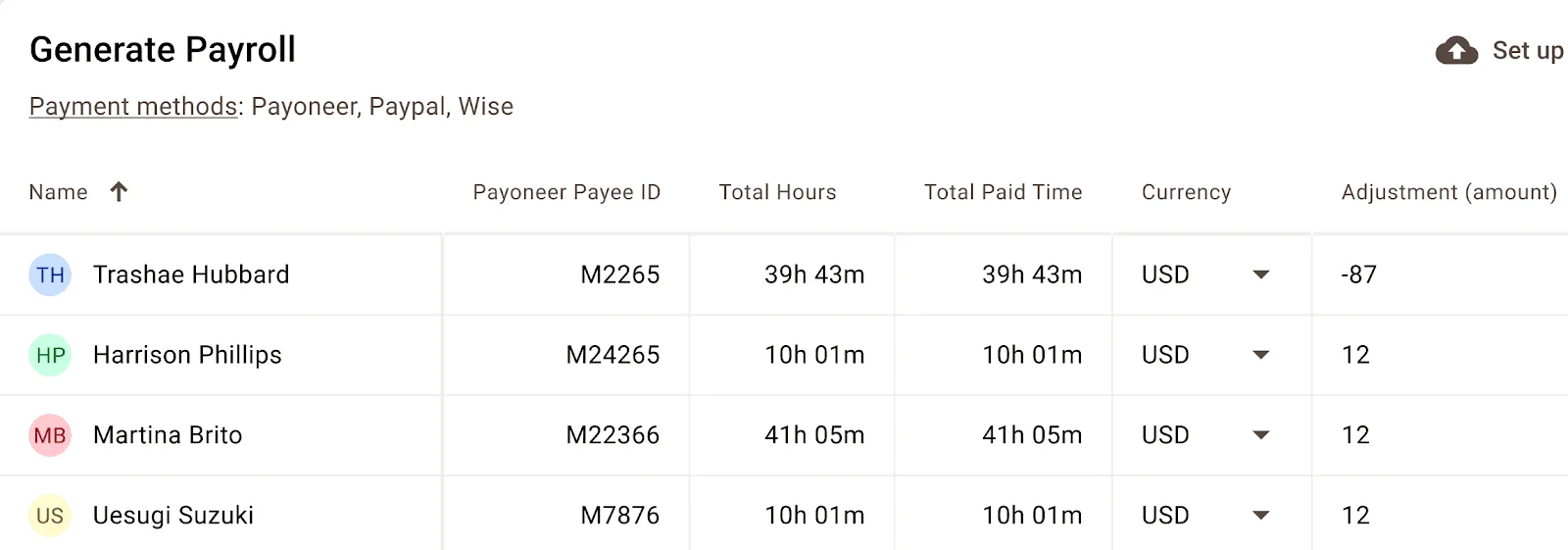
Time Doctor integrates payroll directly into the platform, making it useful for businesses that pay contractors or hourly employees based on tracked time. This is a genuine differentiator for teams where time-to-payment needs to be automated.
Clockify supports invoicing on higher-tier plans, allowing you to bill clients based on tracked time. However, as plan costs escalate, Clockify's paid tiers start to overlap in price with dedicated invoicing tools, so it's worth evaluating whether you actually need this within the time tracker or can handle it elsewhere.
Project and task management
Clockify has stronger built-in project organization. You can create projects, assign tasks, set estimates, and track progress against those estimates — all within the platform. For agencies managing multiple clients and projects simultaneously, this provides meaningful structure without requiring a separate project management tool.
Time Doctor ties projects primarily to reporting. Projects exist as a way to categorize time entries and generate reports, rather than as a workspace for organizing work. Teams that need richer project structure will typically need to integrate with a dedicated tool like Asana, Jira, or ClickUp.
Mobile and cross-platform support
Time Doctor relies heavily on its desktop app — the full monitoring feature set simply isn't available on mobile. Users frequently report that the desktop app is resource-intensive and can slow down older machines. Installing and configuring it across a distributed team creates real friction, especially when employees aren't technically confident.
Clockify provides a consistent experience across web, mobile, and browser extensions. You can track time from your phone, your browser, or the desktop app without losing functionality. For teams that work across different environments or need to capture time away from a desk, this flexibility is a significant practical advantage.
Integrations
Time Doctor offers 60+ integrations spanning payroll systems, project management tools, and CRMs. However, a significant number of these are locked behind premium pricing tiers — the cheapest Time Doctor plan doesn't include integrations with project management tools at all.
Clockify offers 80+ integrations and makes more of them accessible across all plans. If your workflow depends on syncing time data with your project management, accounting, or billing tools, Clockify typically gives you more out of the box without requiring an upgrade.
Pricing
Time Doctor has no free plan. After a 14-day trial, you're on a paid plan starting at $6.67/user/month (billed annually). The four tiers are:
- Basic — $6.67/user/month (no integrations with project management tools)
- Standard — $11.67/user/month
- Premium — $16.70/user/month
- Enterprise — custom pricing
Add-ons for features like unusual activity detection and office vs. remote reporting can push costs higher still. The pricing structure rewards teams willing to commit to the Premium tier, but getting meaningful functionality from Basic requires mixing and matching add-ons.
Clockify's freemium model is notably more accessible:
- Free — unlimited users and projects, basic time tracking
- Basic — $3.99/user/month
- Standard — $5.49/user/month
- Pro — $7.99/user/month
- Enterprise — $11.99/user/month
For small teams, freelancers, or organizations just starting to formalize time tracking, Clockify's free tier provides genuine value with no commitment required.
Which should you choose?
Choose Time Doctor if: you manage a remote or distributed workforce where detailed visibility into work activity is a genuine business requirement, you need integrated payroll based on tracked hours, screenshots and activity monitoring are acceptable to your team, and you're prepared to invest time in configuration and rollout.
Choose Clockify if: you want simple, flexible time tracking without surveillance features, you're a freelancer or agency tracking hours for billing purposes, you want to start for free and scale, or you need a tool your team will actually adopt without pushback.
Why Timely is the better alternative to both
Both Time Doctor and Clockify share a fundamental limitation: they require people to remember to track time. Whether that's starting a timer, filling in a timesheet, or keeping a desktop app running, the burden falls on employees. That friction leads to incomplete data, frustrated teams, and time logs you can't fully trust.
Timely automatically records work activity in the background — across apps, documents, meetings, and websites — without requiring anyone to start or stop a timer. At the end of the day, Timely's AI converts that recorded activity into clean, categorized time entries that employees review and approve before anything goes into the official log.
This approach solves the Time Doctor problem: there's no surveillance, no screenshots, no keystroke logging. Employees control what gets submitted. And it solves the Clockify problem: you don't need discipline to track time accurately because the tracking happens automatically.
The result is time data that's both more complete and more trusted — which means better billing, more accurate project profitability, and less time spent chasing people to fill in their timesheets.
Try Timely for free today and see why teams that have tried both Time Doctor and Clockify make the switch.