

The time tracking software industry is filled with great choices, from specialized tools for specific types of businesses to generalist Jacks of all trades. Time Doctor has been around since 2012, and from the very beginning, their core focus has been the same: providing time tracking tools for distributed and remote teams.
Over time, it became known as one of the most efficient (and intrusive) automatic time tracking and employee monitoring tools. Also, over time, many teams have found that Time Doctor simply isn't built for their needs.
So, if you're looking for the next best time tracking software, these are the best Time Doctor alternatives for time tracking and productivity monitoring in 2026.
Why look for Time Doctor alternatives in the first place?
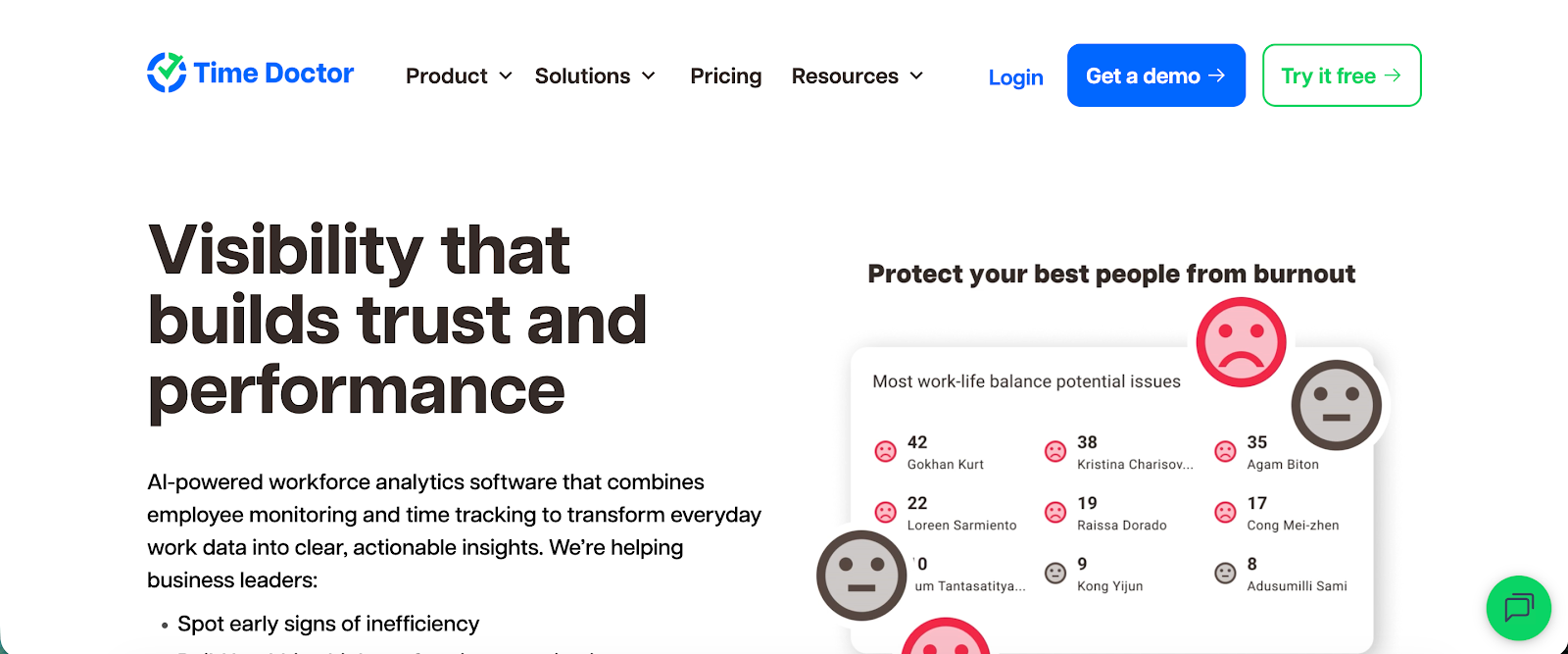
If you're already using Time Doctor and just need something more affordable, efficient, and with less spying, jump to the next section. If you're considering Time Doctor but wondering why people pass on this tool, here are some of the most notable downsides.
PS. Make sure to check out our coverage of Time Doctor pricing too.
Time tracking and employee management features can feel really intrusive
One of the starting points of Time Doctor as a software is that business leaders need to monitor how and where their distributed and remote teams spend their time at work. In other words, the assumption is that they're working for someone else, browsing TikTok or purchasing something on Temu instead of doing the actual work.
This is the core of so many key features in Time Doctor, such as:
- Screen monitoring with recordings and screenshots
- Measuring keyboard strokes
- Flagging unusual activities (mouse jigglers, clickers, etc.)
When you decide to run your daily operations with Time Doctor, it sends your team two messages: one, you don't trust them, and you need to monitor their every move, and two, what they do at work is more important than the output.
While Team Doctor can be useful for improved project tracking, more accurate billing, and making sure work hours stay focused on work, introducing Time Doctor to your team can lead to pushback. Especially since they have to download the desktop app on their own device. Speaking of which...
The desktop app can slow down your employees' computers
Having an app running in the background 24/7, recording the screen, and taking screenshots takes a bit of effort, and that translates to RAM usage. Especially if your team members have older, slower devices, Time Doctor will noticeably slow down their computers.
"On less powerful computers, it does slow down a bit when obviously recording the full screen." - G2 review
"Also, it's kind of heavy on devices, taking a lot of memory storage, and sometimes glitches or takes a while to load depending on the device type." - G2 review
The reporting tools are not ideal
Time Doctor dashboards can be overwhelming and confusing for new users. While detailed reporting is good, having access to too much information in one dashboard can overwhelm users and you'll actually lose track of what's important.
As one G2 review says:
"There's a lot of info on the dashboard that I'm not really across or maybe even need. I'd like easy training or explanations, and quarterly reviews to see how things are going, what's used and what's not. I think it would be helpful to check in with an account manager to see what's helpful, what's not, clean up the dashboard, and work on figuring out what's needed and what’s not, along with any training that may be required."
It can take some time to figure out which data points really matter, e.g., for employee productivity monitoring or accurate billing, and then focus solely on that.
"I don't see the hours allocated to team members versus how much hourly time they're actually spending working on data insight. I might have missed it because I'm still fairly new to using the tool." - G2 review
There's a steep learning curve
Time Doctor comes with powerful productivity tracking features, but you'll have to put in some elbow grease before you can actually get to use them. To track time and access the broader team management capabilities, you'll need to go through the fairly complex onboarding. The more managers and team members you have, the more complicated things get.
"The interface can feel a bit overwhelming at first, especially when setting up projects and reports. Some features take time to understand, and occasional performance or syncing issues can occur. It’s powerful, but there’s a learning curve for both managers and VAs." - G2 review
"The setup and learning curves could be a bit simpler. A guided setup or pre-configured templates would make it much easier. It takes time to get familiar with the features." - G2 review
The best alternatives to Time Doctor in 2026
If Time Doctor is too intrusive, complicated, slow, or just hated by your team, we have good news. These are some of the top Time Doctor alternatives you can get instead.
1. Timely
Best for: Professional services teams that bill by time but dislike manual tracking.
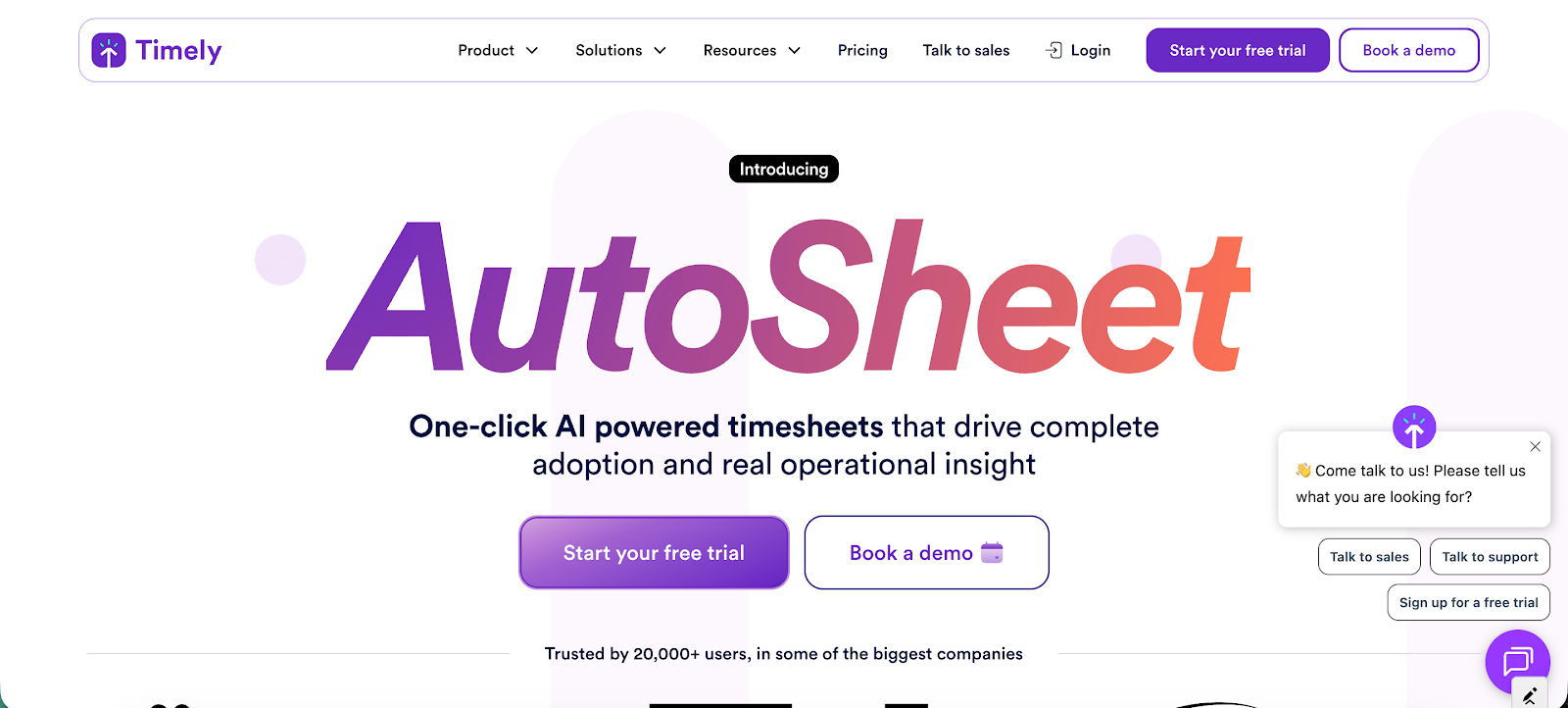
Timely is an automatic time tracking platform built for agencies, consultants, and professional services teams that want accurate time data without relying on manual timers. Instead of requiring users to start and stop timers, Timely records work activity in the background and generates AI-assisted timesheets that can be reviewed and submitted later.
Key features
- Automatic time tracking: Timely captures work activity automatically across apps and tools so teams do not need to start or stop timers.
- AI-generated timesheets: the platform converts recorded work activity into suggested timesheets that users can review, edit, and approve before submitting.
- Calendar-based time review: tracked activity is displayed in a calendar-style timeline that makes it easy to review how time was spent during the day.
- Multitask-friendly activity tracking: Timely records multiple activities throughout the day so users can reconstruct time entries even when switching tasks frequently.
- Idle detection: the system detects idle time so teams can maintain more accurate timesheets and avoid logging inactive work periods.
- Advanced reporting and analytics: built-in reports help managers analyze productivity, project profitability, and how team capacity is used across projects.
- Project budgets and cost tracking: teams can assign time entries to projects, track labor costs, and monitor budgets to keep projects within scope.
- Custom tags and project organization: tags and project structures help teams categorize time entries and generate more detailed reports.
- Timesheet approval workflows: managers can review and approve submitted timesheets to ensure accuracy before exporting time data to other systems.
- Integrations and API access: Timely connects with project management, accounting, and productivity tools while also offering API access for custom workflows.
How it’s better than Time Doctor
Timely focuses on automatic time tracking and privacy-friendly activity capture instead of employee surveillance. Unlike Time Doctor, which relies on screenshots and monitoring, Timely records work patterns privately and allows users to review activity before it becomes a timesheet.
It also removes the need for manual timers by generating AI-assisted timesheets automatically. This helps teams capture more accurate time data without interrupting their workflow.
Pricing starts at $9 per user per month.
Try Timely today, completely free.
2. Clockify
Best for: Budget-conscious teams adopting time tracking for the first time.
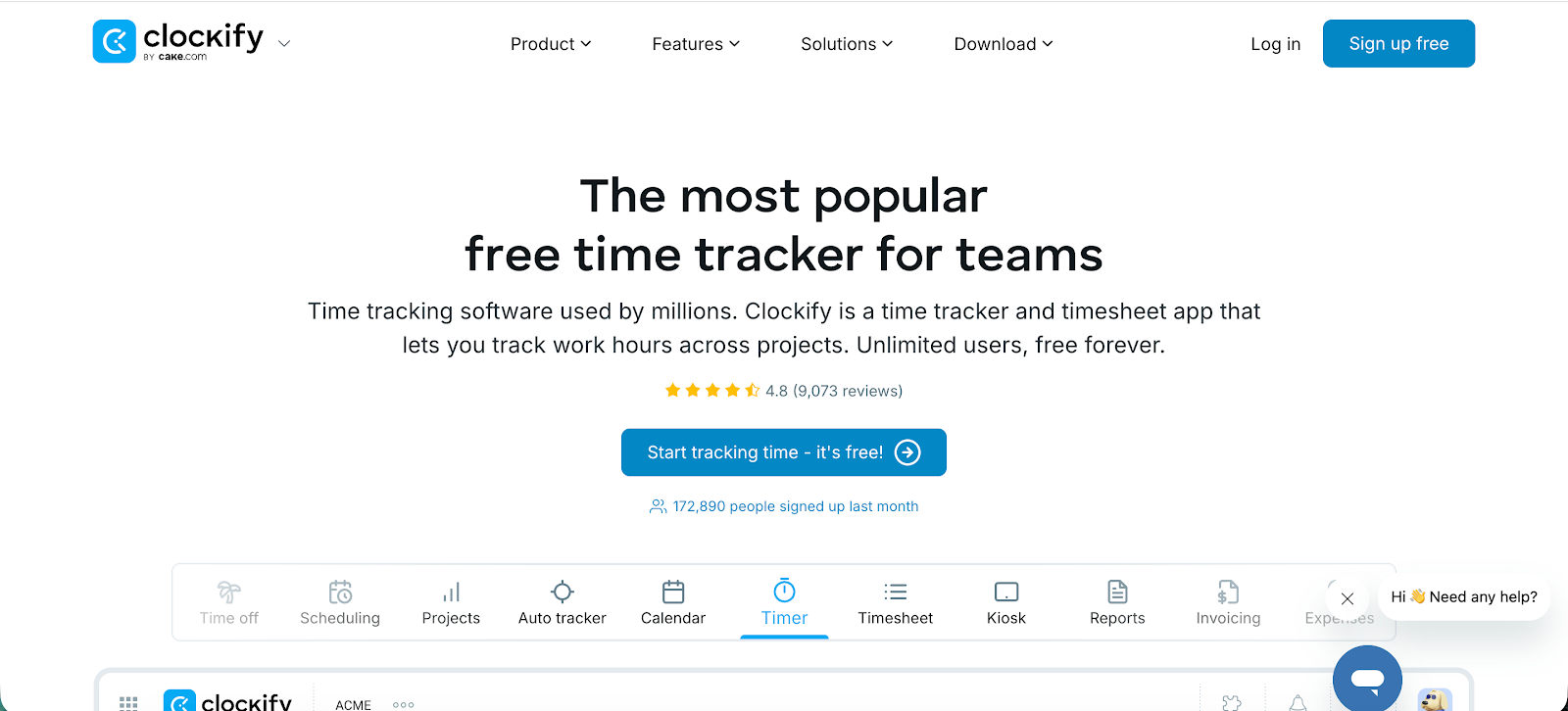
Clockify is a popular time tracking and timesheet tool used by freelancers, agencies, and growing teams that want a simple way to record work hours across projects and clients. It runs on web, desktop, and mobile apps and gives teams visibility into how time is spent while also helping with reporting and billing.
Key features
- Real-time timer and manual time entries
- Project and task tracking
- Detailed reporting and dashboards
- Automatic activity tracking
- Cross-platform apps and integrations
Who should get Clockify:
- Freelancers who want a simple way to track billable hours
- Agencies that need basic time logs for client billing
- Startups introducing time tracking for the first time
Clockify is not for you if:
- You need deep insights into utilization or profitability
- You need advanced operational reporting from time data
- You’re looking for automated time capture instead of manual tracking
Pricing starts at $5.49 per user per month.
3. Toggl Track
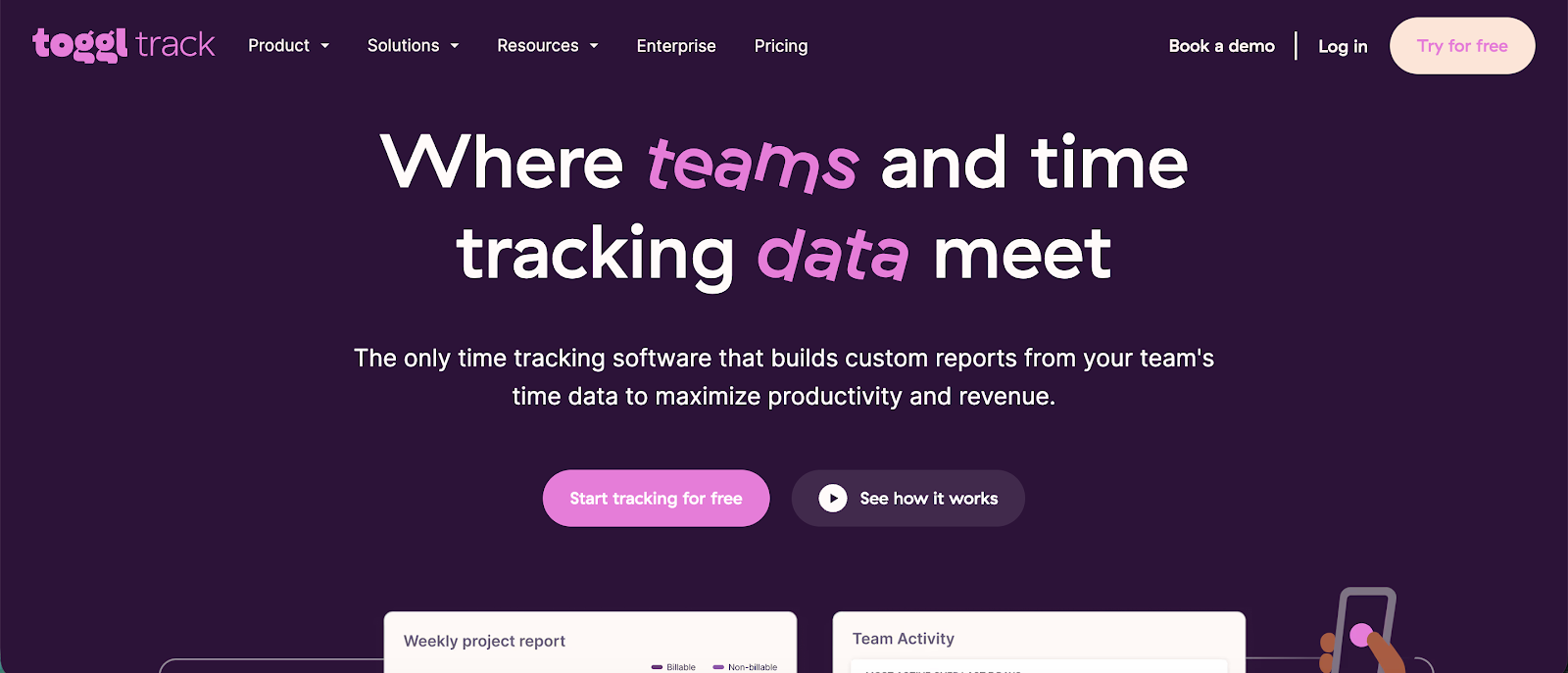
Best for: Freelancers and creative professionals who value simplicity.
Toggl Track is a widely used time tracking tool built for freelancers, consultants, and teams that want a simple way to track billable hours and understand how time is spent across projects. It focuses on ease of use, fast time entry, and clean reporting, which makes it popular among teams that want time tracking without heavy employee monitoring.
Key features
- One-click time tracking
- Project and client tracking
- Detailed reporting and insights
- Automatic time tracking
- Wide integrations ecosystem
Who should get Toggl Track:
- Freelancers who want a lightweight and intuitive timer
- Creative agencies that prefer trust-based time tracking
- Small teams that want fast setup and minimal configuration
Toggl Track is not for you if:
- You want employee monitoring features, such as screenshots or activity scoring
- You need detailed insights into utilization or profitability
- You want time tracking to drive operational decisions across teams
Pricing starts at $9 per user per month.
4. DeskTime
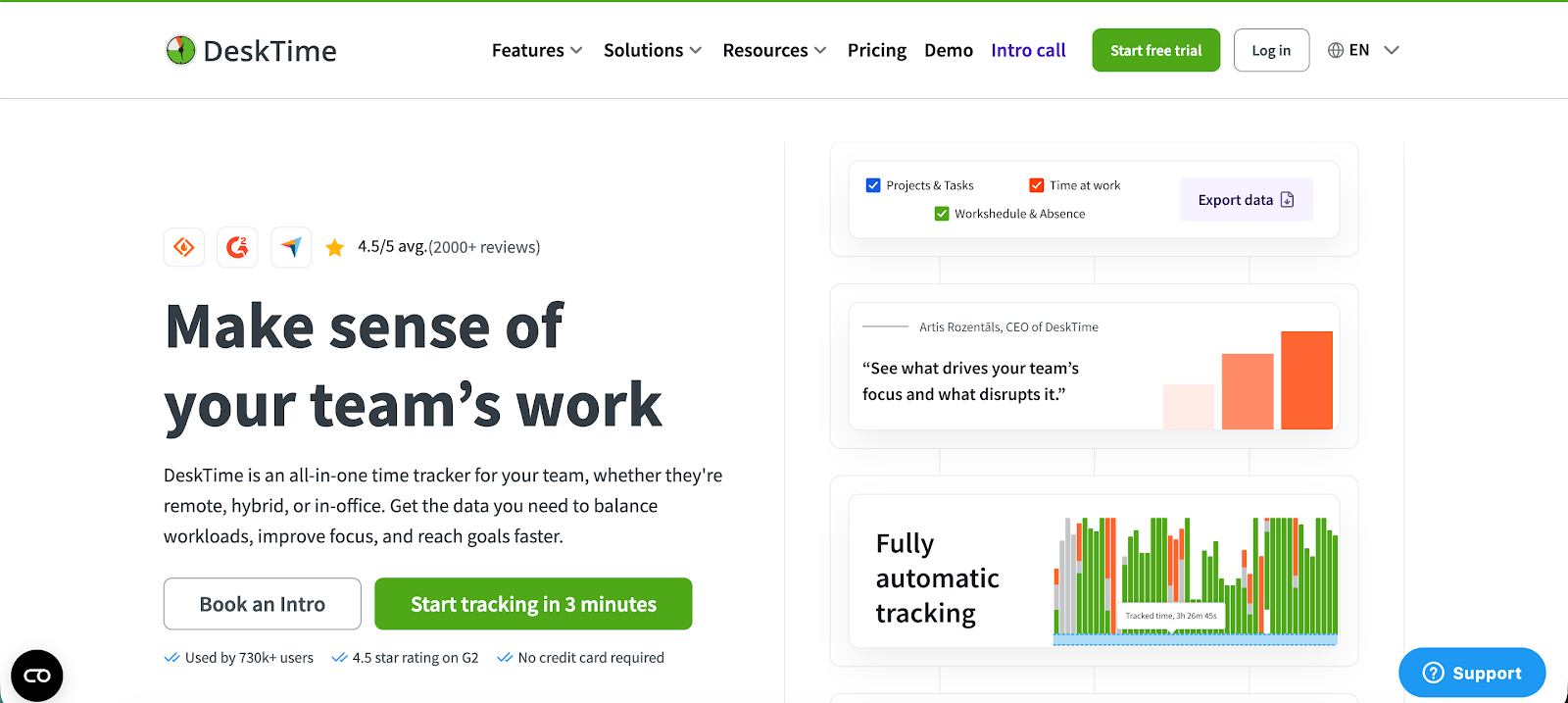
Best for: Remote companies that want productivity analytics without full surveillance.
DeskTime is an automatic time tracking and workforce productivity tool built for companies that want clear visibility into how employees spend their work hours. It is commonly used by remote teams, customer support departments, and agencies that need both time tracking and productivity monitoring in one platform.
Key features
- Time tracking done automatically
- App and website productivity tracking
- Project and task management
- Screenshot monitoring
- Absence and break tracking
Who should get DeskTime:
- Remote companies that want automatic time tracking with productivity insights
- Customer support teams that want to understand how work hours are spent across apps and websites
- Managers who want productivity analytics without deploying heavy surveillance tools
DeskTime is not for you if:
- You want a simple manual timer without productivity monitoring
- You need advanced billing or invoicing features tied to time tracking
- Your team strongly prefers privacy-focused time tracking without activity analysis
Pricing starts at $6.42 per user per month.
5. Harvest
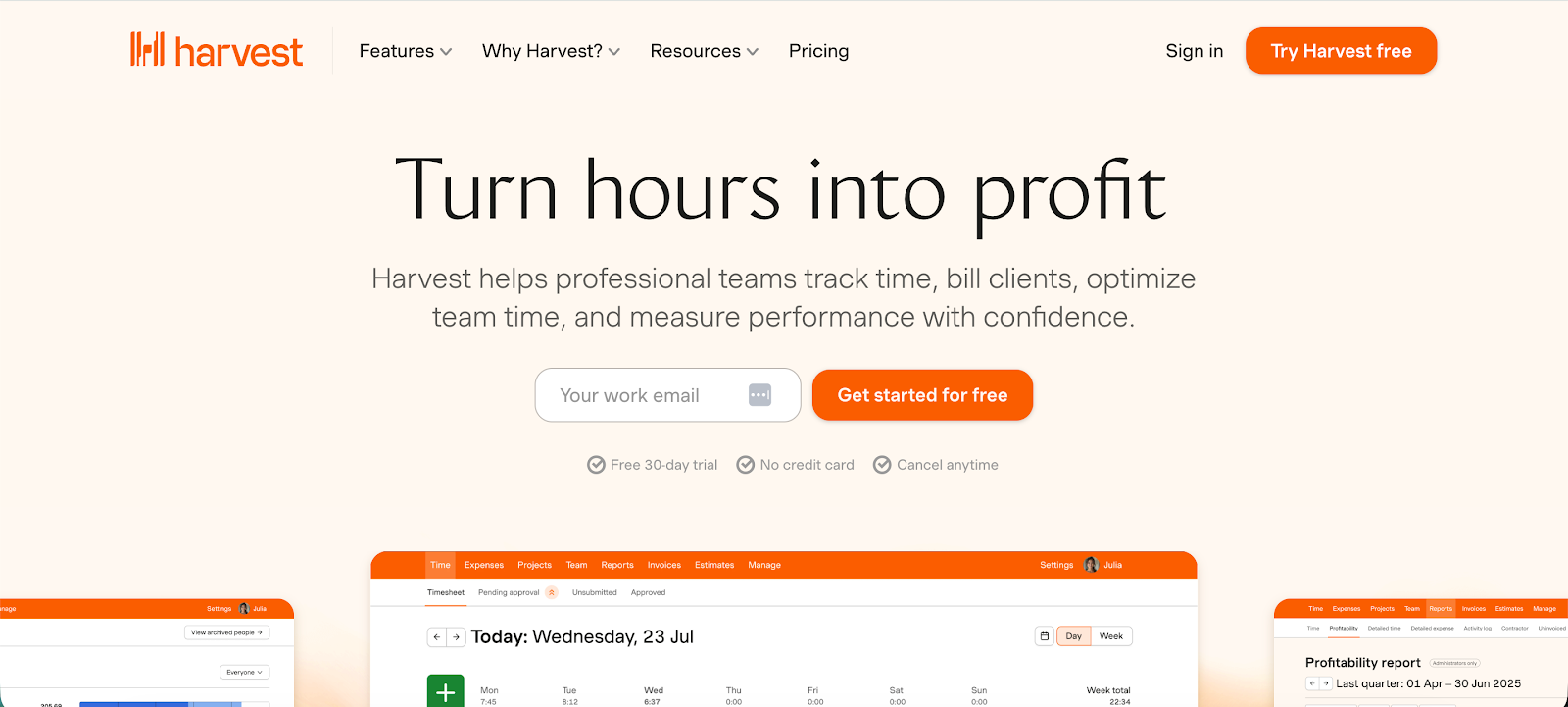
Best for: Agencies and service businesses that invoice clients for time.
Harvest is a time tracking and invoicing tool built for freelancers, agencies, and service-based teams that need a simple way to track billable hours and get paid for their work. It connects time tracking with billing, expense management, and reporting, which makes it popular among businesses that charge clients by the hour.
Key features
- Simple time tracking
- Invoicing and payments
- Project budget monitoring
- Expense tracking
- Reporting and analytics
Who should get Harvest:
- Agencies that bill clients by the hour and need time tracking tied directly to invoicing
- Freelancers who want a simple way to track billable hours and send invoices
- Service businesses that want time tracking connected to project budgets and expenses
Harvest is not for you if:
- You need automatic time tracking that captures activity in the background
- You want detailed productivity analytics across apps and websites
- You are managing large remote teams and need workforce monitoring features
Pricing starts at $9 per user per month.
6. Jibble
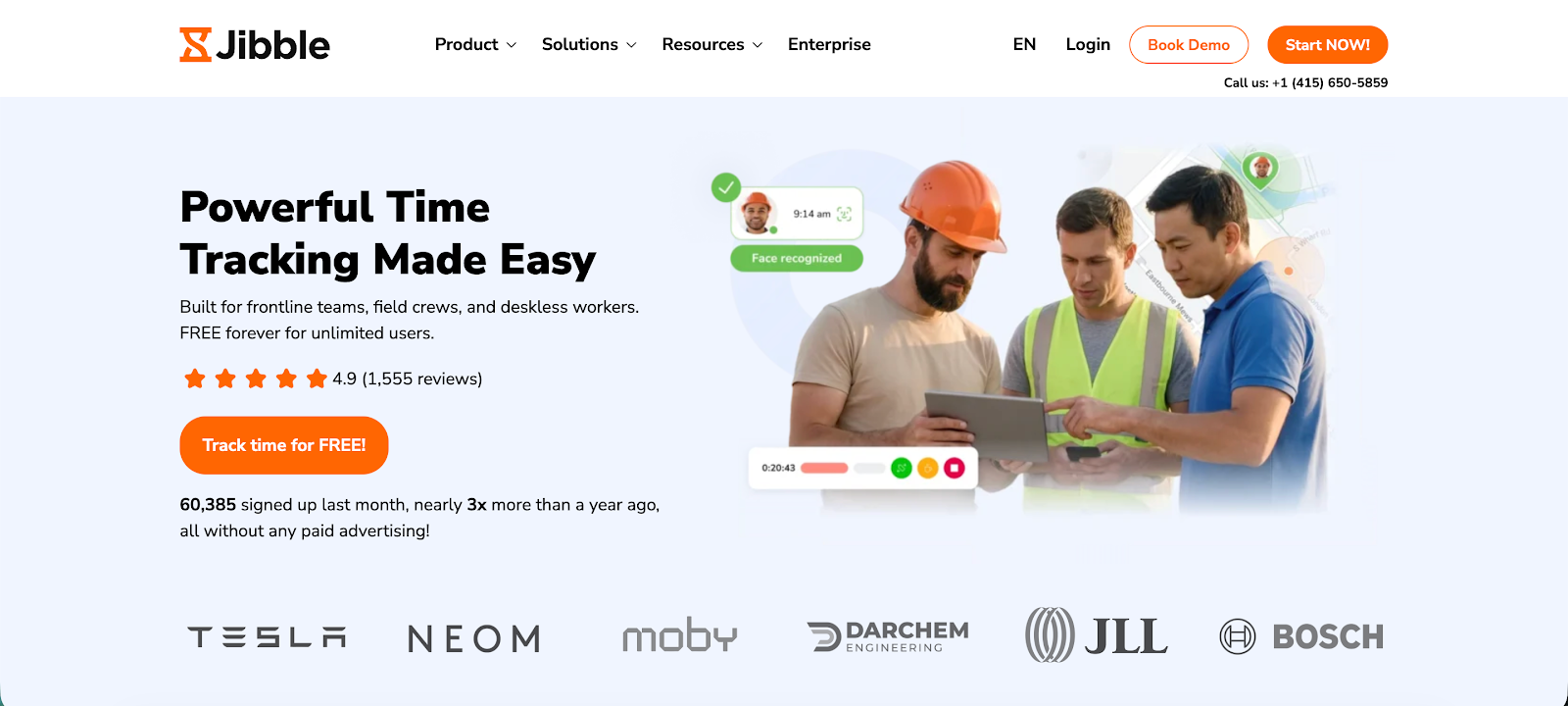
Best for: Companies that need reliable attendance tracking and payroll records.
Jibble is a time tracking and attendance tool built for companies that need accurate work hour records for payroll, compliance, and workforce management. It is widely used by remote teams, field workers, and shift-based businesses that want a simple way to track time across mobile, desktop, and web apps.
Key features
- Face recognition time clock
- Location and GPS tracking
- Automated timesheets
- Project and activity tracking
- Payroll and reporting tools
Who should get Jibble:
- Companies that need reliable attendance tracking for payroll and compliance
- Field teams and shift workers who need GPS-based clock-in verification
- Businesses that want a simple digital time clock with mobile support
Jibble is not for you if:
- You want advanced project-level reporting or profitability insights
- You need detailed productivity analytics about how employees spend time
- Your team mainly tracks billable project work instead of attendance
Pricing starts at $4.49 per user per month.
7. Apploye
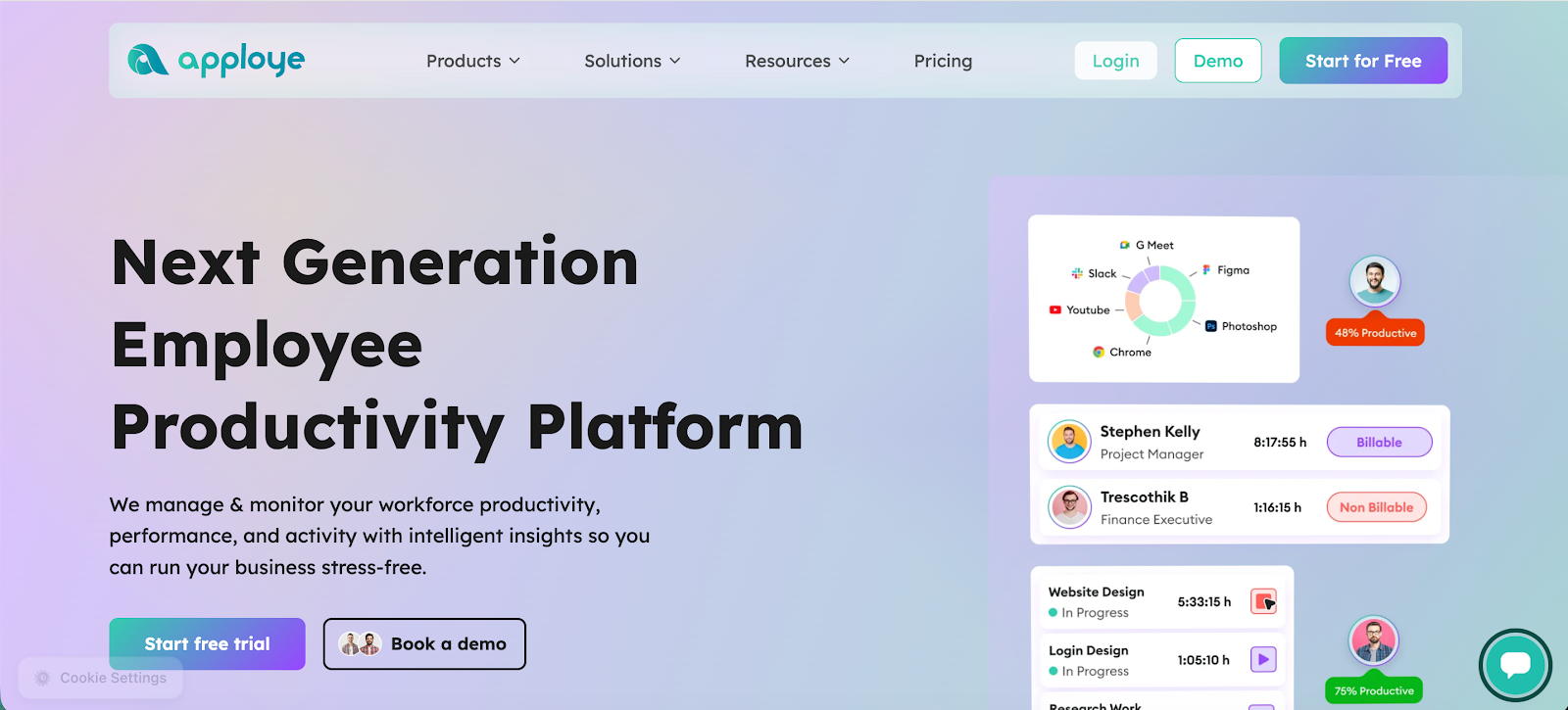
Best for: Small remote teams that want monitoring without enterprise complexity.
Apploye is a time tracking and employee monitoring tool built for remote teams, agencies, and outsourcing companies that need visibility into how work hours are spent. It combines time tracking with productivity monitoring features and project tracking so managers can measure team performance while keeping projects on schedule.
Key features
- Automatic time tracking
- Productivity monitoring
- Screenshot capture
- Project and task tracking
- Team communication tools
Who should get Apploye:
- Small remote teams that want visibility into how work hours are spent
- Outsourcing companies managing distributed contractors
- Agencies that want time tracking combined with basic employee monitoring
Apploye is not for you if:
- You prefer privacy-focused time tracking without monitoring features
- You need advanced operational analytics tied to project profitability
- You want a lightweight timer without screenshots or activity tracking
Pricing starts at $4.50 per user per month.
8. HubStaff
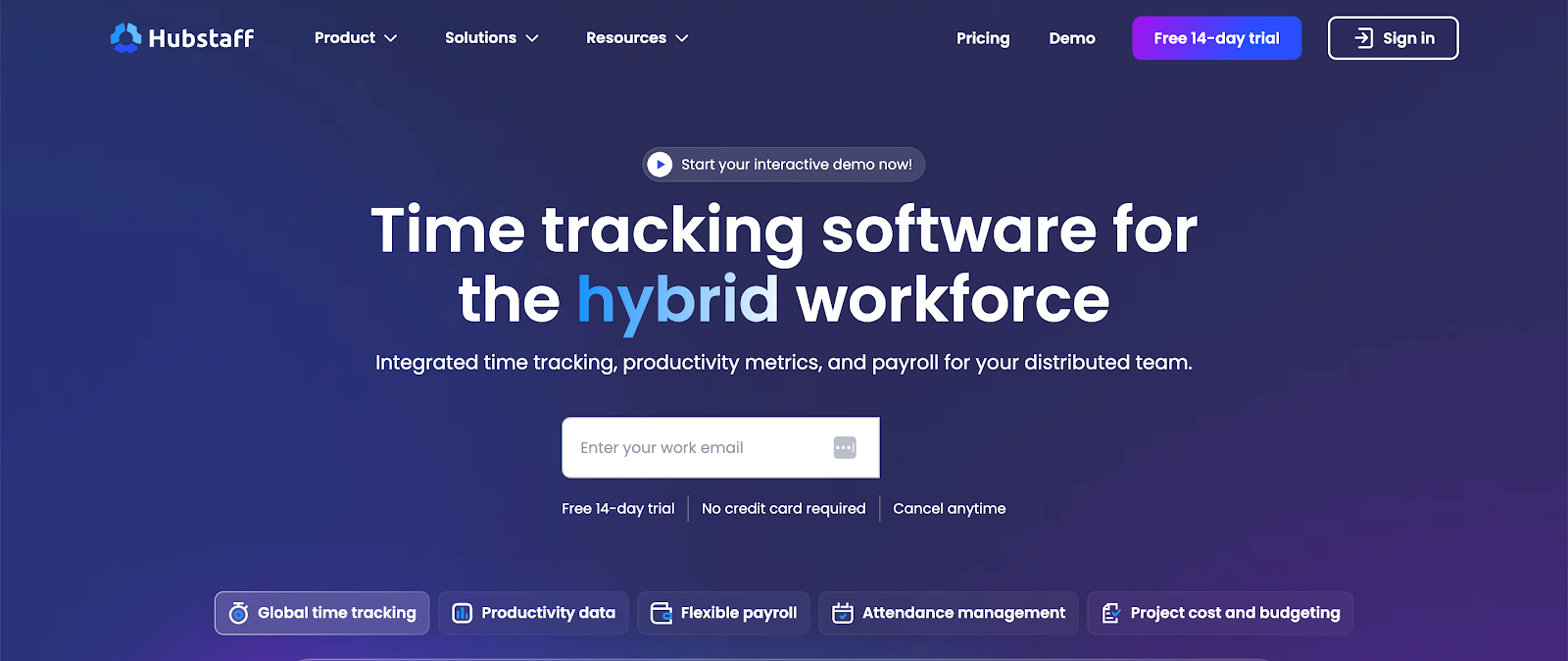
Best for: Companies managing distributed or field-based teams at scale.
Hubstaff is a time tracking and workforce management platform built for remote teams, agencies, and field service businesses that want detailed insight into employee productivity and project progress. It combines time tracking with productivity monitoring and workforce analytics to help companies manage distributed teams and client projects.
Key features
- Automatic time tracking
- Productivity monitoring
- GPS and location tracking
- Payroll and invoicing tools
- Project budgets and scheduling
Who should get Hubstaff:
- Companies managing large distributed teams across multiple locations
- Field service businesses that need GPS tracking and workforce monitoring
- Agencies that want time tracking tied to payroll, scheduling, and project budgets
Hubstaff is not for you if:
- You want simple time tracking without monitoring or productivity metrics
- Your team prefers trust based tracking without keyboard or mouse activity monitoring
- You mainly need time tracking for freelancers or small teams
Pricing starts at $4.99 per user per month.
9. BuddyPunch
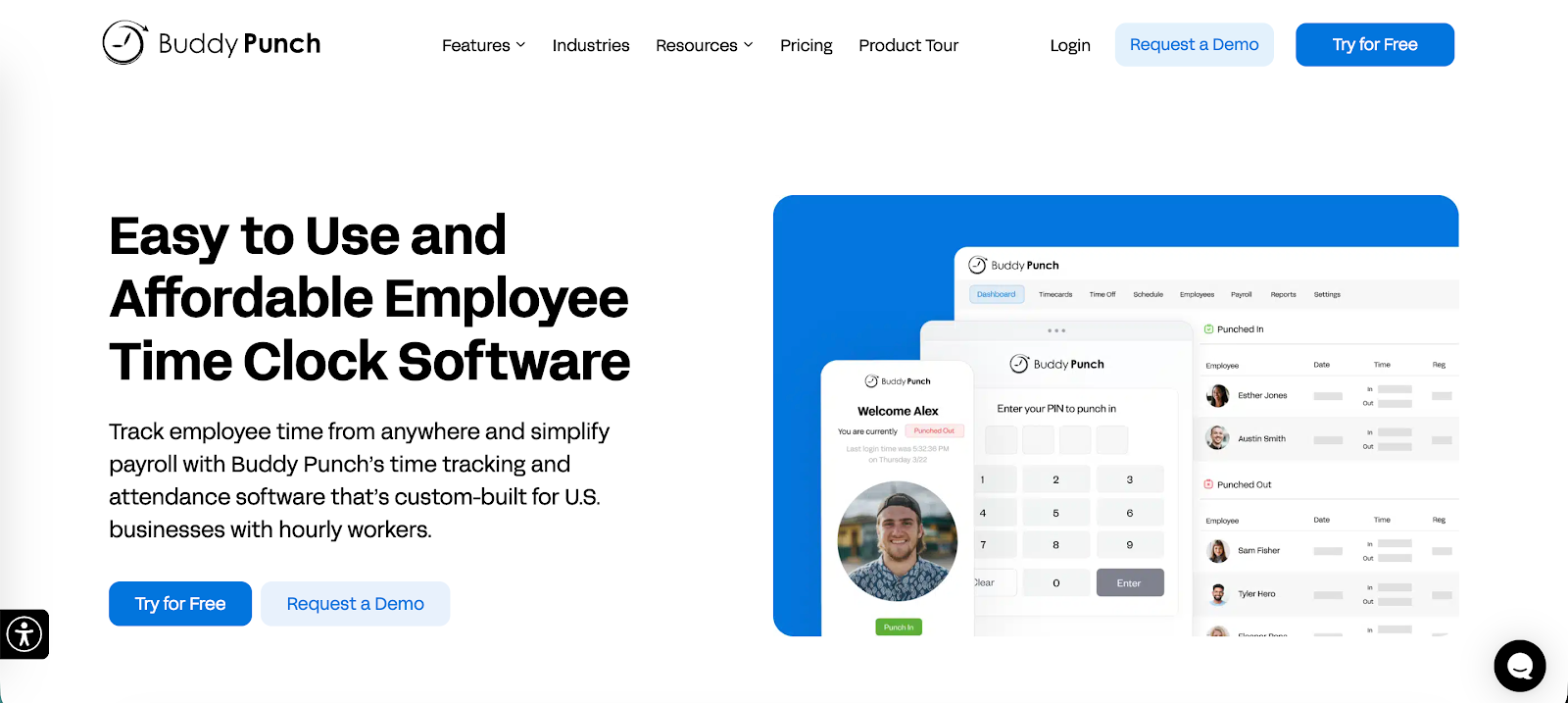
Best for: Businesses managing hourly workers and shift schedules.
Buddy Punch is a time tracking and employee attendance tool built for businesses that manage hourly staff, shift workers, or distributed teams. It focuses on accurate clock-ins, scheduling, and payroll-ready timesheets, which makes it popular with retail, healthcare, and service-based businesses.
Key features
- Online employee time clock
- Facial recognition and photo clock-ins
- Employee scheduling
- Automatic timesheets and overtime tracking
- Payroll integrations
Who should get Buddy Punch:
- Businesses managing hourly workers and shift-based schedules
- Retail, hospitality, and healthcare teams that need accurate clock-in records
- Companies that want a digital time clock connected to payroll systems
Buddy Punch is not for you if:
- You need advanced project tracking or billable time reporting
- Your team mainly works on project-based work rather than shifts
- You want productivity analytics about how employees use their time
Pricing starts at $4.49 per user per month.
10. TimeCamp
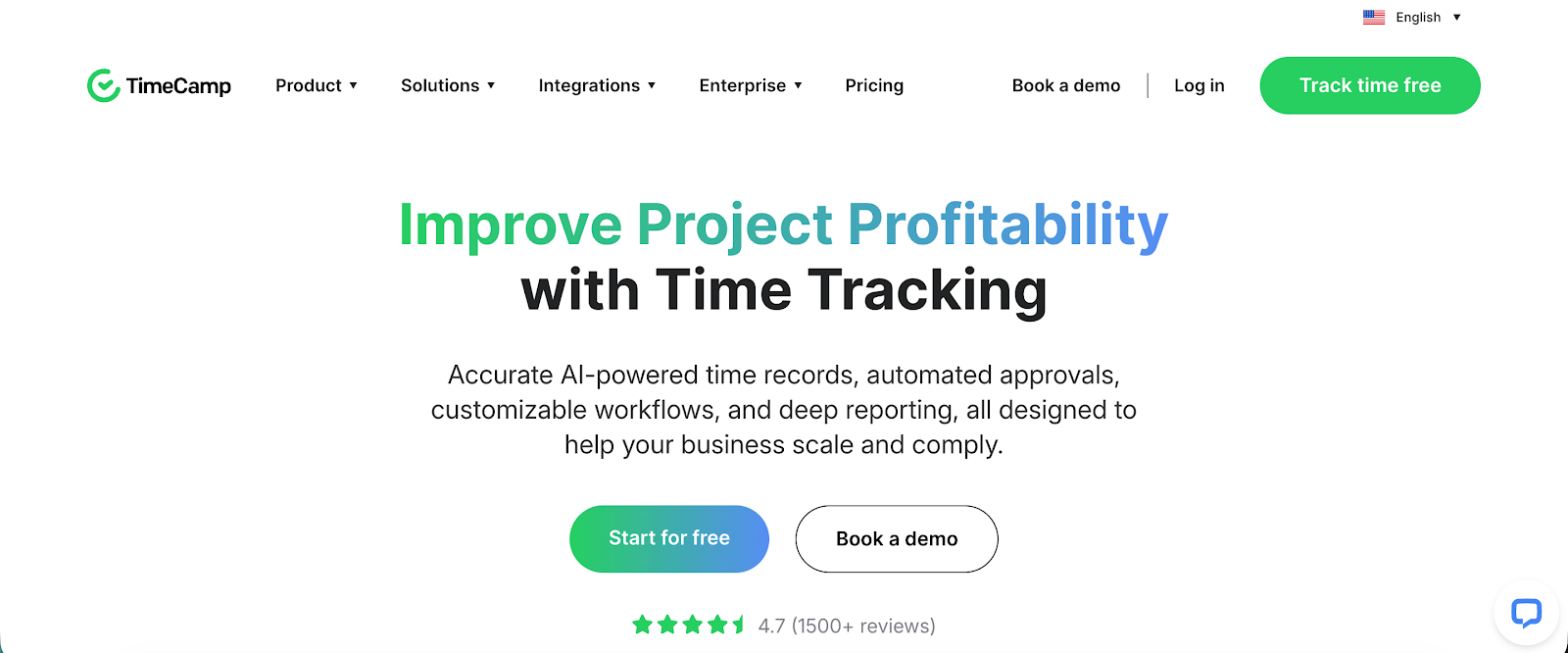
Best for: Agencies and freelancers who need productivity analytics tied to billing.
TimeCamp is a time tracking and productivity analytics platform built for freelancers, agencies, and businesses that want detailed insight into how time is spent across projects and tasks. It combines automatic tracking with reporting, budgeting, and billing features so teams can understand productivity while managing project costs.
Key features
- Automatic time tracking
- Project and task time tracking
- Productivity tracking and app monitoring
- Billing and invoicing tools
- Detailed reporting and analytics
Who should get TimeCamp:
- Agencies and freelancers who want productivity insights tied to billing
- Teams that want automatic tracking based on apps, websites, and keywords
- Businesses that need time tracking connected to invoicing and project budgets
TimeCamp is not for you if:
- You want a very simple timer with minimal reporting
- Your team prefers fully manual time tracking
- You need workforce attendance tracking rather than project time tracking
Pricing starts at $3.99 per user per month.
11. DeskLog
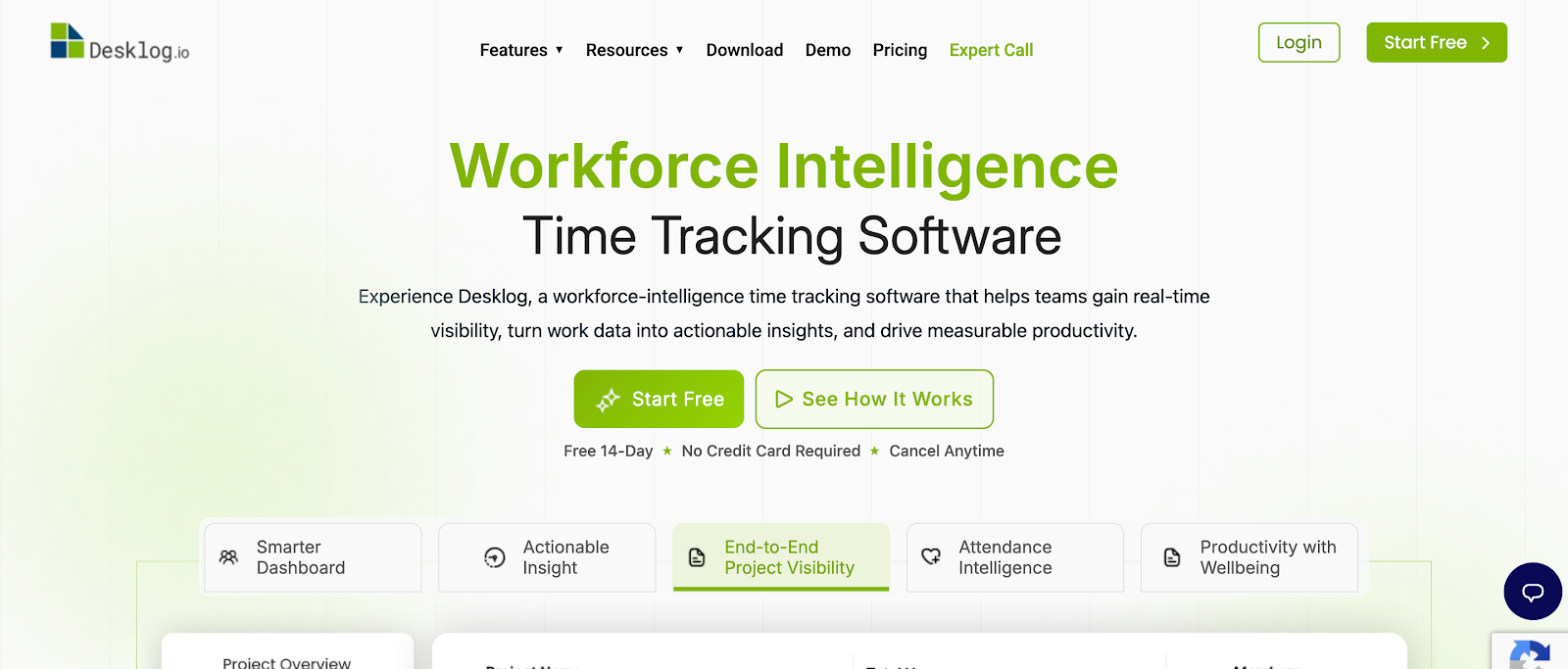
Best for: Outsourcing companies and remote operations teams focused on productivity metrics.
DeskLog is a time tracking and employee productivity monitoring tool built for remote teams, outsourcing companies, and businesses that need visibility into daily work activity. It combines automated time tracking with productivity analytics so managers can measure performance and understand how work hours are spent across projects.
Key features
- Automatic time tracking
- Project and task tracking
- Productivity monitoring and app tracking
- Screenshot capture
- Reports and performance analytics
Who should get DeskLog:
- Outsourcing companies managing remote employees across multiple projects
- Teams that want automated time tracking combined with productivity analytics
- Managers who want clear reporting on how time is spent across apps and tasks
DeskLog is not for you if:
- You want privacy first time tracking without monitoring features
- Your team mainly tracks billable hours instead of productivity metrics
- You need strong billing and invoicing tools tied to time tracking
Pricing starts at $3.15 per user per month.
12. Connecteam
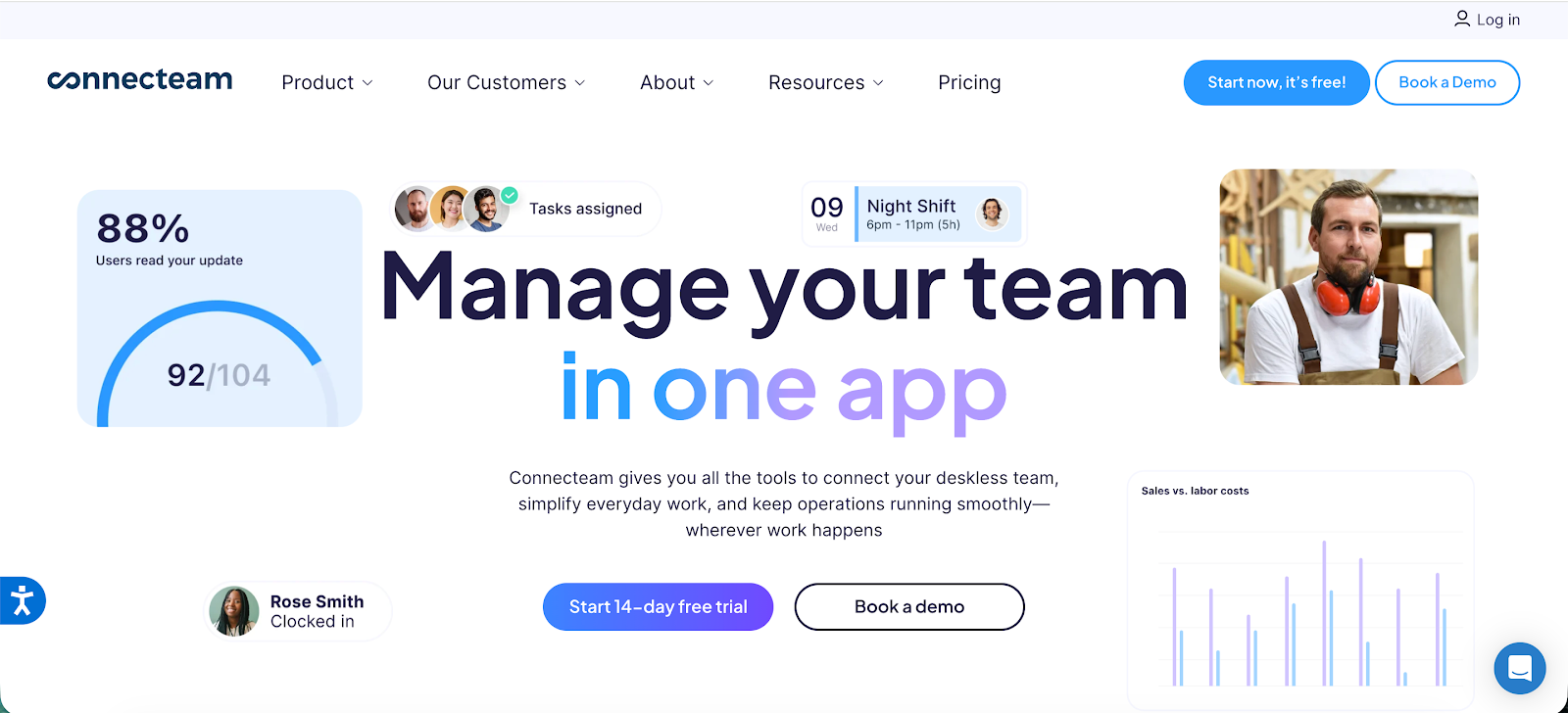
Best for: Businesses with deskless workers who operate primarily from mobile devices.
Connecteam is a workforce management platform built for companies that manage deskless employees such as field teams, retail staff, and service workers. It combines time tracking with scheduling, team communication, and task management so businesses can manage daily operations and employee activity from one mobile-friendly platform.
Key features
- Employee time clock
- GPS location tracking
- Shift scheduling
- Team communication tools
- Task and workflow management
Who should get Connecteam:
- Businesses managing deskless workers in industries such as construction, retail, and logistics
- Companies that want scheduling, communication, and time tracking in one mobile platform
- Managers overseeing field teams who clock in from job sites
Connecteam is not for you if:
- Your team primarily works on computers and needs detailed project time tracking
- You need advanced analytics on utilization and project profitability
- You are mainly looking for a dedicated time tracking tool instead of a workforce management platform
Pricing starts at $29 per month for the first 30 users.
Wrapping up
Time Doctor works well for a very specific niche: remote and distributed companies where leaders need to know every second of how their team spends their day. Other than that, Time Doctor can be difficult to start with, extremely intrusive, and with dashboards that need to come with a manual.
If you don't want your team hating your choice of time tracking software, Timely is a no-brainer. It's easier to set up, offers automatic time tracking, doesn't track anything but time, and comes with a free trial.
.png)
.svg)
